

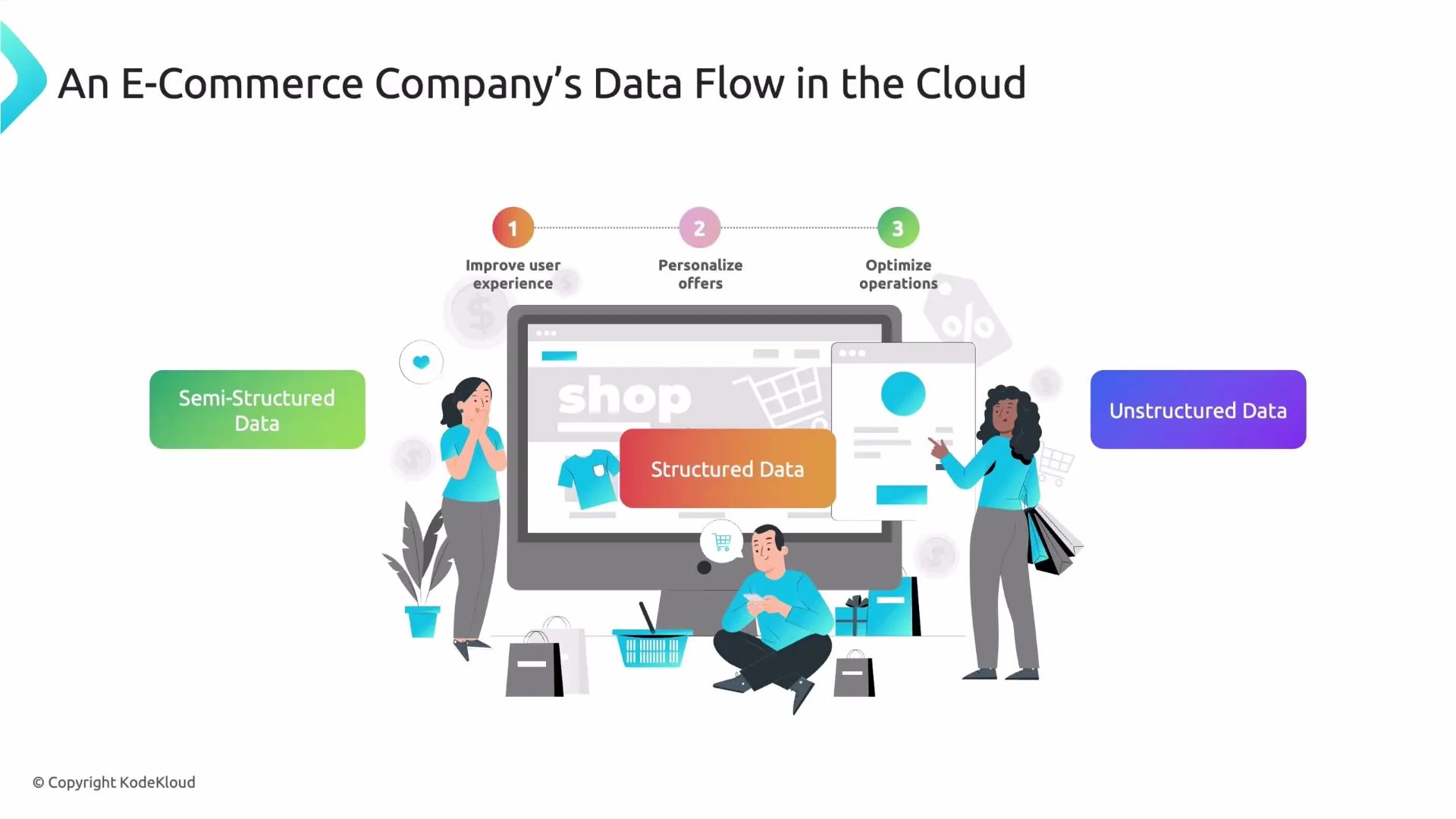
- How transactional data maps to relational storage
- Where event logs and JSON fit (semi-structured)
- How media and free-form text are treated as unstructured data
-
Structured data
Order ID, payment details, invoice records, and shipping information are generated and exchanged through APIs and follow a fixed schema. They map cleanly into rows and columns (relational tables or spreadsheets) and are easy to query with SQL. -
Semi-structured data
User navigation events, clickstreams, filter choices, and product search queries are often captured as JSON events or logs. They contain keys and nested attributes but don’t require a fixed tabular schema — so they’re semi-structured. -
Unstructured data
Product images, video, customer support chat transcripts, and free-text reviews come from humans and lack a consistent schema. These are unstructured data types (images, audio, video, and free-form text) that typically require metadata, indexing, or ML to extract structure.
-
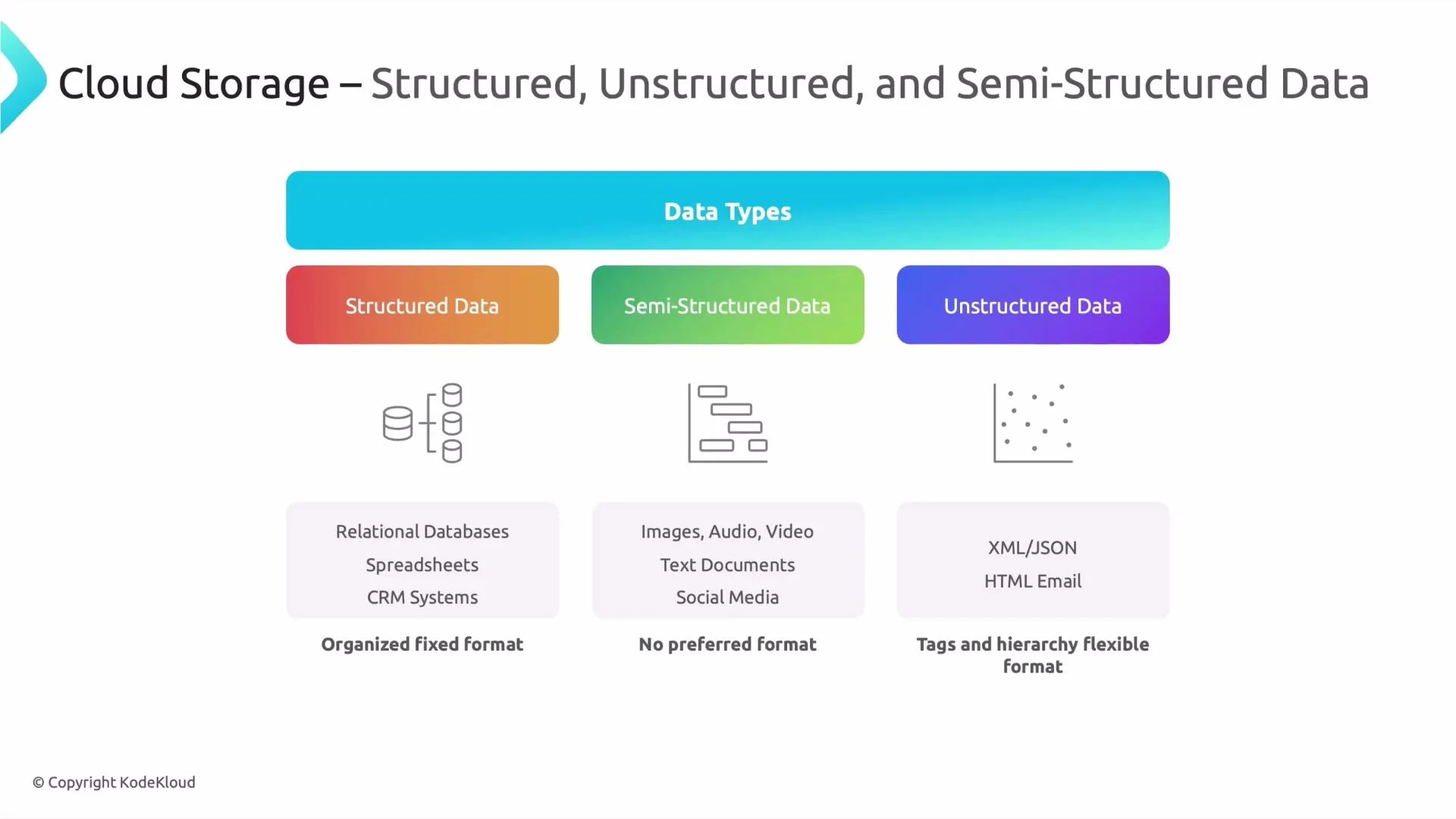
Structured data
Fits into tables (rows and columns) — examples: CRM records, financial transactions, inventory tables. Best for relational databases and data warehouses. -
Semi-structured data
Contains tags/keys and optional nested fields — examples: JSON, XML, structured logs, event data. Provides schema flexibility while preserving queryable attributes. -
Unstructured data
No consistent schema — examples: images, video, audio, social media posts, and free-form text. Requires metadata, search indexes, or AI/ML to extract structure and meaning.
-
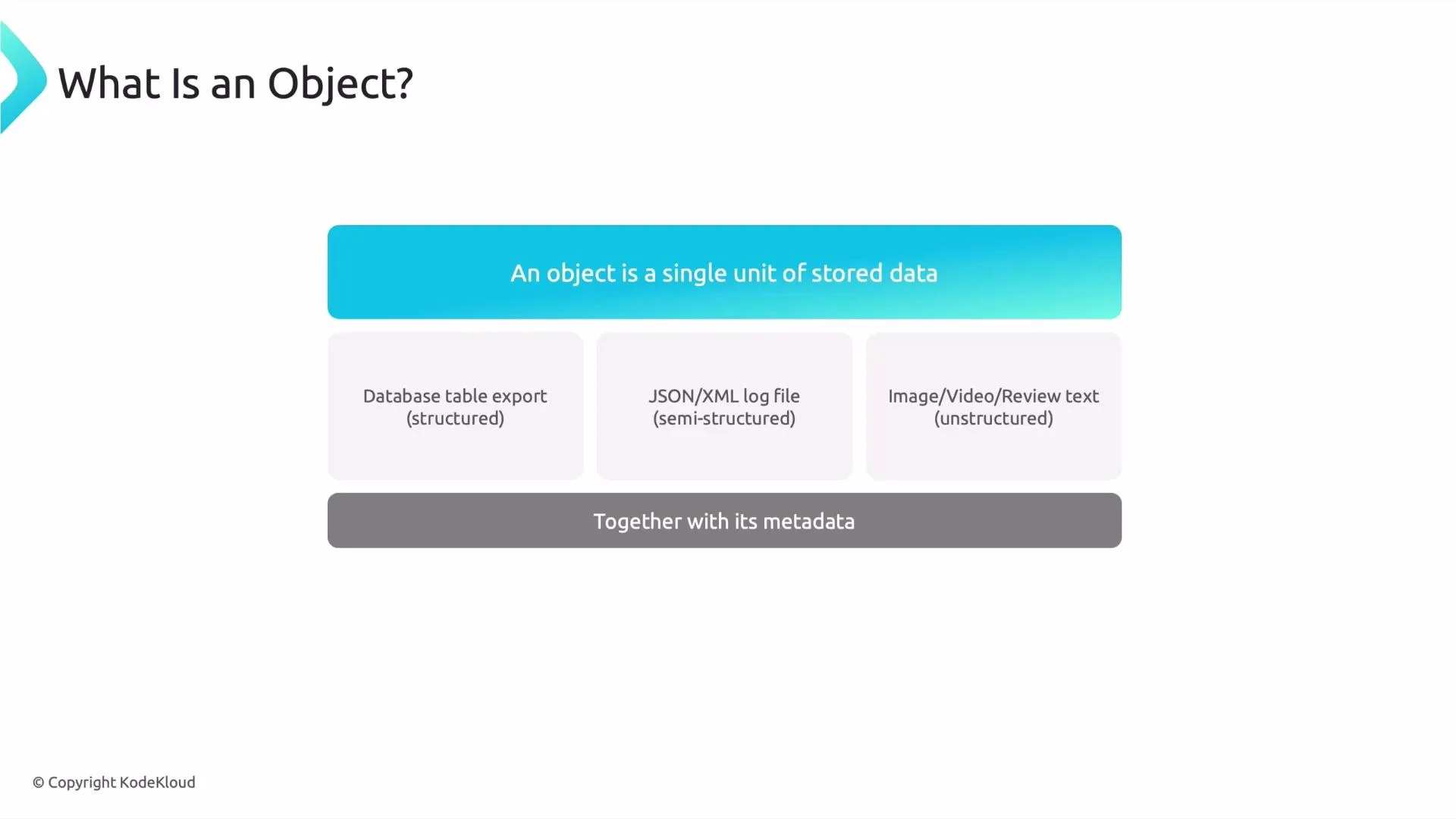
What is an object?
An object is a single stored unit (a file) that can contain structured, semi-structured, or unstructured content. Examples include:- a database export file (structured)
- a JSON or XML log file (semi-structured)
- an image, video, or review text (unstructured)
-
Metadata matters
Each object is stored with metadata (file name, content type, creation timestamp, custom tags). Metadata enables discovery, filtering, and faster access across millions of objects.
Remember: object storage is schema-agnostic. Use metadata, consistent naming conventions, and catalogs (for example Data Catalog) or query tools (for example BigQuery) to organize and access structured files such as CSV or Parquet stored in GCS.
- Store raw exports and media in
GCSand maintain a catalog of metadata for discoverability. - Use partitioned Parquet or Avro for large structured datasets to improve query performance and cost.
- For semi-structured logs, keep raw JSON in object storage and use pipelines (Dataflow, Dataproc) to normalize or stream them into analytical stores.
- For unstructured media, store originals in
GCSand index metadata or thumbnails for search and preview; apply ML APIs for tagging and text extraction.
- Google Cloud Storage: https://cloud.google.com/storage
- BigQuery: https://cloud.google.com/bigquery
- Dataflow: https://cloud.google.com/dataflow
- Data Catalog: https://cloud.google.com/data-catalog