

What is BigLake?
BigLake is a unified storage layer that enables analytics and AI workloads to access data in open formats without forcing migration to a proprietary store. Key points include:- Support for open data formats such as Parquet, Avro, and ORC.
- Cross-cloud capability: access data in Google Cloud Storage (GCS) and supported external object stores on AWS and Azure.
- Single-copy Lakehouse architecture: let multiple engines consume the same data without creating duplicate copies.
- Simplifies pipelines and infrastructure by enabling multi-engine access to the same storage layer.
Core features
- Fine-grained access control: enforce row-level filters and column-level restrictions so users only see permitted data.
- Multi-engine support: BigQuery, Spark (Dataproc), Presto/Trino, and other engines can query the same data layer.
- Unified governance: integrates with Dataplex for centralized policy, metadata, and discovery.
- Performance optimizations: predicate pushdown and engine-level caching where supported reduce query scan costs and runtime.
- Cost savings: fewer data copies and simplified processing reduce storage and compute costs.
High-level architecture
BigLake sits between storage and compute:- Storage: data remains in object storage (GCS or external cloud object stores).
- Compute: engines (BigQuery, Dataproc/Spark, Presto/Trino, Vertex AI) connect through BigLake to read and process data.
Security and policy enforcement
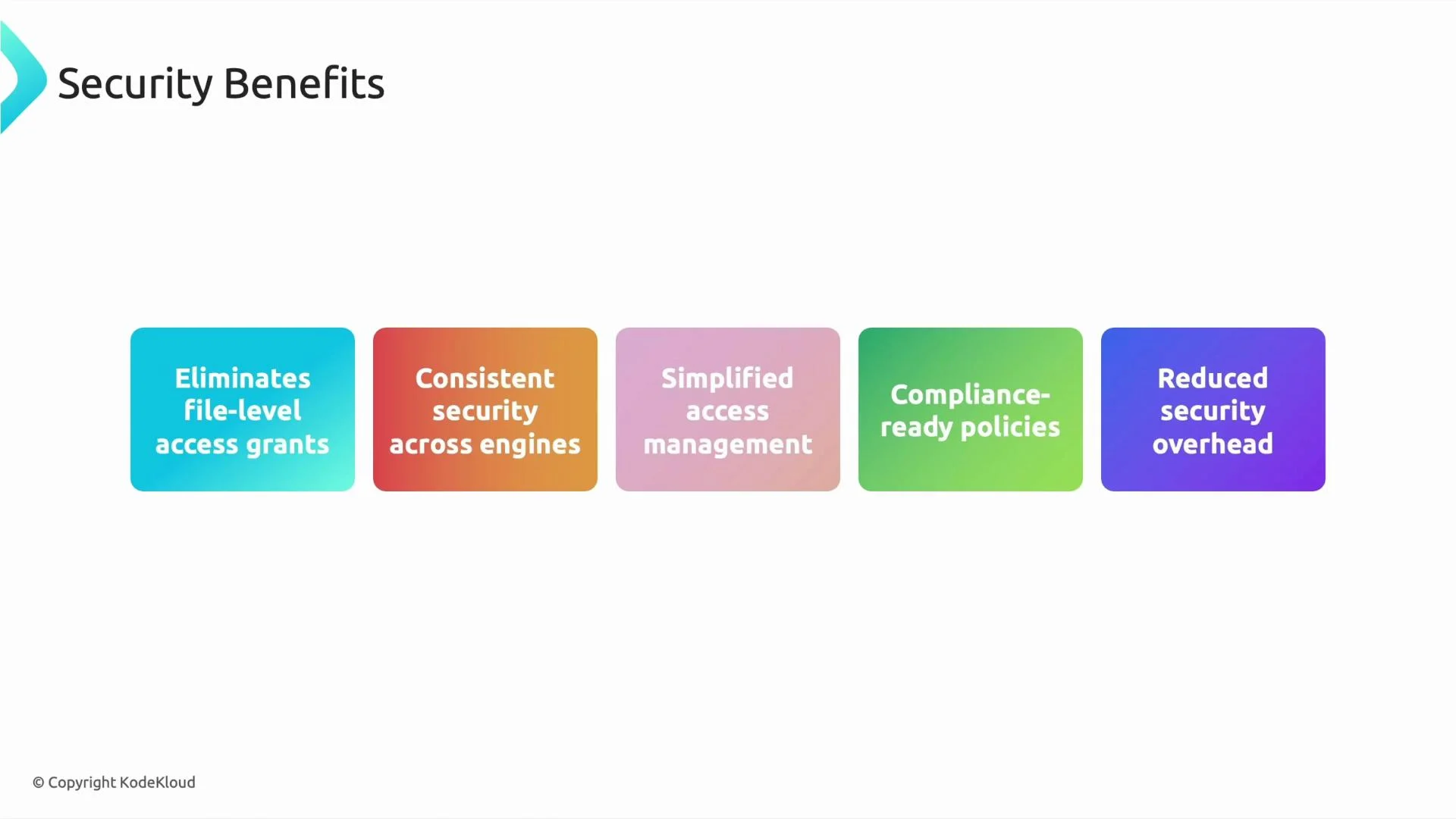
BigLake provides consistent controls across storage and engines. Common capabilities, how they’re enforced, and where to configure them are summarized below.
Example: create a BigQuery external table that points at Parquet files on GCS
Integrations
BigLake integrates across the Google Cloud ecosystem and with external engines:- BigQuery (native query and governance)
- Dataproc / Apache Spark
- Presto and Trino
- Vertex AI for ML workflows
- Dataplex for centralized governance and metadata
- External object stores on AWS and Azure (for multi-cloud lakehouse scenarios)
We will include a hands-on BigLake example and an important comparison — BigLake versus external tables — to make the differences and trade-offs much clearer.
BigLake vs. External Tables — quick comparison
- BigLake (unified storage engine): Focuses on providing a consistent storage layer and metadata/policy integration across multiple engines and clouds. Ideal when you need centralized governance, multi-engine access, and single-copy consumption.
- External tables (BigQuery external table): Lets BigQuery query data stored outside of BigQuery (GCS, Cloud Storage). Good for ad-hoc analytics without importing data; policy enforcement is primarily BigQuery-focused unless combined with Dataplex.
- Lakehouse with many engines and centralized governance → BigLake + Dataplex.
- Quick query of CSV/Parquet on GCS from BigQuery → BigQuery external tables.
Next steps and references
- BigLake overview and best practices: https://cloud.google.com/biglake
- BigQuery external tables: https://cloud.google.com/bigquery/docs/external-tables
- Dataplex governance & metadata: https://cloud.google.com/dataplex
- Row-level and column-level security in BigQuery: https://cloud.google.com/bigquery/docs/security