

What is an artifact?
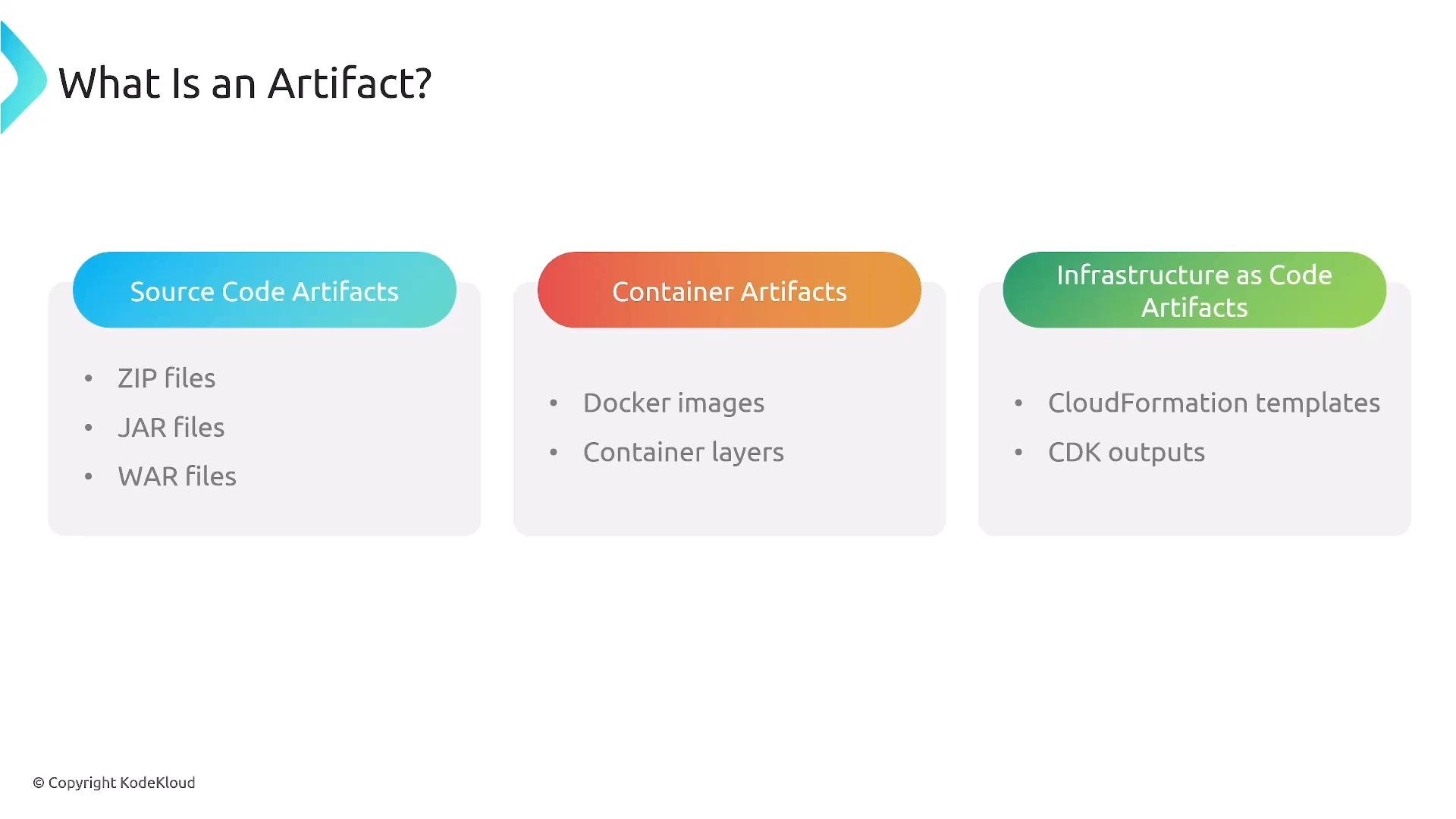
An artifact is a point-in-time, build-produced package or file that represents a specific version of software or infrastructure. Artifacts are the canonical, deployable outputs of CI/CD pipelines and can be promoted across environments (dev → test → prod) while remaining immutable and traceable. Common artifact types:- Compiled binaries and archives (ZIP, JAR, WAR)
- Container images and layers (Docker, OCI)
- Cloud images (AMIs)
- Package manager artifacts (npm, Maven, PyPI, NuGet)
- Infrastructure-as-code outputs (CloudFormation templates, CDK synth artifacts)
- Manifests and configuration (YAML, JSON, Helm charts)
- Versioned and immutable: each artifact version is a permanent record.
- Traceable: include provenance (commit SHA, builder identity, build ID), signatures, and vulnerability scan results.
- Reusable & cacheable: maximize build performance by caching layers and packages.
Artifact storage options in AWS
AWS provides purpose-built and general-purpose stores for artifacts. Choose the service that matches the artifact format, access controls, immutability needs, and distribution patterns.- AWS CodeArtifact — Managed package repository for package formats such as npm, Maven, PyPI, and NuGet. Ideal for internal package hosting, dependency caching, and proxying public registries. Integrates with IAM for fine-grained access.
- Amazon S3 — General-purpose object storage for arbitrary build outputs (ZIPs, serverless assets, large binaries). Use S3 when you need flexible storage classes, lifecycle transitions, or long-term archival.
- Amazon ECR — Container registry for Docker/OCI images and layers. ECR supports image scanning and integrates with ECS, EKS, and Lambda.
Choose the storage service based on artifact type and governance needs:
CodeArtifact for packages, S3 for arbitrary build outputs and serverless artifacts, and ECR for container images and layers.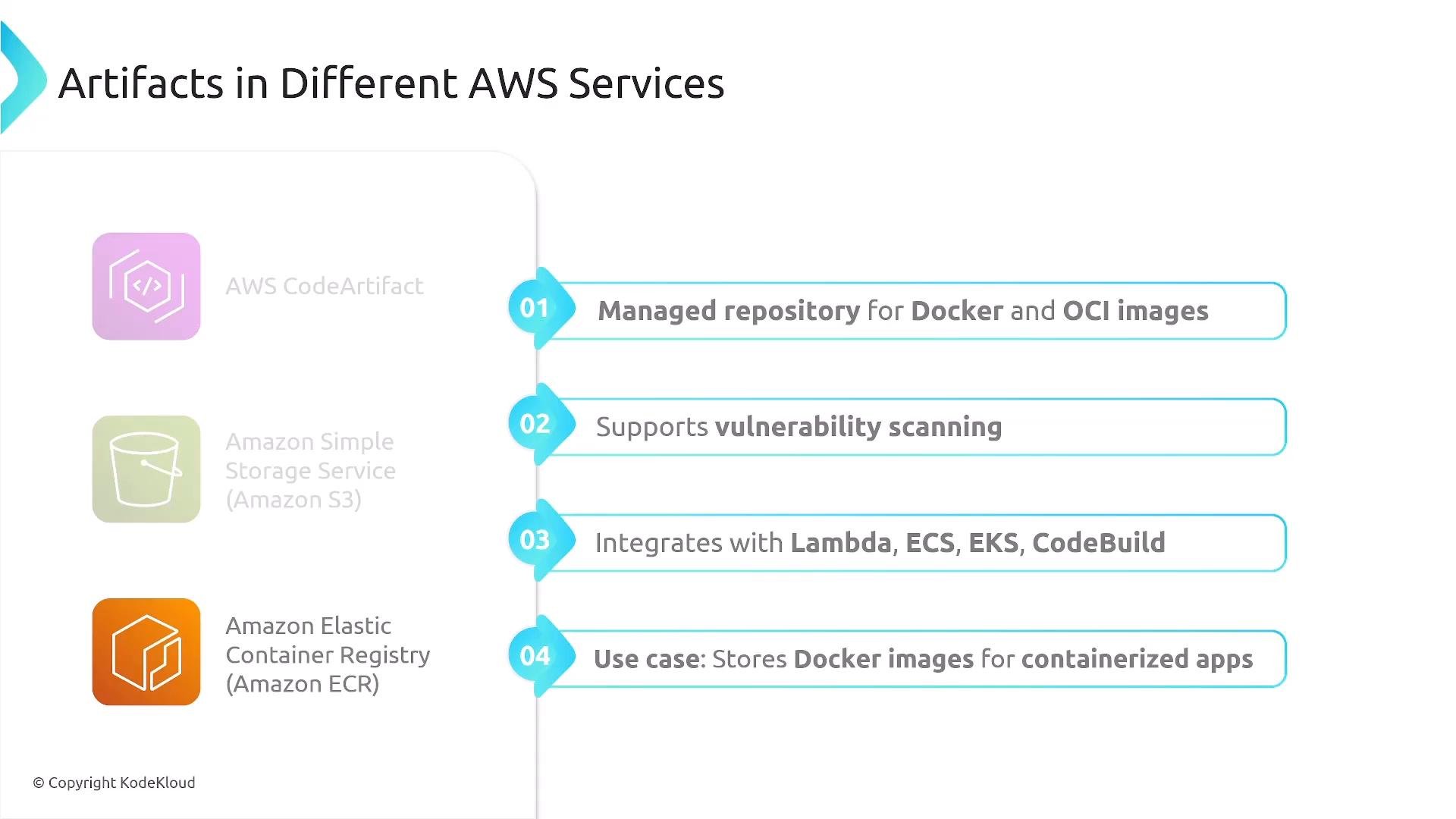
For scanning, ECR supports Amazon ECR image scanning (powered by Amazon Inspector). You can also integrate third-party scanners such as Trivy in your pipeline for additional checks.
Artifacts in a CI/CD pipeline
Typical artifact flow:- Developer pushes code to a source repo (e.g., CodeCommit, GitHub).
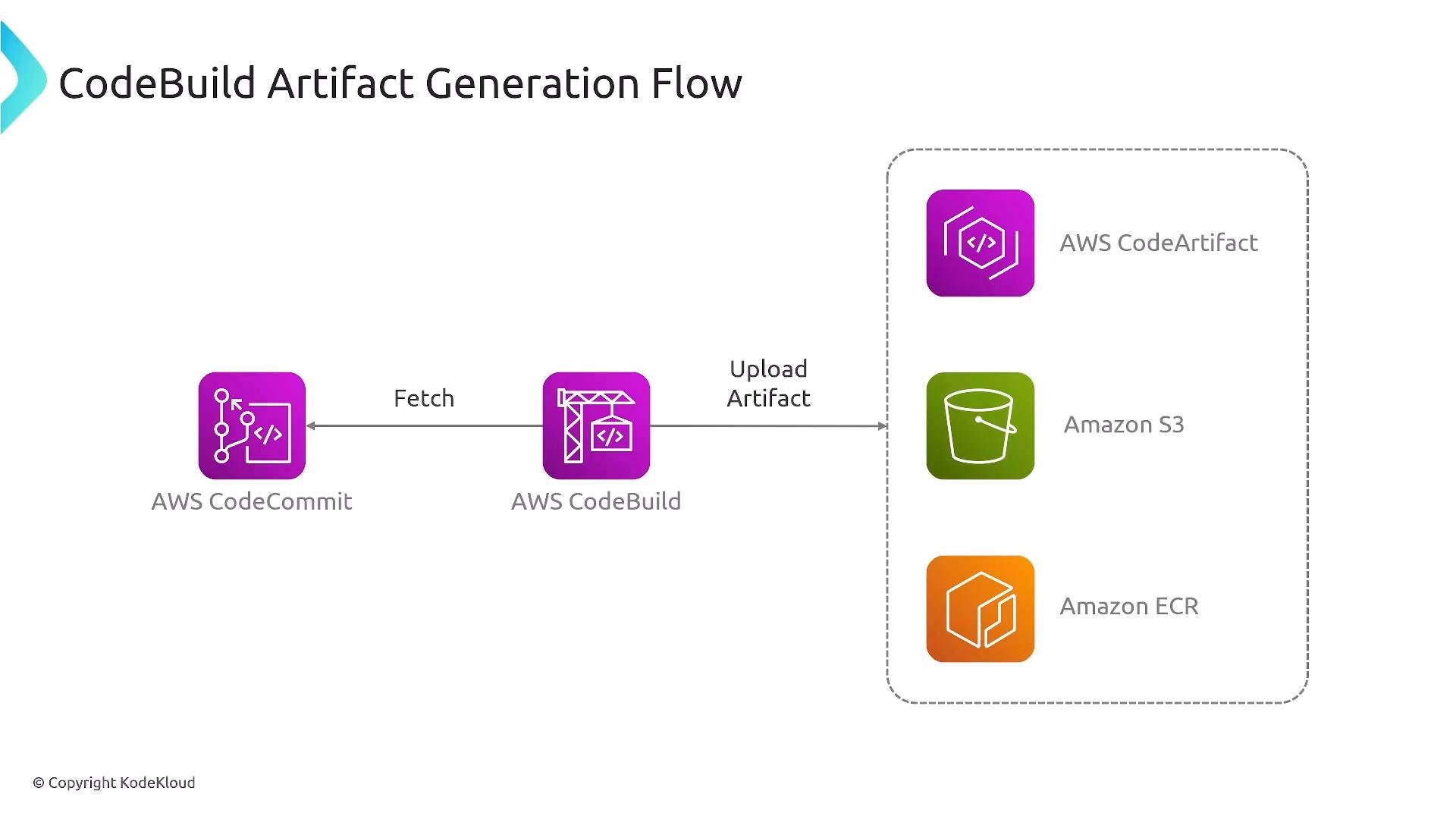
- CI system (e.g., CodeBuild) fetches sources, installs dependencies, runs tests, and produces artifacts.
- CI publishes artifacts to the appropriate store (S3, CodeArtifact, ECR).
- CD system (CodeDeploy, ECS, Lambda, or custom scripts) pulls artifacts and deploys them to target environments.
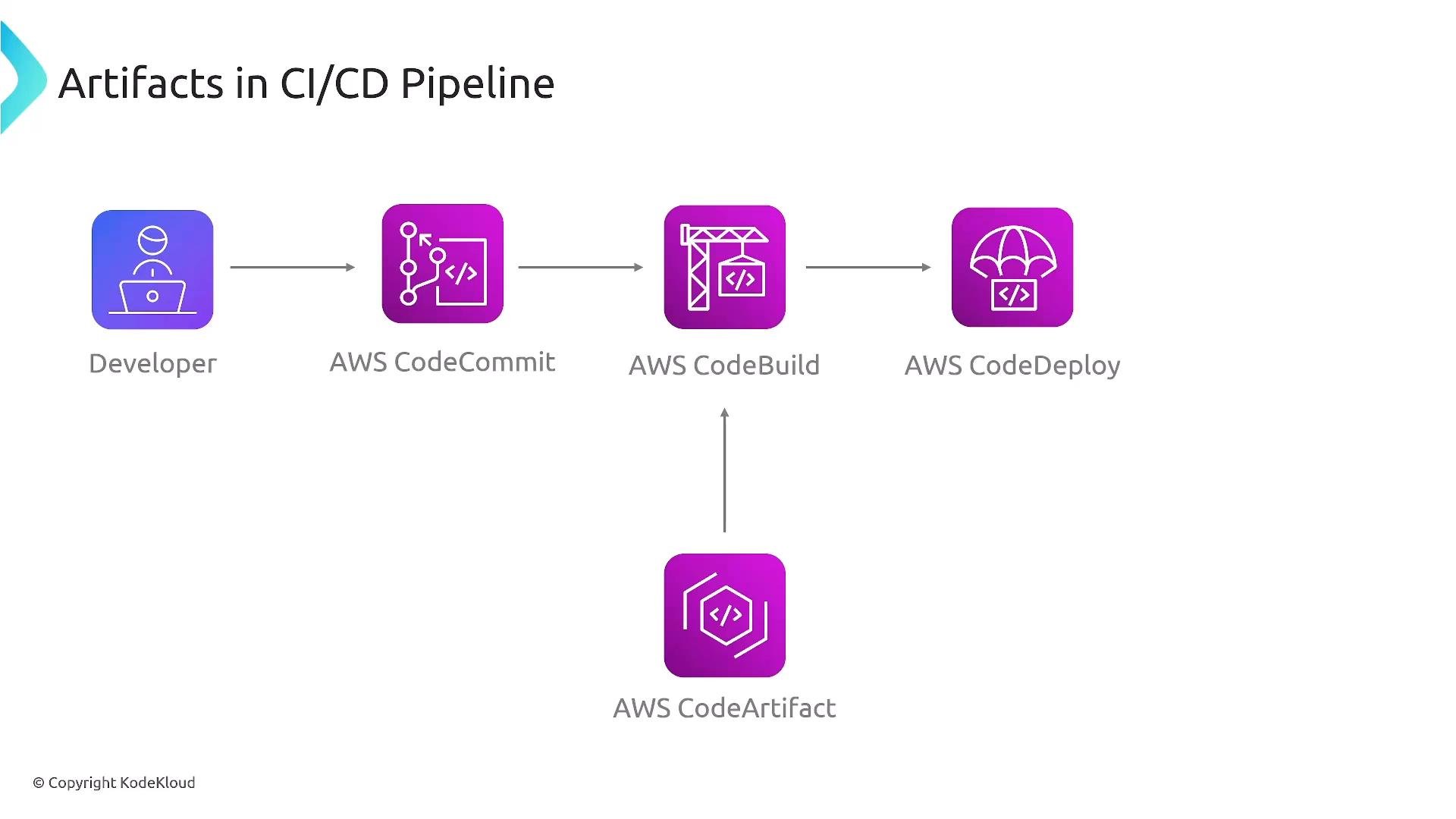
- Pull dependencies from package registries (CodeArtifact, public registries cached by CodeArtifact).
- Push produced artifacts (built files, images) to storage or registries.
CodeBuild build phases and artifacts
CodeBuild lifecycle phases:install → pre_build → build → post_build. The post_build phase is typically where artifacts are uploaded and publication tasks occur (e.g., push a Docker image to ECR or upload ZIP to S3).
Example minimal buildspec.yml that uploads a directory to S3 as artifacts:
buildspec.yml (or your CI configuration) ensures reproducible and auditable artifact creation and publication.
Retention and lifecycle management
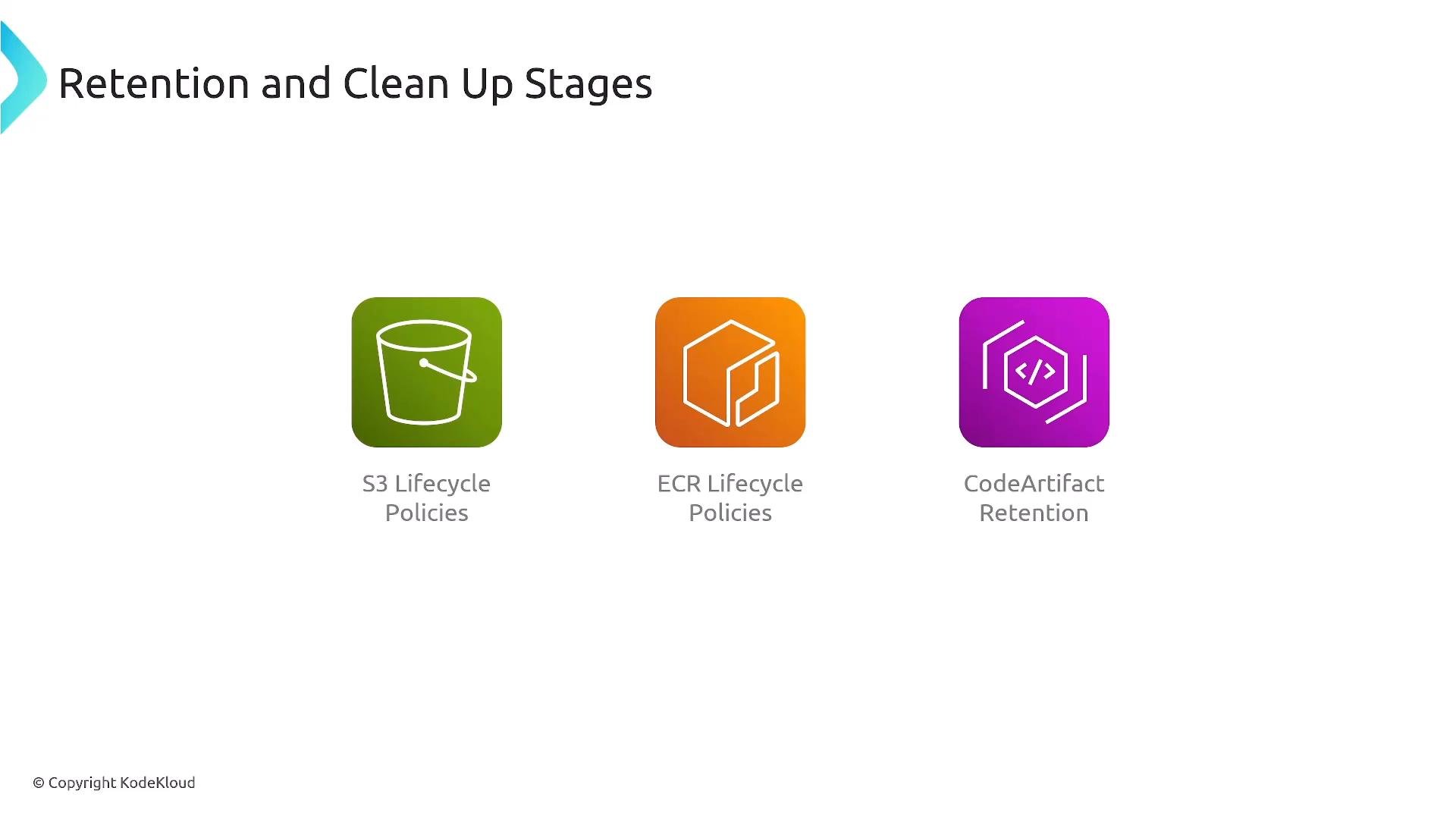
Define and automate retention and cleanup strategies for artifacts so storage remains cost-effective and your pipeline remains performant. Per-service guidance:- S3: enable bucket versioning, use lifecycle rules to transition older objects to cheaper storage classes (Glacier, Intelligent-Tiering) and to expire objects after a retention period.
- ECR: use lifecycle policies to prune images by tag patterns, age, or count.
- CodeArtifact: configure repository policies and retention rules as supported; clean up unused package versions and enforce access control.
Best practices
- Immutability: treat artifacts as immutable records. Never overwrite published artifact versions; create new versions for fixes.
Do not modify published artifacts in-place. Treat each artifact version as a permanent, traceable record of a build.
- Versioning: adopt semantic versioning or a deterministic scheme that includes build metadata (commit SHA, CI build number).
- Metadata & provenance: record build metadata (commit SHA, build ID, builder identity), dependency lists, and SBOMs alongside artifacts or in your CI system.
- Vulnerability scanning: integrate scanning (ECR image scanning, Amazon Inspector, Trivy) and gate promotions on critical/high findings.
- Access control: apply least privilege using IAM policies, repository-level permissions, and centralized auditing (CloudTrail).
- Automation & reproducibility: automate artifact creation, signing, publishing, and promotion. Keep build definitions under source control and document the release process.
- Traceability: record deployments and artifact promotions so you can answer “what was deployed where and when?”
Summary and further resources
Artifacts are versioned, immutable build outputs that you publish and promote across environments. AWS provides:CodeArtifactfor package registries,S3for general-purpose artifact storage,ECRfor container images.
- AWS CodeArtifact: https://docs.aws.amazon.com/codeartifact/
- Amazon S3: https://docs.aws.amazon.com/s3/
- Amazon ECR: https://docs.aws.amazon.com/ecr/
- AWS CodeBuild: https://docs.aws.amazon.com/codebuild/
- Amazon Inspector: https://aws.amazon.com/inspector/
- Trivy (scanner): https://github.com/aquasecurity/trivy