

Why multi-account strategies matter
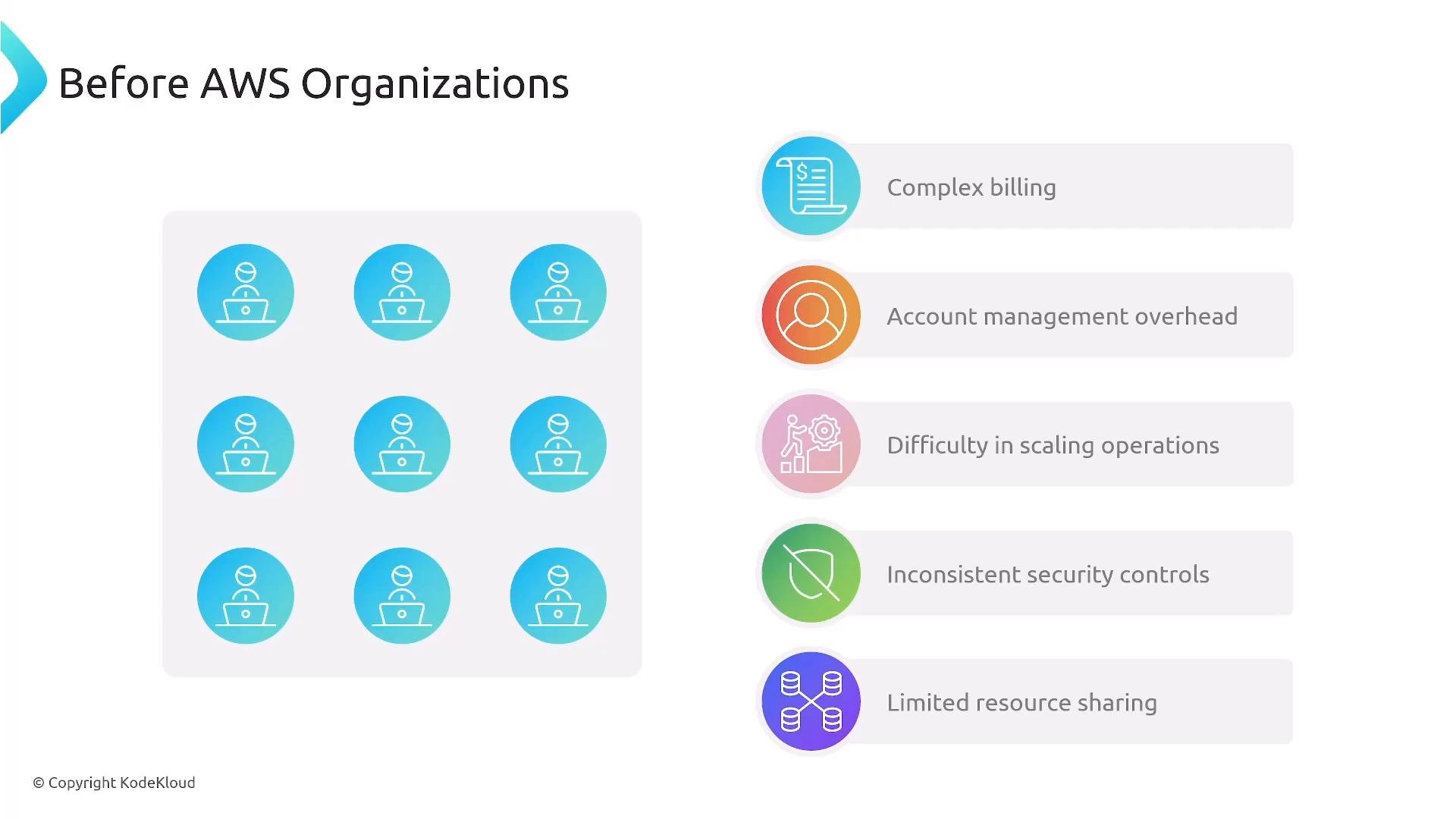
Historically, managing each AWS account as an isolated “island” created operational friction:- Separate billing and account management per account.
- Repeated setup of security controls and IAM users.
- Difficulty enforcing consistent policies across teams and environments.
- Harder to scale auditing, logging, and cross-account access.
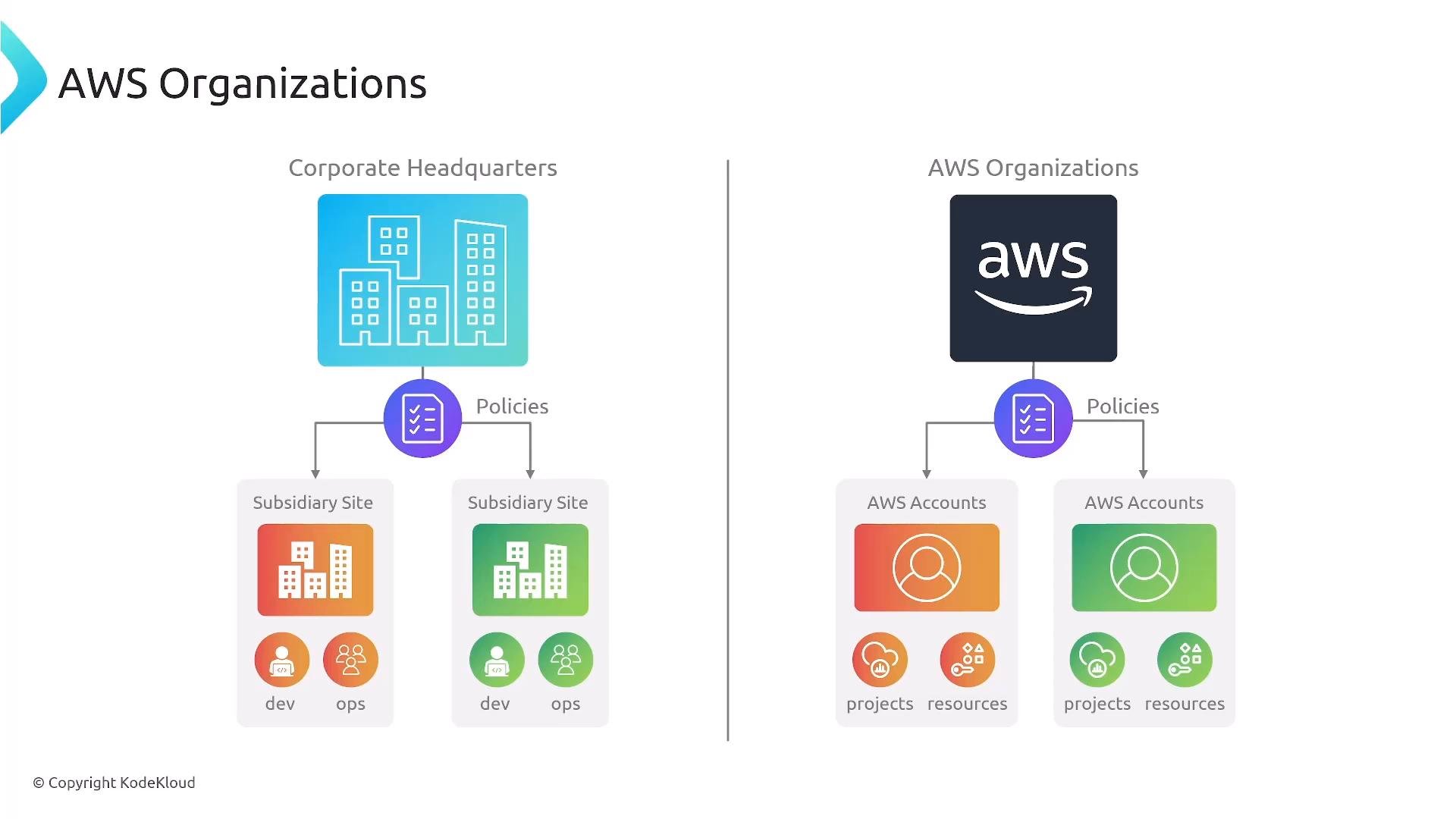
AWS Organizations — overview
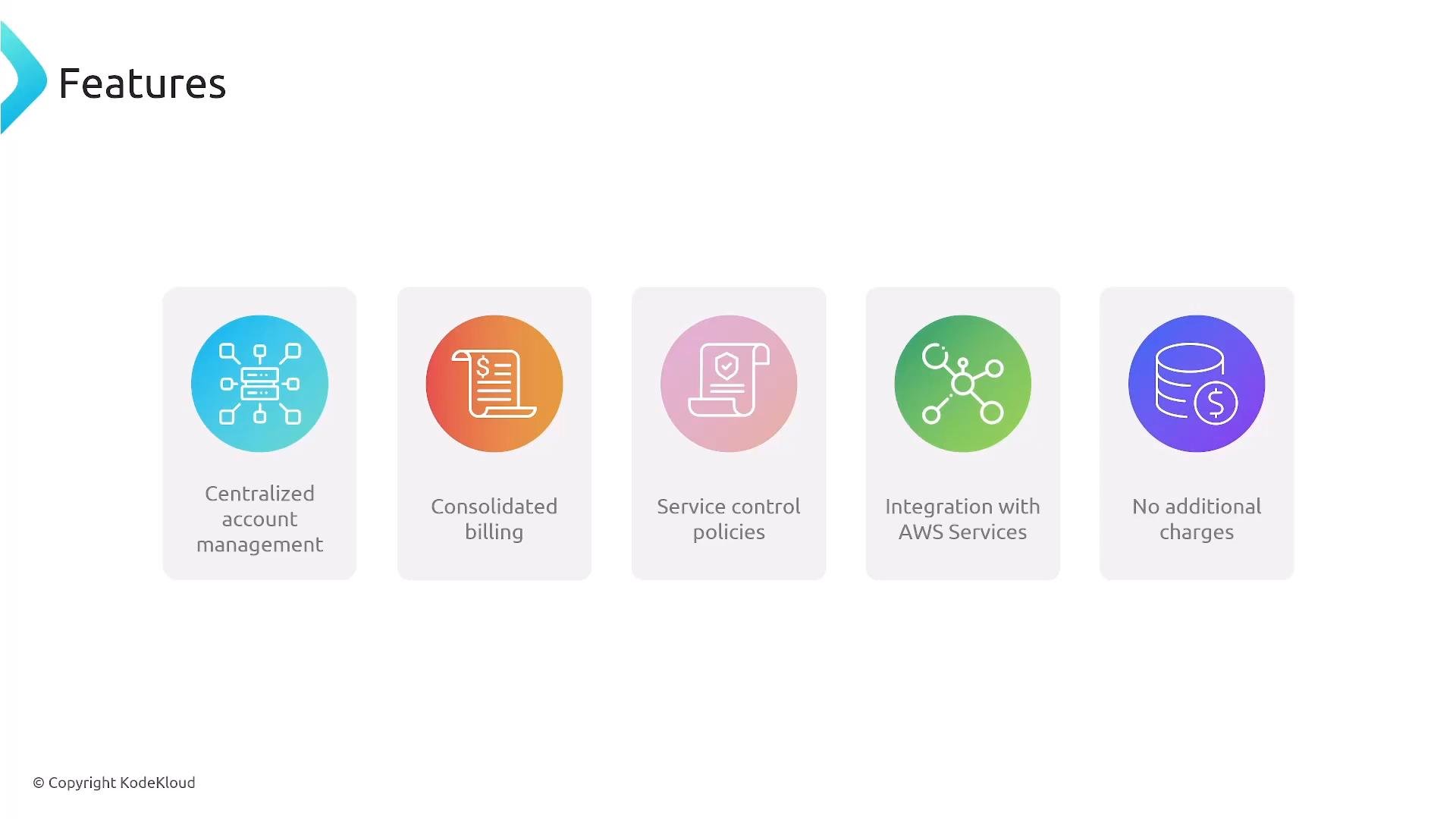
AWS Organizations provides a centralized management layer to:- Consolidate billing and payments (single bill for all member accounts).
- Group accounts using Organizational Units (OUs) for targeted governance.
- Apply Service Control Policies (SCPs) to define organization-wide guardrails.
- Integrate with centralized logging and identity services for auditing and access control.
- Use Organizations at no extra cost.
Service Control Policies (SCPs)
SCPs are organization-level guardrails that define the maximum permissions available to accounts. Important points:- SCPs restrict what IAM policies in an account can grant; they do not themselves grant permissions.
- Apply SCPs at the root, at specific OUs, or to individual accounts.
- Typical use: block risky services in non-production OUs, or restrict actions organization-wide.
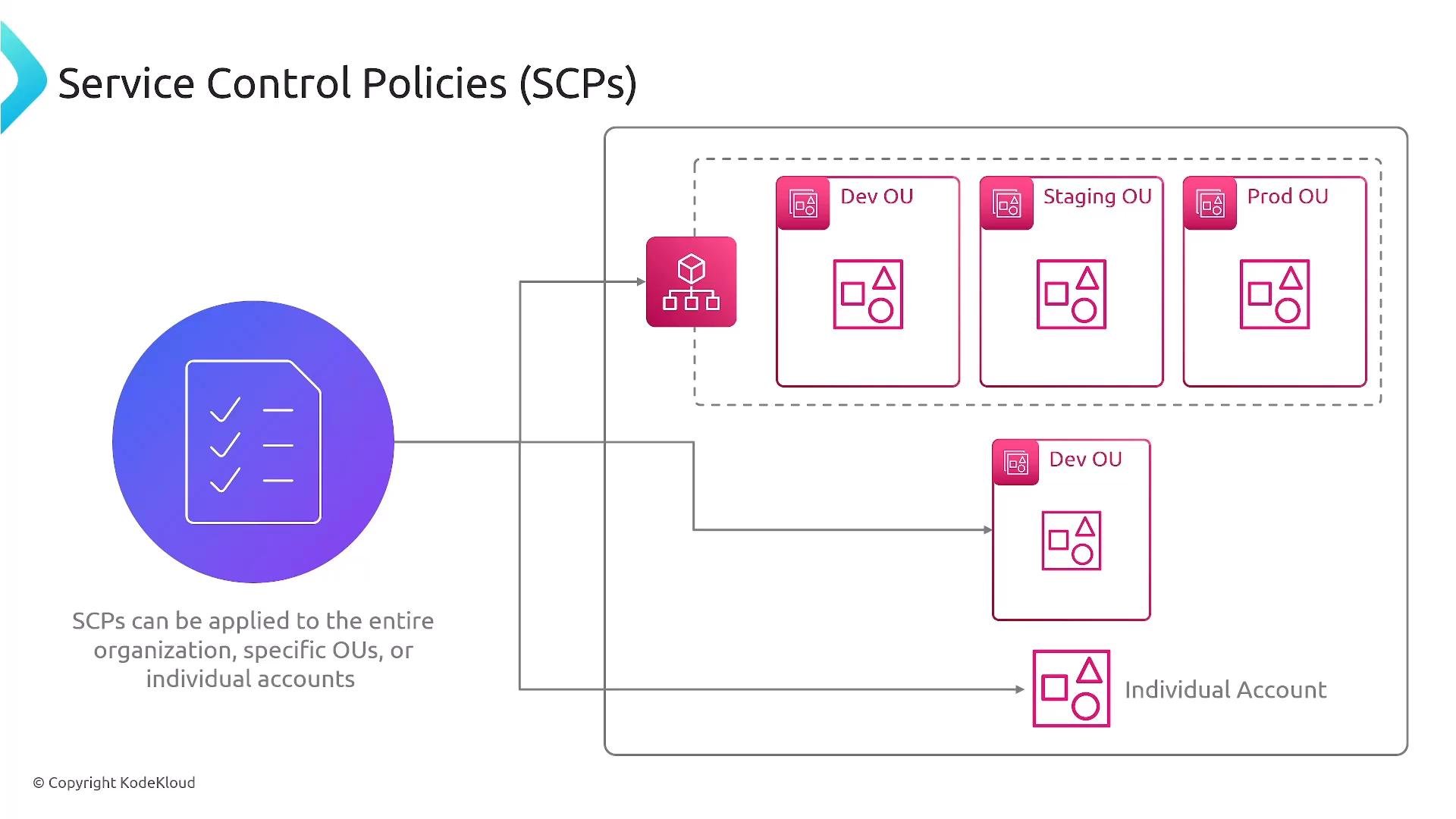
SCPs set an upper bound on allowed actions. They don’t grant permissions. Combine SCPs with IAM policies or the IAM Identity Center to implement least privilege across users and roles.
Identity and centralized logging
Centralized identity and logging are pillars of secure multi-account operations:- Use IAM Identity Center (formerly AWS Single Sign-On) for centralized SSO and role assignment across accounts. This avoids creating long-lived IAM users in each account.
- Centralize audit logs with CloudTrail: Organizations enables standardized CloudTrail configurations and aggregation of logs for security and compliance analysis.
- Central security services to monitor multiple accounts (GuardDuty, Security Hub, AWS Config, etc.).
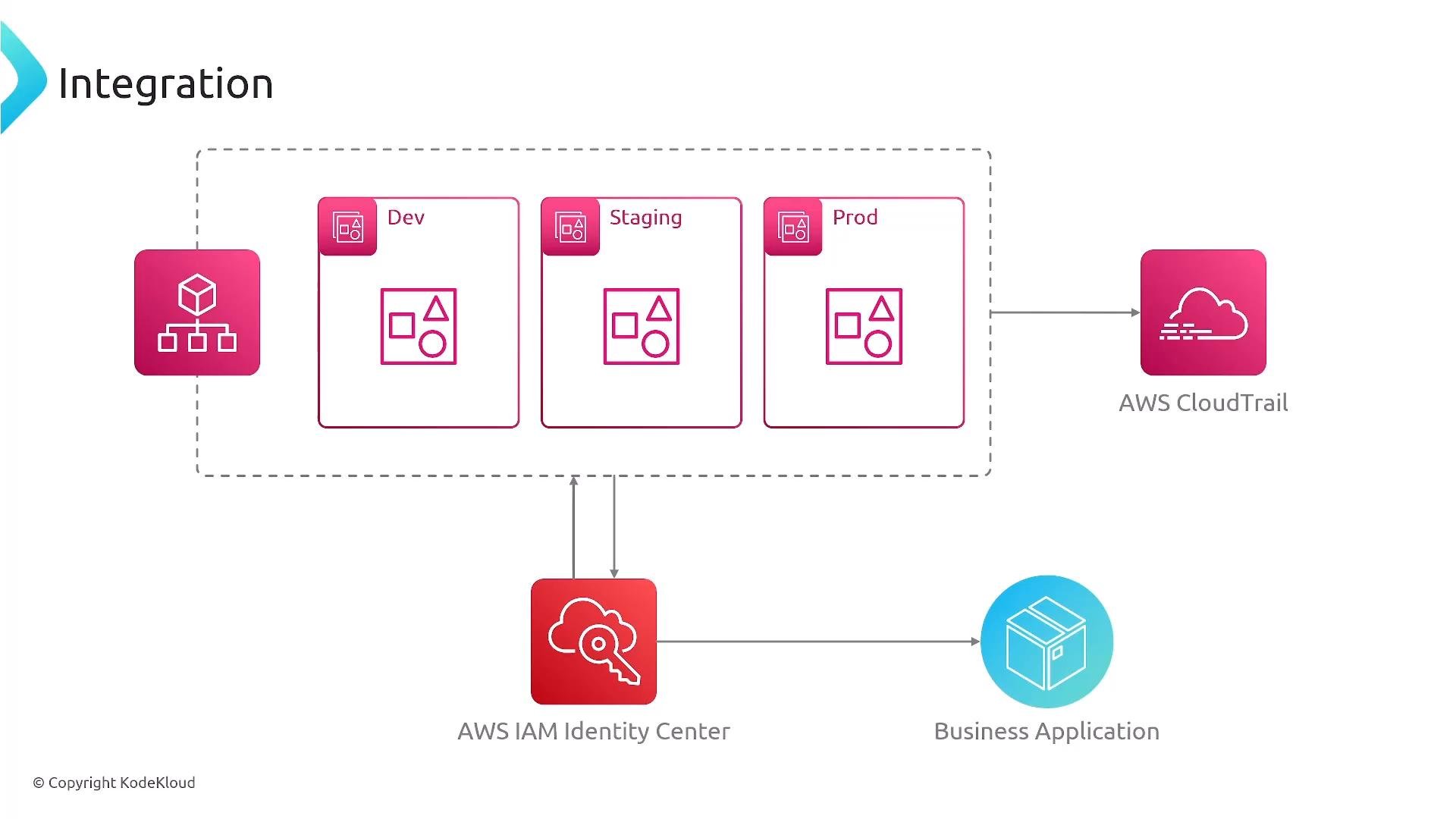
- CloudTrail is enabled by default in new accounts, but Organizations lets you enforce consistent logging across all accounts.
- Prefer centralized authentication (IAM Identity Center) and short-lived credentials to reduce credential sprawl.
Infrastructure-as-Code (IaC) and cross-account operations
To manage common infrastructure across many accounts, use centralized IaC and cross-account access patterns.- CloudFormation StackSets: deploy a CloudFormation template across multiple accounts and regions from a central administrator account. Ideal for standardized resources such as logging stacks, baseline IAM roles, or shared networking components.
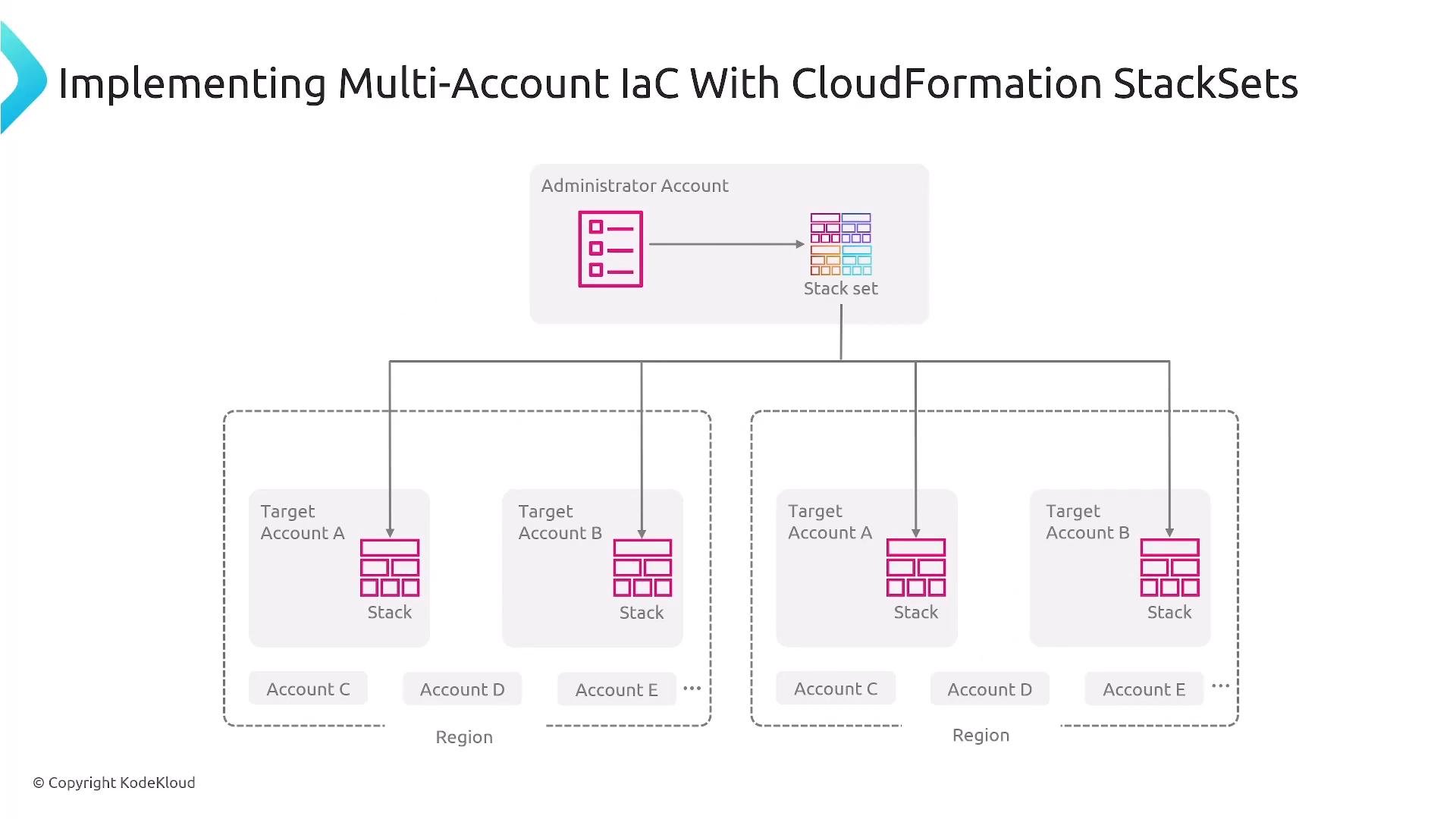
- Cross-account IAM roles: preferred pattern for granting access between accounts (for example, auditors or automation systems requiring read-only access across multiple accounts). Avoid creating duplicate IAM users across accounts; prefer roles and temporary credentials.
Best practices
Adopt these proven practices when designing your multi-account strategy: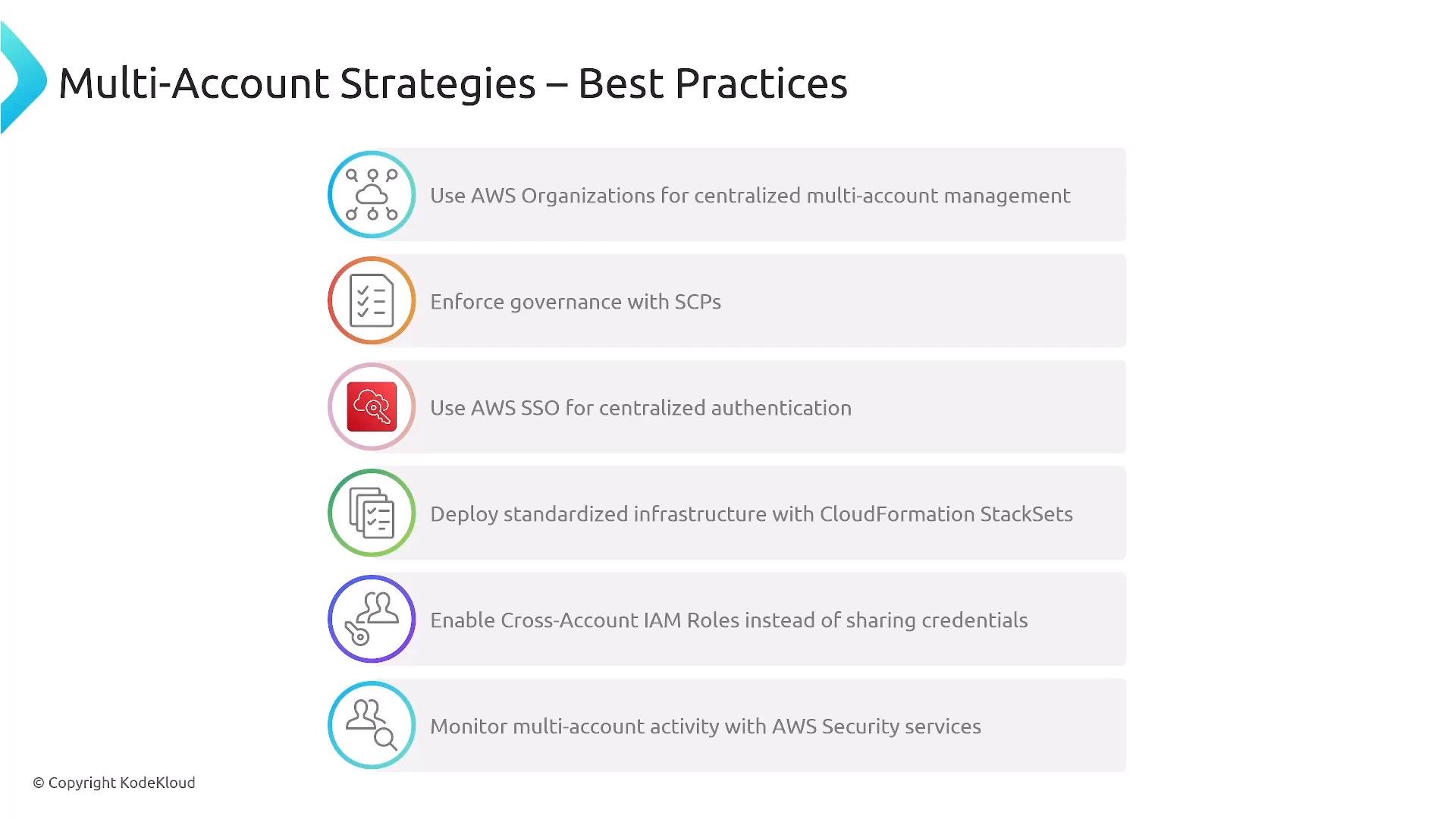
Always verify current AWS service availability and deprecation status with the official AWS documentation. Services and features (for example, Security Hub, IAM Identity Center naming/UX changes) can evolve — check AWS Docs for the latest guidance.
When to adopt AWS Organizations
A practical rule of thumb: if you manage multiple accounts (typically more than a handful), adopt AWS Organizations. It reduces administrative overhead and scales governance, billing consolidation, auditing, and cross-account access. Pair Organizations with IAM Identity Center and IaC (StackSets) to scale securely and consistently.Next steps and advanced options
After mastering Organizations and SCPs, consider:- AWS Control Tower to bootstrap an organization with pre-configured OUs, guardrails, and account provisioning.
- Hands-on labs to practice SCP creation, IAM Identity Center role mappings, and StackSet deployments.
- Studying example SCPs and cross-account role configurations to match your compliance requirements.
- AWS Organizations: https://docs.aws.amazon.com/organizations/
- IAM Identity Center (AWS SSO): https://docs.aws.amazon.com/singlesignon/
- CloudFormation StackSets: https://docs.aws.amazon.com/AWSCloudFormation/latest/UserGuide/stacksets-concepts.html
- AWS Control Tower: https://docs.aws.amazon.com/controltower/