

- EC2 emits an instance state-change event (for example:
stopped) - EventBridge receives the event on the default event bus and evaluates it against a rule (an event pattern)
- When the pattern matches, EventBridge forwards the event to configured targets (SNS and Lambda)
- An SNS topic to receive notifications
- A Lambda function to process the event programmatically
- An EventBridge rule with an event pattern that matches EC2
stoppedevents and targets both SNS and Lambda - A subscription to confirm delivery to an email endpoint
- An AWS account with permissions to create SNS topics, Lambda functions, and EventBridge rules
- At least one EC2 instance in the same account and region to generate events
- Recommended reading: Amazon EventBridge overview, Amazon SNS documentation, AWS Lambda documentation
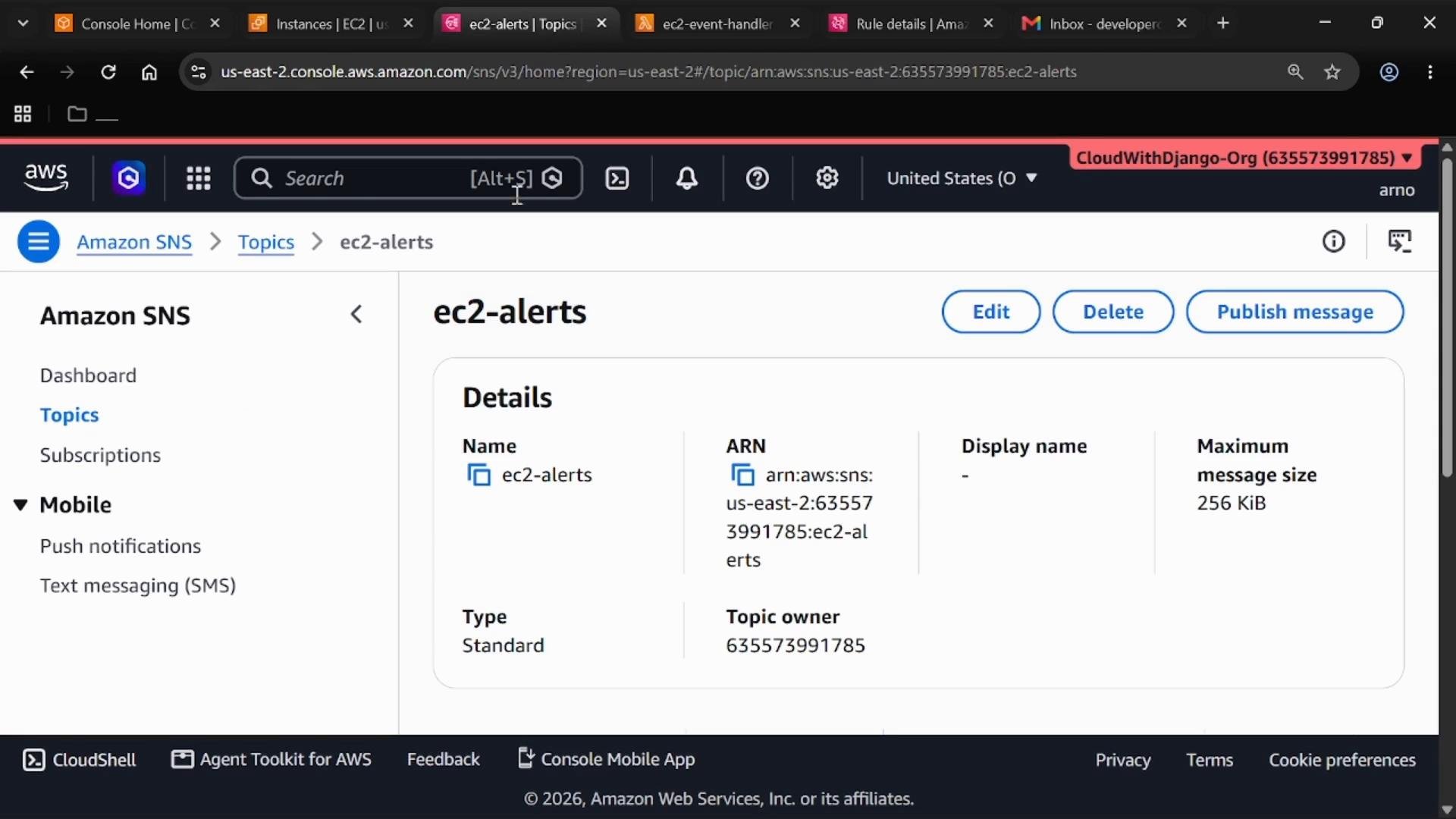
Create an SNS topic
Open the Amazon SNS console and go to Topics. Create a Standard topic (FIFO is unnecessary for this demo).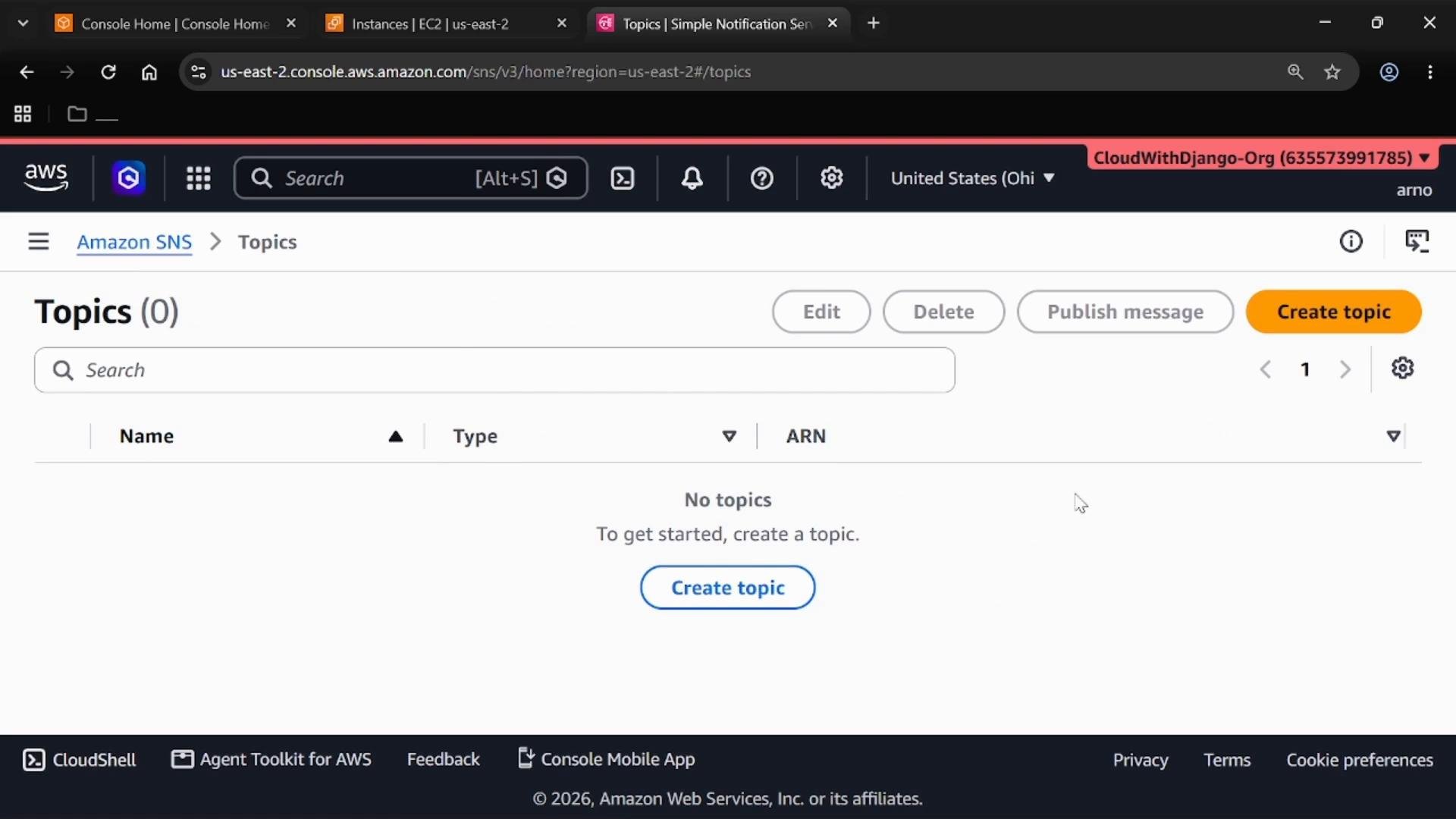
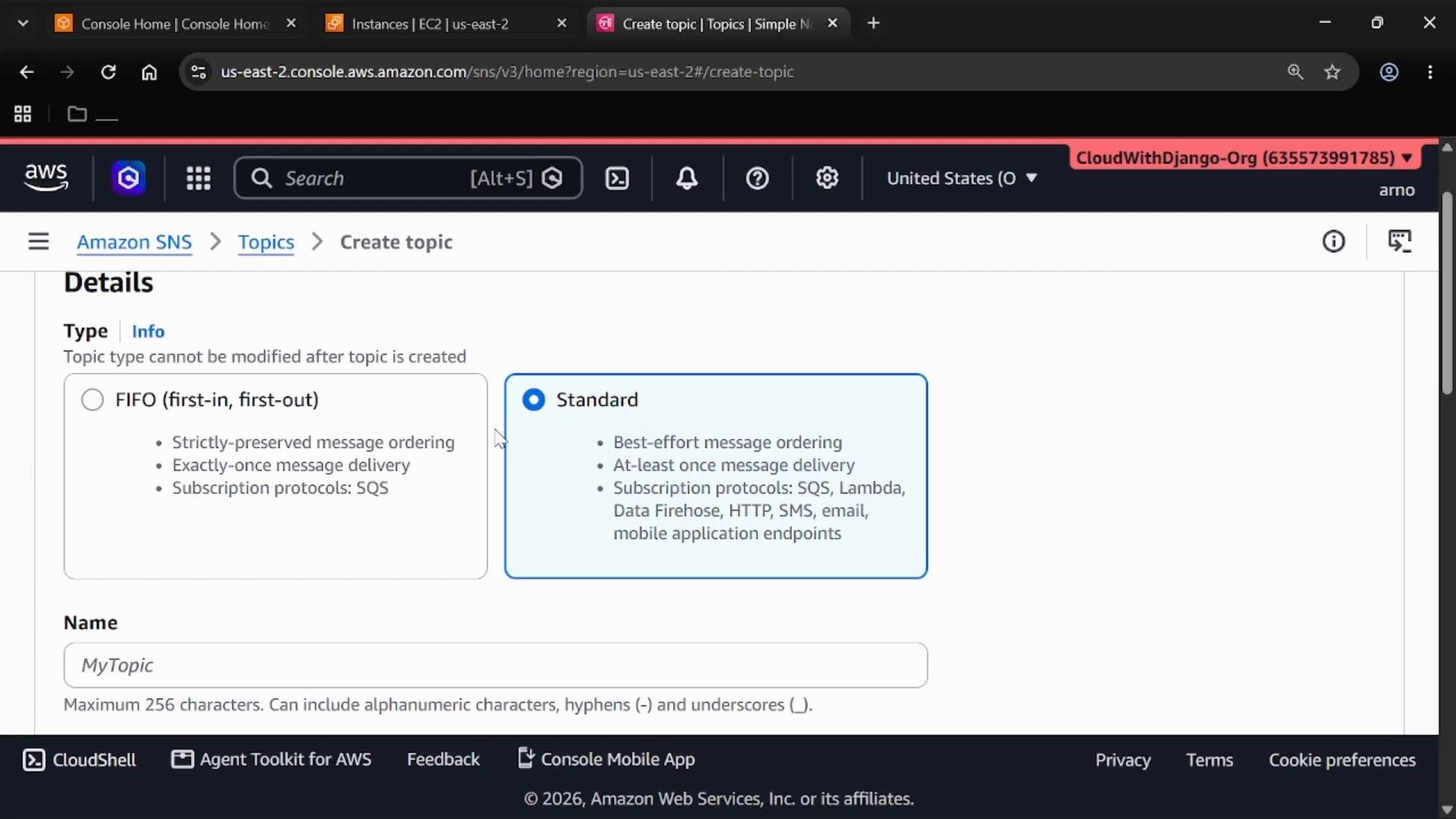
- Choose Create topic → Standard.
- Enter a name, for example
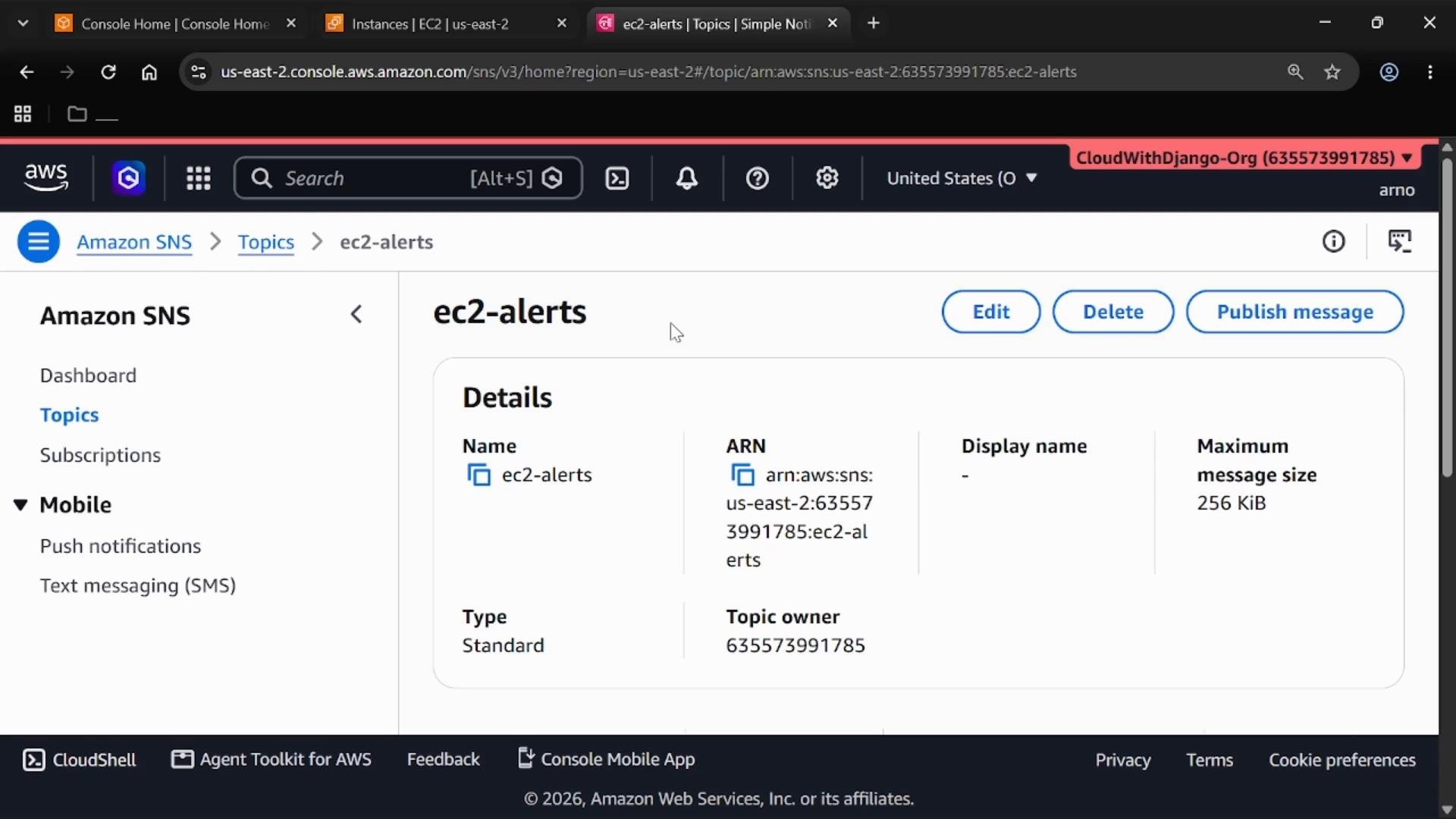
ec2-alerts. - Leave other defaults unless you have specific compliance or encryption needs.
- Create the topic and note the Topic ARN displayed on the topic details page.
Create the Lambda function
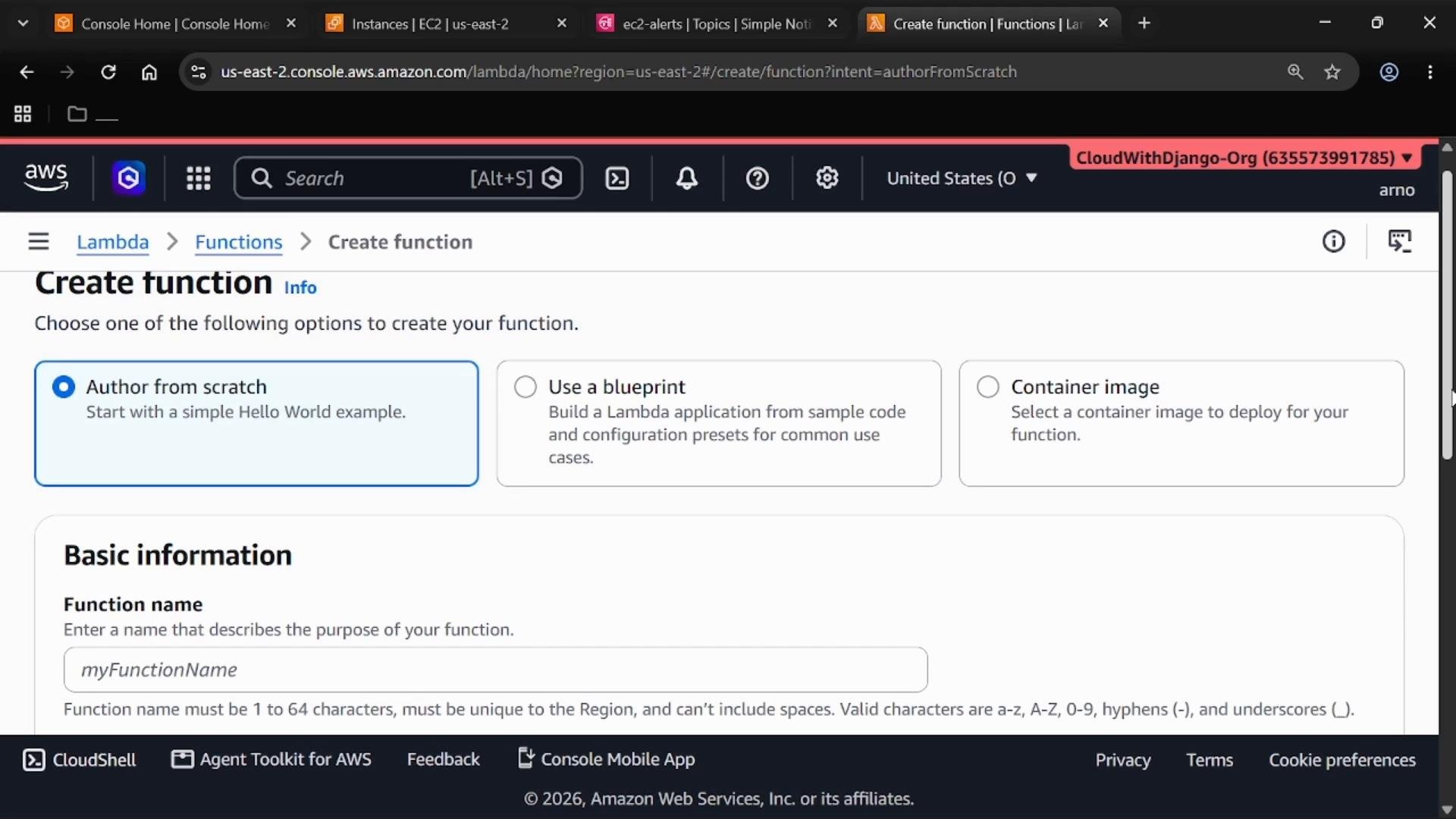
Open the AWS Lambda console and create a function. For this demo we author the function from scratch and choose Python as the runtime.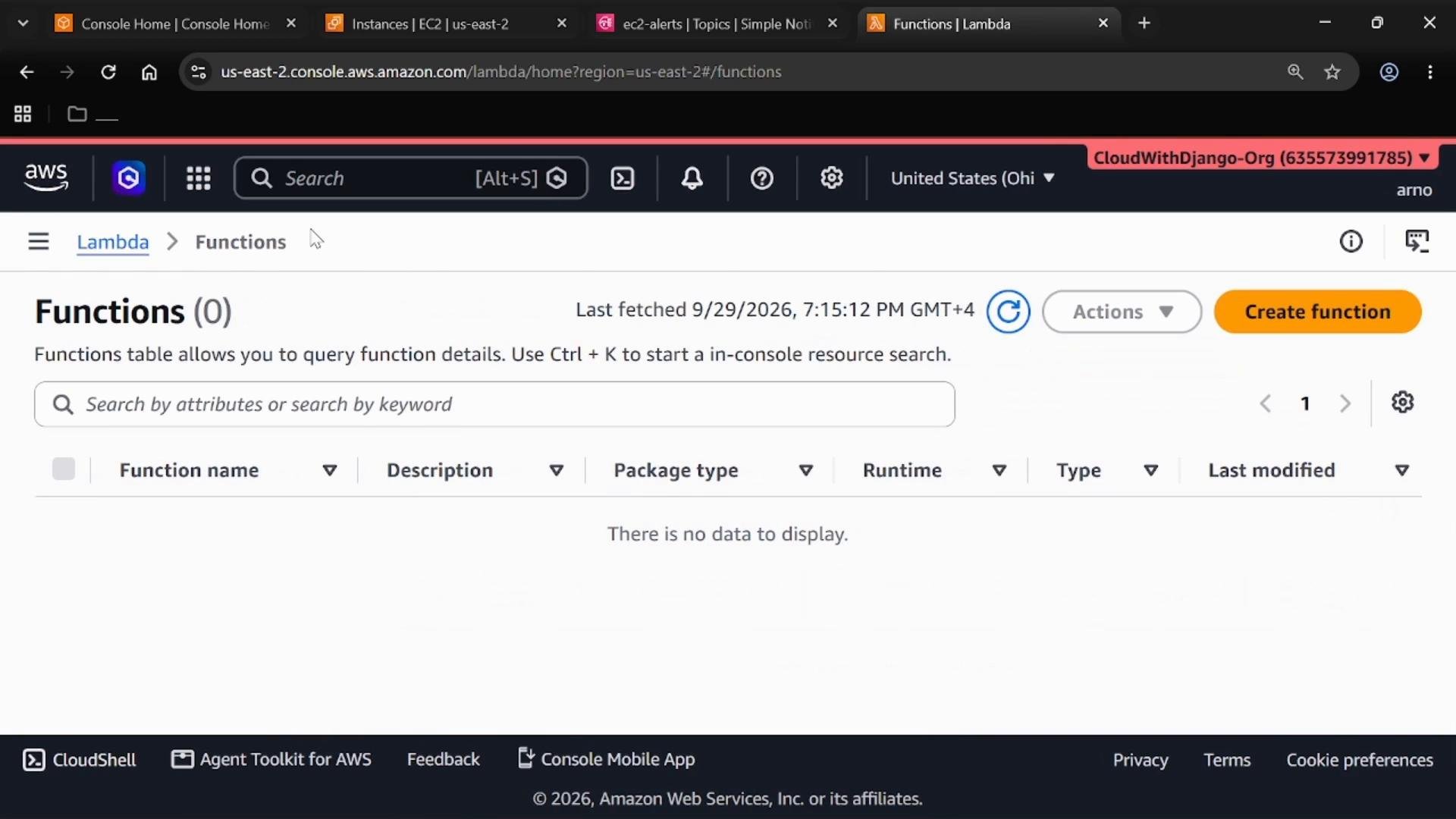
- Choose Create function → Author from scratch.
- Enter a function name (for example,
ec2-event-handler) and select Python as the runtime. - Leave permissions and execution role as default for the demo, or attach a role with minimal invoke/CloudWatch permissions in production.
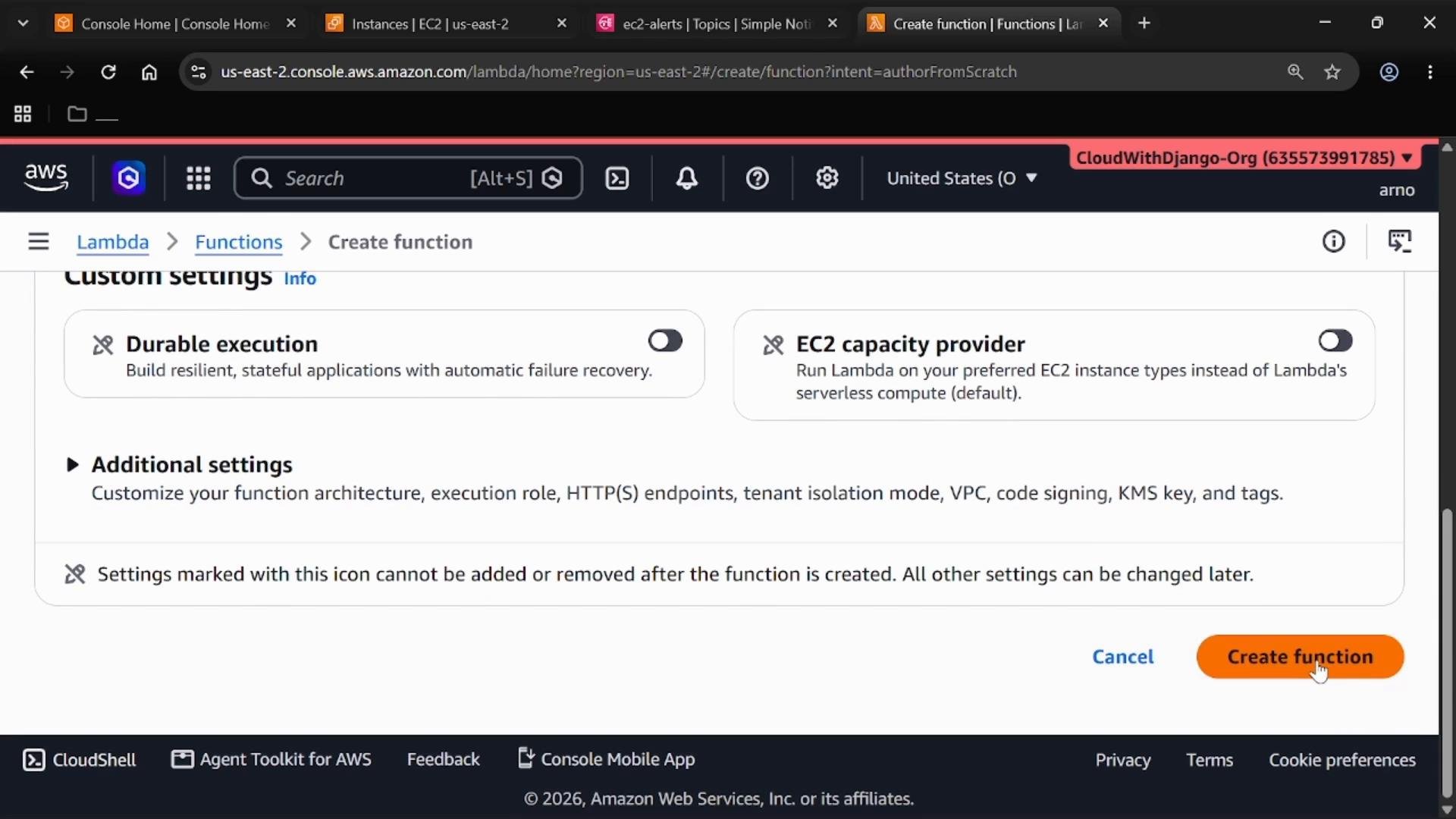
- Create the function. The function will be invoked by EventBridge when the rule matches.
Create an EventBridge rule
Open Amazon EventBridge and select Event buses → default. The default event bus receives service events from this AWS account (including EC2 state-change events). You can verify the default bus URL and ARN in the console. Example:- Choose Create rule.
- Use the Advanced Builder (not the visual Enhanced Builder) to compose the JSON event pattern precisely.
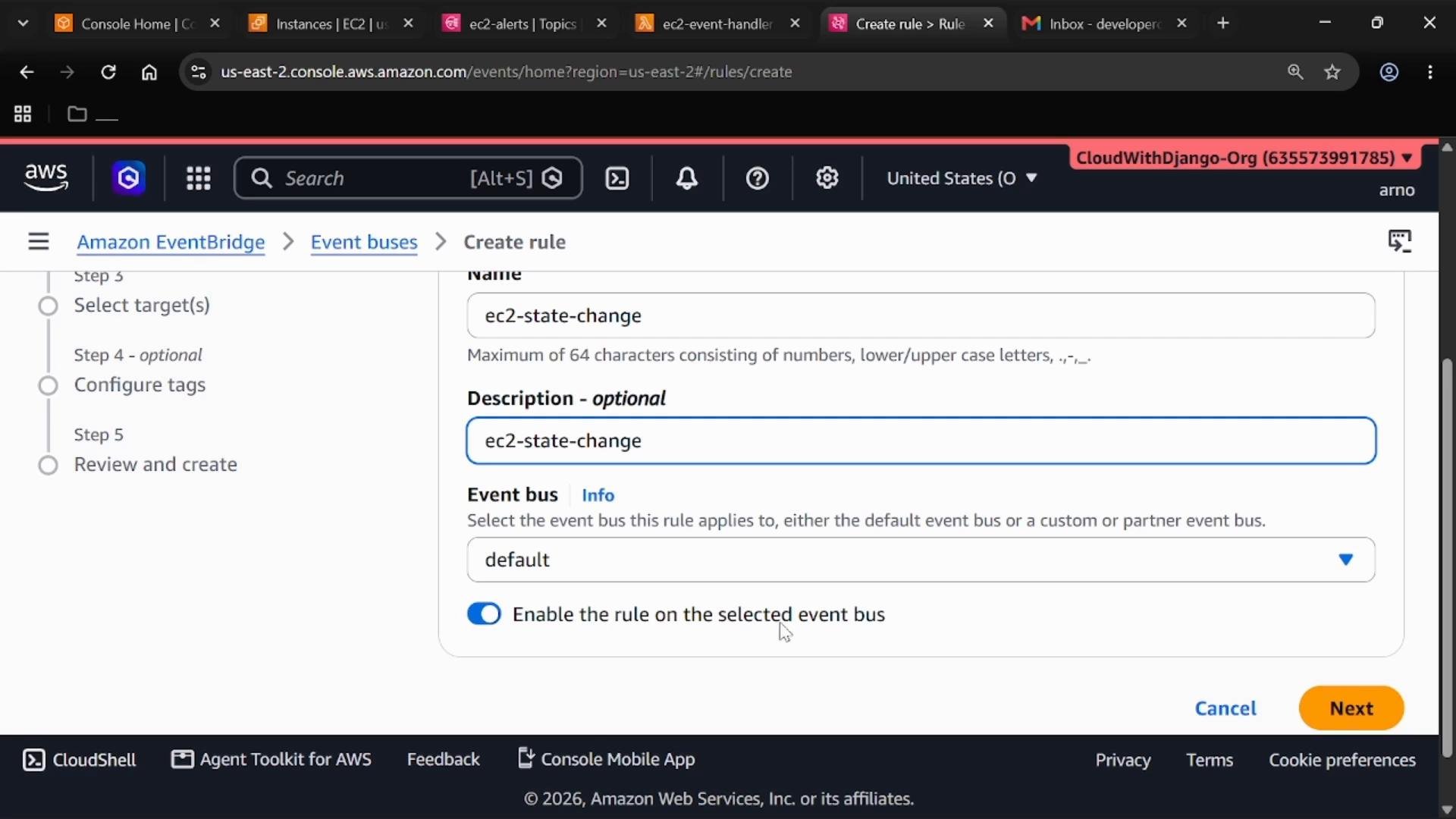
- Name the rule (for example,
ec2-state-change) and set Event bus todefault. - Keep the rule enabled so it evaluates matching events immediately.
Define the event pattern
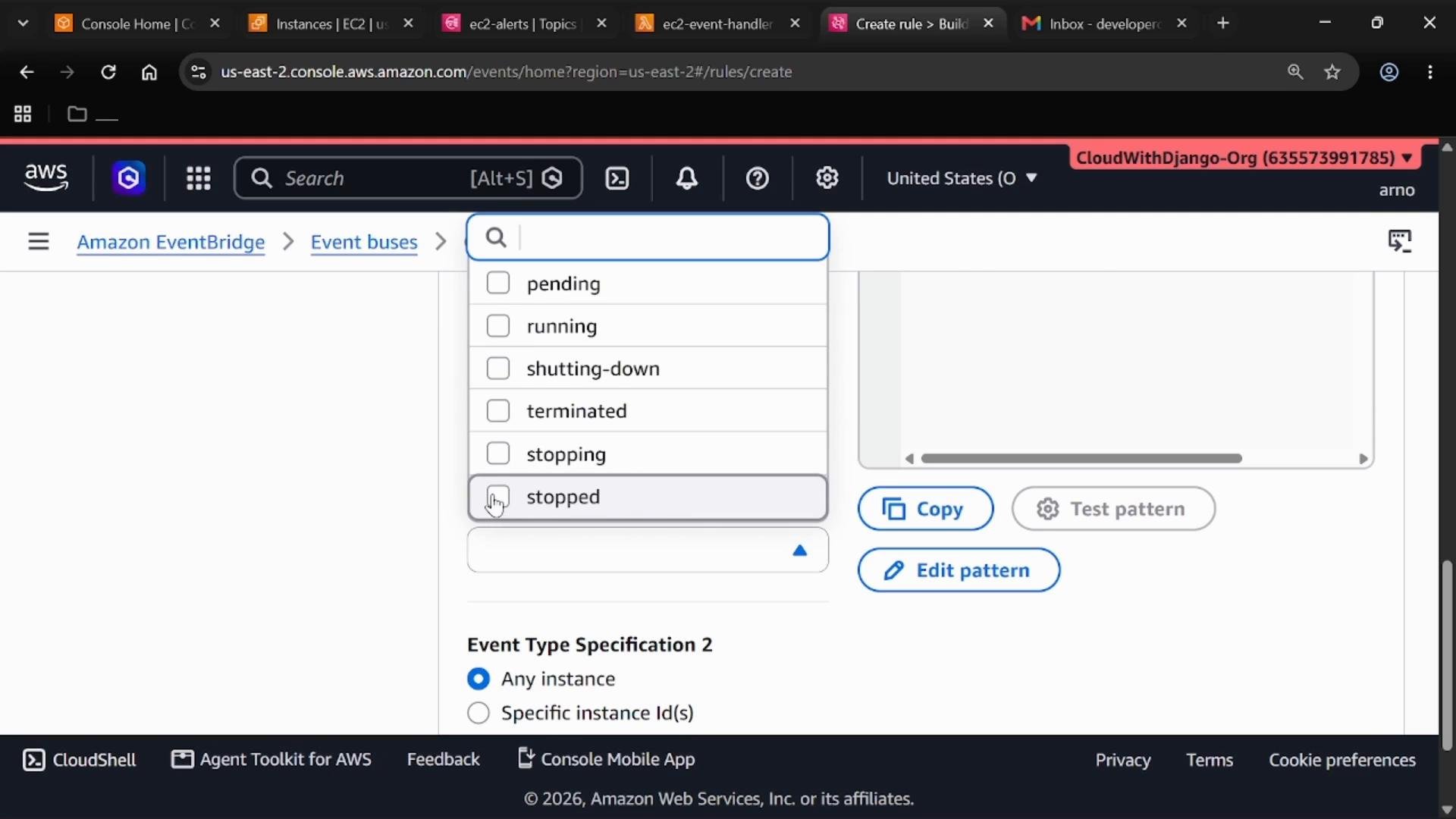
Select AWS services as the event source and choose EC2. For this demo we want to match EC2 instance state-change notifications where the instance state isstopped. Use this event pattern:
detail.state equals stopped.
Add targets
Add two targets to demonstrate multiple destinations for a single rule:
When configuring targets, you can provide an input transformer or pass the full matched event to each target. For this demo the default payload (the full event) is fine.
Proceed to review and create the rule.
Subscribe to the SNS topic
To receive notifications, subscribe an endpoint to theec2-alerts topic. Common choices include Email, HTTP(S), SQS, or Lambda.
Example subscription details:
- Topic ARN:
- Protocol:
Email - Endpoint:
your.email@example.com(use an address you can access)
After creating the subscription, you must confirm it from the email inbox before Amazon SNS will deliver notifications to that address. Look for a confirmation email from
no-reply@sns.amazonaws.com and click the contained link.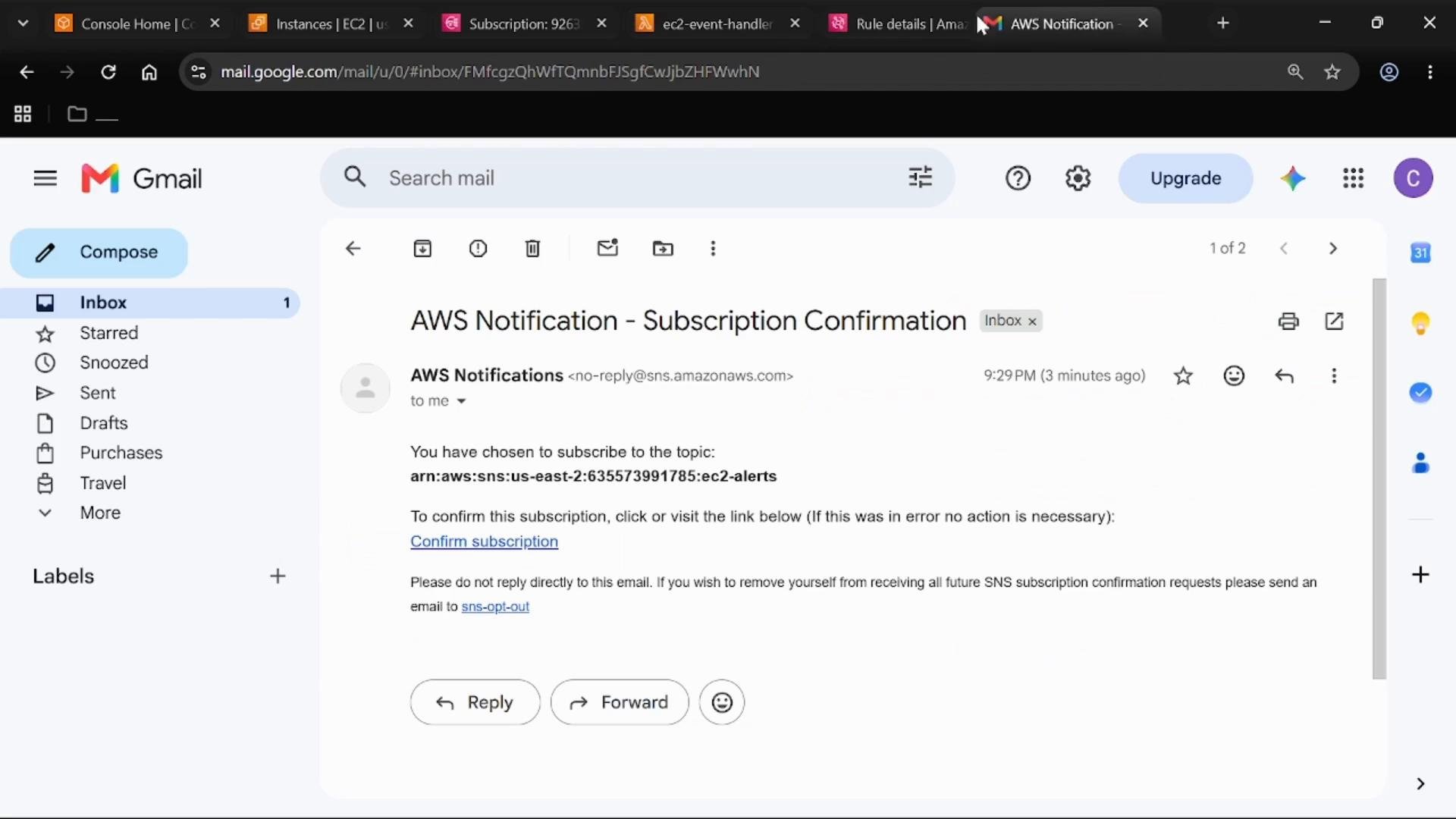
Generate an EC2 state-change event
Ensure you have an EC2 instance running in the same AWS account and region as the EventBridge rule:- From the EC2 console, stop a running instance (Actions → Instance State → Stop).
- When the instance transitions to
stopped, EC2 emits an instance state-change event to the account’s default EventBridge bus. - EventBridge evaluates the incoming event against the rule’s event pattern. If
detail.stateisstopped, the rule matches.
Verify Lambda invocation and SNS delivery
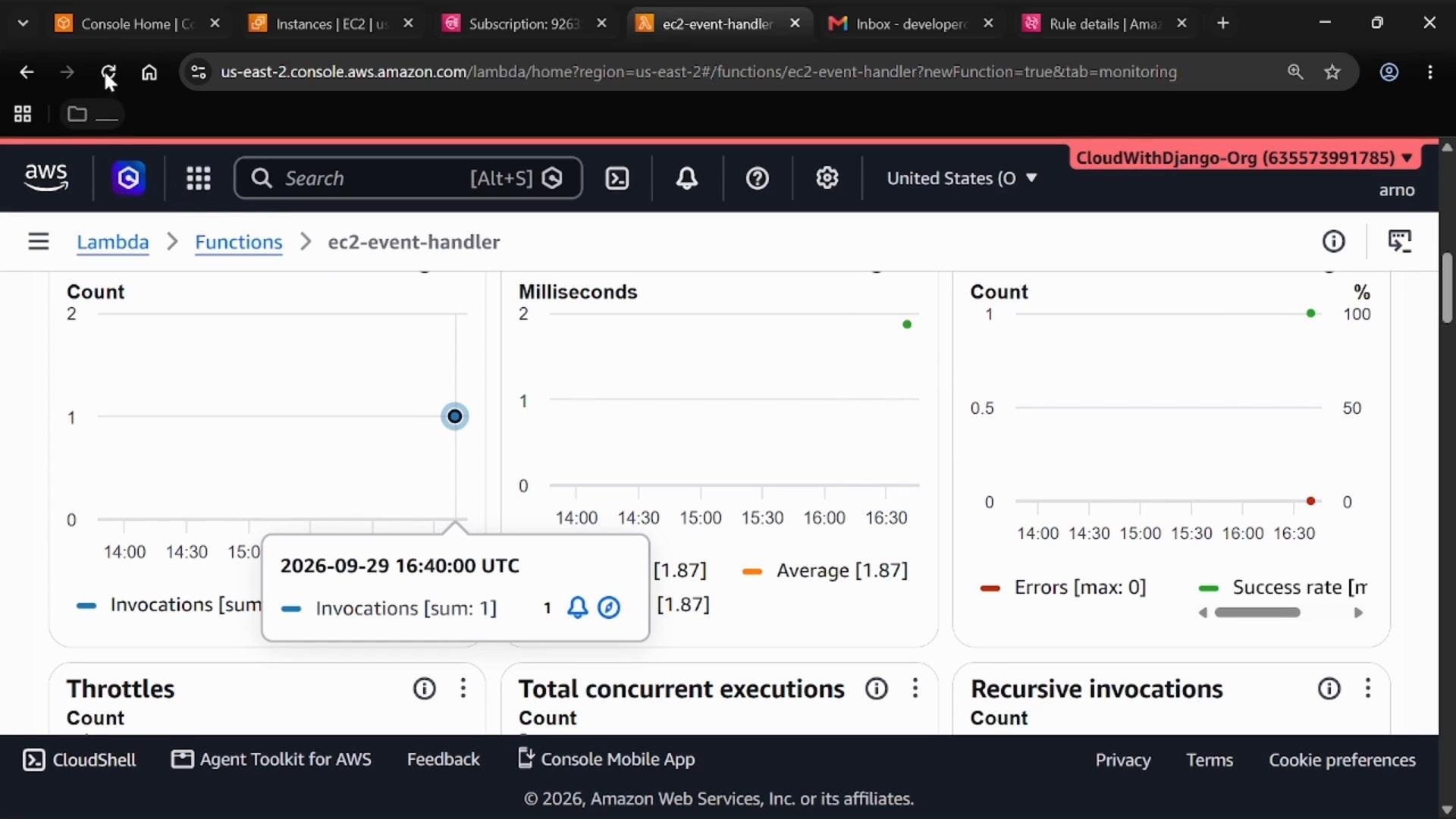
- Lambda: Open the
ec2-event-handlerfunction, select the Monitor tab (CloudWatch metrics), and verify that one or more invocations were recorded at the time you stopped the instance.
- SNS / Email: Check the subscribed email inbox for the notification message from SNS. The notification contains details such as the instance ID, AWS account ID, and the event type “EC2 Instance State-change Notification” indicating the
stoppedstate.
Troubleshooting tips
- No SNS email received:
- Verify the subscription is Confirmed (not Pending).
- Check the SNS topic’s delivery status and CloudWatch logs for failed deliveries.
- Lambda not invoked:
- Confirm the EventBridge rule has the Lambda target and that the rule is enabled.
- Verify EventBridge has invoke permissions for the Lambda (check resource-based policy on the function).
- Inspect CloudWatch Logs for any Lambda errors.
- Event not matching:
- Confirm the
detail-type,source, anddetail.statein the event pattern match the actual event payload. Use EventBridge’s Event Archive or CloudWatch Events history to inspect event samples.
- Confirm the
Summary
This walkthrough demonstrates an event-driven integration that:- Captures EC2 instance state-change events on the default EventBridge bus
- Uses an EventBridge rule with an event pattern to filter for
stoppedinstances - Routes matched events to multiple targets (SNS and Lambda)
- Delivers notifications via SNS subscriptions (email in this demo) and invokes Lambda for programmatic processing