

- Create a CloudTrail trail that delivers logs to an S3 bucket.
- Verify the CloudTrail bucket and its folder layout.
- Use CloudTrail Event history to generate an Athena external table definition (DDL).
- Configure Athena’s query-results location and run SQL queries against the table.
Create a trail that stores logs in S3
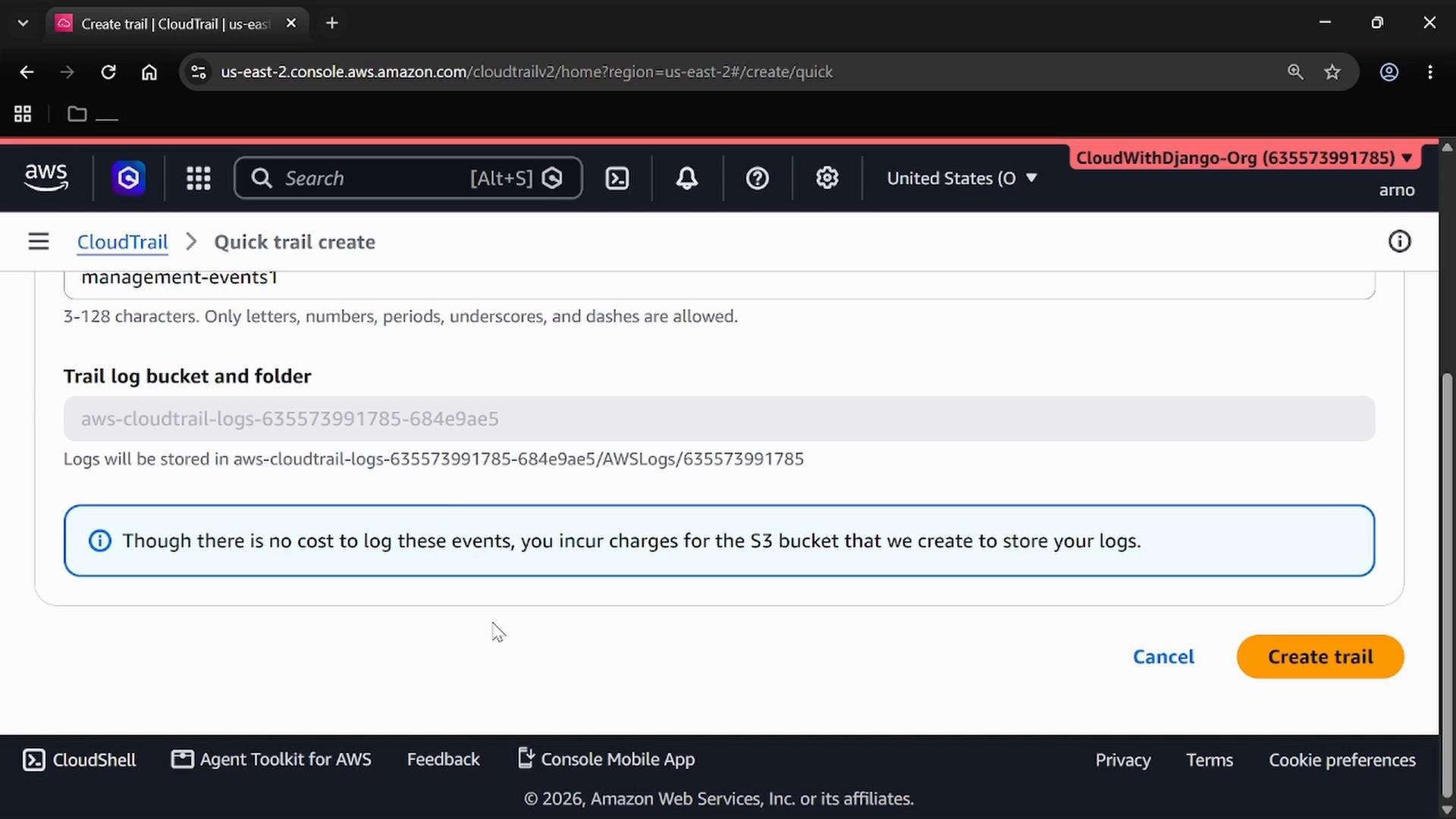
Open the CloudTrail console and create a trail to deliver management events to an S3 bucket. Give the trail a descriptive name (for example,management-events1) and allow CloudTrail to create or use an existing S3 bucket to store logs.
Confirm the CloudTrail S3 bucket contents
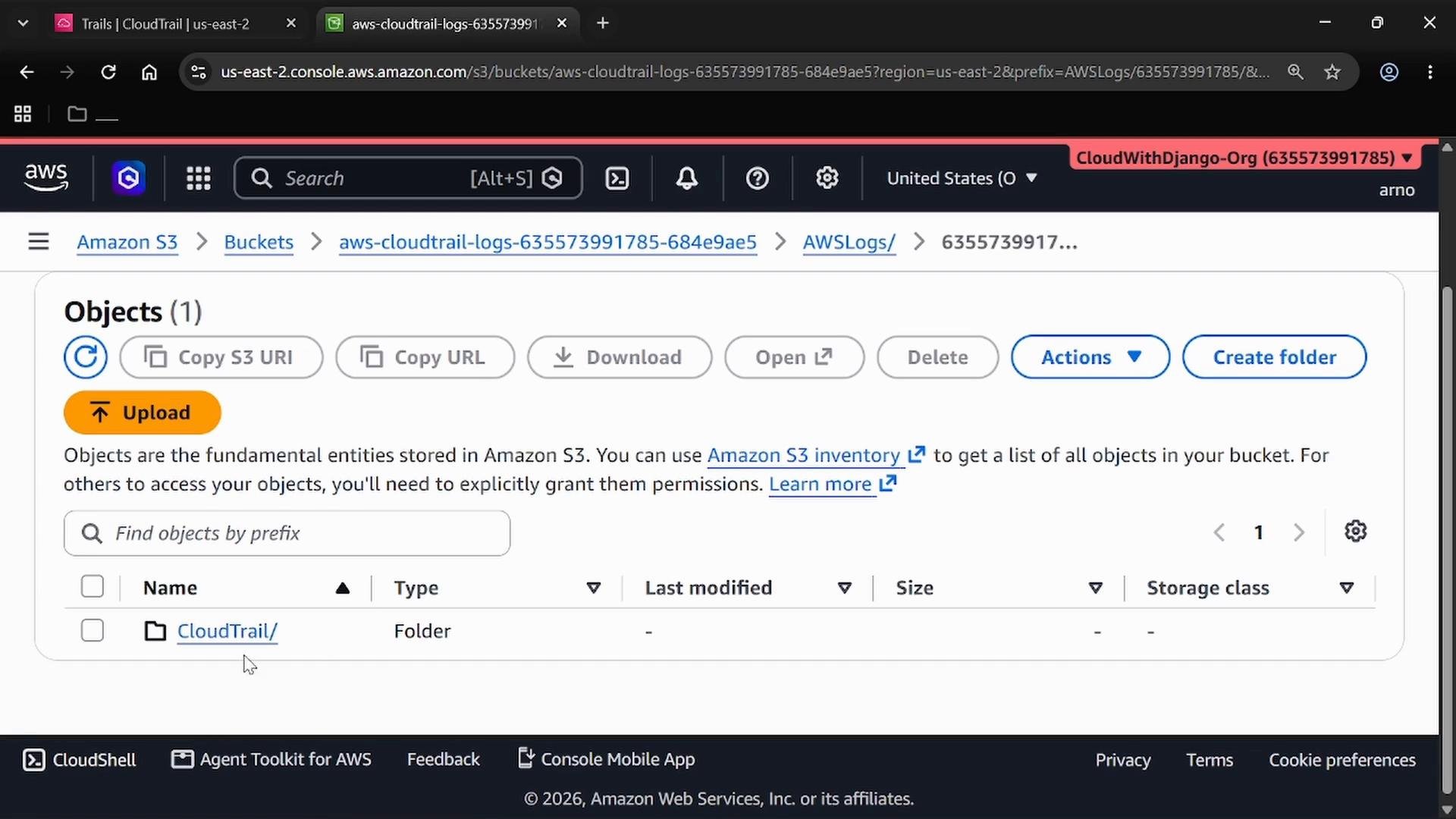
Open the S3 console and inspect the bucket CloudTrail created. CloudTrail stores logs under a structured prefix like:s3://<bucket>/AWSLogs/<account-id>/CloudTrail/<region>/YYYY/MM/DD/...
If no events have occurred yet, the folder may be empty initially.
Create an Athena table from CloudTrail Event history
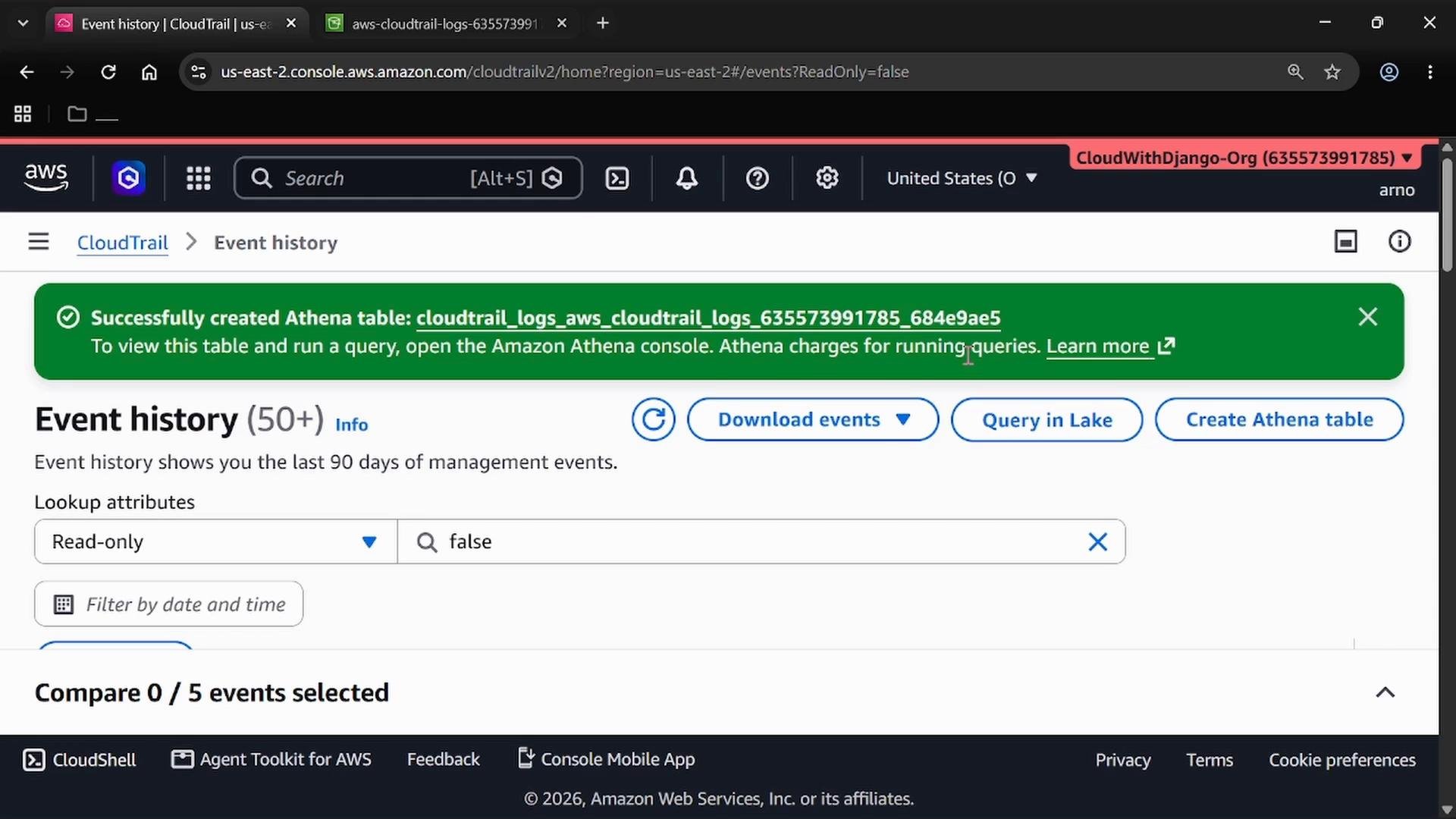
CloudTrail offers a convenient shortcut: in the CloudTrail console navigate to Event history and choose Create Athena table. CloudTrail will generate a CREATE EXTERNAL TABLE DDL tailored to the JSON structure of CloudTrail logs and the S3 prefix for your trail. Review and edit the generated DDL as needed (notably theLOCATION) before executing it in Athena.
- The following DDL is representative of what CloudTrail generates. Update the
LOCATIONto match your S3 prefix for CloudTrail logs.
Open Amazon Athena and configure query results
Before running queries, open the Amazon Athena console and set a query-results S3 location. Athena stores query output and temporary artifacts in this location—use a dedicated S3 bucket or prefix that you control (do not reuse your CloudTrail logs bucket).Configure a dedicated S3 bucket (or prefix) as the Athena query results location. This keeps temporary query artifacts separate from your CloudTrail logs.
- Open Query settings (or Settings).
- Choose Manage (or edit) to set the results location to an S3 bucket/prefix you own.
- Save settings and open the query editor.
Run a simple query against the CloudTrail table
With the table created and results location configured, run SQL to inspect CloudTrail events. For example, list recent events with their timestamps and the ARN of the identity that performed the action: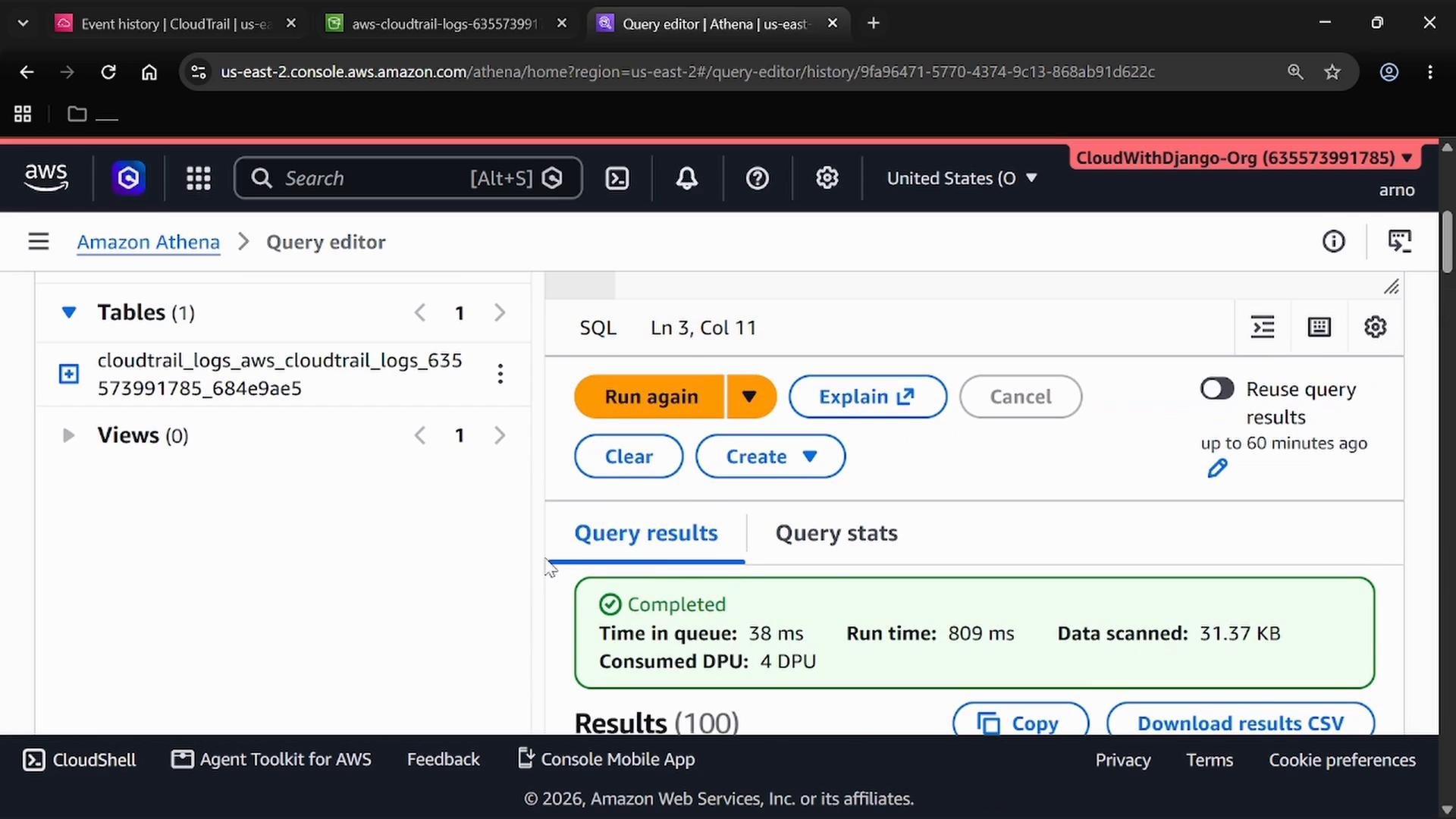
ListBuckets or GetTable, and the IAM identity ARN that performed each action. Use this data to investigate activity, audit access patterns, or build dashboards.
Cost considerations
Athena pricing is based on the data scanned by each query (see Amazon Athena pricing at https://aws.amazon.com/athena/pricing/). To reduce costs, partition data (for example by year/month/day), compress logs, or convert JSON logs to columnar formats (Parquet/ORC). Also remember S3 storage for CloudTrail logs incurs standard storage costs.
Quick reference
Summary
- CloudTrail captures API activity and stores logs in S3.
- Use CloudTrail Event history to generate an Athena external table mapping to CloudTrail JSON logs.
- Configure Athena’s query-results S3 location before running queries.
- Use SQL in Amazon Athena to analyze, audit, and investigate CloudTrail logs.
Links and references
- CloudTrail documentation: https://docs.aws.amazon.com/cloudtrail/latest/userguide/cloudtrail-user-guide.html
- Amazon S3 documentation: https://docs.aws.amazon.com/AmazonS3/latest/userguide/Welcome.html
- Amazon Athena documentation: https://docs.aws.amazon.com/athena/latest/ug/what-is.html
- Athena pricing: https://aws.amazon.com/athena/pricing/