

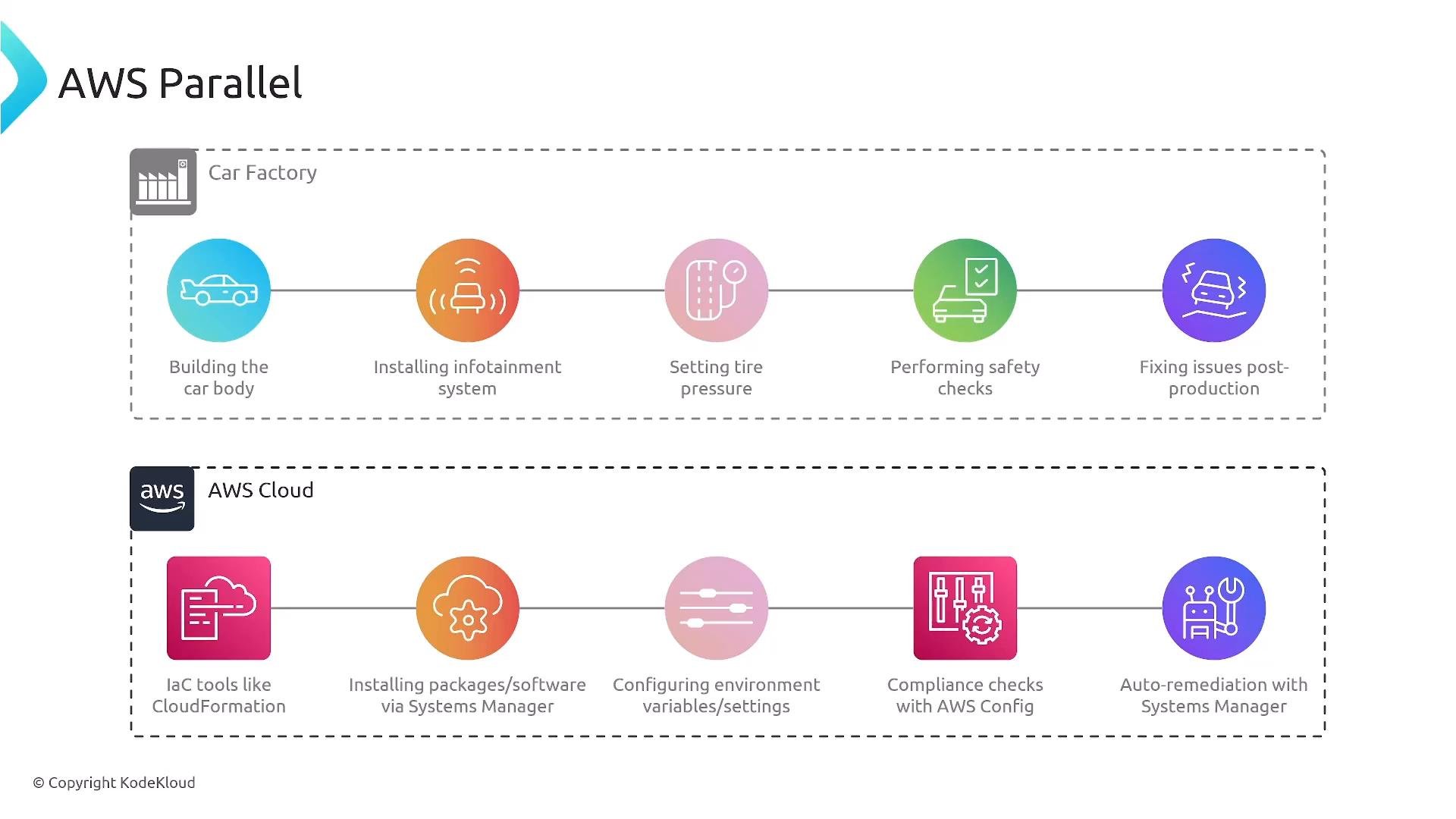
What we mean by configuration management
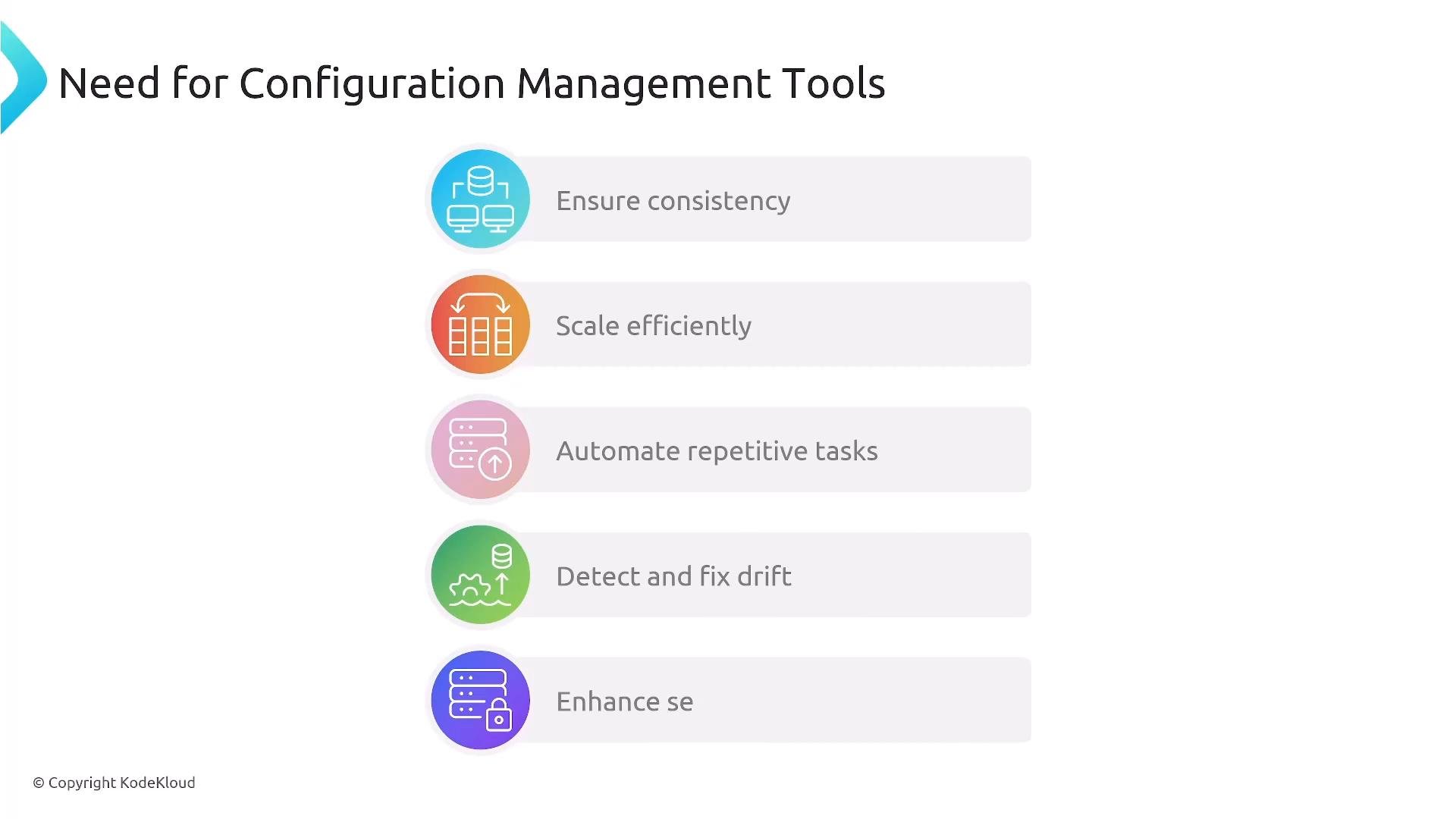
Configuration management focuses on keeping running systems in a desired state. Unlike immutable infrastructure (where you bake a new image and replace instances), this is mutable infrastructure—applying changes directly to live instances. Effective configuration management helps you:- Ensure consistency across fleets
- Scale operations efficiently
- Automate repetitive and error-prone tasks
- Detect and remediate configuration drift
- Audit and enforce security and compliance
Key services and concepts
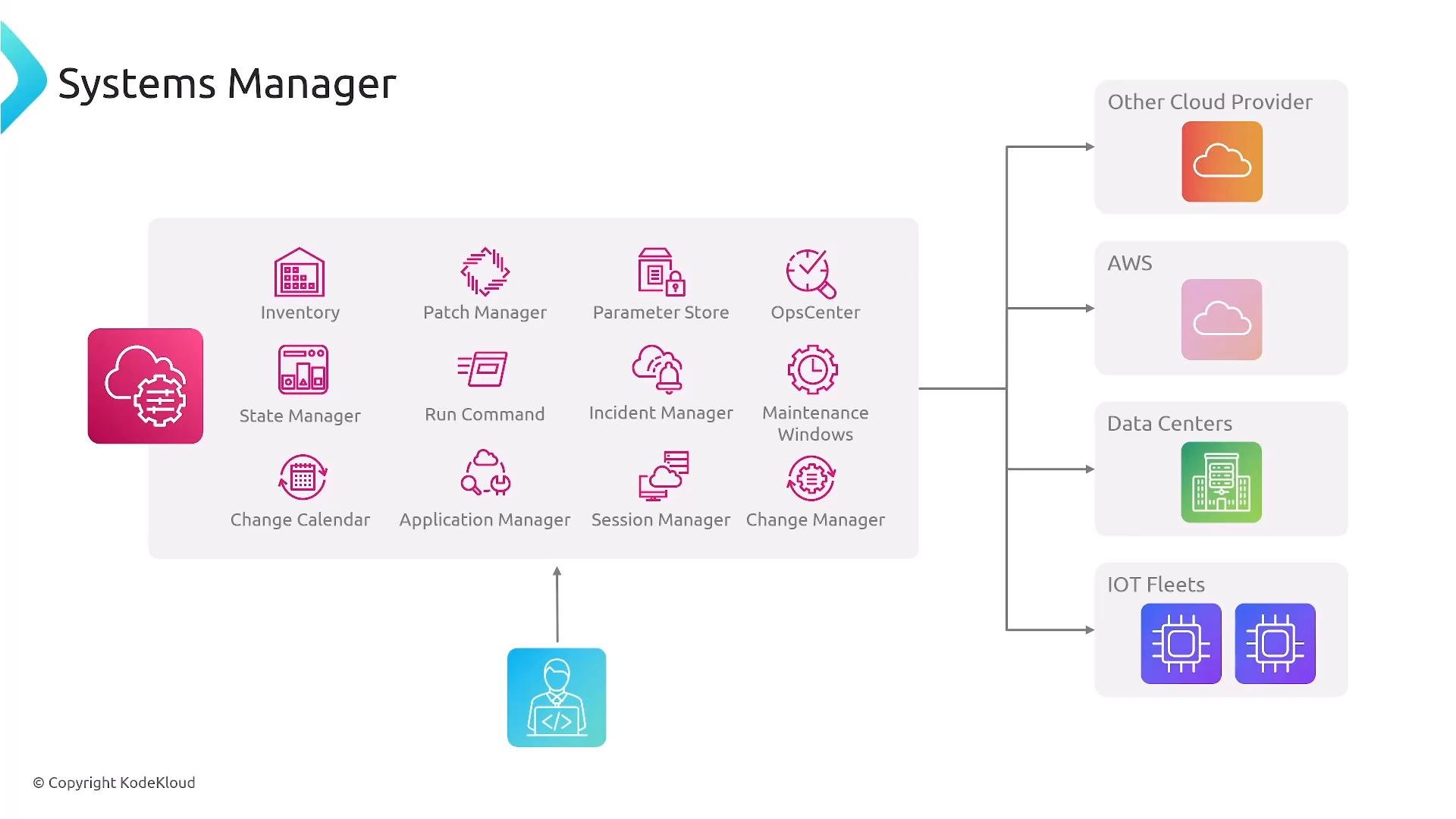
Below is a concise mapping of the primary AWS services used for configuration management, provisioning, and compliance.Systems Manager — the core configuration-management tool
AWS Systems Manager is a broad collection of capabilities for operating and maintaining fleets of instances and devices. It’s the primary service to learn for evolving running infrastructure.Focus your study on these Systems Manager components: Patch Manager, State Manager, Run Command, Parameter Store, and Session Manager — they form the basis of configuration and operational control across fleets.
Systems Manager also includes Inventory, Automation, Maintenance Windows, OpsCenter, Incident Manager, Application Manager, Change Manager, and more. These features allow you to manage infrastructure wherever the SSM Agent can run and reach AWS.
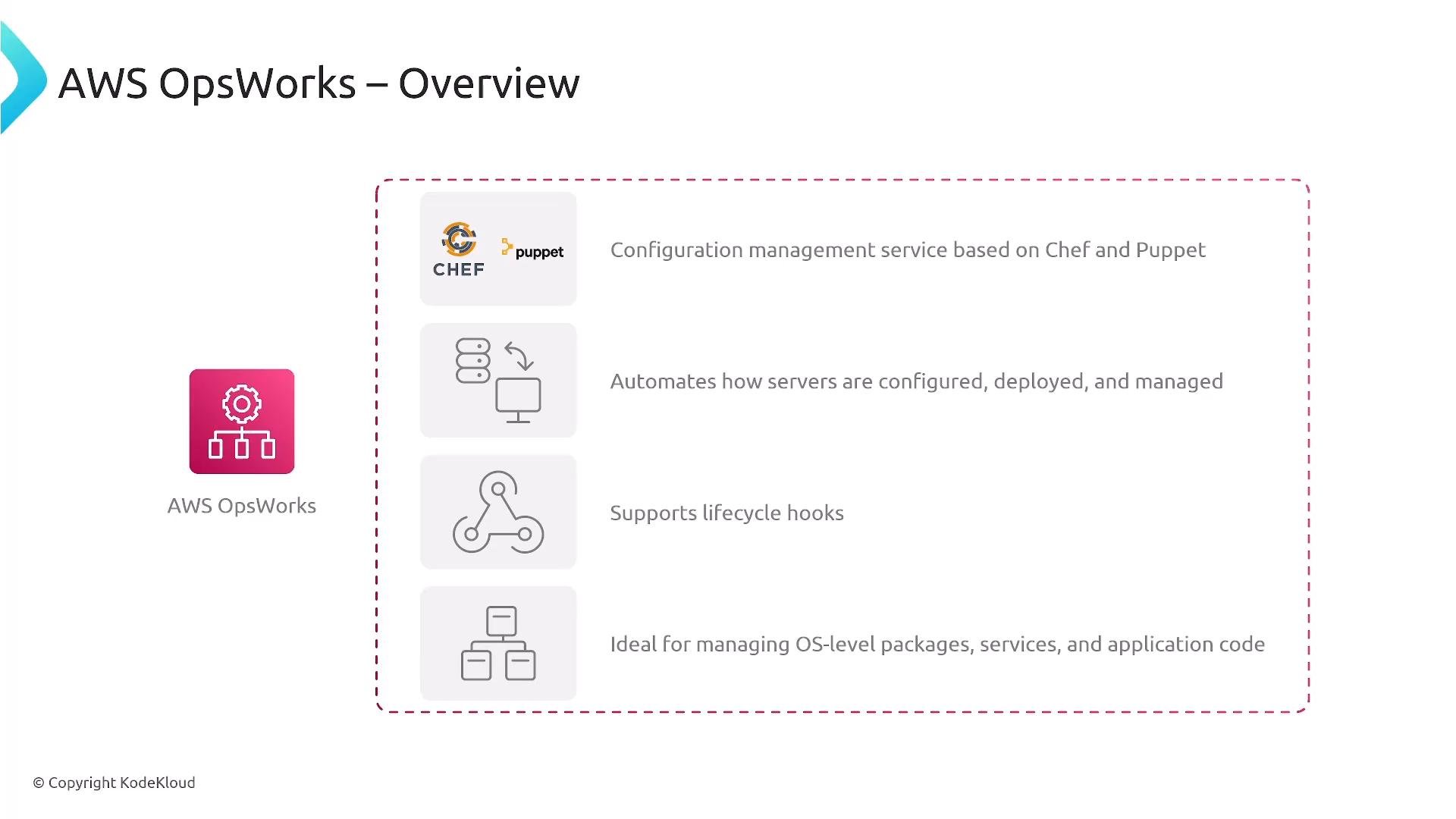
Note on OpsWorks
AWS OpsWorks is a legacy option that provided Chef and Puppet integration. It’s useful as historical context, but Systems Manager has replaced most of its use cases and is the recommended path for current projects and exams.
CloudFormation and configuration tasks
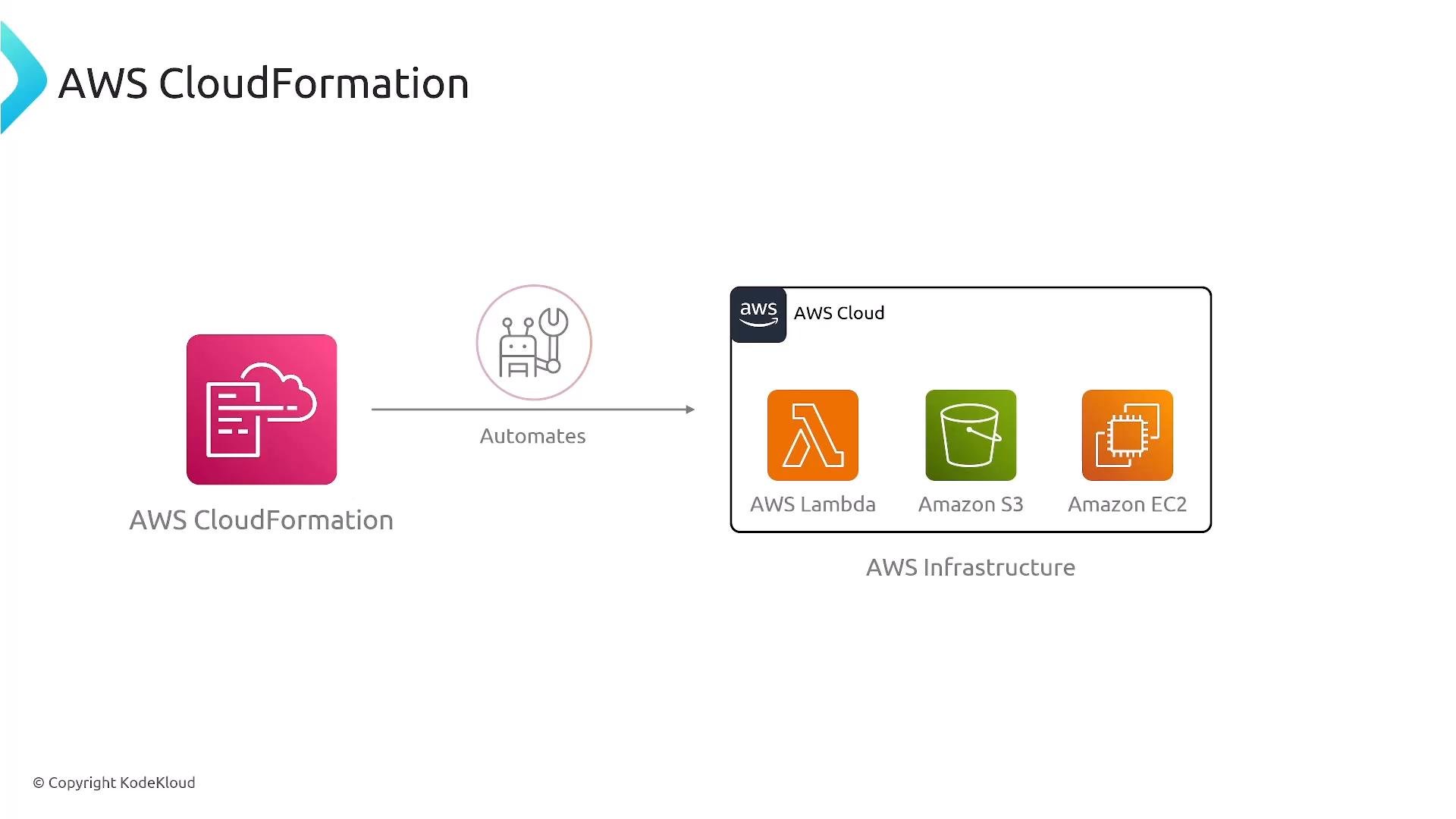
AWS CloudFormation is the standard IaC/provisioning service. Use CloudFormation templates (YAML or JSON) to keep infrastructure definitions in version control and automate stack lifecycle. While primarily used for provisioning, CloudFormation can run configuration tasks during stack creation or updates by:- Executing shell or PowerShell scripts via UserData or CloudInit
- Calling Systems Manager documents or Automation during/after provisioning
- Integrating third-party config tools (Chef, Puppet, Ansible)
AWS Config — detection, inventory, and compliance
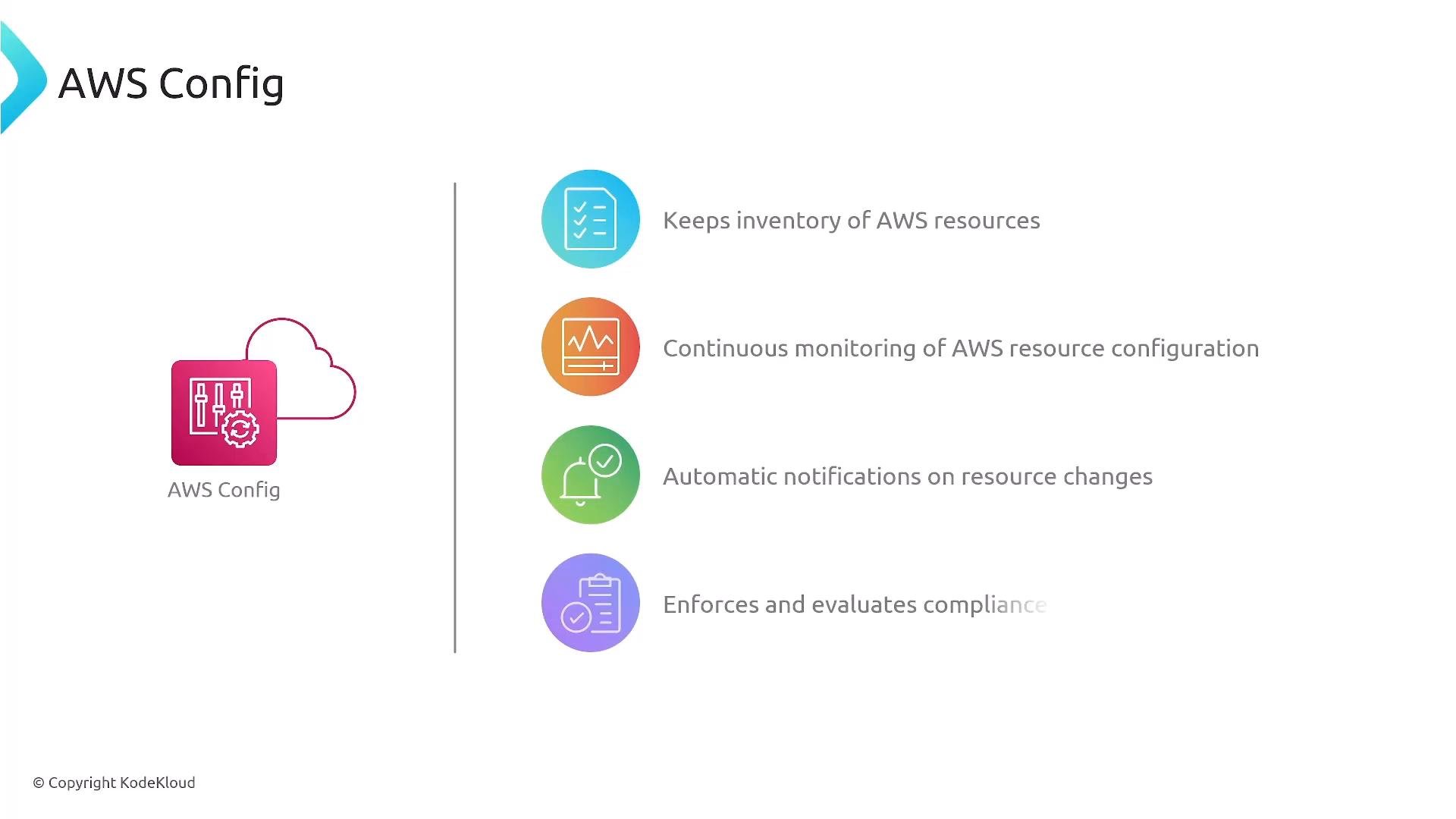
AWS Config continuously records resource configurations, takes snapshots, and evaluates resources against managed or custom rules. Config is a detection and auditing service — it detects drift and non-compliance and can trigger automated remediation workflows (for example, invoking Systems Manager Automation documents). Use AWS Config to:- Maintain an inventory of AWS resources
- Continuously monitor configuration changes
- Receive notifications for configuration changes or rule violations
- Enforce and automate compliance with remediation actions
Best practices for configuration management in AWS
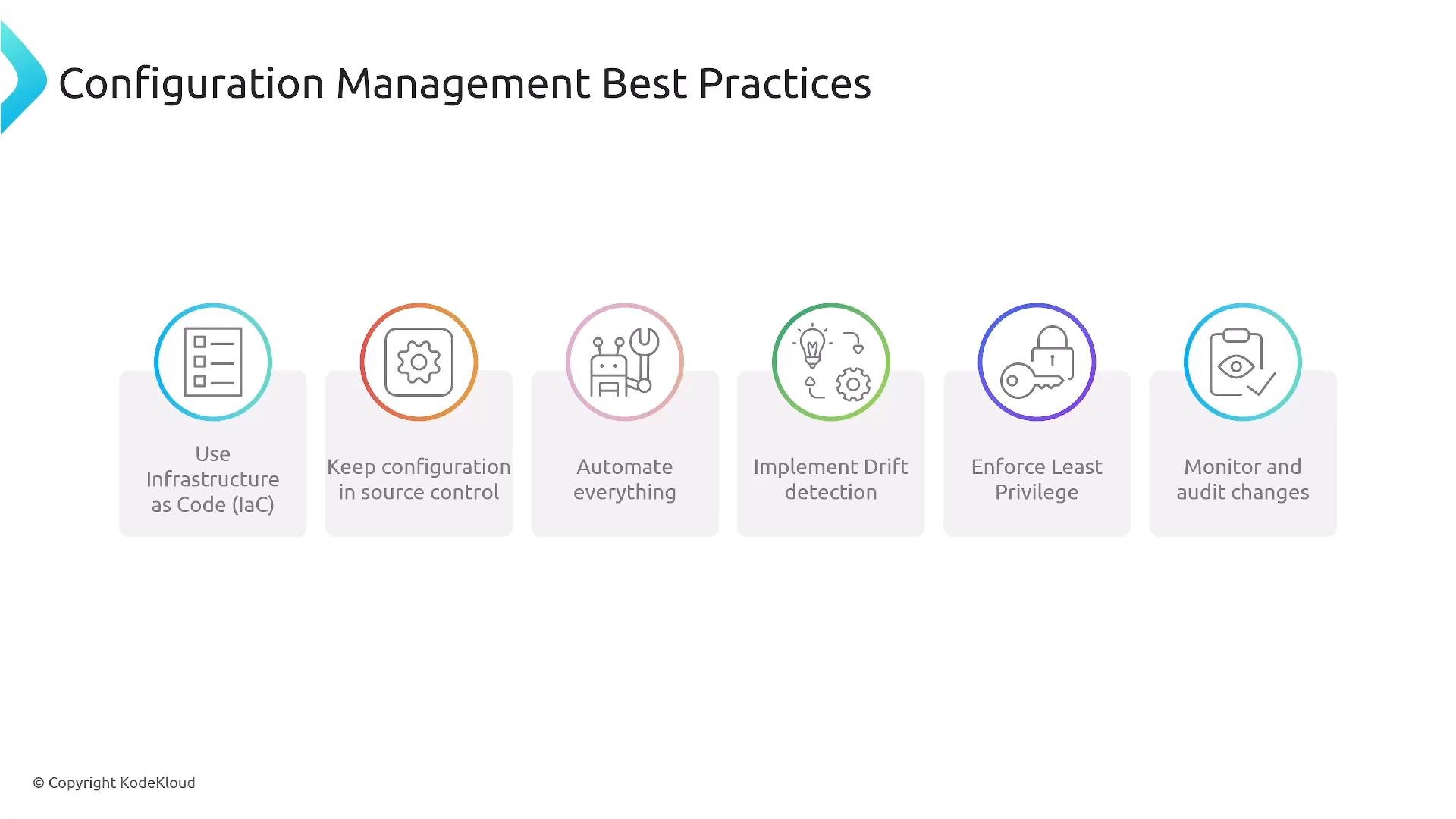
- Use Infrastructure as Code (IaC) for provisioning and store templates in version control.
- Keep non-secret configuration data in source control or Parameter Store; use AWS Secrets Manager or Parameter Store SecureString for secrets.
- Automate provisioning, patching, compliance checks, and remediation wherever possible.
- Implement drift detection and automated remediation (AWS Config + Systems Manager Automation).
- Enforce least privilege with IAM for management actions and SSM access.
- Monitor and audit changes using AWS Config, AWS CloudTrail, and centralized logging/observability.
Closing remarks
Configuration management ensures consistency, security, and compliance for running systems. For practical study and real-world work, focus on:- Systems Manager (Patch Manager, State Manager, Run Command, Parameter Store, Session Manager)
- CloudFormation (templates and provisioning workflows)
- AWS Config (continuous monitoring, recording, and remediation triggers)
Links and references
- AWS Systems Manager
- AWS CloudFormation
- AWS Config
- AWS Best Practices for Security, Identity, & Compliance