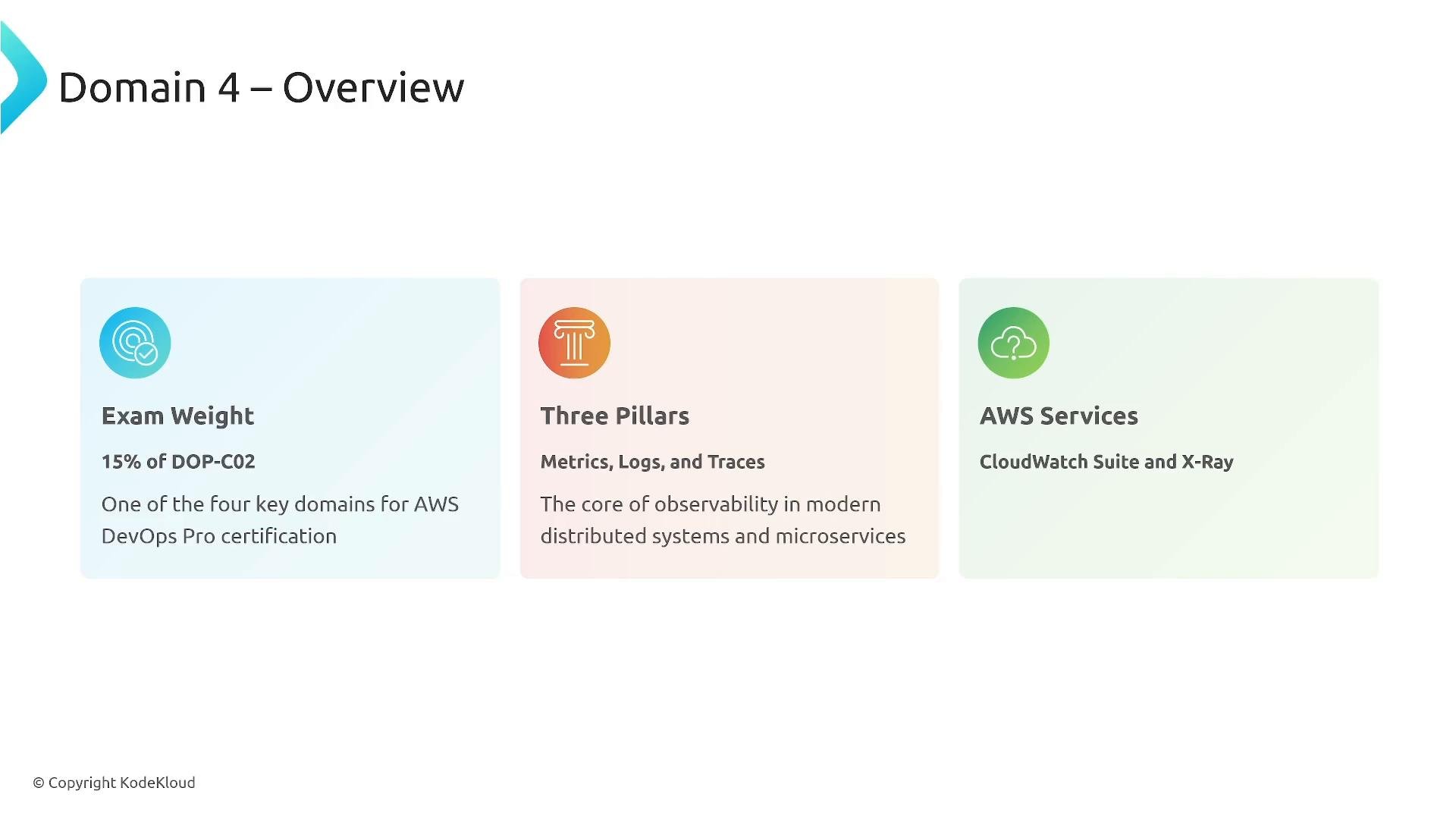
Welcome, engineers. This lesson covers Domain 4: Monitoring and Logging — an overview of why metrics, logs, and traces are the core of observability for modern distributed systems and microservices. Observability is essential for reliable production systems and is a key topic on the AWS Certified DevOps Engineer – Professional (DOP-C02) exam (≈15% of the exam weight). On AWS, the primary native tools for observability are the Amazon CloudWatch suite (Metrics, Logs, Logs Insights, Container/Lambda Insights, Alarms, Dashboards, Synthetics, ServiceLens, Application Insights) and AWS X‑Ray for distributed tracing. Additionally, the AWS Distro for OpenTelemetry (ADOT) integrates industry-standard OpenTelemetry with AWS services.
A presentation slide titled "Domain 4 – Overview" showing three colored panels: Exam Weight (15% of DOP-C02), Three Pillars (Metrics, Logs, and Traces), and AWS Services (CloudWatch Suite and X-Ray). The slide summarizes observability topics for the AWS DevOps Pro certification.
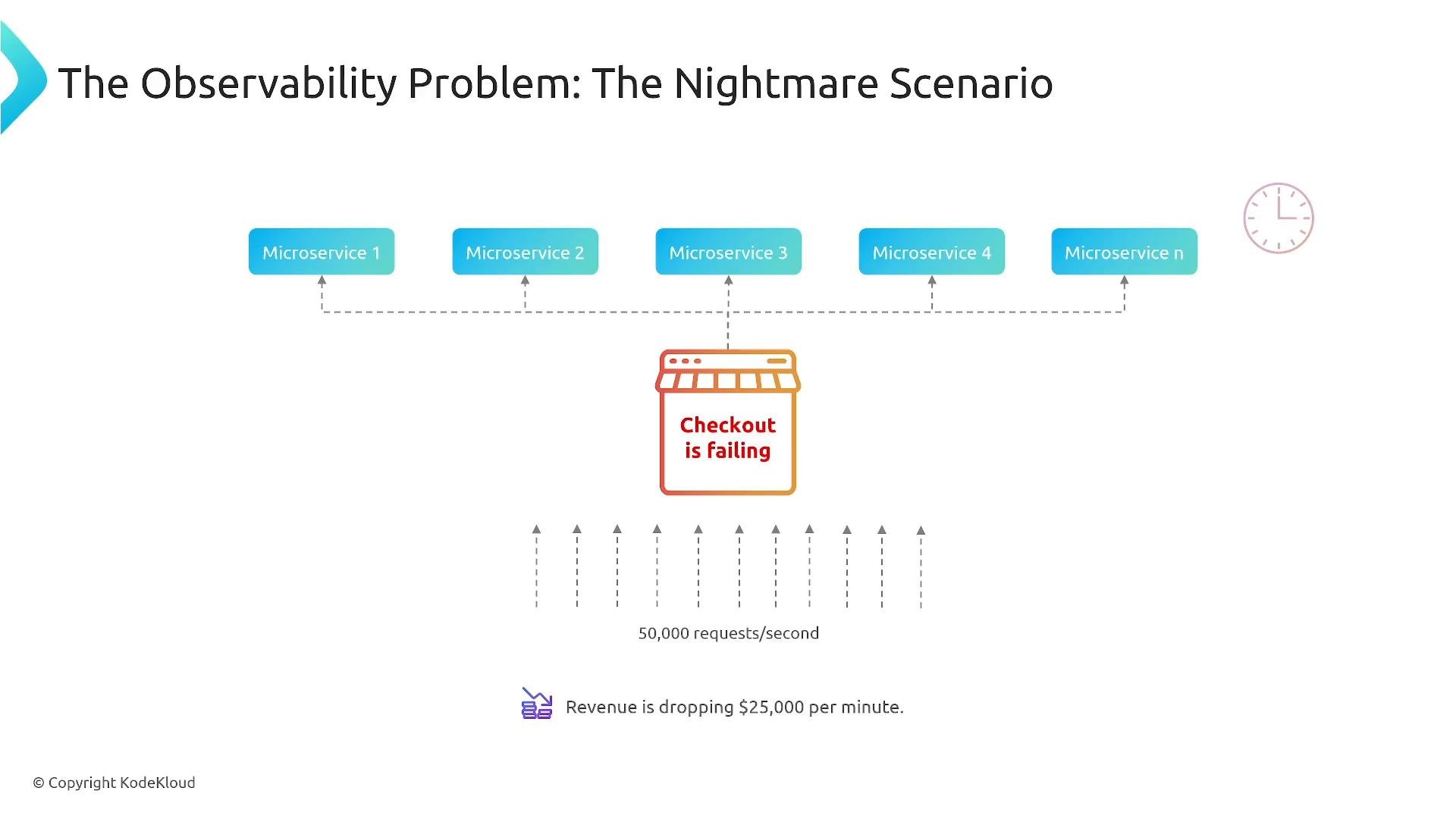
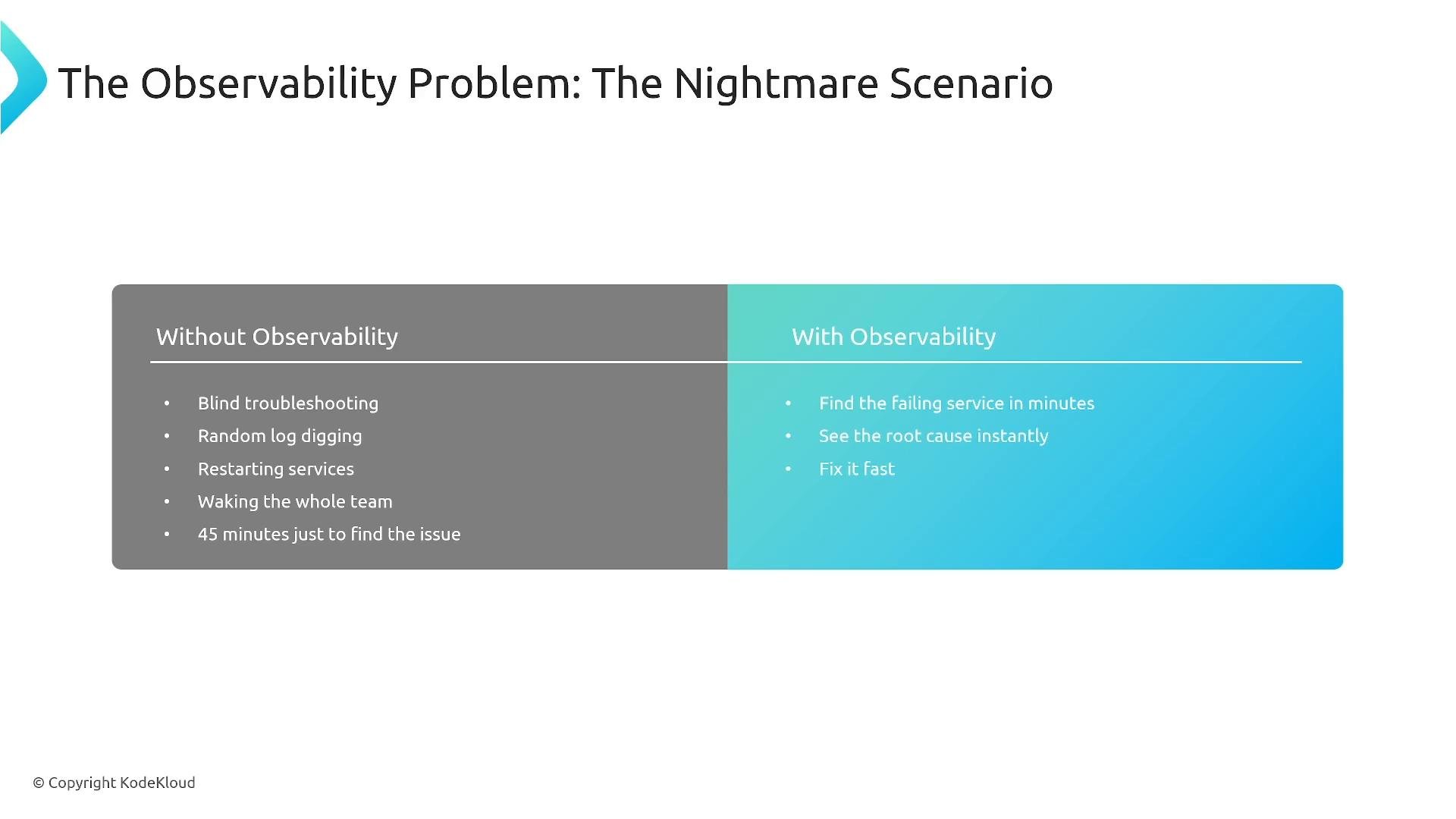
Why observability matters — the real “nightmare” scenario Imagine you’re on-call for an e‑commerce platform with 500 microservices. At 3 AM the checkout process starts failing and traffic spikes from 5,000 to 50,000 requests/sec (10x). Revenue is falling and you need to know quickly whether this is a legitimate surge, a bot attack, or a system failure. Without proper observability you’re blind: no clear metrics, no structured logs or correlation IDs, and no distributed traces. That leads to ad-hoc troubleshooting (SSH, random restarts, waking people) and a long mean time to resolution (MTTR). With good observability you can identify the failing service within minutes, find the root cause, and restore service quickly — saving revenue and customer trust.
A slide diagram titled "The Observability Problem: The Nightmare Scenario" showing several microservices feeding into a central checkout service that is failing. It notes about 50,000 requests/second and a revenue loss of $25,000 per minute.
A presentation slide titled "The Observability Problem: The Nightmare Scenario" showing a split comparison: a gray panel listing problems "Without Observability" (blind troubleshooting, random log digging, restarting services, waking the team, long time to find issues) and a blue panel listing benefits "With Observability" (find the failing service in minutes, see root cause instantly, fix it fast).
The Three Pillars — what each provides
  • Metrics: tell you WHAT is happening (time-series numeric signals).
  • Logs: explain WHY it’s happening (diagnostic messages, state changes).
  • Traces: show WHERE it happens (end-to-end request flow across services).
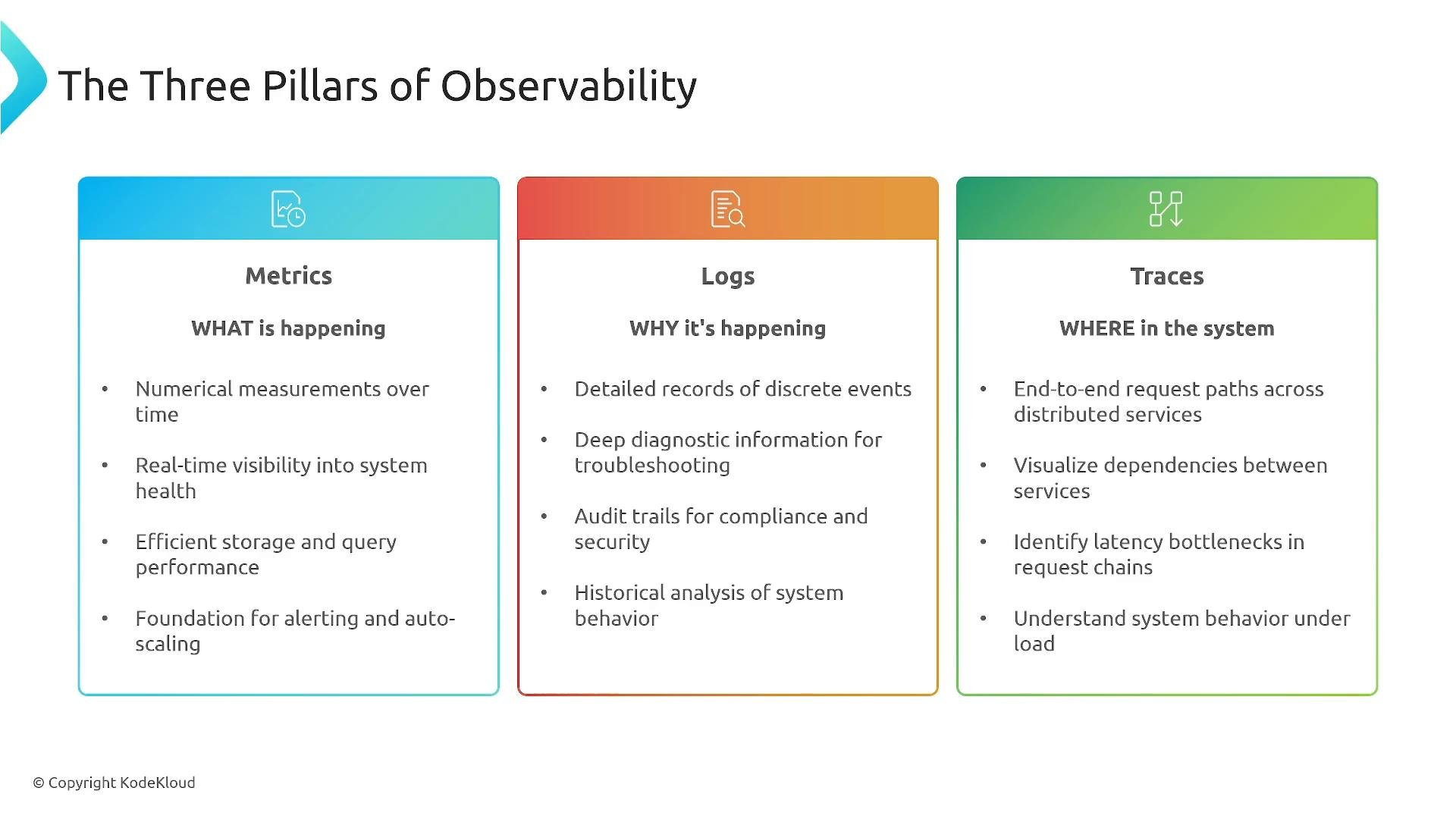
Dashboards, alerting, and event-correlation tooling sit on top of these pillars to give operators actionable context.
A slide titled "The Three Pillars of Observability" showing three colored panels labeled Metrics (WHAT is happening), Logs (WHY it's happening), and Traces (WHERE in the system) with brief bullet points describing each. The panels summarize measurements, diagnostic logs, and distributed request tracing for system monitoring.
Metrics — best practices and common categories
  • Definition: numerical time-series collected at fixed intervals (counts, sums, gauges, histograms).
  • Decide sampling frequency and dimensionality based on business needs — high-frequency trading needs finer granularity than a typical SaaS app.
  • Keep metrics lightweight and aggregated where possible to reduce cost and cardinality issues.
  • Typical metric categories:
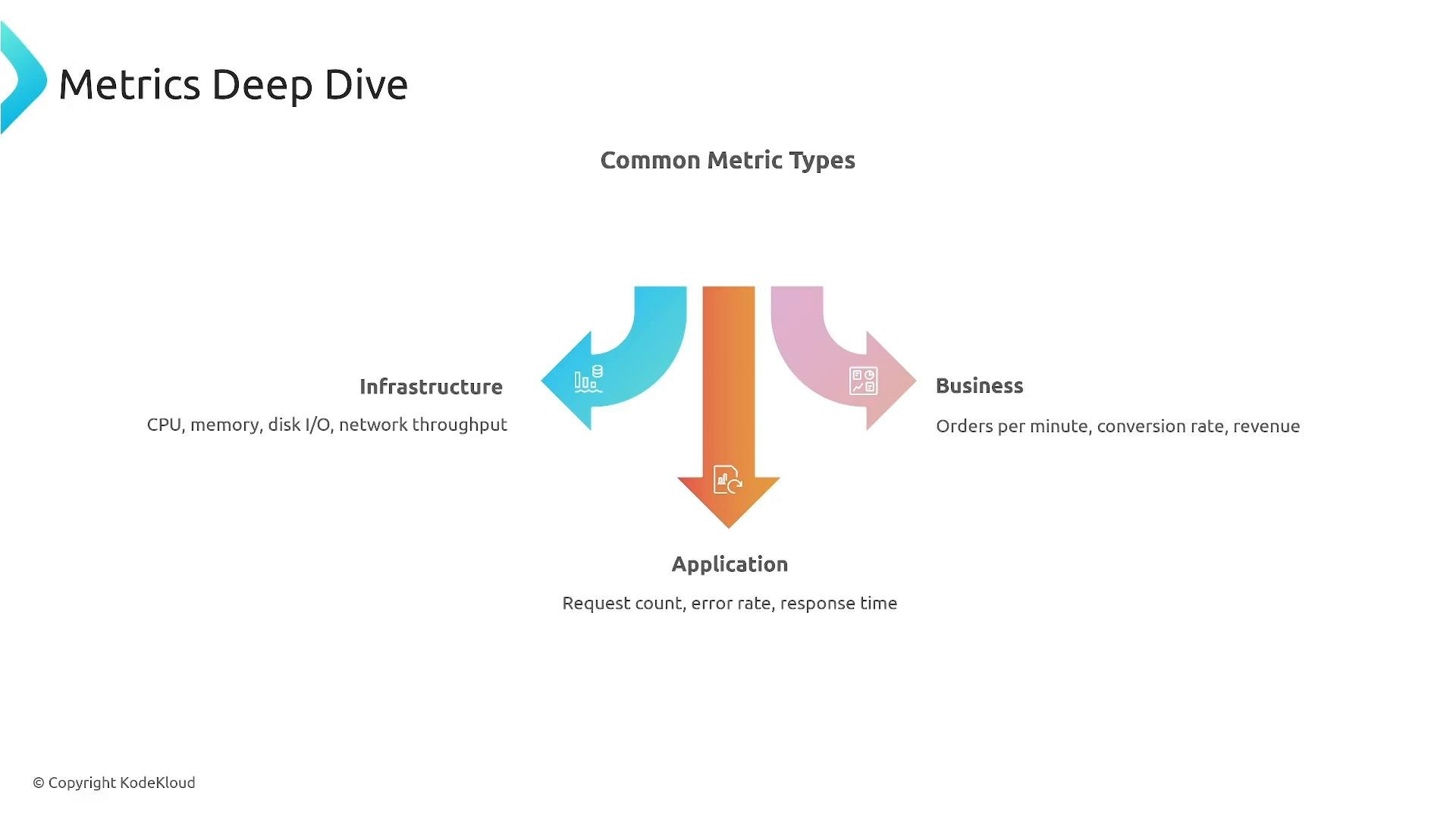
    • Infrastructure: CPU, memory, disk I/O, network throughput
    • Application: request count, error rate, response time (p95/p99)
    • Business: orders per minute, conversion rate, revenue
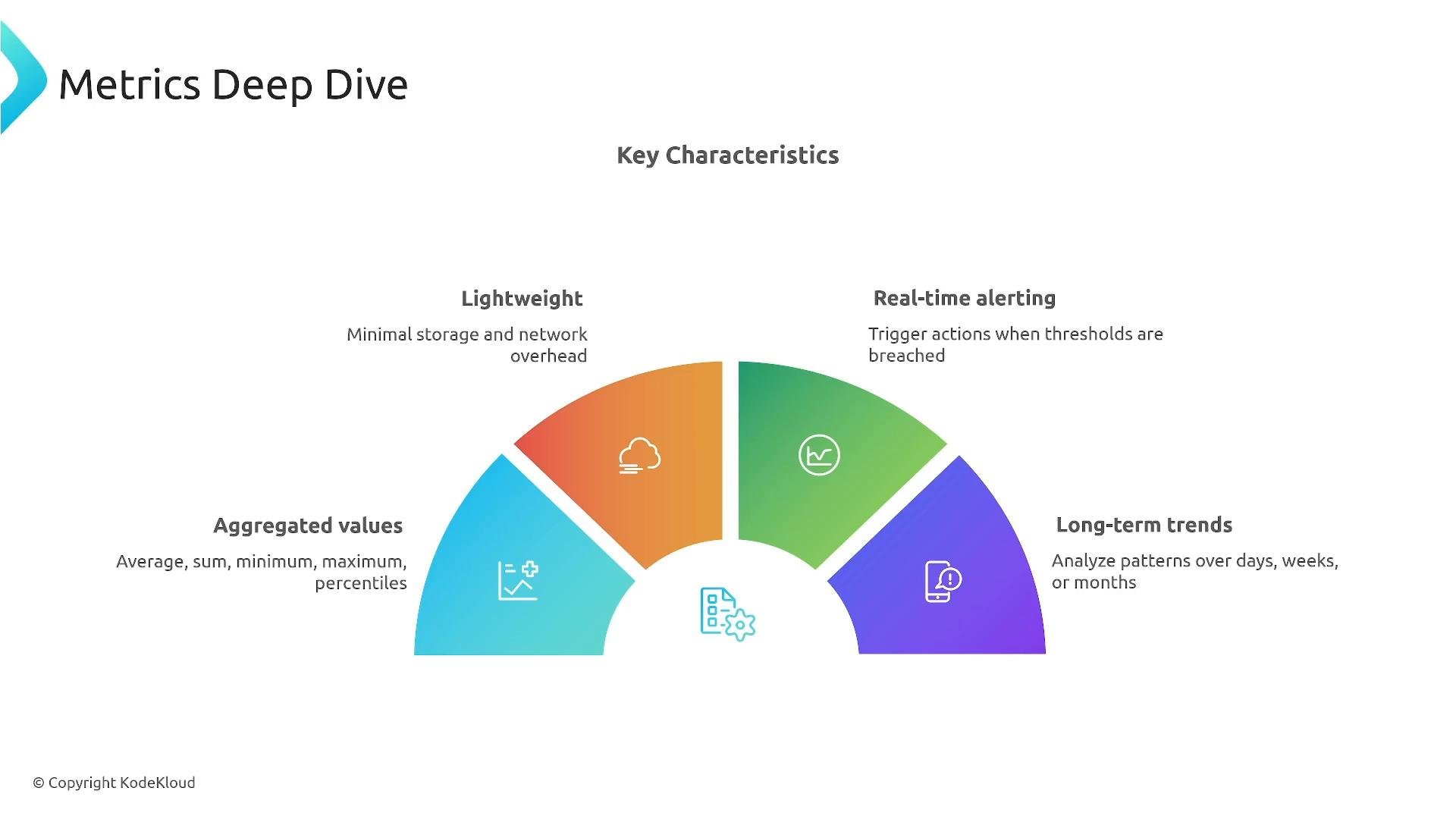
CloudWatch supports up to 10 dimensions per metric — avoid exploding cardinality by choosing dimensions carefully.
A presentation slide titled "Metrics Deep Dive" featuring a colorful semicircular infographic of key characteristics. The chart highlights "Aggregated values," "Lightweight," "Real-time alerting," and "Long-term trends" with icons and brief descriptions.
A presentation slide titled "Metrics Deep Dive" showing "Common Metric Types" with three colored arrows for Infrastructure (CPU, memory, disk I/O, network throughput), Business (orders per minute, conversion rate, revenue), and Application (request count, error rate, response time). The arrows visually group the metric categories.
Metrics examples (quick reference) Logs — structured logging, retention, and querying
  • Unstructured logs are free text and harder to analyze; structured logs (JSON) are easier to query, index, and correlate.
  • Include correlation IDs in logs to connect traces and log entries across services.
  • Use sensible retention and sampling strategies; you can tier data (hot/warm/cold) to balance cost and compliance.
  • In CloudWatch, organize logs into Log Groups (per application/service) and Log Streams (sequence of log events). Use CloudWatch Logs Insights for fast, ad-hoc queries.
  • Consider streaming logs to S3 for long-term archival and analytical processing.
Prefer structured logging (JSON) from day one. It saves time and cost later when you need to query, correlate, or archive logs.
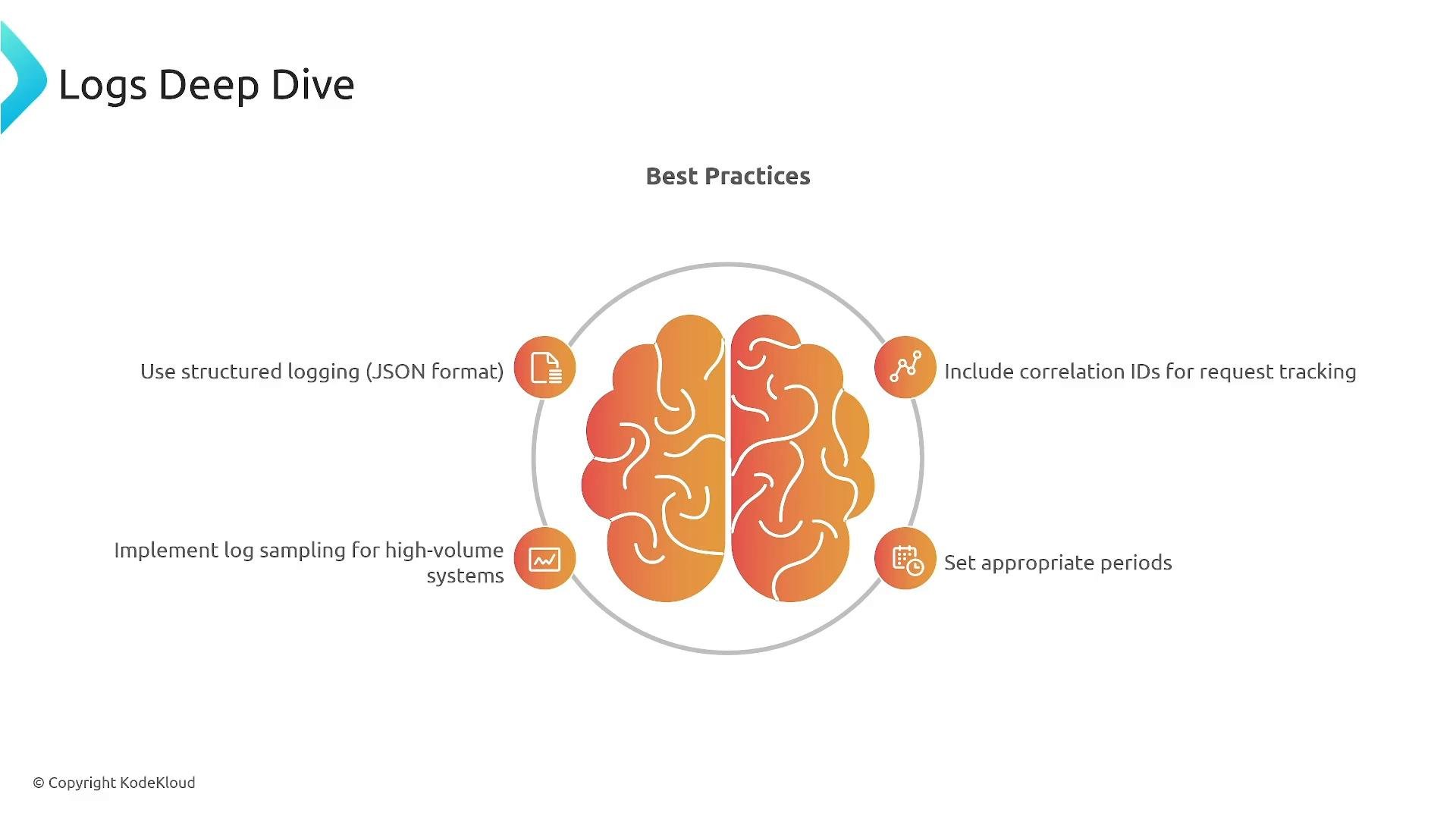
A presentation slide titled "Logs Deep Dive" with a central stylized brain graphic under "Best Practices" and four logging tips around it. The tips read: use structured logging (JSON), include correlation IDs for request tracking, implement log sampling for high‑volume systems, and set appropriate periods.
Traces — distributed request visibility and service maps
  • Tracing captures the full lifecycle of a request across services and resources (API Gateway → service → DB → downstream).
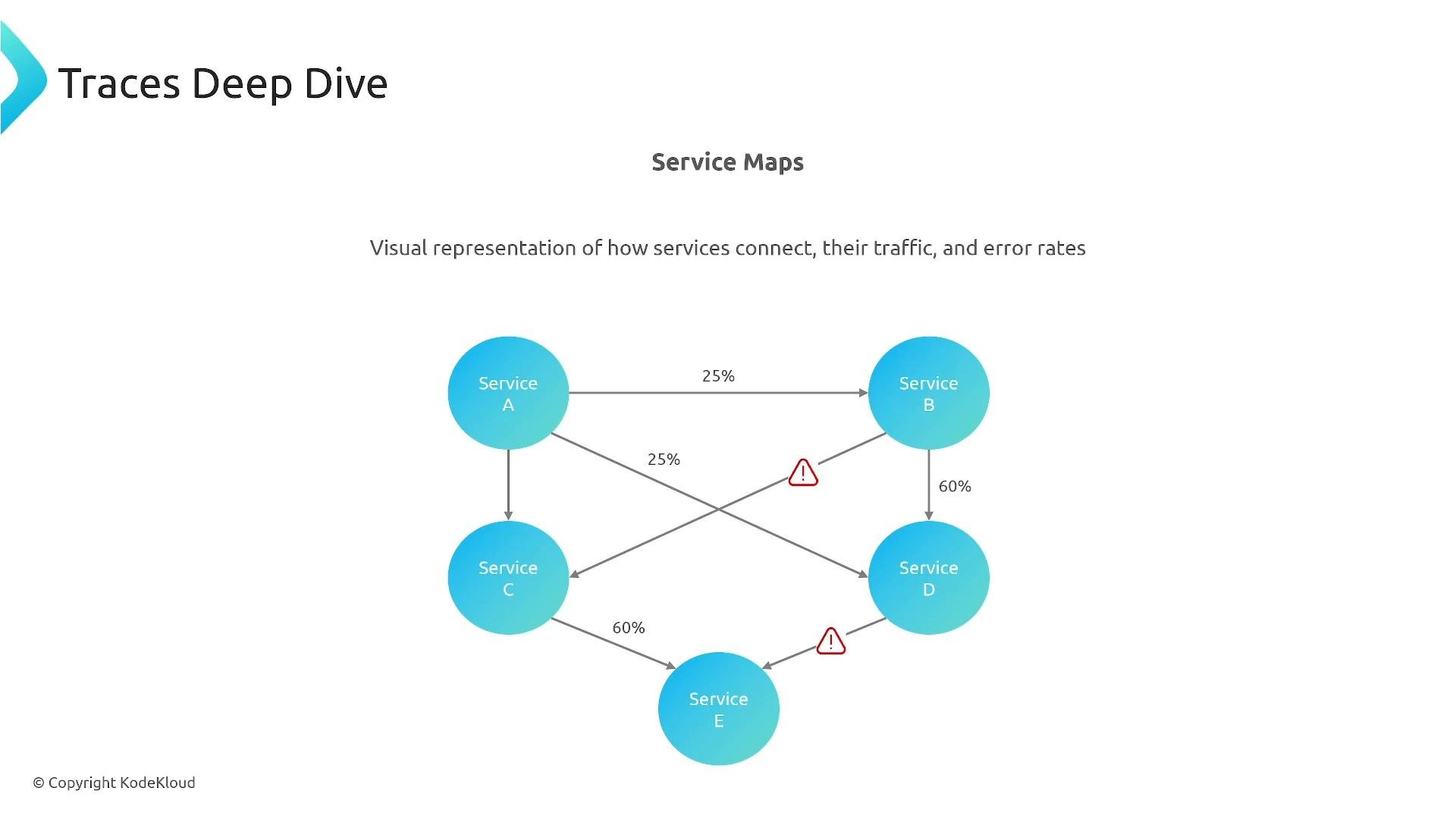
  • Distributed tracing reveals which component adds latency or fails and visualizes dependencies with timing breakdowns.
  • AWS X‑Ray provides service maps, traces, annotations, and metadata. You can add custom annotations and metadata for richer context.
  • OpenTelemetry is the industry standard for telemetry; use the AWS Distro for OpenTelemetry (ADOT) to export telemetry to CloudWatch, X‑Ray, or third-party systems.
  • For AWS exam and operating in AWS, prioritize understanding X‑Ray and ADOT integration.
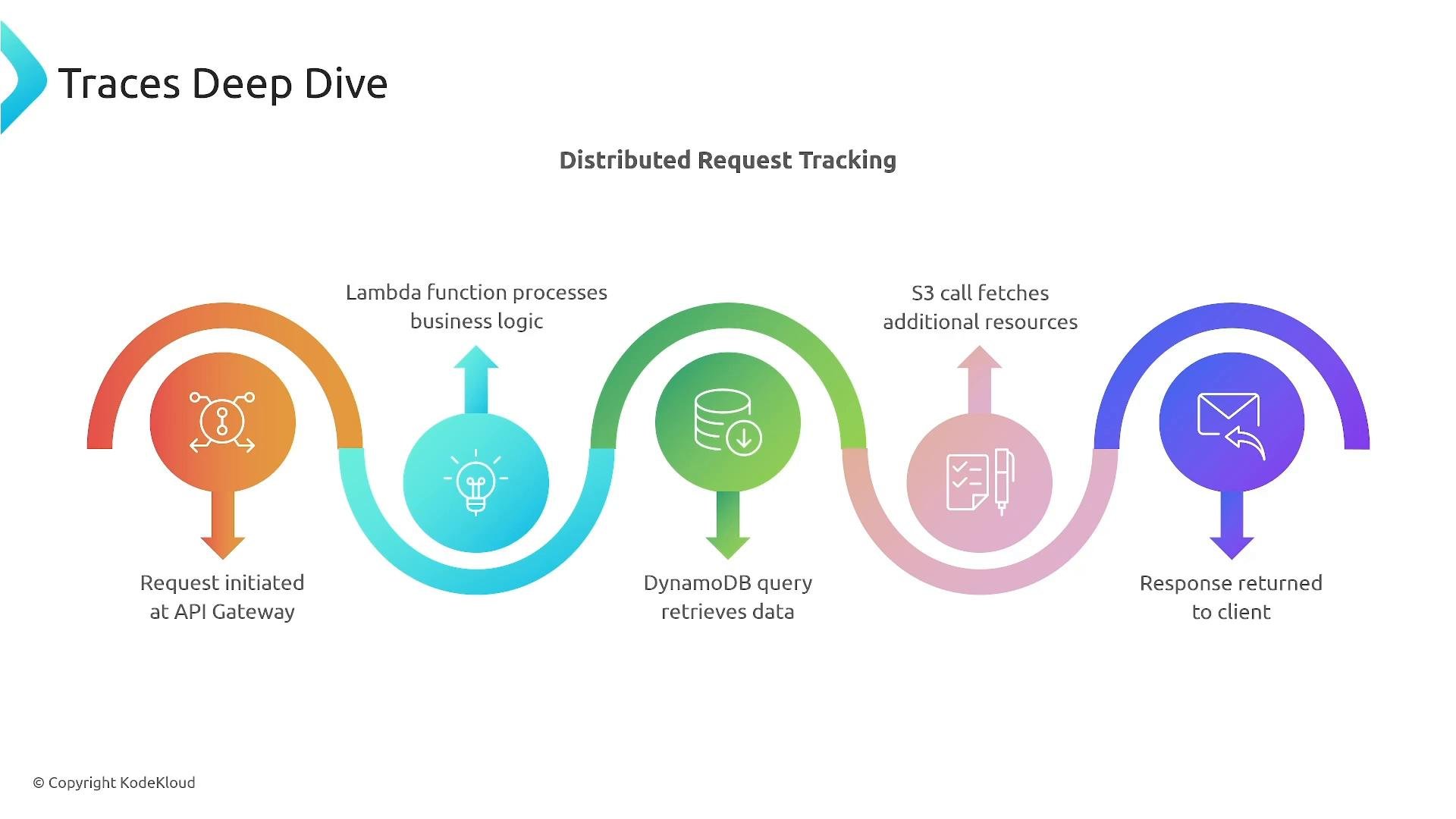
A colorful infographic titled "Traces Deep Dive" that diagrams distributed request tracking from API Gateway -> Lambda (business logic) -> DynamoDB query -> S3 fetch -> response returned to client. Each step is shown with a circular icon, arrows, and short labels.
A slide titled "Traces Deep Dive" showing a service map diagram of interconnected services (Service A, B, C, D, E) with arrows, traffic percentages, and warning icons marking errors. The caption notes it's a visual representation of how services connect, their traffic, and error rates.
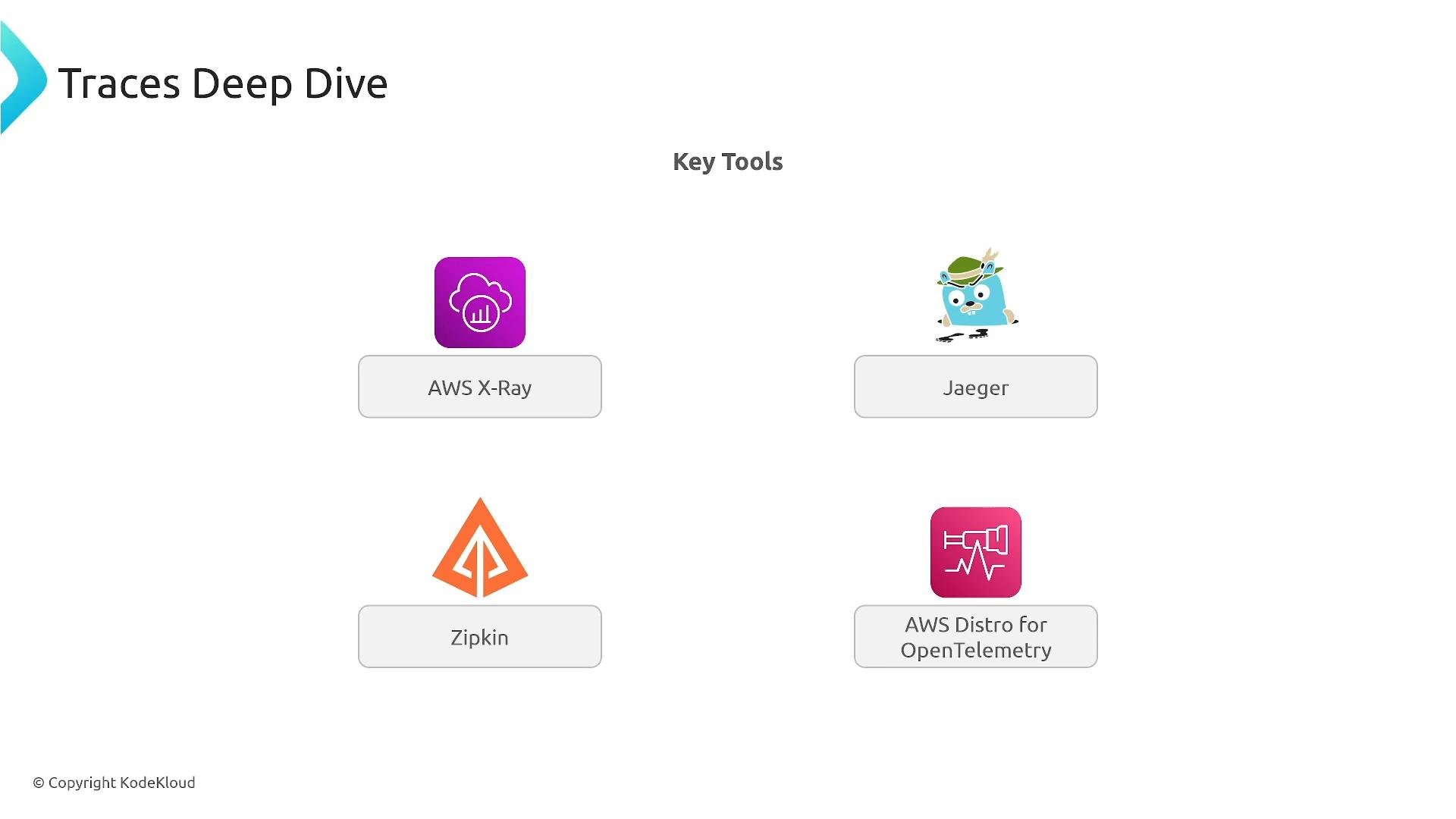
Third‑party tracing tools (Jaeger, Zipkin) exist, but for AWS-specific operations and the exam focus on X‑Ray/ADOT.
A slide titled "Traces Deep Dive" listing key tracing tools with icons and labels, including AWS X‑Ray, Jaeger, Zipkin, and AWS Distro for OpenTelemetry.
How metrics, logs, and traces work together — a troubleshooting pattern
  1. Metric alarm fires (e.g., connection timeouts > 5% for 2 minutes).
  2. Use CloudWatch Logs Insights to search logs for correlated error messages.
  3. Inspect X‑Ray traces to identify which database calls or connection pools are causing timeouts.
  4. Root cause example: application fails to close DB connections in error path → fix: code change or add a managed pooling layer (RDS Proxy).
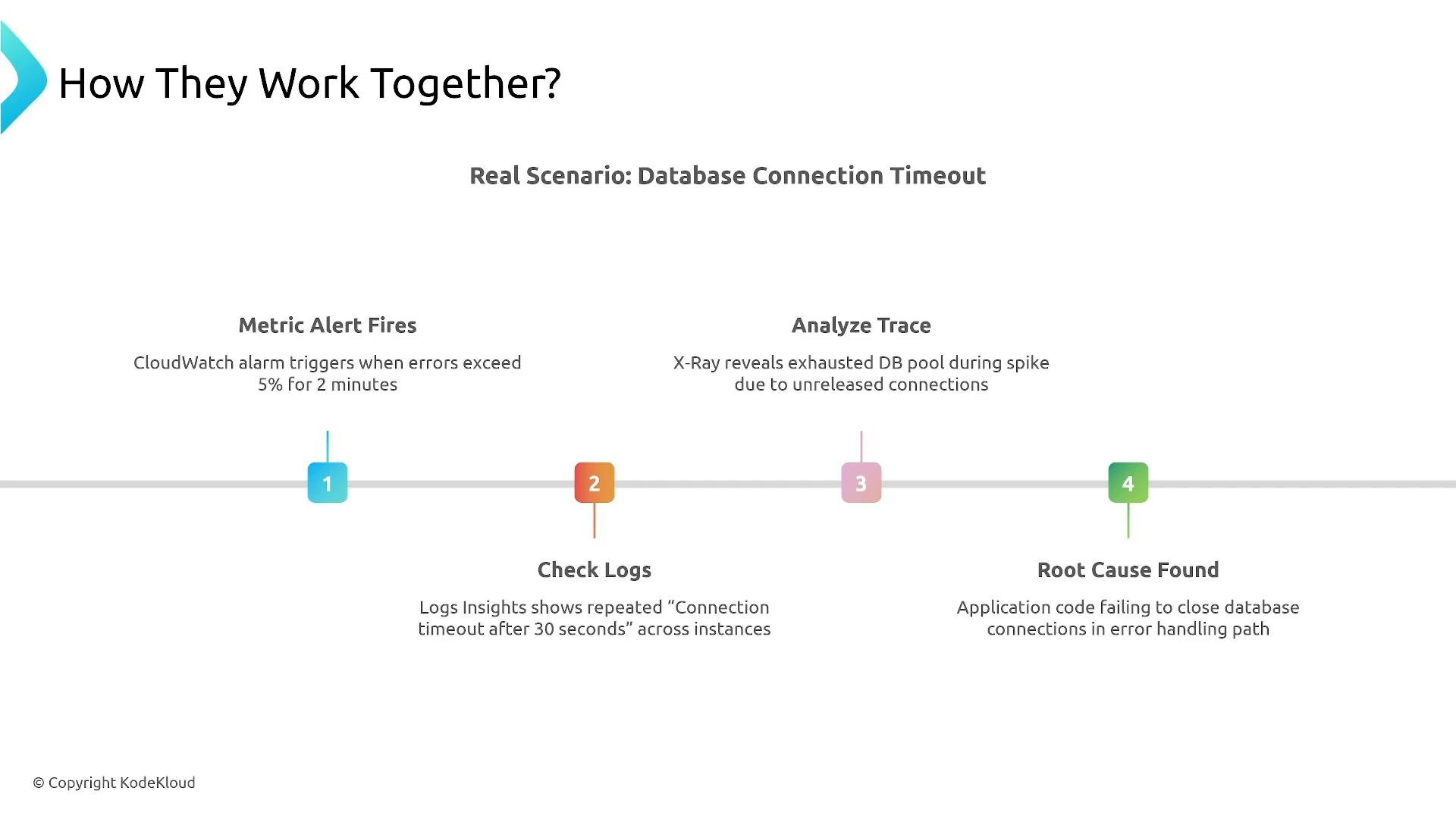
Metric first → logs to diagnose → traces to pinpoint. In some cases logs alone suffice; in distributed or intermittent problems traces are invaluable.
A presentation slide titled "How They Work Together? — Real Scenario: Database Connection Timeout" showing a horizontal timeline with four steps: Metric Alert Fires, Check Logs, Analyze Trace, and Root Cause Found, each with a brief explanation of that troubleshooting action.
AWS services mapping (quick reference)
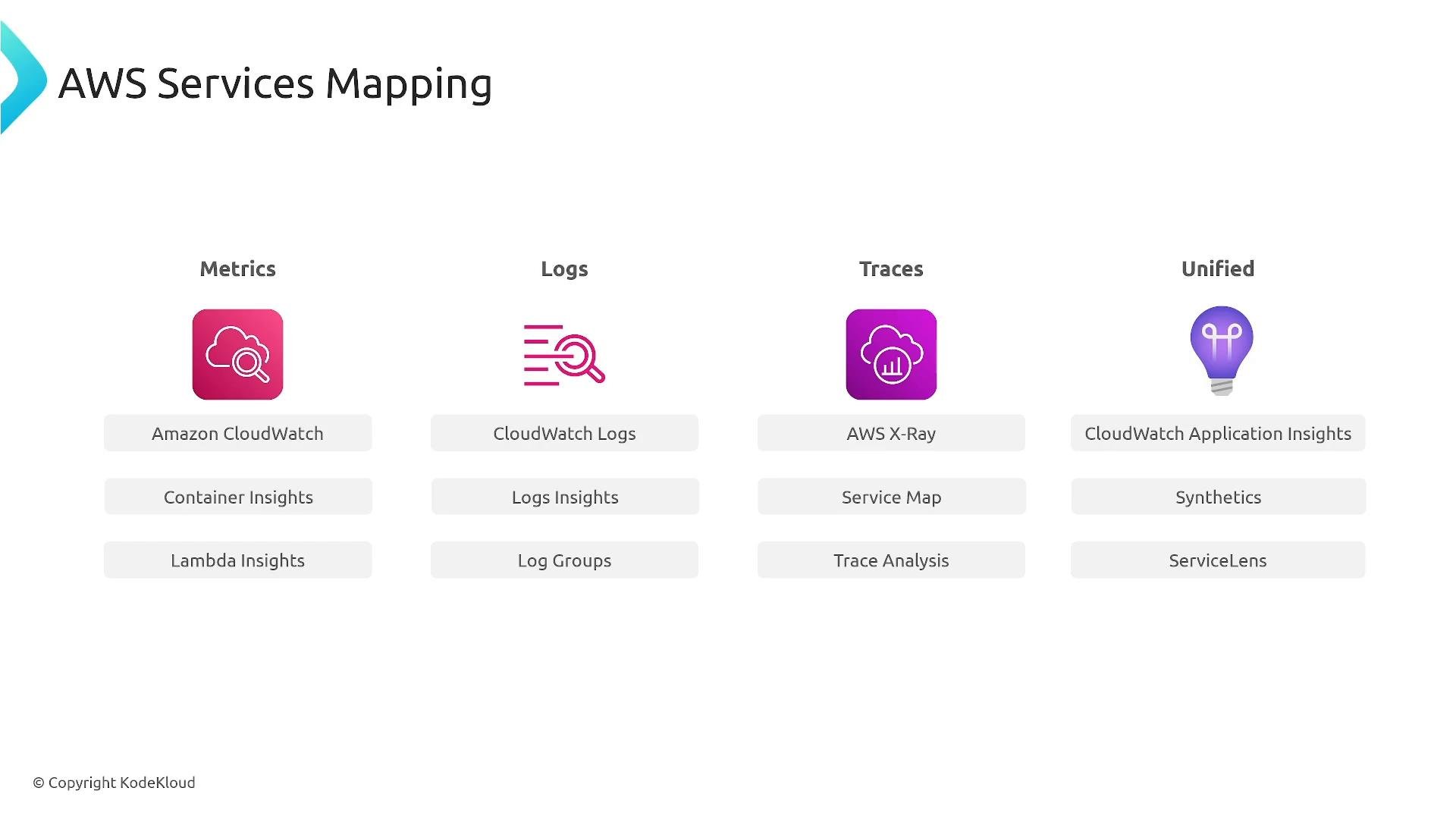
A slide titled "AWS Services Mapping" showing four columns—Metrics, Logs, Traces, and Unified—with icons for AWS monitoring tools. Each column lists related services and features like Amazon CloudWatch (Container/Lambda Insights), CloudWatch Logs (Logs Insights, Log Groups), AWS X-Ray (Service Map, Trace Analysis), and CloudWatch Application Insights (Synthetics, ServiceLens).
Real-world exam scenarios and recommended solutions
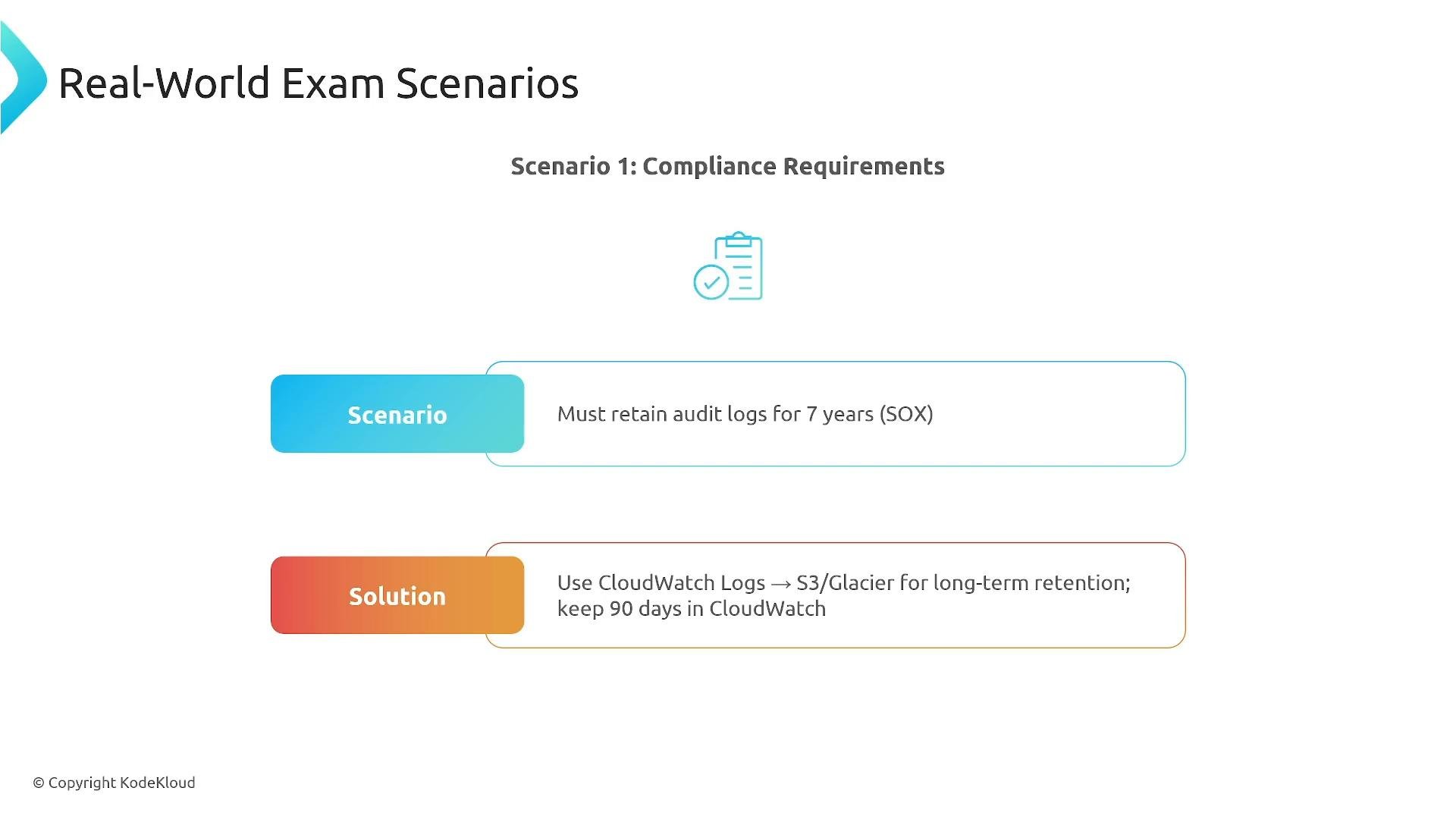
  • Compliance (long-term retention): Archive CloudWatch Logs to S3/Glacier for long retention (e.g., 7 years for SOX) while keeping a shorter retention in CloudWatch (e.g., 90 days) for fast access.
A presentation slide titled "Real-World Exam Scenarios — Scenario 1: Compliance Requirements" describing a requirement to retain audit logs for 7 years (SOX). The proposed solution notes using CloudWatch Logs archived to S3/Glacier for long-term retention while keeping 90 days in CloudWatch.
  • Cost optimization at scale: For very large log volumes (e.g., 10 TB/day) use sampling and filtering at the source, send errors and important events to CloudWatch for alerts, and stream bulk INFO debug logs to S3 for cheaper batch processing.
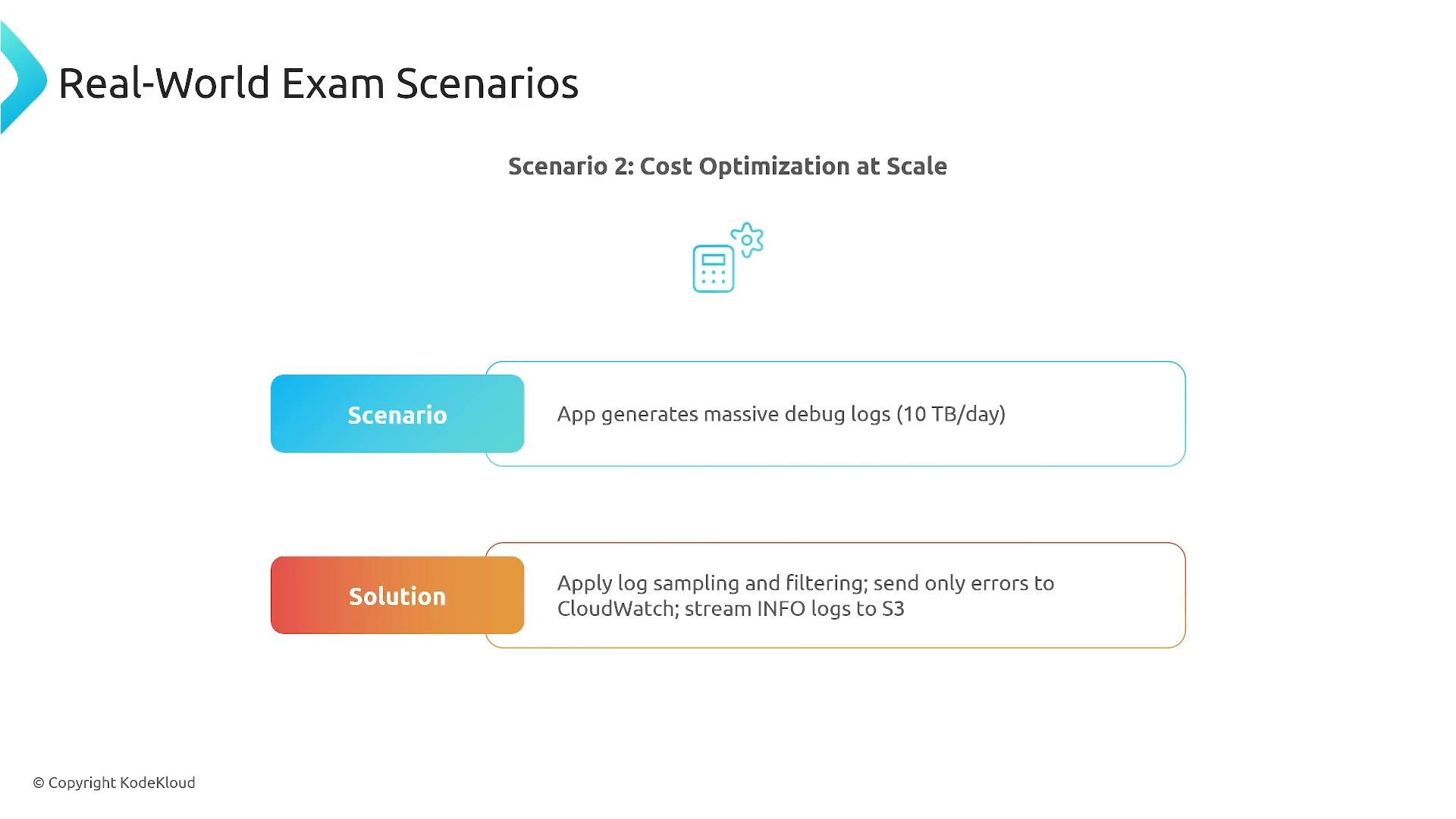
A presentation slide titled "Real-World Exam Scenarios — Scenario 2: Cost Optimization at Scale." It describes an app generating massive debug logs (10 TB/day) and recommends log sampling/filtering, sending errors to CloudWatch and streaming INFO logs to S3.
  • Multi-account aggregation: Use centralized logging patterns — cross-account CloudWatch dashboards, centralized logging accounts, or Control Tower/landing zone patterns — to build a single monitoring view across many accounts.
  • Real-time vs batch analytics: Stream logs to Lambda (near real-time processing and alerting) and, in parallel, store logs in S3 and query with Athena/Glue for historical analytics and compliance reporting.
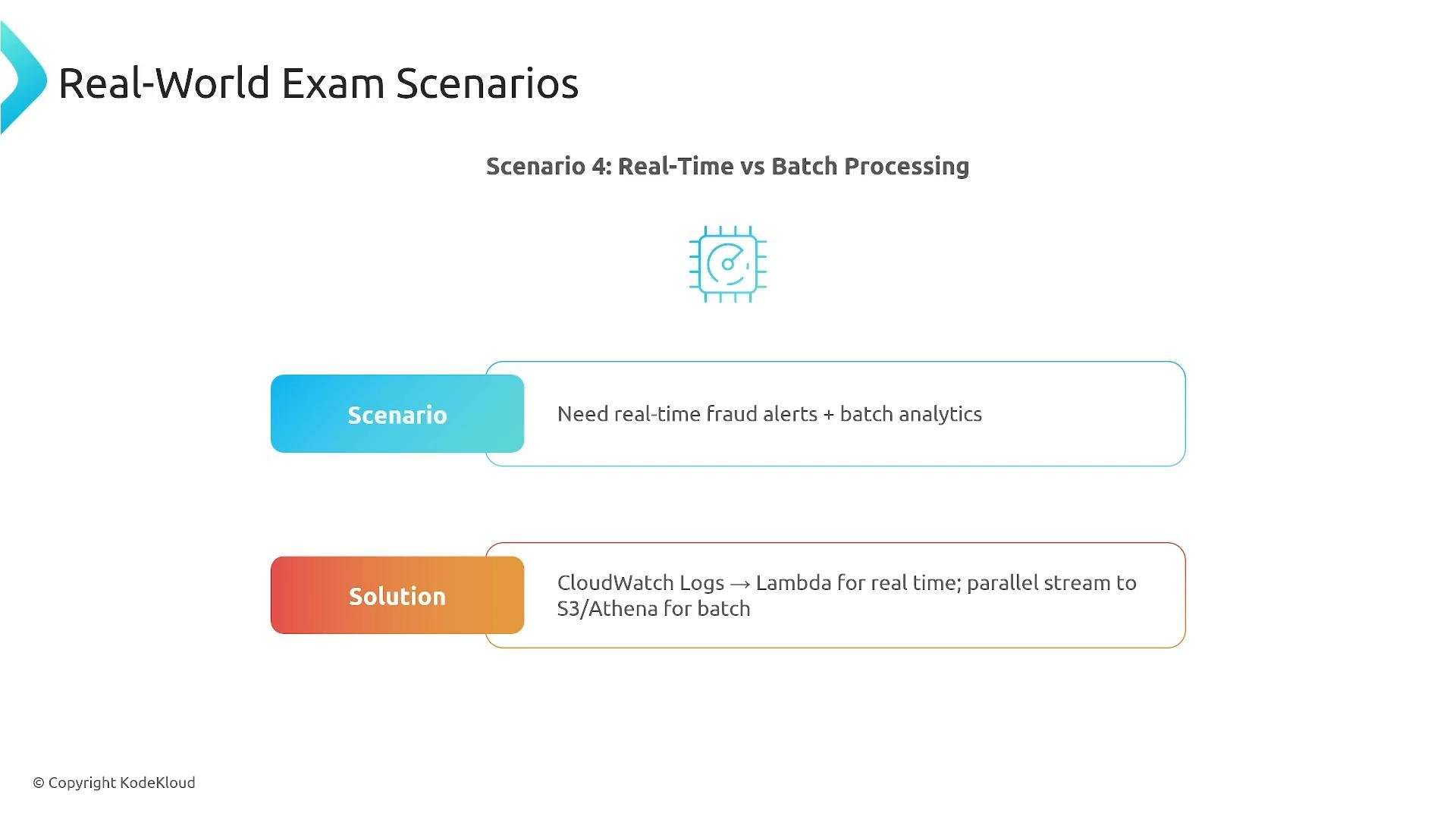
A presentation slide titled "Real-World Exam Scenarios — Scenario 4: Real-Time vs Batch Processing." It notes the need for real-time fraud alerts plus batch analytics and proposes CloudWatch Logs → Lambda for real-time with a parallel stream to S3/Athena for batch.
Common exam traps and anti-patterns
  • Multiple subscription filters per log group: subscription filters forward logs to a destination. If you need multiple targets, implement a fan-out layer (e.g., Kinesis Data Streams/Firehose or a Lambda multiplexer) to distribute events.
  • Storing everything forever: unlimited retention is expensive. Implement lifecycle rules and tiering (hot/warm/cold) to control costs.
  • No structured logging: unstructured text logs make correlation and analytics difficult. Use JSON or a defined schema with correlation IDs.
  • Tracing everything: full tracing for every request can create cost and noise. Use adaptive sampling and enable full tracing selectively.
Avoid unbounded retention and high-cardinality metrics. Both lead to runaway costs and slow queries — plan retention policies and dimension strategies early.
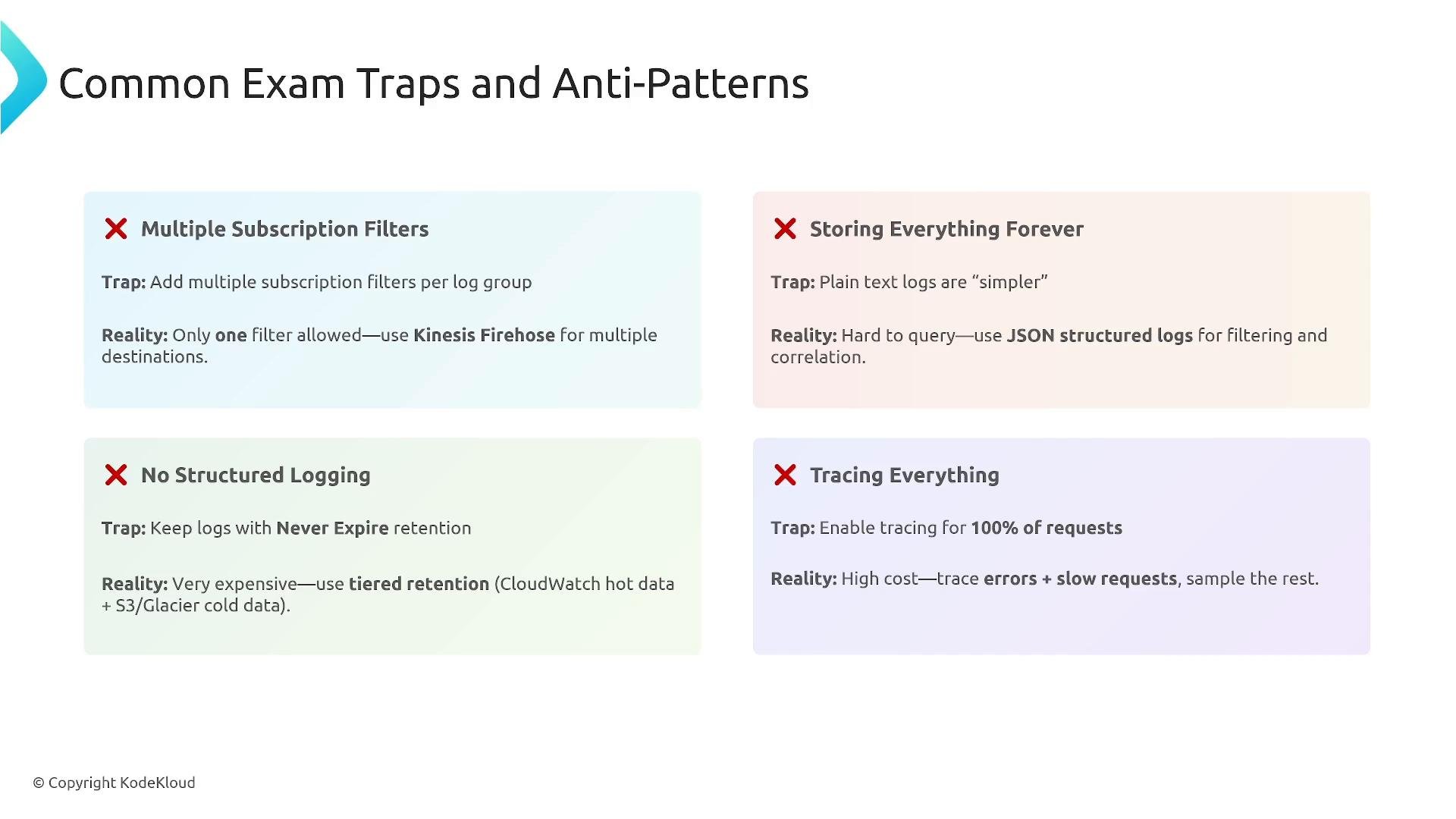
A presentation slide titled "Common Exam Traps and Anti-Patterns" showing four colored panels that warn about logging/tracing mistakes (Multiple Subscription Filters, Storing Everything Forever, No Structured Logging, Tracing Everything) with brief "Trap" and "Reality" guidance for each. The slide is branded © KodeKloud.
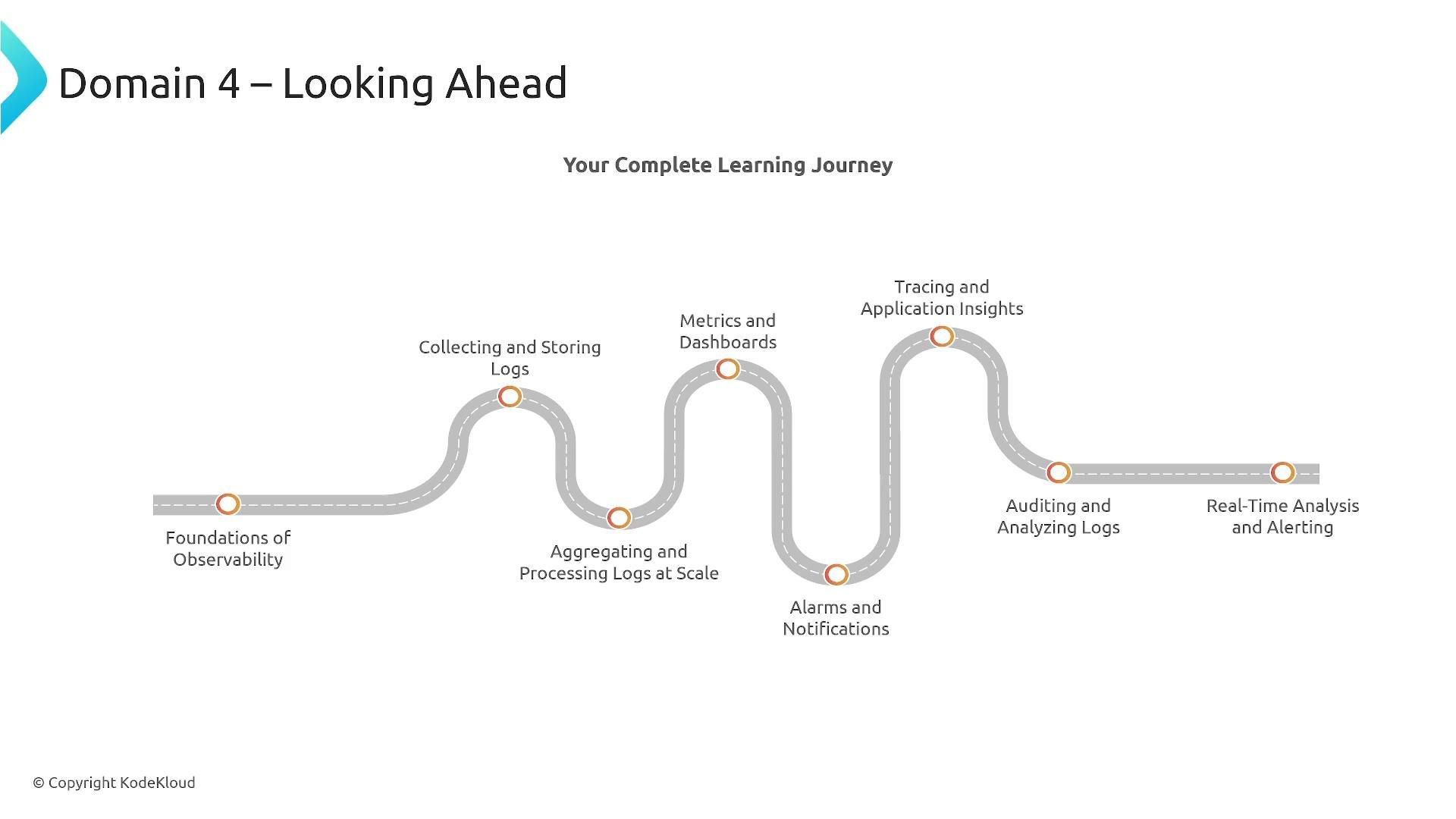
Looking ahead — what this domain will cover in depth
  • Foundations of observability and the three pillars
  • Collecting and storing logs at scale (CloudWatch Logs, S3, Athena)
  • Metrics, dashboards, alarms, and notifications (CloudWatch Metrics, Alarms, Synthetics)
  • Tracing and Application Insights (AWS X‑Ray, ServiceLens, ADOT)
  • Real-time analysis, alerting, auditing, and long-term retention strategies
Expect hands-on demos, labs, and scenario-based exam practice.
A stylized roadmap titled "Domain 4 – Looking Ahead" showing "Your Complete Learning Journey." It depicts a winding road with milestones such as Foundations of Observability, Collecting and Storing Logs, Metrics and Dashboards, Tracing and Application Insights, and Real‑Time Analysis and Alerting.
Key takeaways
  • Metrics tell you WHAT is happening — numerical, time-series signals used for alerting and performance monitoring.
  • Logs explain WHY it happened — diagnostic context, state changes, and audit trails; structured logs and correlation IDs are essential.
  • Traces show WHERE it happened — distributed request flows and service dependencies to pinpoint latency and failures.
  • Combine metrics, structured logs, and selective tracing with dashboards and event correlation to detect, diagnose, and resolve incidents quickly.
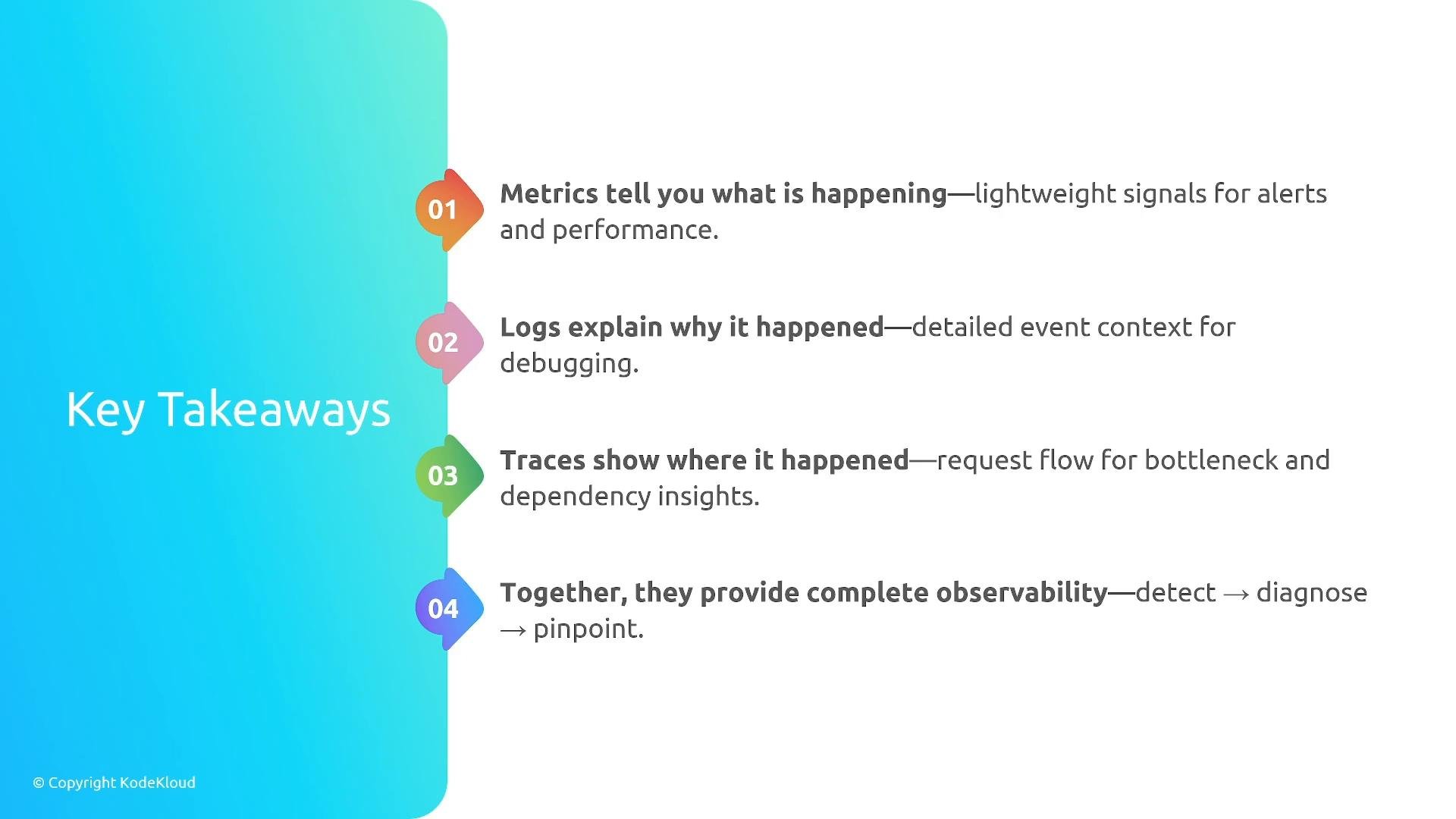
A slide titled "Key Takeaways" with four colorful numbered points down the right side. It summarizes: metrics tell you what is happening, logs explain why it happened, traces show where it happened, and together they provide complete observability.
Further reading and references That concludes the Domain 4 introduction. Proceed to the demo and lab sections to practice implementing these observability patterns in an AWS environment.

Watch Video