

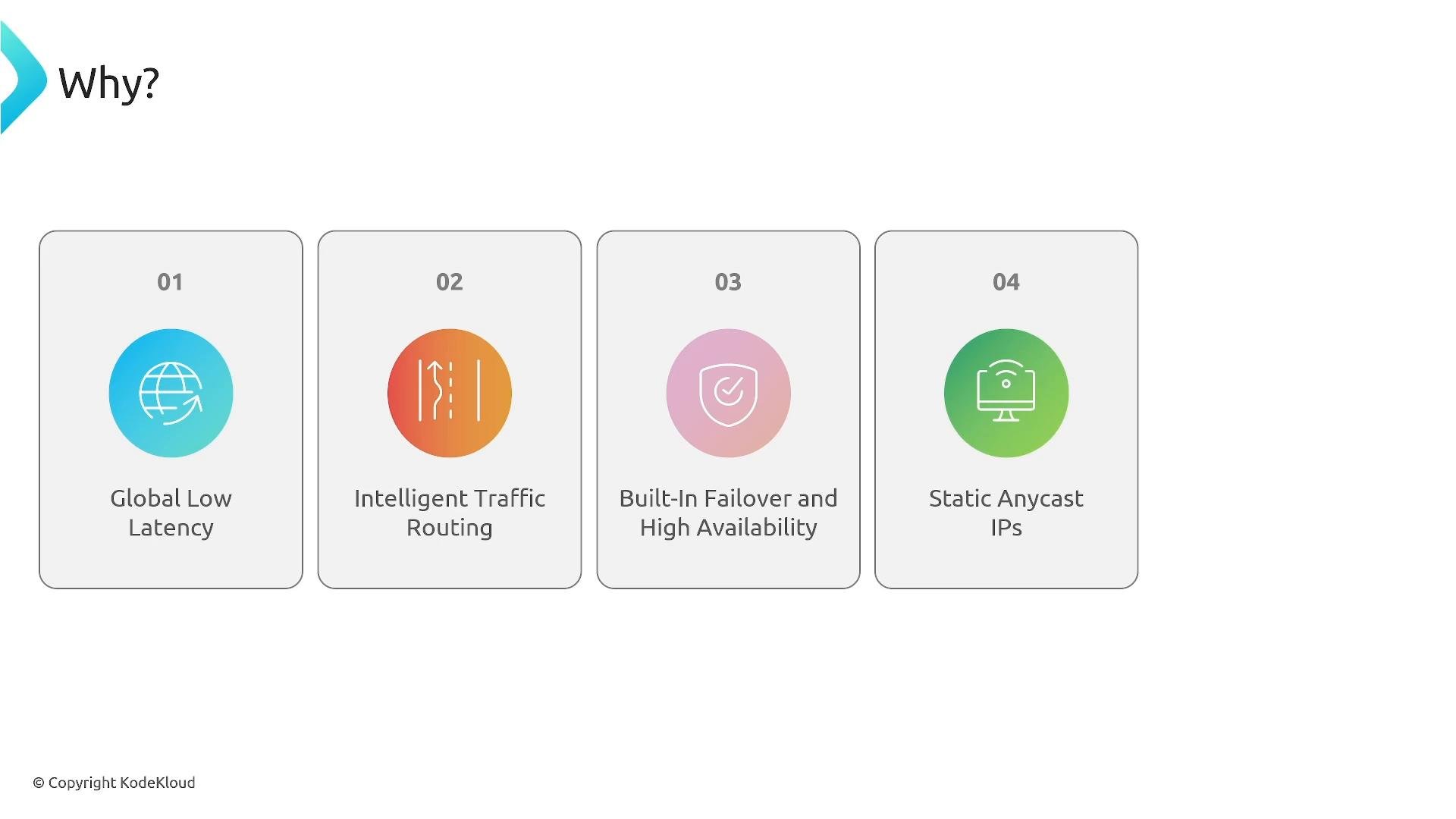
- Lower global latency by routing traffic into the AWS network as early as possible.
- Intelligent routing and automatic failover across Regions and endpoints.
- Static Anycast IP addresses that provide stable, predictable entry points.
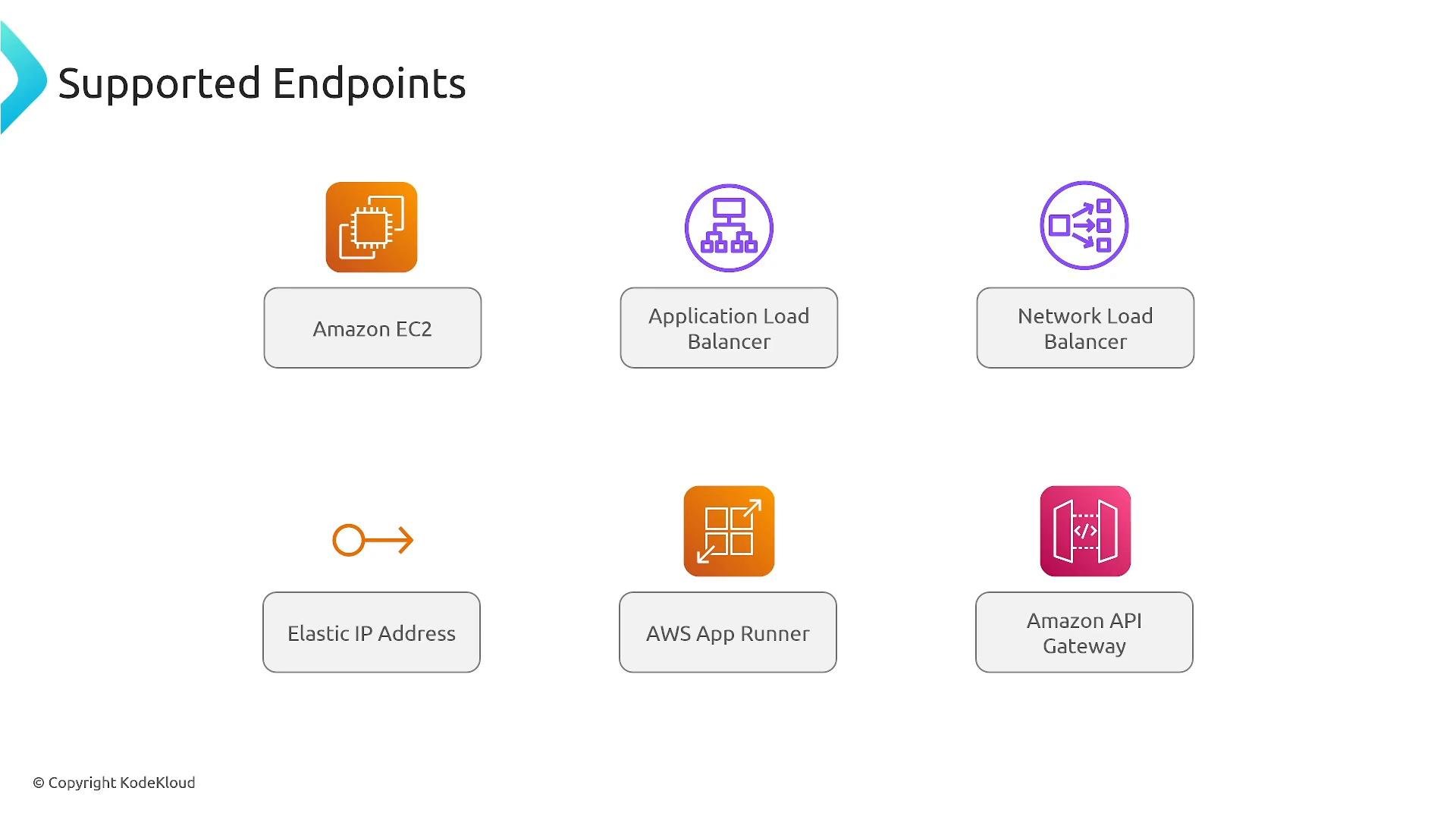
- Native integration with AWS endpoints (EC2, ALB, NLB, Elastic IPs, App Runner, API Gateway), enabling both active-active and active-passive architectures.
- Amazon EC2 instances
- Application Load Balancers (ALB)
- Network Load Balancers (NLB)
- Elastic IP addresses
- AWS App Runner services
- Amazon API Gateway
- Active-active deployments: multiple Regions serving traffic concurrently.
- Active-passive failover: a primary Region with warmed standby Regions.
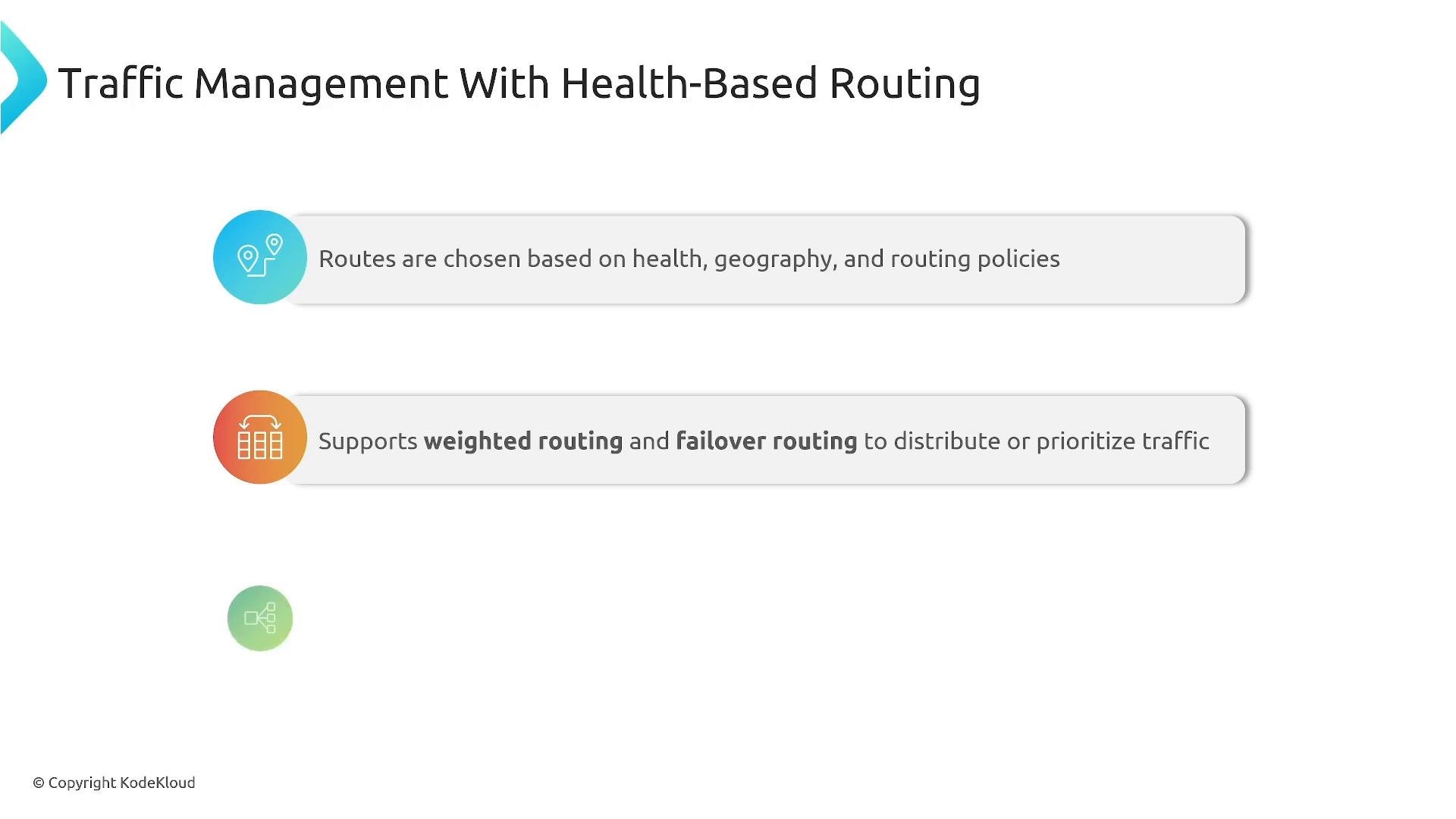
- Use Global Accelerator for low-latency entry and network-layer failover, and Route 53 for DNS policies that require fine-grained client location awareness.
- Use Route 53 health checks and DNS failover as a secondary mechanism to protect against specific DNS scenarios or when you need TTL-driven behavior.
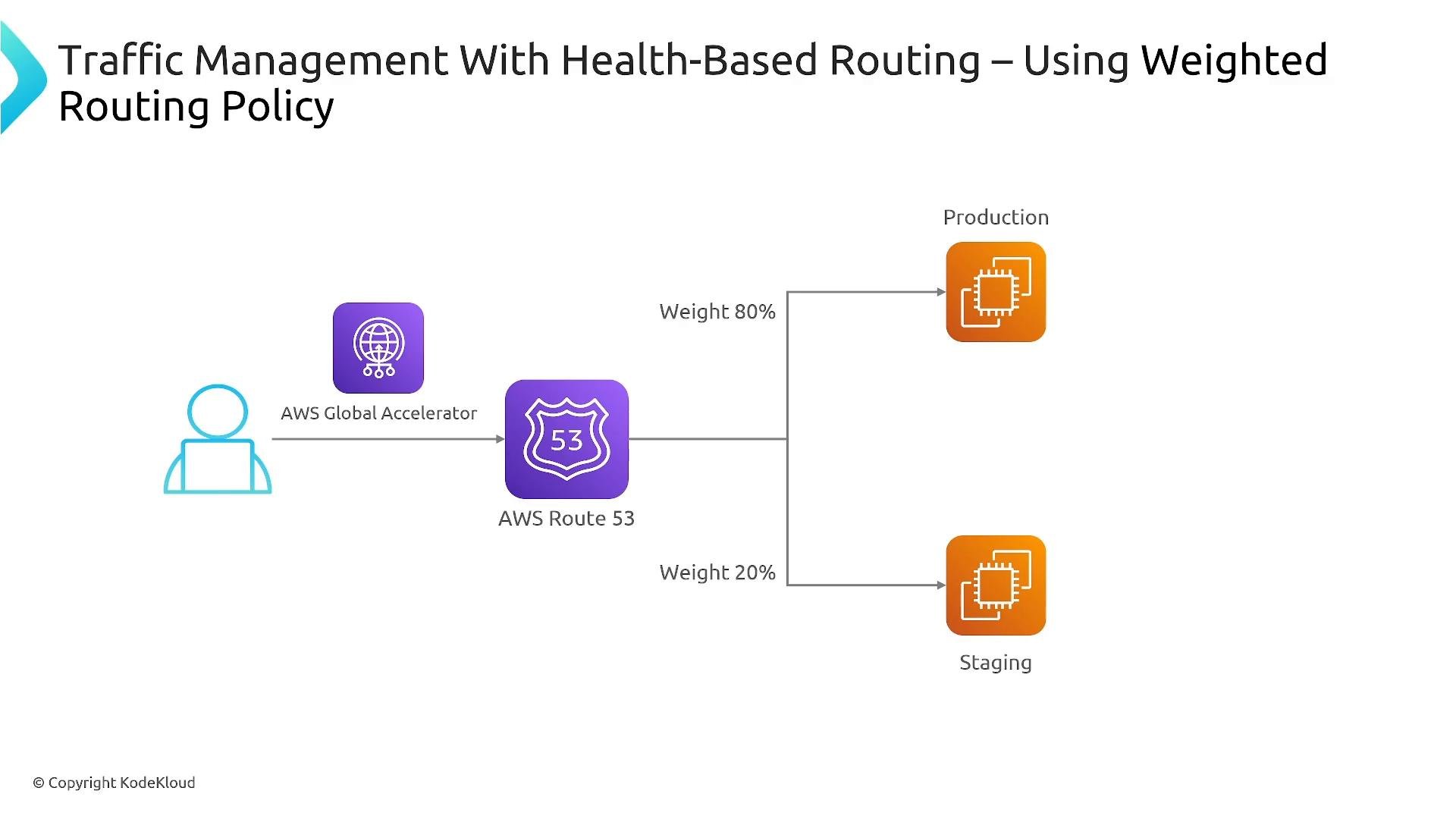
- Drive traffic shaping with Global Accelerator weights or Route 53 weighted records depending on whether you need network-layer or DNS-layer control.
- Global Accelerator traffic controls (endpoint weights / traffic dials) for network-layer percentage routing, or
- Route 53 weighted records for DNS-layer gradual rollouts.
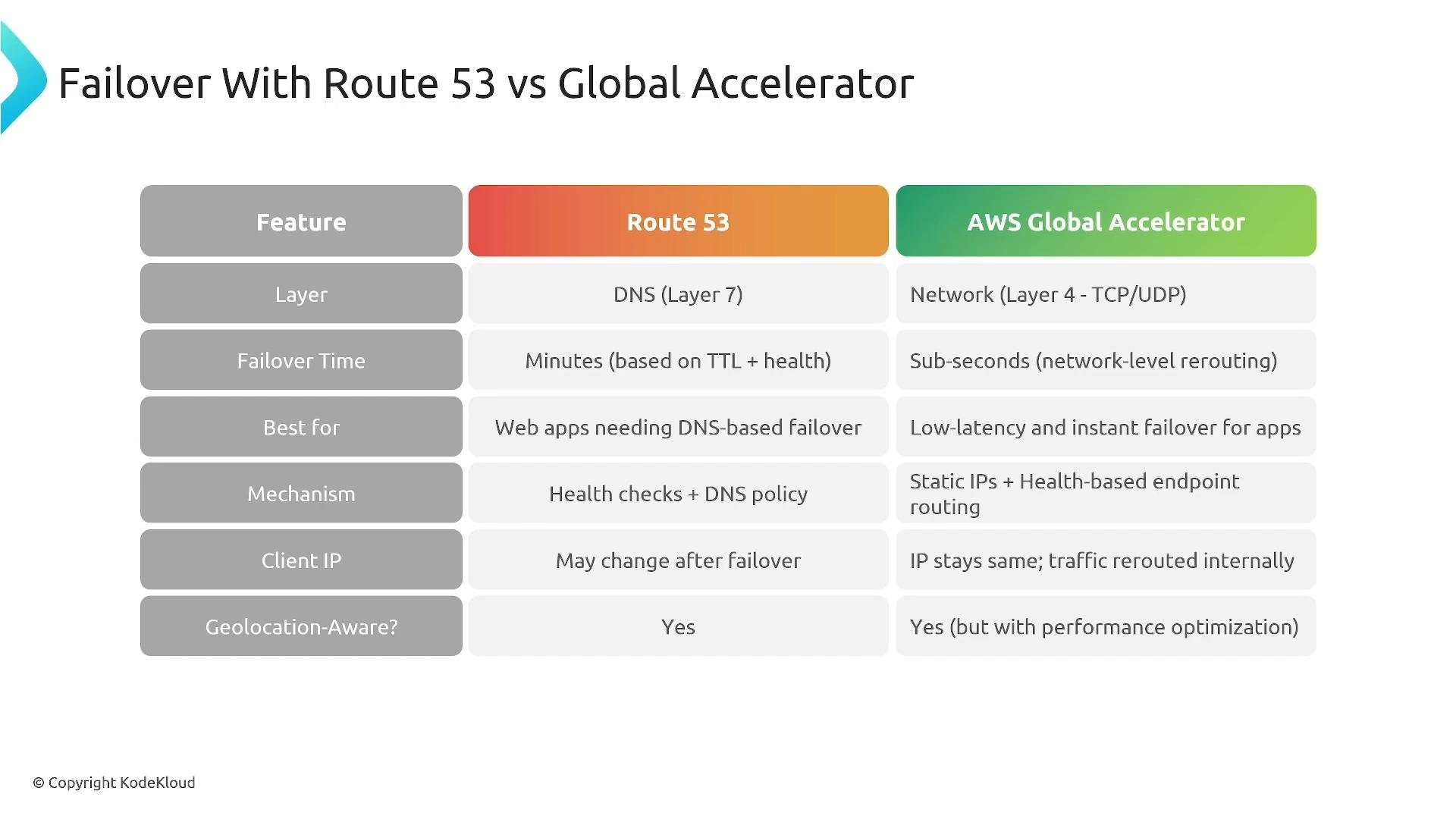
- Choose Global Accelerator when you need low-latency global entry points, reduced failover time, static Anycast IPs, or when your application requirements justify the additional cost.
- Choose Route 53 for flexible DNS routing policies and cost-effective DNS failover/traffic control where TTL/caching behavior is acceptable.
- Test failover regularly: run drills to validate runbooks, automation, and real user impact.
- Configure endpoint health checks: use load-balancer or Global Accelerator health checks and tune thresholds to reduce false positives.
- Monitor proactively: use CloudWatch metrics and alarms to detect routing and endpoint issues quickly.
- Preserve or surface client IPs explicitly: Global Accelerator preserves source IPs for NLB/IP endpoints; ALB typically requires
X-Forwarded-Forheaders for client IP visibility. Design logging and WAF rules accordingly. - Evaluate total cost of ownership: document the cost vs. availability/latency trade-offs and present them to stakeholders.
- Use multi-Region and multi-AZ deployments only when you have clear requirements for geographic resiliency or latency improvements.
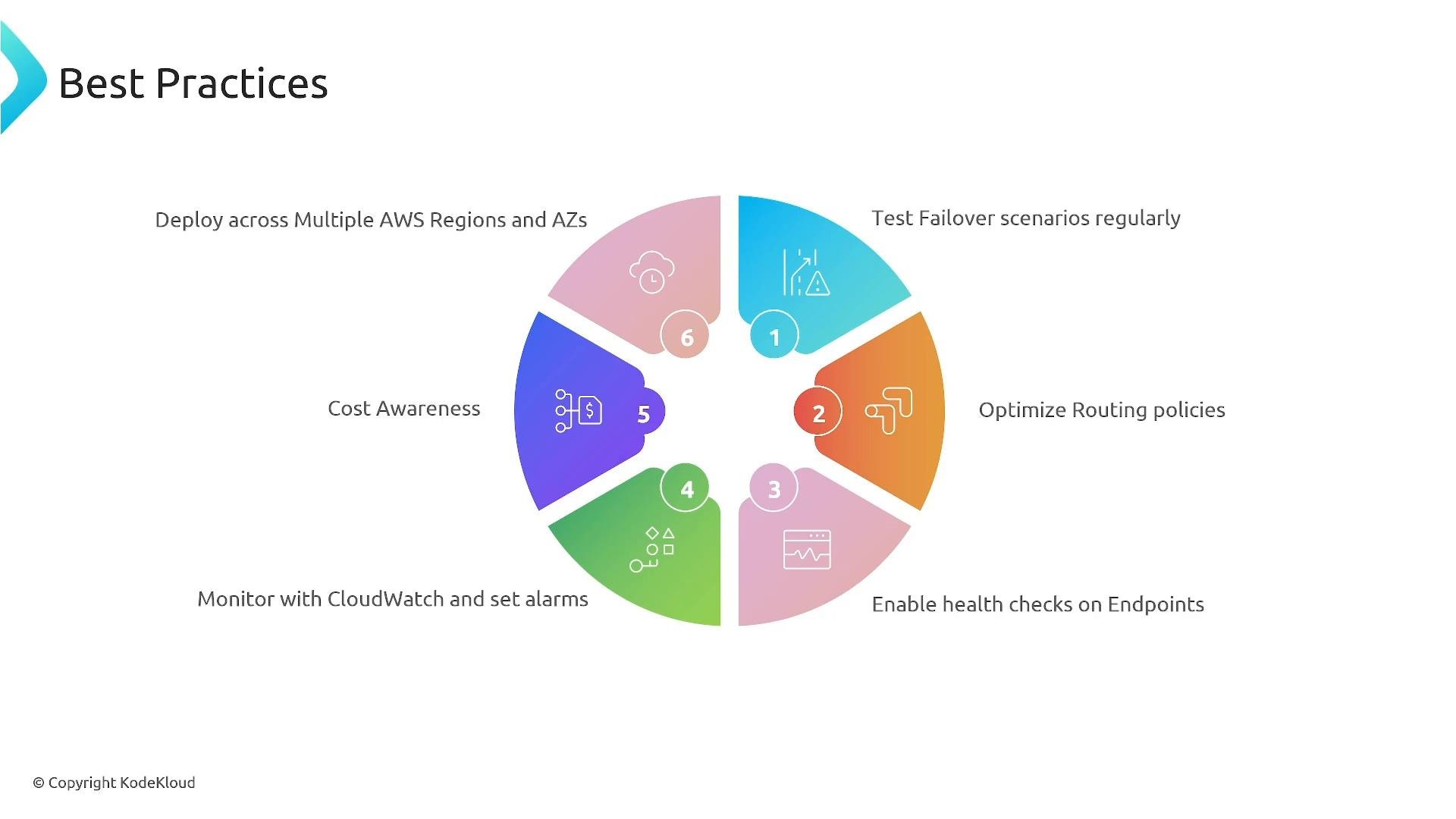
Ensure you enable both health checks and monitoring before relying on automated failover. Regularly run failover drills to confirm traffic moves as expected and alarms trigger appropriately.
- Amazon Route 53 — DNS routing and health checks
- AWS CloudWatch — Monitoring and alarms
- Amazon EC2 — Compute endpoints