

- AWS CodeArtifact — package registry for third‑party libraries and packaged application artifacts.
- Amazon S3 — object storage for file-based artifacts, templates, and static assets.
- Amazon Elastic Container Registry (ECR) — OCI/container images.
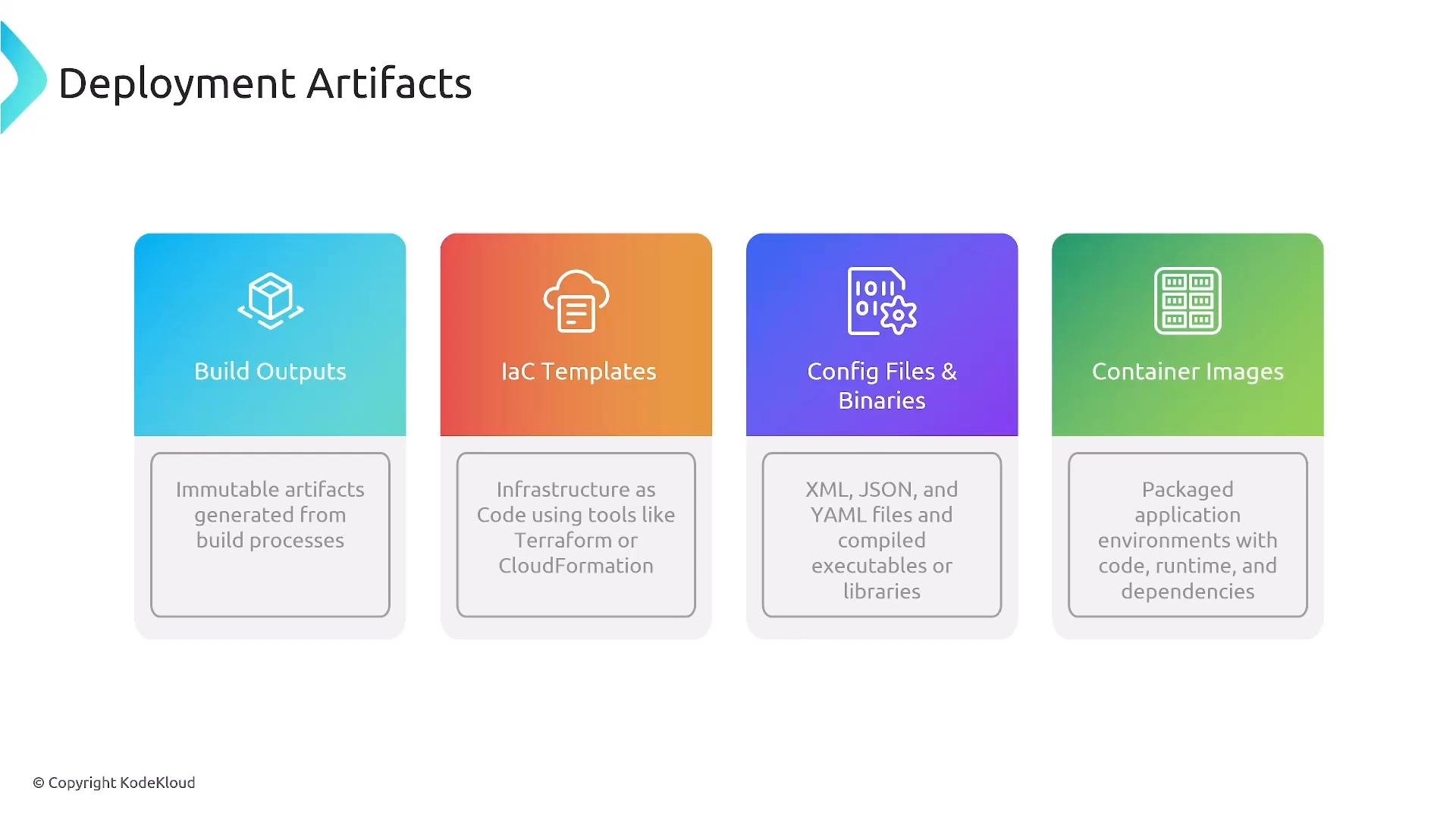
- Source code (Git) is checked out by the build system (e.g., AWS CodeBuild).
- The build job compiles/packages the application and pushes artifacts to the target repository (S3, CodeArtifact, or ECR).
- The deployment service (CodeDeploy, ECS, EKS, etc.) pulls artifacts from those repositories and performs the deployment.
cdk synth step produces CloudFormation templates that are stored or referenced in S3 for stack creation and rollbacks.
IaC templates and S3 storage
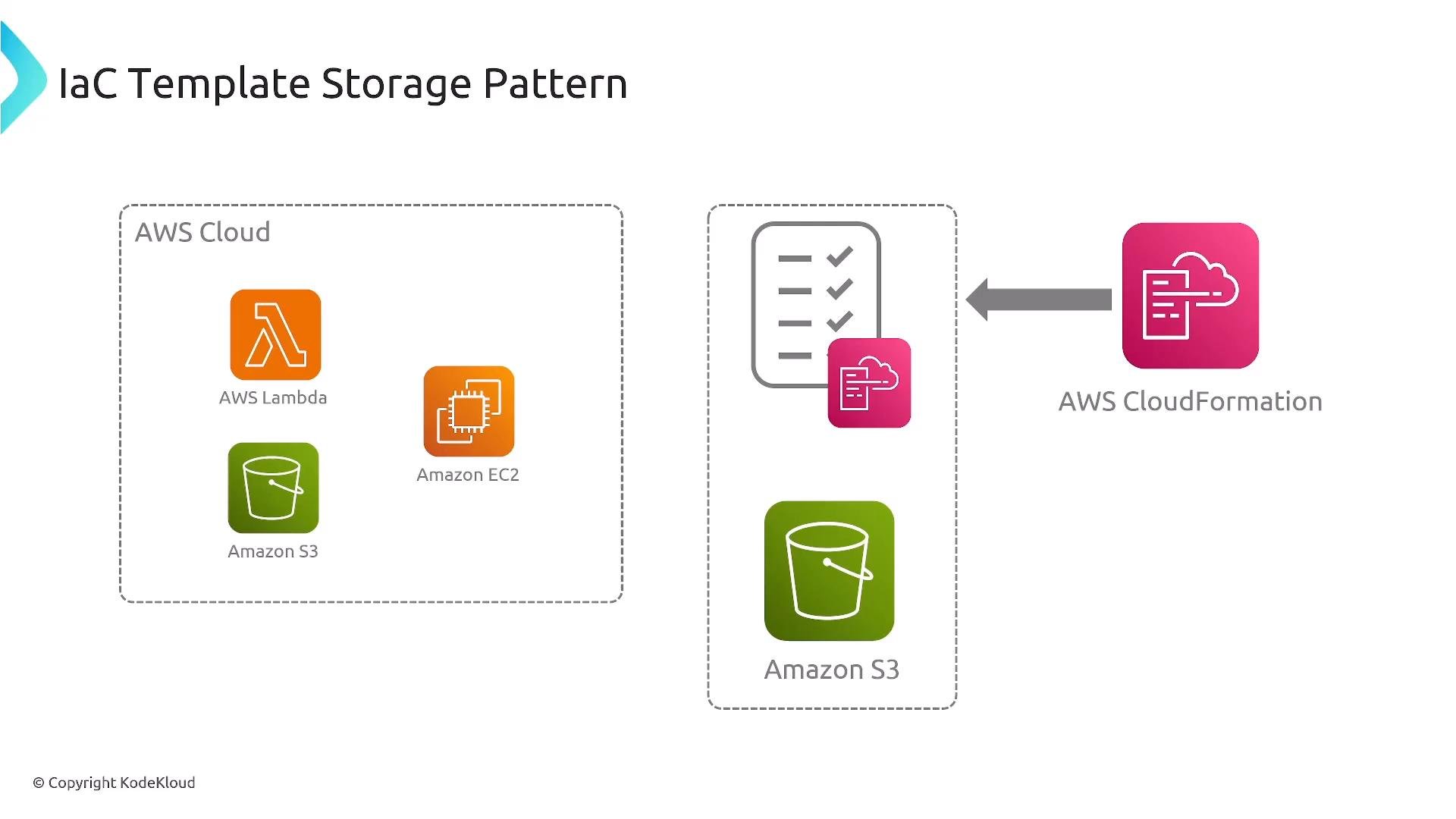
- Consistency: a declared, versioned artifact that can be used across environments.
- Rollbacks: reference previous object versions to revert to a known-good template.
- Team sharing: templates can be reused via StackSets or direct S3 references.
- Chaining stacks: pass outputs between stacks reliably.
- S3 versioning: provides object-level version control for templates and makes audits simpler.
Exam tip: The exam often highlights AWS-native IaC patterns such as CloudFormation and CDK. Focus on these for deployment workflows rather than third‑party tools.
- CodeArtifact
- Use case: package management for npm, Maven, PyPI, NuGet and hosting your own packaged artifacts (JAR, WAR, ZIP).
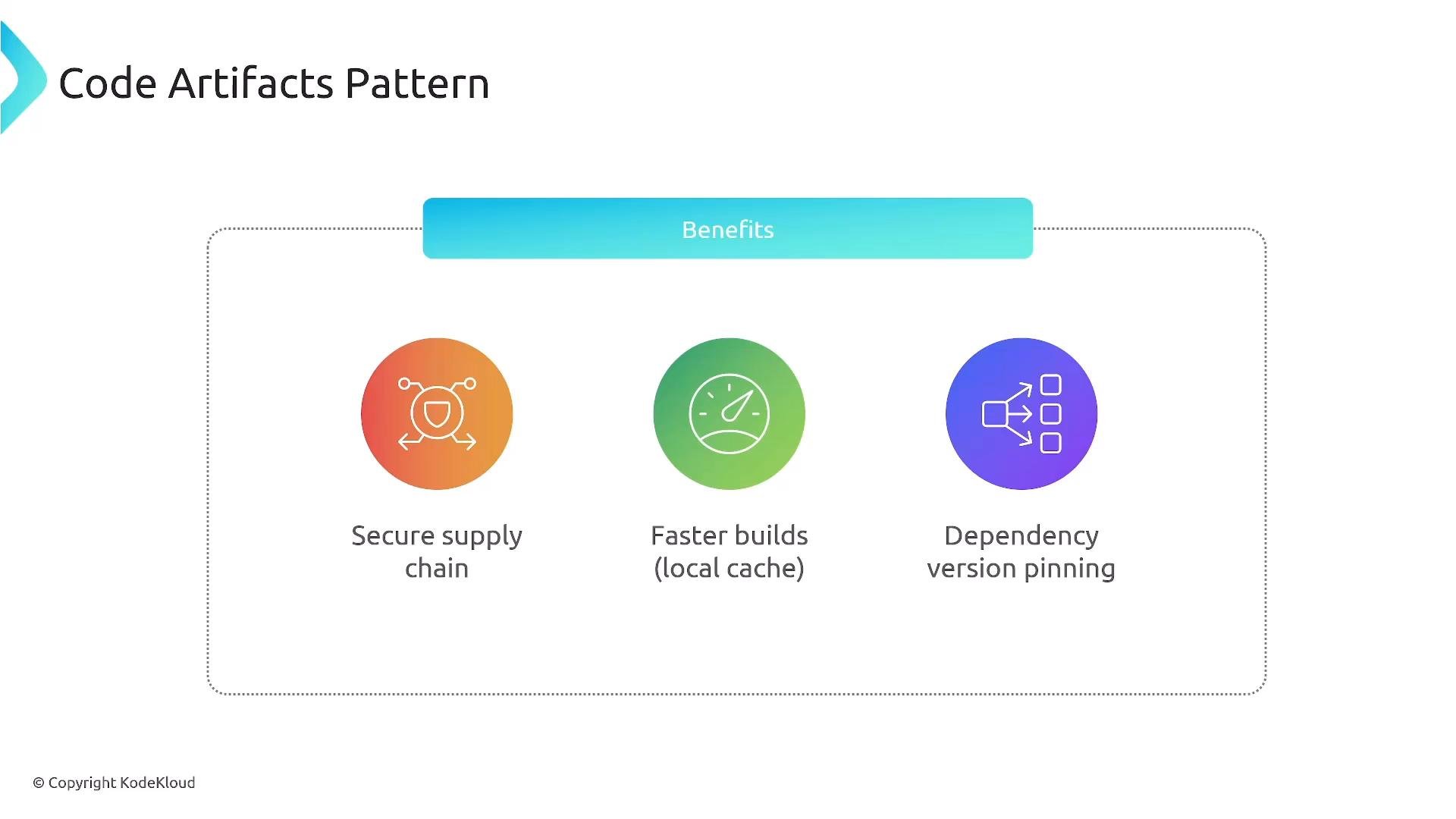
- Benefits: secure supply chain, dependency caching, and version pinning for repeatable builds.
- S3
- Use case: file-based artifacts (binaries, configs), static sites, and IaC templates.
- Benefits: object versioning, event triggers (SNS/Lambda), lifecycle rules, CloudFront integration.
- ECR
- Use case: container images (ECS/EKS pull images directly).
- Benefits: optimized image storage and integration with AWS container services.
- Centralized access controls and supply-chain security.
- Local caching to speed up builds and reduce external dependency failures.
- Dependency pinning ensures repeatable releases by locking versions.
Use the appropriate repository for each artifact. For example, push container images to ECR and packaged libraries to CodeArtifact. Static site assets and IaC templates belong in S3.
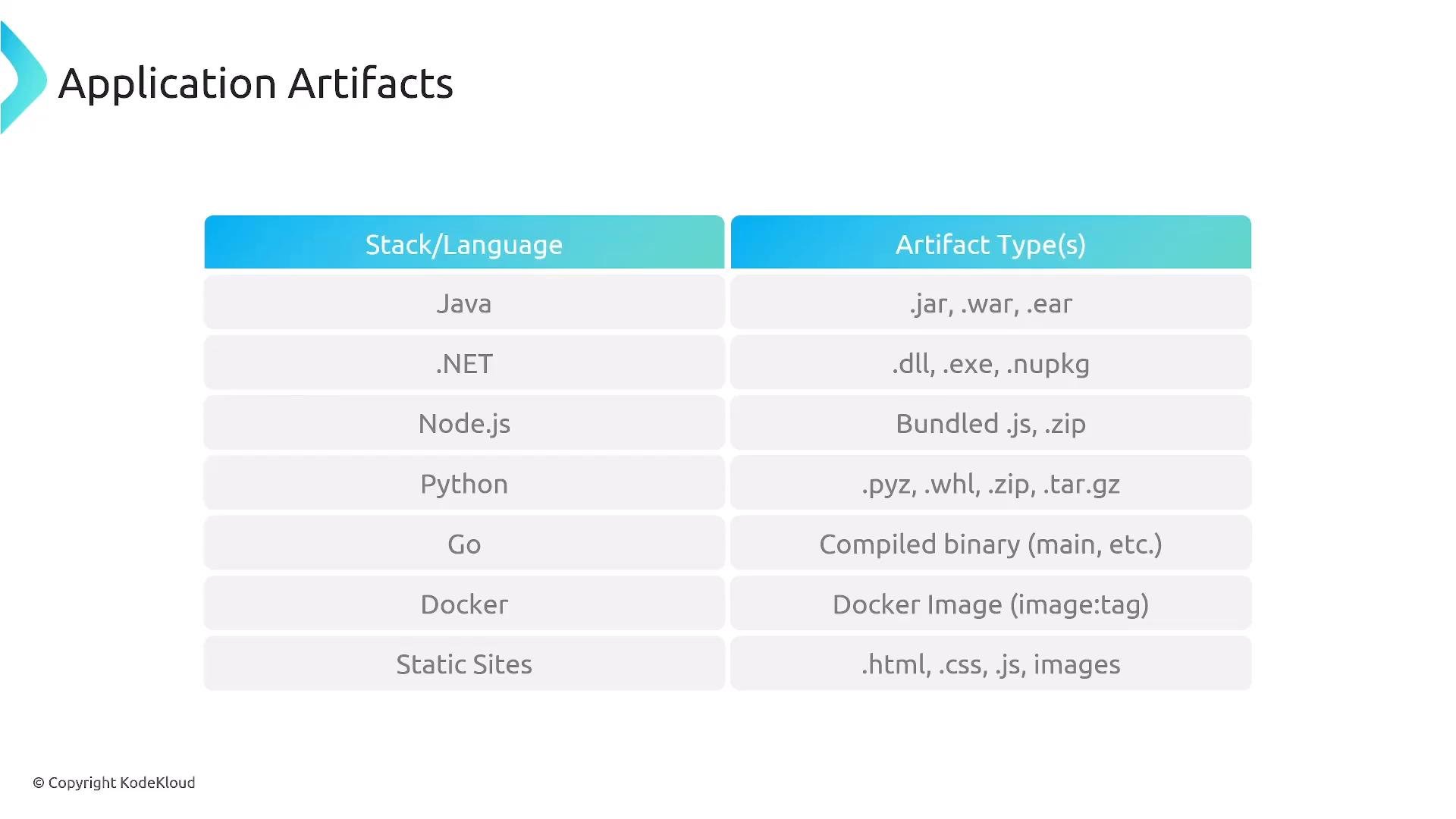
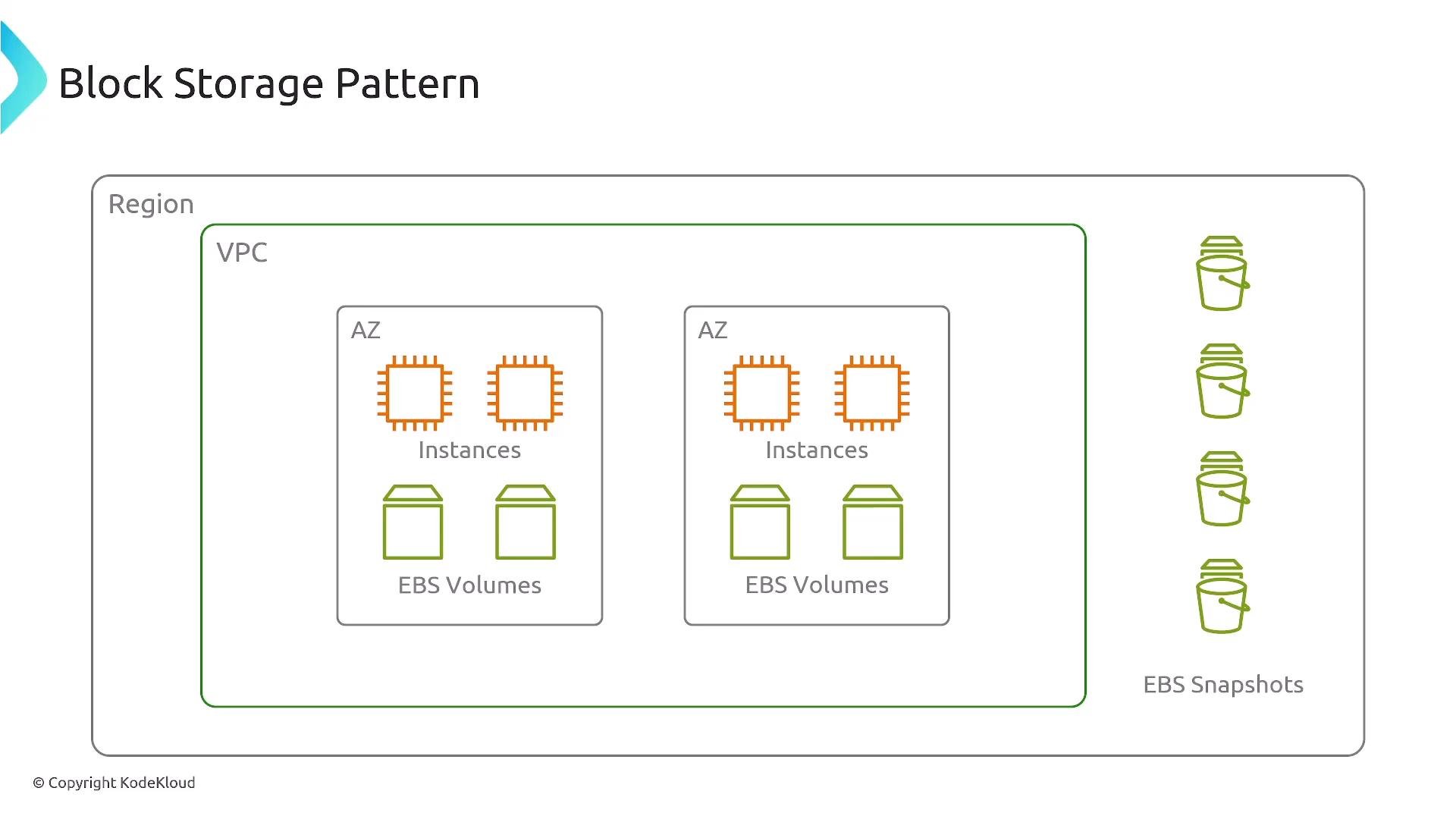
Do not use EBS volumes as the primary distribution channel for deployment artifacts. EBS is attached to a single AZ and instance; S3 or registries (CodeArtifact/ECR) are the correct distribution mechanisms for shared artifacts.
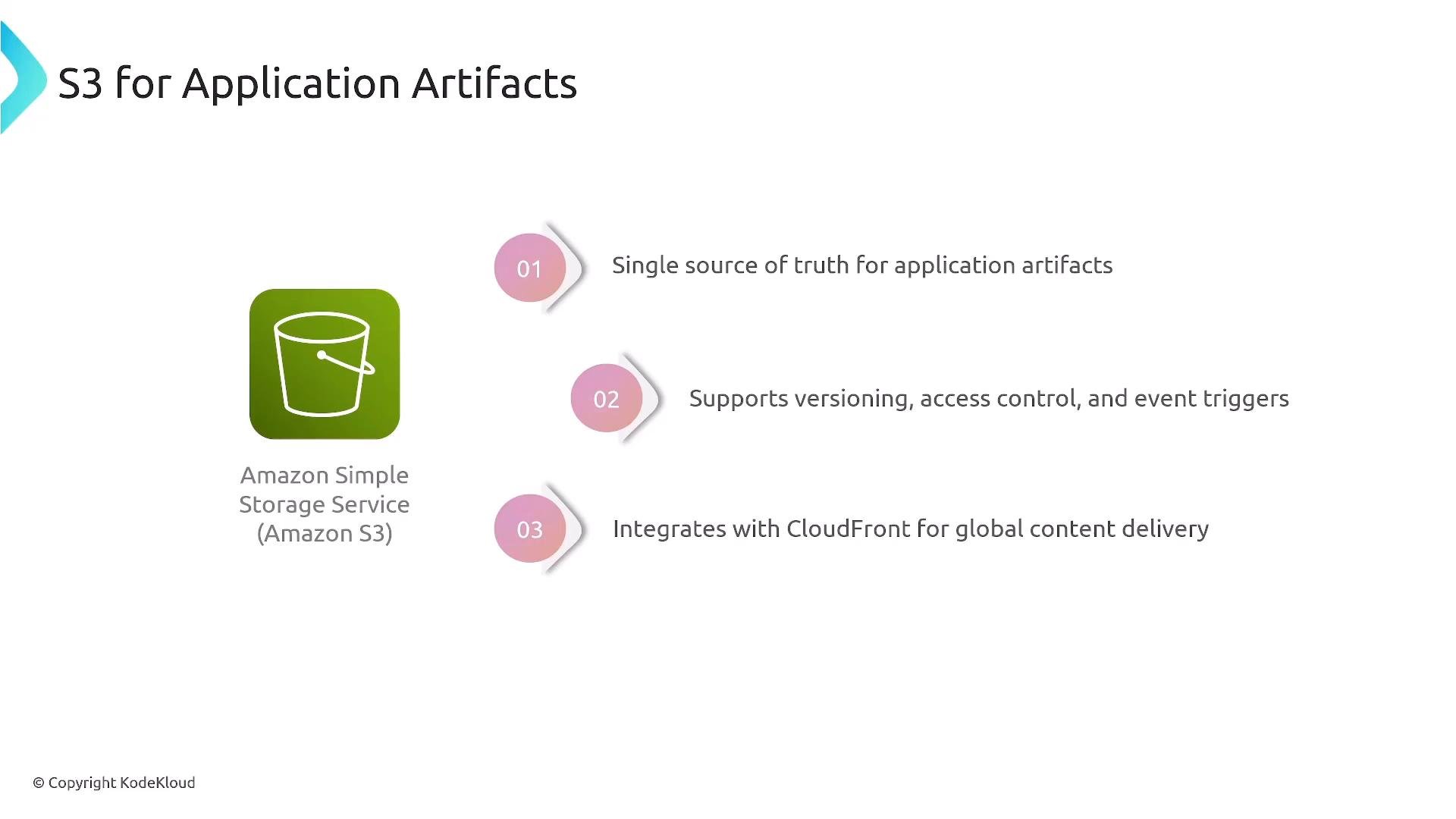
- A single source of truth for files and binary artifacts.
- Object versioning for rollback support.
- Fine-grained access control via IAM and bucket policies.
- Event notifications to trigger downstream CI/CD steps (e.g., Lambda, SNS).
- Lifecycle rules for cost management.
- Integration with CloudFront for global content delivery.
- Use ECR (or another OCI-compliant registry) for container images. ECR is optimized for storage and serving of images to ECS, EKS, or other runtimes.
- Build images in your CI (CodeBuild or other) and push to ECR as a pipeline step.
- Deployments can be triggered from the CI/CD pipeline (e.g.,
kubectl applyor ECS task updates) or pulled by runtime agents that reference images in ECR.
Choosing the appropriate artifact store improves deployment reliability, enables repeatable builds, and simplifies rollbacks and auditing.
Links and references