

- Configure a custom retention period for a CloudWatch Logs log group.
- Create a customer-managed KMS key and update its key policy so CloudWatch Logs can use it.
- Associate the KMS key with the log group at creation time and verify the settings.
1 — Create or edit a CloudWatch Log Group with custom retention
Open the AWS Management Console and go to CloudWatch -> Logs -> Log groups. You can change retention for an existing log group (select the log group -> Actions -> Edit retention settings) or create a new log group and set the retention during creation. For this demo we create a new log group and set the retention to 7 days.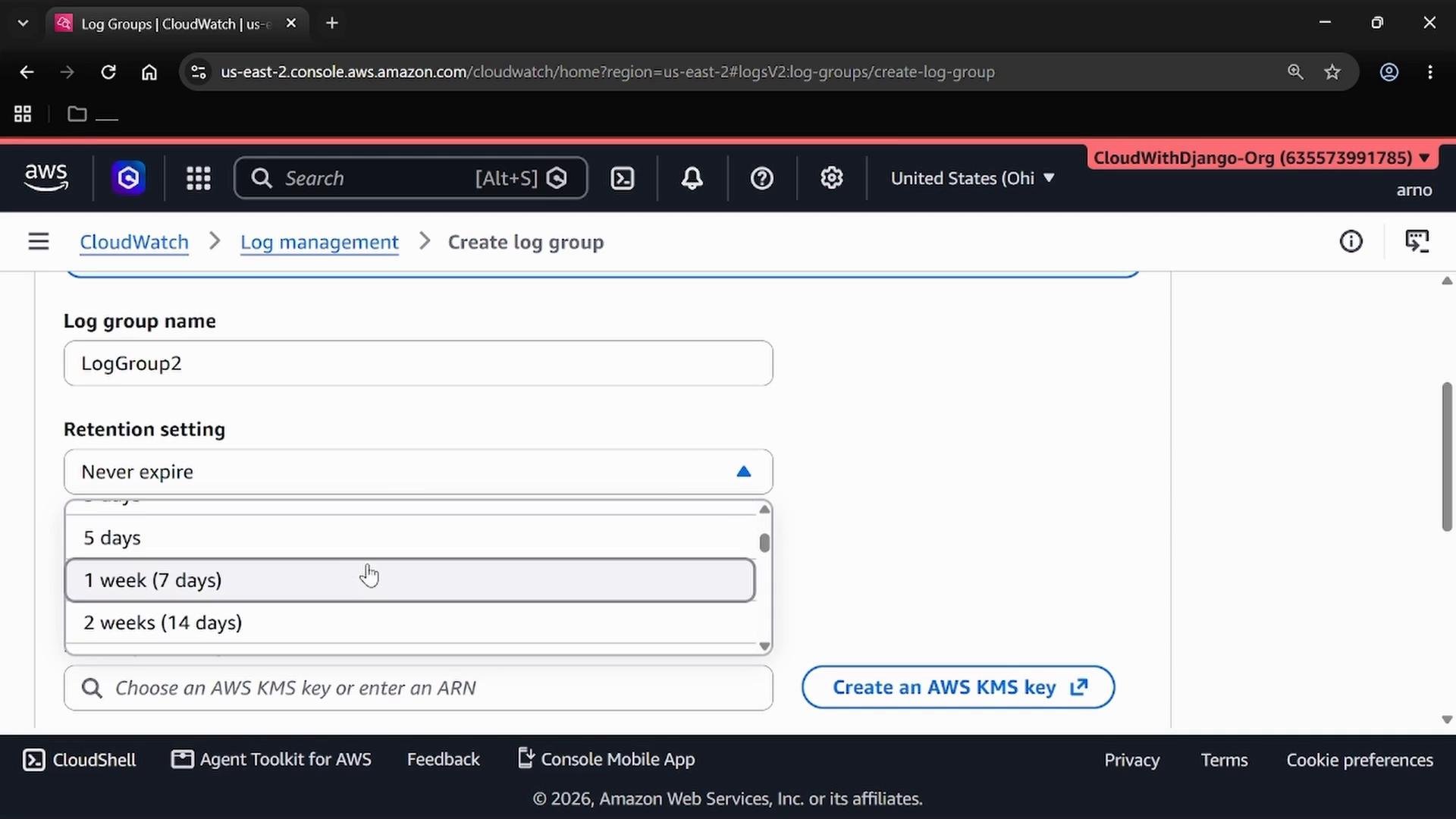
Retention controls how long CloudWatch retains log events before automatic deletion. Choose retention to meet your operational troubleshooting needs and any regulatory/compliance requirements.
2 — Create a customer-managed KMS key (for SSE)
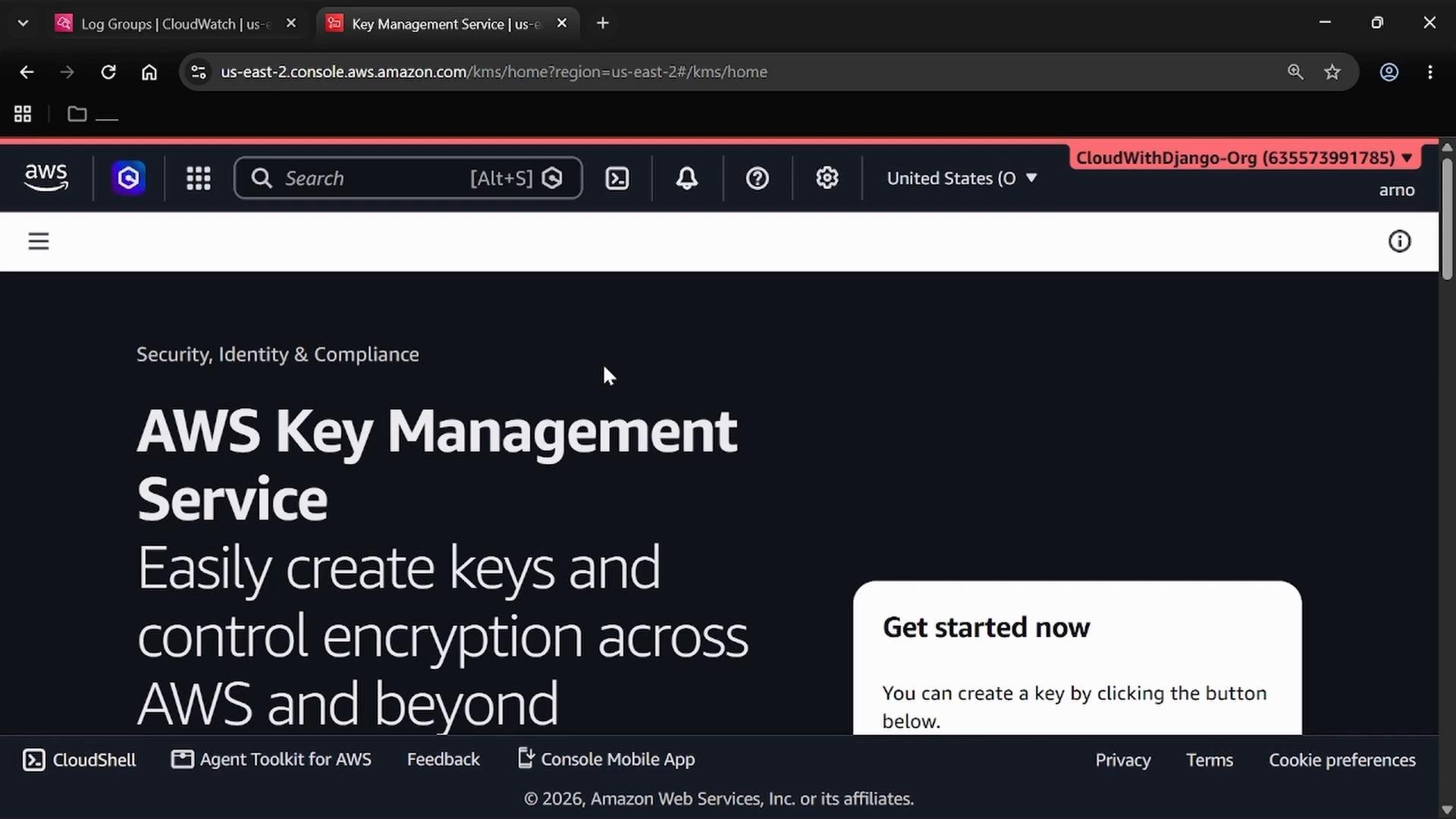
CloudWatch Logs encrypts data at rest by default with an AWS-managed key. Creating a customer-managed key lets you control key lifecycle, rotation, grants, and cross-account access. Steps in the KMS console:- Open AWS Key Management Service (KMS).
- Choose Customer managed keys -> Create key.
- Select symmetric key type and set Key usage = Encrypt and decrypt.
- Enter an alias, e.g.,
alias/CWLogGroup, and an optional description. - Grant administrative and usage permissions to the IAM identities that need to manage or use the key (for the demo, the current admin user is granted admin permissions).
3 — Edit the KMS key policy to allow CloudWatch Logs to use the key
When you reach the Key policy step, allow the CloudWatch Logs service principal for your region to use the key. If you omit this, CloudWatch Logs cannot perform encrypt/decrypt and you’ll get errors when associating the key with a log group. Start with the default key policy that grants administrative control to your account (root or admin principal), then add a statement for CloudWatch Logs. The example below is a minimal corrected policy that:- Grants full management to your account principal (replace the ARN with your account’s ARN).
- Grants administrative key management actions to the account principal.
- Allows grant-related actions with the
kms:GrantIsForAWSResourcecondition (needed for AWS services to create resource grants). - Allows the regional CloudWatch Logs service principal to use the key for the operations CloudWatch requires.
Make sure the service principal matches the AWS region where the log group will reside. For example, use
logs.us-east-2.amazonaws.com for US East (Ohio). If the principal does not match the region, CloudWatch Logs cannot access the key.- CloudWatch Logs requires actions such as
GenerateDataKey*,Encrypt,Decrypt, andDescribeKey. - The
kms:GrantIsForAWSResourcecondition allows AWS services to create necessary grants for resource-based usage. - For cross-account use, add additional principals or external accounts in the policy (test changes in a non-production account first).
4 — Copy the KMS key ARN and associate it with the CloudWatch Log Group
After creating the KMS key, copy the key ARN from the KMS console. Return to CloudWatch when creating the log group and select the KMS key from the KMS key ARN dropdown or paste the ARN into the field.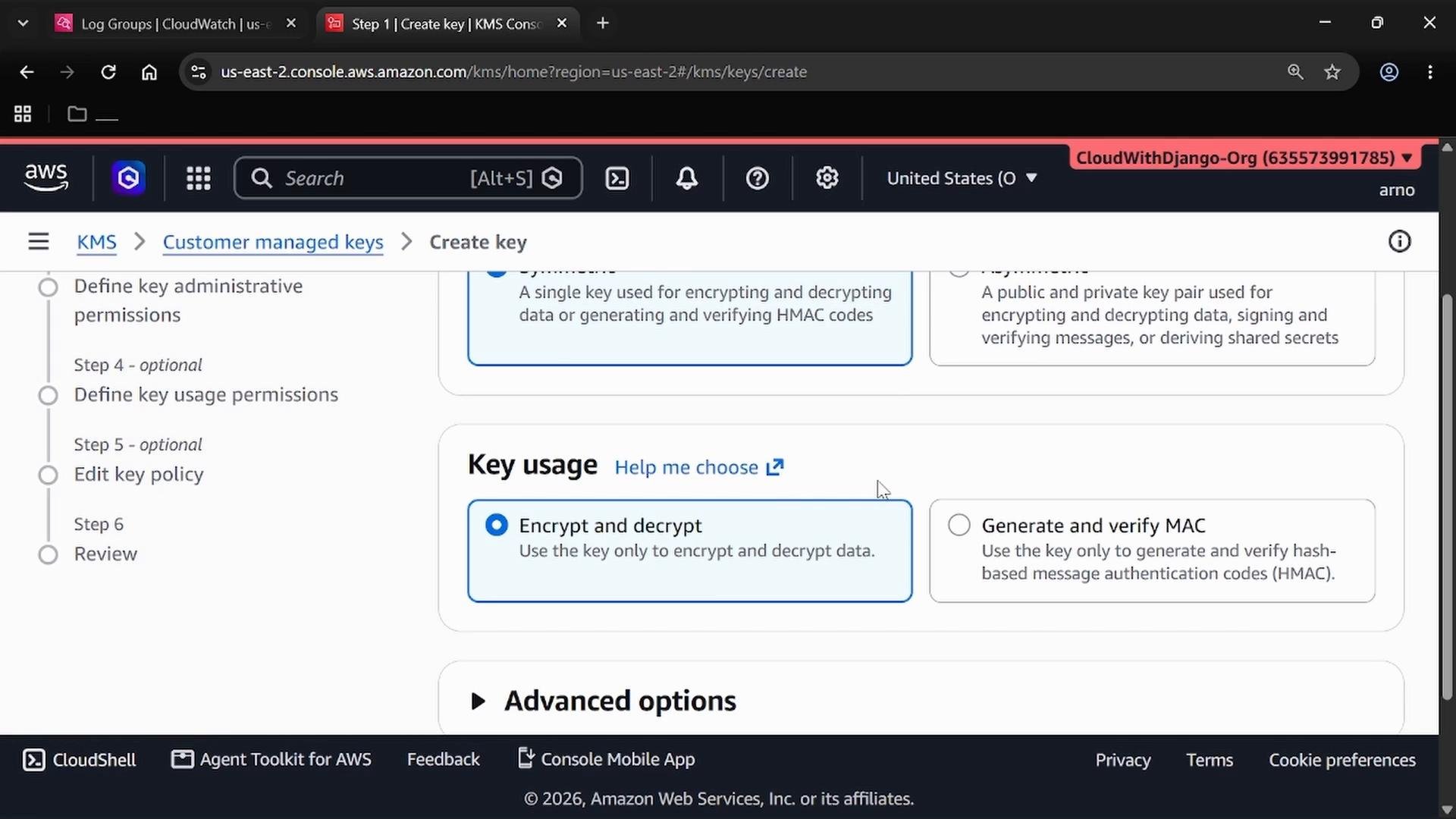
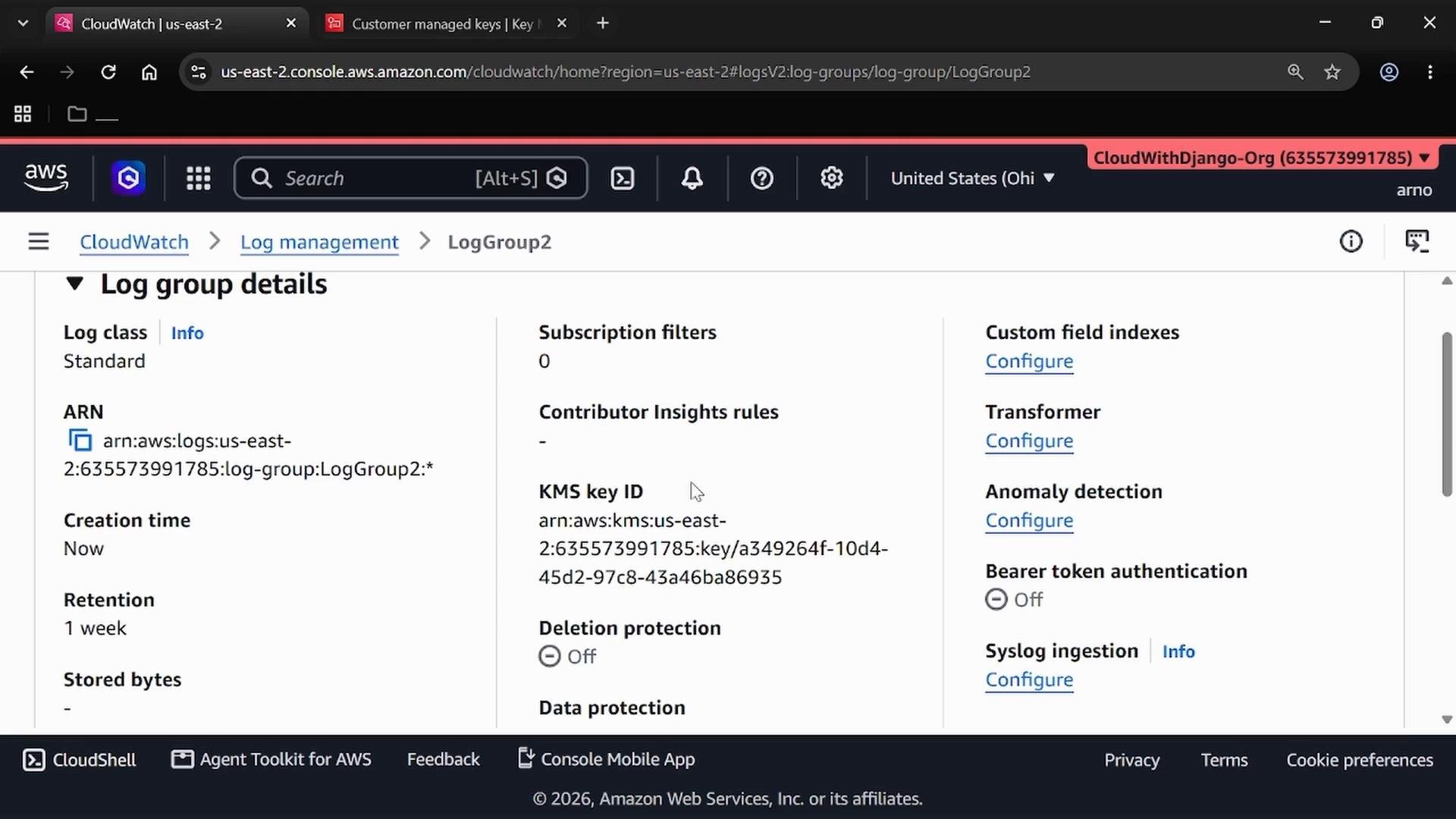
5 — Verify log group retention and key association
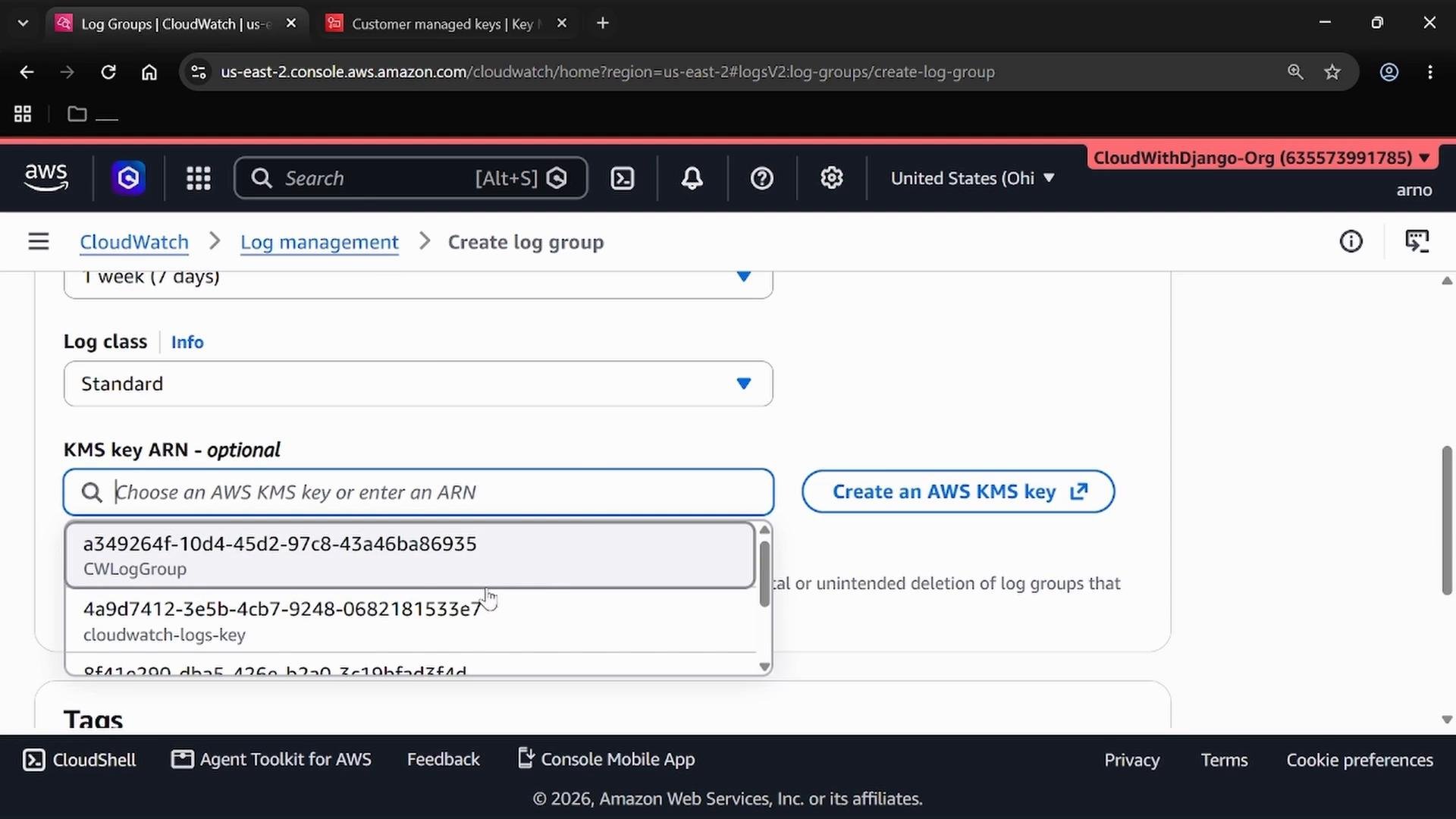
After creation, open the log group details to confirm:- The selected retention period (e.g., 7 days) is applied.
- The KMS key ID/ARN is associated with the log group.
Quick reference and checklist
Final checklist:
- Retention: set according to operational and compliance requirements.
- KMS: create a customer-managed key; update the key policy to allow the regional CloudWatch Logs service principal to use the key.
- Association: select the customer-managed KMS key during log group creation.
- Advanced: if you need cross-account access or more granular grants, modify the key policy accordingly and validate in a staging or test account.
Links and references
- AWS CloudWatch Logs documentation: https://docs.aws.amazon.com/AmazonCloudWatch/latest/logs/WhatIsCloudWatchLogs.html
- AWS KMS documentation: https://docs.aws.amazon.com/kms/latest/developerguide/overview.html
- KMS key policy guide: https://docs.aws.amazon.com/kms/latest/developerguide/key-policy.html