

Secrets Manager vs Parameter Store
-
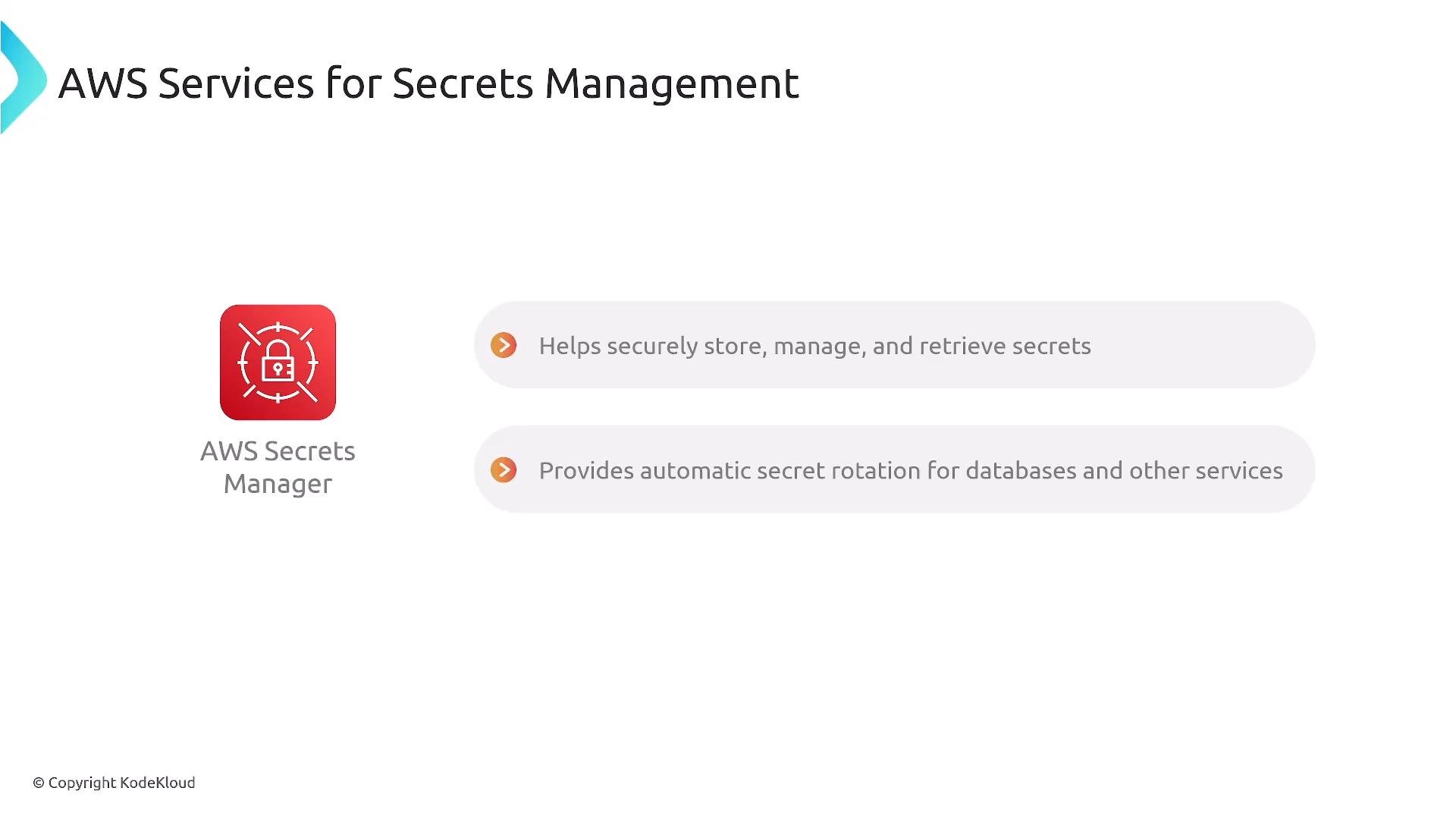
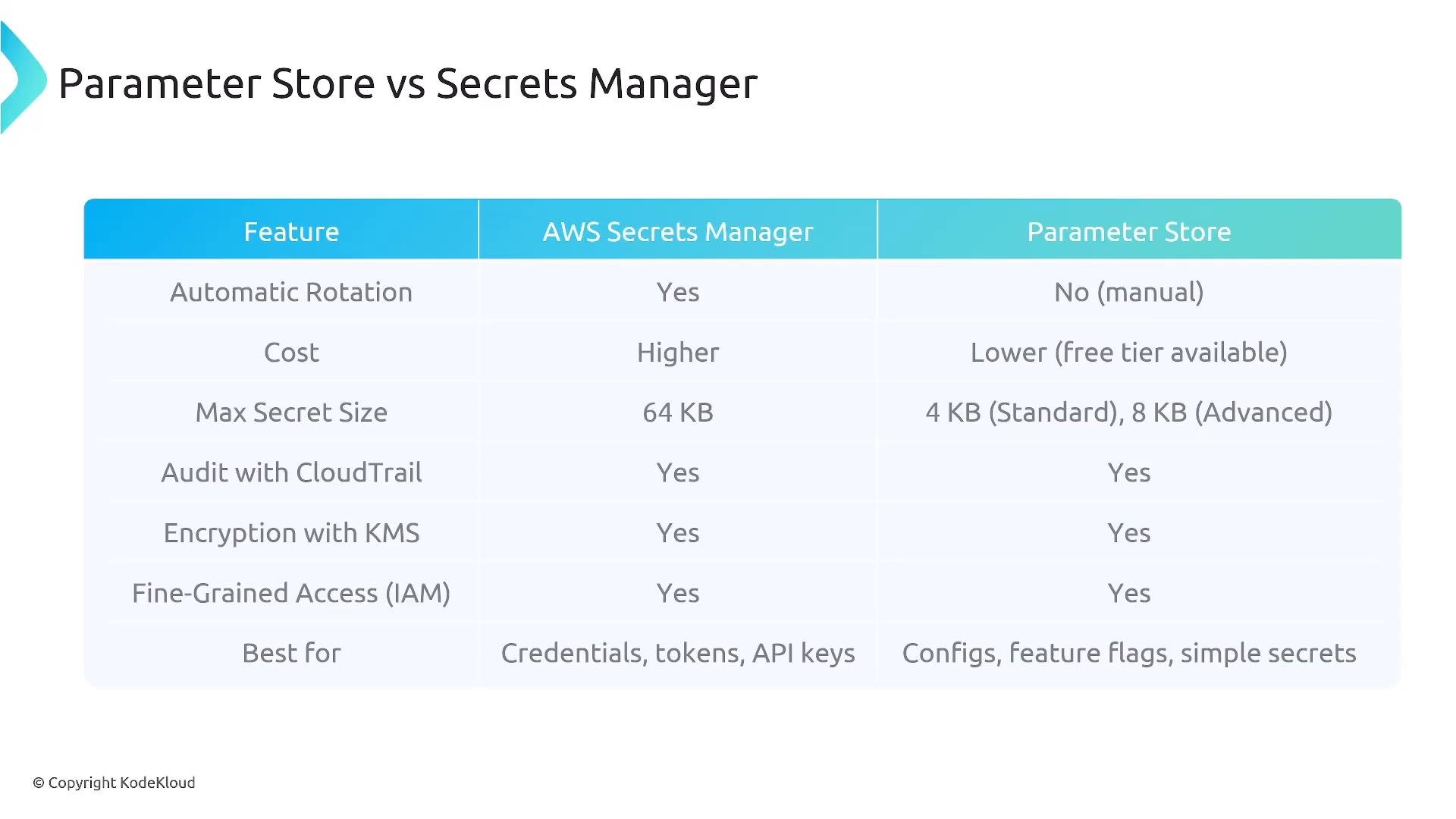
AWS Secrets Manager
- Purpose-built for storing, managing, and retrieving secrets.
- Supports built-in automatic rotation for many credential types (for example, RDS).
- Integrates well with AWS services and CI/CD pipelines.
- Additional features: secret staging labels, larger max secret size, and lifecycle controls.
- Cost: typically higher per-secret and per-API-call charges (trade-off for rotation/lifecycle).
- Recommended when you need automatic rotation, central secret lifecycle management, or advanced secret features.
-
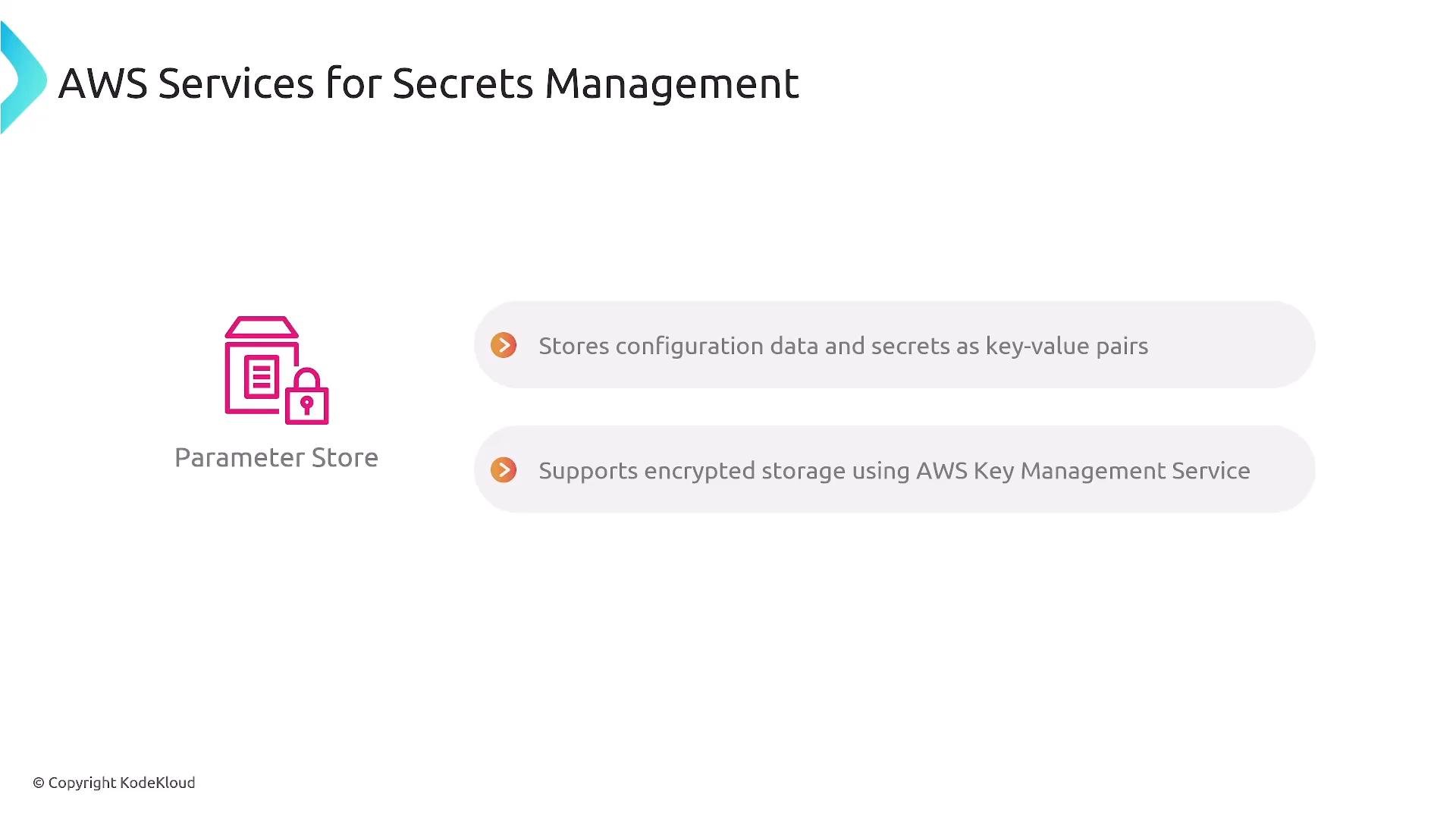
AWS Systems Manager Parameter Store
- General-purpose key–value store for configuration and secrets.
- Supports encrypted values (
SecureString) using KMS. - No built-in automatic rotation (you implement custom rotation via Lambda/EventBridge).
- Often more cost-effective for simple configuration values or non-rotated secrets.
- Recommended for storing configuration settings, feature flags, and smaller numbers of secrets where rotation is not required.
Quick Feature Comparison
Secrets in CI/CD Pipelines
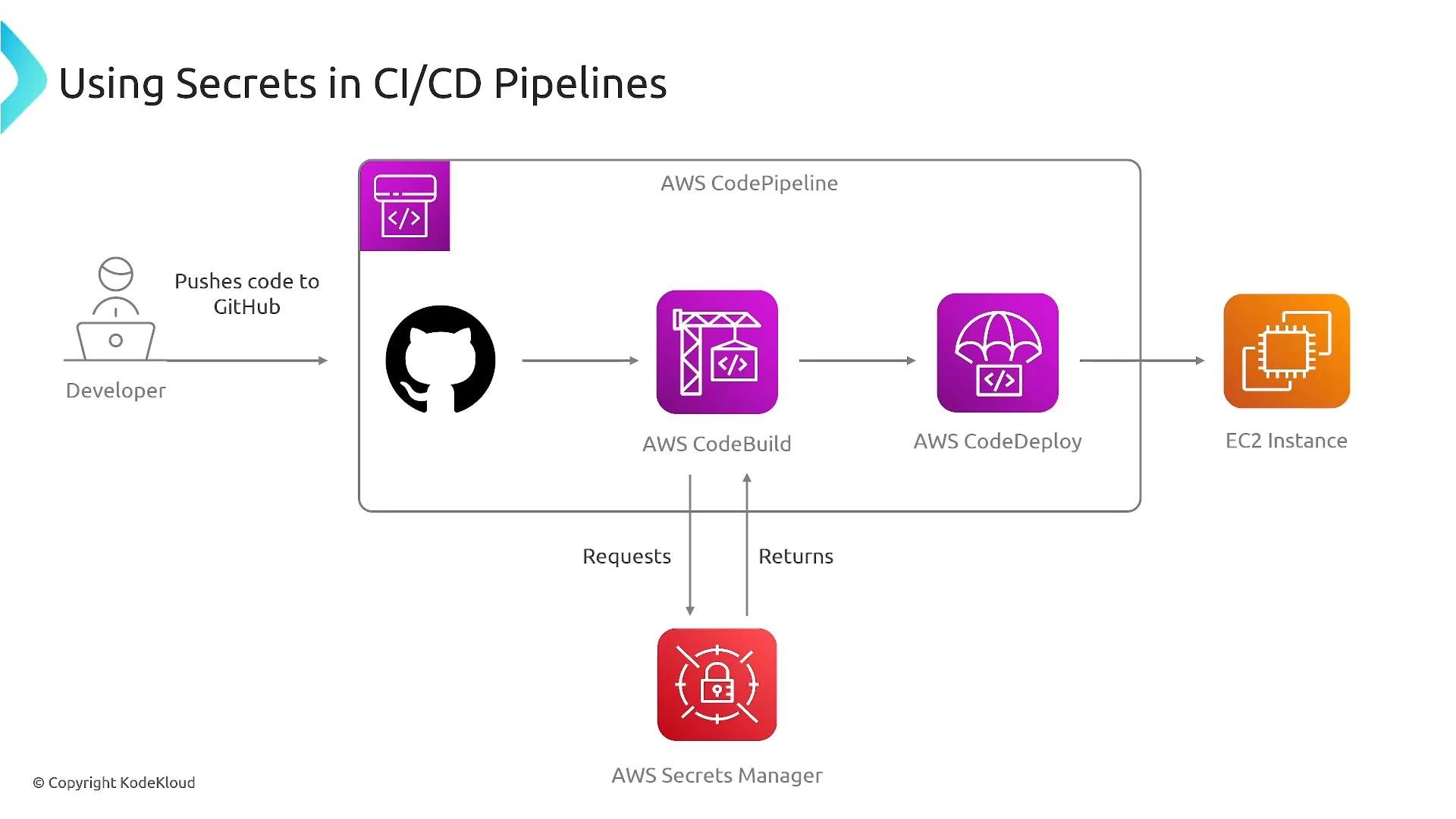
Inject secrets at build or deploy time (runtime injection) rather than committing them to source control. Both Secrets Manager and Parameter Store can be used by AWS CodePipeline, CodeBuild, CodeDeploy, and other CI/CD tools to supply secrets during build or deployment steps. Typical pipeline flow:- Developer pushes code to GitHub
- CodePipeline triggers a pipeline
- CodeBuild retrieves secrets to build or run tests
- CodeDeploy deploys artifacts to EC2, ECS, or Lambda
- Retrieve a Secrets Manager secret:
- Retrieve a Parameter Store SecureString:
Secret Rotation
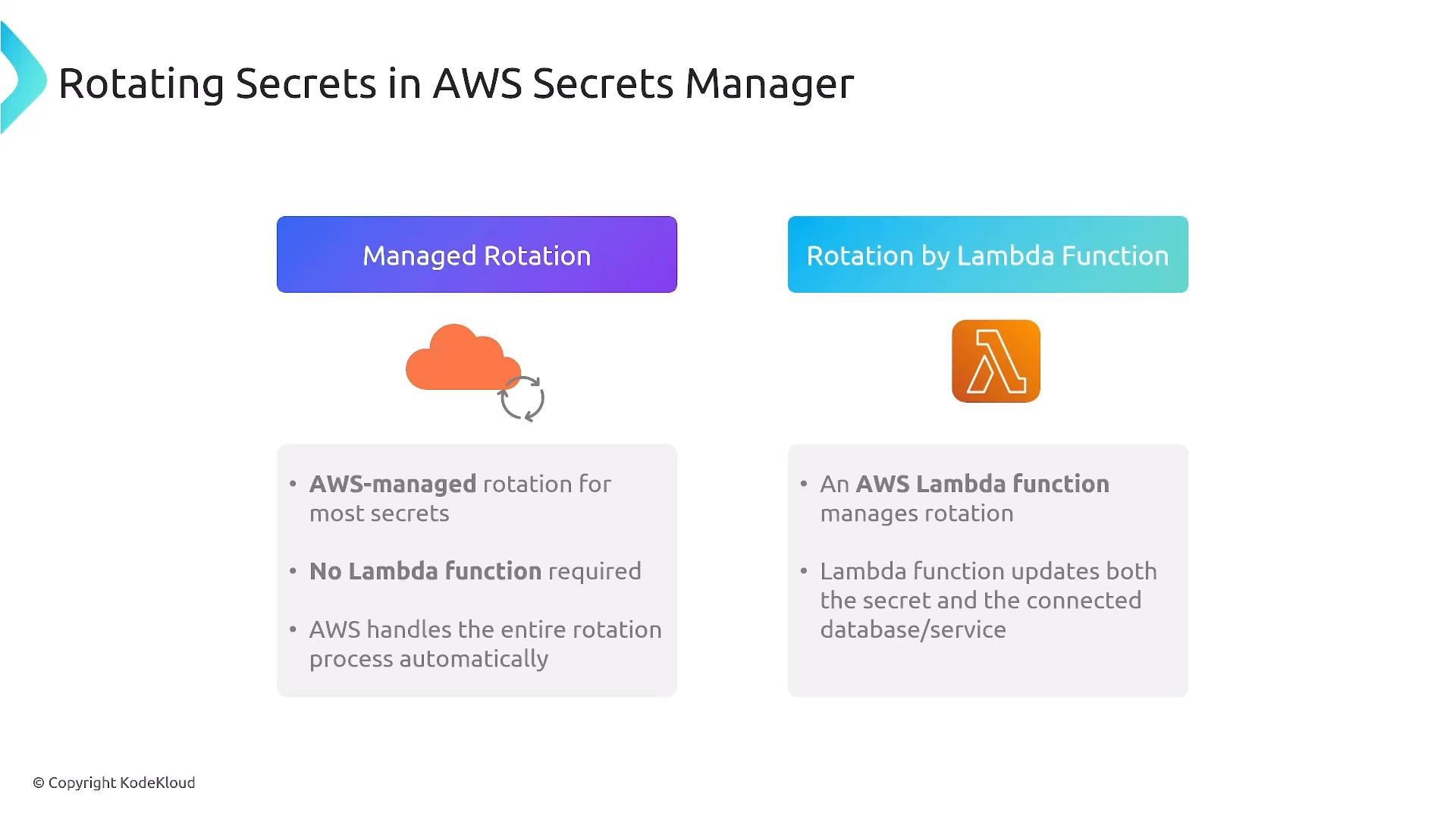
Automatic rotation reduces exposure from leaked credentials by replacing them on a schedule. Secrets Manager provides:- Managed rotation for supported targets (AWS handles rotation logic).
- Custom rotation using Lambda functions for unsupported or advanced scenarios.
Encryption, Auditing, and Access Control
- Use KMS for encryption; prefer customer-managed keys when you need granular control over key policies, access, and rotation.
- Use CloudTrail to audit API activity for both Secrets Manager and Parameter Store.
- Apply least-privilege IAM policies and resource-level constraints so services only access the secrets they require.
- Combine IAM policies with KMS key policies to tightly control who or what can decrypt secrets.
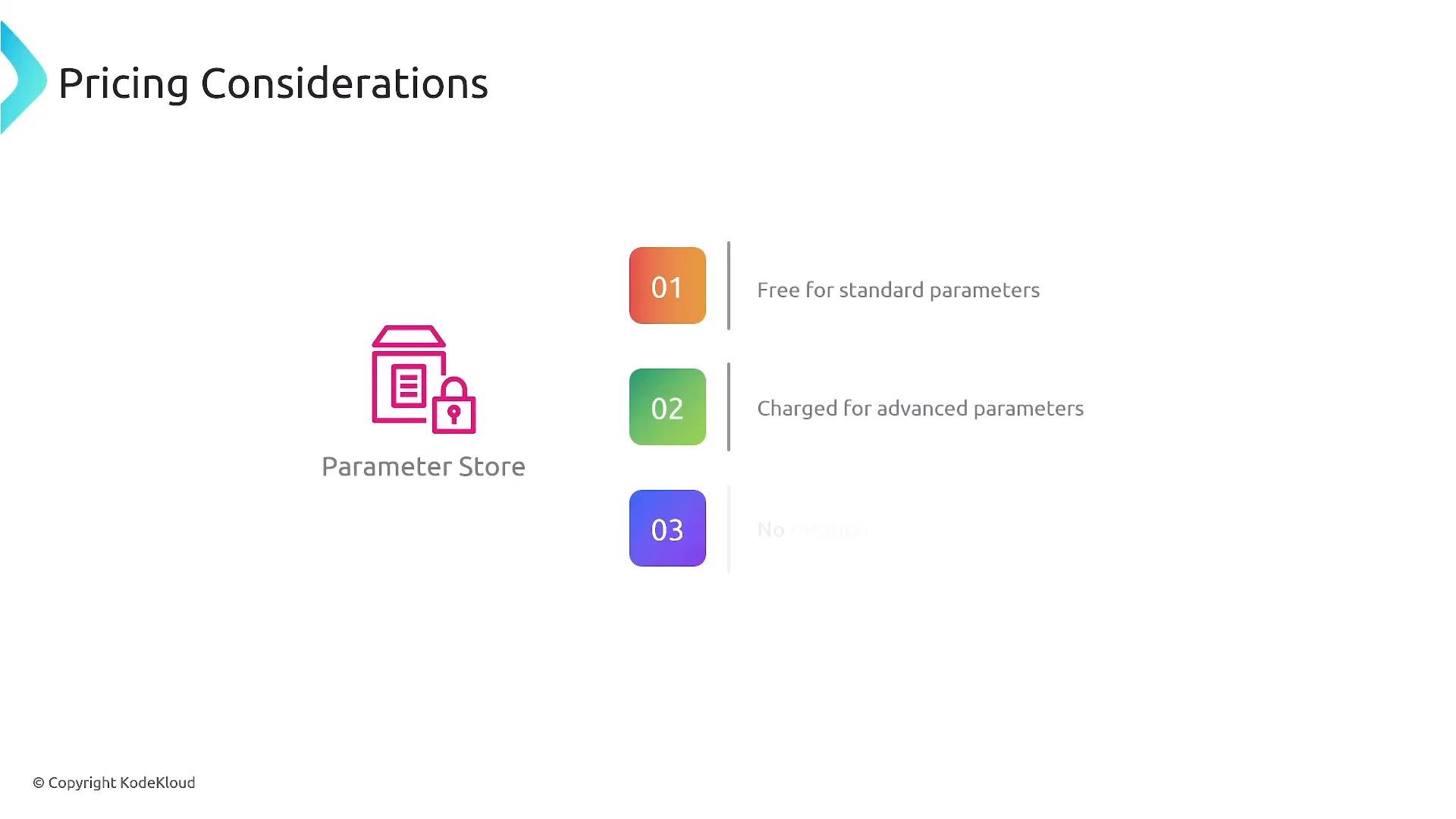
AWS pricing and limits change over time. Secrets Manager historically has a per-secret monthly charge and per-API-call costs; Parameter Store provides free standard parameters but charges for advanced parameters. Always consult the latest AWS documentation and pricing pages before making cost-sensitive decisions.
Pricing Considerations
Secrets Manager typically has a higher per-secret cost plus API request charges; this is the trade-off for built-in rotation and lifecycle features. Parameter Store is often more cost-effective for simple configuration scenarios (standard parameters are free; advanced parameters incur charges). Focus on architectural trade-offs—rotation, integration, auditability, and operational overhead—before optimizing for cost.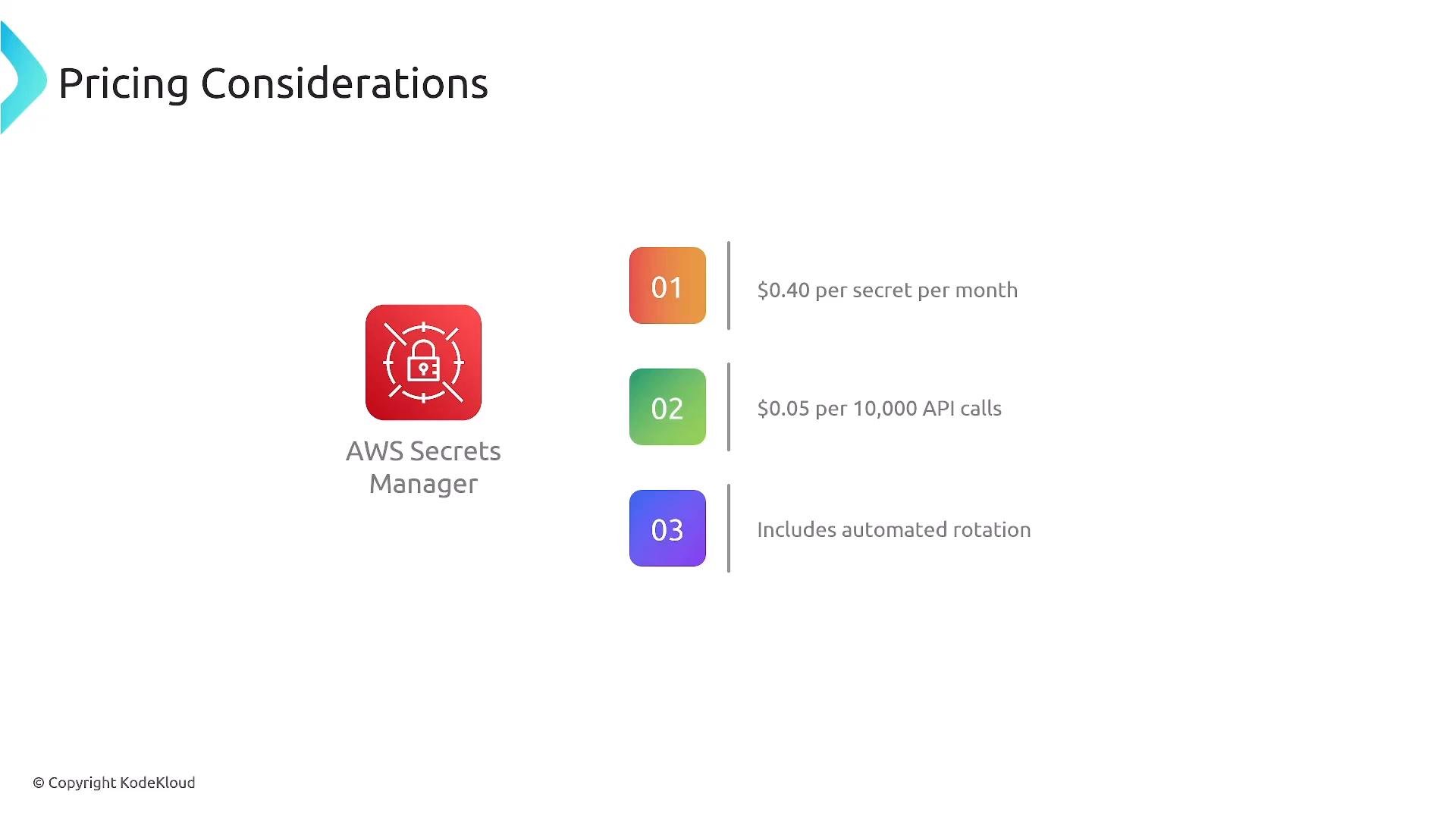
Security and IAM
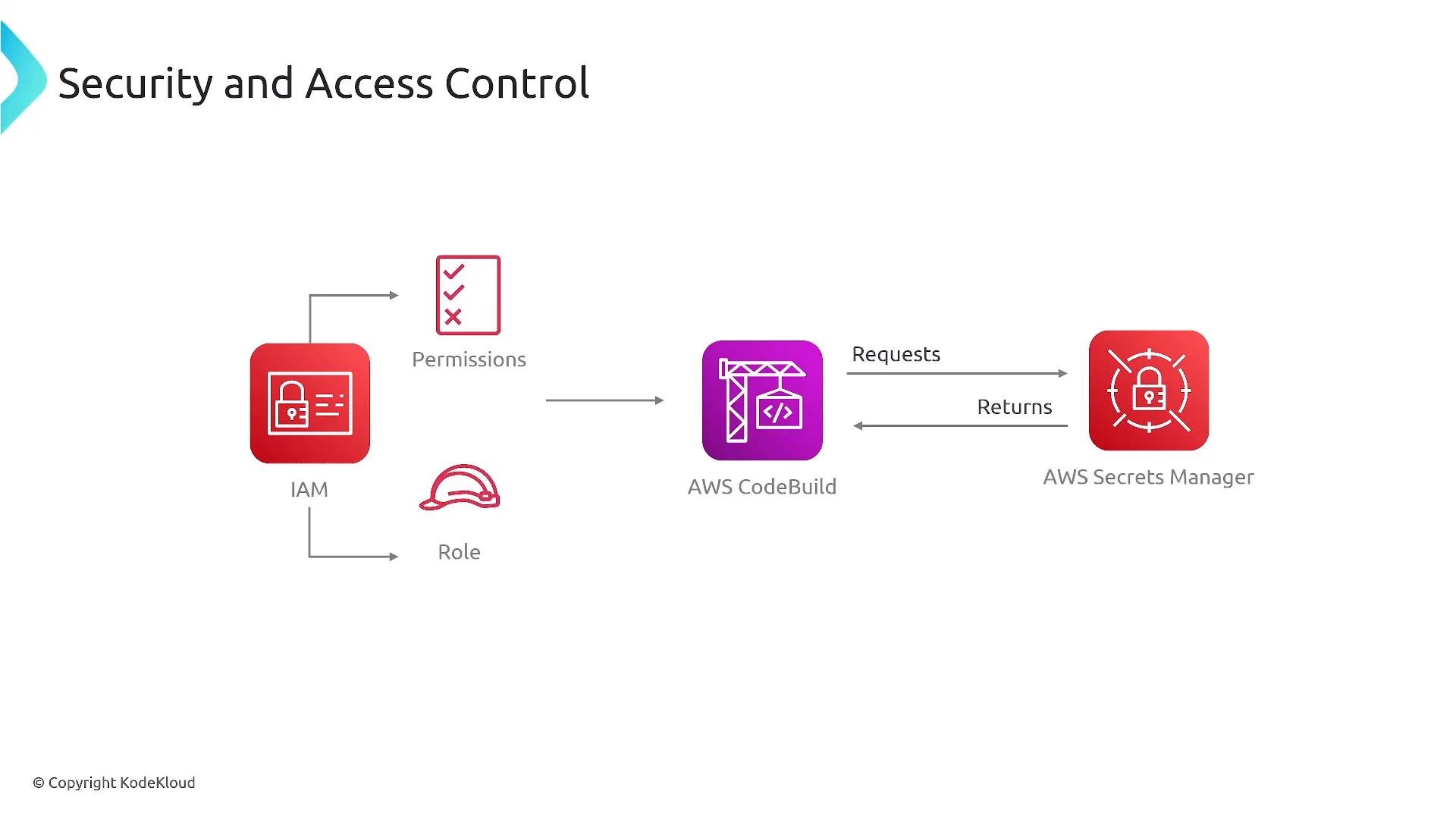
Grant least-privilege IAM roles to services (for example, give CodeBuild permissions only to the secrets it needs). An example minimal IAM policy to allow CodeBuild read access to a Secrets Manager secret:- Use resource-level IAM policies, avoid wide
*permissions. - Add KMS key policies to limit decrypt access to only the necessary roles/services.
- Monitor access via CloudTrail and set up alerts or anomaly detection for unusual access patterns.
Best Practices
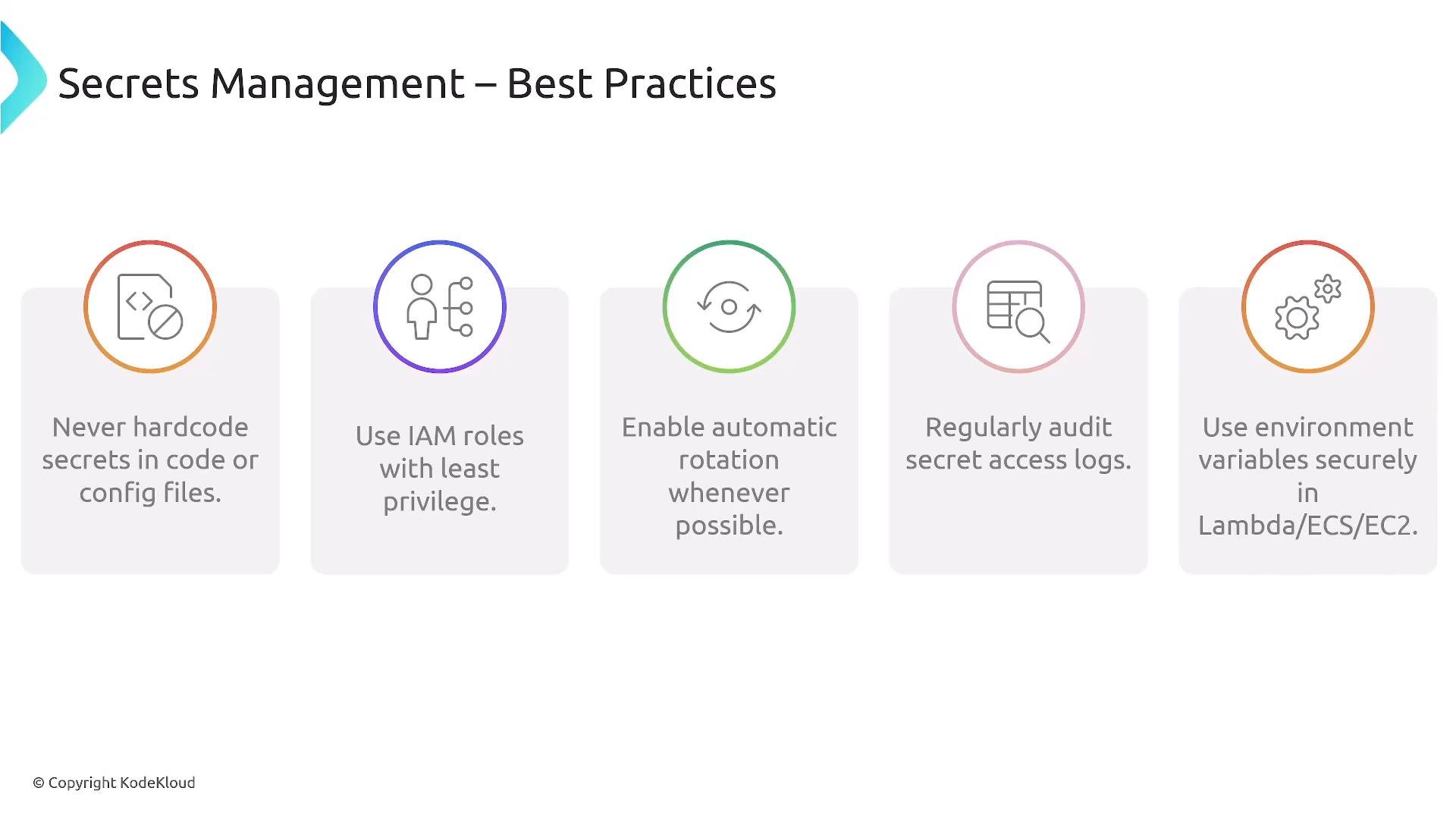
- Never hard-code secrets in source code, configuration checked into repositories, or build scripts.
- Use IAM roles and least privilege for services (attach narrowly scoped roles to CodeBuild, ECS tasks, etc.).
- Prefer Secrets Manager automatic rotation where appropriate to reduce credential exposure.
- Inject secrets at runtime (environment variables or secure secret mounts) rather than baking them into artifacts.
- Encrypt secrets with KMS; use customer-managed keys for fine-grained control.
- Regularly audit access with CloudTrail and consider anomaly detection for access patterns.
- Keep secret lifetimes short when feasible and rotate credentials on compromise or schedule.
Key Takeaways
- Use AWS Secrets Manager when you need built-in rotation, secret lifecycle features, and advanced secret management.
- Use Systems Manager Parameter Store for simple, cost-effective configuration and secrets (
SecureString) when rotation is not required or is implemented externally. - Always enforce least-privilege IAM, KMS encryption, and CloudTrail auditing for any secrets you manage.
- AWS Secrets Manager Documentation
- AWS Systems Manager Parameter Store
- AWS Key Management Service (KMS)
- AWS Security Best Practices