In this lesson we revisit event-driven architectures on AWS, focusing on how Amazon EventBridge and Amazon SNS work together to enable robust incident and event response. Think of EventBridge as the intelligent event router (filtering, pattern matching, transformation, routing) and SNS as the multi-protocol notification and fan-out system (delivery, subscription filtering, retries). Combined, they form a reliable foundation for real-time incident workflows and notifications.
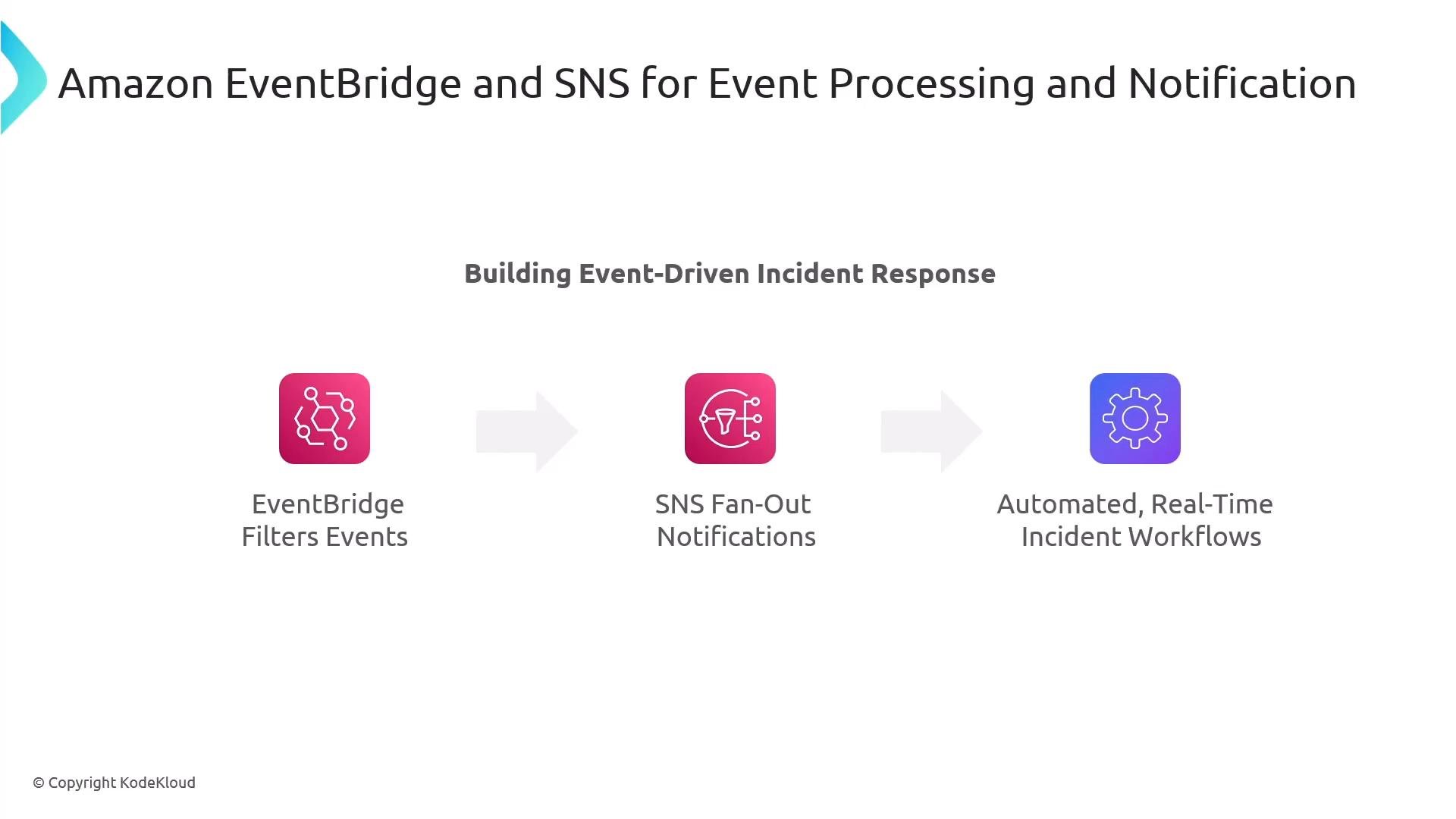
A slide titled "Amazon EventBridge and SNS for Event Processing and Notification" showing a three-step flow: EventBridge filters events, SNS fan-out notifications, and automated real-time incident workflows. Each step is represented by an icon and arrows illustrating the event-driven incident response pipeline.

EventBridge: core concepts and quotas

EventBridge provides a central, JSON-based event pipeline. Key components: Important operational quotas to keep in mind:
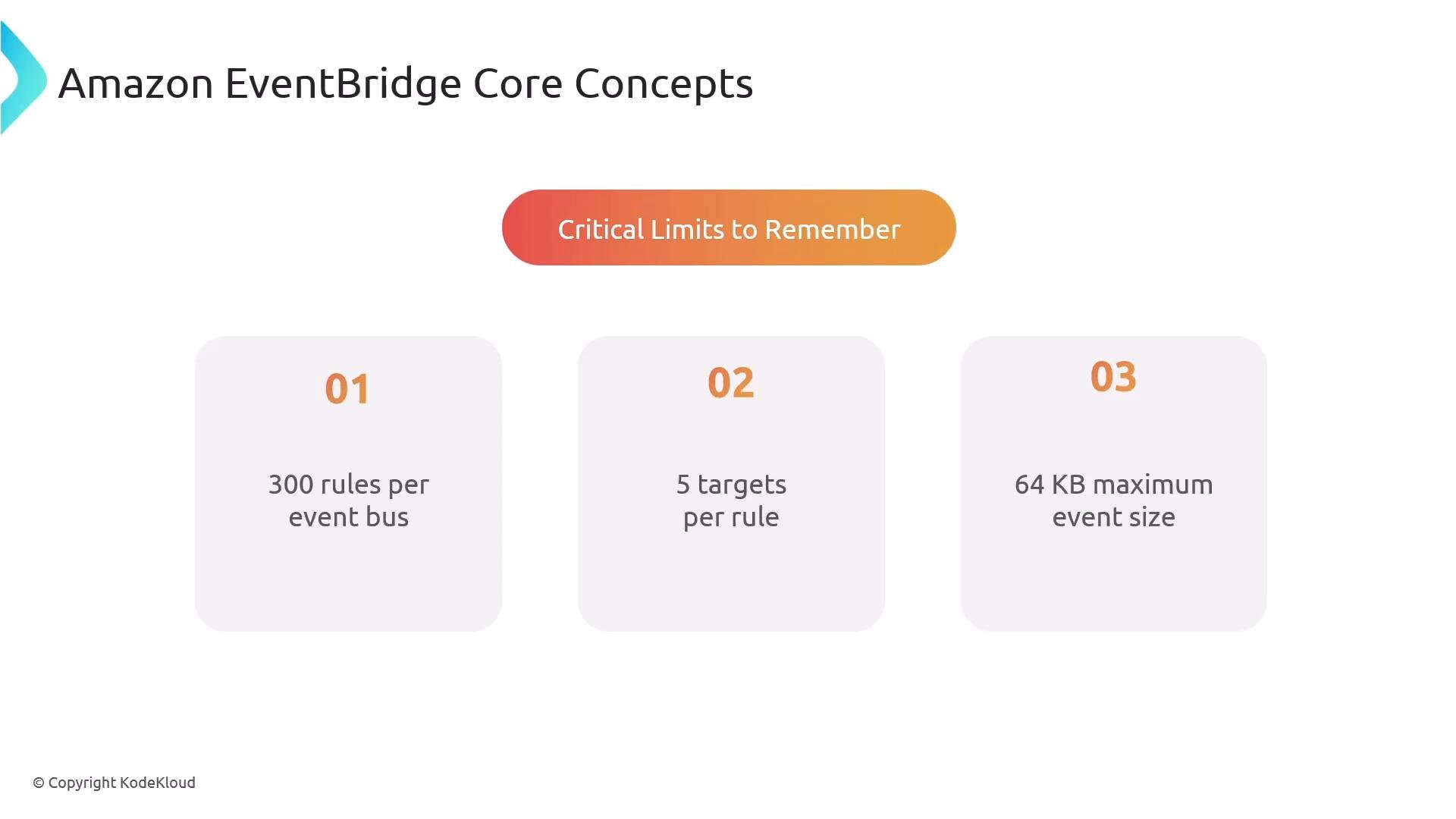
  • 300 rules per event bus.
  • Limited number of targets per rule — use SNS or SQS to fan-out when broad delivery is required.
  • Maximum event size: 256 KB (including metadata). Note: some presentation slides may reference smaller values (e.g., 64 KB); always verify current AWS quotas in the official documentation.
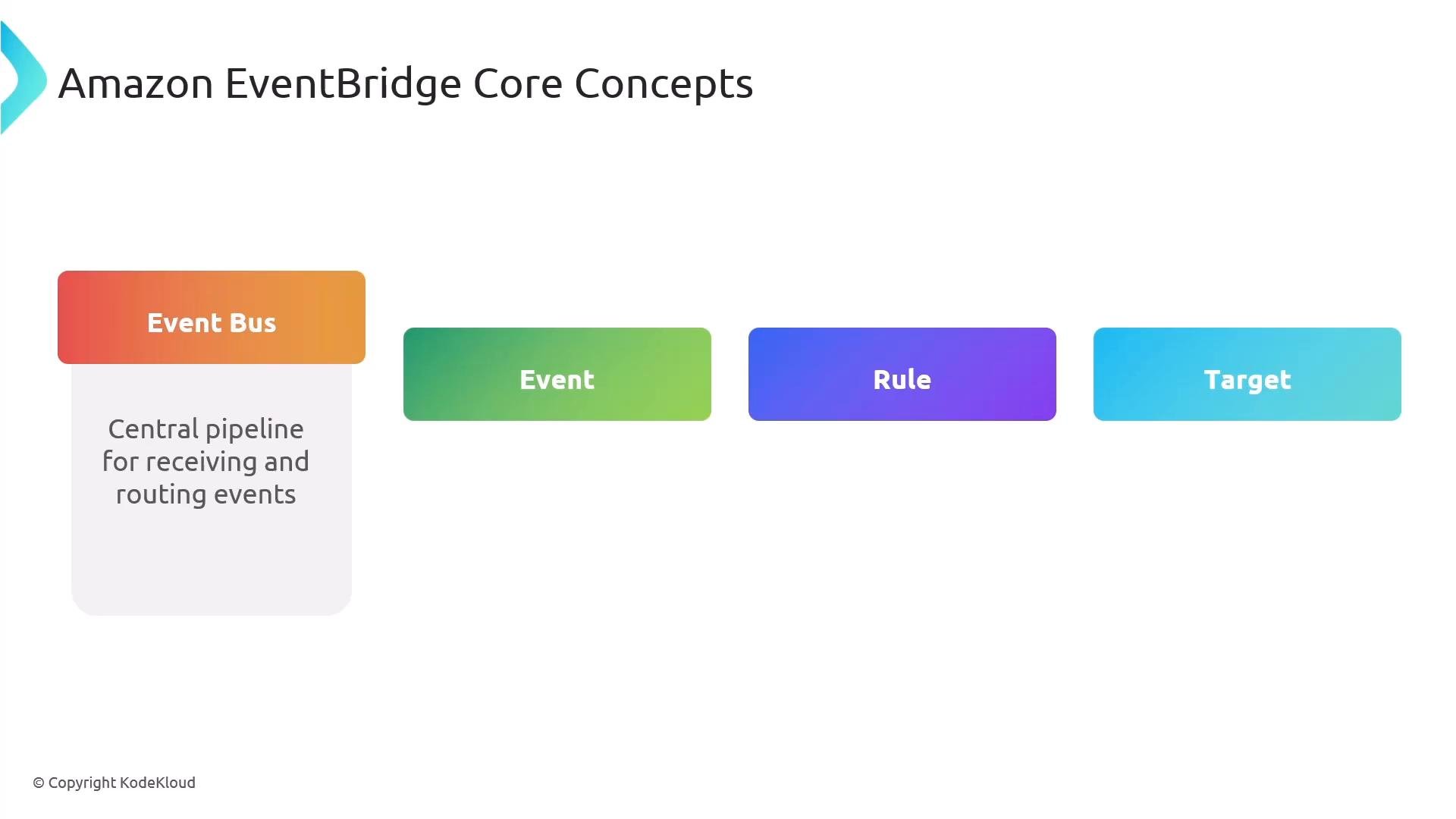
A slide titled "Amazon EventBridge Core Concepts" showing four colored blocks labeled Event Bus (with the note "Central pipeline for receiving and routing events"), Event, Rule, and Target. It outlines the core components of EventBridge.
A slide titled "Amazon EventBridge Core Concepts" showing "Critical Limits to Remember" with three numbered boxes: 01 — 300 rules per event bus, 02 — 5 targets per rule, and 03 — 64 KB maximum event size.
When authoring rules, combine source, detail-type, and detail to build precise patterns. EventBridge supports deep JSON matching, enabling targeted routing to the right teams or automation.

SNS overview

Amazon SNS is a fully managed pub/sub notification service for multi-protocol delivery and fan-out. You create a topic, subscribers register to that topic, and SNS delivers messages via email, SMS, HTTP/S, Lambda, SQS, and other endpoints. SNS also supports subscription filtering using message attributes so you can avoid unnecessary deliveries and save cost. Key SNS characteristics:
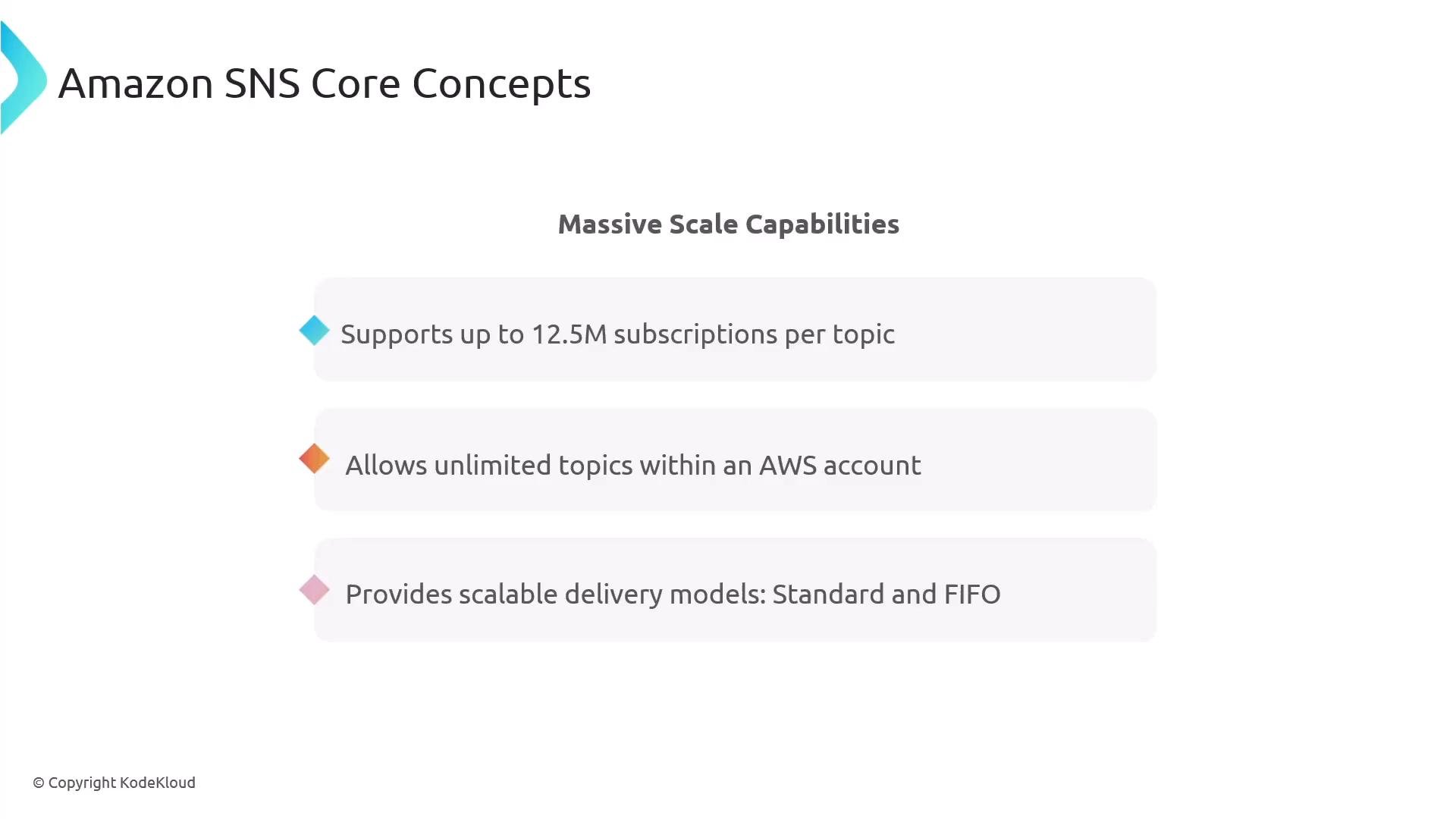
  • Massive scale: support for millions of subscriptions (e.g., up to ~12.5M subscriptions per topic).
  • Both Standard and FIFO topics are available (FIFO preserves ordering).
  • Message size limit (SNS/SQS): 256 KB.
A slide titled "Amazon SNS Core Concepts" highlighting "Massive Scale Capabilities." It lists that SNS supports up to 12.5M subscriptions per topic, allows unlimited topics per AWS account, and provides scalable delivery models (Standard and FIFO).

Typical integration pattern: EventBridge → SNS

A common, practical pattern:
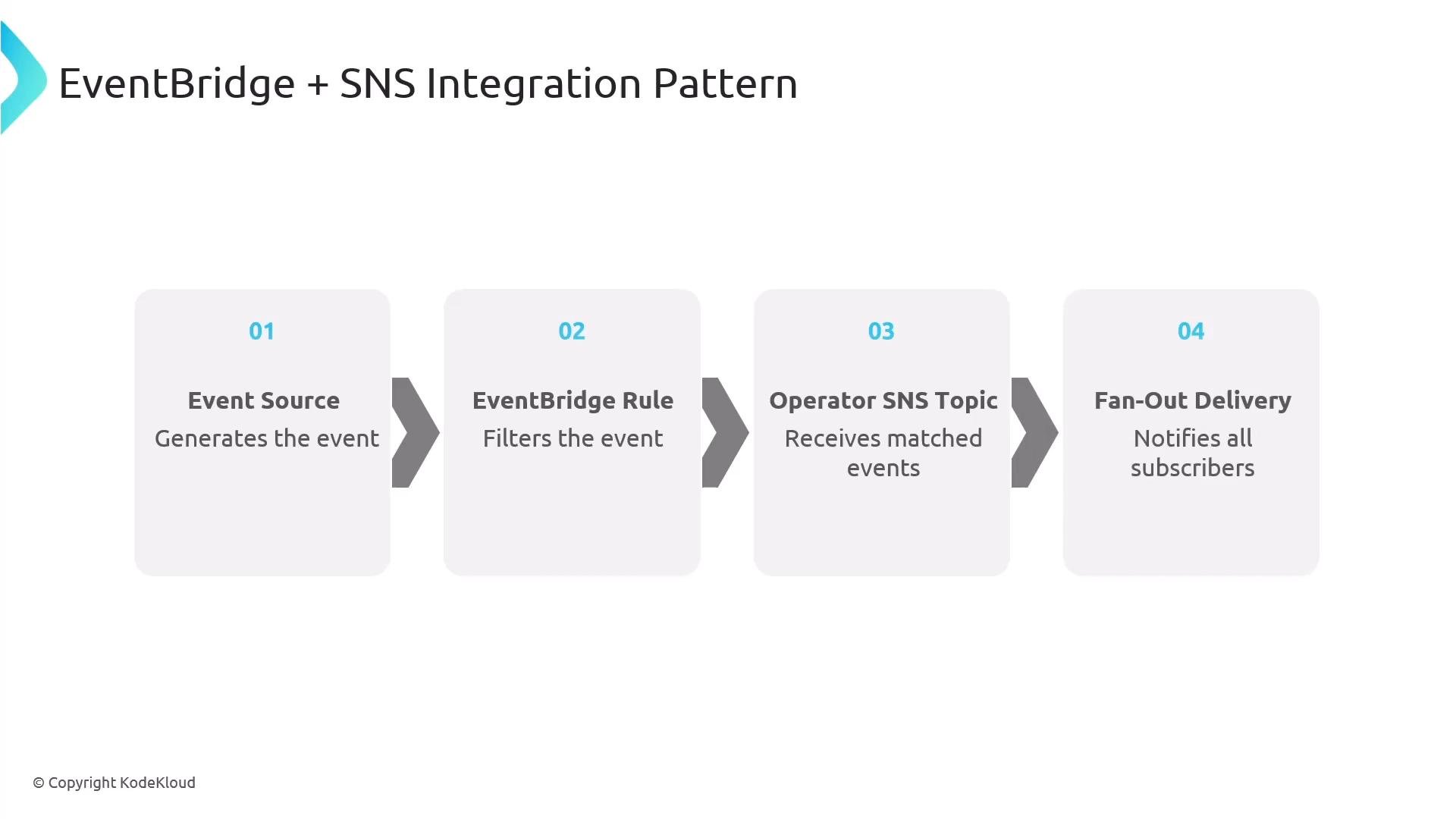
  1. Event source publishes to EventBridge
  2. A rule filters the event
  3. The matching rule targets an SNS topic (e.g., an operator topic)
  4. SNS fans out to subscribers (human recipients) or remediation systems (Lambda, Step Functions)
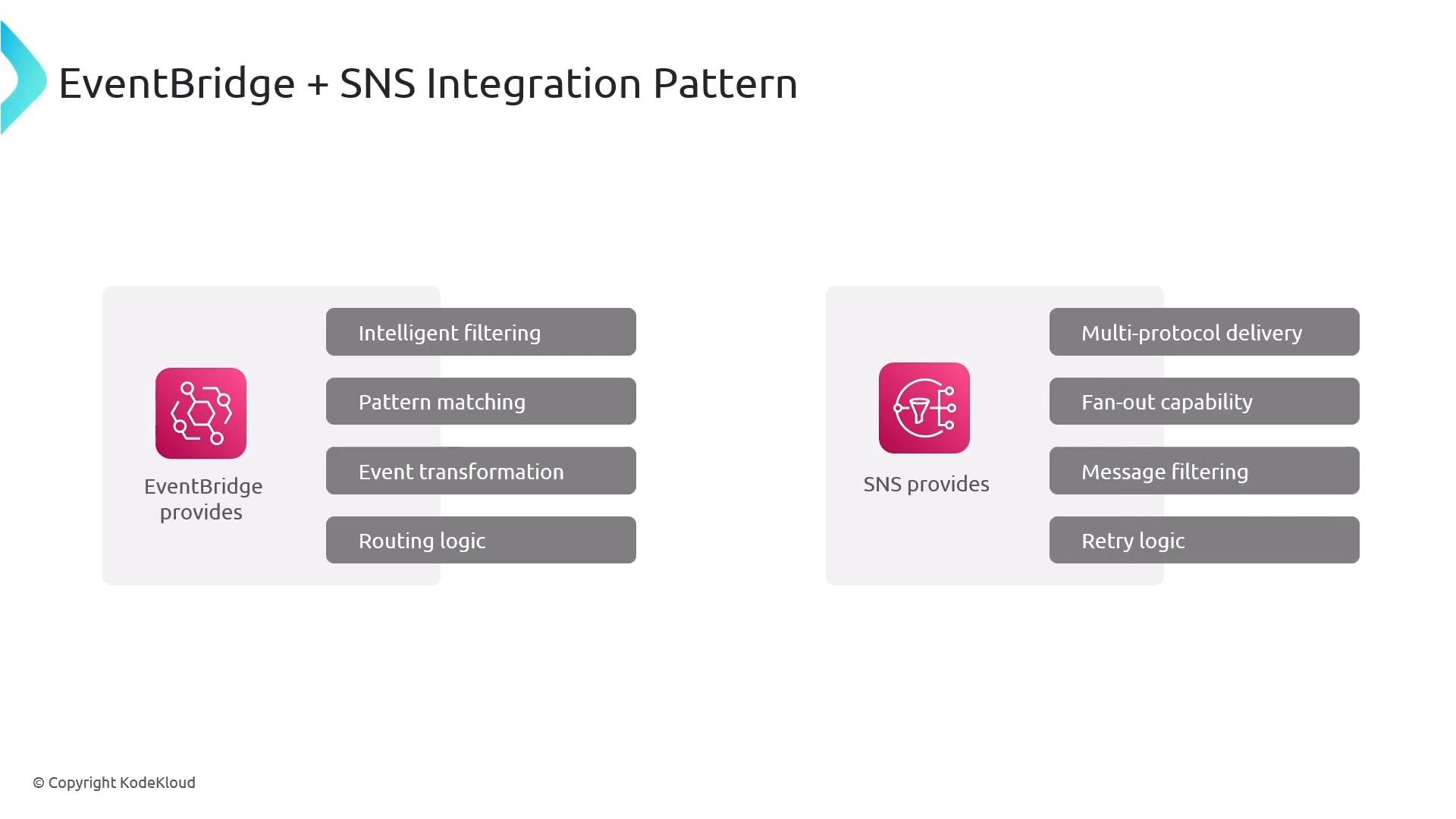
EventBridge is ideal for filtering, transformation, and routing logic. SNS provides multi-protocol delivery, fan-out, subscription filtering, and retry semantics.
A left-to-right flow diagram titled "EventBridge + SNS Integration Pattern" showing four numbered steps: Event Source (generates the event), EventBridge Rule (filters the event), Operator SNS Topic (receives matched events), and Fan-Out Delivery (notifies all subscribers). Arrows between boxes indicate the sequence of event processing.
A slide titled "EventBridge + SNS Integration Pattern" comparing capabilities of the two services. The left panel lists EventBridge features (intelligent filtering, pattern matching, event transformation, routing logic) and the right panel lists SNS features (multi-protocol delivery, fan-out capability, message filtering, retry logic).
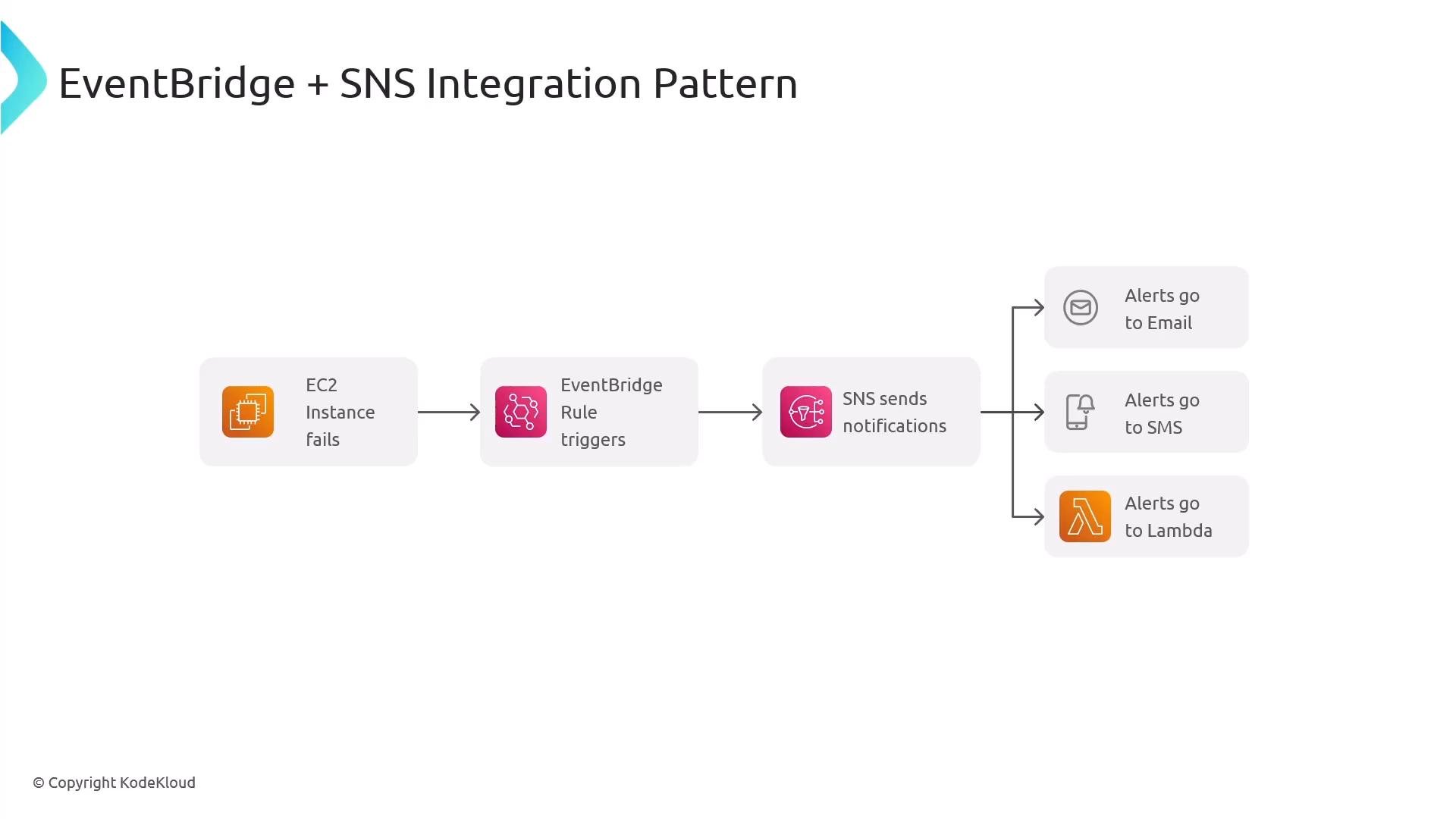
Example: route EC2 instance state change events from EventBridge to an SNS topic. SNS then notifies email/SMS subscribers and invokes a Lambda for automated remediation (recover or redeploy an instance).
A simple architecture diagram titled "EventBridge + SNS Integration Pattern" showing an EC2 instance failure triggering an EventBridge rule, which uses SNS to send notifications. The SNS notifications fan out to email, SMS, and a Lambda function for alerts.

Fan-out patterns

  • Simple fan-out: SNS → multiple subscriptions (notifications only).
  • Processing fan-out: EventBridge → multiple Lambda functions (parallel processing workflows).
  • Hybrid: combine both—EventBridge for smart routing and SNS for delivery/fan-out.
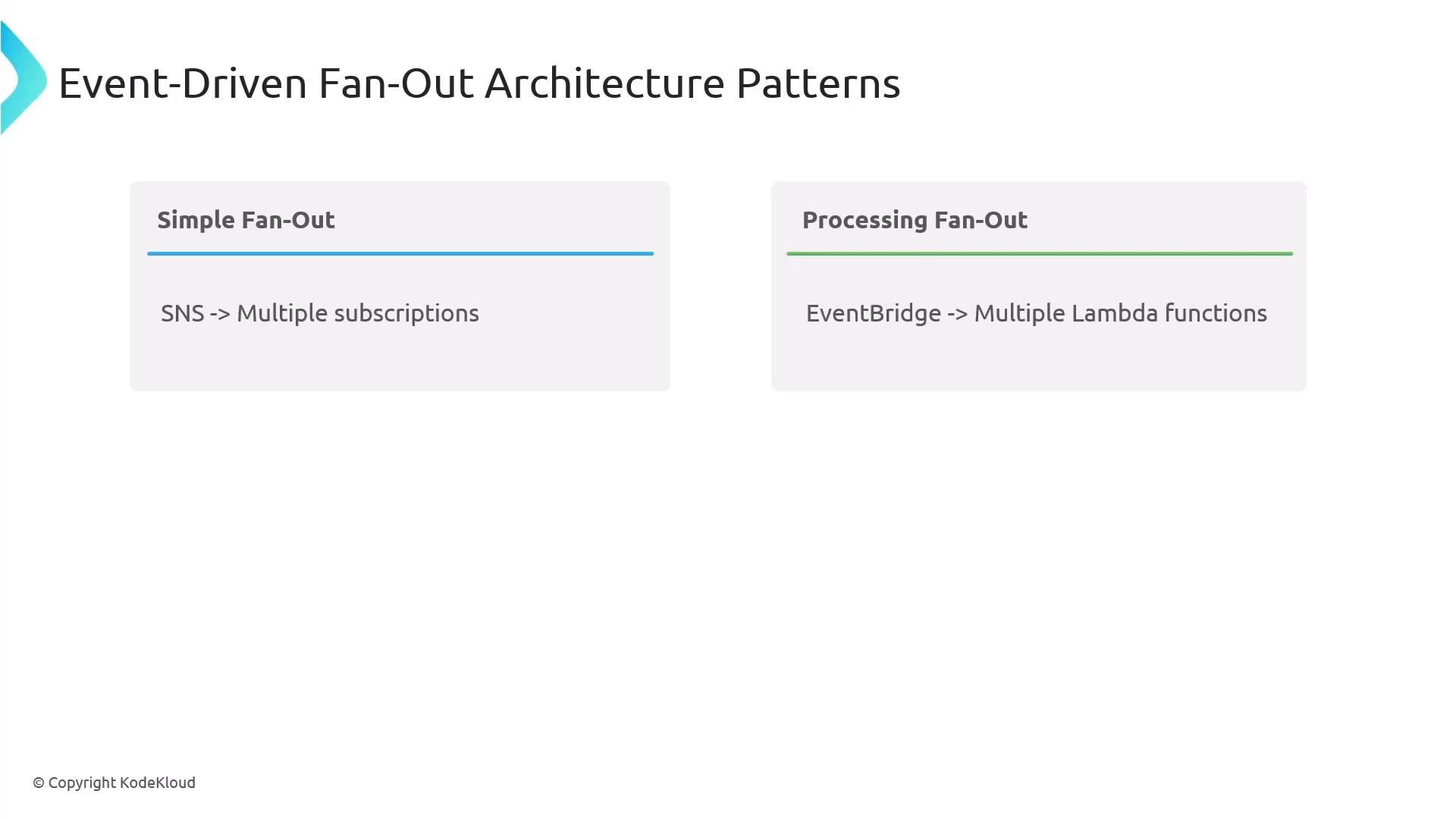
A presentation slide titled "Event-Driven Fan-Out Architecture Patterns" showing two patterns: "Simple Fan-Out" (SNS -> Multiple subscriptions) and "Processing Fan-Out" (EventBridge -> Multiple Lambda functions).

SNS subscription filtering and message attributes

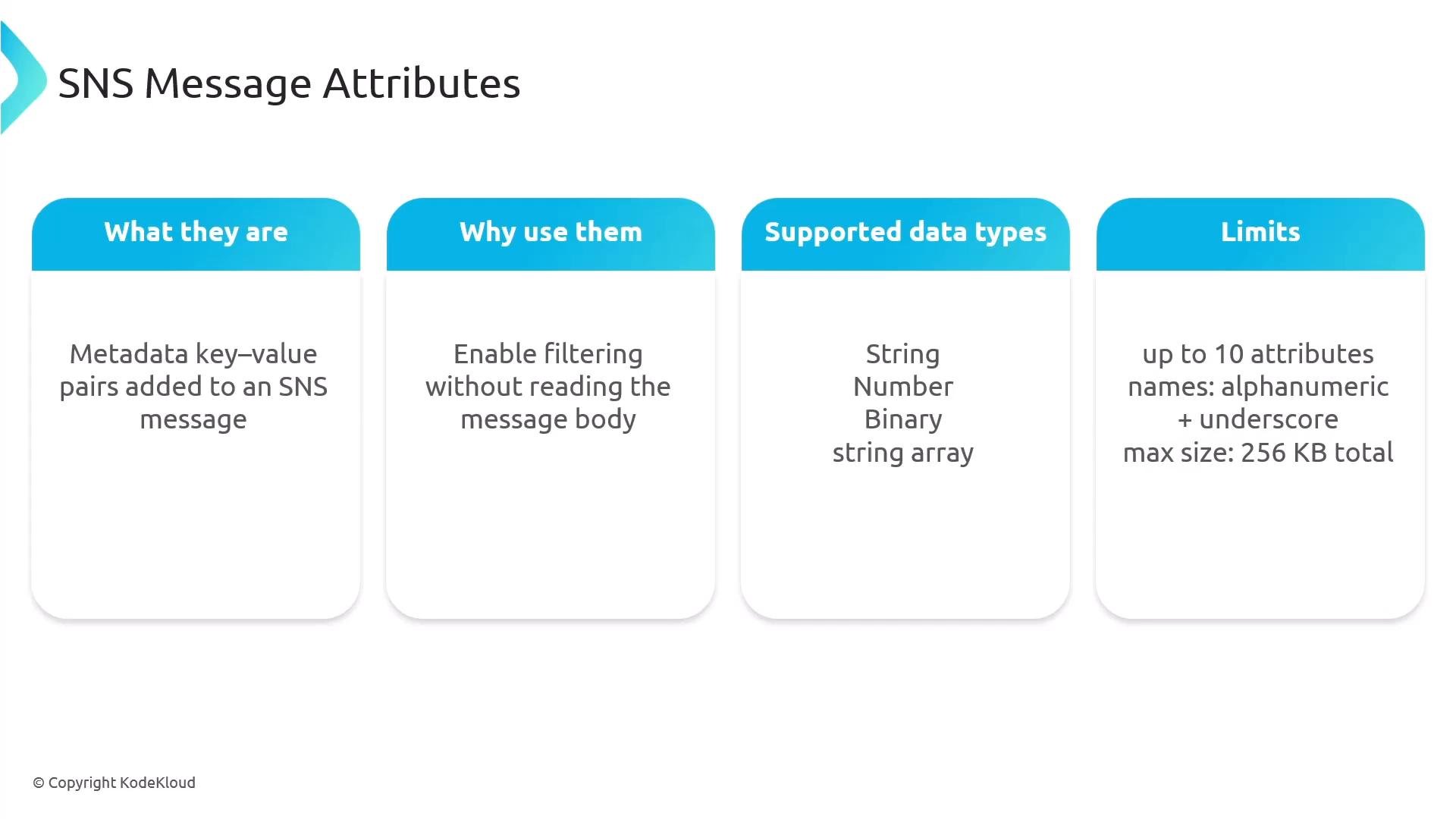
Use SNS Message Attributes to filter subscriptions without parsing the message body. Attributes are metadata (key-value) and are evaluated by subscription filter policies. Supported attribute types and limits:
  • Types: String, Number, Binary.
  • Up to 10 attributes per message.
  • Message size limit: 256 KB.
Example publish request with message attributes:
Subscription filter examples:
  • Match a string attribute:
  • Numeric condition:
Attributes are case-sensitive. Use descriptive names to keep filter policies clear and to minimize unnecessary notifications.
A presentation slide titled "SNS Message Attributes" showing four rounded panels. Each panel briefly defines what they are (metadata key‑value pairs), why use them (enable filtering), supported data types (String, Number, Binary, string array), and limits (up to 10 attributes, alphanumeric + underscore, 256 KB total).

Cross-account event routing and centralization

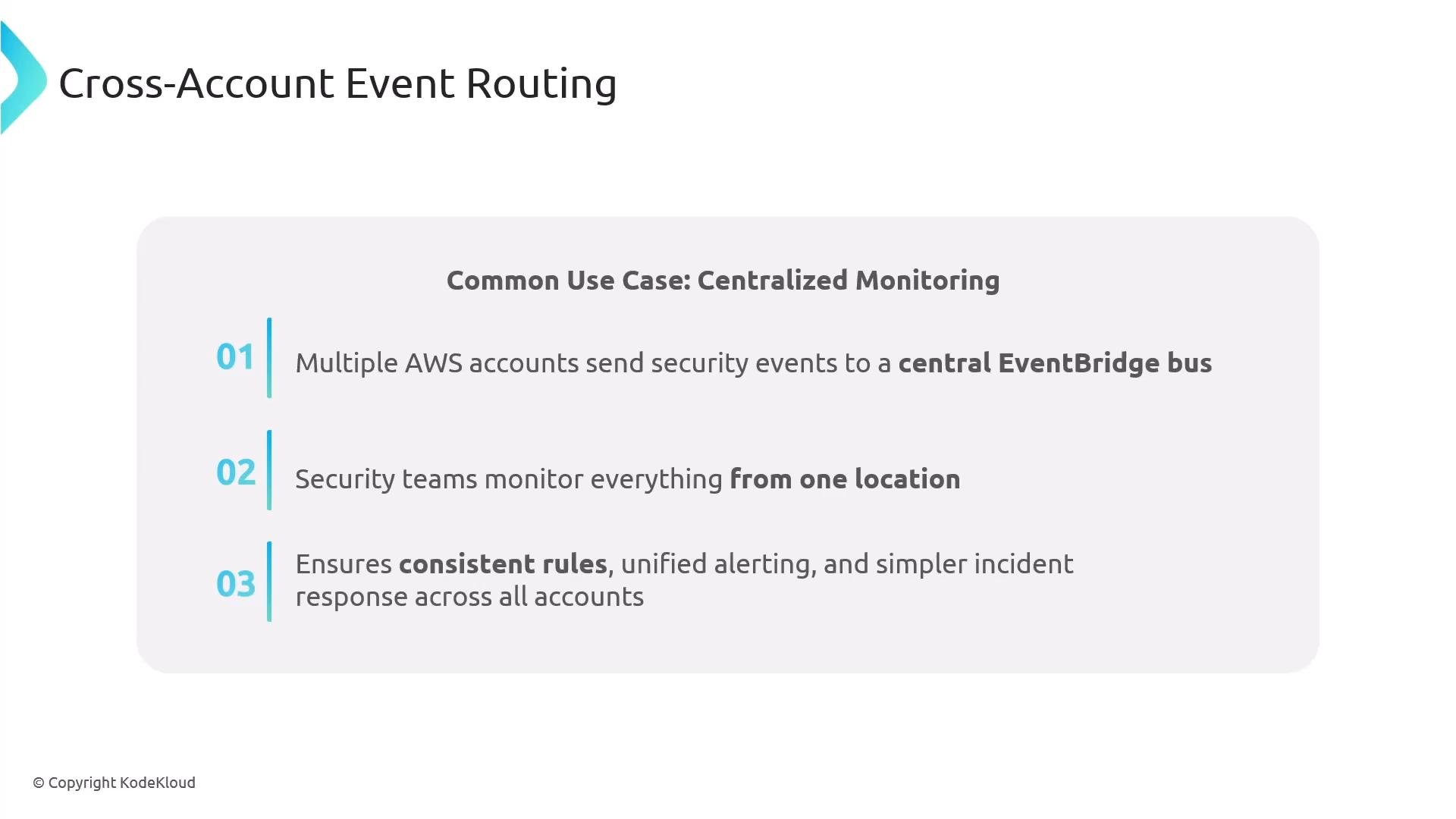
Centralizing events into a monitoring (central) account provides a single pane of glass for security and operations. Cross-account routing requires explicit configuration:
  • Destination resource policy: the central event bus must explicitly allow events from member accounts.
  • Source IAM permissions: source accounts need PutEvents permission.
  • Bi-directional trust: ensure both sides grant required permissions.
Benefits:
  • Unified monitoring and alerting.
  • Consistent rule application and policy enforcement.
  • Simplified incident response across accounts.
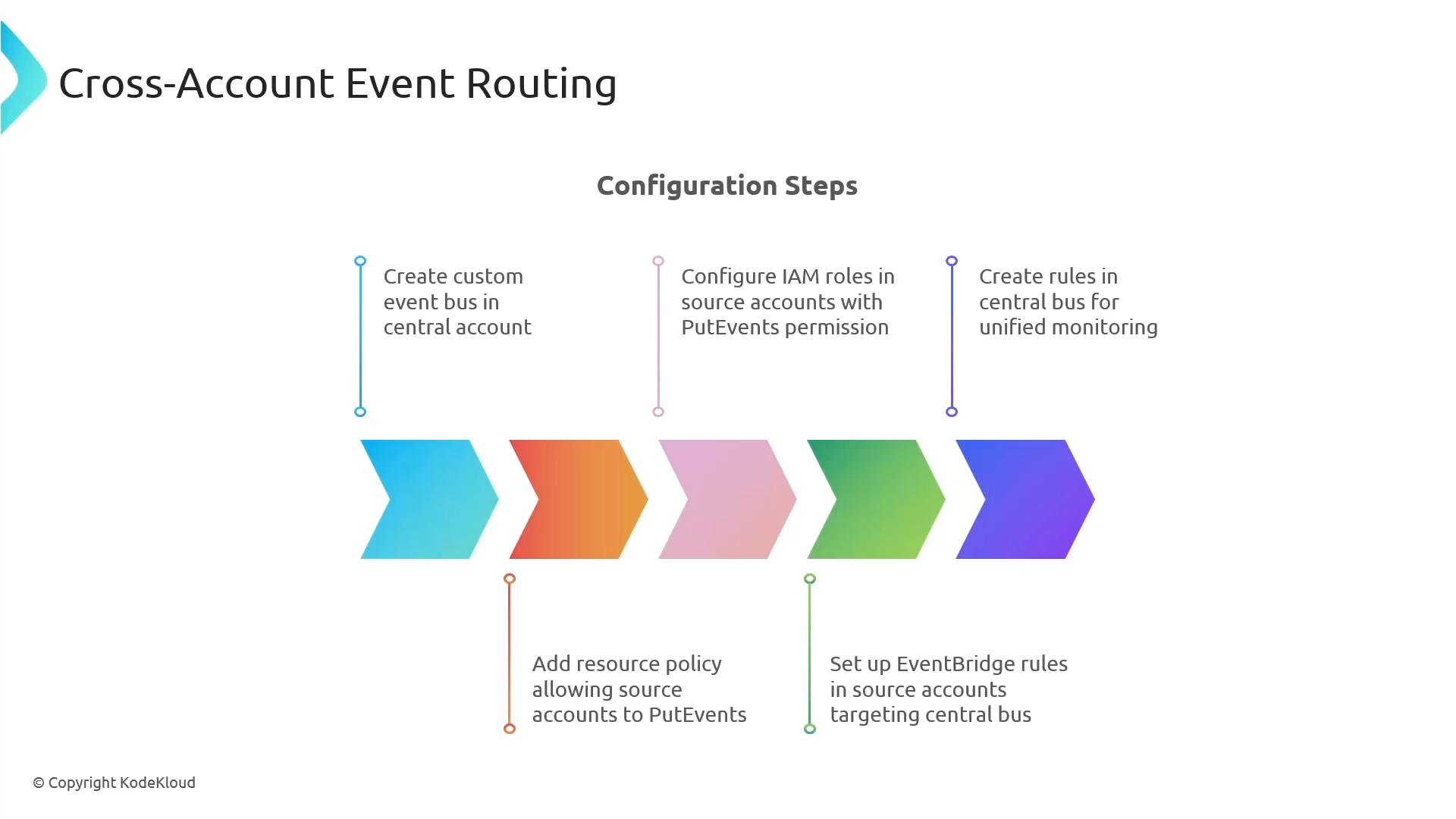
Configuration summary:
  1. Create a custom event bus in the central account.
  2. Add a resource policy on the bus allowing member accounts to PutEvents.
  3. Ensure source accounts have IAM roles/policies with PutEvents permission.
  4. Create rules on the central bus to process member events.
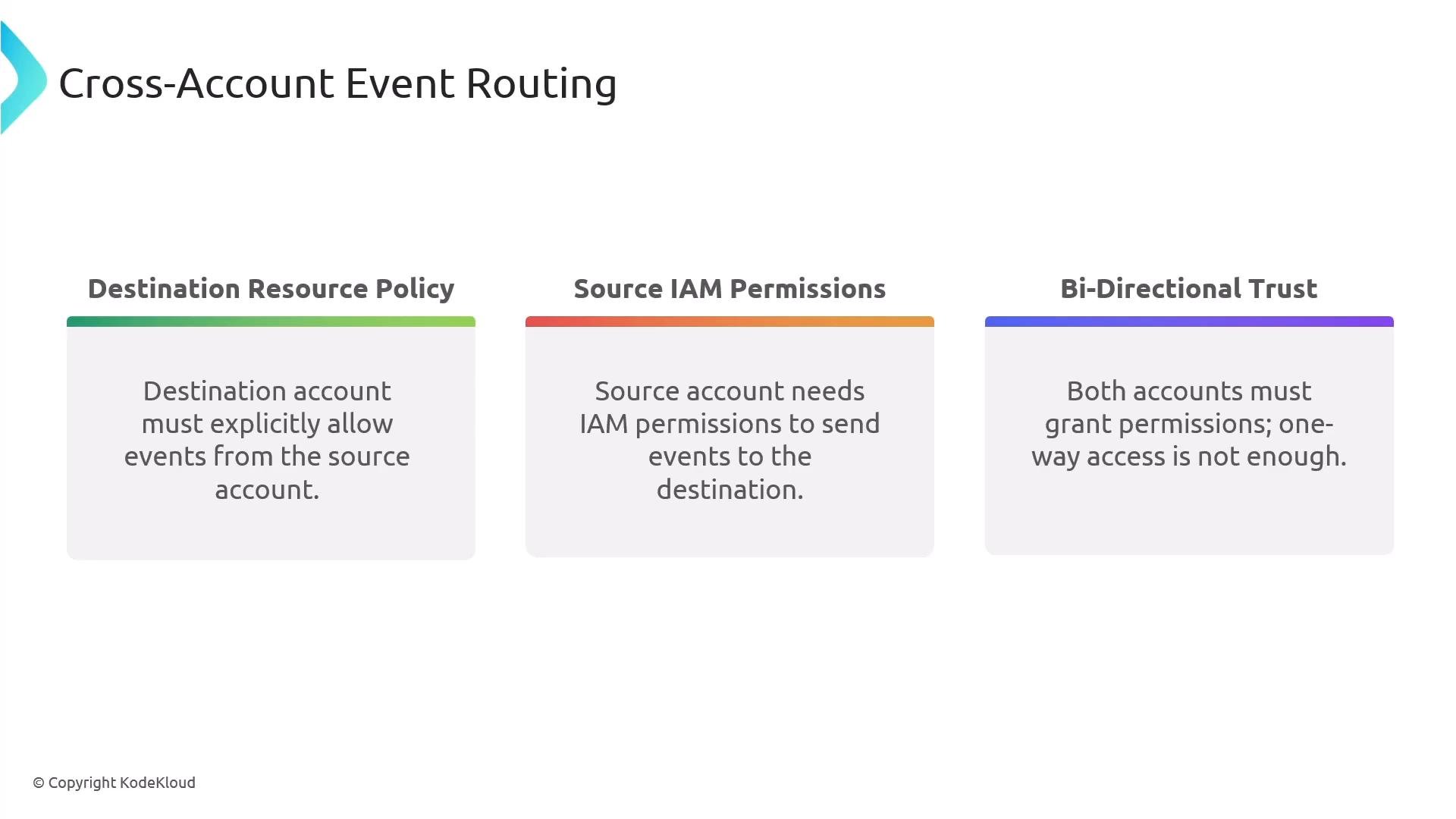
An infographic titled "Cross-Account Event Routing" that outlines three requirements. The three boxes read: Destination Resource Policy (destination must explicitly allow events), Source IAM Permissions (source needs IAM permissions to send events), and Bi-Directional Trust (both accounts must grant permissions).
A presentation slide titled "Cross-Account Event Routing" describing a common use case of centralized monitoring where multiple AWS accounts send security events to a central EventBridge bus. It lists three benefits: unified monitoring from one location, consistent rules and alerting, and simpler incident response across accounts.
A presentation slide titled "Cross-Account Event Routing" showing colorful chevrons and labeled configuration steps for setting up a central EventBridge event bus. Steps include creating the central bus, adding resource policies and IAM roles with PutEvents permission, and creating rules for unified monitoring.

Dead-letter queues (DLQs) and retry behavior

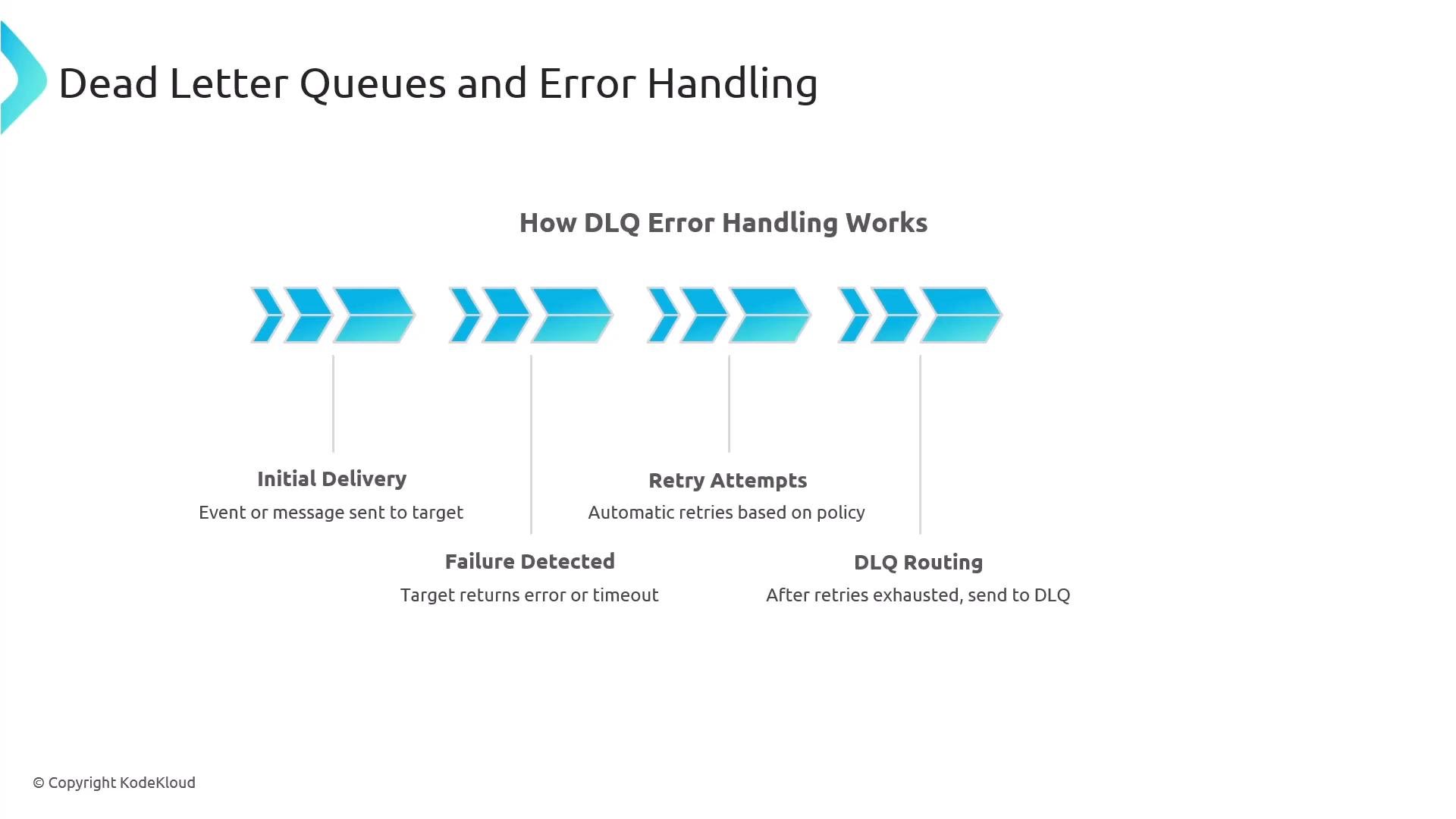
Both EventBridge and SNS support DLQs to capture messages/events that repeatedly fail after retries. SQS is commonly used as a DLQ so failed items can be inspected or reprocessed. Failure flow:
  • Initial delivery attempted.
  • Automatic retries occur (per configured retry policy/backoff).
  • When retries are exhausted, the message/event is routed to the configured DLQ.
Best practices:
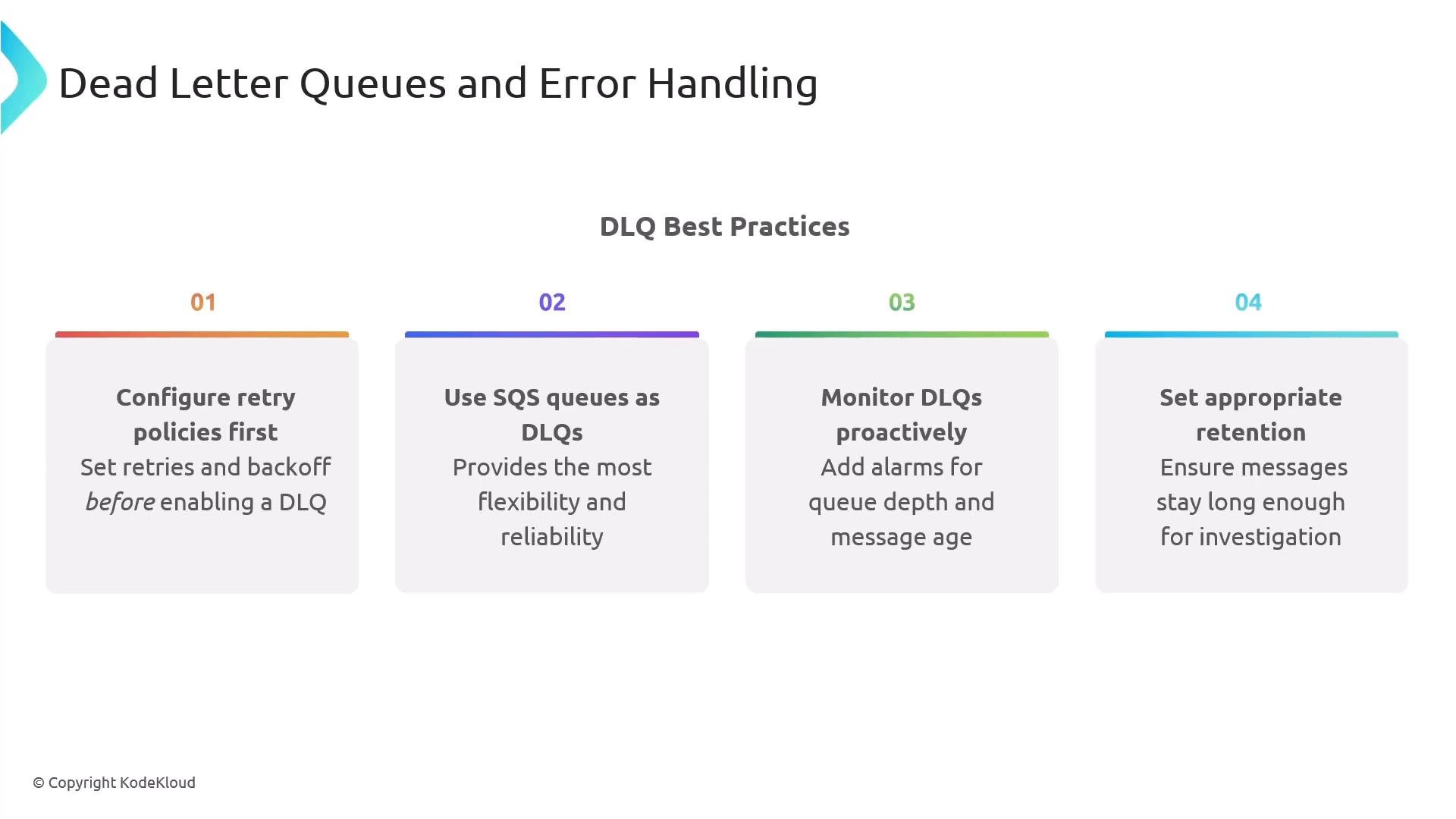
  • Configure exponential backoff retry policies before routing to DLQs.
  • Use SQS as a DLQ for later consumption and automated reprocessing.
  • Monitor DLQ depth and message age; set CloudWatch alarms on queue depth.
  • Process DLQ items promptly; retain messages long enough for forensic needs but not indefinitely.
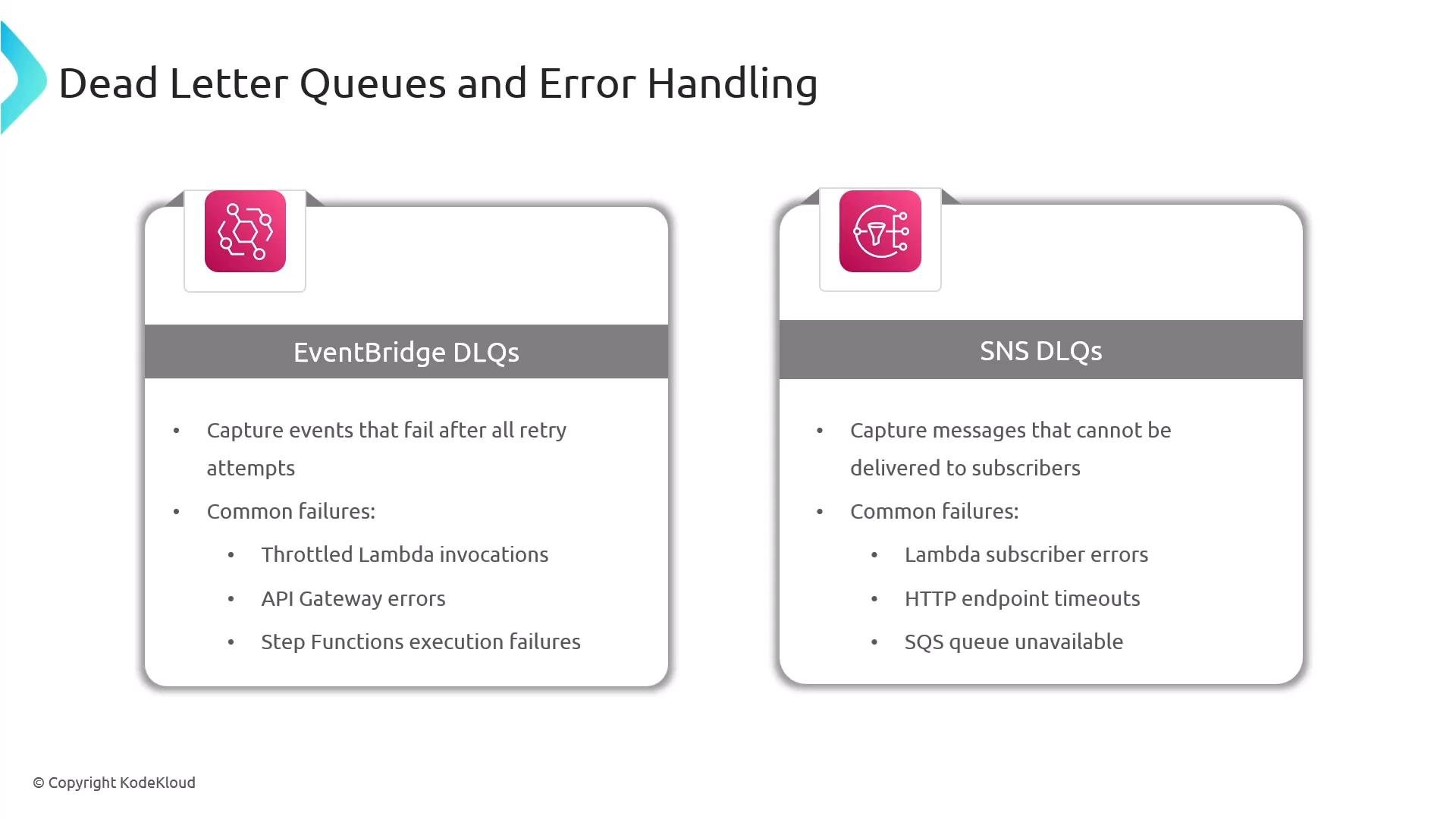
A presentation slide titled "Dead Letter Queues and Error Handling" showing two cards: one for EventBridge DLQs and one for SNS DLQs. Each card lists what is captured (failed events/messages) and examples of common failures like throttled Lambda invocations, API Gateway errors, subscriber errors, and HTTP timeouts.
A presentation slide titled "Dead Letter Queues and Error Handling" showing a horizontal flow diagram that explains how messages go from initial delivery, through failure detection and automatic retry attempts, to routing to a DLQ after retries are exhausted.
A presentation slide titled "Dead Letter Queues and Error Handling" showing "DLQ Best Practices." It lists four numbered recommendations: configure retry policies first, use SQS queues as DLQs, monitor DLQs proactively, and set appropriate retention.

Input transformers (event transformation)

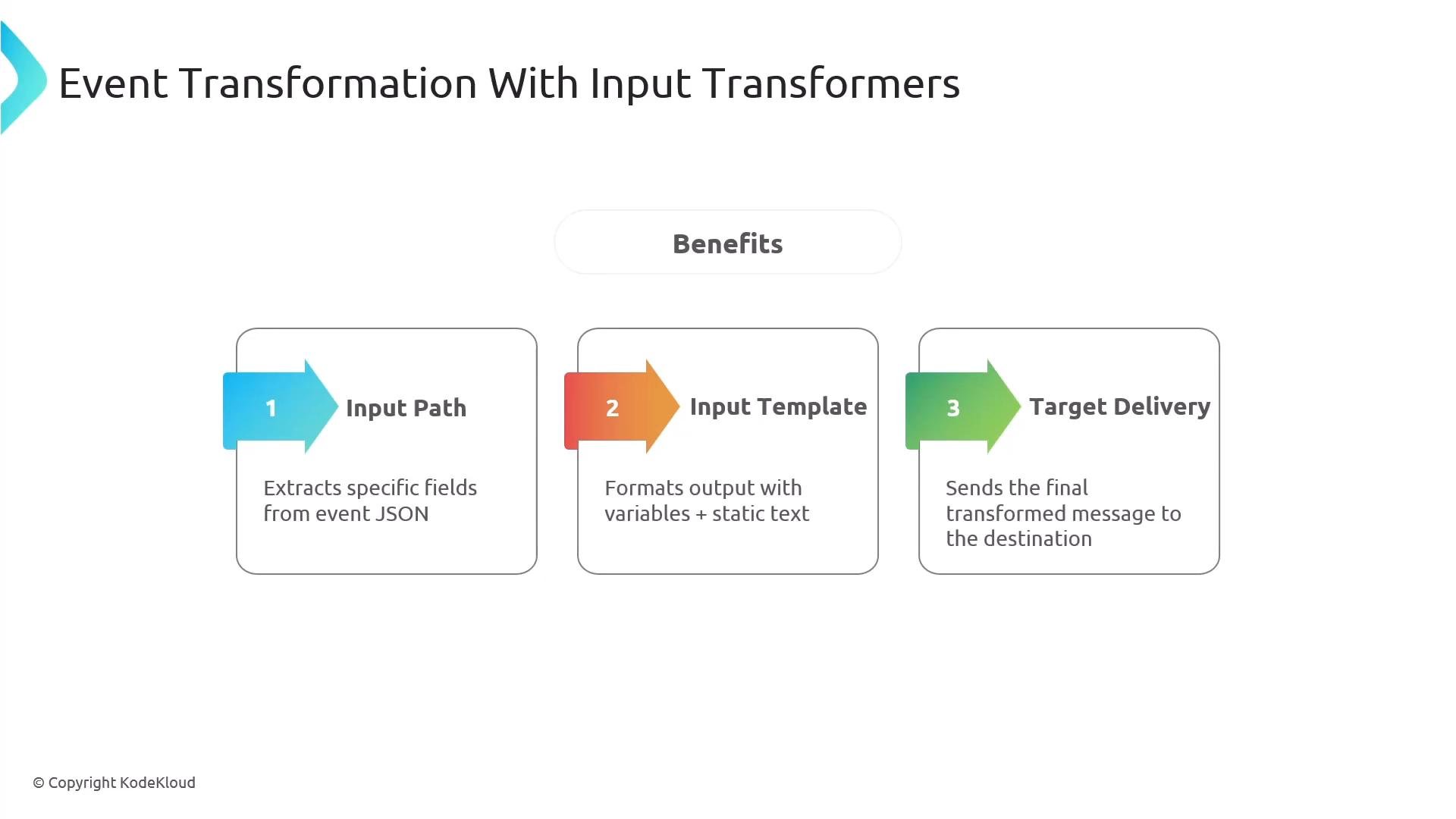
EventBridge Input Transformers let you extract fields from incoming events and format a custom output for targets—useful for human alerts, removing sensitive fields, or conforming to downstream API payloads. Example original event (EC2 instance state change):
Example transformed output for SNS (human-readable):
Input Transformers let you select input paths and templates so targets receive concise, actionable payloads.
A presentation slide titled "Event Transformation With Input Transformers" showing three numbered steps: 1) Input Path, 2) Input Template, and 3) Target Delivery. Each step is in a box with a colored arrow and a brief description about extracting fields, formatting output, and sending the transformed message.

Archive and replay

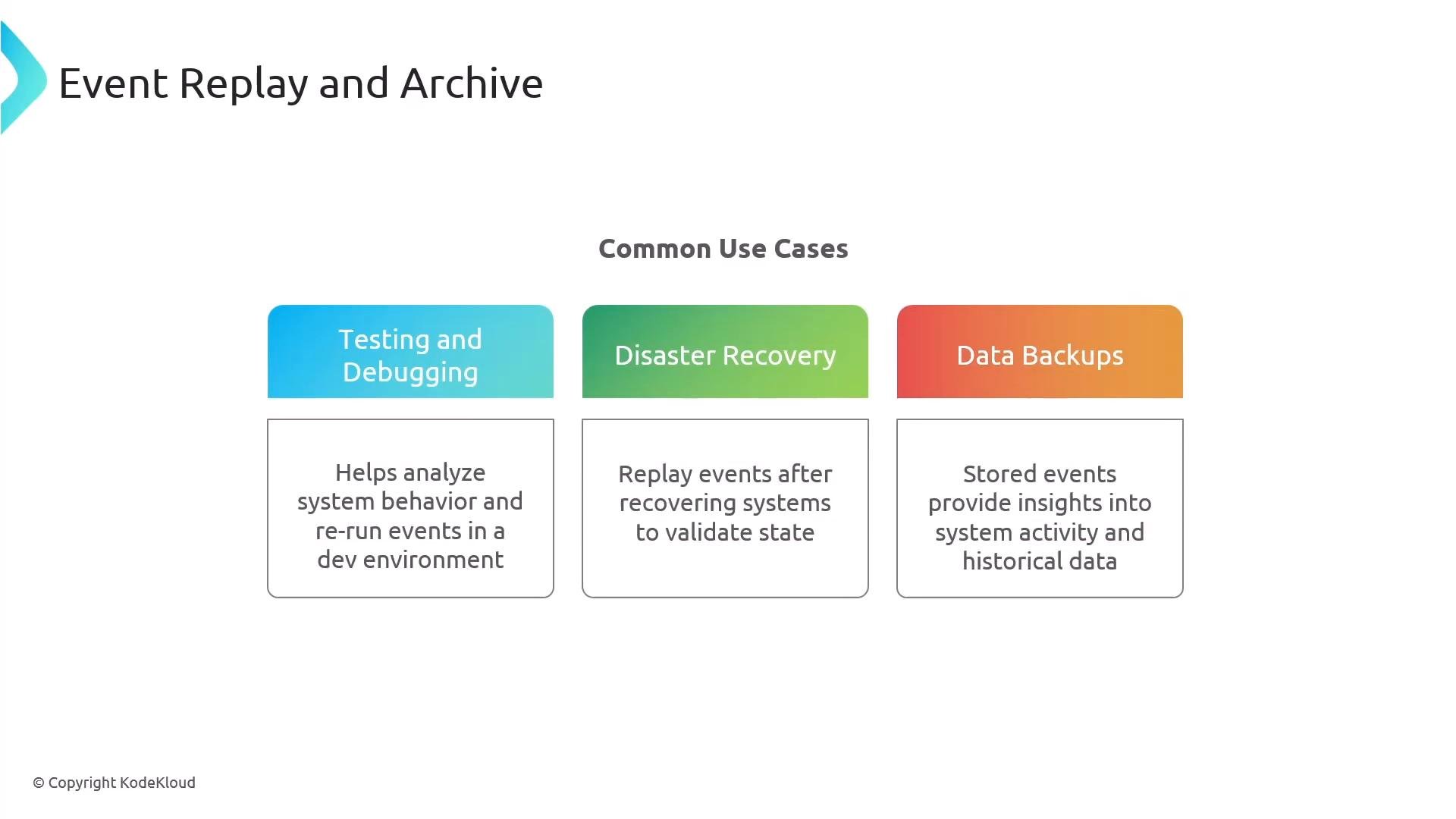
EventBridge supports archiving events and replaying them. Common use cases:
  • Testing and debugging (replay events against unchanged rules).
  • Reprocessing after a downstream outage.
  • Disaster recovery and forensic analysis.
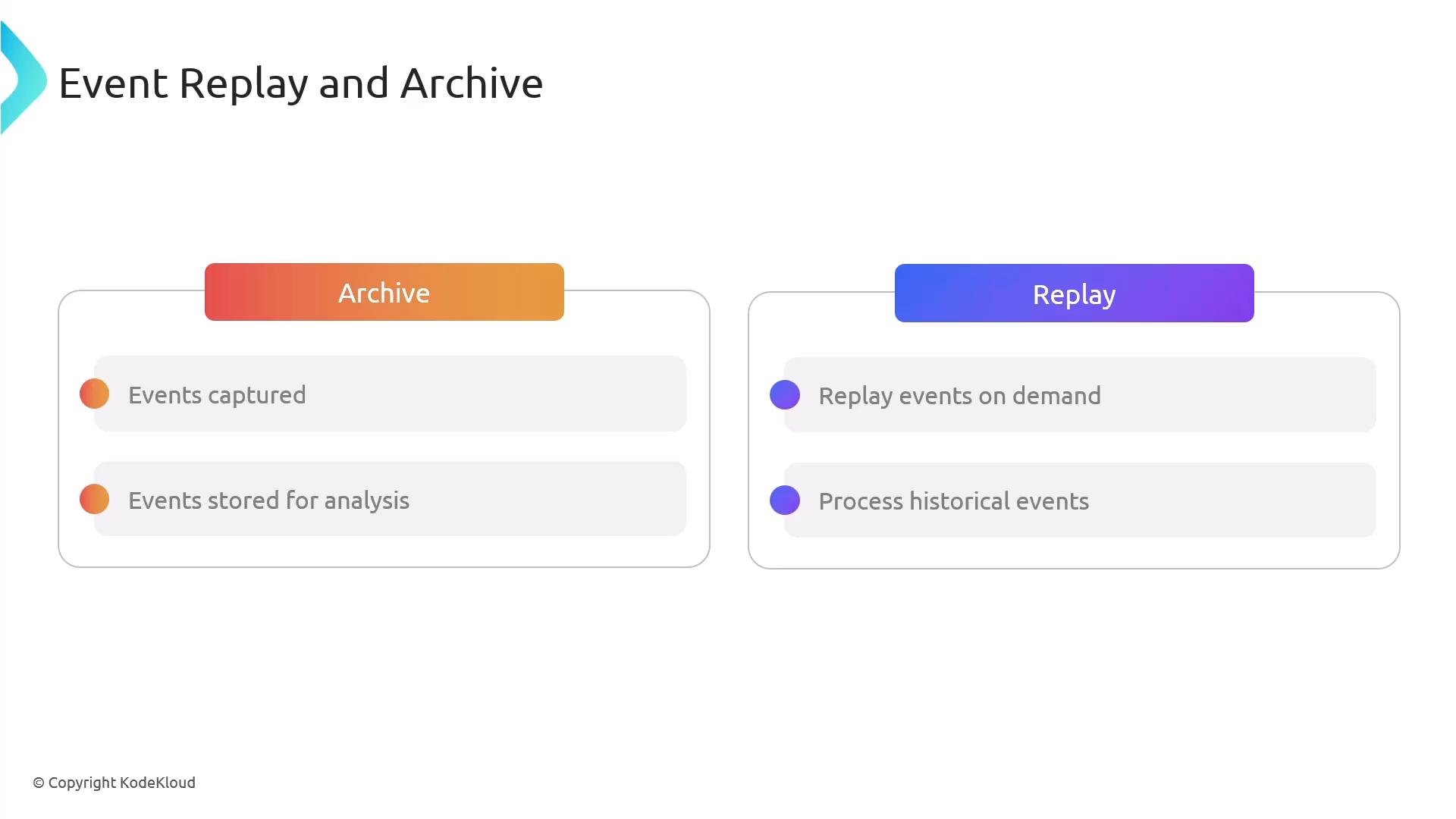
Workflow: create an archive to capture events, then start a replay to send archived events to a chosen target. Retention is configurable—check AWS docs for supported ranges.
A presentation slide titled "Event Replay and Archive" showing two panels: "Archive" (events captured; events stored for analysis) and "Replay" (replay events on demand; process historical events). The panels use gradient tabs and bullet-style items.
A slide titled "Event Replay and Archive" showing common use cases. It highlights three colored boxes — Testing and Debugging, Disaster Recovery, and Data Backups — each with a short explanatory note.

EventBridge Pipes (point-to-point integration)

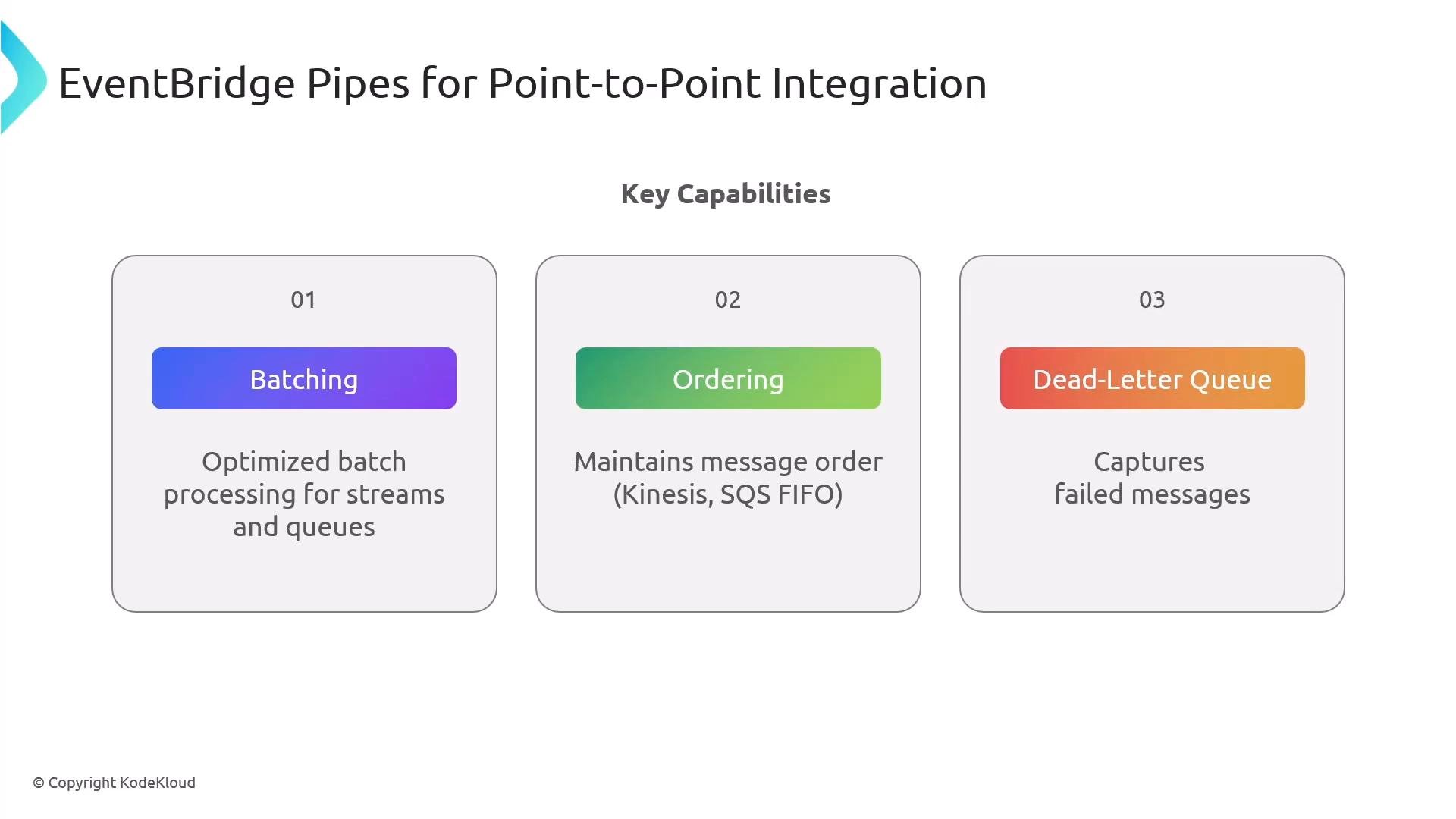
EventBridge Pipes provide a straightforward point-to-point path from a supported source directly to a consumer without using an event bus. Pipes are useful for dedicated, lower-latency routing between a single source and a single target, with optional filtering and enrichment. Supported sources include SQS, Kinesis, DynamoDB streams, and others. Pipes support batching, FIFO ordering, and DLQs similar to EventBridge.
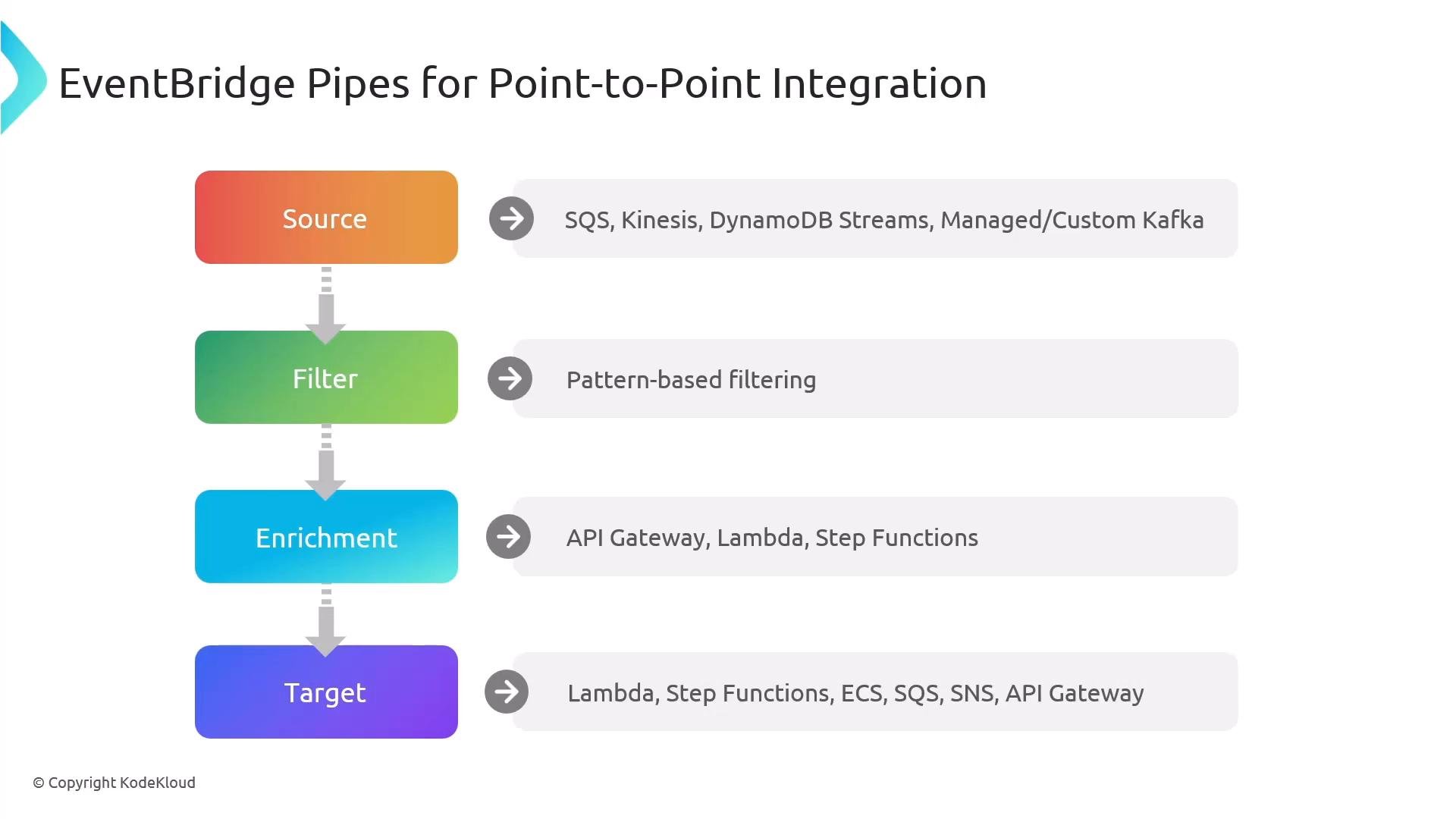
A vertical diagram titled "EventBridge Pipes for Point-to-Point Integration" showing four colored stages: Source, Filter, Enrichment, and Target. Each stage lists example AWS services (e.g., SQS, Kinesis, Lambda, Step Functions, ECS, SNS, API Gateway) and descriptions like pattern-based filtering and enrichment.
A slide titled "EventBridge Pipes for Point-to-Point Integration" showing three key capability boxes: 01 Batching, 02 Ordering, and 03 Dead‑Letter Queue. Each box notes: optimized batch processing, maintaining message order (Kinesis/SQS FIFO), and capturing failed messages.
Pipes are ideal when you need a simpler, lower-latency, single-source-to-single-target integration and do not require the full routing capabilities of an event bus.

Monitoring and observability

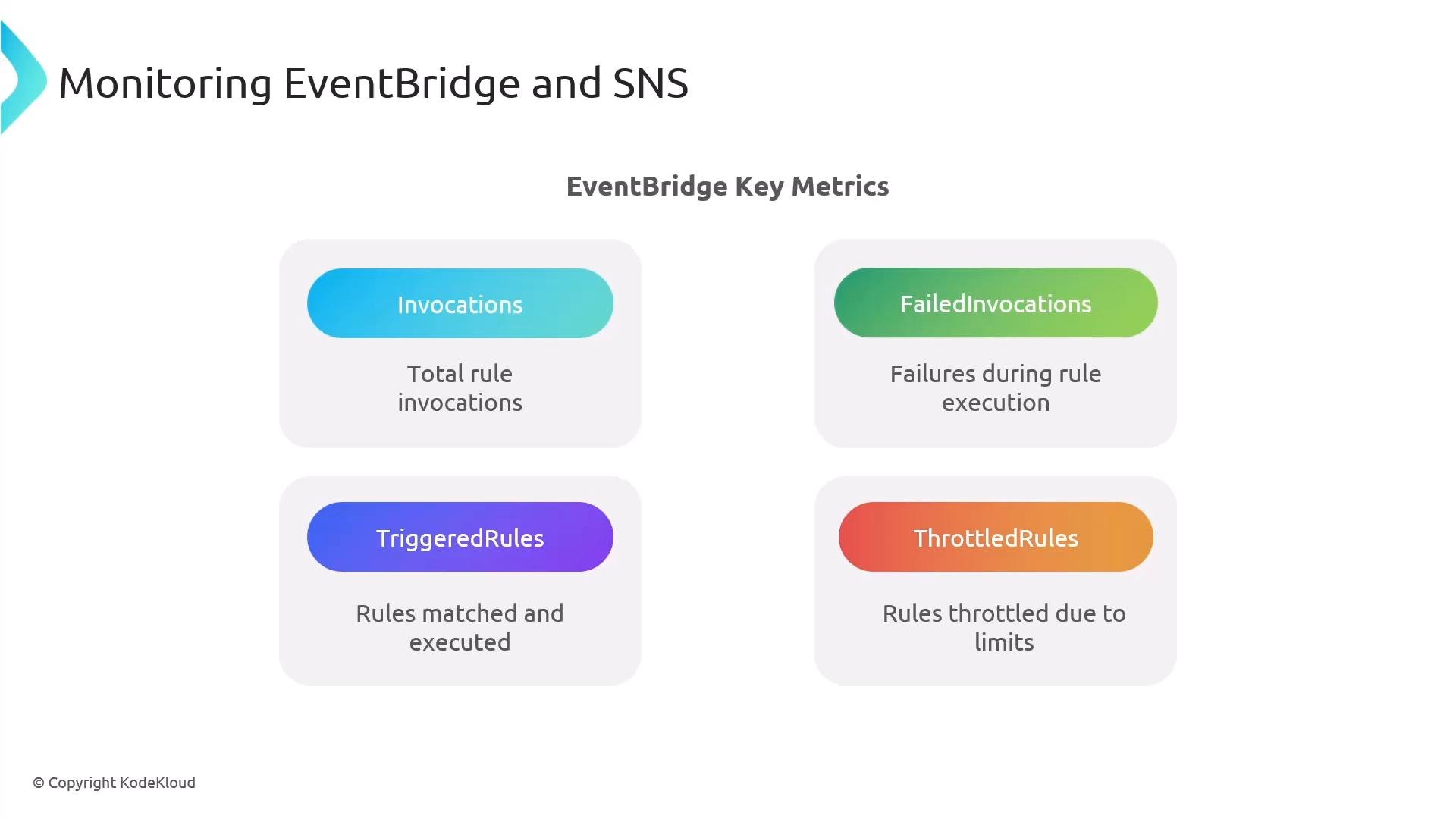
Monitor the right metrics for both EventBridge and SNS to detect misroutes, throttling, or failed deliveries. EventBridge key metrics:
  • Invocations (rule matches)
  • FailedInvocations
  • TriggeredRules (count of rules matched)
  • ThrottledRules
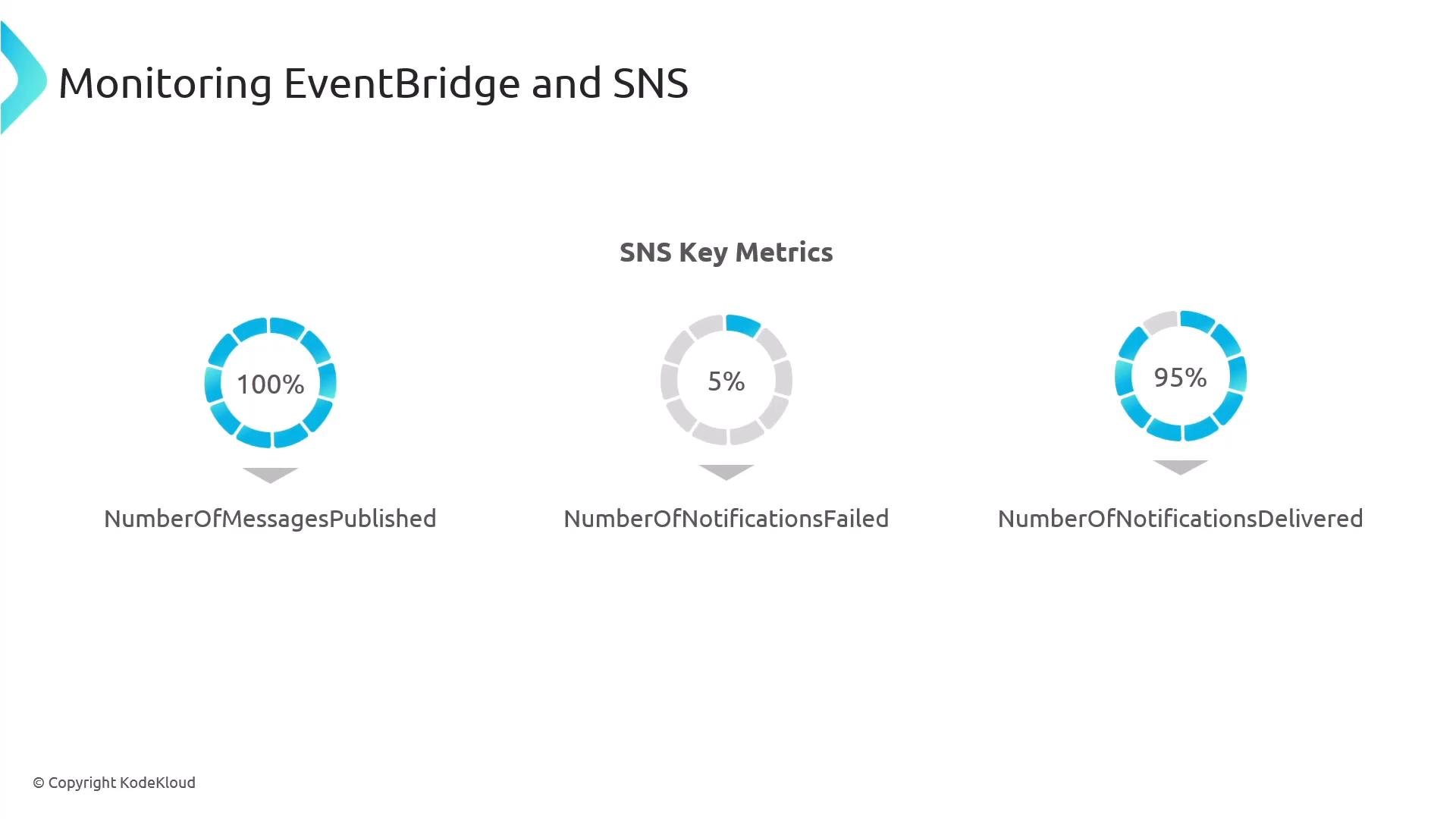
SNS key metrics:
  • NumberOfMessagesPublished
  • NumberOfNotificationsFailed
  • NumberOfNotificationsDelivered
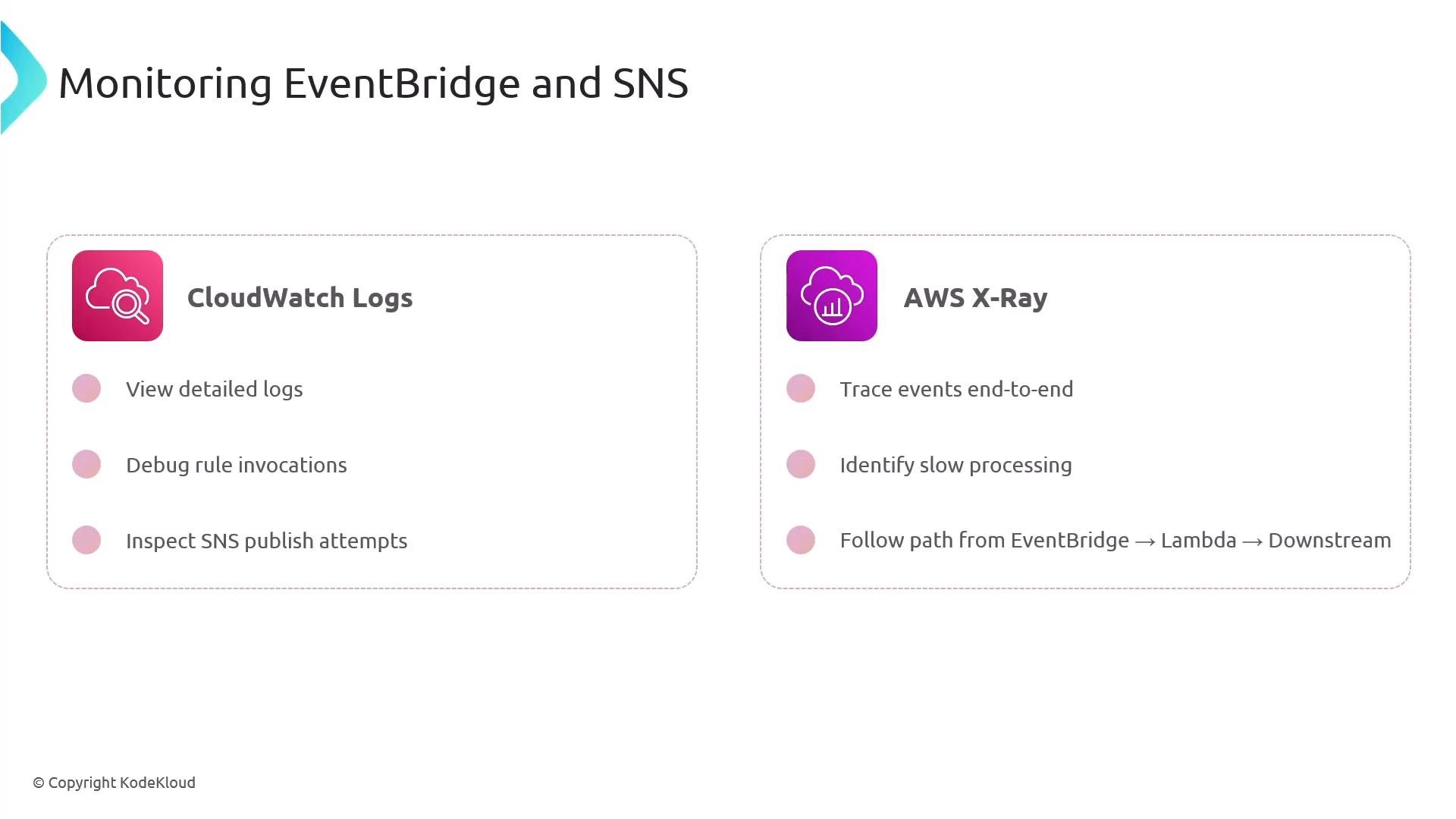
Use CloudWatch Logs for diagnostics and AWS X-Ray for tracing the full path (EventBridge → Lambda → downstream services). Instrument your Lambda functions and downstream services with traces and correlate IDs to facilitate end-to-end debugging.
A presentation slide titled "Monitoring EventBridge and SNS" showing four EventBridge key metrics — Invocations, FailedInvocations, TriggeredRules, and ThrottledRules — each with a short description.
A presentation slide titled "Monitoring EventBridge and SNS" showing three SNS key metrics as donut charts: NumberOfMessagesPublished at 100%, NumberOfNotificationsFailed at 5%, and NumberOfNotificationsDelivered at 95%. The charts display the percentage values visually and with labels beneath each.
A presentation slide titled "Monitoring EventBridge and SNS" with two panels for CloudWatch Logs and AWS X‑Ray. The CloudWatch panel lists viewing detailed logs, debugging rule invocations and inspecting SNS publish attempts; the X‑Ray panel lists tracing events end-to-end, identifying slow processing, and following EventBridge → Lambda → downstream paths.

Cost optimization and security

Cost optimization tips:
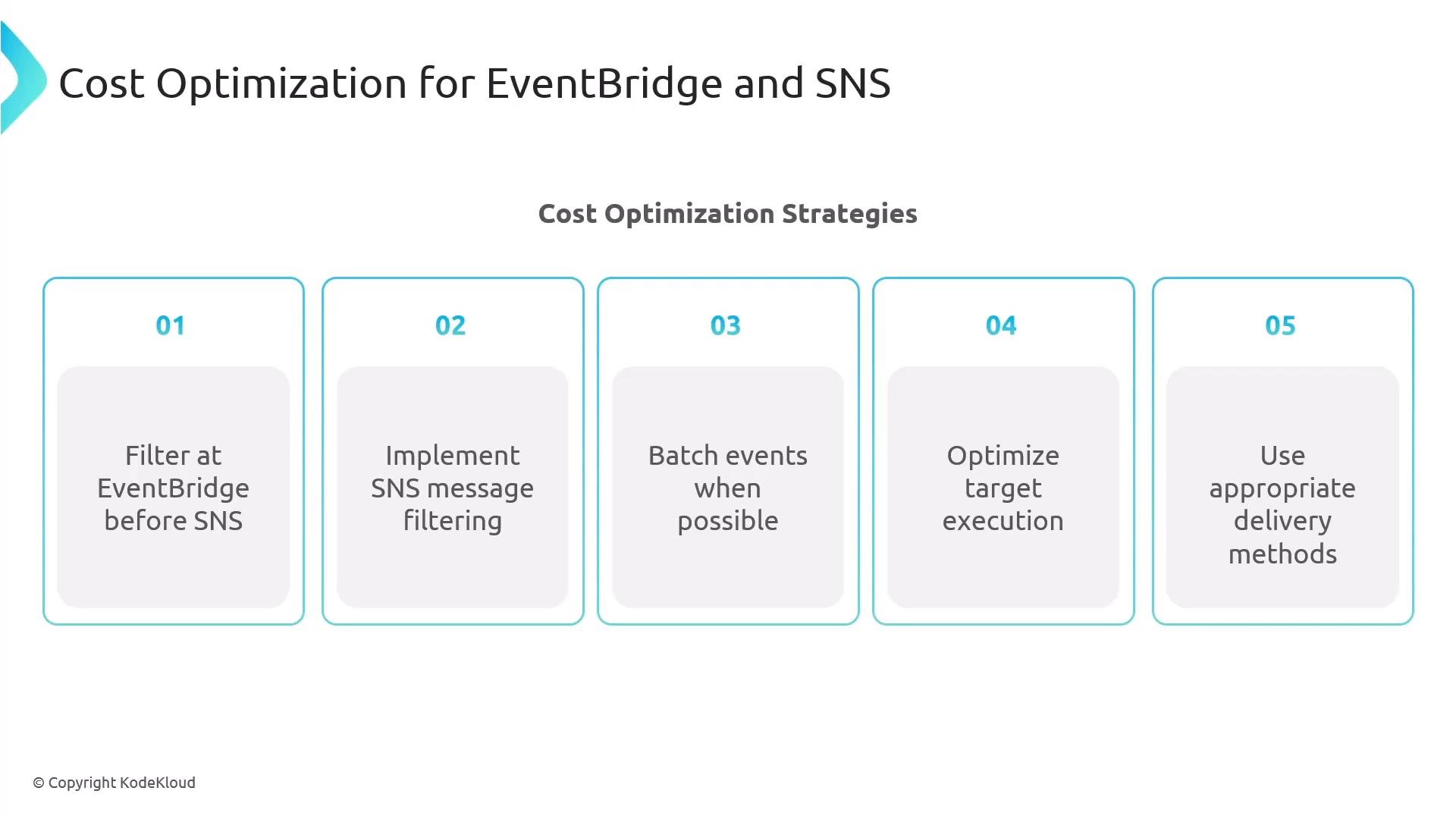
  • Filter events in EventBridge before forwarding to SNS to avoid broadcasting unnecessary traffic.
  • Use SNS message filtering to reduce downstream deliveries.
  • Batch events where supported by the target.
  • Optimize the target execution model (e.g., webhook vs. Lambda invocation).
  • Monitor volume/frequency since they drive operational cost.
Security best practices:
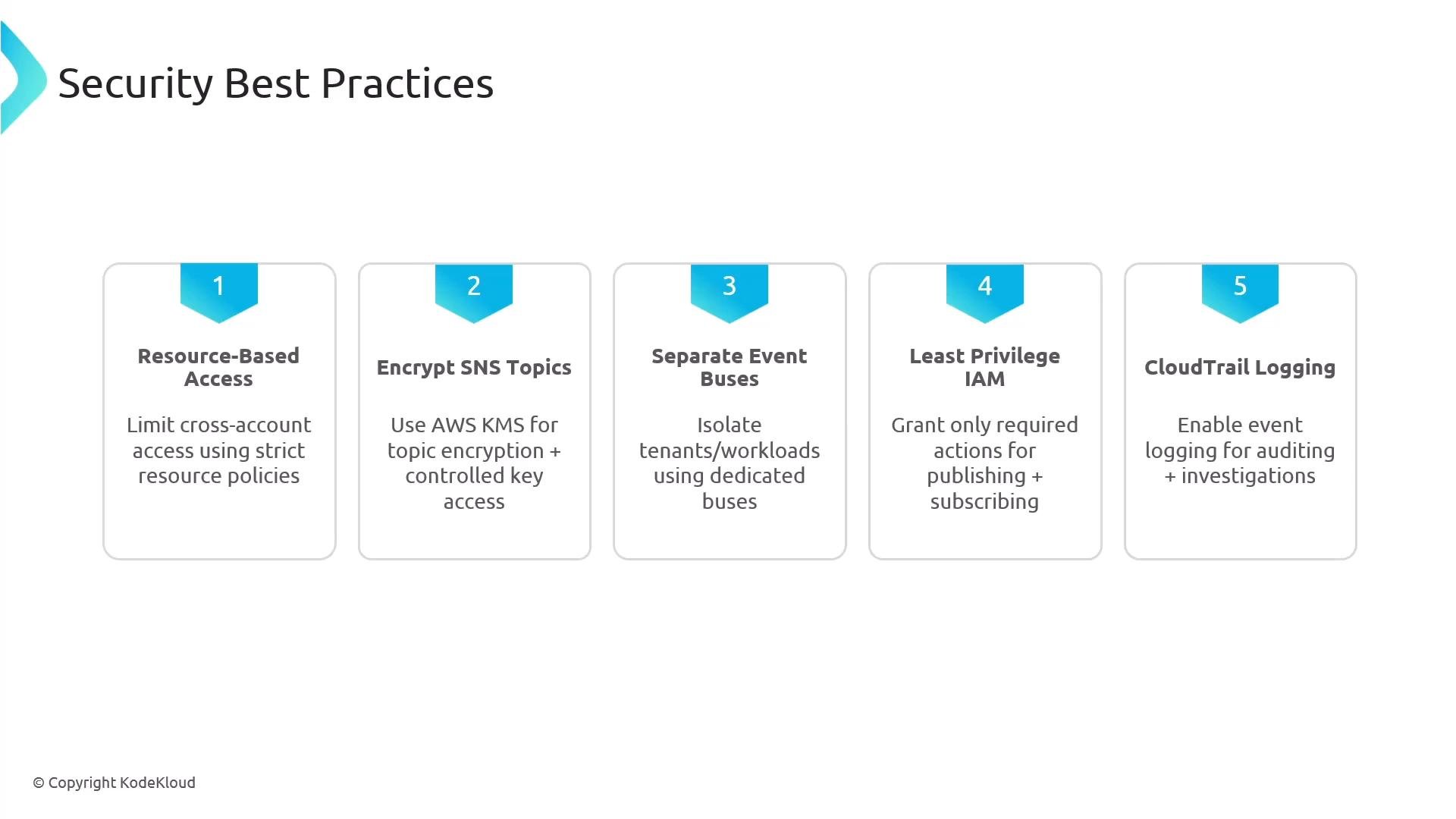
  • Use resource-based policies for EventBridge buses and SNS topics.
  • Encrypt SNS topics with server-side encryption (SSE) when handling sensitive data.
  • Isolate event buses when helpful (EventBridge does not charge per bus).
  • Apply least-privilege IAM.
  • Enable AWS CloudTrail to audit API and configuration changes.
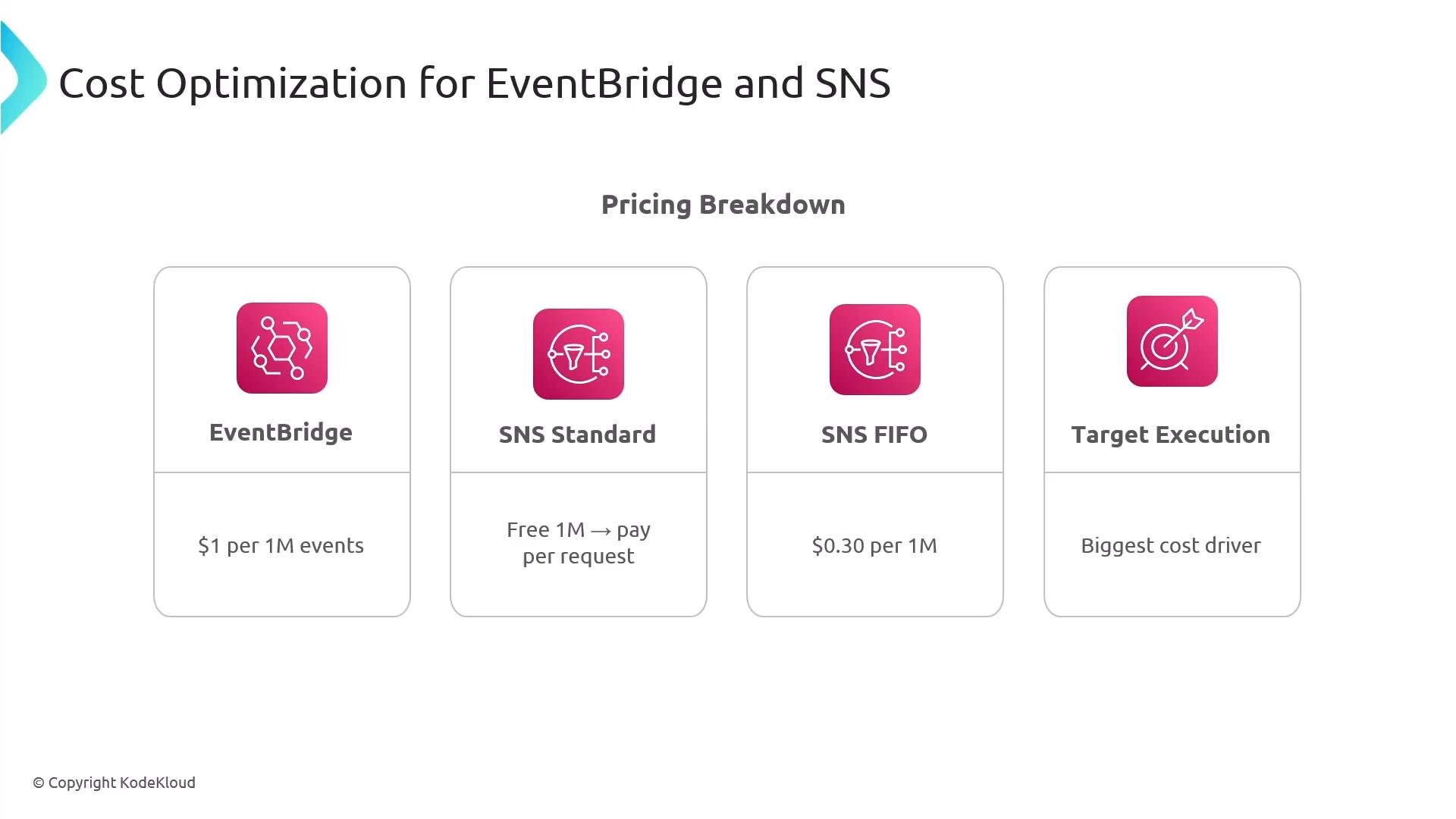
A presentation slide titled "Cost Optimization for EventBridge and SNS" showing a pricing breakdown in four cards. The cards list EventBridge (1 per 1M events), SNS Standard (first 1M free → pay per request), SNS FIFO (0.30 per 1M), and Target Execution (biggest cost driver).
A presentation slide titled "Cost Optimization for EventBridge and SNS" listing five strategies. The strategies are: filter at EventBridge before SNS, implement SNS message filtering, batch events when possible, optimize target execution, and use appropriate delivery methods.
A presentation slide titled "Security Best Practices." It lists five numbered recommendations: Resource-Based Access, Encrypt SNS Topics, Separate Event Buses, Least Privilege IAM, and CloudTrail Logging.

EventBridge Schema Registry

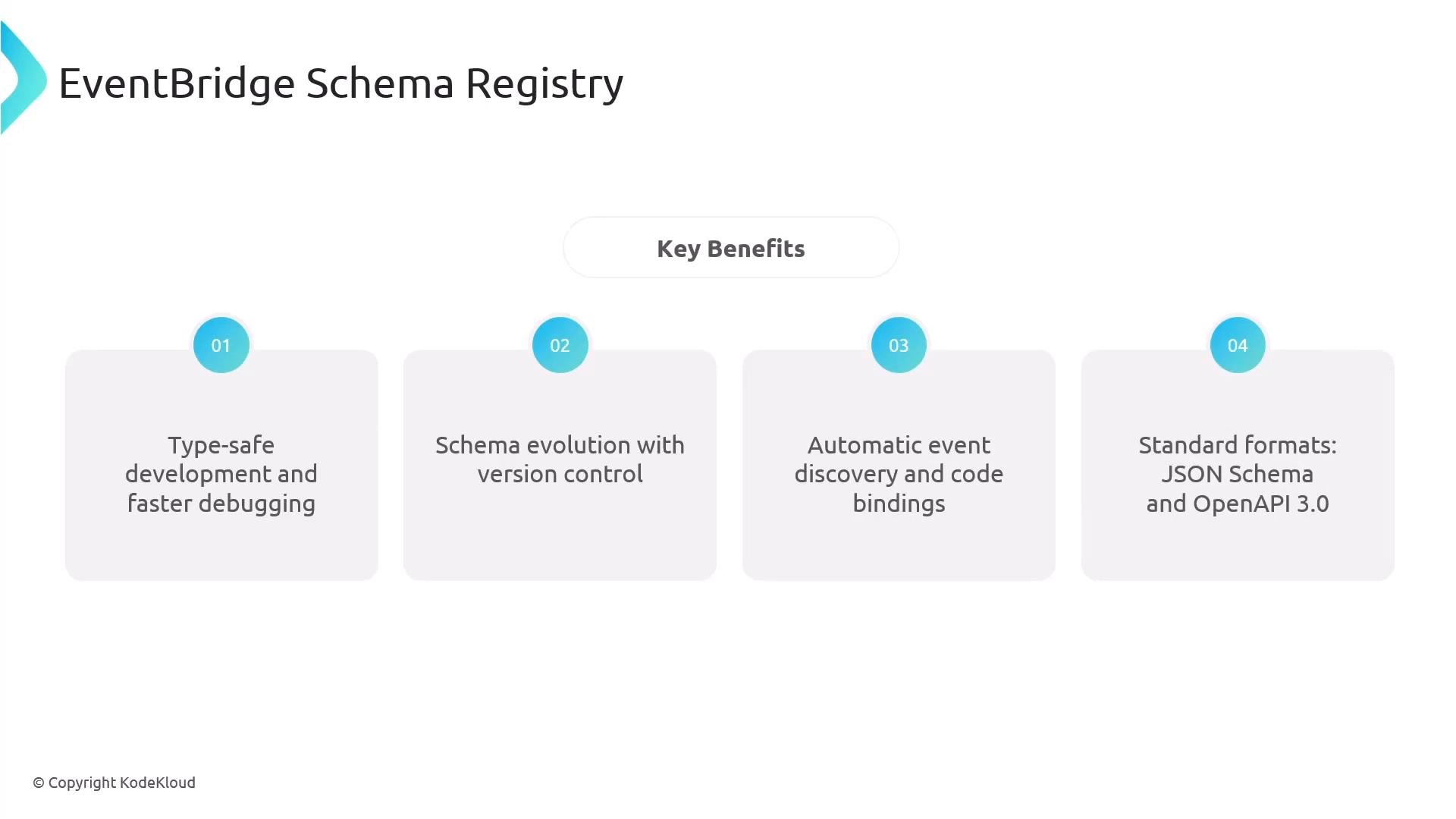
The Schema Registry helps teams discover and manage event schemas flowing through an event bus. Enable schema discovery, let events flow, and EventBridge can generate schemas and provide code bindings for multiple languages—useful for type-safe development, schema versioning, and faster debugging.
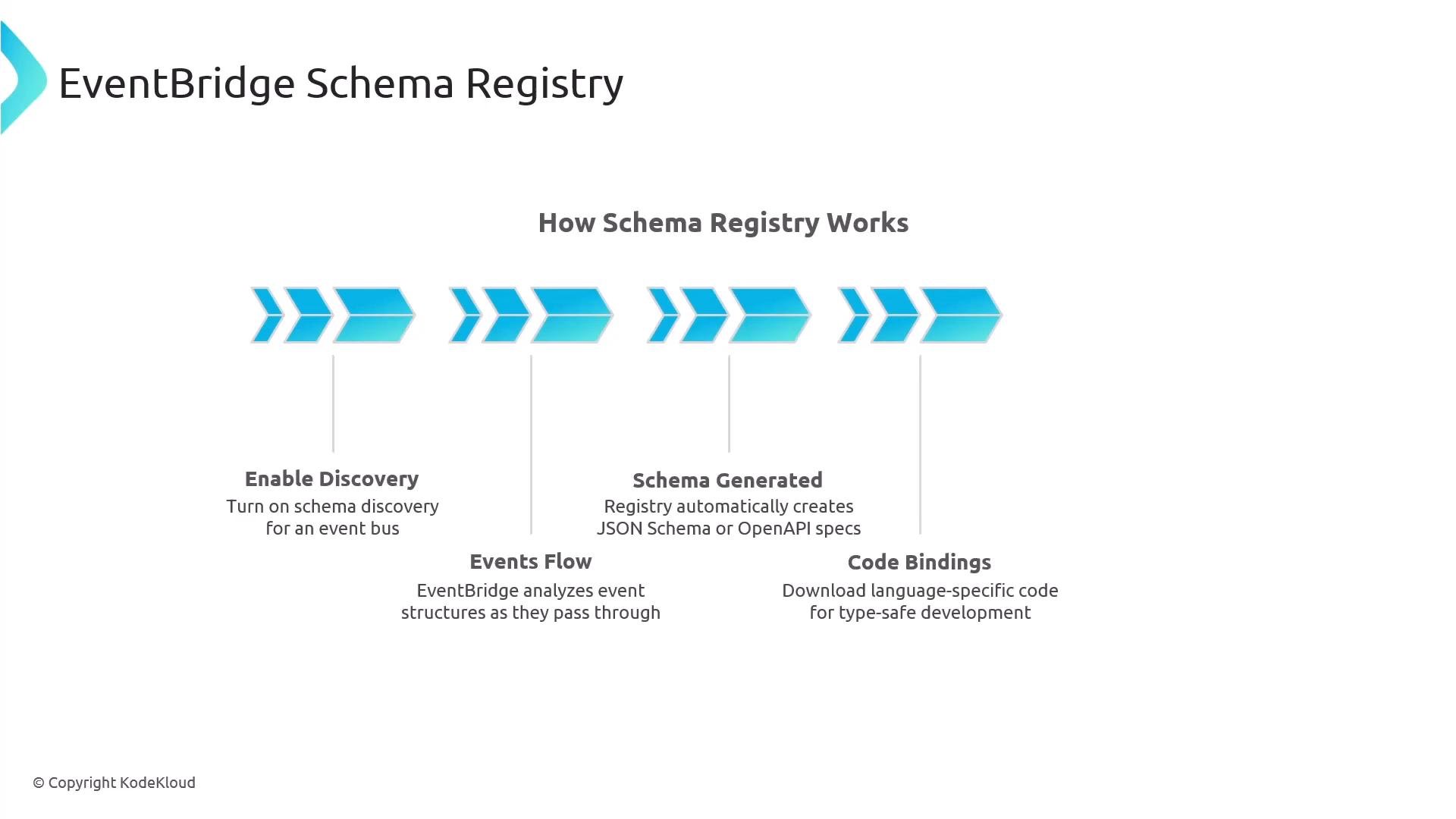
A slide titled "EventBridge Schema Registry" showing a simplified workflow with blue arrow graphics under the heading "How Schema Registry Works." It highlights four steps — Enable Discovery, Events Flow, Schema Generated, and Code Bindings — each with brief explanatory text.
A presentation slide titled "EventBridge Schema Registry" listing four key benefits: type-safe development and faster debugging; schema evolution with version control; automatic event discovery and code bindings; and standard formats (JSON Schema and OpenAPI 3.0). The slide is branded © KodeKloud.

When to use EventBridge vs SNS vs SQS

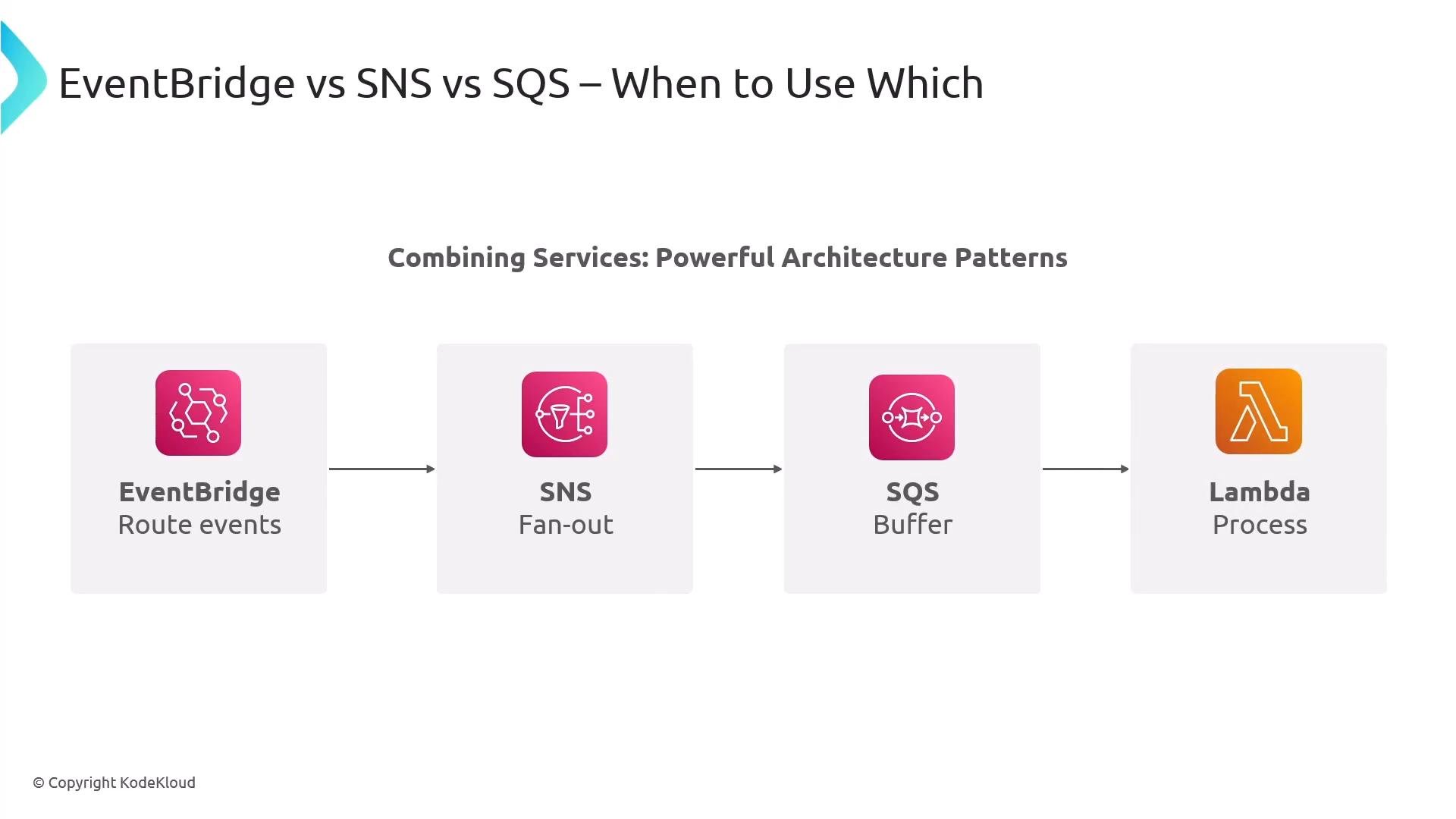
Use the table below to match services to common use cases: Common serverless pattern: EventBridge → SNS (fan-out) → SQS (buffering) → Lambda (processing) — provides flexible routing, reliable delivery, and scalable processing.
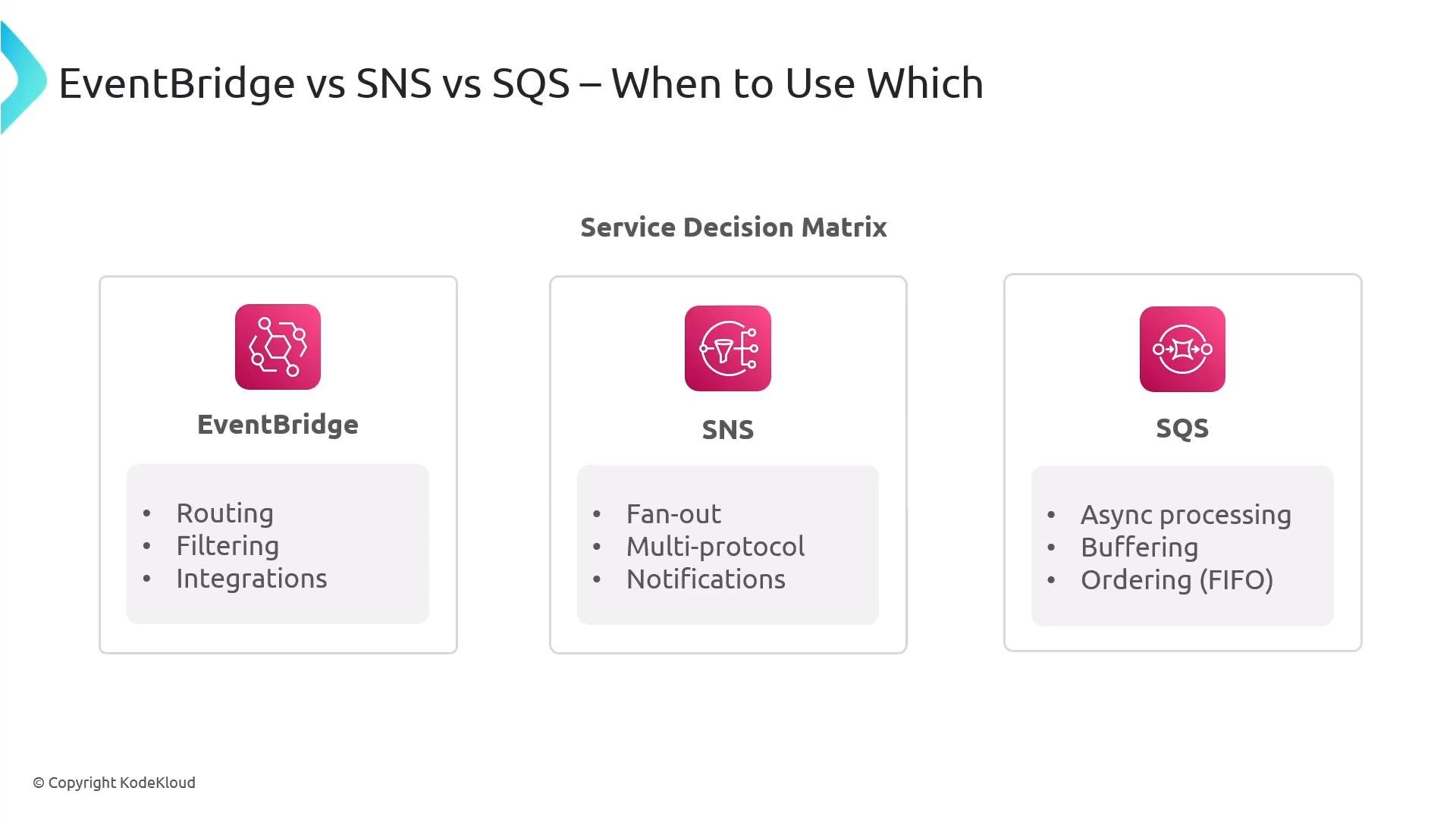
A slide titled "EventBridge vs SNS vs SQS — When to Use Which" showing a service decision matrix. Three panels summarize use cases: EventBridge for routing/filtering/integrations, SNS for fan-out/multi-protocol/notifications, and SQS for async processing/buffering/ordering.
A slide titled "EventBridge vs SNS vs SQS – When to Use Which" showing an architecture pattern. It diagrams a flow: EventBridge routes events → SNS for fan-out → SQS as a buffer → Lambda to process.
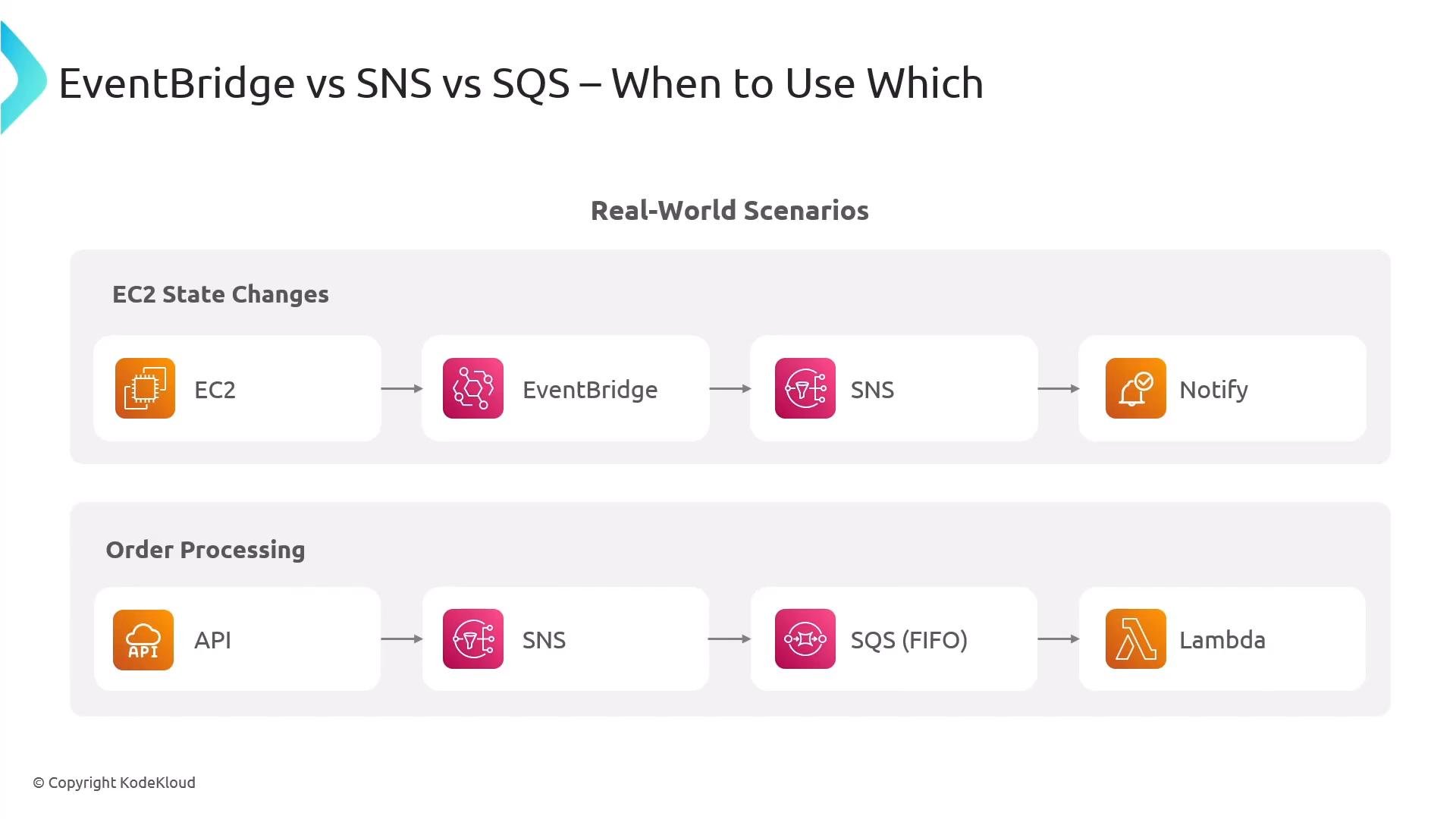
A diagram titled "EventBridge vs SNS vs SQS – When to Use Which" showing real-world event routing scenarios. It illustrates EC2 state changes routed EC2 → EventBridge → SNS → Notify, and an order-processing flow API → SNS → SQS (FIFO) → Lambda.

Key takeaways

  • EventBridge is the intelligent event router for complex routing, transformation, and cross-account integrations.
  • SNS is the multi-protocol fan-out and notification system for delivering messages to humans and systems.
  • Together, EventBridge + SNS enable powerful, maintainable serverless event-driven architectures.
  • Design for limits and scalability (e.g., 300 rules per bus, per-rule target quotas, 12.5M subscribers per topic, 10 message attributes per message).
  • Use DLQs, input transformers, archives/replay, pipes, the schema registry, and monitoring to build resilient systems.
When designing event-driven systems, filter early, avoid broadcasting unnecessary events, and configure retries and dead-letter queues so failures are observable and recoverable.

Watch Video