

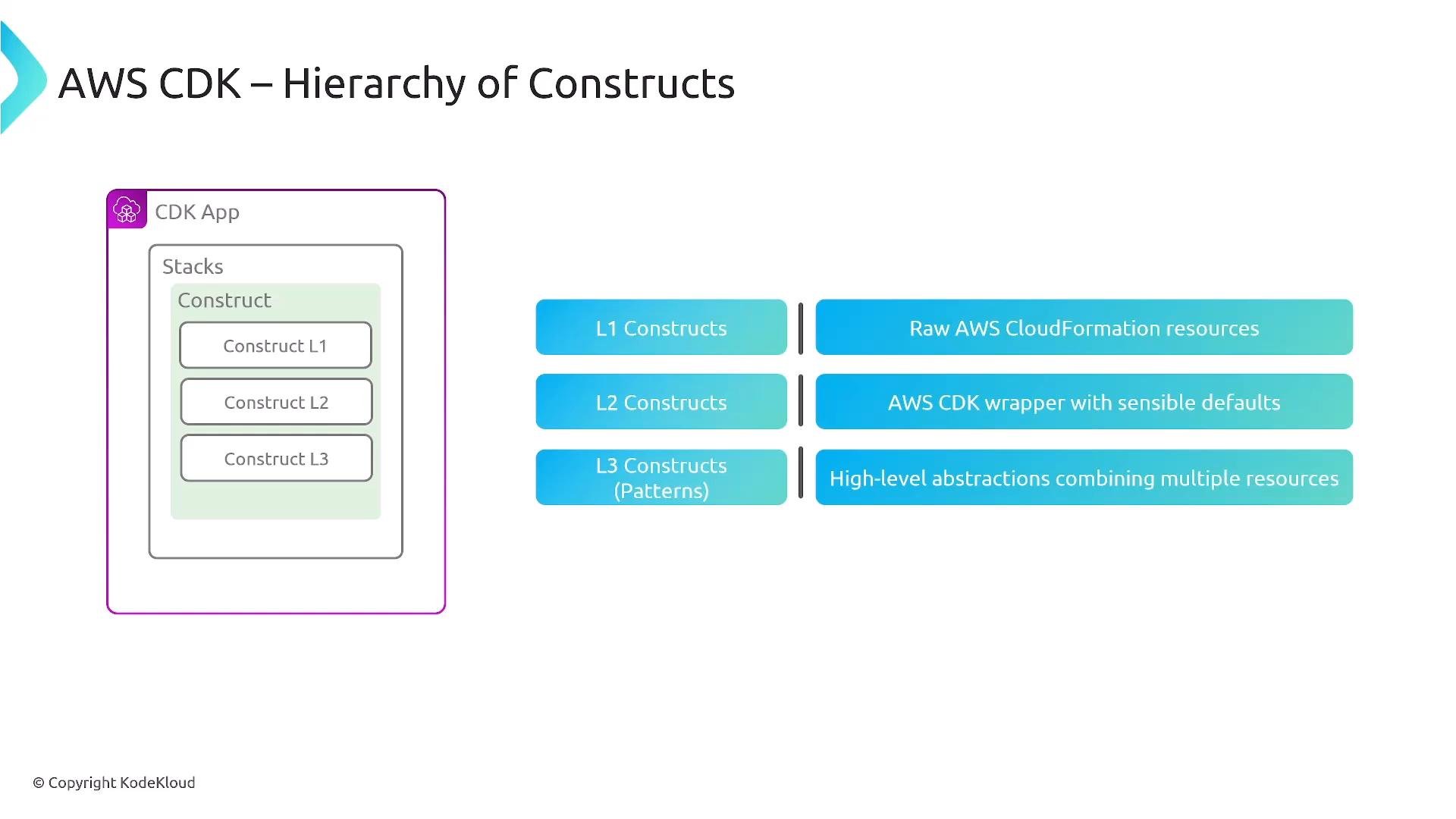
- Higher-level constructs that encapsulate common configurations and best practices.
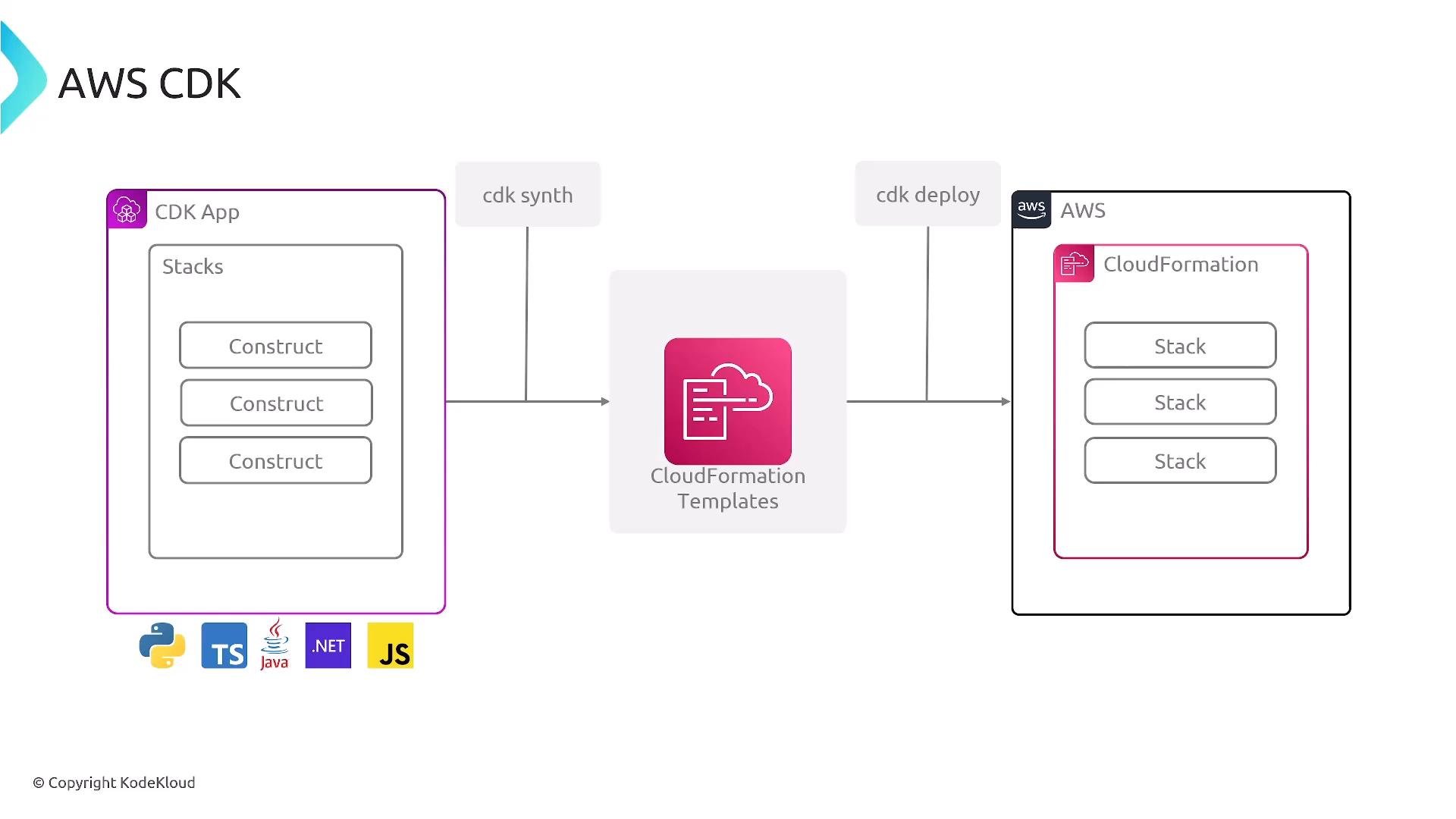
- A synthesis step (
cdk synth) that emits CloudFormation templates. - A deploy step (
cdk deploy) that leverages CloudFormation to create and update resources. - Tooling to bootstrap environments and integrate into CI/CD pipelines.
CDK is ideal when you want the safety and stability of CloudFormation but prefer to author infrastructure in code. Use it to standardize patterns, run unit tests against infrastructure, and reuse components across accounts and environments.
- Author CDK app using constructs and stacks.
- Run
cdk synthto generate CloudFormation templates. - Run
cdk deployto create/update stacks via CloudFormation.
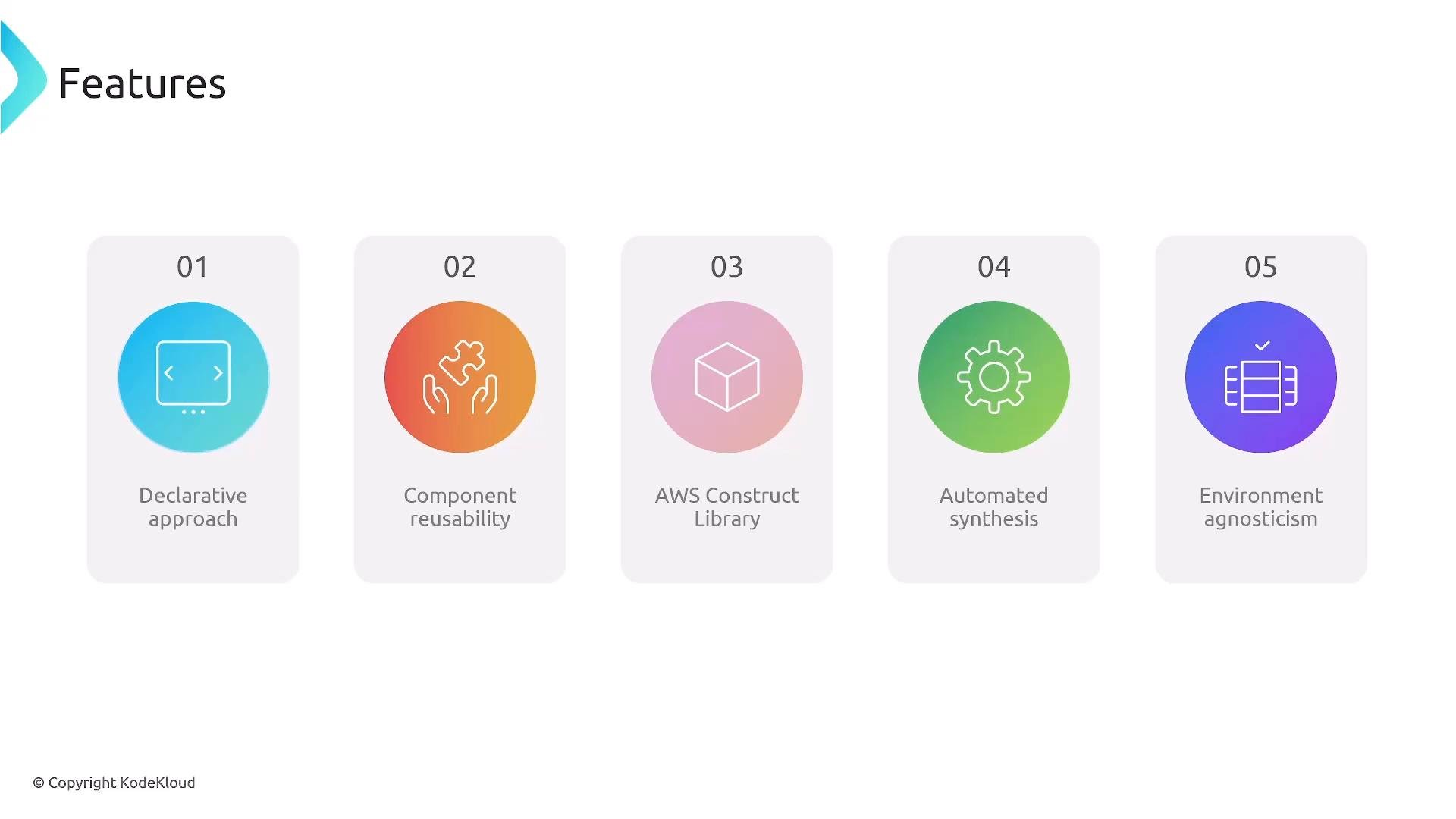
- Declarative infrastructure expressed using general-purpose languages.
- Component reusability through constructs.
- Access to the AWS Construct Library (L2/L3 constructs) that encapsulate best practices.
- Automated synthesis and straightforward pipeline integration.
- Environment parameterization (dev/staging/prod) without duplicating definitions.
cdk init— scaffold a new projectcdk bootstrap— prepare an AWS environment with resources CDK needs (for example, anS3bucket for asset storage)cdk synth— synthesize the CloudFormation template(s)cdk deploy— deploy the synthesized template(s) via CloudFormationcdk destroy— remove stacks created by CDK
These commands accept flags and options for environment, profile, context, and more. Integrate them into CI/CD flows and automation scripts.
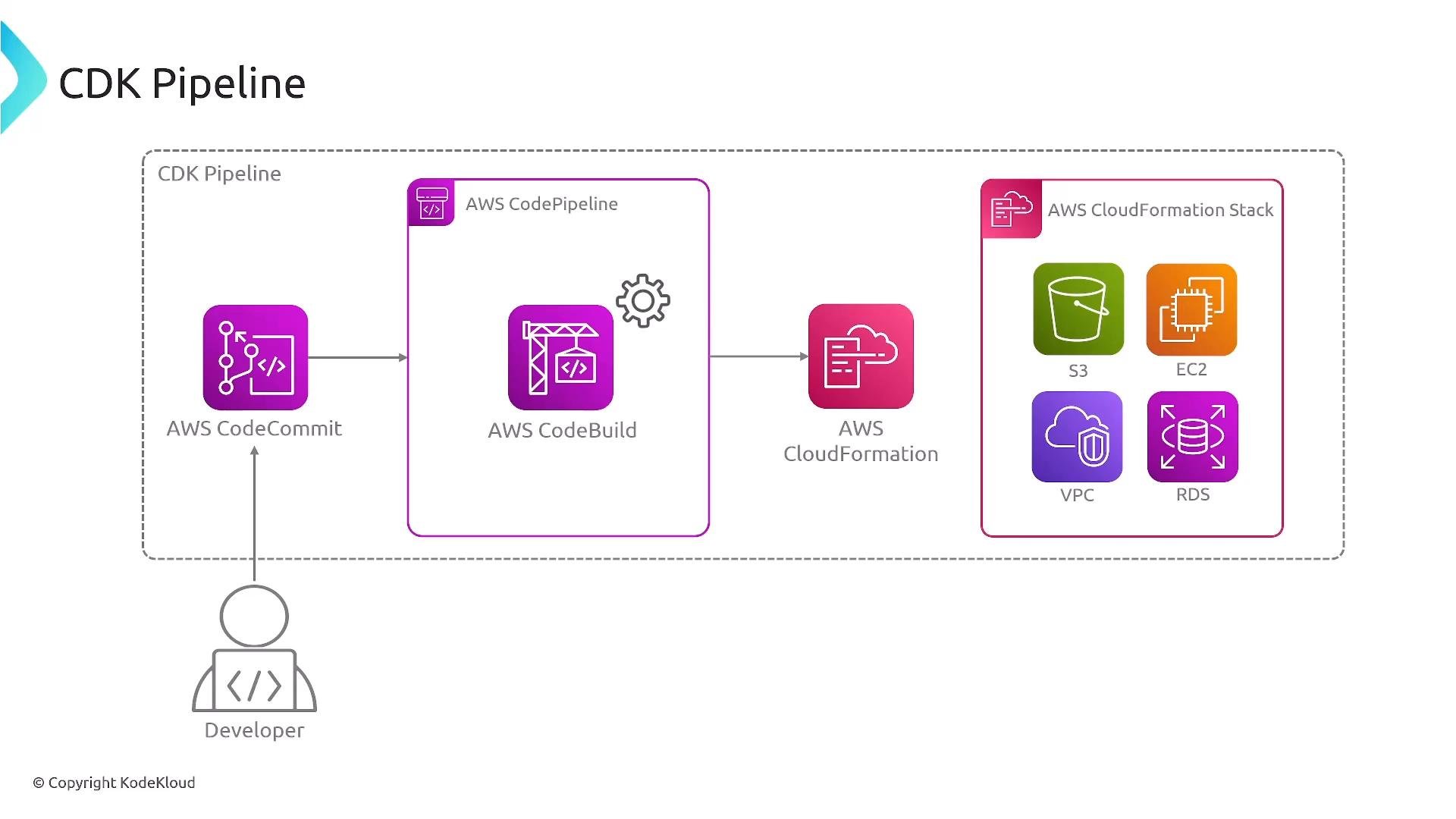
- Source control (Git)
- Build stage: run unit tests, linters,
cdk synth - Deploy stage:
cdk deploy(backed by CloudFormation) or orchestration by services such as AWS CodePipeline
Setting
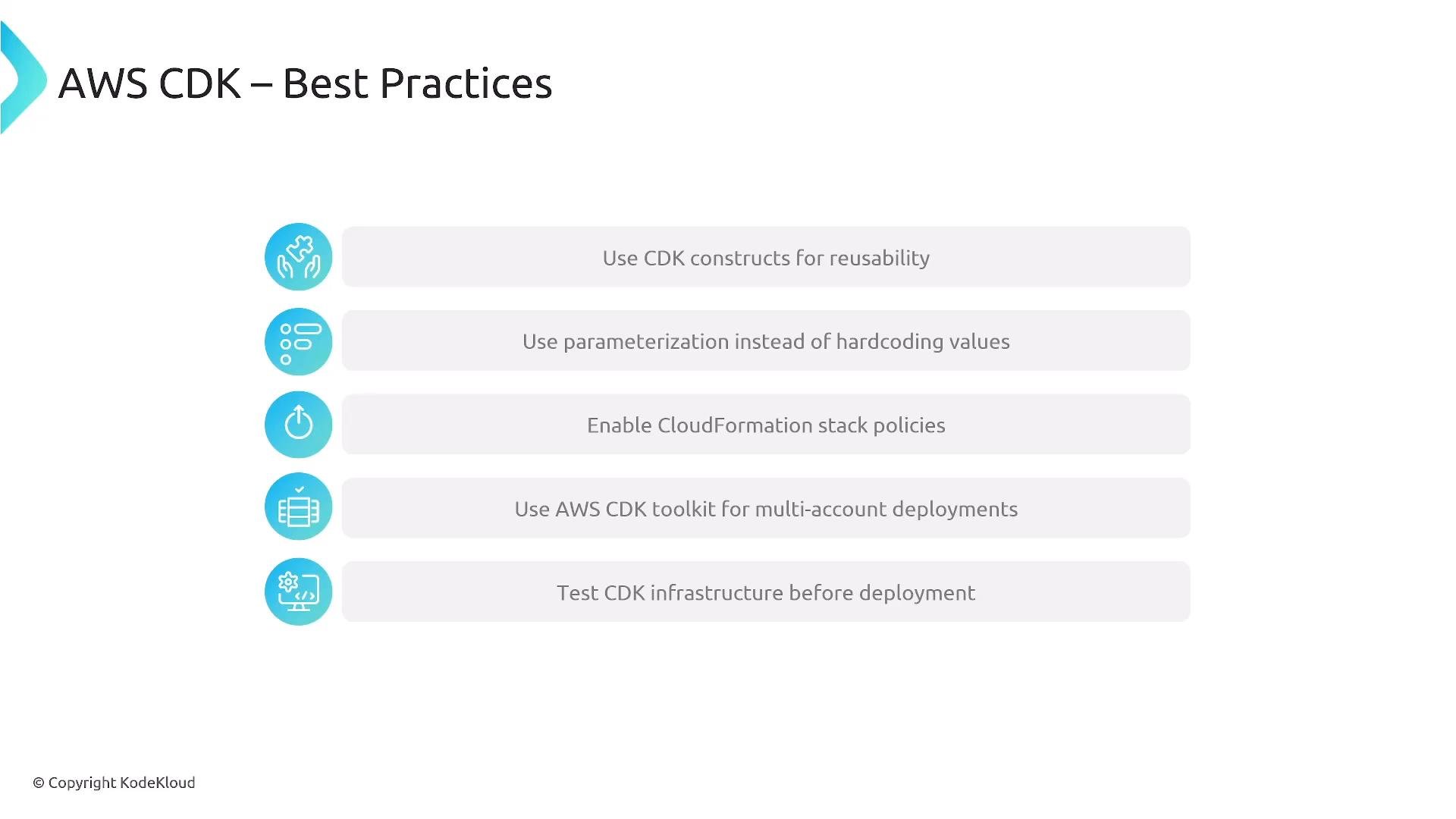
RemovalPolicy.DESTROY instructs CloudFormation to delete the S3 bucket when the stack is destroyed. S3 bucket deletion will fail if the bucket still contains objects. If you need automatic object removal during stack deletion, enable auto-delete object options on the construct or use a custom resource to empty the bucket. Use destructive policies with caution—especially in production.- Build reusable constructs for common infrastructure components to standardize patterns.
- Parameterize configuration (context, parameters, environment variables) rather than hardcoding values.
- Enable CloudFormation stack policies and safeguards for production stacks.
- Use environment-level bootstrapping (CDK toolkit) for multi-account/multi-region deployments.
- Test infrastructure: include unit tests, integration tests, and linters in CI/CD.
- Review synthesized templates (
cdk synth) and version them if you need to track actual CloudFormation templates.
cdk init— create a new project in your preferred language.- Create stacks and constructs that model your infrastructure.
cdk synth— inspect the generated CloudFormation templates.cdk deploy— deploy to a sandbox account.- Integrate these steps into a CI/CD pipeline (CodeBuild, CodePipeline, GitHub Actions, etc.).
- AWS CDK official docs: https://docs.aws.amazon.com/cdk/
- AWS CloudFormation docs: https://docs.aws.amazon.com/cloudformation/
- AWS Construct Library: https://docs.aws.amazon.com/cdk/api/latest/docs/aws-construct-library.html
- KodeKloud CloudFormation course: https://learn.kodekloud.com/user/courses/aws-cloud-formation
- Learn more about S3: https://learn.kodekloud.com/user/courses/amazon-simple-storage-service
- CodePipeline overview: https://learn.kodekloud.com/user/courses/aws-codepipeline-ci-cd-pipeline