

What is configuration drift?
Configuration drift is the difference between the desired state (your infrastructure template) and the actual state running in your environment. Think of a factory blueprint: if a worker changes a car on the assembly line so it no longer matches the blueprint, the delivered car has drifted from the design. In infrastructure, that mismatch can create unexpected behavior, security gaps, or stability issues.Common causes of drift
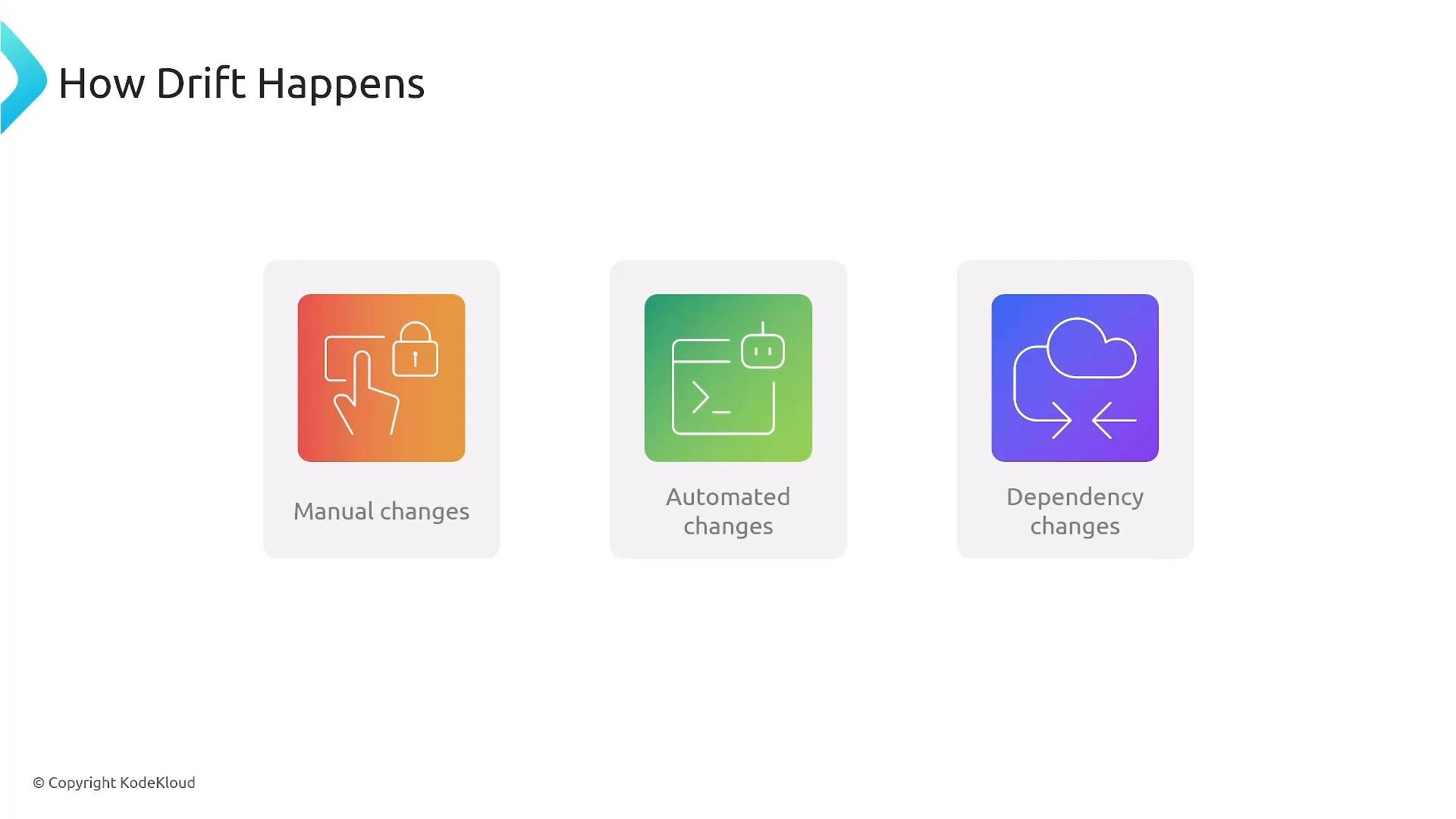
Drift can be introduced by:- Manual changes: operators modify resources directly (console, CLI).
- Automated external systems: scripts, CI/CD pipelines, or third-party automation alter resources outside the template lifecycle.
- Upstream dependency changes: managed services or third-party components change behavior or configuration.
Why drift matters
Drift creates inconsistencies across environments (development, staging, production). These inconsistencies can show up as functional differences, capacity mismatches, security gaps, or missing services. The result is longer troubleshooting times, increased incident risk, and potential security exposure.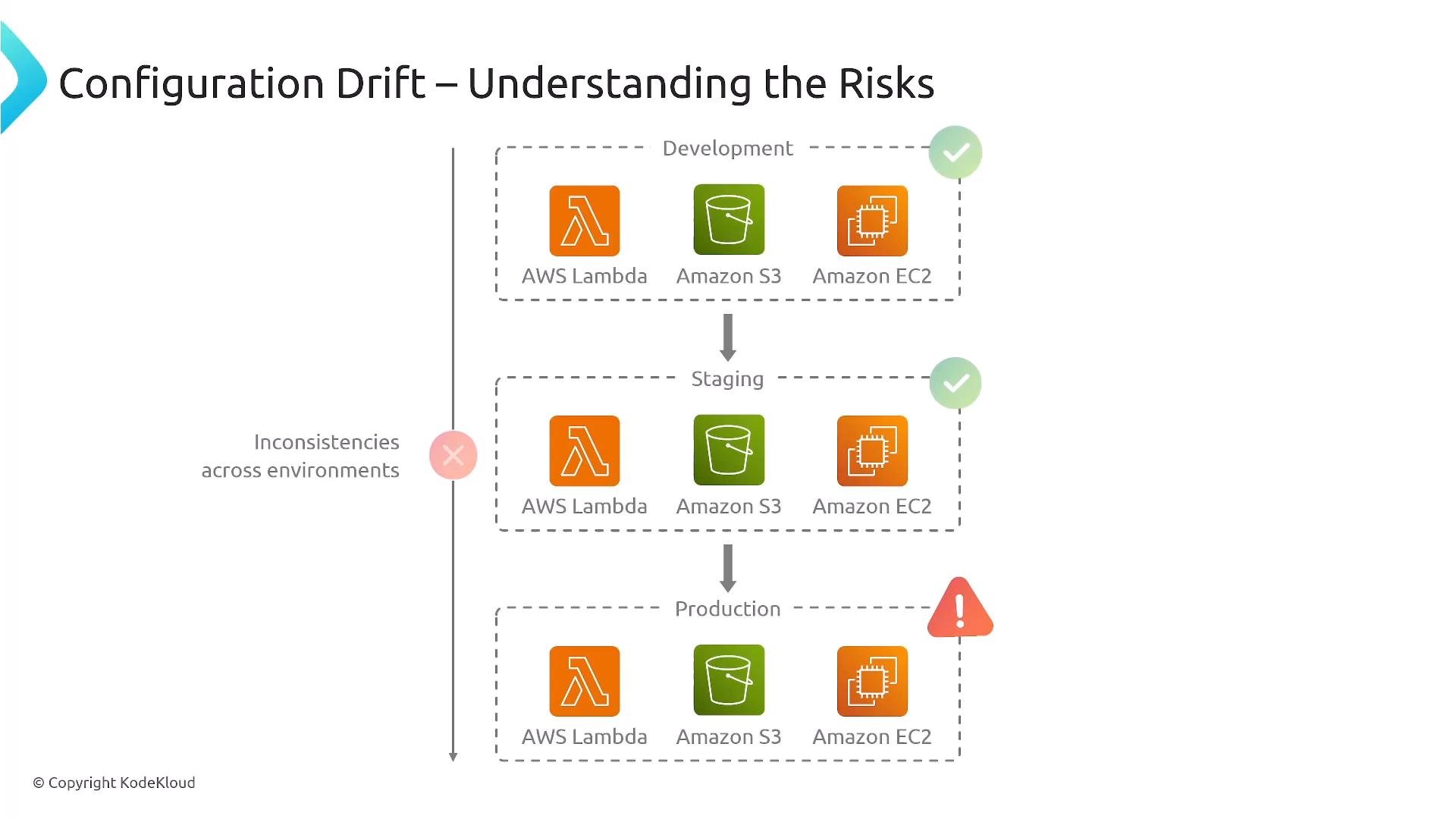
Detecting drift with CloudFormation
CloudFormation provides a drift detection feature that compares the stack’s actual resources to the template’s expected configuration. In the CloudFormation console use Stack Actions → Detect drift, or call the API/CLI to run drift detection programmatically. Drift detection reports a drift status per resource: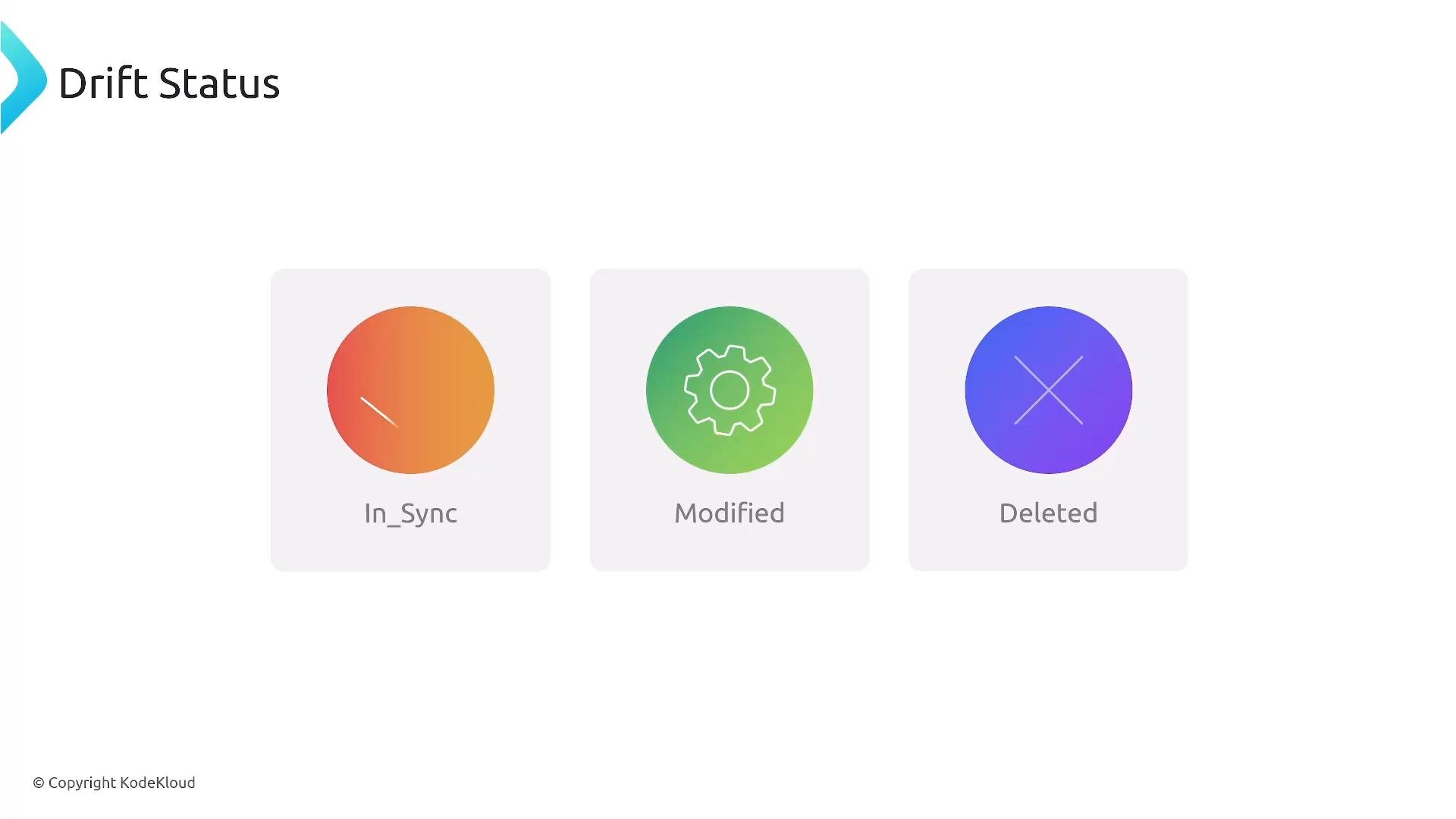
Remember these drift statuses for exam and operations: IN_SYNC, MODIFIED, and DELETED.
- CloudFormation drift detection docs: https://docs.aws.amazon.com/AWSCloudFormation/latest/UserGuide/using-cfn-stack-drift.html
Remediating drift
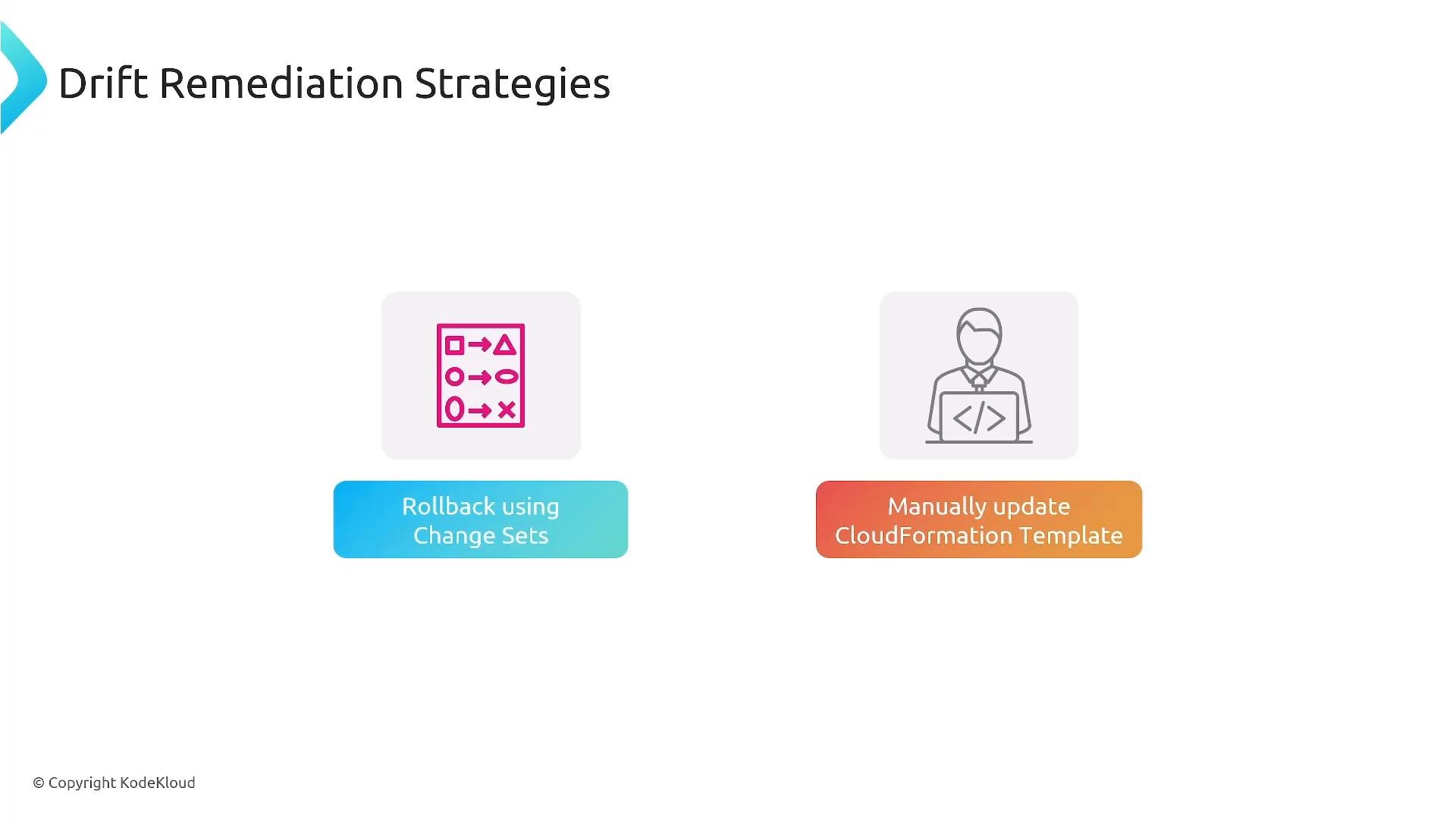
After detecting drift you can remediate using one of several approaches:- Roll back or re-apply the template using a CloudFormation change set to restore the stack to the intended state.
- Update the CloudFormation template to reflect an intended configuration change, then execute a change set to apply it.
- If changes are intended, roll forward by making and deploying the required template updates.
- Run drift detection and review the resource-level drift report.
- Determine whether changes are authorized or accidental.
- Use a change set to preview and then apply the safe remediation path (rollback or intent-aligned update).
- Record the change in your CI/CD pipeline and update documentation and config management systems.
- Change sets: https://docs.aws.amazon.com/AWSCloudFormation/latest/UserGuide/using-cfn-updating-stacks-changesets.html
Preventing risky updates with Stack Policies
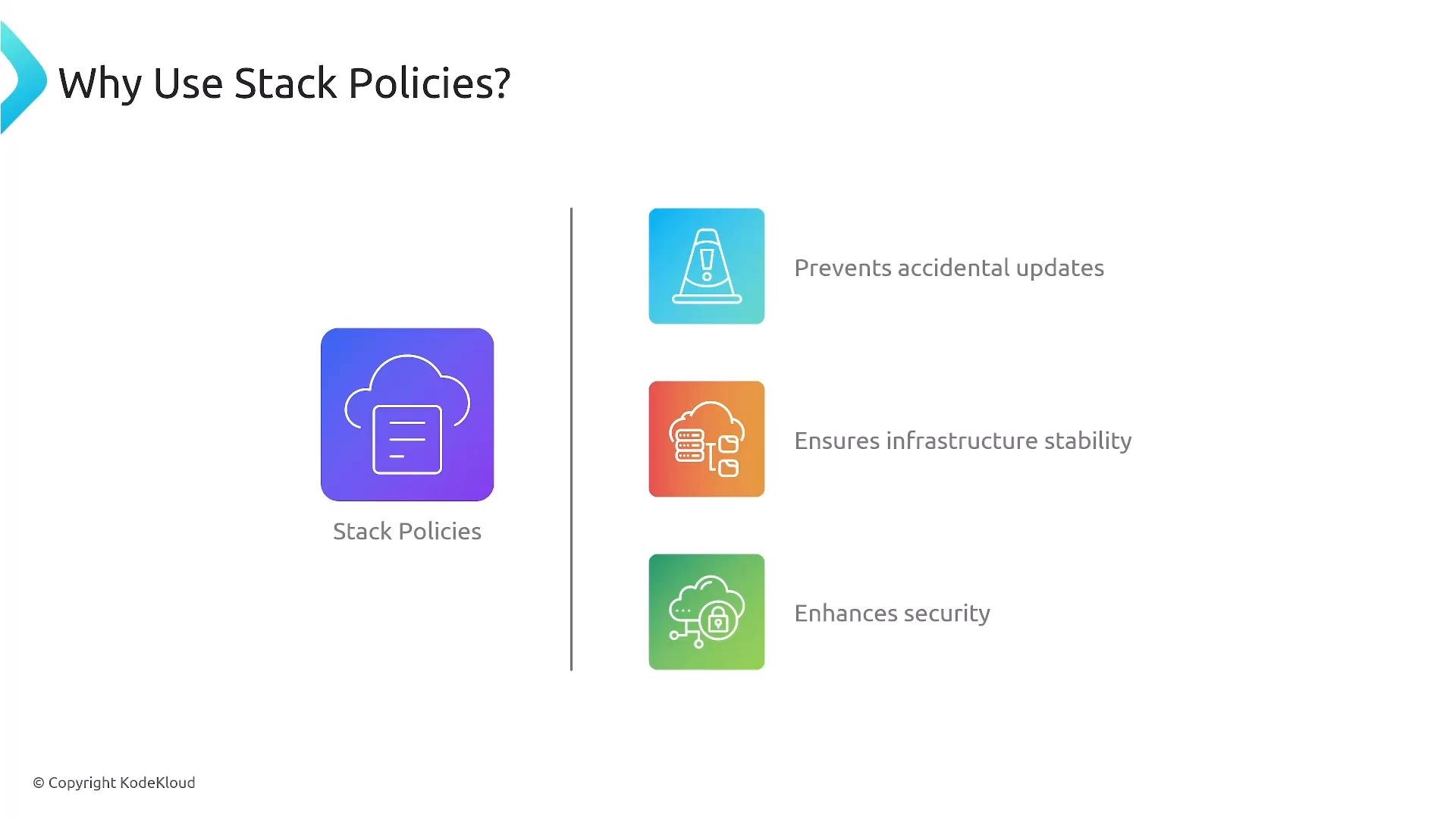
Stack policies are a declarative guard around CloudFormation stacks that can deny update actions on specified logical resources. They provide a second layer of protection beyond IAM—useful to stop accidental updates or deletions to critical production resources. Common use cases:- Prevent updates to production S3 buckets, databases, or other sensitive resources unless the policy is changed.
- Limit changes to critical infrastructure components during stack updates.
MyS3Bucket:
- Attach stack policies to specific stacks via the console, CLI, or API.
- You can combine narrow (single logical ID) and broad (wildcard or resource type) protections depending on risk tolerance and operational needs.
Best practices to manage drift and secure stacks
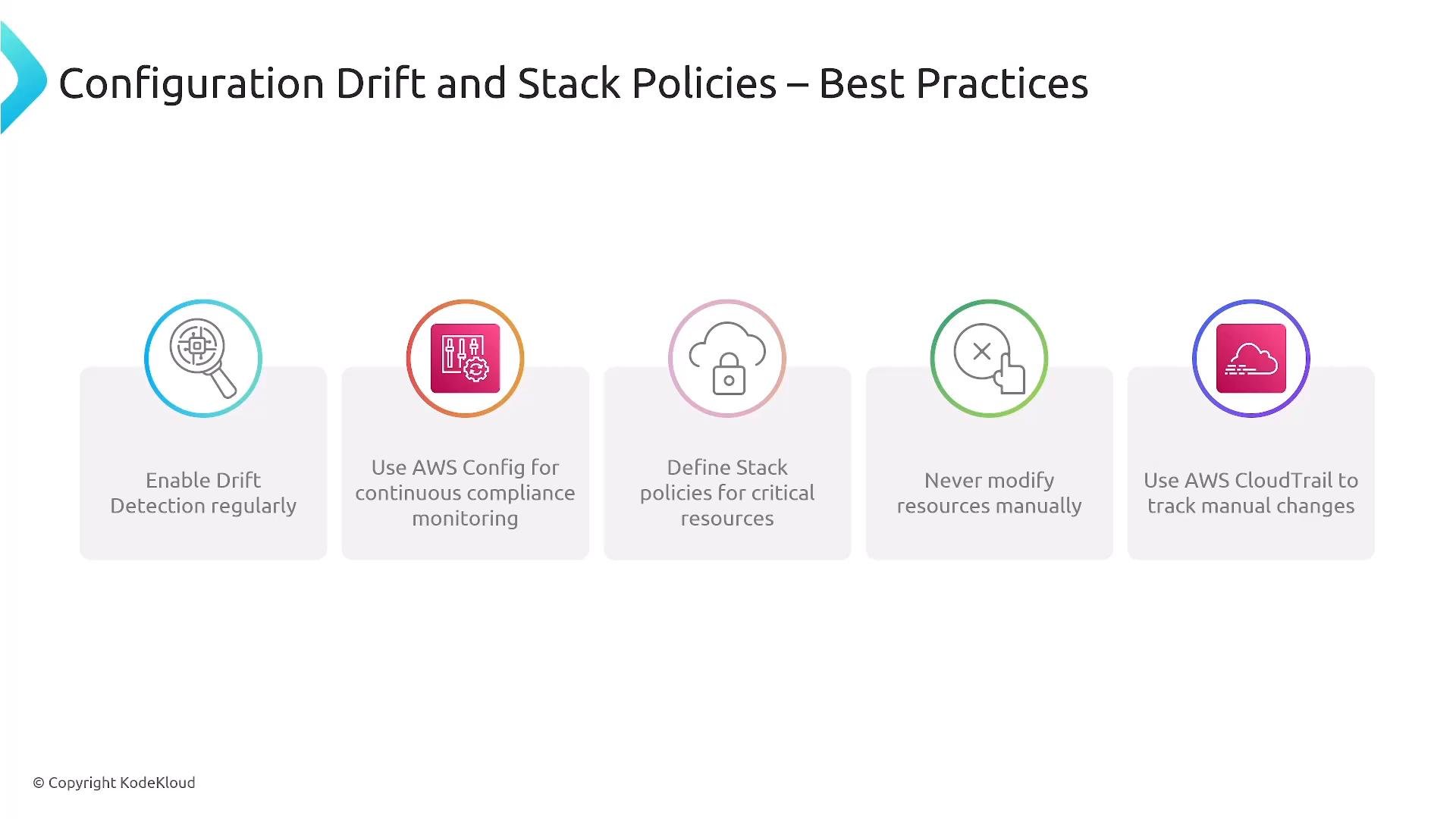
- Run drift detection regularly (scheduled or on-demand) as part of your operational checks.
- Use AWS Config for continuous compliance monitoring and historical change tracking.
- Define and enforce stack policies for critical stacks and sensitive resources.
- Avoid manual edits to resources managed by CloudFormation; require template-driven changes and change sets.
- Use AWS CloudTrail to audit manual and automated changes.
- Integrate detections with Amazon EventBridge to trigger automated remediation (for example, a Systems Manager Automation document).
Automating responses and remediation
You can build automated remediation pipelines to revert unauthorized changes detected by AWS Config or CloudTrail. Common pattern:- AWS Config or CloudTrail detects a change → EventBridge rule triggers → Systems Manager Automation document runs to remediate or notify.
Demo and walkthrough
A hands-on demo typically covers:- Running CloudFormation drift detection on a sample stack.
- Reviewing the drift report and resource-level differences.
- Creating and executing a change set to remediate.
- Applying a stack policy to protect a critical resource.
- Wiring EventBridge → Systems Manager Automation for automated rollback.
Links and references
- AWS CloudFormation drift detection: https://docs.aws.amazon.com/AWSCloudFormation/latest/UserGuide/using-cfn-stack-drift.html
- CloudFormation change sets: https://docs.aws.amazon.com/AWSCloudFormation/latest/UserGuide/using-cfn-updating-stacks-changesets.html
- Stack policies: https://docs.aws.amazon.com/AWSCloudFormation/latest/UserGuide/protect-stack-resources.html
- AWS Config: https://docs.aws.amazon.com/config/latest/developerguide/
- AWS CloudTrail: https://docs.aws.amazon.com/awscloudtrail/latest/userguide/cloudtrail-user-guide.html
- Amazon EventBridge: https://docs.aws.amazon.com/eventbridge/latest/userguide/what-is-amazon-eventbridge.html
- AWS Systems Manager Automation: https://docs.aws.amazon.com/systems-manager/latest/userguide/systems-manager-automation.html