How AWS Config fits with other governance services
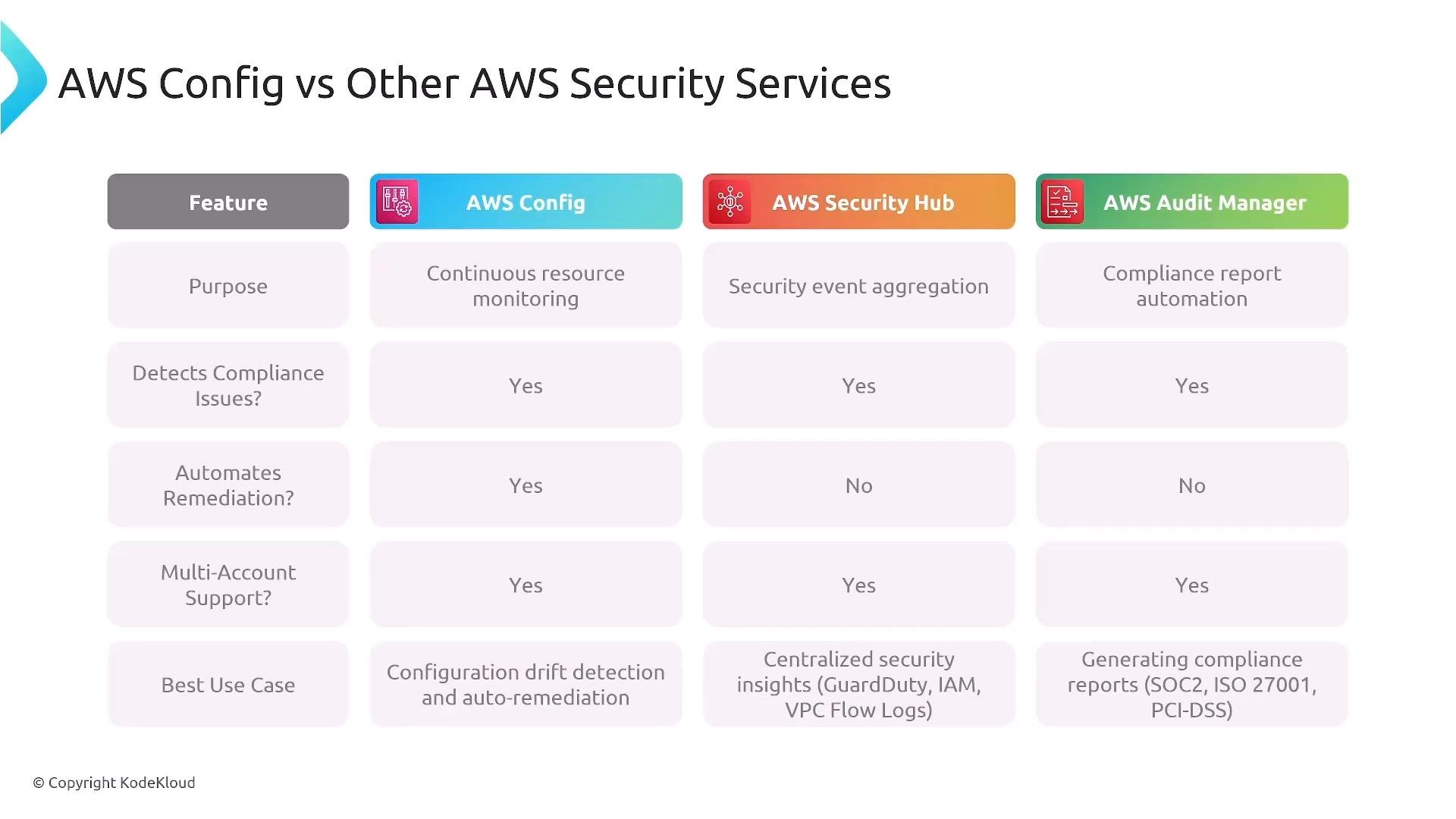
Each AWS service in the governance stack focuses on a distinct problem:
While these services overlap in supporting compliance and multi-account visibility, AWS Config is the primary tool for continuous configuration monitoring and automatic remediation.
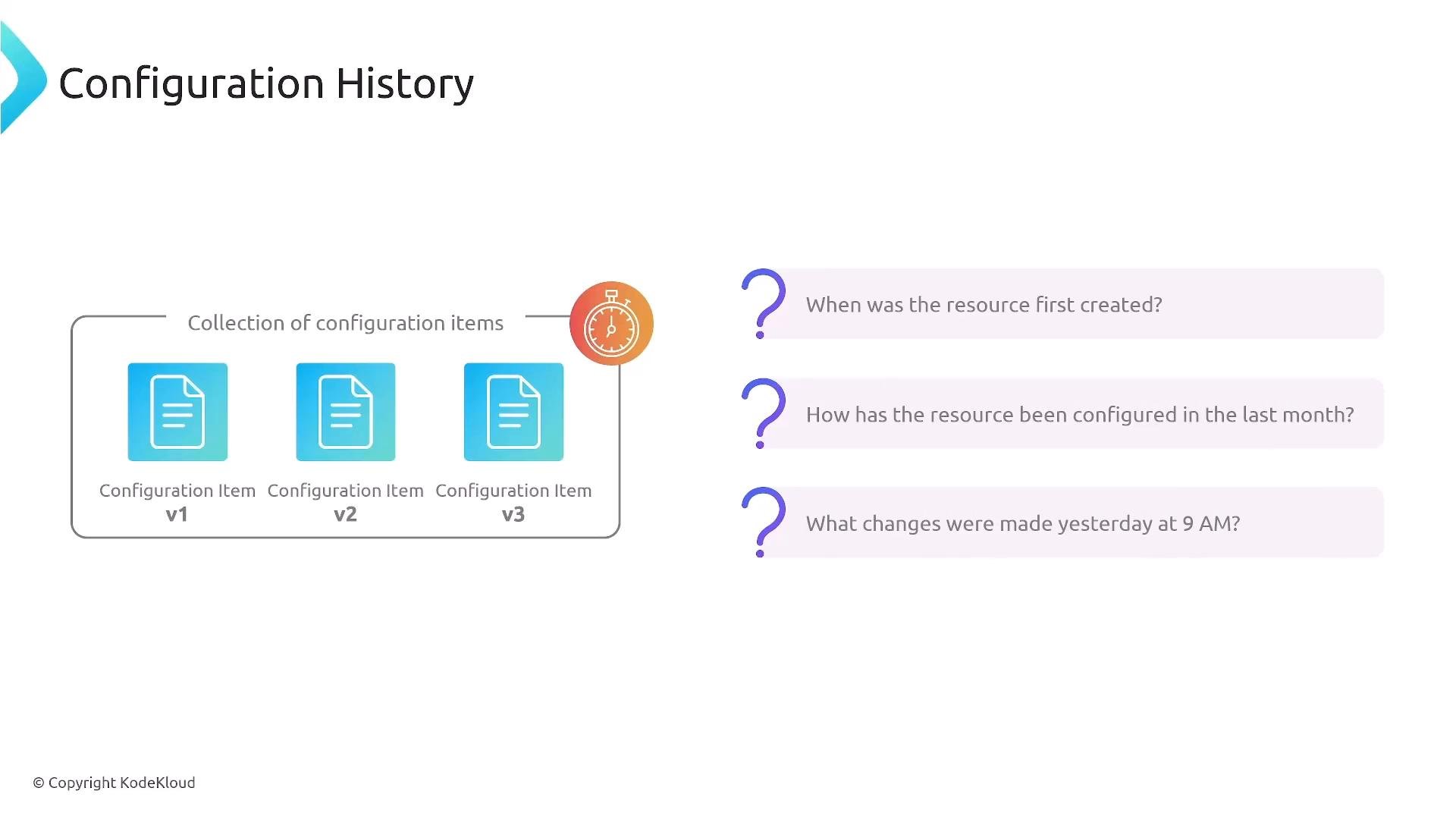
Configuration Items and Recording
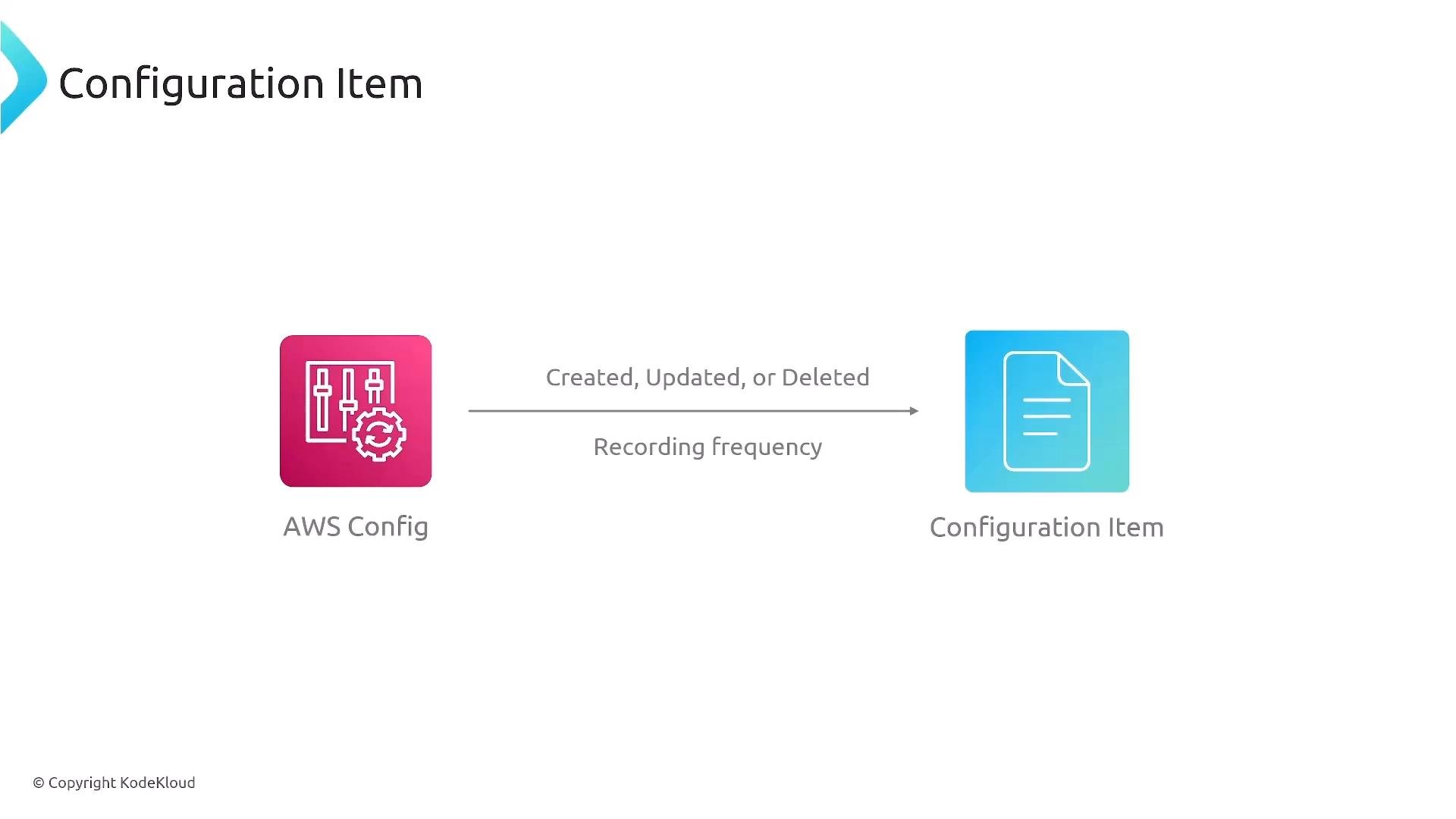
AWS Config represents each tracked resource as a configuration item (CI). A CI includes metadata, attributes, relationships to other resources, and timestamps for creation, updates, and deletions. You can choose the recording frequency:- On every change (recommended for near-real-time monitoring).
- Periodic (for example, daily snapshots).
Recorder and Delivery Channel
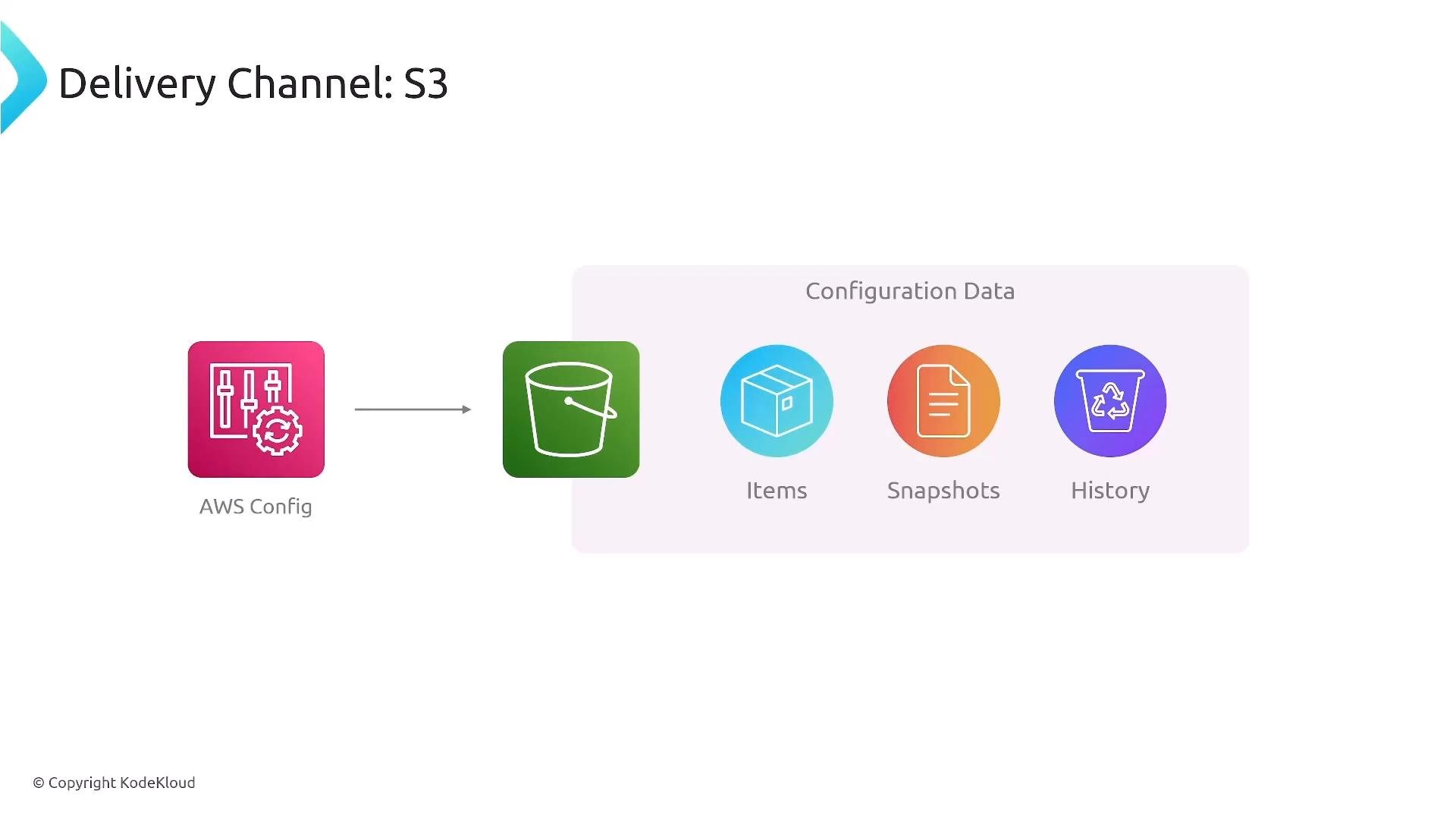
The AWS Config recorder captures create/update/delete events and produces configuration items. The delivery channel controls where snapshots, history files, and notifications are sent. Common delivery patterns:- Store snapshots and history in an S3 bucket (apply strict bucket policies, encryption, and lifecycle rules).
- Route notifications to SNS or EventBridge to trigger downstream automation.
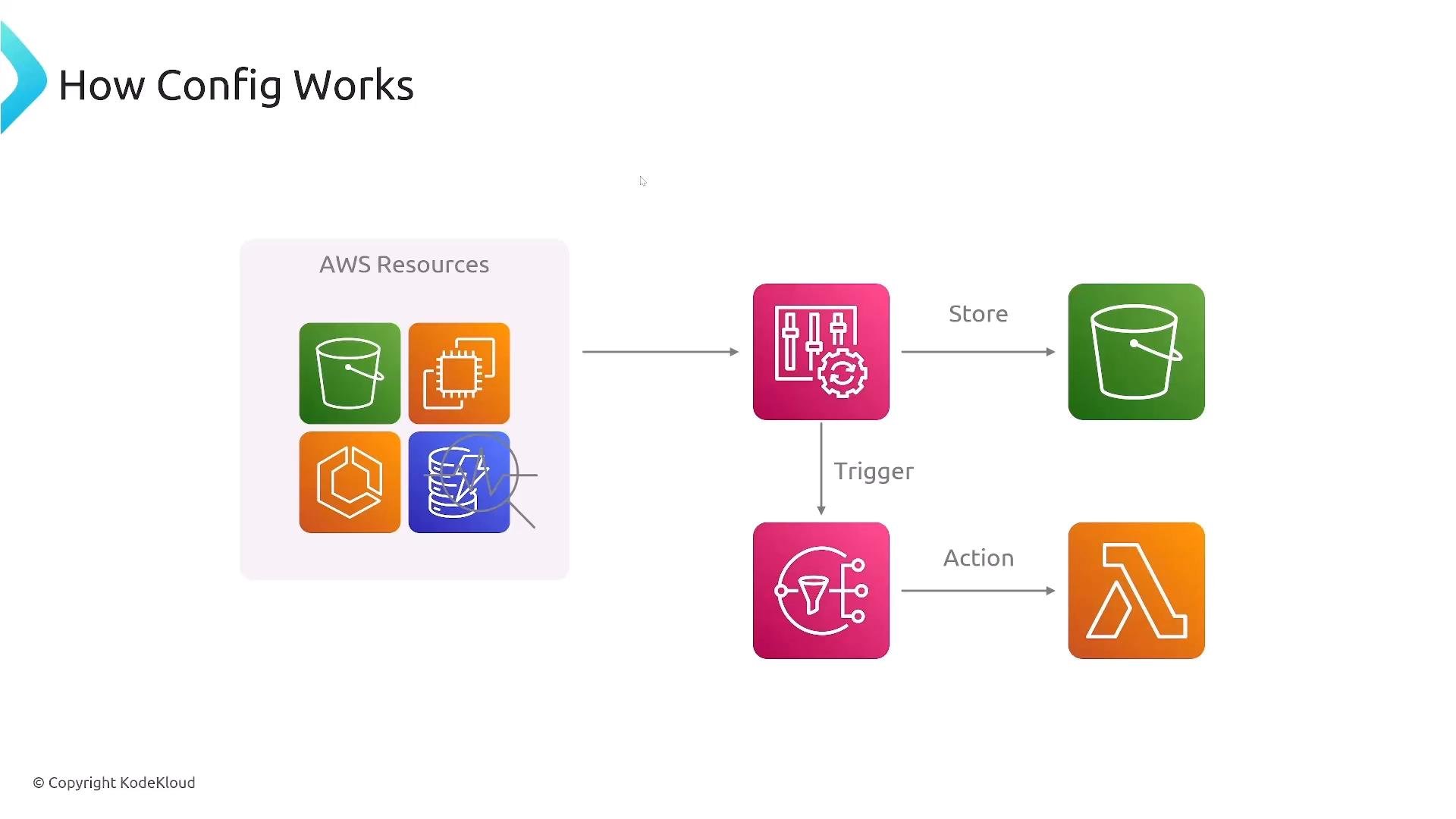
Secure delivery targets: ensure S3 bucket IAM policies, encryption (SSE-KMS/SSE-S3), and cross-account access are correctly configured. Also confirm the remediation role has least-privilege permissions for any automated actions.
Rules: Managed and Custom
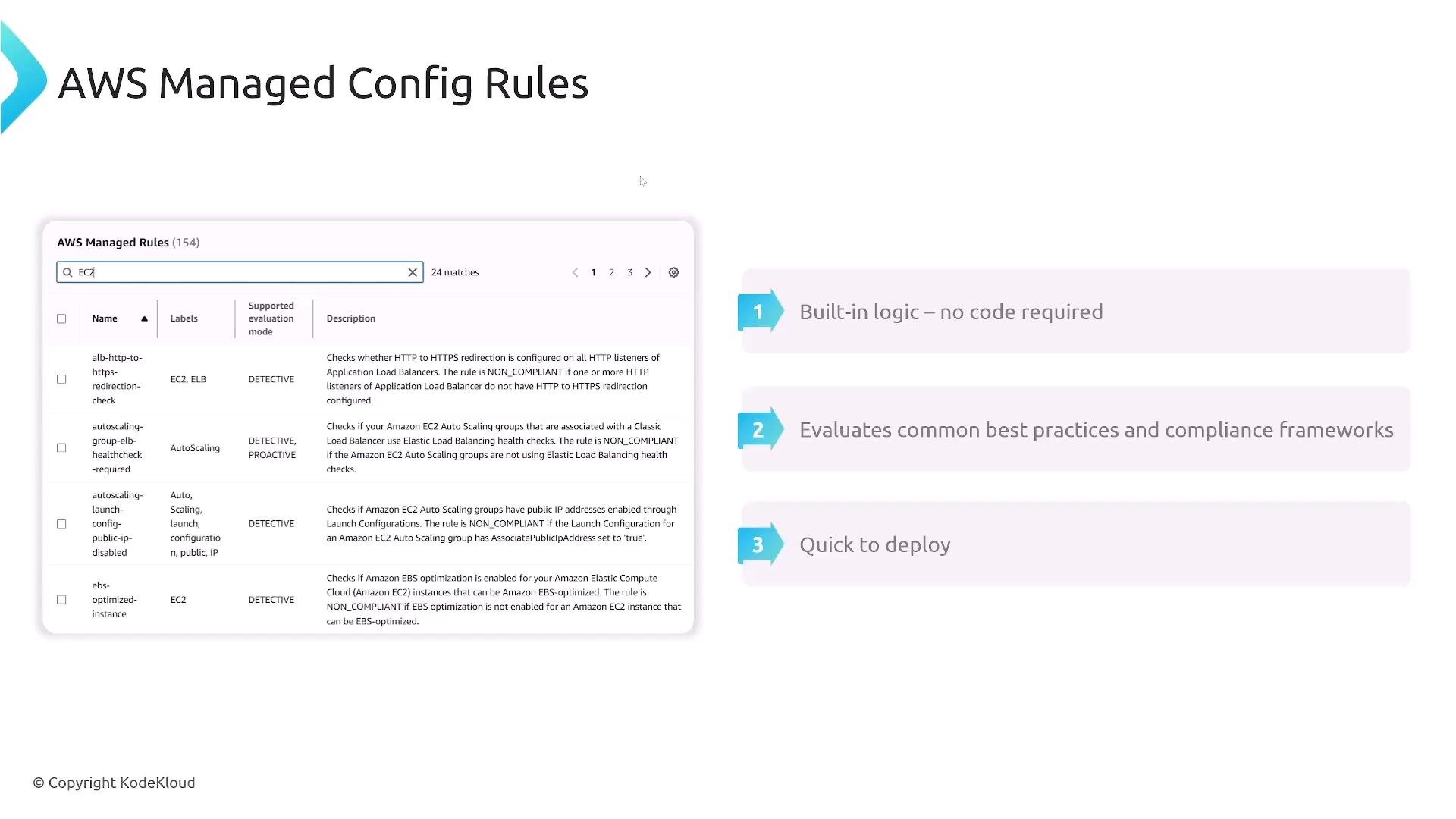
AWS Config evaluates resources using rules. There are two main types:- AWS Managed Rules: Pre-built, maintained by AWS. These cover common best practices (for example, EBS encryption, public snapshot checks, Auto Scaling settings). Quick to deploy—no custom code required.
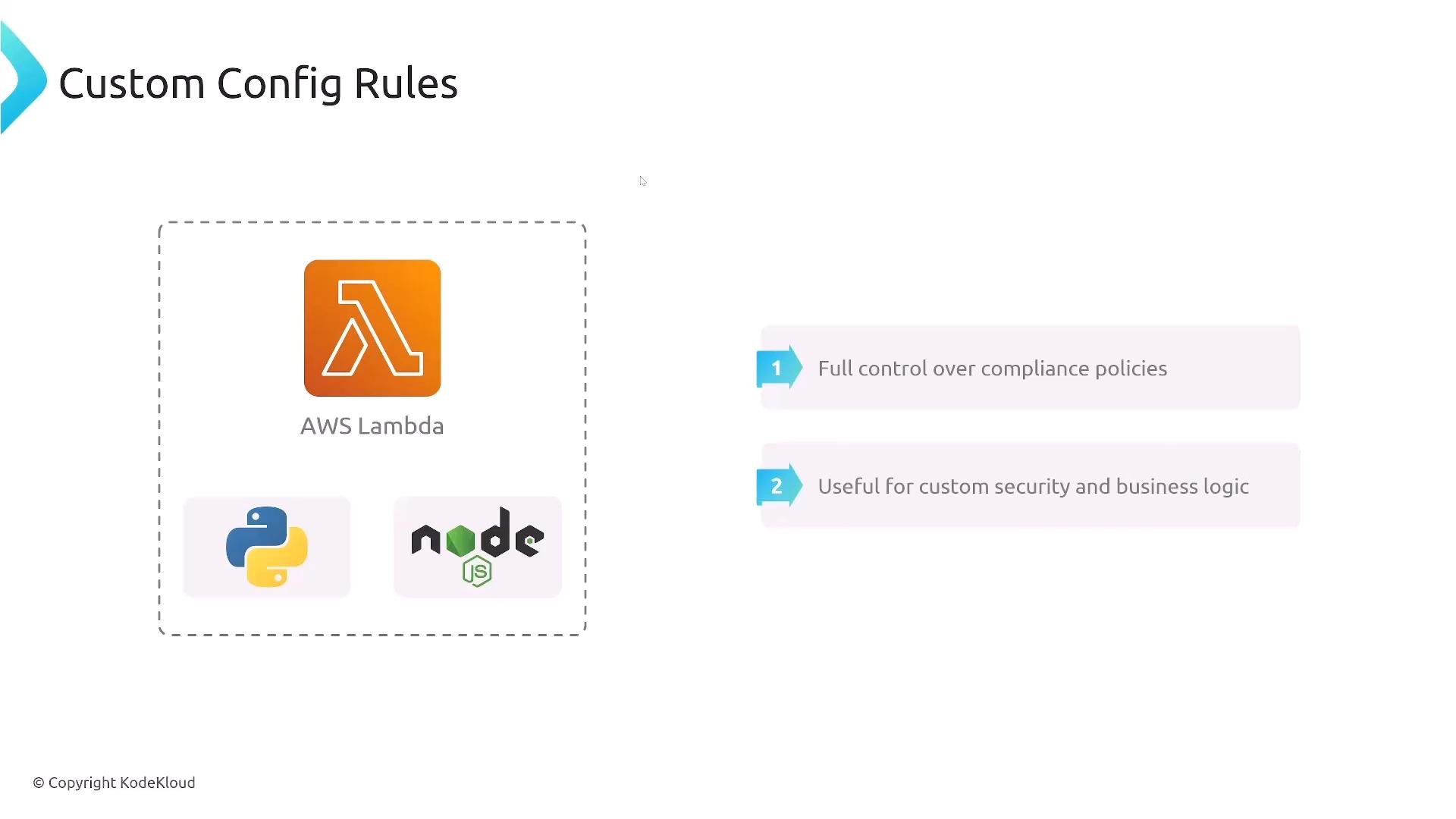
- Custom Rules: Implement your own evaluation logic (typically a Lambda function written in Python, Node.js, etc.). Use custom rules for organization-specific or application-level policy checks.
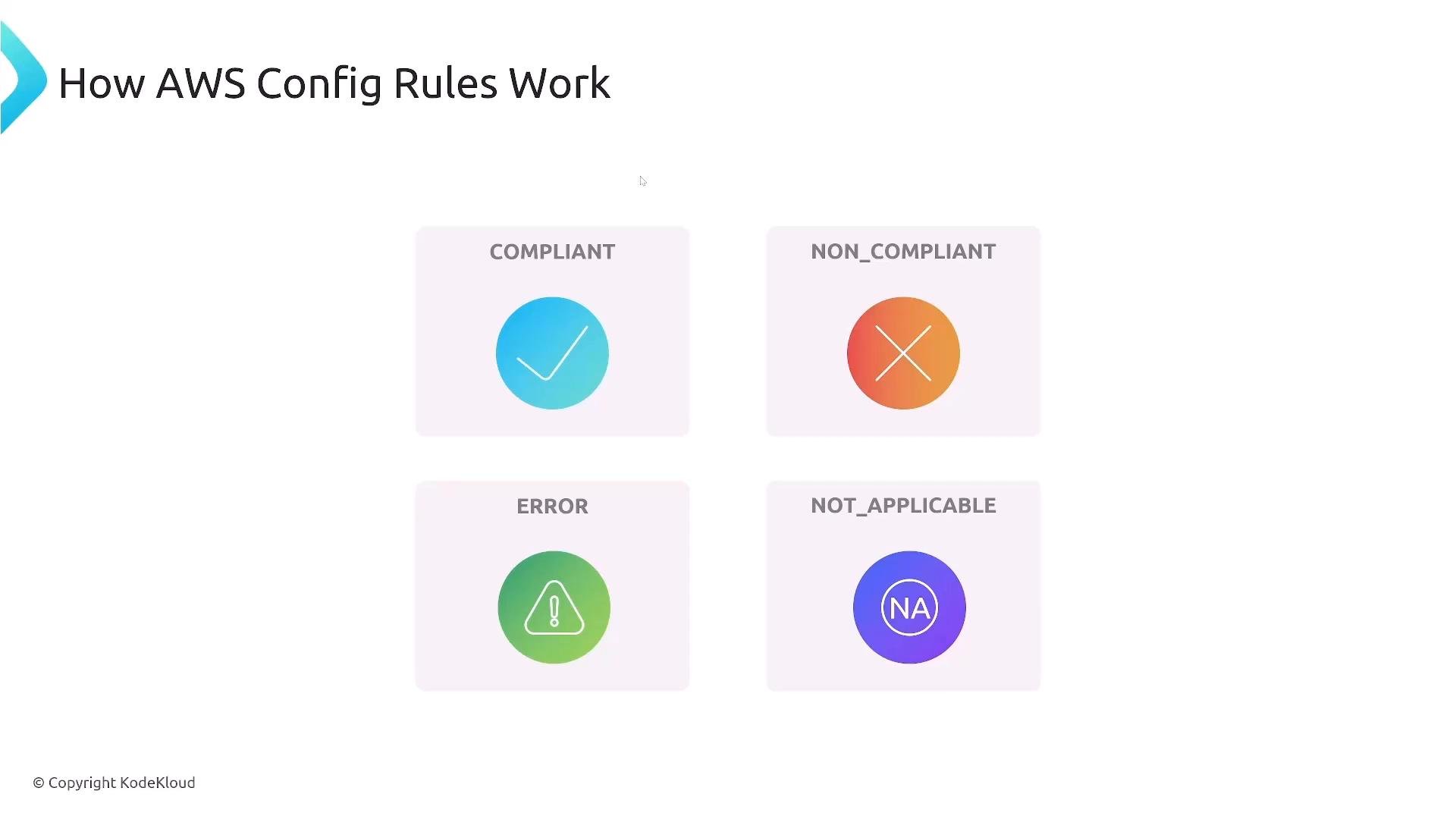
- COMPLIANT — resource conforms to the rule.
- NON_COMPLIANT — resource violates the rule.
- NOT_APPLICABLE — rule does not apply to this resource type.
- INSUFFICIENT_DATA — AWS Config cannot determine compliance.
Workflow and Automatic Remediation
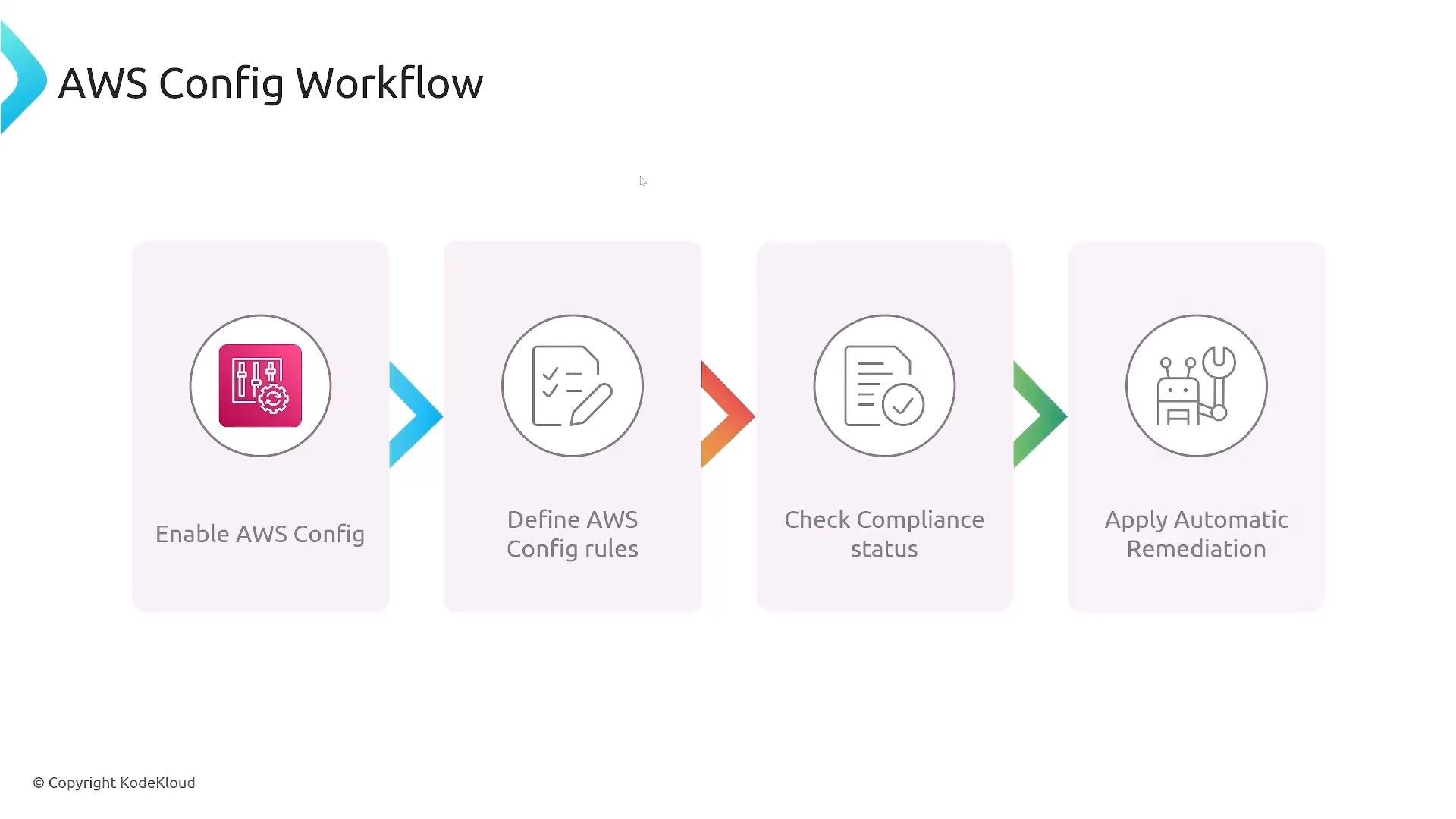
A typical AWS Config workflow:- Enable AWS Config and start the recorder.
- Define rules (managed or custom).
- Evaluate resources and check compliance status.
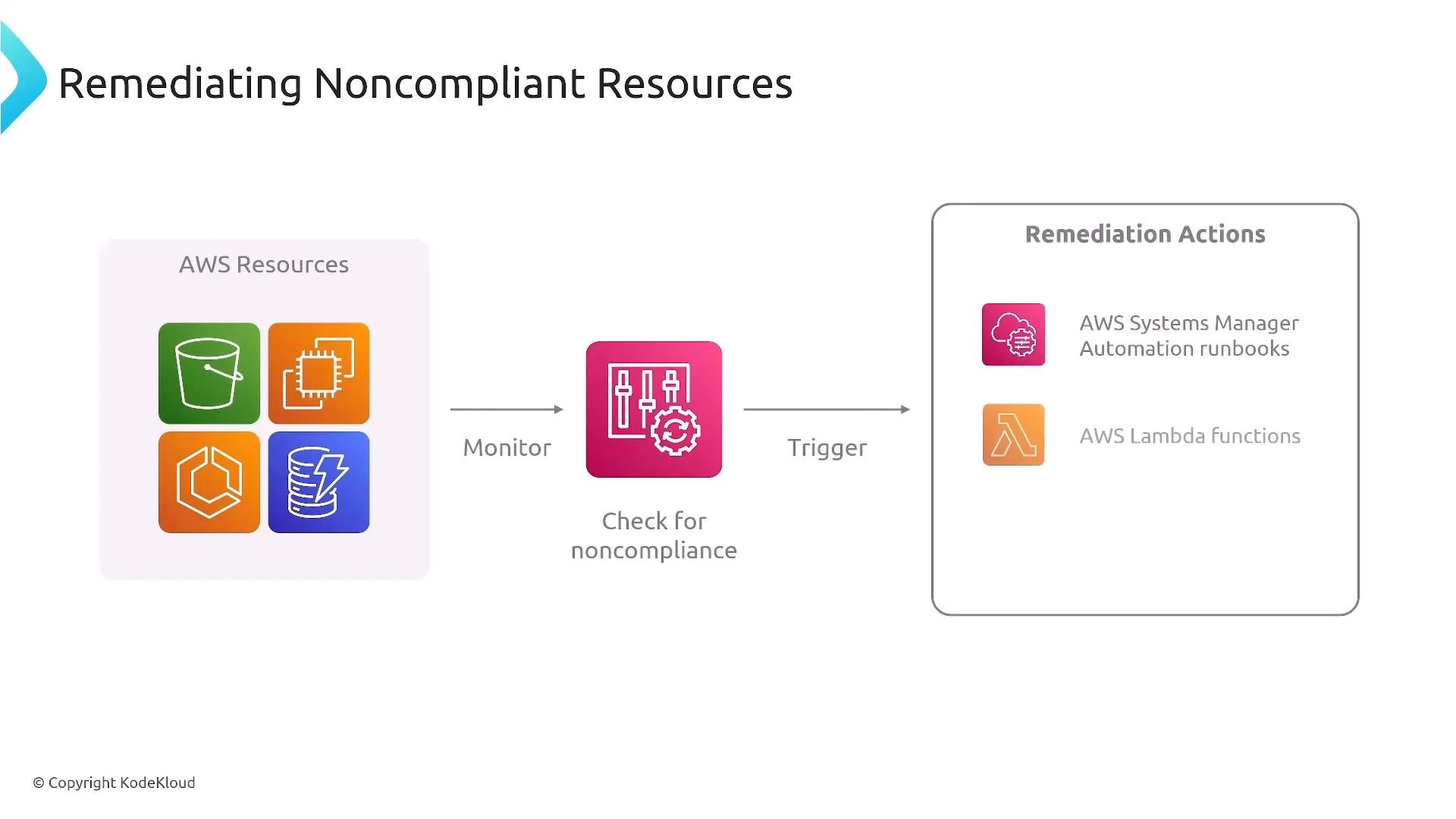
- Attach remediation actions to rules to automatically fix non-compliant resources.
AWS Config detects non-compliance out of the box, but automated remediation requires explicitly configured remediation actions (Systems Manager Automation, Lambda, etc.). Ensure your remediation IAM role and target services have the necessary permissions before enabling automated fixes.
Evaluation Modes and Trigger Types
AWS Config supports different evaluation modes and triggers so you can balance latency and cost:-
Evaluation modes:
- Proactive evaluation: validates configuration before or during deployment when supported (helps prevent misconfigurations).
- Detective evaluation: ongoing scans of existing resources to detect drift and non-compliance.
-
Trigger types:
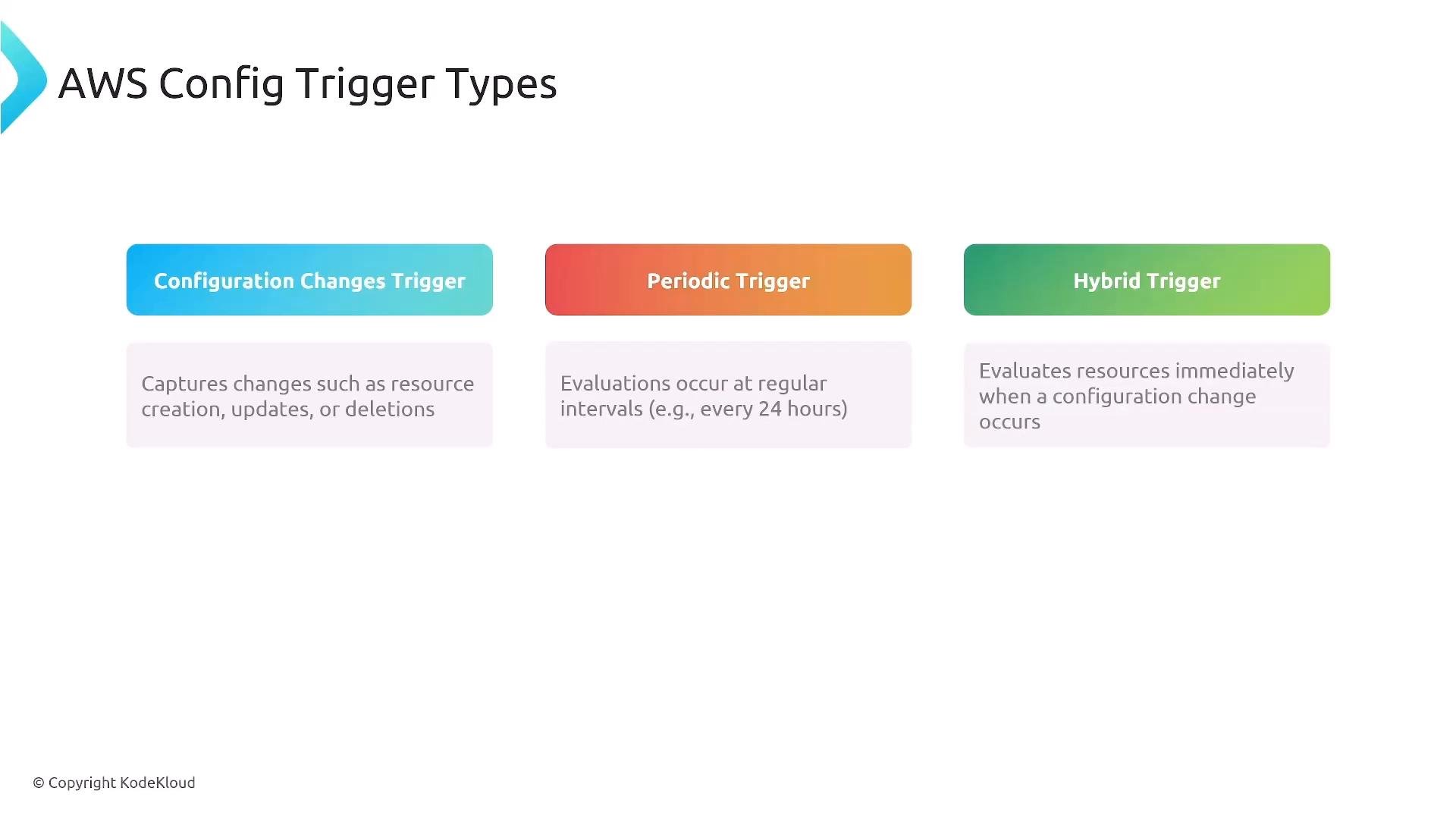
- Configuration change trigger: evaluate when a resource changes (event-driven).
- Periodic trigger: evaluate on a schedule (for example, hourly or daily).
- Hybrid: immediate evaluation on changes plus periodic full scans.
Remediation Actions
When a rule flags a resource as NON_COMPLIANT, remediation actions can be invoked:- AWS Systems Manager Automation runbooks — ideal for standardized, auditable operational fixes.
- AWS Lambda functions — use for custom or complex remediation logic (e.g., tagging, reconfiguration, resource replacement).
- Notifications via SNS or EventBridge — alert operators or trigger external workflows.
Conformance Packs
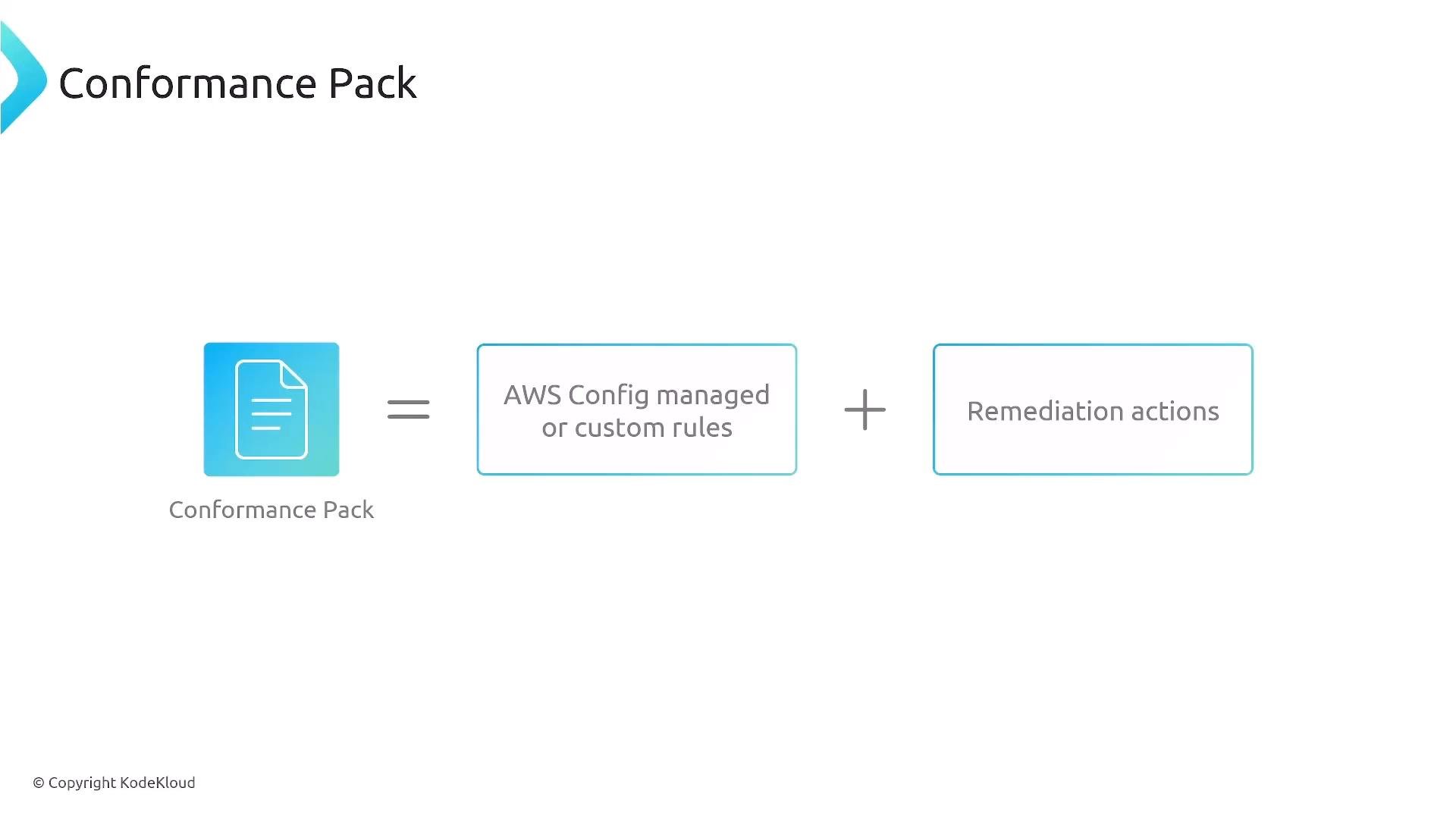
Conformance Packs bundle multiple AWS Config rules and remediation actions into a single, reusable package defined in YAML. Apply a conformance pack to an account, region, or across an AWS Organization to ensure consistent policy enforcement. Use conformance packs when you want to:- Roll out a standard compliance baseline across multiple accounts.
- Version-control and automate deployment of policy sets.
Aggregators for Multi-Account / Multi-Region
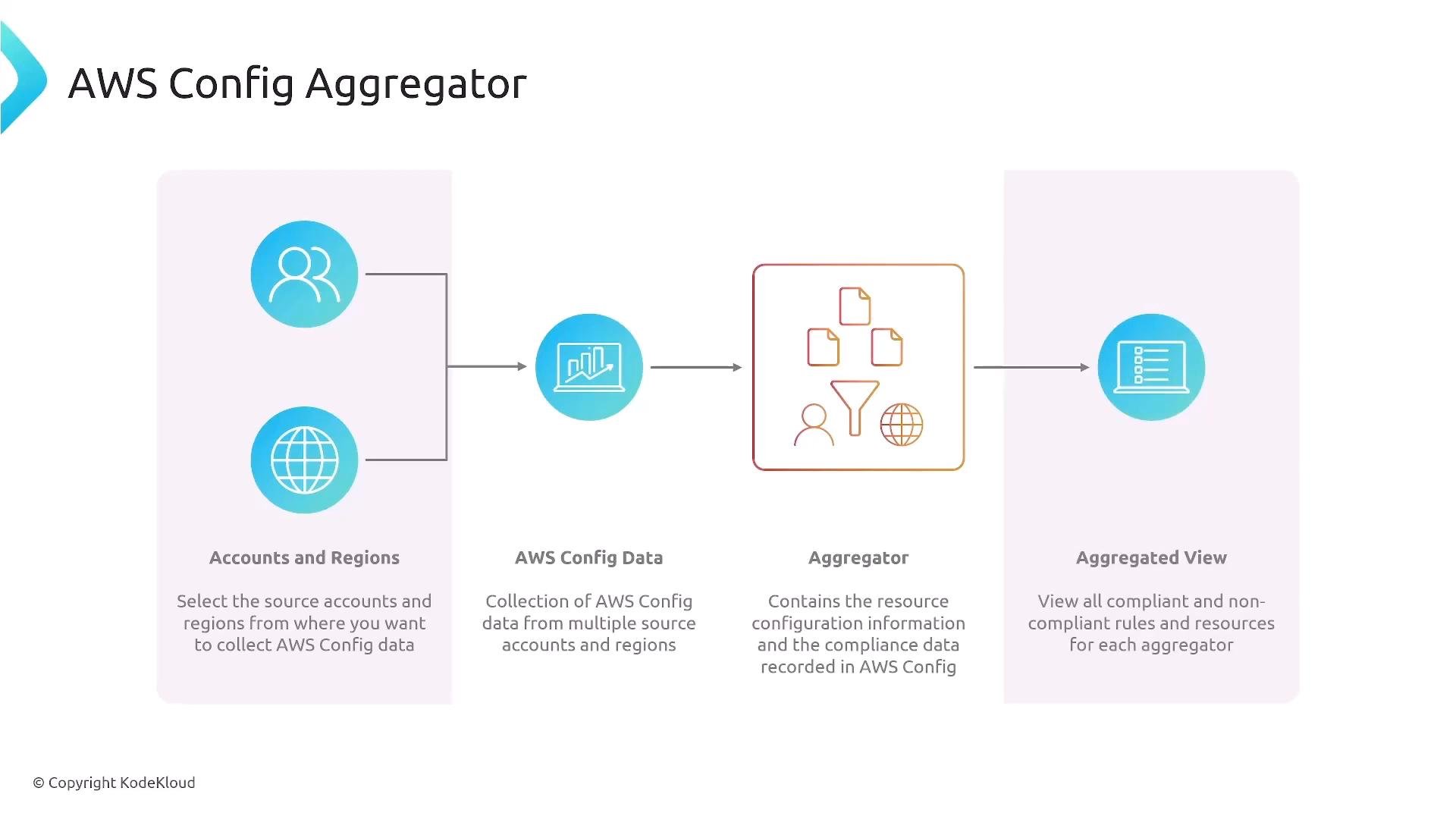
Config Aggregators collect AWS Config data from many accounts and regions into a single aggregated view. Aggregators enable centralized governance by simplifying enterprise-wide queries, dashboards, and reporting. Key benefits:- Centralized compliance dashboards across accounts and regions.
- Aggregated metrics (total resources, compliant vs non-compliant counts).
- Easier evidence collection for audits and executive reporting.
Best Practices
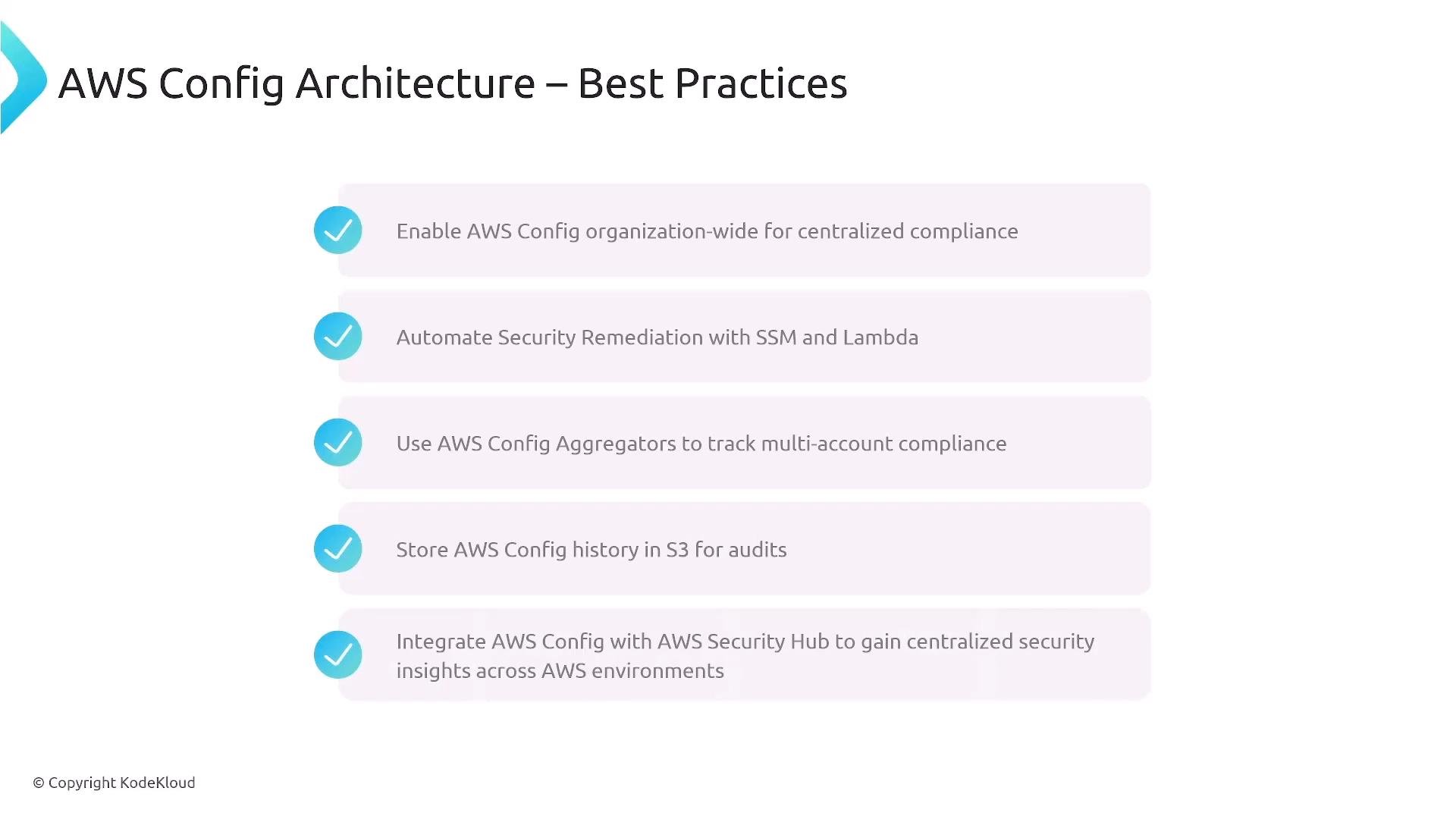
- Enable AWS Config organization-wide (AWS Control Tower can bootstrap this).
- Automate remediation where safe and auditable (Systems Manager Automation or Lambda).
- Use Config Aggregators to centralize data across accounts and regions.
- Store configuration history and snapshots in S3 (apply encryption, access controls, and lifecycle policies).
- Integrate AWS Config findings with Security Hub and other security tools for centralized insights and alerting.
- Use conformance packs to standardize and version policy bundles.