

- Author a CloudFormation template (YAML or JSON) that describes the architecture you want.
- Deploy that template to create a stack — the running collection of AWS resources.
- Manage updates and detect configuration drift using change sets and drift detection.
- Repeatability: deploy the same template across environments by changing stack names or parameters.
- Version control & auditability: store templates in Git and integrate with CI/CD.
- Speed & consistency: automated provisioning reduces human error and improves deployment velocity.
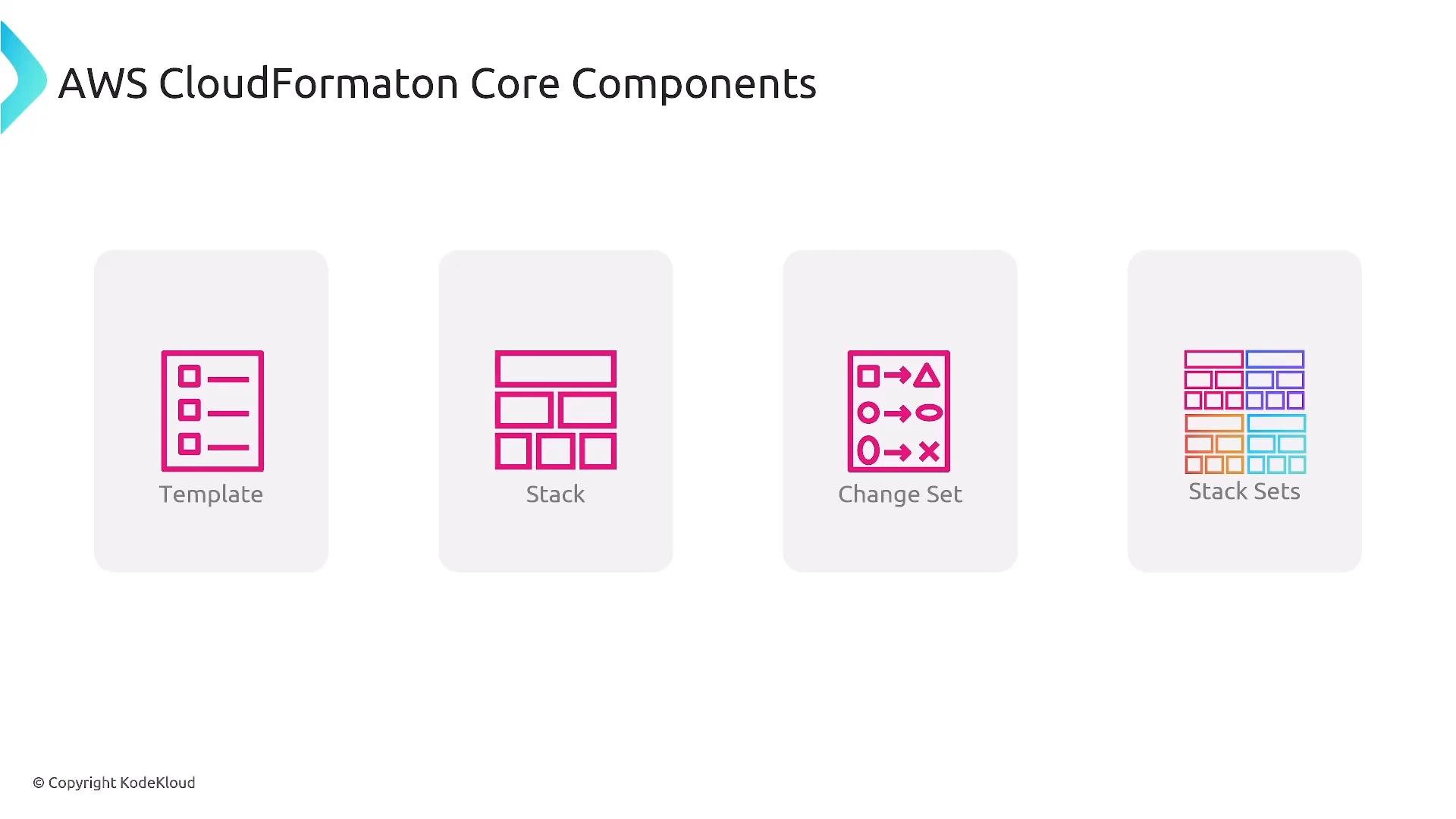
- Template: the declarative source file you version and store that describes your infrastructure.
- Stack: the deployed instance of a template — a single manageable unit of resources.
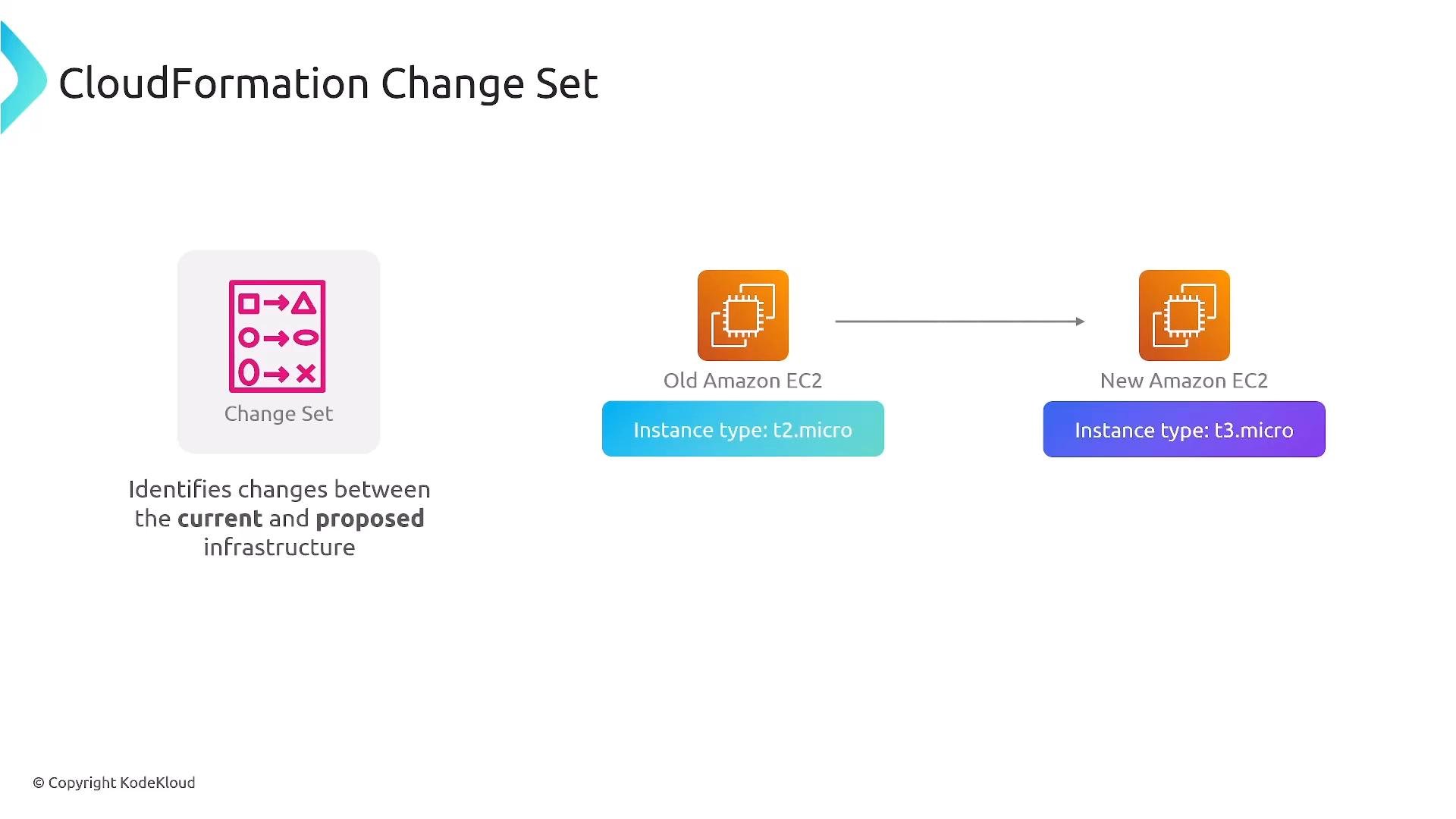
- Change set: a preview of differences between a proposed template and the current stack.
- StackSets: deploy a single stack across multiple AWS accounts and/or regions.
For exam focus: Parameters, Resources, and Outputs are the most important sections to understand. AWSTemplateFormatVersion is often present but optional; Description, Conditions, and Mappings are secondary; Metadata and Transform are specialized.
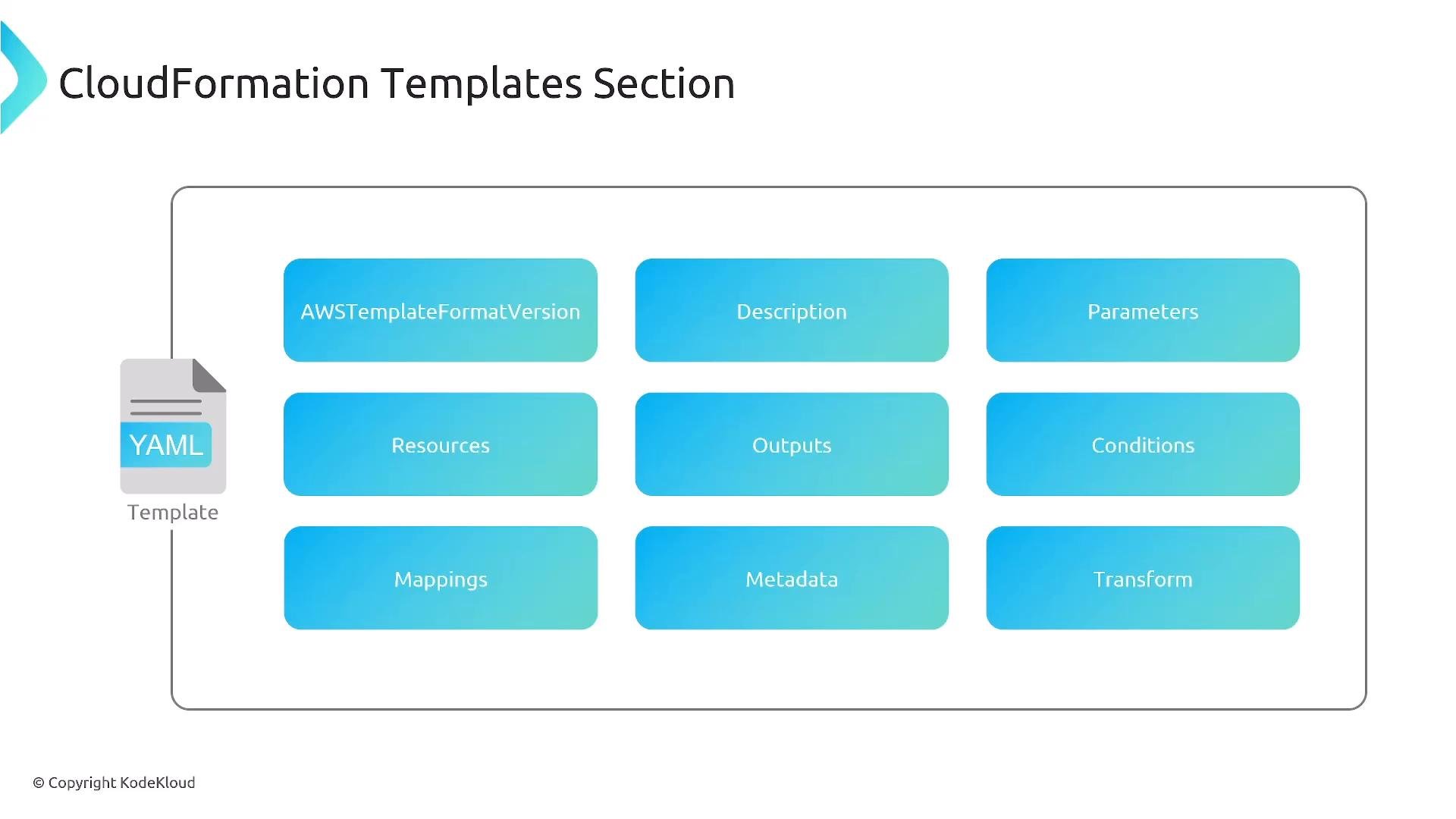
AMI IDs are region-specific and change frequently. The
ImageId in examples is illustrative — always use a region-appropriate AMI or a mapping that selects the correct AMI per region.- Many templates include only a subset of sections. The Resources section is usually essential.
- Consider using Parameters and Mappings instead of hard-coding values such as AMI IDs.
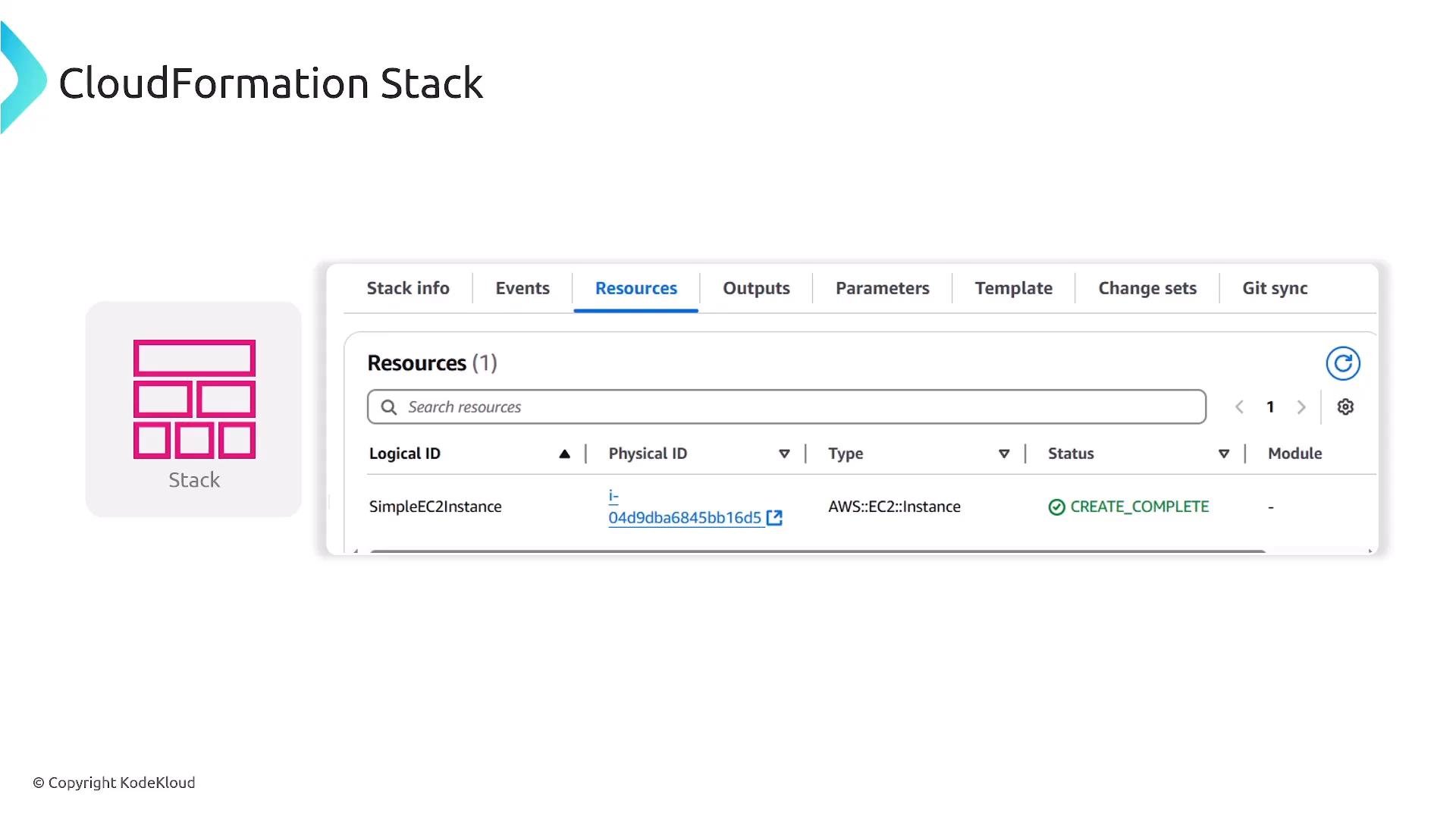
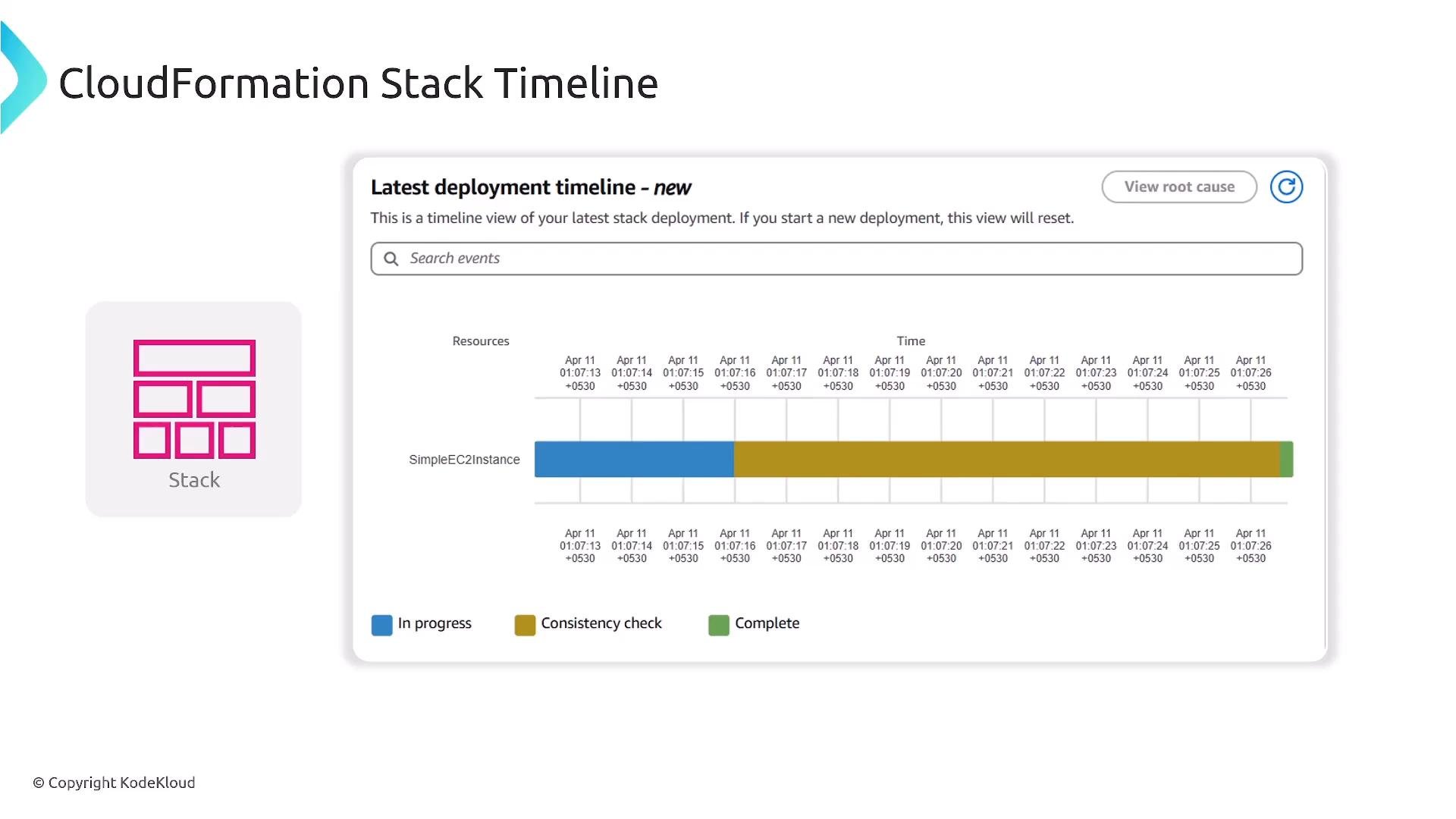
- Events: chronological events for stack operations.
- Resources: list of created resources and their statuses.
- Outputs: exported values for other stacks or operators.
- Parameters: values supplied at stack creation time.
- Template: the template associated with the stack.
- Change sets: proposed updates awaiting execution.
t2.micro to t3.micro) and want to review the impact first.
Use cases:
- Planned updates: create a change set to review and validate changes before execution.
- Drift detection: detect configuration or property changes made outside of CloudFormation and generate a plan to reconcile drift.
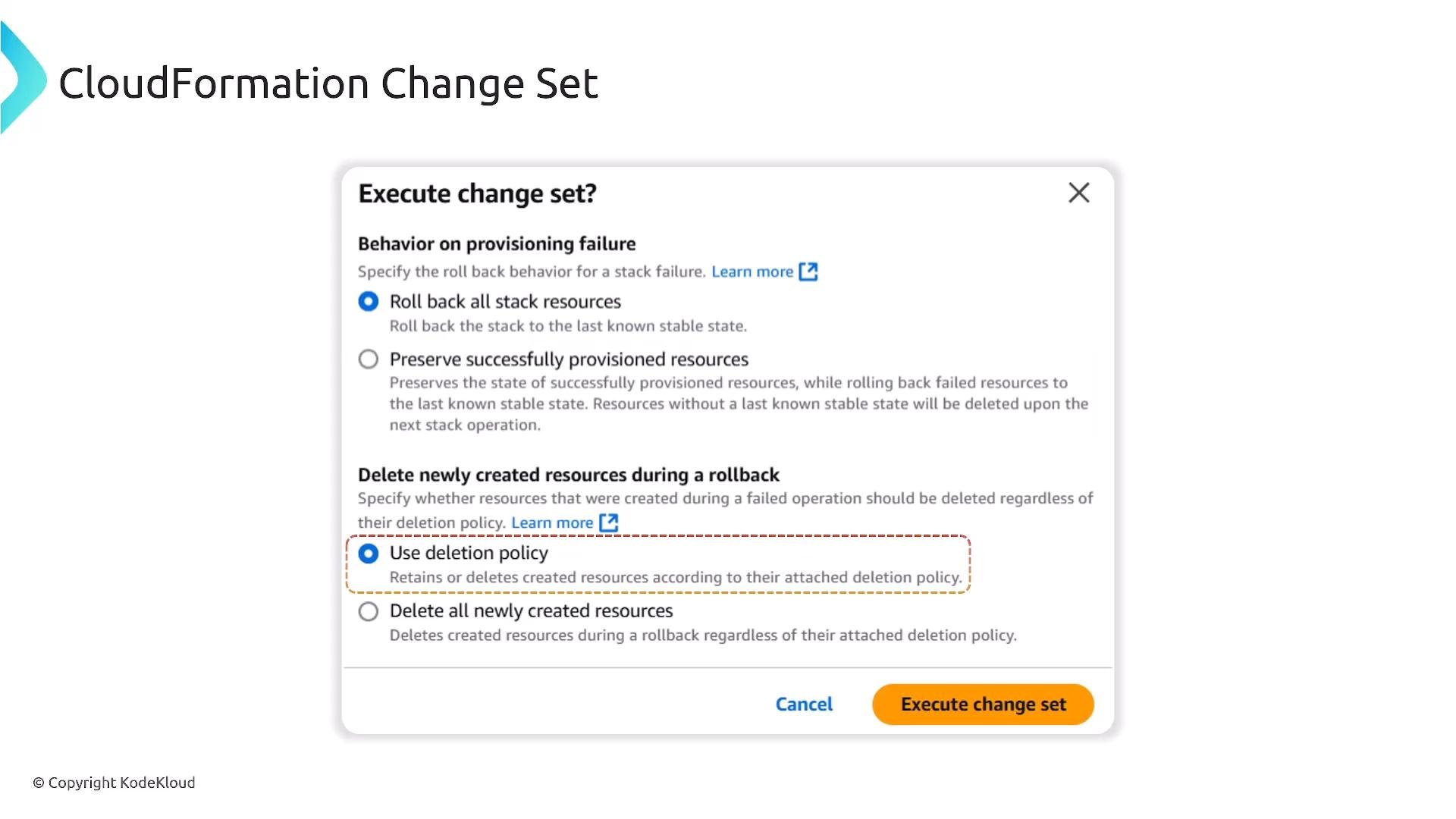
- Default behavior: CloudFormation rolls back to the previous stable state on failure.
- Disable rollback: useful during debugging to preserve partially created resources for inspection.
- Update rollback behavior: control whether newly created resources are deleted if an update fails.
- DeletionPolicy attribute: controls resource disposal on stack deletion — options include
Retain,Snapshot, andDelete.
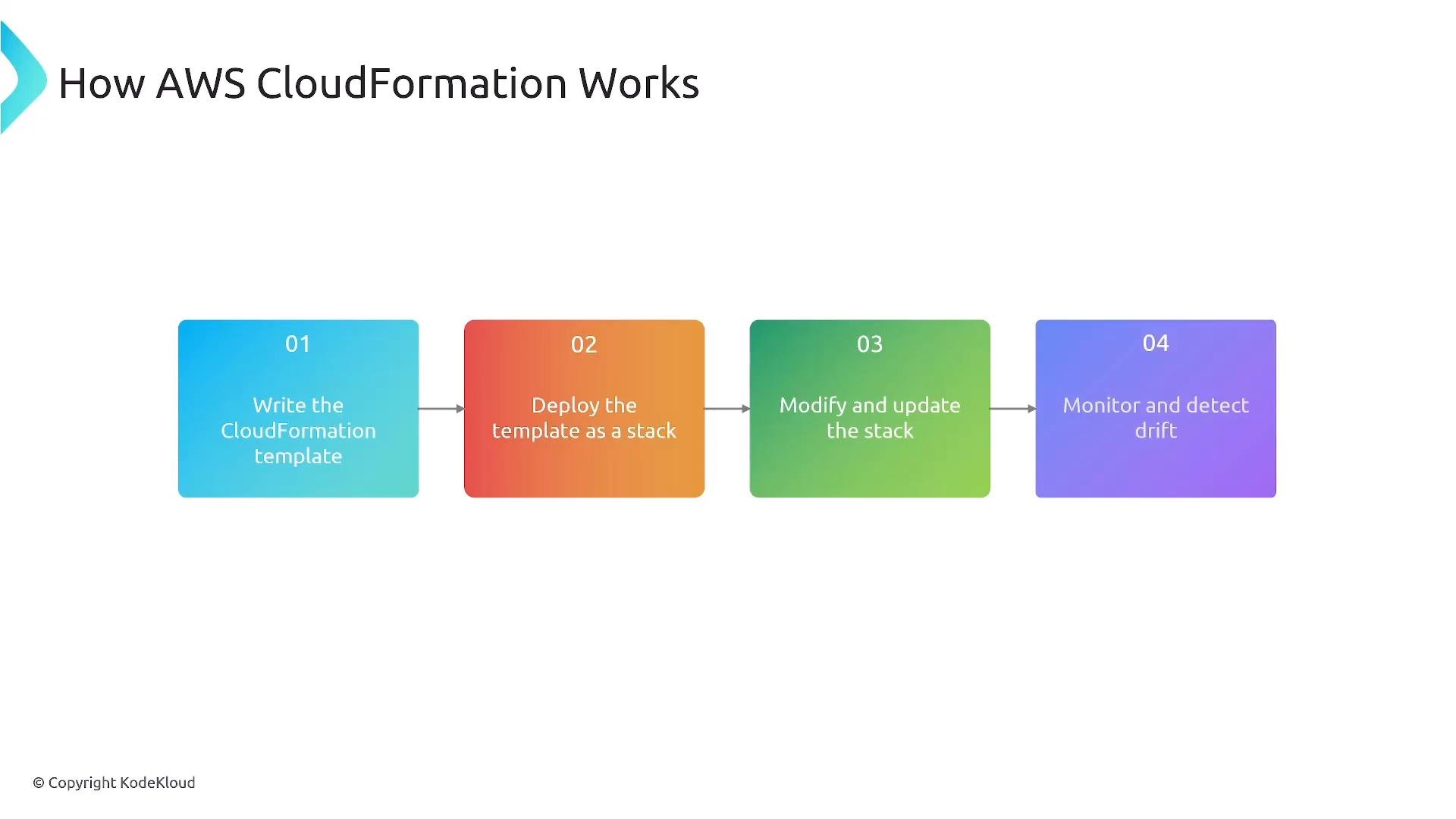
- Write a CloudFormation template (YAML/JSON).
- Deploy the template as a stack.
- Modify/update the stack using template changes or change sets.
- Monitor stack events, detect drift, and reconcile differences.
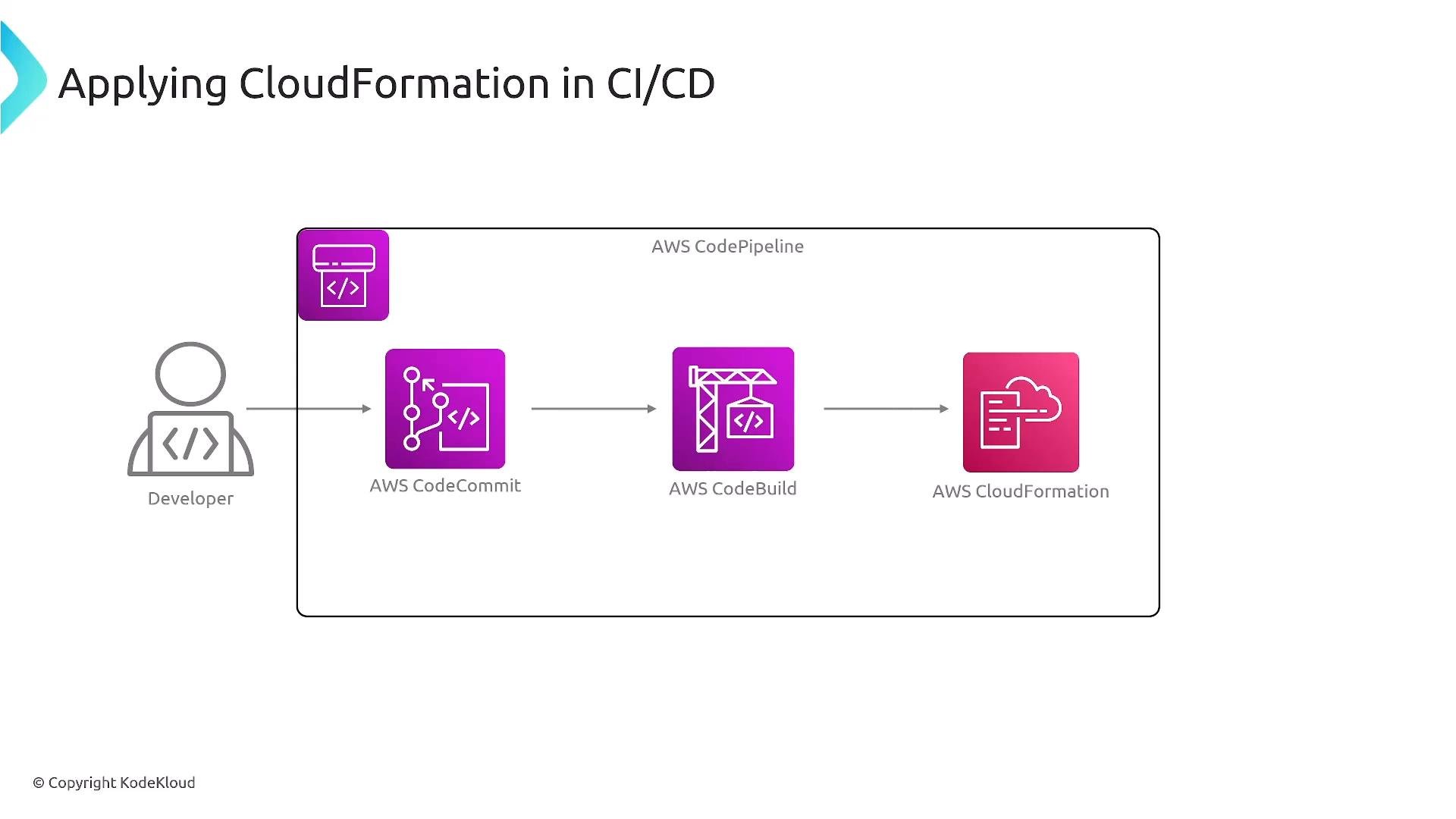
- Author templates in Git and open pull requests for changes.
- CI validates templates (linting, unit tests, policy checks).
- CD executes change sets and applies stack updates in controlled environments.
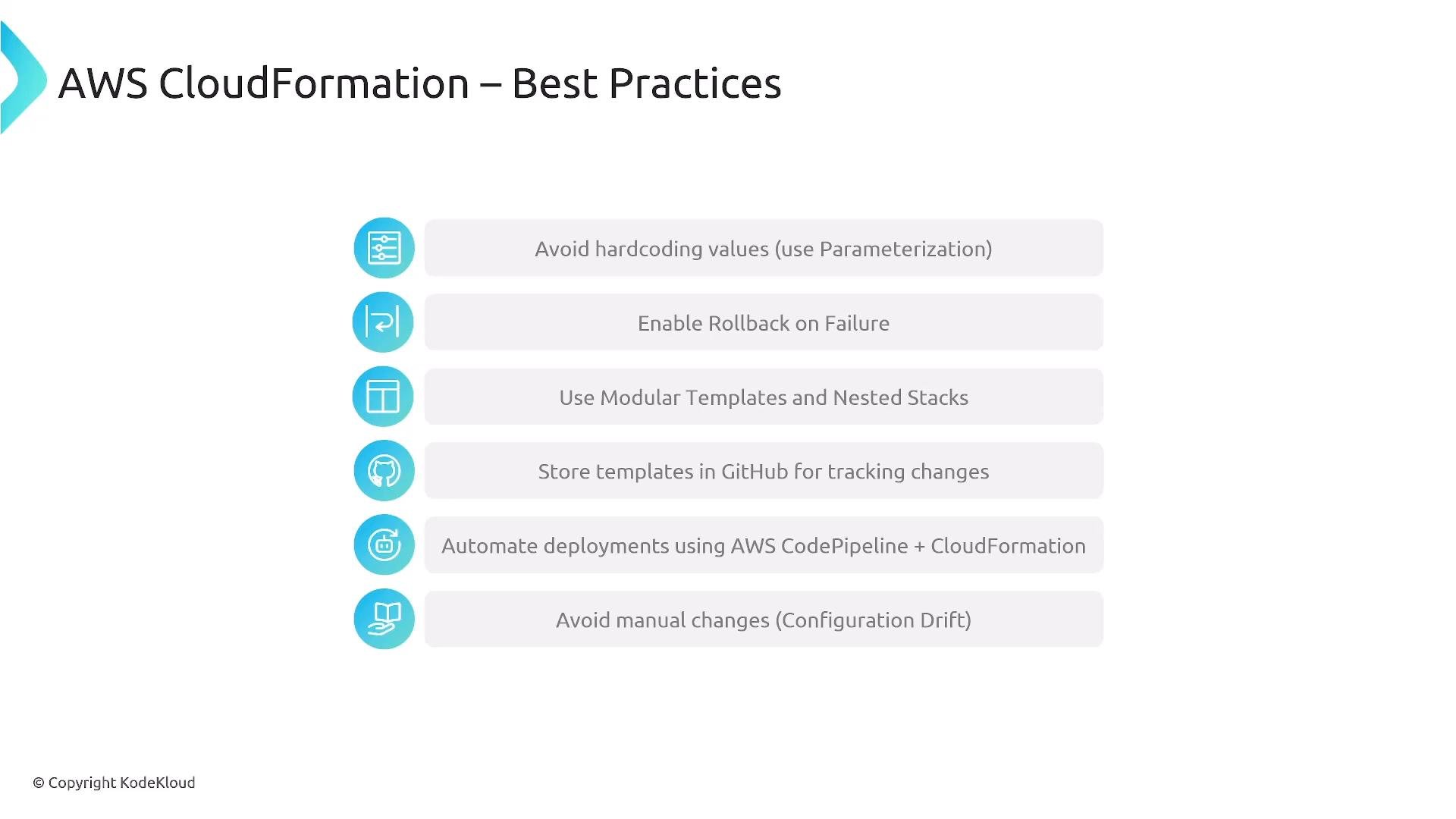
Store templates in source control, parameterize templates, enable rollback on failure, and modularize where practical (e.g., separate IAM, networking, and shared services). Automate deployments using CI/CD and avoid ad hoc manual edits to deployed resources—update the template and apply a change set instead.
- Avoid hard-coding values unless immutable. Use Parameters and Mappings for flexibility.
- Enable rollback on failure to avoid inconsistent partial provisioning.
- Modularize large templates with nested stacks to reduce complexity.
- Store templates in Git and connect to pipelines to enable automated deployment and audit trails.
- Prefer template-driven updates and change sets; manual resource edits create drift and complicate management.
- AWS Serverless Application Model (SAM): https://docs.aws.amazon.com/serverless-application-model/latest/developerguide/what-is-sam.html
- AWS CDK: https://docs.aws.amazon.com/cdk/latest/guide/home.html
- CodePipeline course reference: https://learn.kodekloud.com/user/courses/aws-codepipeline-ci-cd-pipeline
- Terraform basics course: https://learn.kodekloud.com/user/courses/terraform-basics-training-course
- Pulumi course: https://learn.kodekloud.com/user/courses/pulumi-essentials
- Crossplane course: https://learn.kodekloud.com/user/courses/learn-by-doing-crossplane
- CloudFormation is AWS’s native IaC tool for defining and managing infrastructure declaratively.
- Focus on clean templates (Parameters, Resources, Outputs), use change sets to preview updates, and enable drift detection to maintain consistency.
- Integrate templates with CI/CD pipelines to validate and automate deployments across environments.
- Parameterize instance types and AMIs via Mappings.
- Use nested stacks to separate networking and application layers.
- Implement change set workflows in a CodePipeline to preview and apply updates.