

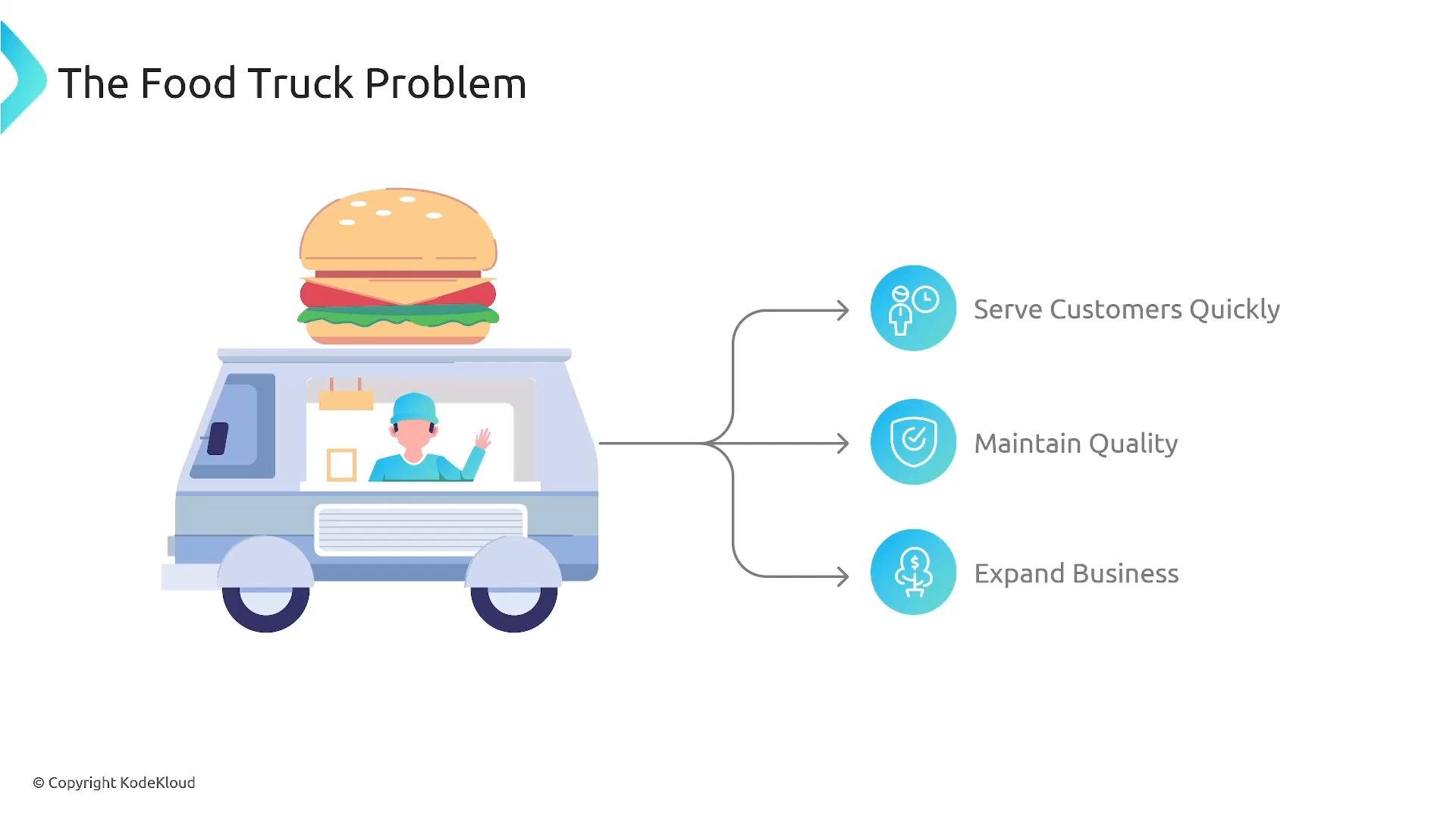
Traditional (Manual) Processes — Why they fail
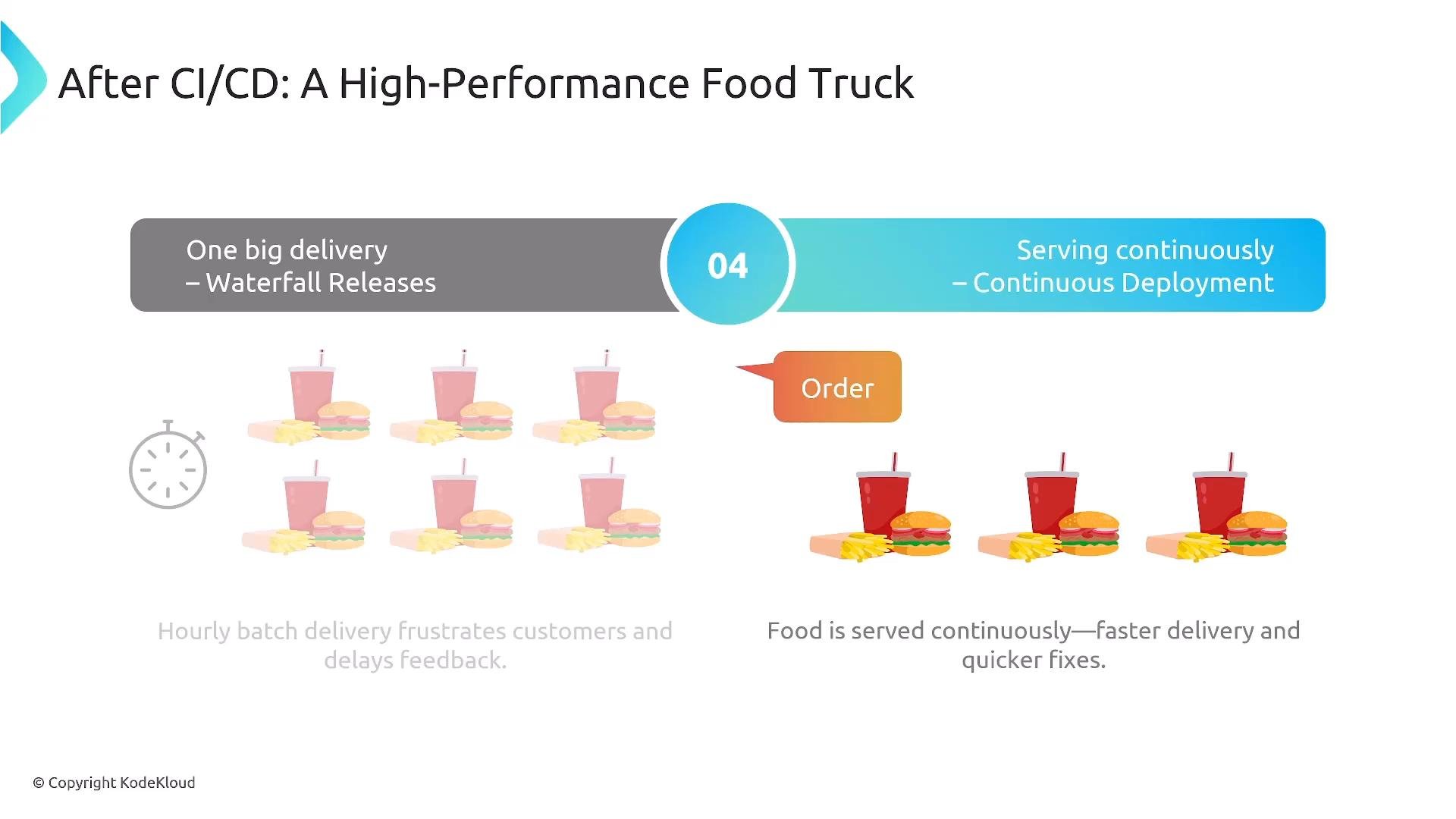
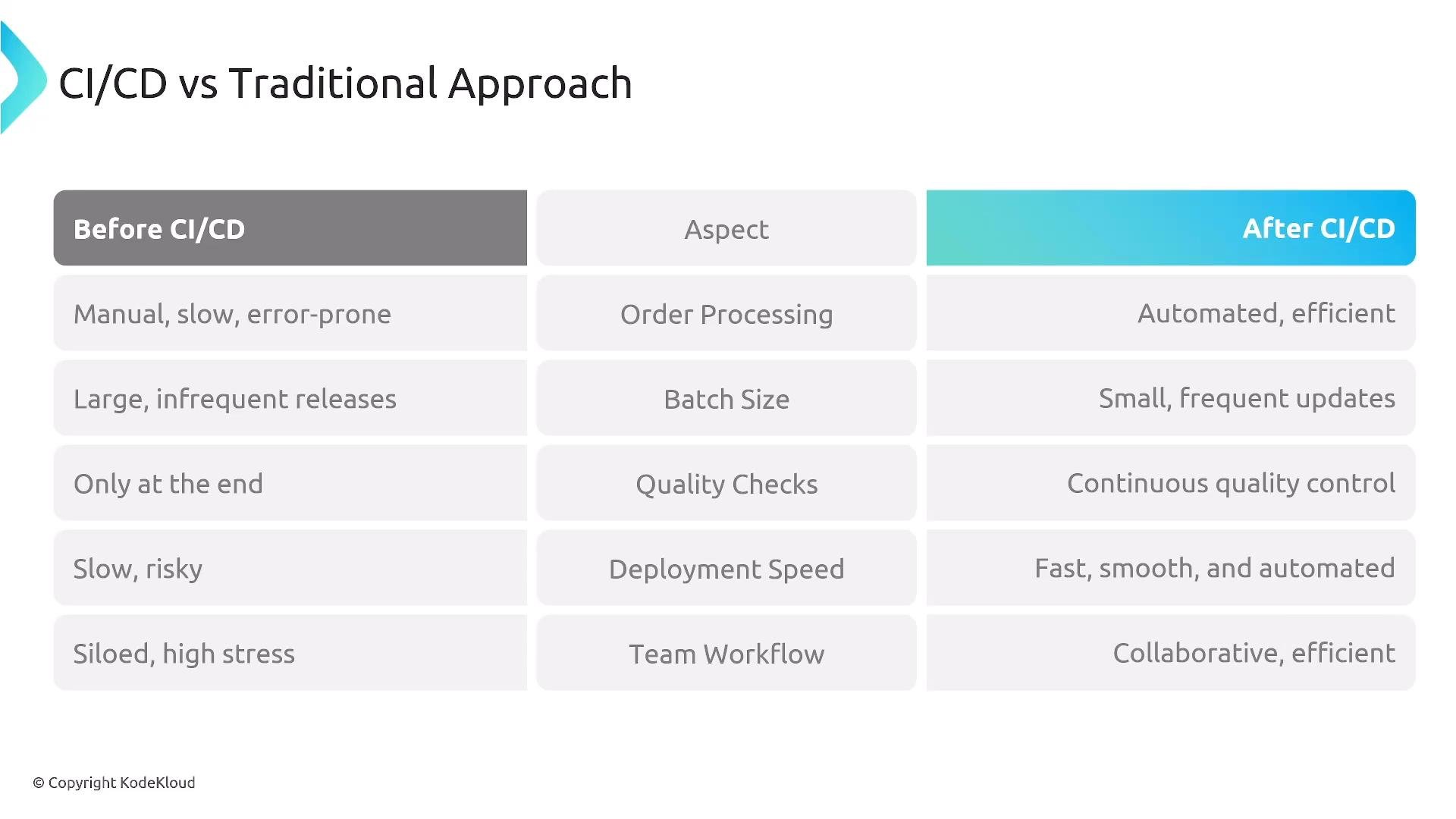
Before CI/CD, many teams use a “traditional” process that resembles an inefficient food truck:- Bulk preparation at the start of the day → big, infrequent releases with high risk.
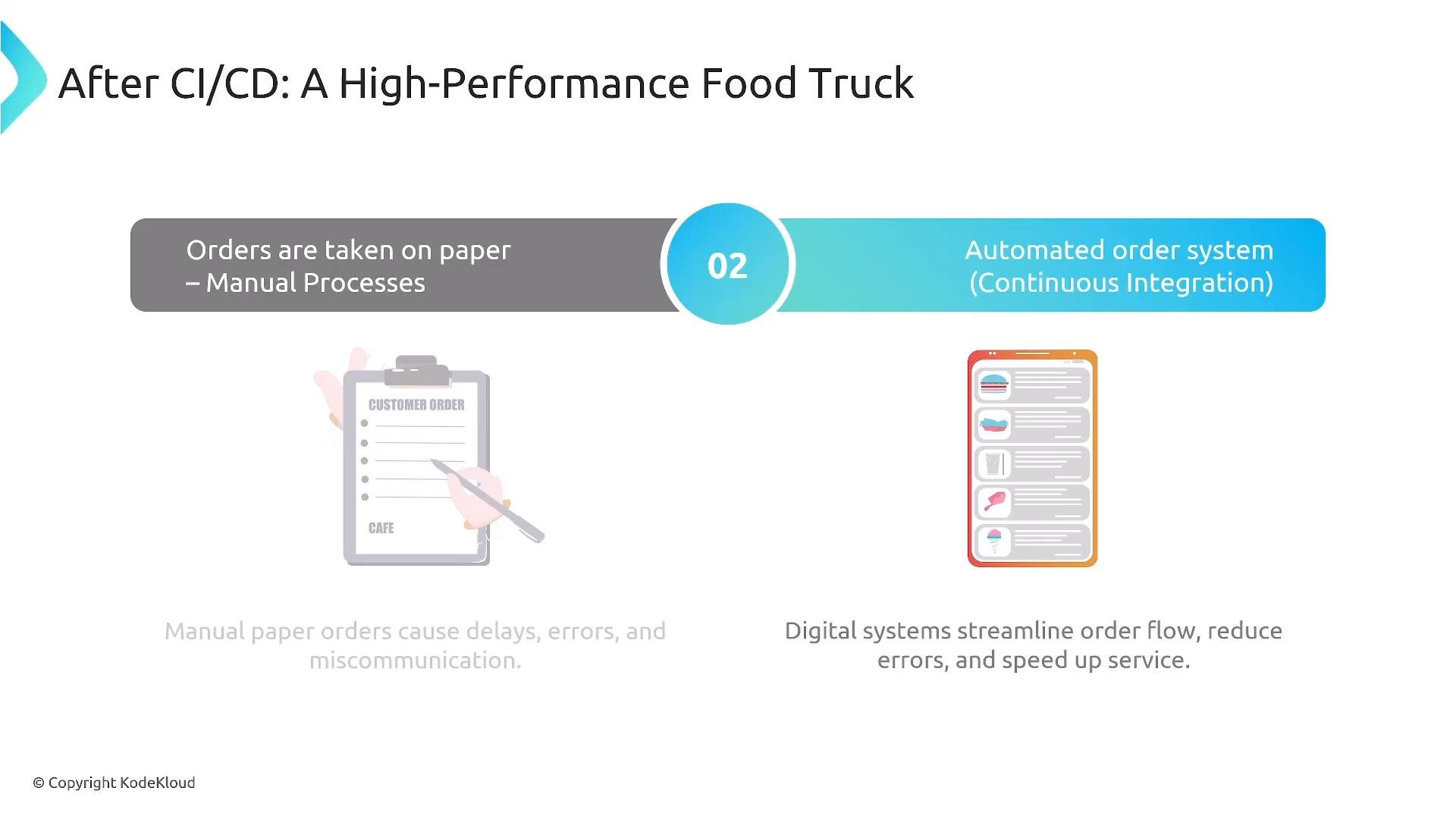
- Manual ordering and paper-based steps → delays and human errors.
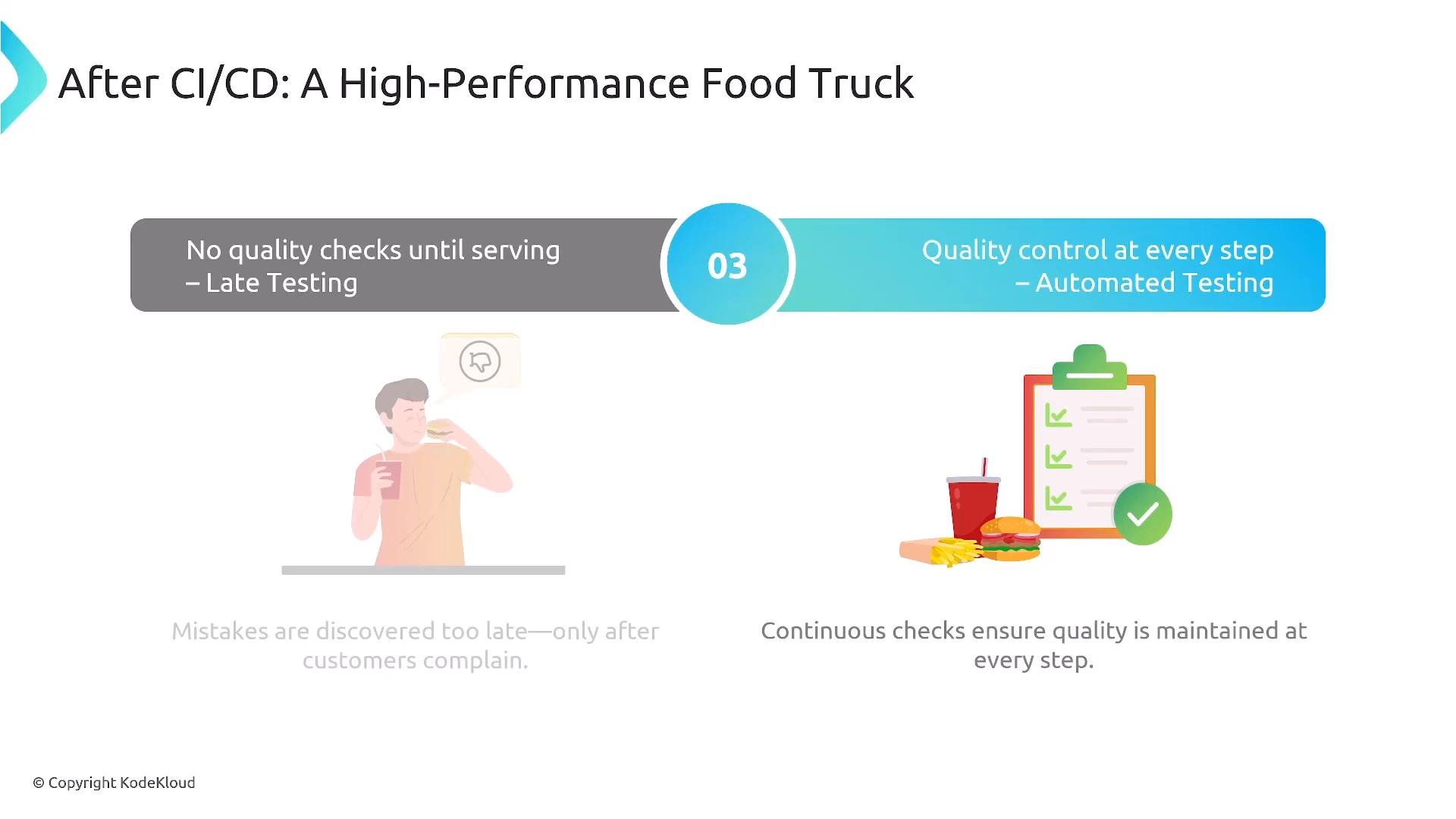
- Quality checks only at the end → defects reach customers before detection.
- Siloed responsibilities → slow handoffs and friction between teams.
- Slow feedback loops → wasted effort and stale artifacts.
CI/CD changes the workflow
With CI/CD, the process becomes smaller, automated, and quality-driven: you prepare in small batches, automate ordering and checks, and validate continuously.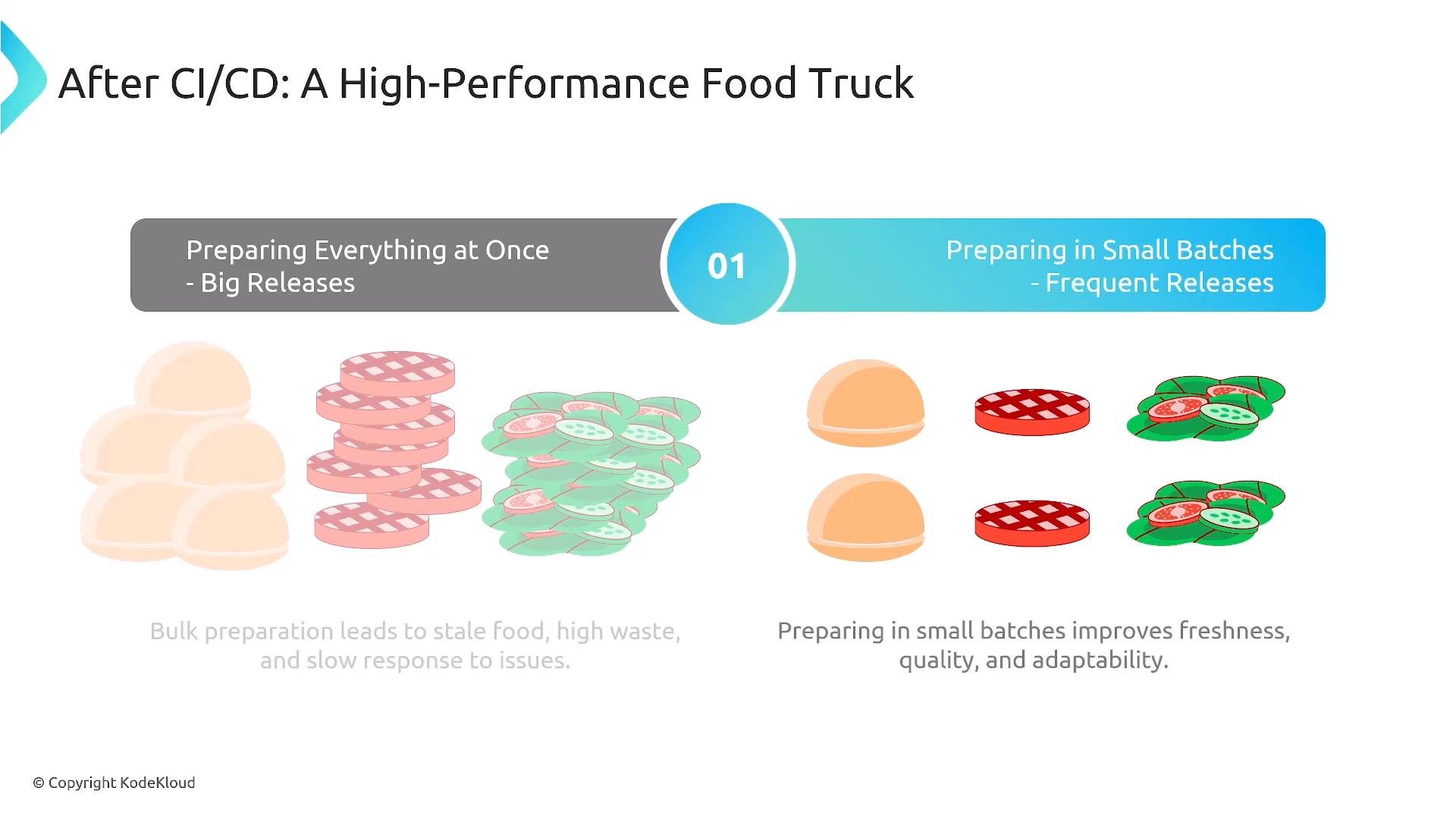
- Smaller, more frequent releases (fresh batches) → faster feedback and lower blast radius.
- Automated ordering and processing → fewer errors and higher throughput.
- Embedded quality checks at each step → defects caught earlier.
- Clearer collaboration and reduced silos → consistent definitions of done and automated validations.
High-level CI/CD pipeline stages
A typical pipeline follows this sequence: Plan → Code → Build → Test → Release → Deploy → Operate → Retire Use the table below for quick reference: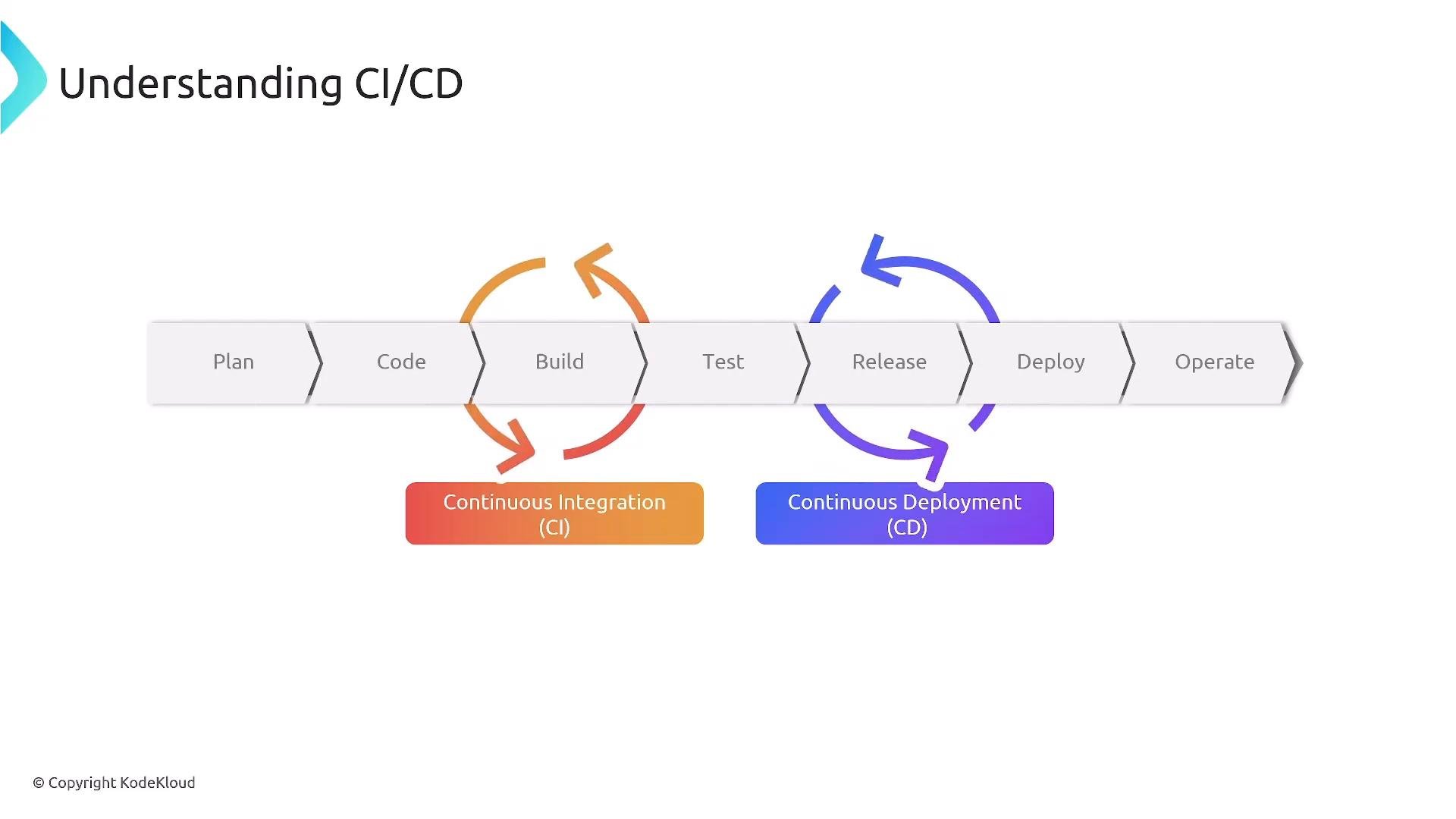
Typical pipeline flow and team responsibilities
- Developers work in feature branches to isolate changes until they are ready to merge.
- On commit or merge, a CI server triggers a pipeline: static analysis (linting), unit tests, and build steps create a deployable artifact.
- Artifacts are promoted across environments (dev → QA → staging → production) with each promotion running environment-specific tests (integration, performance, security).
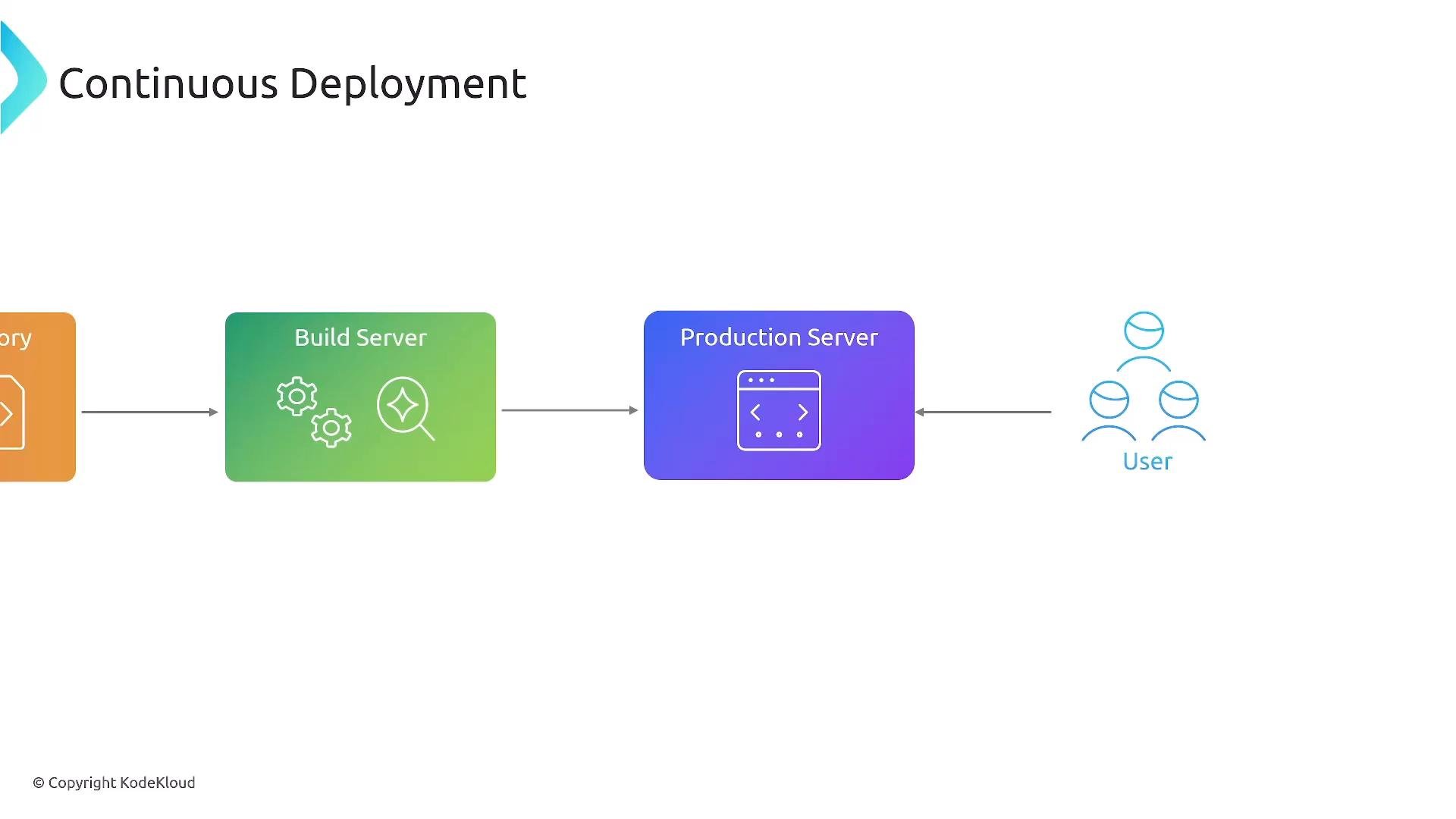
- Production release can be gated manually (Continuous Delivery) or automated (Continuous Deployment).
Testing happens at multiple layers
- Static tests: linting, style checks, and static analysis (SAST).
- Unit tests: fast checks for individual modules or functions.
- Integration and end-to-end tests: validate components working together.
- Acceptance tests, performance tests, and security scans in non-production/pre-production gates.
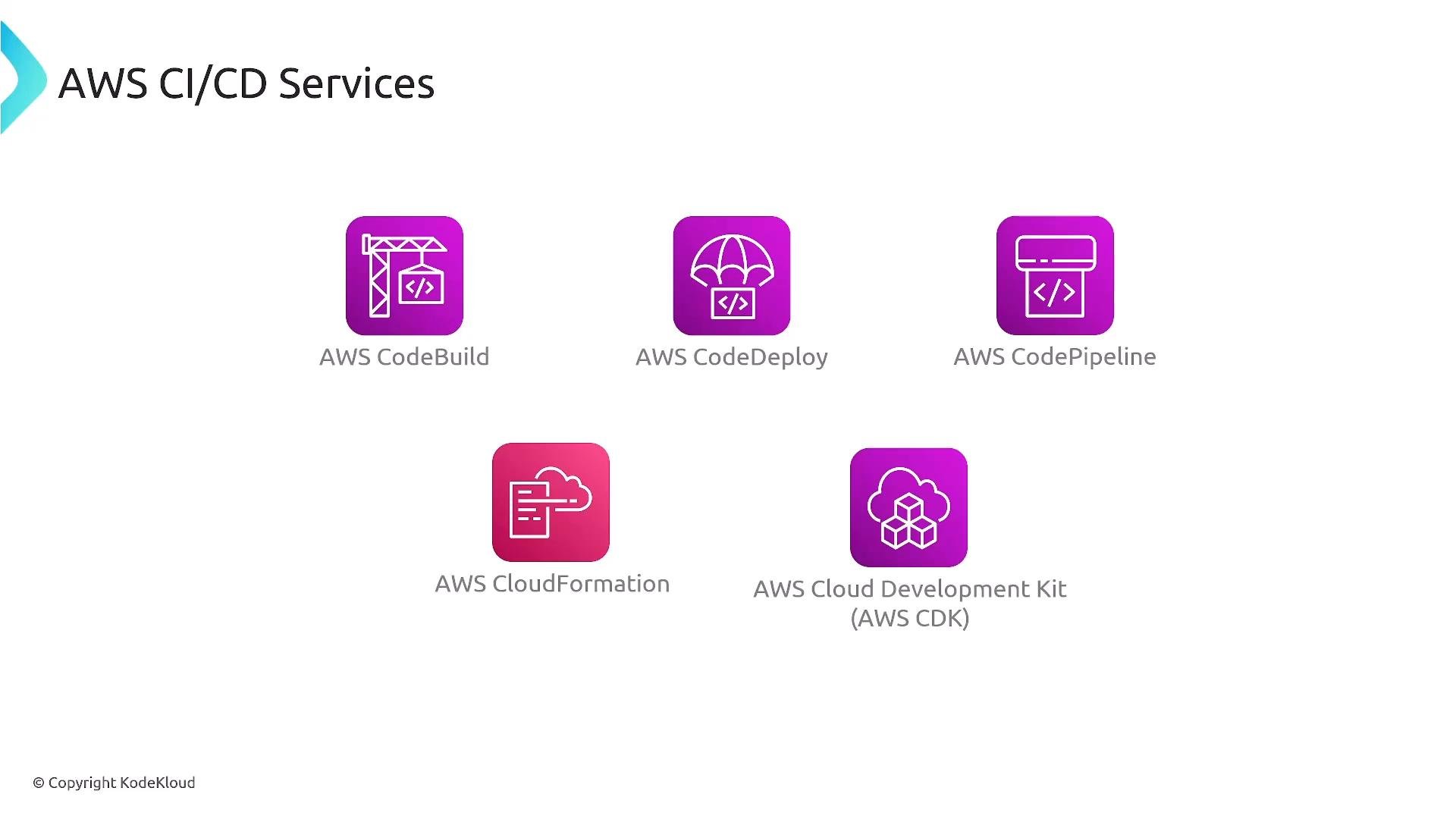
- AWS CodeBuild — build and test.
- AWS CodeDeploy — deployment orchestration.
- AWS CodePipeline — pipeline orchestration.
- AWS CloudFormation / AWS CDK — infrastructure as code and environment provisioning.
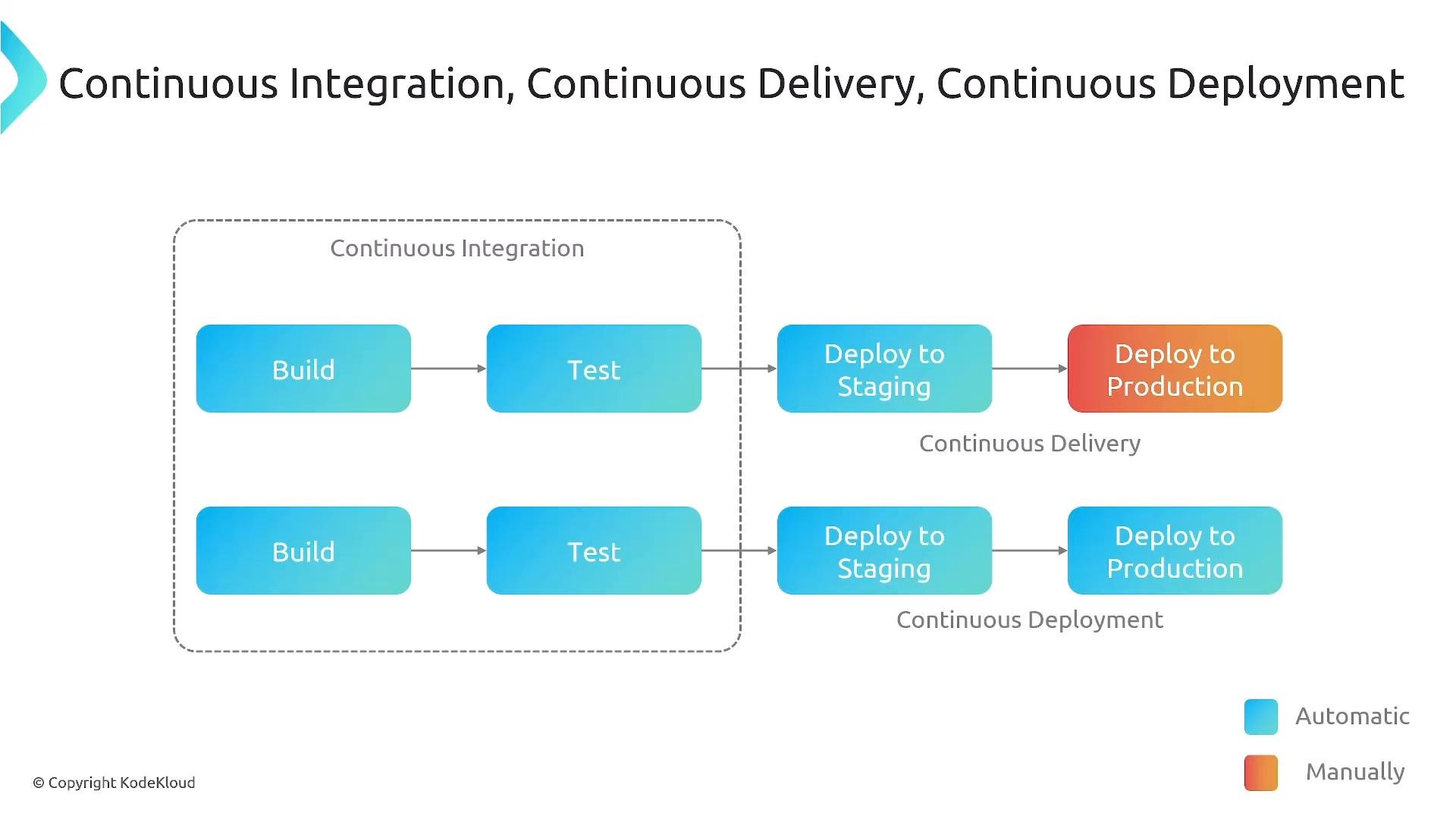
Continuous Integration focuses on frequent merges and automated builds/tests. Continuous Delivery keeps artifacts in a deployable state and typically requires a manual gate for production. Continuous Deployment automates that final step so successful changes reach production immediately.
Automating deployments to production without solid rollback procedures, canary releases, and traffic-shifting strategies increases production risk. Implement monitoring, health checks, and automated rollback before enabling fully automatic production deployments.
Practical CI/CD checklist
Use this checklist when designing or auditing a CI/CD pipeline:- Use feature branches and automated validation on every push/merge.
- Run static analysis, linting, and security scans early in the pipeline.
- Automate builds and unit tests on every commit.
- Produce versioned artifacts (immutable, reproducible).
- Promote artifacts across non-production environments and run integration/performance/security tests.
- Gate production releases manually (continuous delivery) or automate with robust safety mechanisms (continuous deployment).
- Manage infrastructure via IaC:
AWS CloudFormation,AWS CDK, orTerraform. - Implement observability (metrics, logs, traces) and automated rollback mechanisms (canary, blue/green, traffic shifting).
Links and references
- AWS CodeBuild
- AWS CodeDeploy
- AWS CodePipeline (example course)
- AWS CloudFormation (example course)
- AWS CDK
- AWS CodeCommit
- Git hosting options: GitHub, GitLab, Bitbucket