In this lesson we cover Git-based source control and how it maps to AWS services and CI/CD patterns. You’ll get a concise refresher on core Git concepts (branching, tagging, commits) and practical guidance for choosing hosted Git providers and integrating them with AWS build and deployment services. Git is the de-facto distributed version-control system for modern software development. It enables:
  • distributed workflows with local repositories,
  • branching and merging for isolated work,
  • a staging area for preparing changes,
  • detailed commit history to track changes and releases.
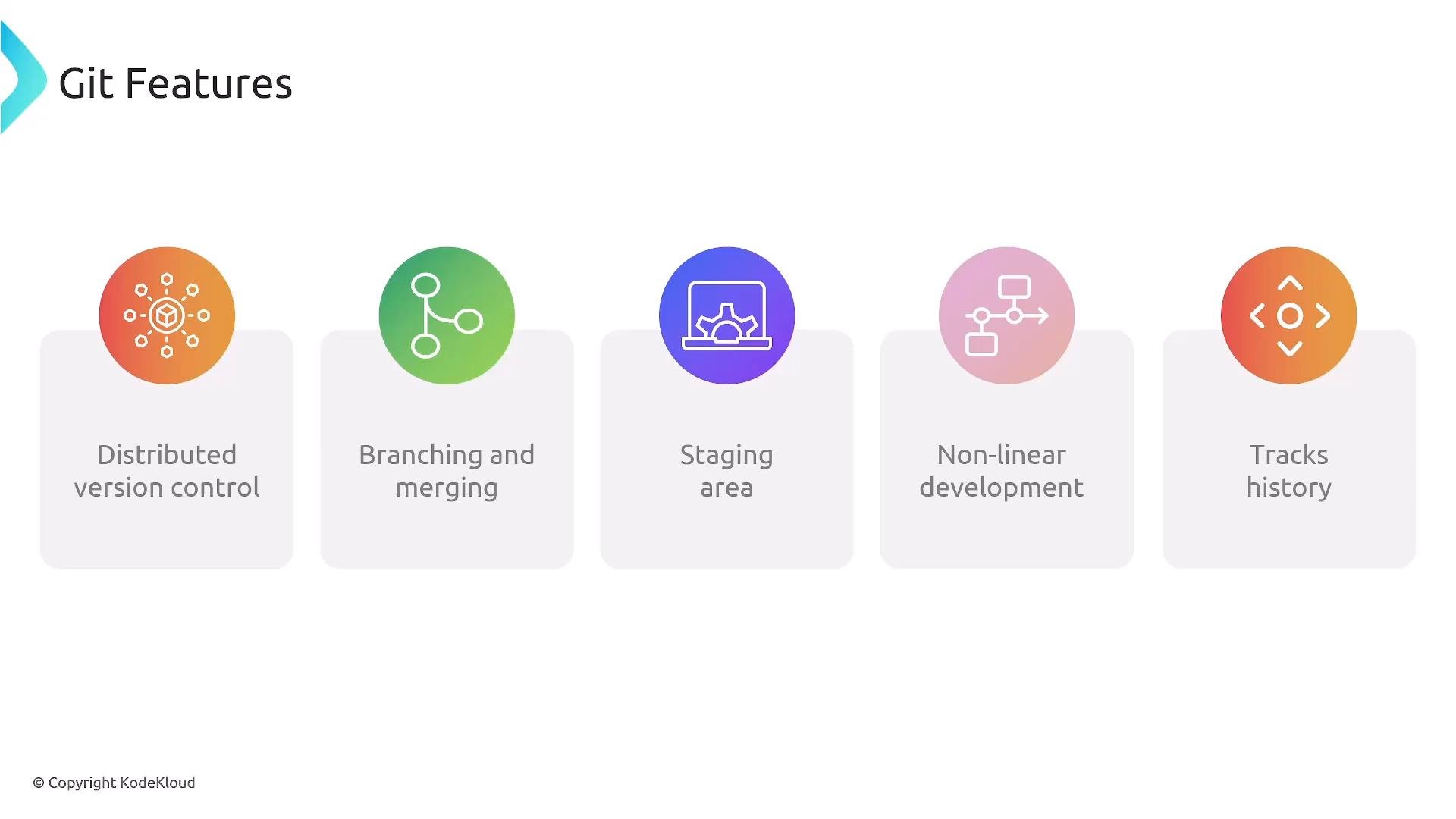
A presentation slide titled "Git Features" with five colorful icon panels labeled Distributed version control, Branching and merging, Staging area, Non-linear development, and Tracks history. Each feature is shown as a circular icon above a rounded rectangle containing the label.
Typical Git workflow (local → remote)
  • Work in your working directory and modify files.
  • Stage changes to the index (prepare them for a commit).
  • Commit staged changes to your local repository.
  • Push commits to a remote repository to share changes.
  • Pull from remotes and merge or rebase into local branches.
  • Use branches to isolate features, experiments, or fixes; merge back into main when ready.
Common commands for the basic local-to-remote flow:
Branching
  • A branch is an independent line of development that diverges from the main codebase.
  • Typical branch types: feature branches, release branches, hotfix branches.
  • Common strategies you’ll encounter: GitHub Flow (simple, trunk-based), Git Flow (release-oriented), and trunk-based development.
  • Choose a branching strategy that aligns with your team’s release cadence and CI/CD pipeline.
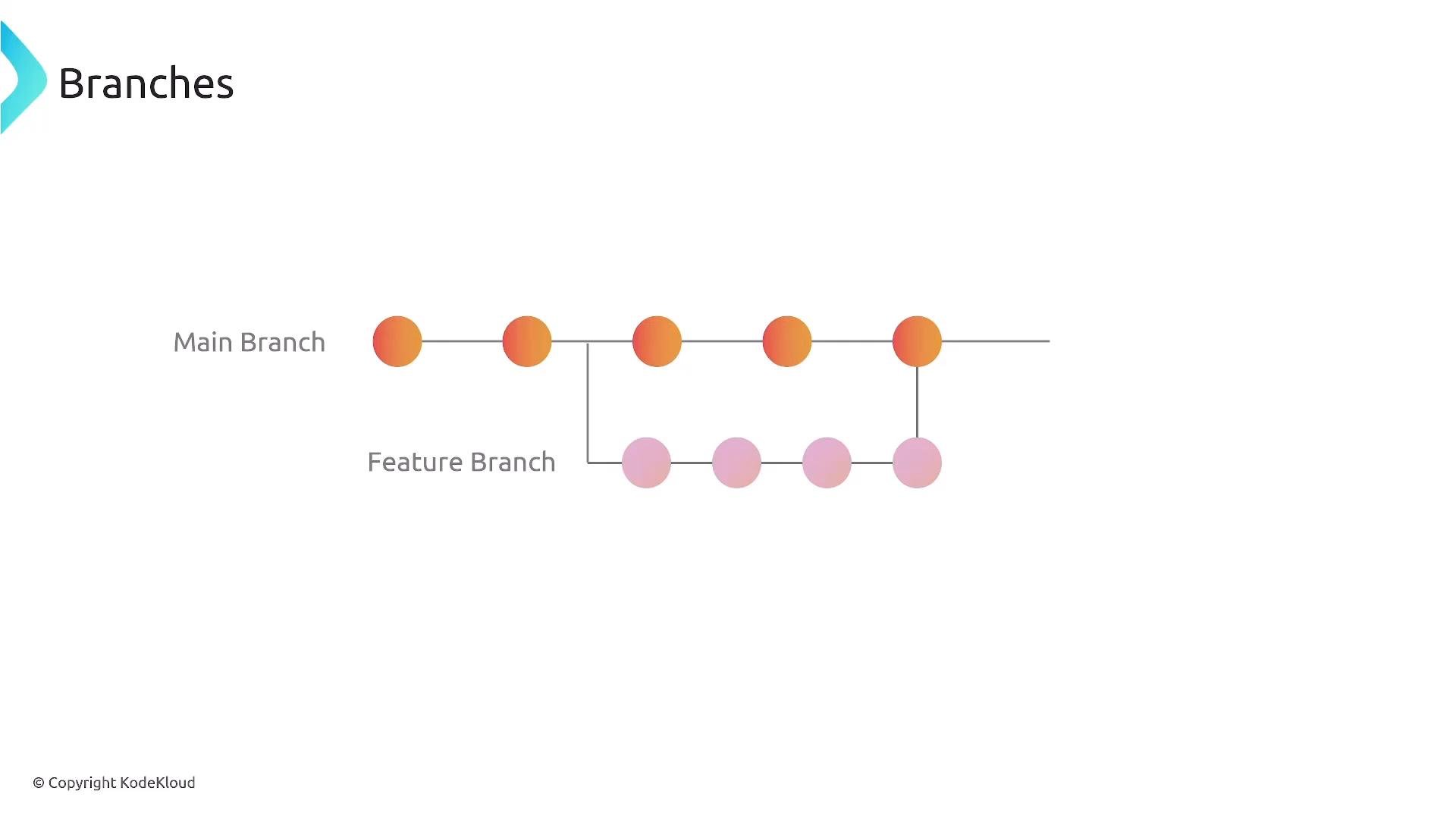
A simple Git branching diagram titled "Branches" showing a Main Branch with orange commit nodes and a Feature Branch with pink commit nodes. The feature branch diverges from the main line, has several commits, and then merges back into the main branch.
Tagging
  • Tags are immutable, human-readable pointers to specific commits used to mark releases (for example, v1.0.0).
  • Lightweight tags are simple pointers; annotated tags include metadata such as author, date, and message.
  • Use tags in release automation, build artifacts, and deployment pipelines to ensure reproducible deployments.
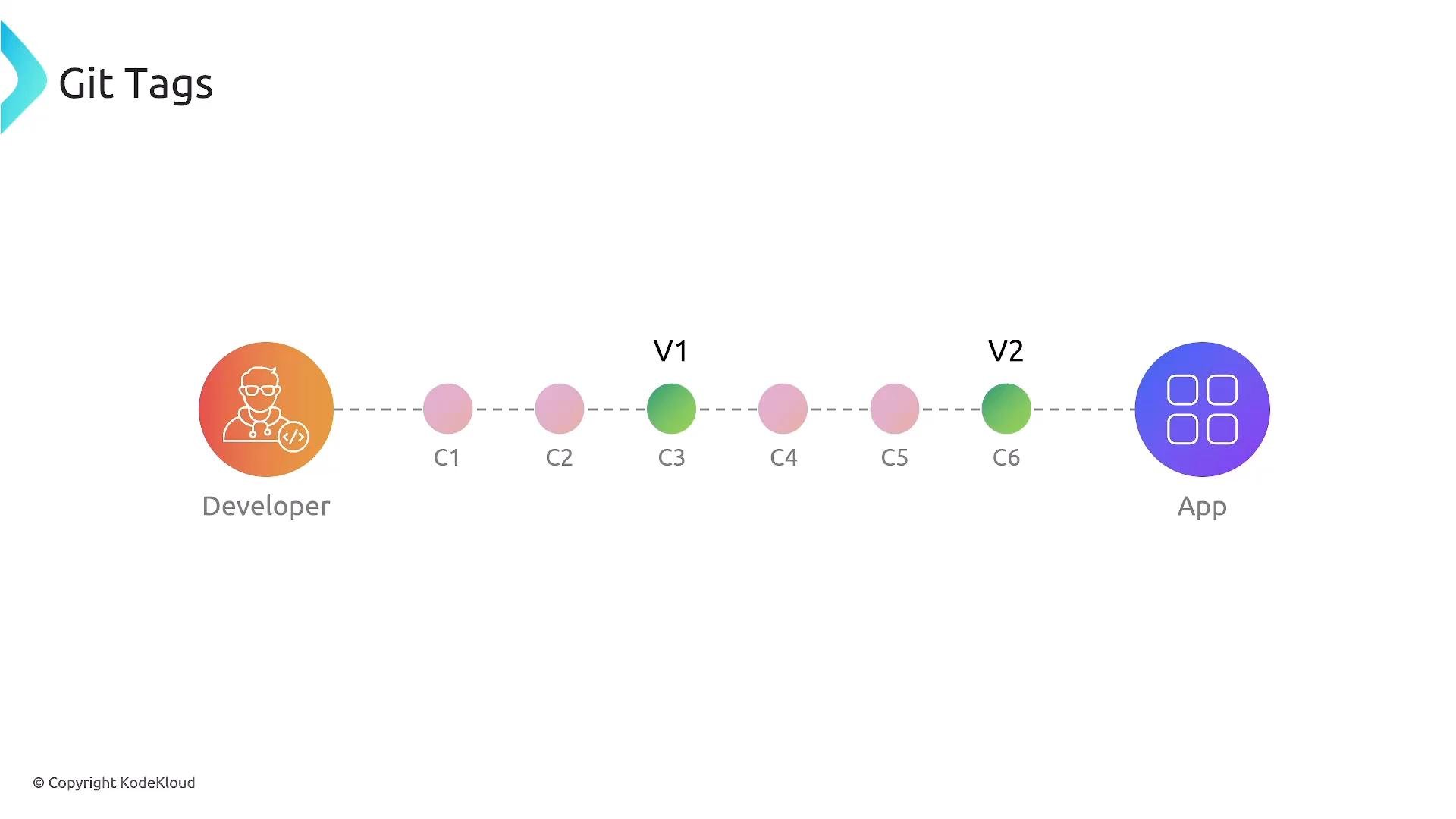
A simple Git tags diagram showing a developer on the left, an app on the right, and a dotted commit timeline (C1–C6) with tags V1 on C3 and V2 on C6.
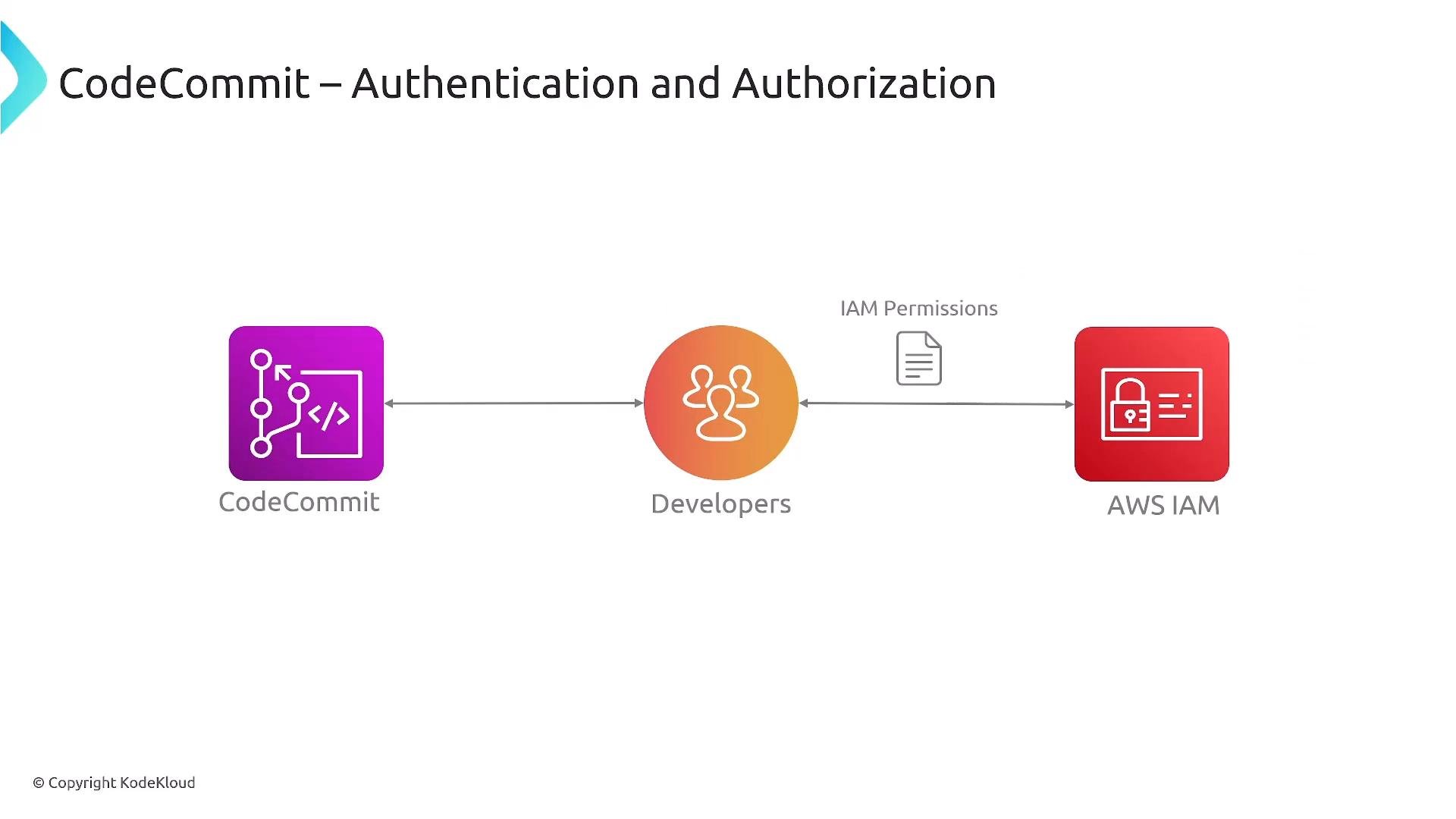
Code repositories on AWS: CodeCommit (status and context) Historically, AWS CodeCommit provided a fully managed Git hosting service integrated with AWS IAM for authentication and fine-grained permissions. From a developer perspective it behaved like any other Git remote: push, pull, branch, tag, and create pull/merge requests.
A diagram titled "CodeCommit – Authentication and Authorization" showing three icons: CodeCommit on the left, Developers in the center, and AWS IAM on the right. Arrows connect them to indicate access flow, with a document labeled "IAM Permissions" between Developers and AWS IAM.
Note: The slide below documents a service change announcement (dated June 6, 2024) indicating CodeCommit’s retirement path: no new sign-ups, continued support for existing customers, and no new features planned. Treat this as a policy/roadmap note — always confirm the current AWS service status from official AWS communications before planning new projects.
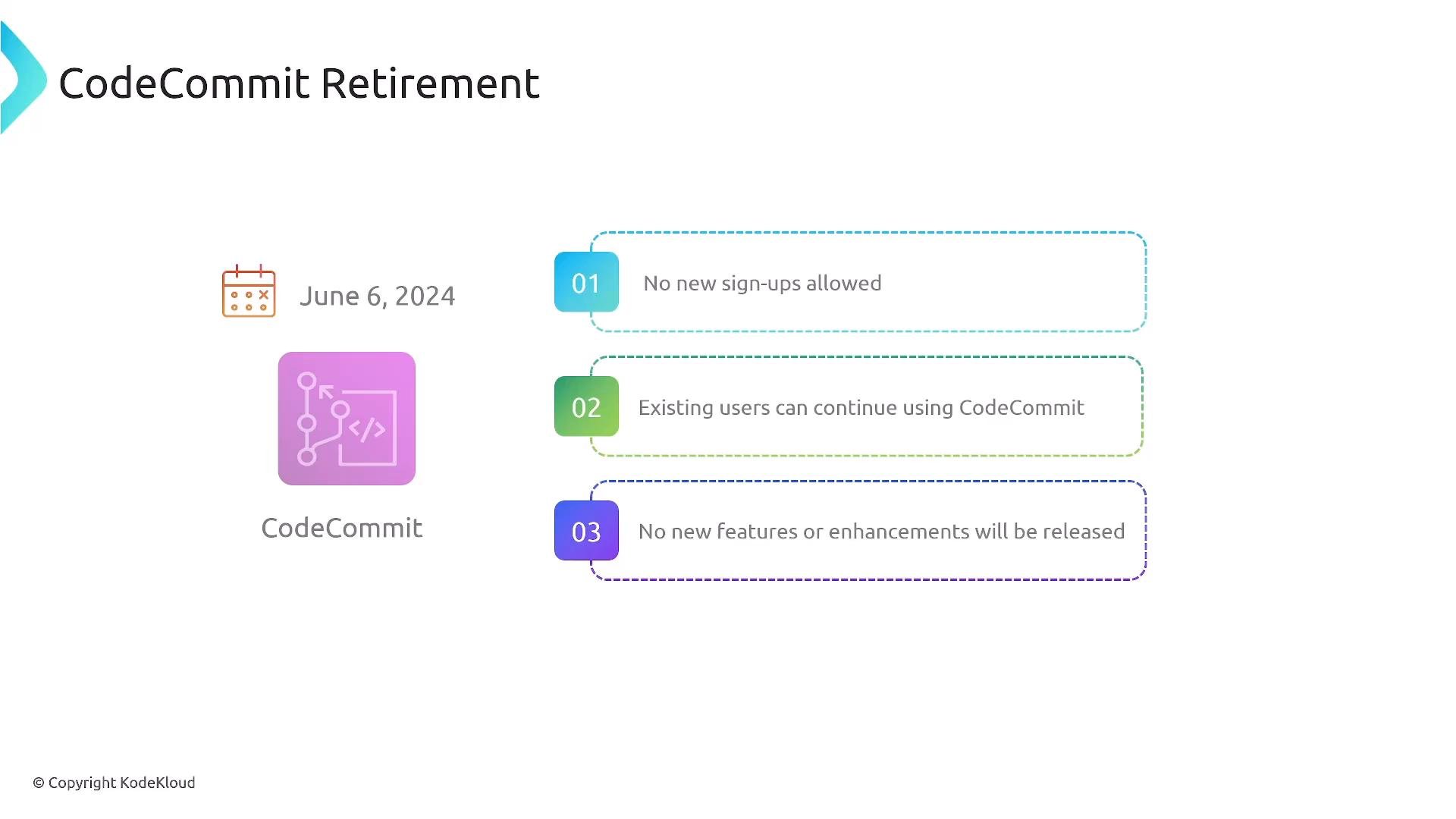
Slide titled "CodeCommit Retirement" dated June 6, 2024. It lists three points: no new sign‑ups allowed, existing users can continue using CodeCommit, and no new features or enhancements will be released.
What to use instead Many teams adopt third-party Git hosting platforms and integrate them with AWS CI/CD services. Popular options include GitHub, GitLab, Bitbucket, and Azure DevOps. Integration with AWS is typically done via webhooks, hosted/self-hosted runners, or service-account-based connectors. Comparison of common Git hosting options and AWS integration patterns: Integration patterns
  • Webhooks: repository triggers an HTTP event to start an AWS pipeline (CodePipeline, custom webhook receivers).
  • Hosted runners/agents: use provider-hosted or self-hosted runners/agents that execute builds in AWS (EC2, ECS, EKS).
  • Service connectors: use provider-specific integrations or tokens to let AWS services pull source or trigger builds.
Key points for AWS DevOps context
  • Core Git concepts (branches, commits, tags, push/pull) are universal regardless of provider.
  • AWS CodeCommit historically offered tight IAM integration — confirm the current AWS guidance before building new workflows.
  • For CI/CD, most teams prefer webhooks or integrated runners to trigger AWS pipelines (for example, CodePipeline, CodeBuild) or external CI systems.
  • When designing pipelines, consider:
    • Trigger reliability (webhooks vs polling)
    • Security (least-privilege service accounts, short-lived credentials)
    • Scalability (hosted runners vs self-managed agents)
    • Artifact immutability (use tags or commit SHAs to reference builds)
Additional resources and references The DevOps Professional exam emphasizes CI/CD patterns, integration choices, and operational considerations rather than a deep focus on a single hosted repository service. Focus on Git fundamentals (branching, tagging, workflows) and on how to securely and reliably connect your chosen Git host with AWS build and deployment tools. Thanks for reading — practice Git workflows locally, experiment with webhook-triggered pipelines, and verify current AWS service status before choosing a hosting strategy.

Watch Video