

devops-020-320-function to demonstrate how published versions and aliases enable predictable rollouts and safe production traffic management.
Lambda versioning basics
Key concepts:- Publishing a version creates an immutable snapshot of the function’s code and configuration.
- The special identifier
\$LATESTis mutable — it always refers to the most recent un-published state (it changes whenever you update code or configuration). - A qualified ARN (for example,
arn:aws:lambda:us-east-1:598274344262:function:devops-020-320-function:6) targets a specific published version. - Aliases are named pointers to versions (for example,
prod,staging,live) and provide stable references for production invocations.
- Pin an alias to a single version (100% traffic to that version).
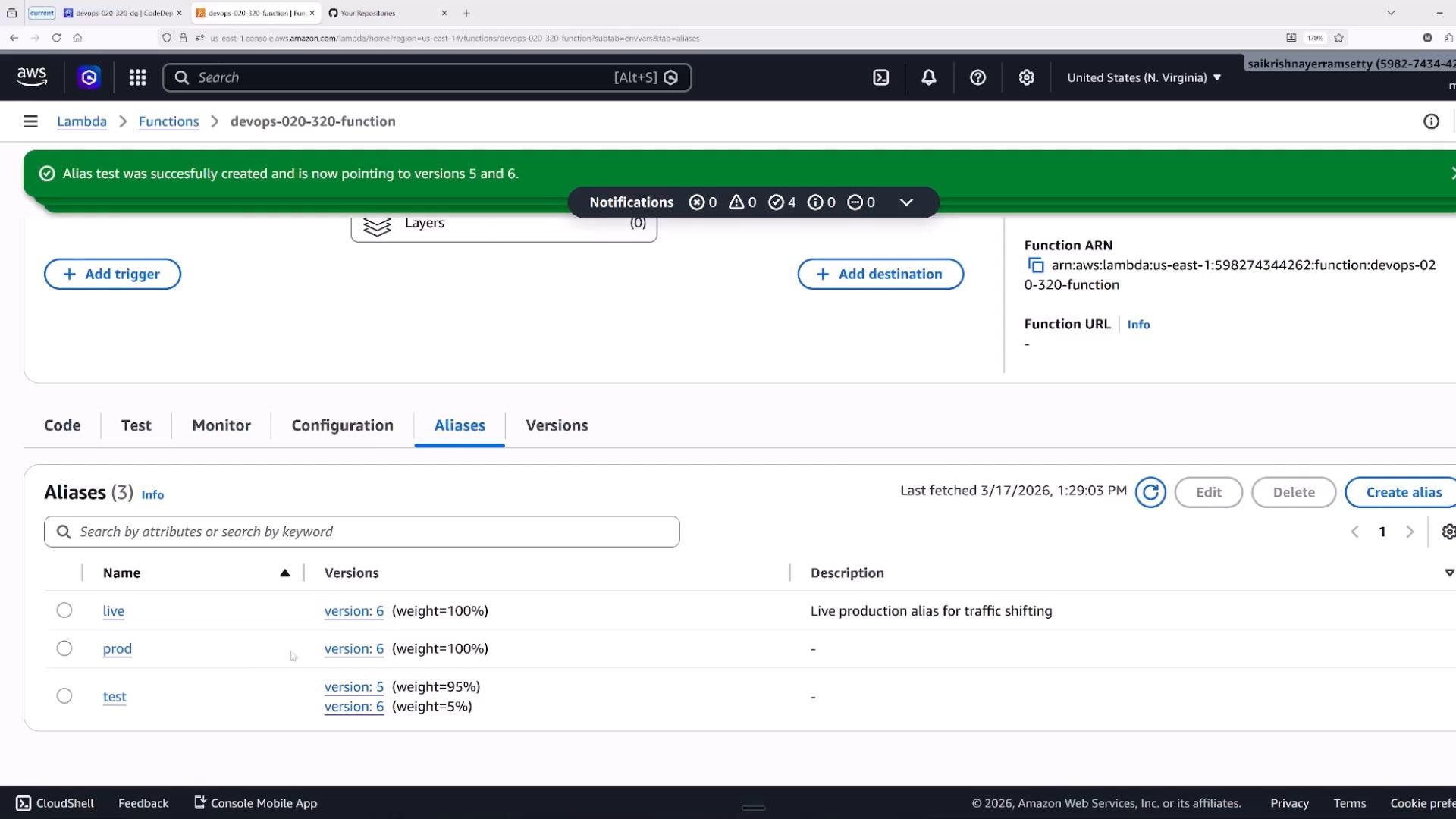
- Configure a weighted alias to split traffic between two versions (Lambda supports weights for up to two versions per alias).
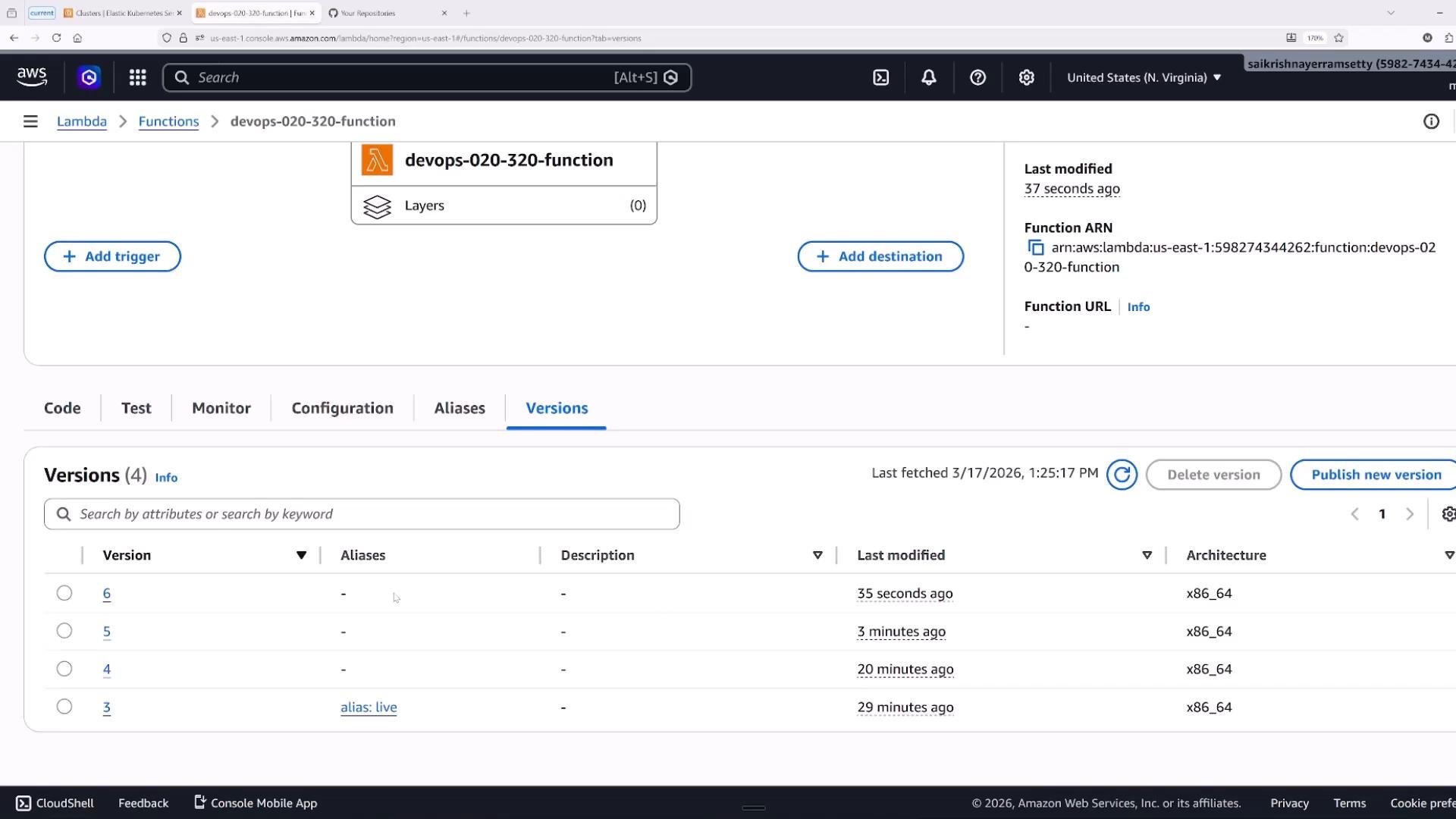
\$LATEST currently is, which is unstable for production.
Do not rely on
\$LATEST for production traffic. Use aliases pinned to specific published versions for stable, auditable invocations and reproducible rollbacks.Quick CLI examples
- Publish a new version:
- Create an alias that points to a specific version:
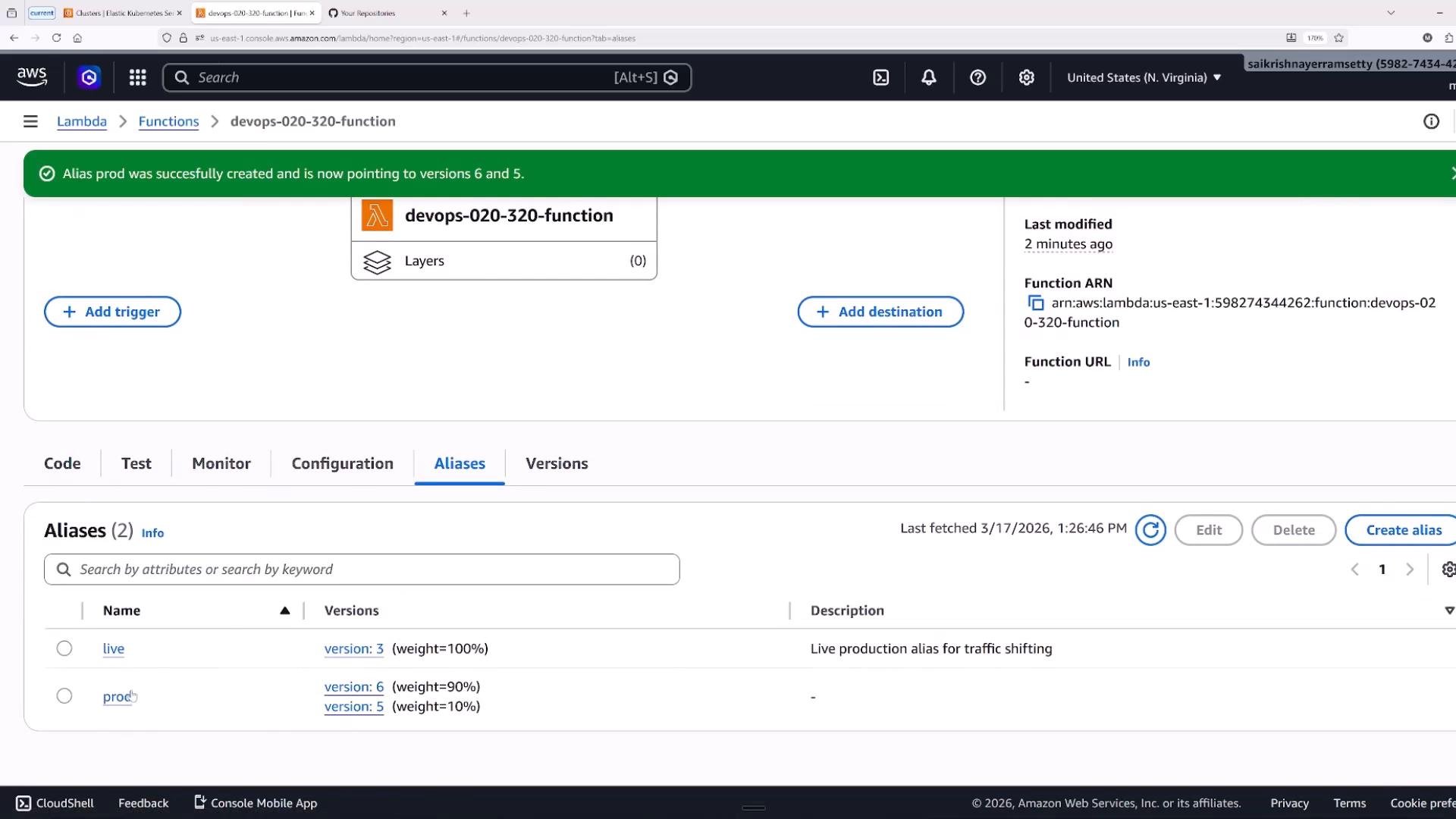
- Create a weighted alias (90% to v6, 10% to v5):
Aliases and weighted traffic shifting
Aliases are friendly, stable names that point to either a single version or a weighted split between two versions. Common uses:- Pin an alias to a single published version for stable traffic (example:
prod -> 6). - Split traffic between two versions via weights for gradual rollouts (example:
prod -> 90% v6, 10% v5).
When to use CodeDeploy for Lambda
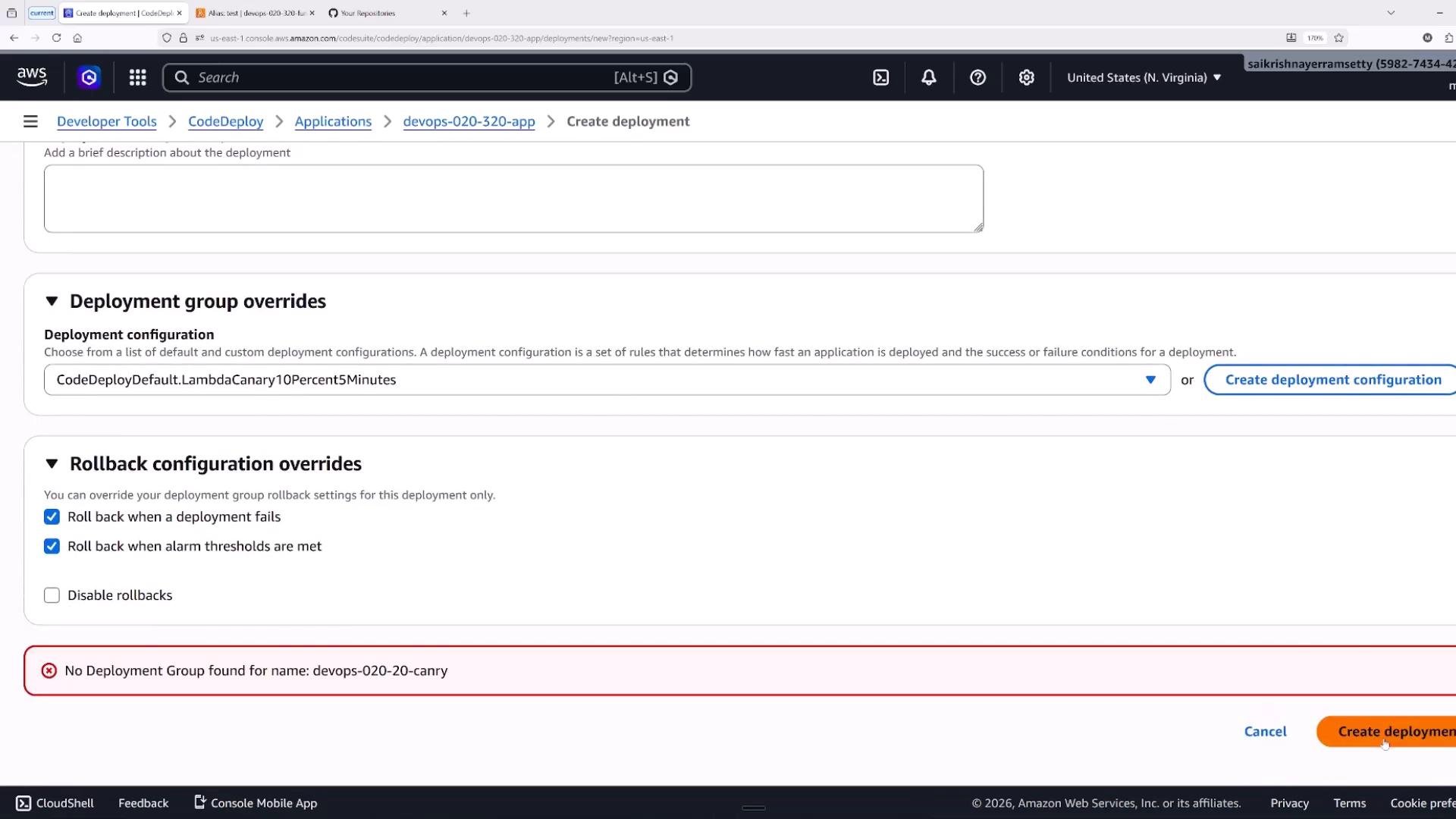
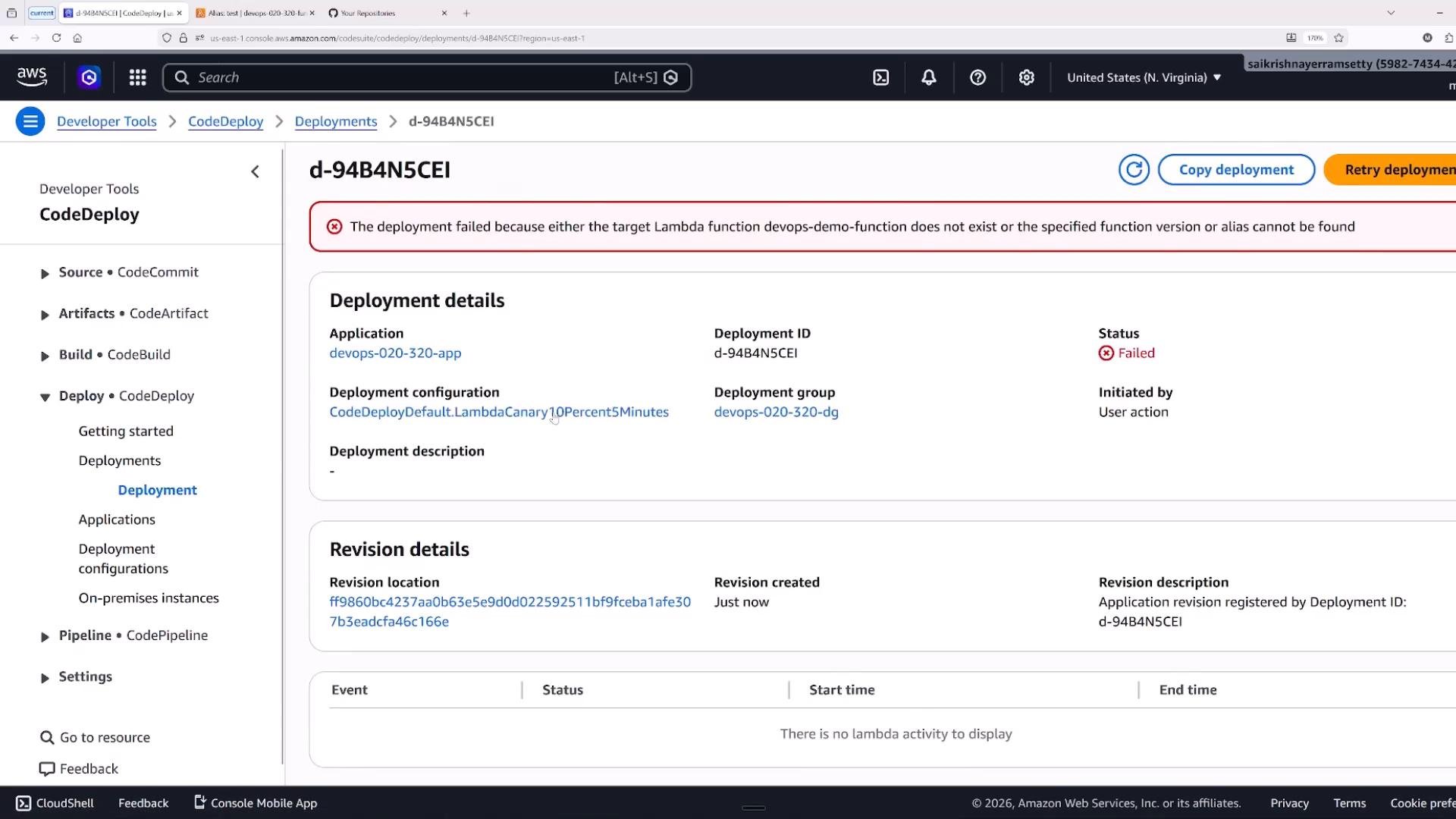
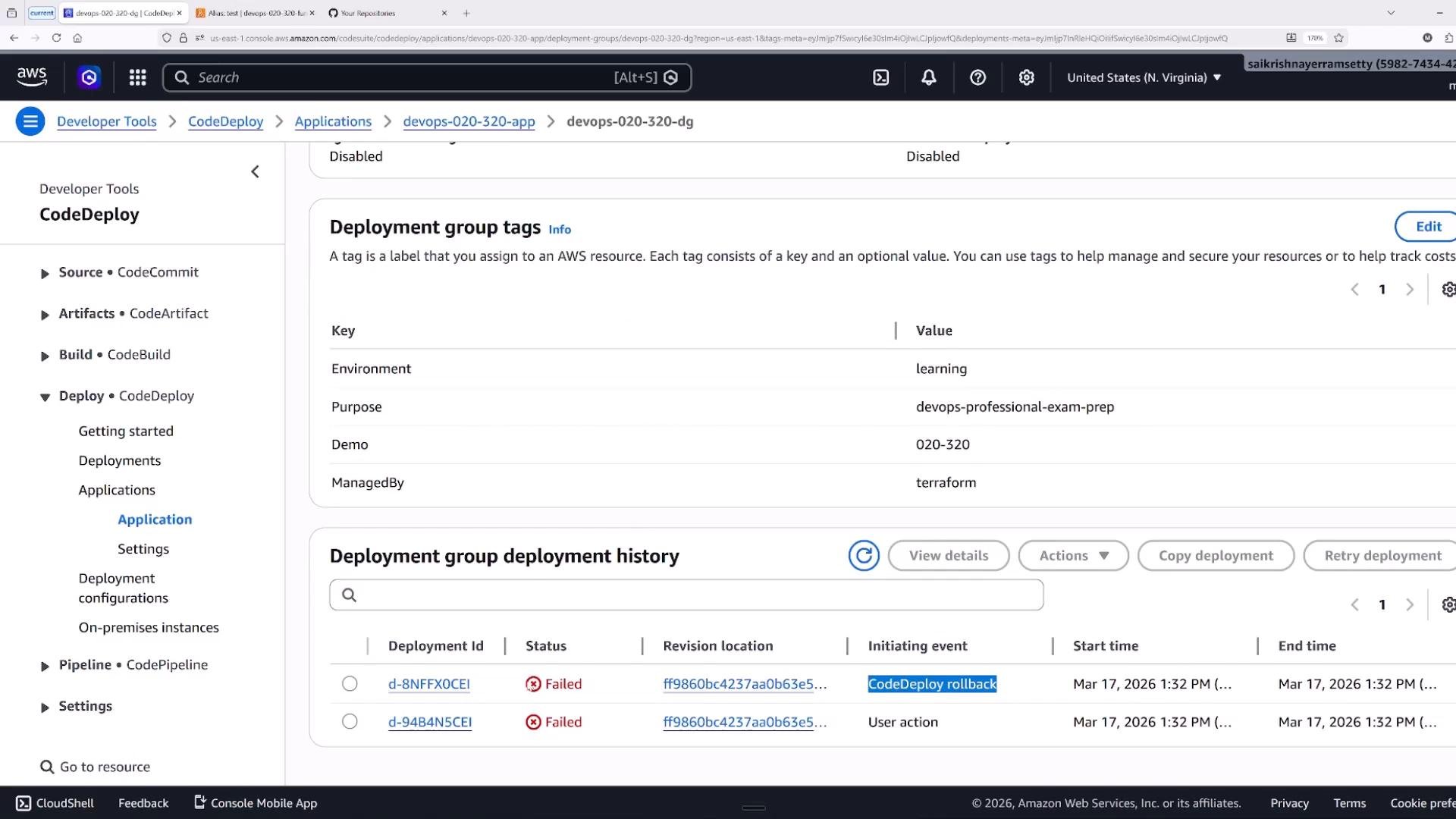
Manual alias updates or scripted changes work for simple rollouts, but CodeDeploy provides robust, automated traffic-shifting strategies and integrates with CI/CD pipelines (CodePipeline). Benefits include:- Built-in patterns: canary (small initial percentage), linear (incremental steps), and all-at-once.
- Lifecycle hooks:
BeforeAllowTrafficandAfterAllowTrafficto run validation or smoke-tests. - Alarm-based rollback: integrate CloudWatch alarms to trigger automatic rollbacks.
- Detailed deployment history, tags, and deployment-group management for traceability.
Use CodeDeploy when you need automated canary/linear deployments, lifecycle hooks, or alarm-driven rollbacks as part of a production-ready CI/CD pipeline.
BeforeAllowTraffic: run validations before new traffic is allowed.AfterAllowTraffic: run smoke tests after traffic starts flowing to the target.
Practical tips and important limits
- Always invoke stable aliases in production instead of
\$LATEST. - Weighted aliases support at most two versions per alias. For multi-step rollouts, use CodeDeploy or manage multiple aliases programmatically.
- Use CodeDeploy for scheduled or automated canary/linear rollouts, hook execution, and alarm-based rollback.
- CloudWatch alarms can trigger rollbacks within CodeDeploy deployment configurations.
- AWS SAM and API Gateway also provide deployment/canary features — choose based on your pipeline and operational needs.
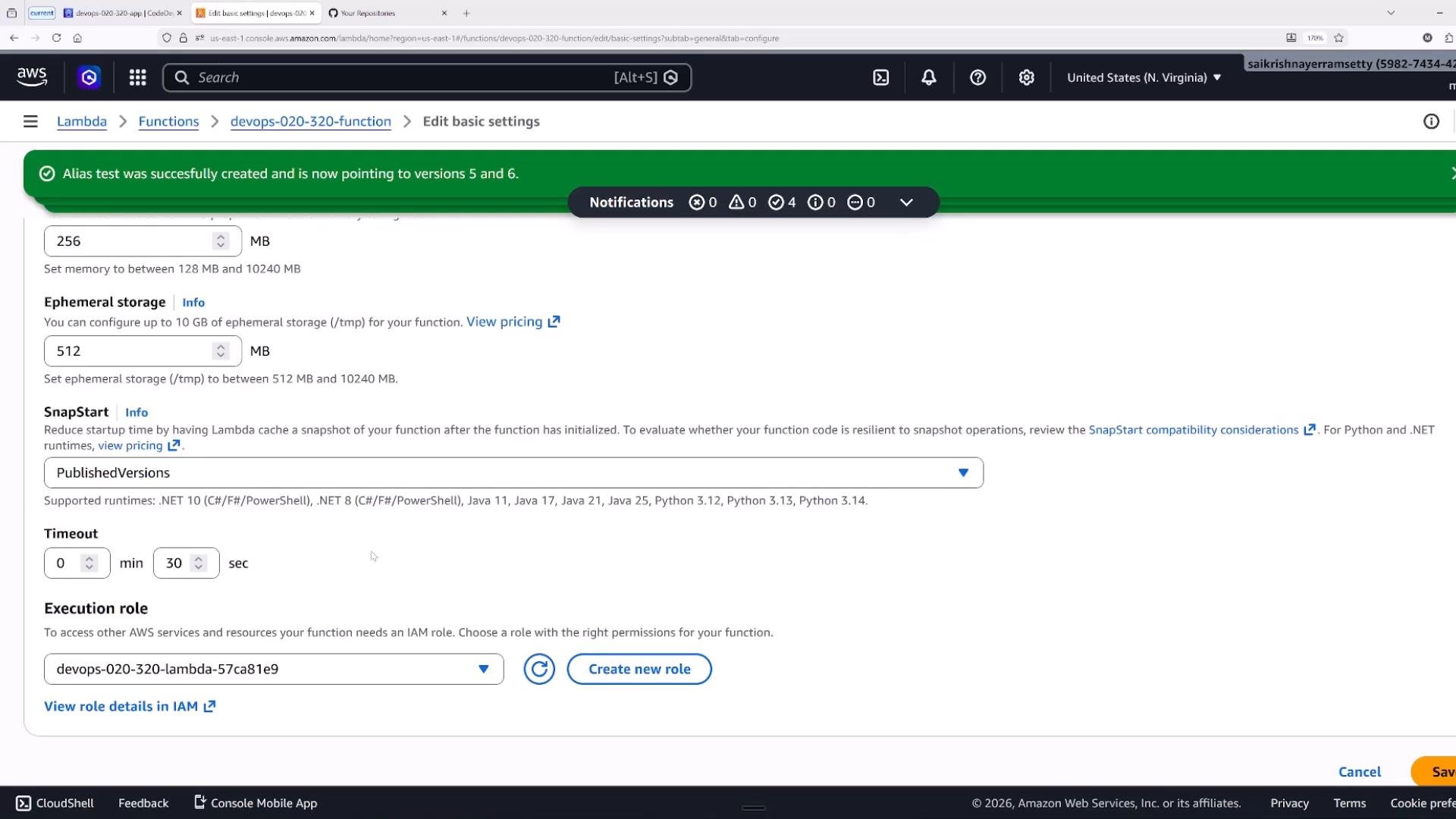
- Consider SnapStart (for supported runtimes like Java) or provisioned concurrency to reduce cold-start latency for heavy runtimes.
Deployment patterns — quick comparison
Summary — exam-relevant points
\$LATESTis mutable and changes with every update; do not use it as a production reference.- Aliases are stable references; use them for production traffic and auditability.
- Weighted aliases support at most two versions per alias for traffic splitting.
- Use CodeDeploy for automated canary/linear deployments, lifecycle hooks, and alarm-based rollback.
- Understand the differences between canary (small then full), linear (incremental), and all-at-once deployments.
- AWS Lambda versioning and aliases
- AWS CodeDeploy for Lambda applications
- CloudWatch alarms and metrics