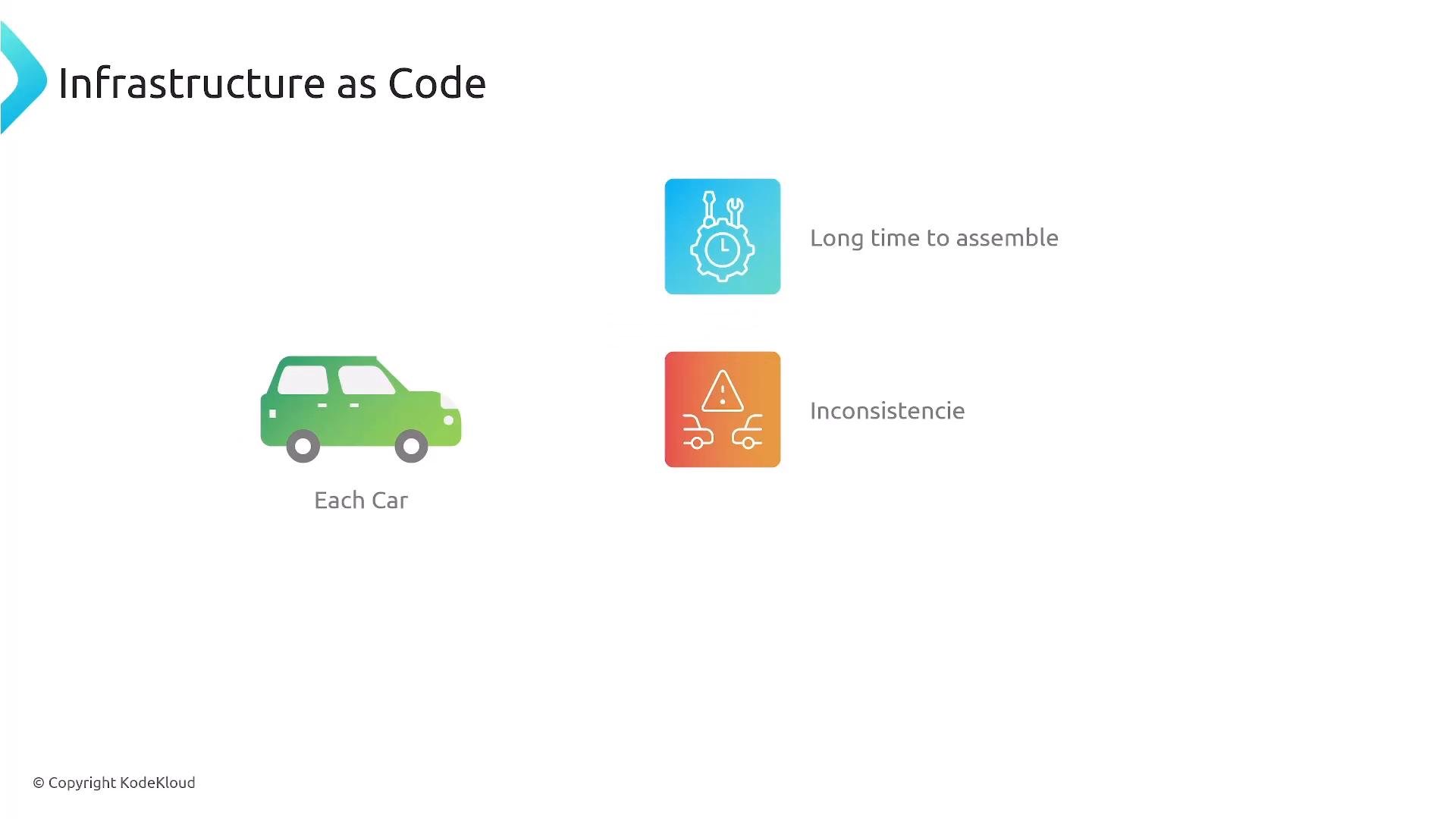
Welcome. In this lesson we introduce Infrastructure as Code (IaC) and explain how it applies to AWS—an essential topic for cloud practitioners and certification candidates. Think about manufacturing a car. Historically, assembly required many manual steps performed by engineers and technicians. That process was slow, error-prone, and produced inconsistencies between vehicles—what we call configuration drift. When something went wrong it often required manual intervention.
A slide titled "Infrastructure as Code" showing a green car labeled "Each Car" and two colored icons to the right indicating problems: "Long time to assemble" and "Inconsistence."
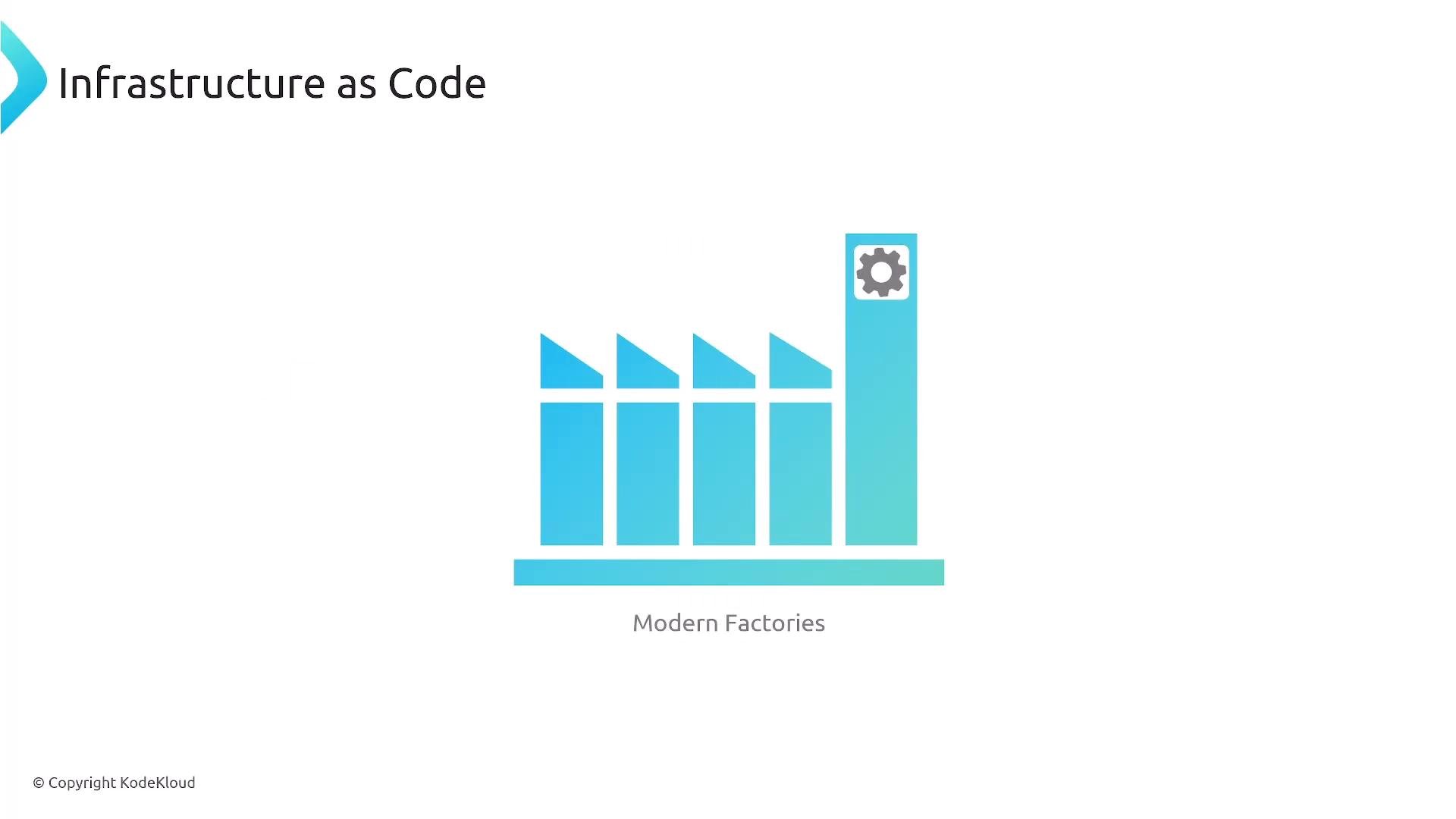
Modern factories use automation and robotics to produce identical, repeatable outputs from a well-defined blueprint. This automation enforces quality and reduces human error. Applied to cloud infrastructure, the same principle yields consistent, auditable environments that can be reproduced on demand.
A slide titled "Infrastructure as Code" showing a stylized blue factory graphic labeled "Modern Factories," with a tall stack bearing a gear icon.
What is IaC?
  • Infrastructure as Code (IaC) is the practice of defining and managing infrastructure (networks, compute, storage, permissions, etc.) using machine-readable configuration files, templates, or programs.
  • Instead of clicking through consoles or executing ad-hoc commands, you declare the desired state in code and an automation engine brings the real environment into alignment with that declaration.
  • IaC artifacts are reusable, version-controlled, testable, and can be executed automatically, enabling rapid and consistent provisioning.
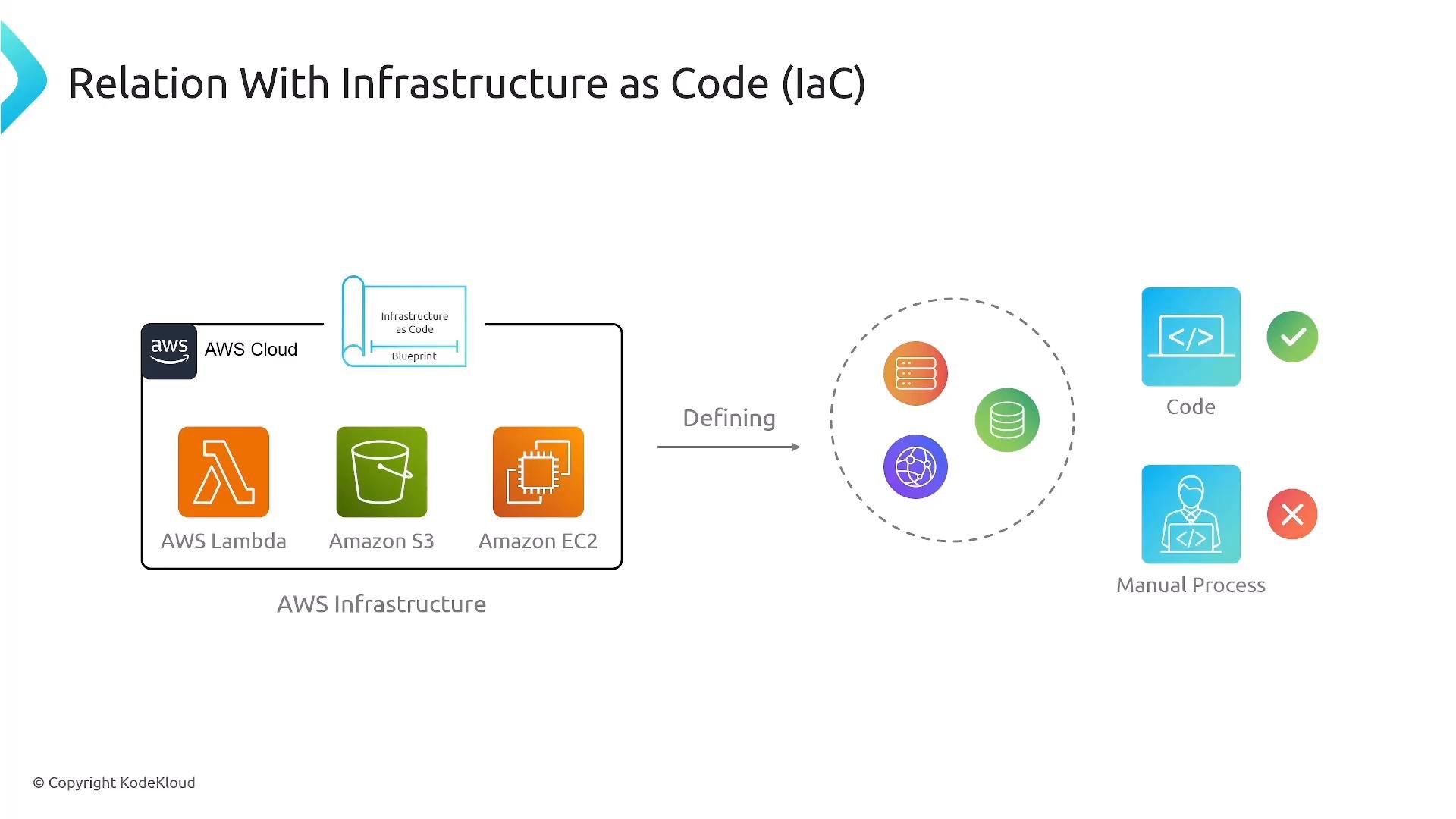
A diagram titled "Relation With Infrastructure as Code (IaC)" showing AWS services (Lambda, S3, EC2) represented inside a blueprint that is "defined" into a set of infrastructure components. It contrasts automated, code-driven provisioning (check) with a disapproved manual process (cross).
IaC and CI/CD A CI/CD pipeline is effectively a code-driven blueprint for how software and infrastructure are built, tested, and deployed. Integrating IaC with CI/CD ensures infrastructure definitions stored in version control are automatically validated and applied, keeping real environments consistent with their declared state. Typical IaC workflow in AWS:
  1. Define the infrastructure blueprint (templates, scripts, or programmatic constructs).
  2. Store the blueprint in version control (for example, a Git repository).
  3. Build an automated pipeline (CI/CD) to validate, test, and deploy the blueprint.
  4. Monitor the deployed infrastructure and iterate: update the blueprint, commit changes, and redeploy.
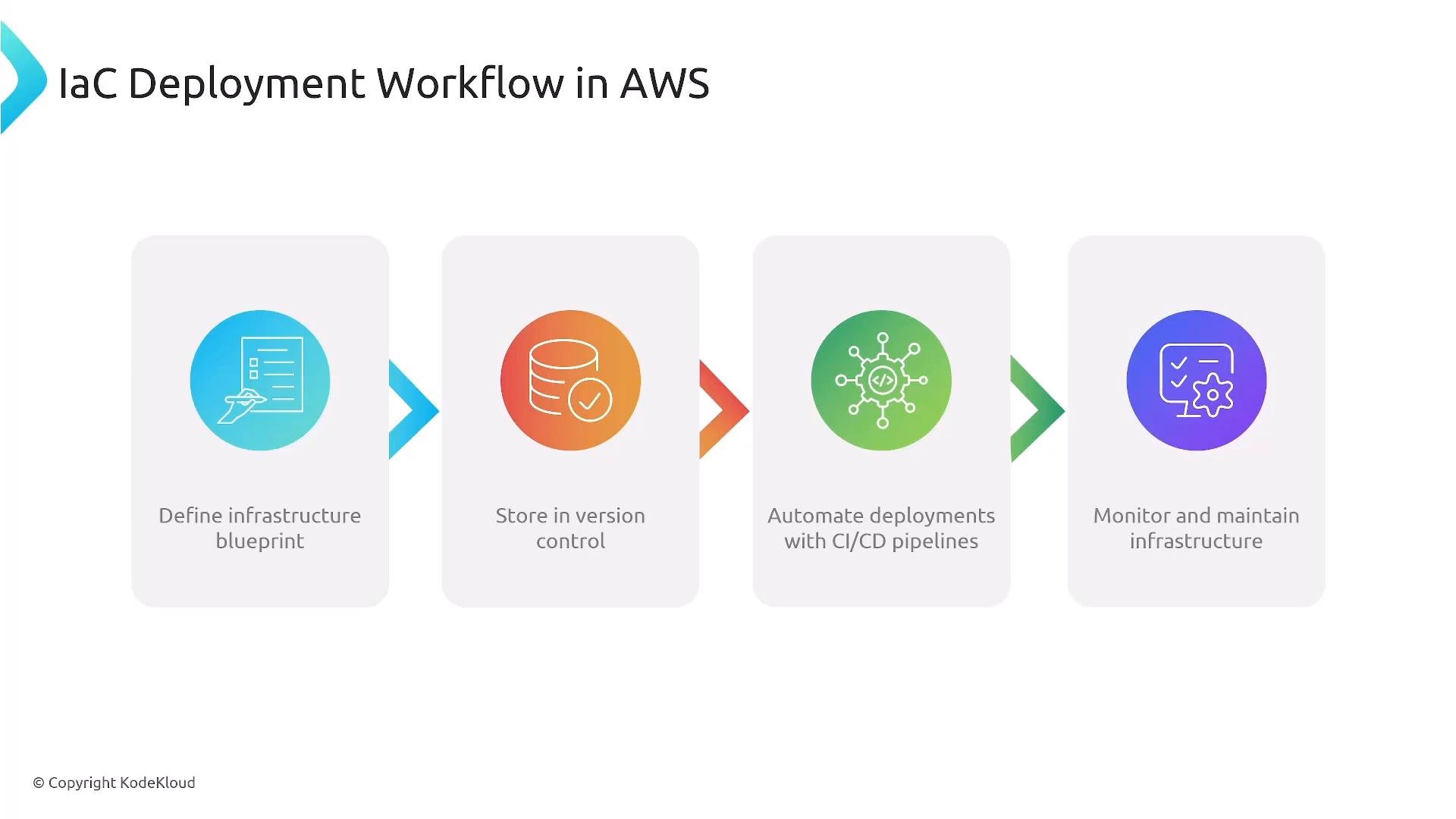
An infographic titled "IaC Deployment Workflow in AWS" showing four colored steps: define infrastructure blueprint, store in version control, automate deployments with CI/CD pipelines, and monitor and maintain infrastructure. Each step is depicted with a circular icon and arrows linking the panels.
Benefits of IaC
  • Consistency across environments (dev, staging, production)
  • Faster, repeatable deployments and rollbacks
  • Improved scalability and predictable scaling patterns
  • Cost efficiency through repeatable resource patterns and termination policies
  • Stronger automation and reduced human error
  • Improved security and compliance—policies and least-privilege can be codified and tested
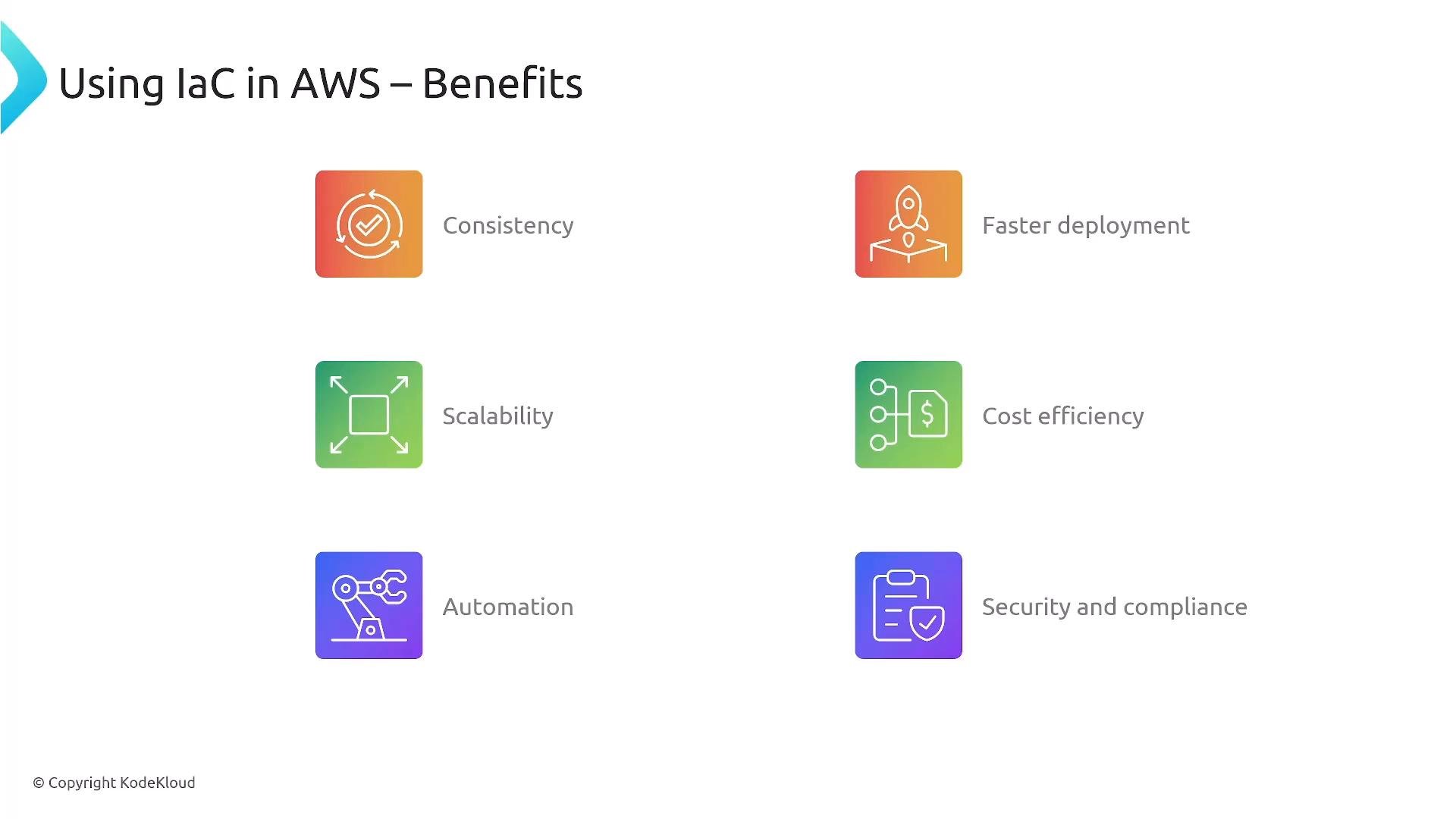
Table: IaC benefits and practical AWS implications
A presentation slide titled "Using IaC in AWS – Benefits" showing six colorful icons and labels. The listed benefits are Consistency, Faster deployment, Scalability, Cost efficiency, Automation, and Security and compliance.
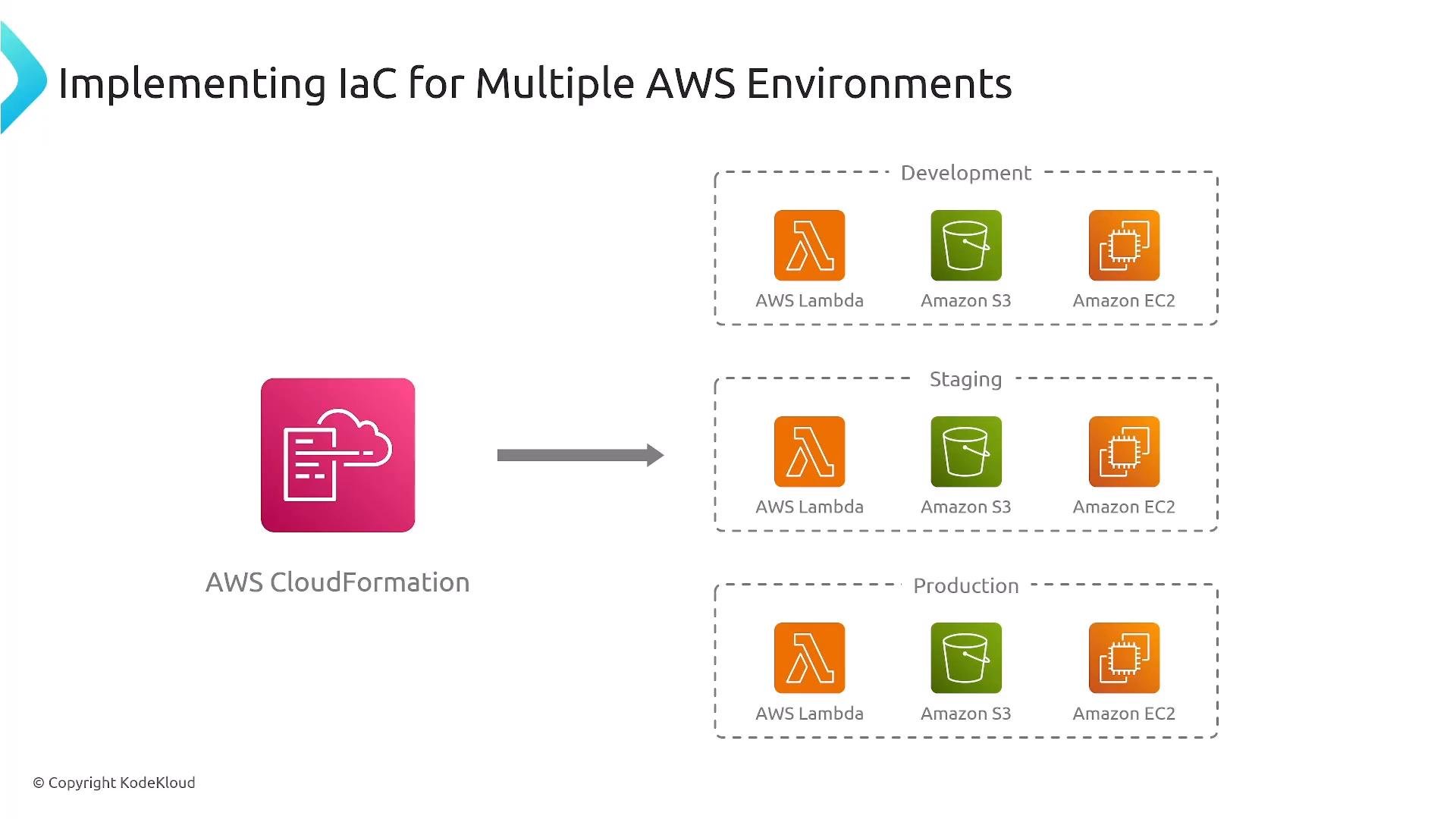
Scaling and multi-account management When managing multiple AWS environments or many accounts, IaC helps you maintain identical, auditable stacks for development, staging, and production. This is essential at scale—IaC reduces drift, simplifies onboarding, and centralizes governance.
A diagram titled "Implementing IaC for Multiple AWS Environments" showing AWS CloudFormation on the left deploying identical stacks (AWS Lambda, Amazon S3, Amazon EC2) to Development, Staging, and Production environments on the right.
AWS-native IaC and best practices
  • Use AWS CloudFormation to express infrastructure as declarative templates. CloudFormation creates and manages resources to match your declared templates.
  • Consider the AWS Cloud Development Kit (CDK) to define infrastructure using familiar programming languages, which synthesizes CloudFormation templates.
  • Store templates and CDK code in version control and apply code review processes.
  • Follow the principle of least privilege when assigning permissions to automation and pipelines.
  • Modularize templates so teams can reuse components safely, and automate testing before deployment.
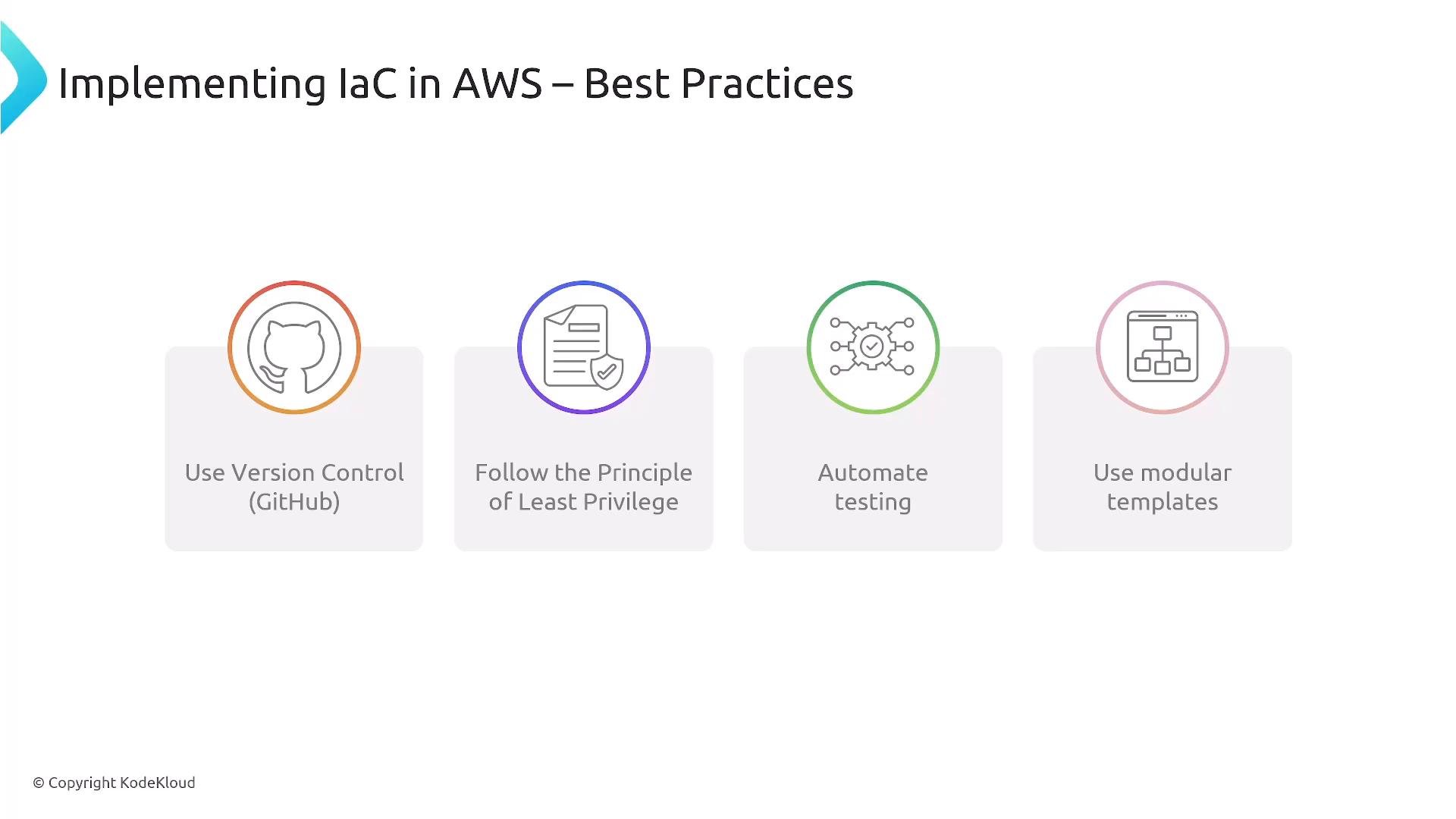
A presentation slide titled "Implementing IaC in AWS – Best Practices" showing four illustrated recommendations: Use Version Control (GitHub), Follow the Principle of Least Privilege, Automate testing, and Use modular templates.
Tools: native vs third-party Exam-relevant note: AWS certification exams emphasize native services such as CloudFormation and the CDK. Third-party tools may appear in questions as distractors but are not the primary focus.
Use version control and automated pipelines to manage infrastructure definitions. Treat infrastructure templates like application code: review, test, and apply least-privilege controls.
Further reading and references That covers the high-level concept of Infrastructure as Code for AWS. Next we will dive deeper into CloudFormation templates, CDK constructs, and pipeline integration.

Watch Video