

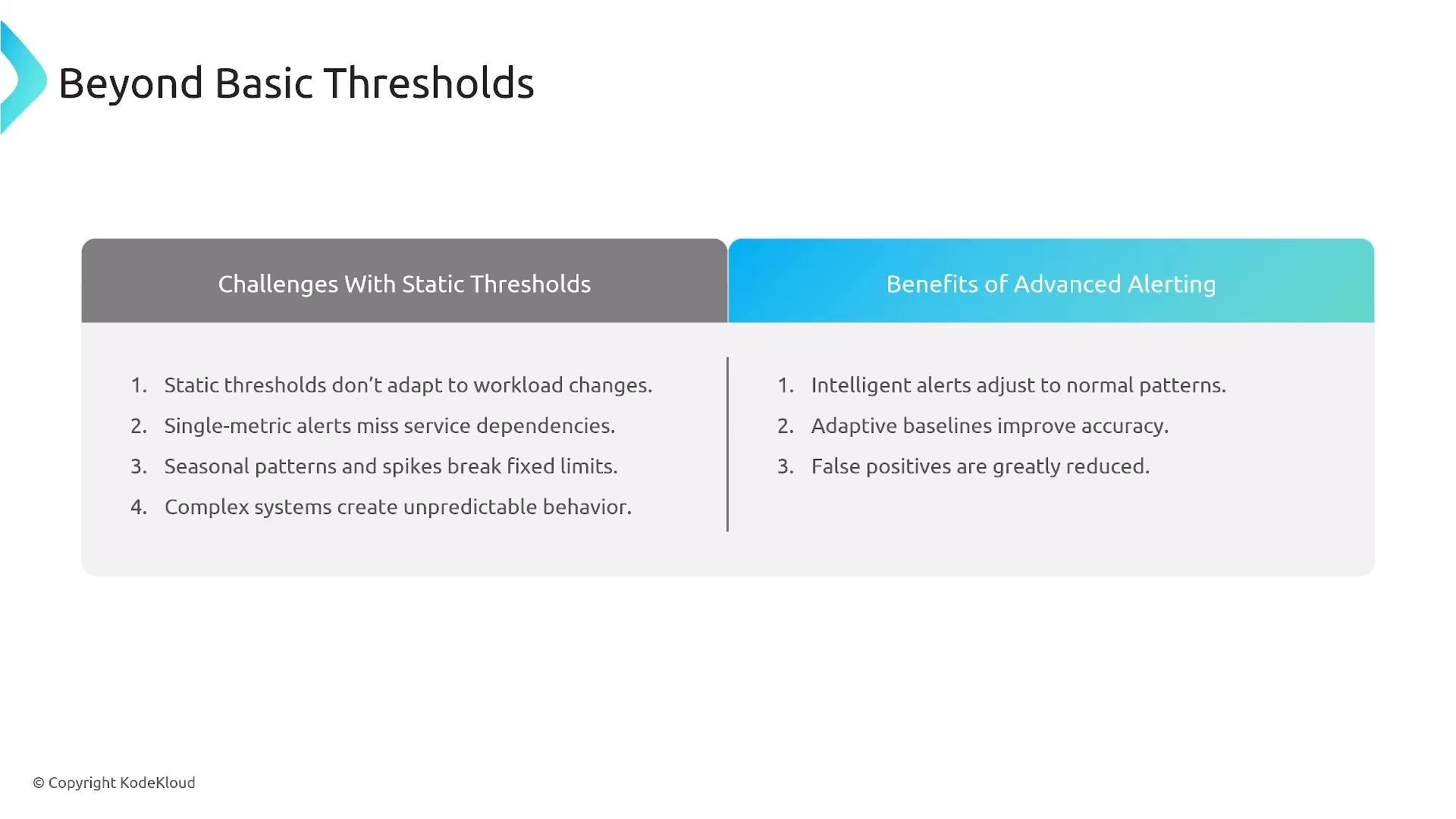
CloudWatch alarm basics
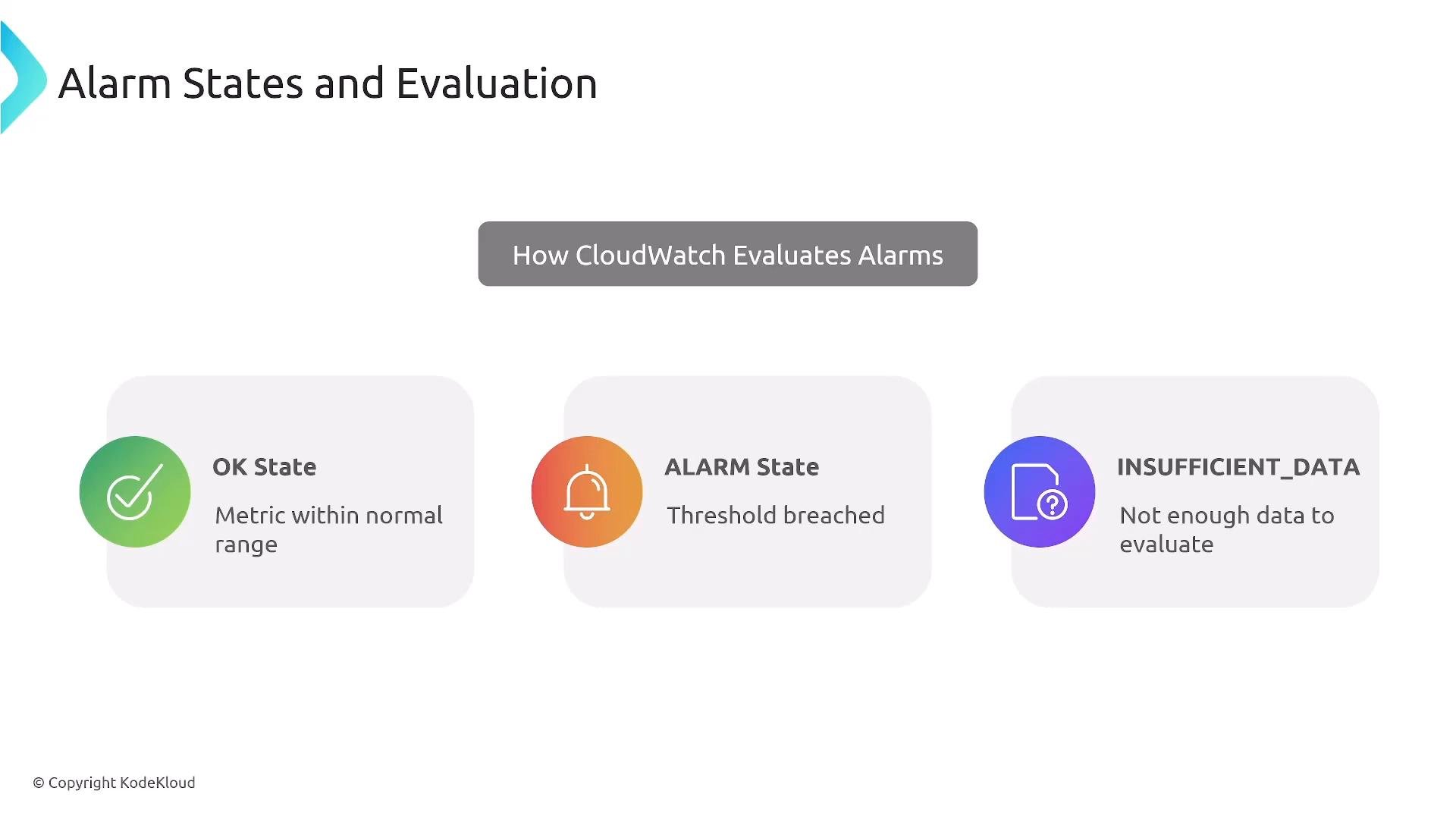
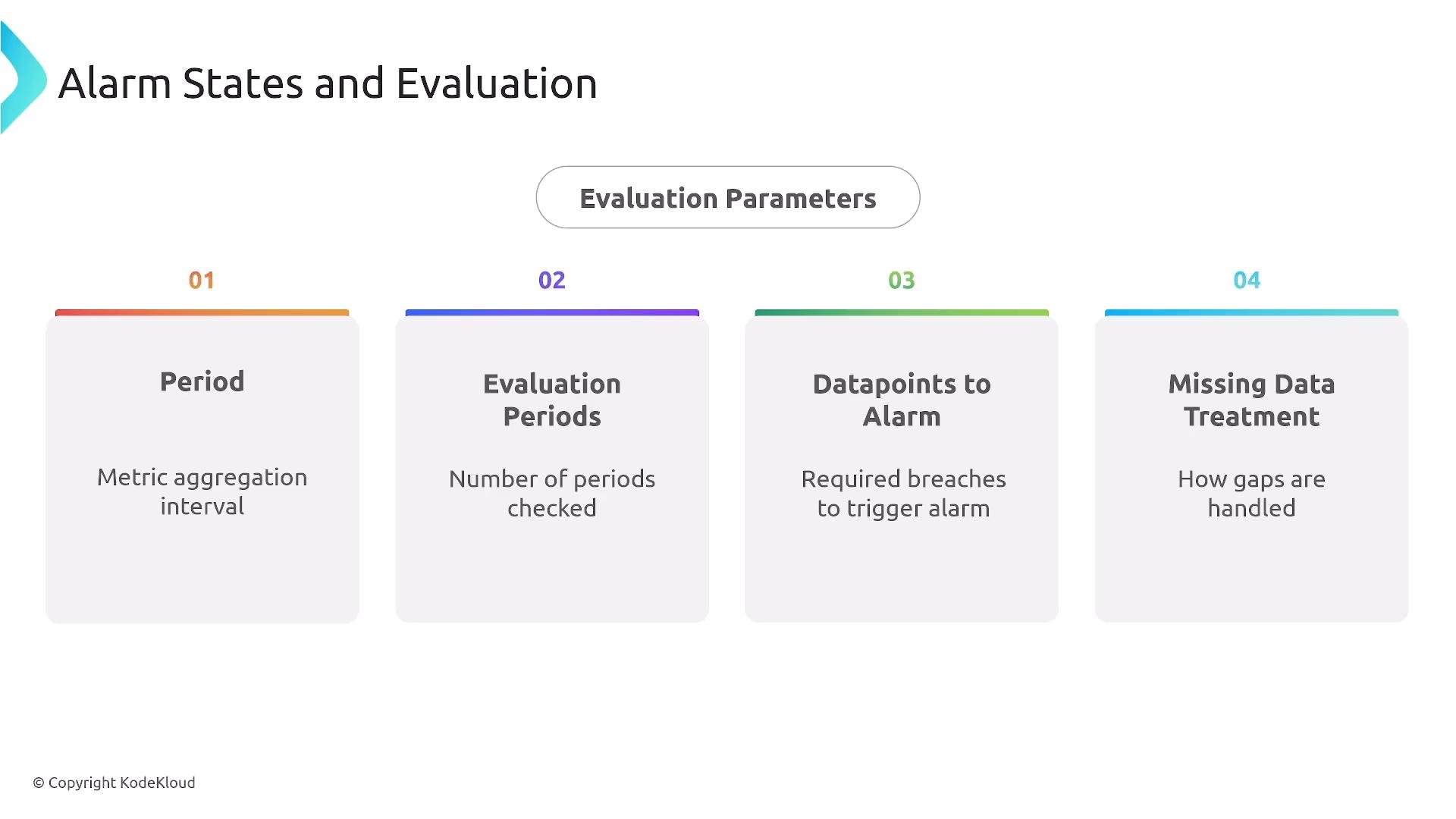
CloudWatch alarms evaluate metrics and report one of three states: OK, ALARM, or INSUFFICIENT_DATA. The INSUFFICIENT_DATA state indicates CloudWatch does not have enough datapoints within the evaluation window to determine OK or ALARM—this can occur if the metric is new or data is missing. Common terms:- Period: aggregation interval for metric datapoints (e.g., 60s).
- Evaluation periods: number of consecutive periods CloudWatch checks.
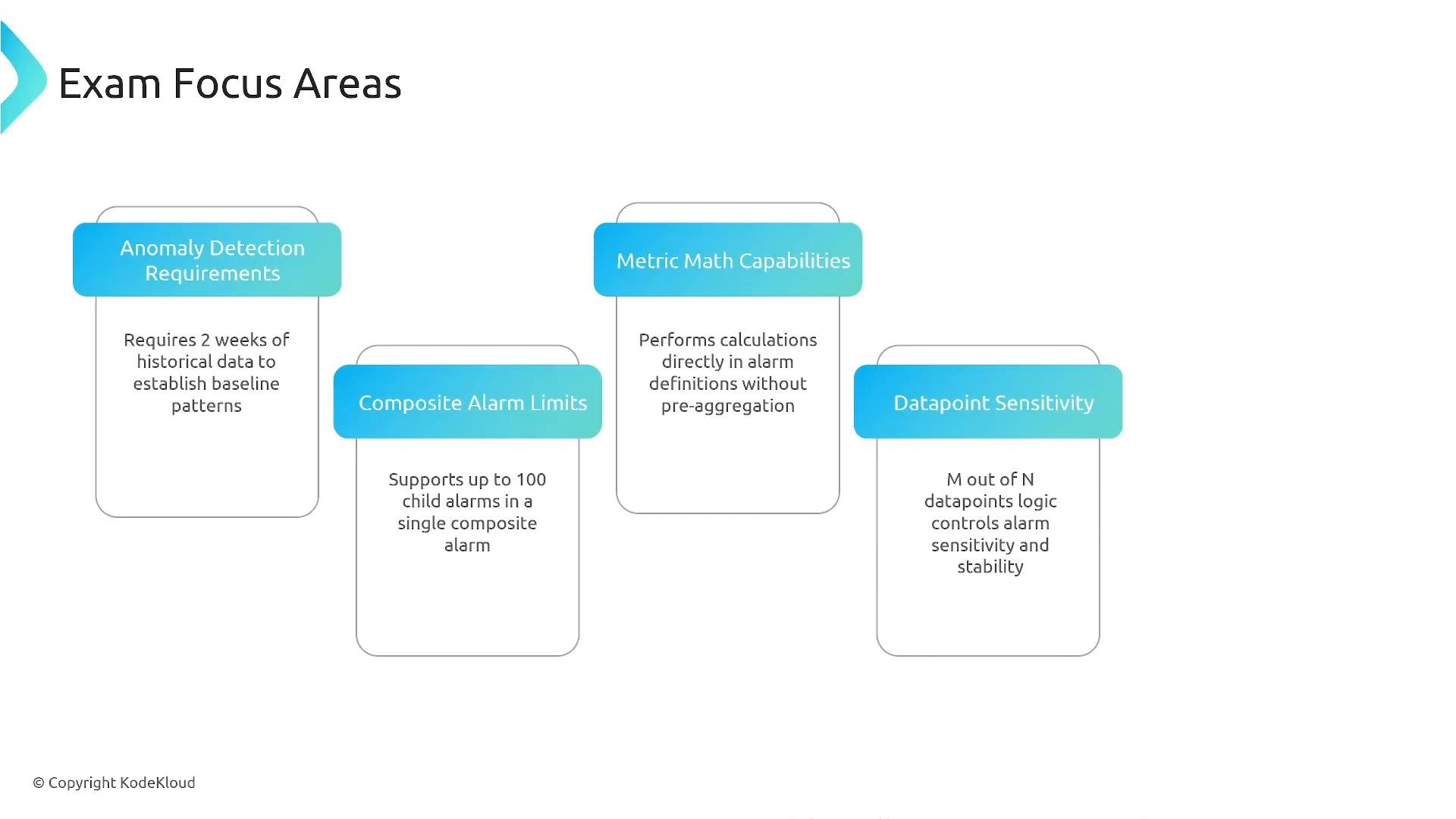
- Datapoints to alarm (M-of-N): how many of the most recent N periods must breach the threshold (e.g., 3 of 5).
- Missing data treatment: policy for handling absent datapoints when evaluating an alarm.
Period = 5s and EvaluationPeriods = 3, CloudWatch evaluates the last 15 seconds of aggregated data.
Key evaluation parameters
Anomaly detection fundamentals
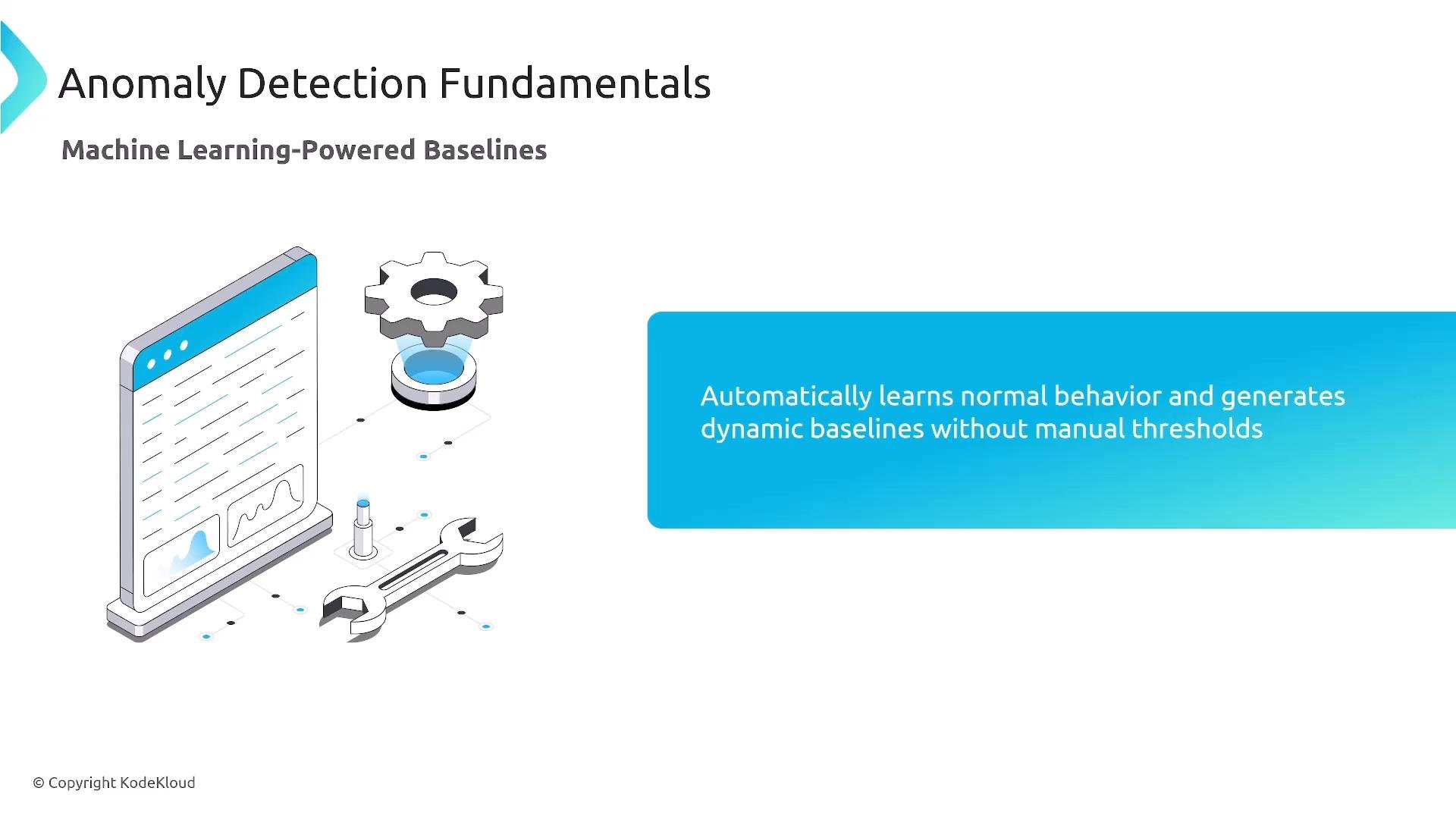
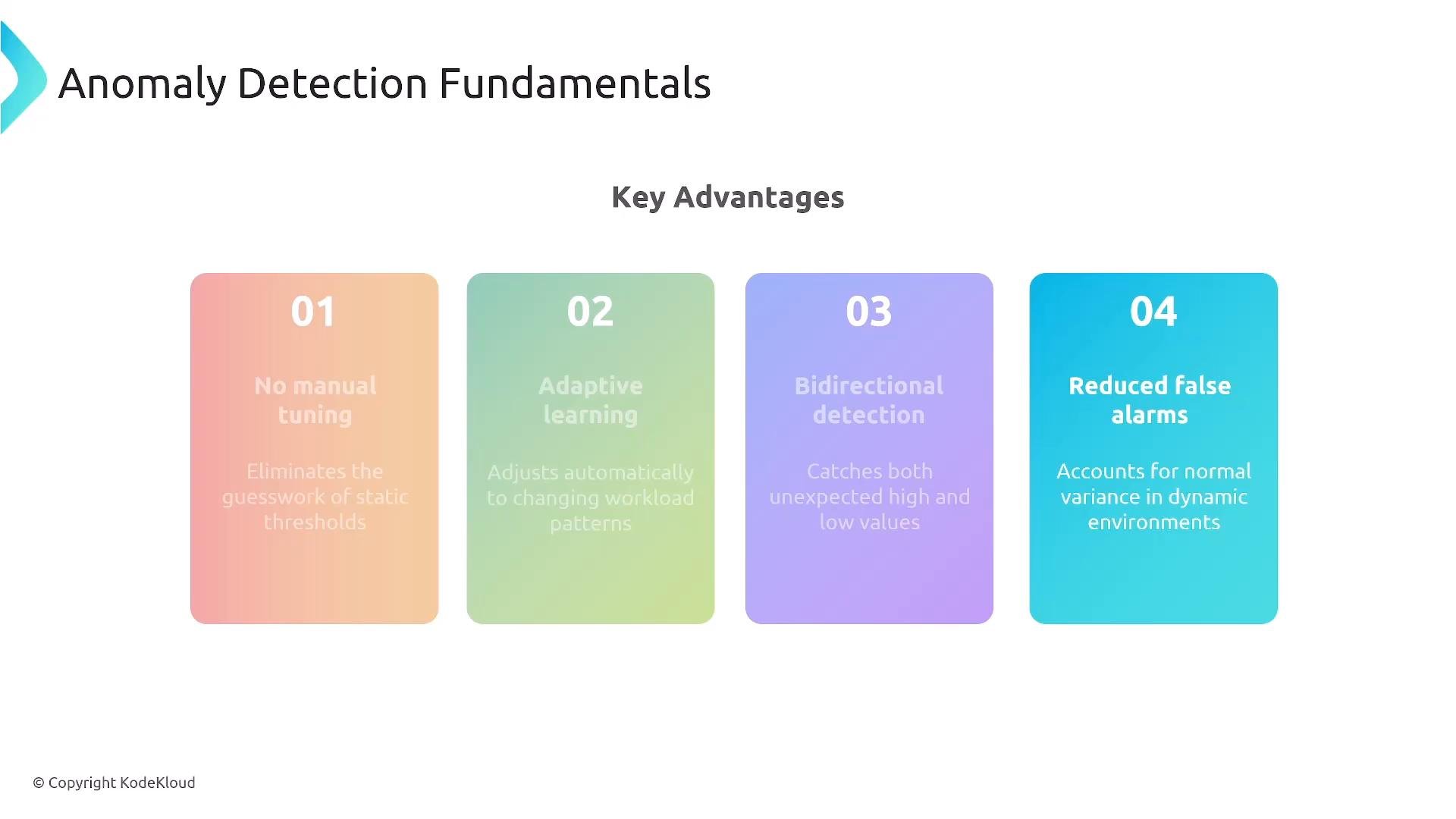
Anomaly detection replaces manually tuned thresholds with machine-learned baselines. CloudWatch analyzes historical data and builds a confidence band around expected metric values. Alerts fire when metric datapoints fall outside that band—detecting both spikes and drops and accounting for seasonality and trends. Key points:- CloudWatch uses up to two weeks of history to build reliable baselines.
- Detection is bidirectional (spikes and drops).
- It reduces false positives by modeling expected variance.
Anomaly detection requires historical data. Enabling it immediately on a new metric may result in INSUFFICIENT_DATA until enough history accumulates (CloudWatch may analyze up to 2 weeks).
Anomaly detection workflow
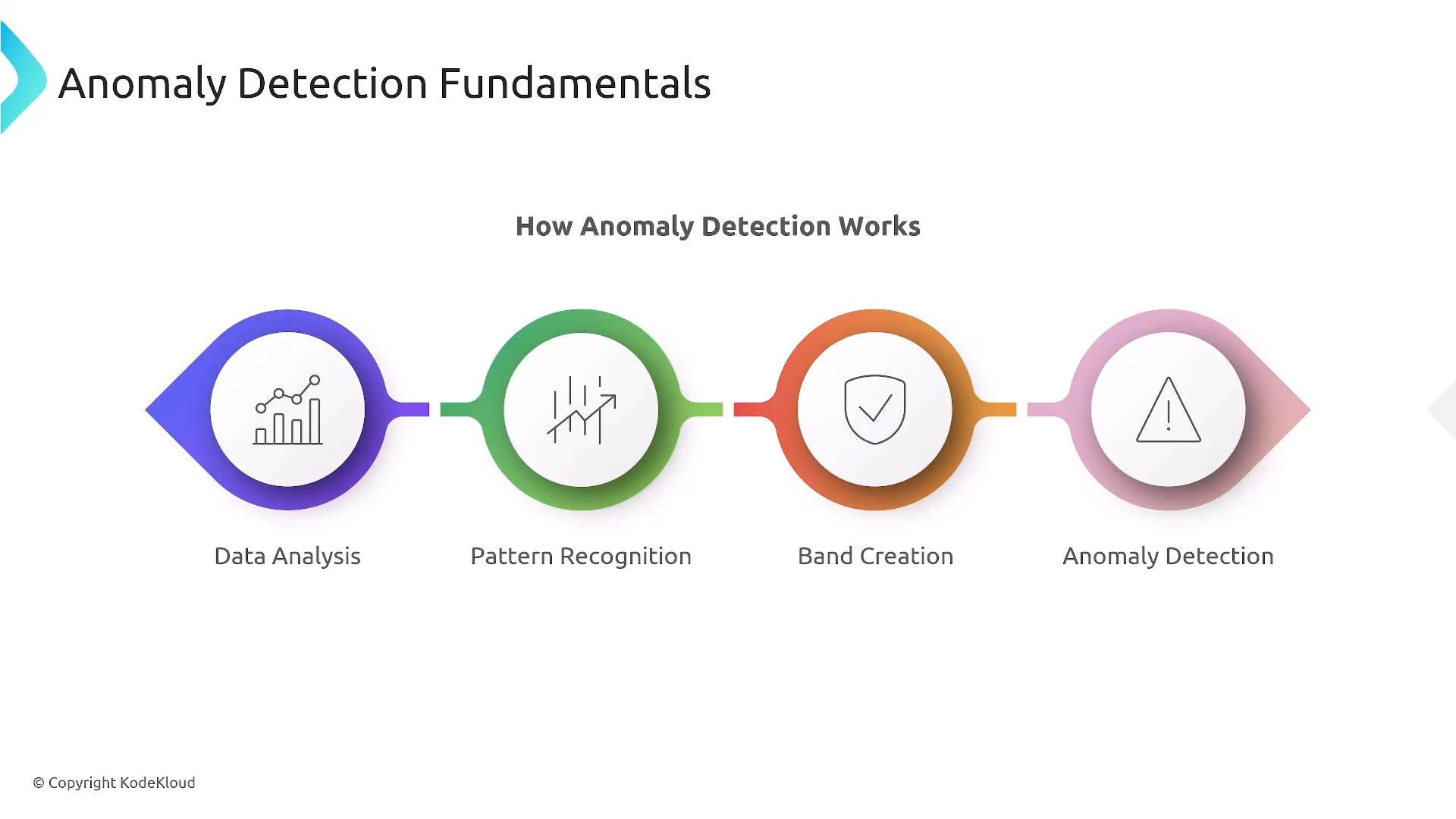
Typical CloudWatch steps:- Data analysis across historical windows.
- Pattern recognition to capture trends and seasonality.
- Band creation: a statistical confidence interval for expected behavior.
- Detection: flag datapoints outside the band as anomalies.
Composite alarms and multi-signal alerts
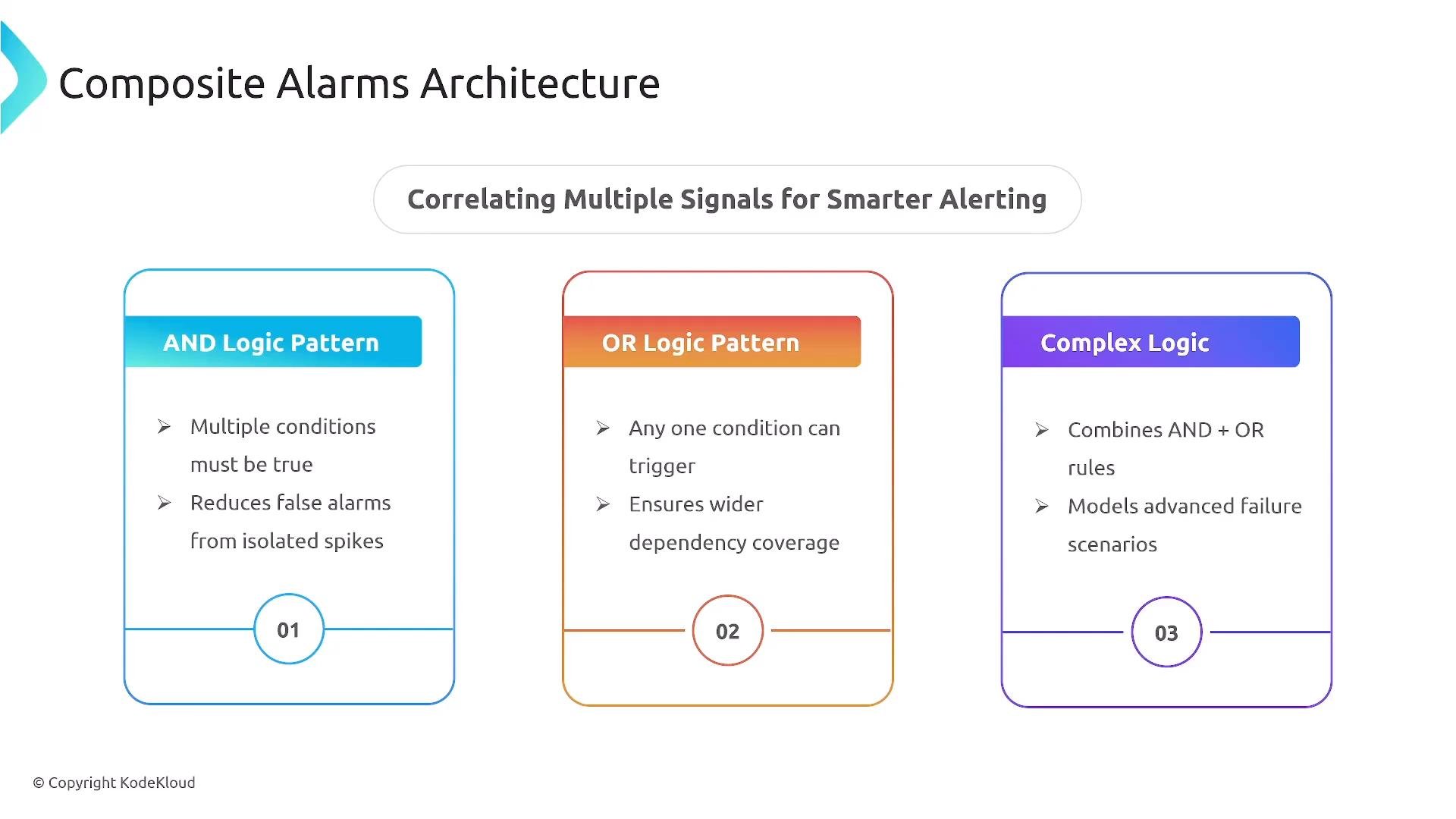
Composite alarms let you express logical relationships across multiple alarms—AND, OR, and NOT—so you can reduce noisy alerts and model real failure scenarios. Examples:- AND: trigger only when
CPU > X AND DiskUtilization > Y. - OR: trigger when
PrimaryDBDown OR SecondaryDBDown. - Complex:
HighLatency AND HighErrorRate AND NOT MaintenanceWindow.
Metric math and derived signals
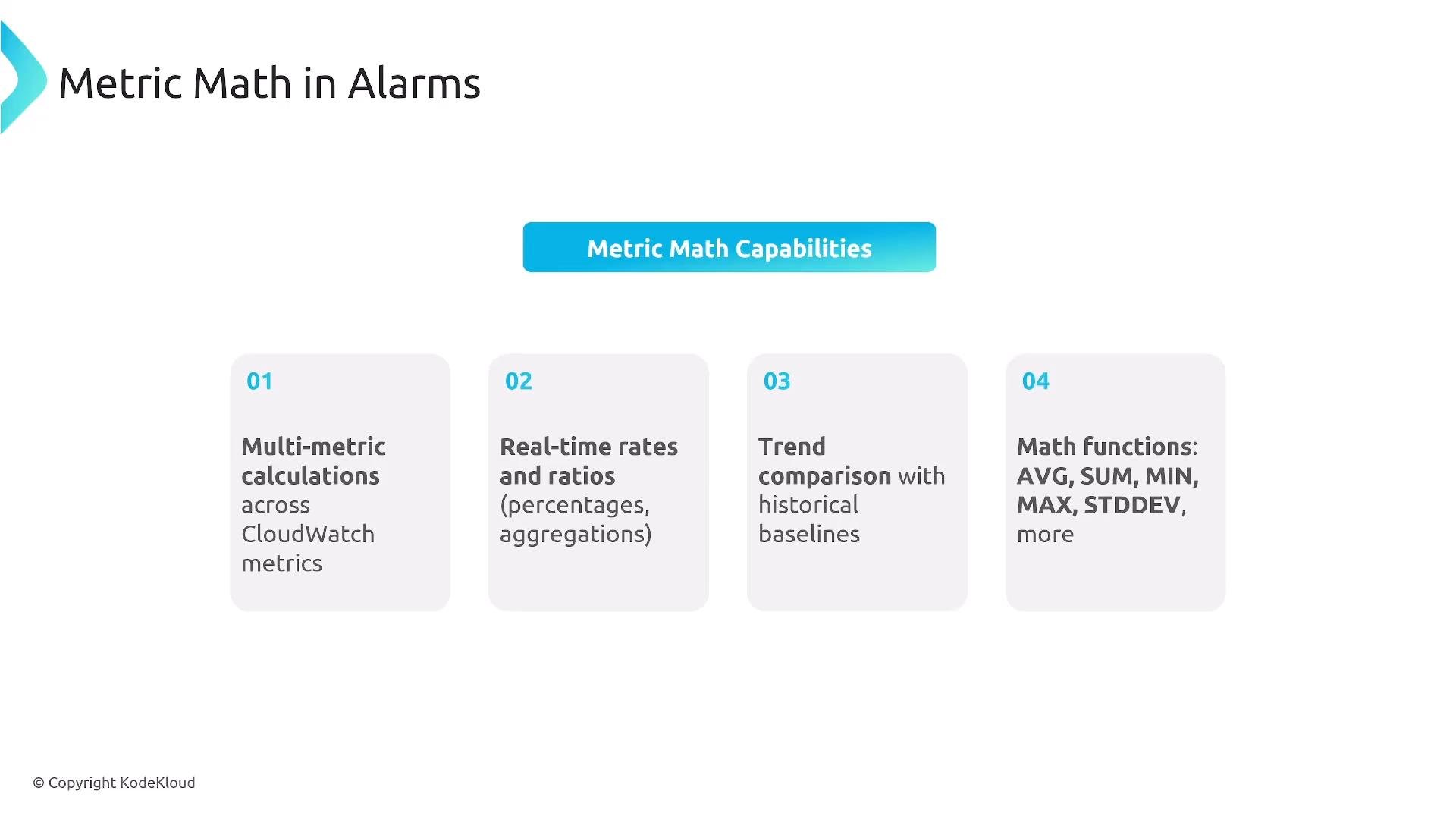
Metric math lets you compute derived metrics within CloudWatch without external processors. Use it to calculate error rates, utilization ratios, deltas, aggregations, and other composite signals. Supported operations include AVG, SUM, MIN, MAX, STDDEV, rates, ratios, and conditional expressions. Practical examples:- Metric math expressions can reference up to 10 metrics.
- Expressions that are highly complex or reference high-volume metrics can increase evaluation latency.
- You cannot reference metrics from other Regions in the same expression.
Alarm actions and orchestration
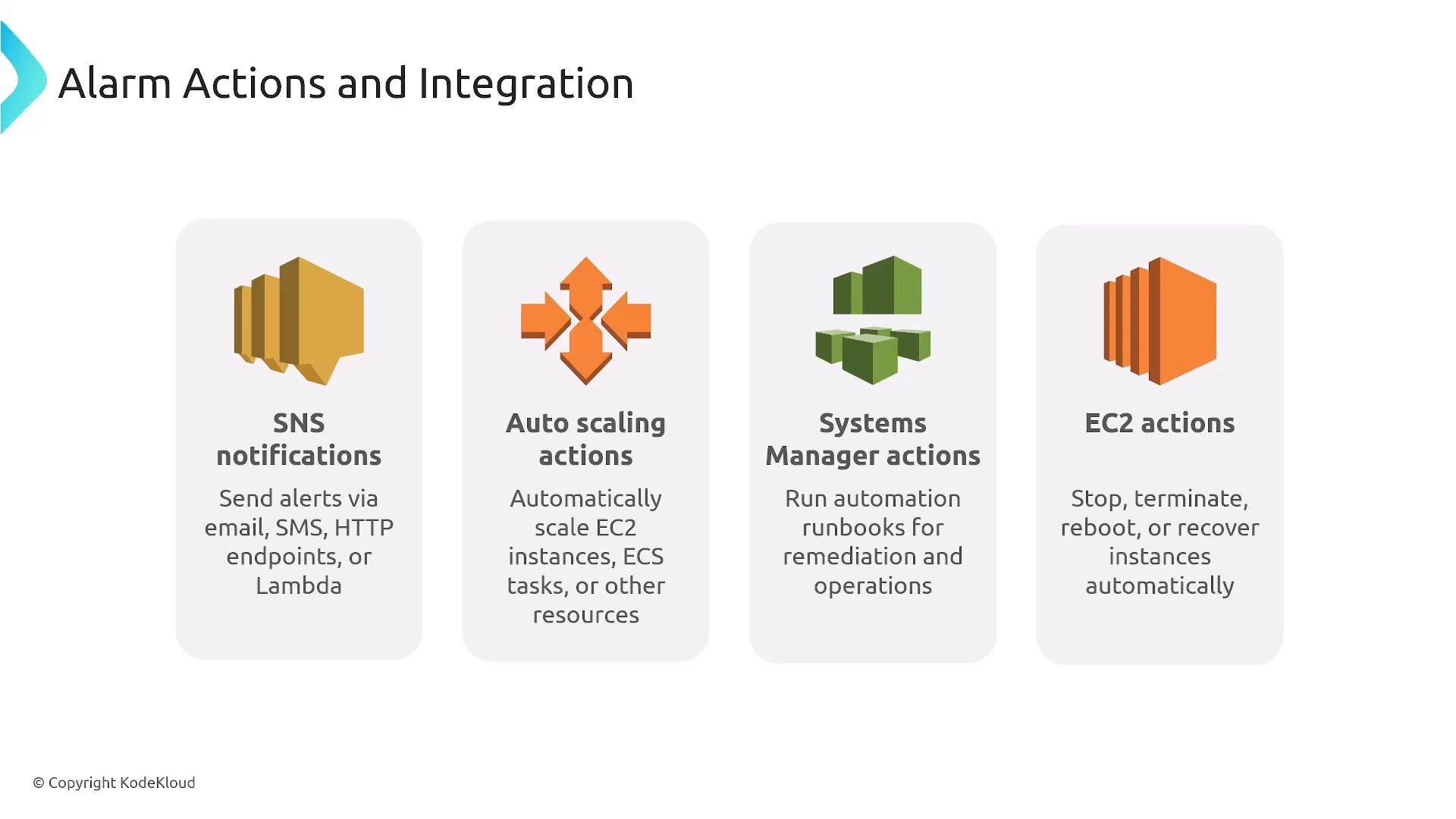
Alarms should trigger meaningful, measurable actions. CloudWatch supports direct actions such as SNS notifications, Auto Scaling policies, and EC2 automated actions (recover, stop, terminate). For broader automation—Lambda, SQS, Systems Manager, or multi-step workflows—route state changes via SNS or EventBridge. Common action targets:- SNS: notification fan-out (email, SMS, Lambda, HTTP endpoints).
- EventBridge: advanced routing, pattern matching, cross-account and partner integrations.
- Step Functions: orchestrate long-running, stateful remediation with conditional logic and approvals.
Event-driven remediation
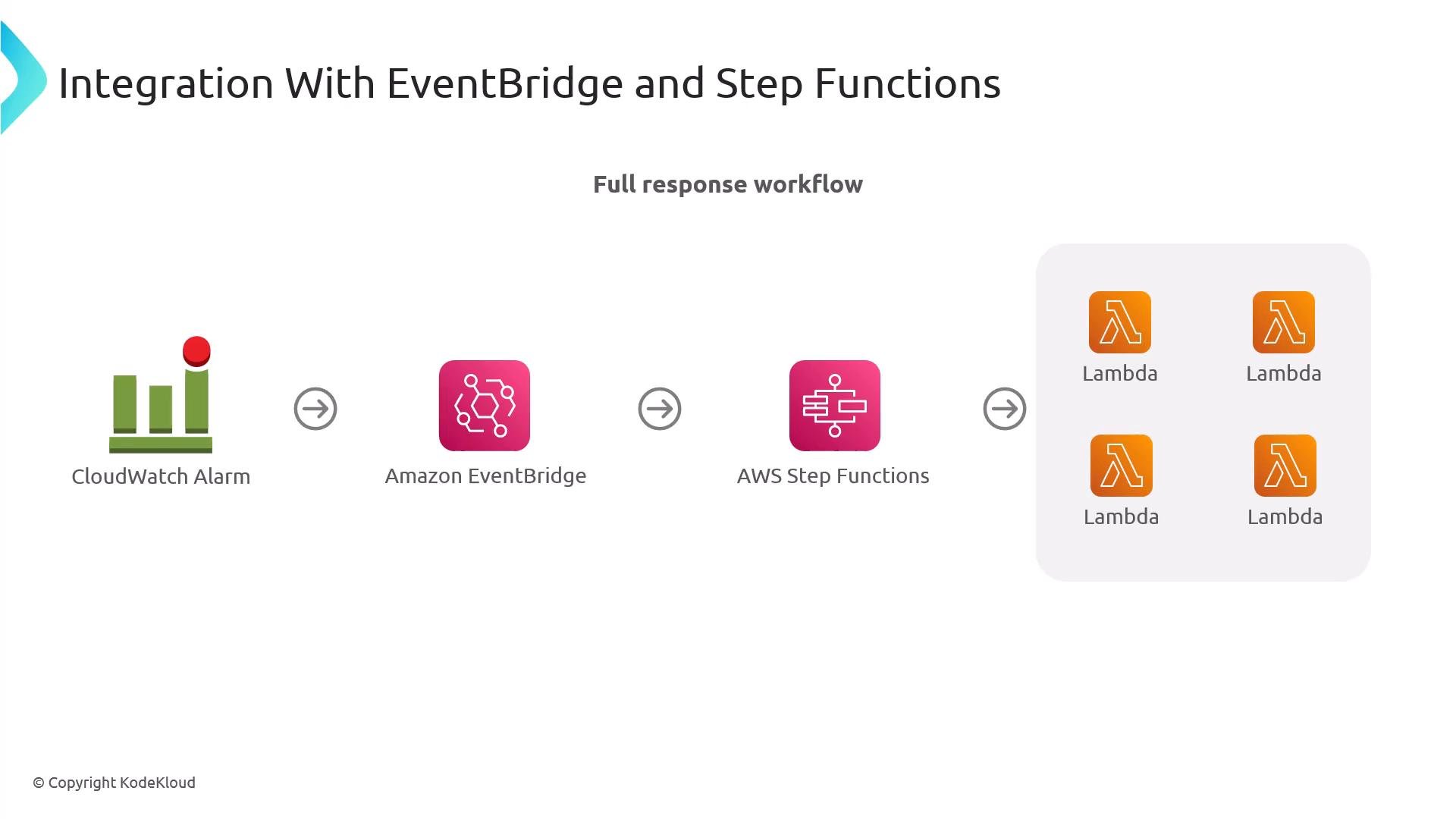
A reliable remediation pipeline typically follows this pattern:- CloudWatch alarm state change -> EventBridge rule.
- EventBridge routes the event to Step Functions (or direct targets).
- Step Functions orchestrate diagnostics and remediation (Lambda functions, SQS, SSM runbooks), with retries, approval gates, and error handling.
SNS vs EventBridge
Which one to use depends on complexity: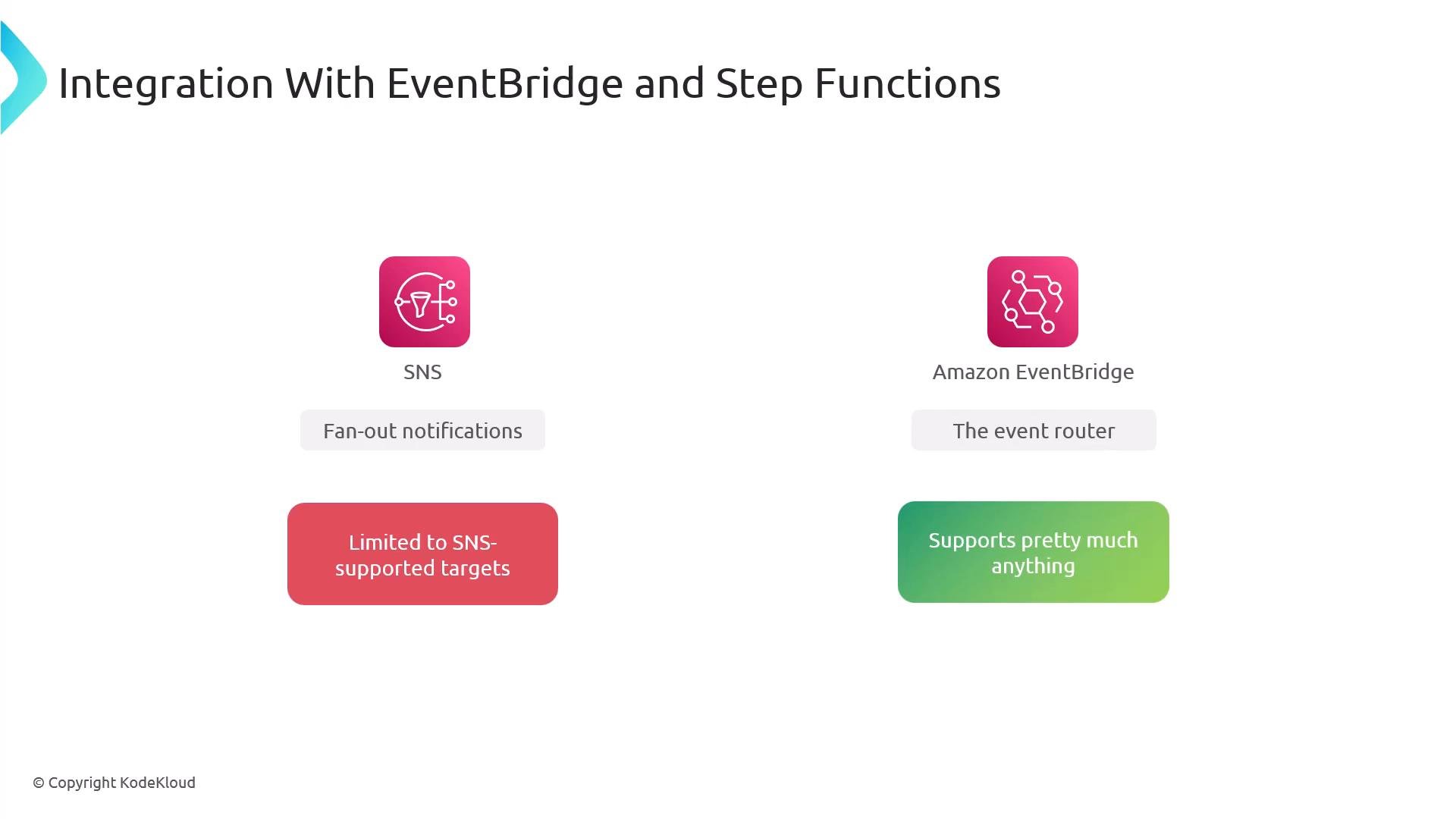
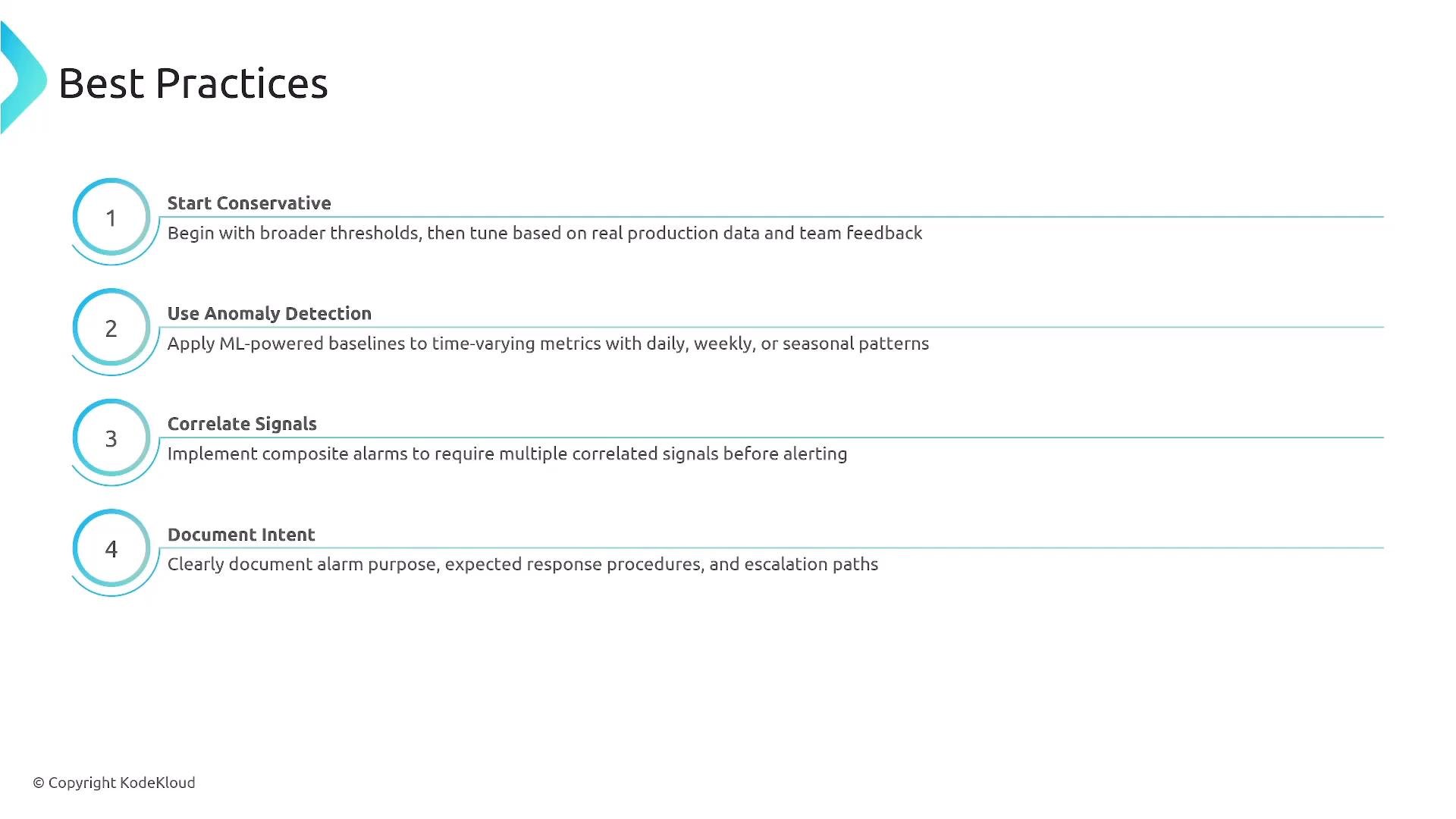
Best practices to reduce alert fatigue
- Start conservative: avoid overly sensitive thresholds.
- Use anomaly detection after sufficient metric history exists.
- Correlate signals across services (composite alarms) rather than single-metric triggers.
- Use M-of-N datapoint settings (e.g.,
3 of 5) to avoid flapping from transient spikes. - Document alarm intent, expected response, escalation path, and playbook steps for on-call responders.
Testing and operationalization
Before rolling alarms into production:- Simulate failures and replay historical incidents.
- Tune thresholds and M-of-N settings using real incident data.
- Validate automated remediation in a safe environment (staging or limited-impact runbook).
- Use composite alarms and EventBridge to gate automation behind conditional logic.
Do not enable automated remediation in production without testing. Mistuned automation can escalate incidents—validate actions with playbooks, approvals, and safe rollbacks.
Exam and configuration notes
Summary and next steps
Start simple and iterate:- Implement conservative alarms and collect data.
- Enable anomaly detection once you have sufficient history.
- Introduce composite logic to correlate failures across services.
- Add automated remediation via EventBridge and Step Functions, after thorough testing.
- Regularly review and document alarms to keep the signal-to-noise ratio healthy.
- AWS CloudWatch Alarms: https://docs.aws.amazon.com/AmazonCloudWatch/latest/monitoring/AlarmThatSendsEmail.html
- CloudWatch Anomaly Detection: https://docs.aws.amazon.com/AmazonCloudWatch/latest/monitoring/CloudWatch_Anomaly_Detection.html
- Amazon EventBridge: https://docs.aws.amazon.com/eventbridge/latest/userguide/what-is-amazon-eventbridge.html
- AWS Step Functions: https://docs.aws.amazon.com/step-functions/latest/dg/welcome.html
- 100 Days of Cloud - Hands-on Labs