

Why tracing matters
Tracing is a core pillar of observability for distributed systems. One user action often triggers many service calls across your architecture. Metrics and logs are valuable, but without distributed tracing you can struggle to determine where and why a problem started. Benefits of distributed tracing:- Visualize the full, end-to-end request path across services.
- Find the service or operation that introduces latency or errors.
- Correlate failures with exact request flows to speed up remediation.
Traces, segments, and subsegments
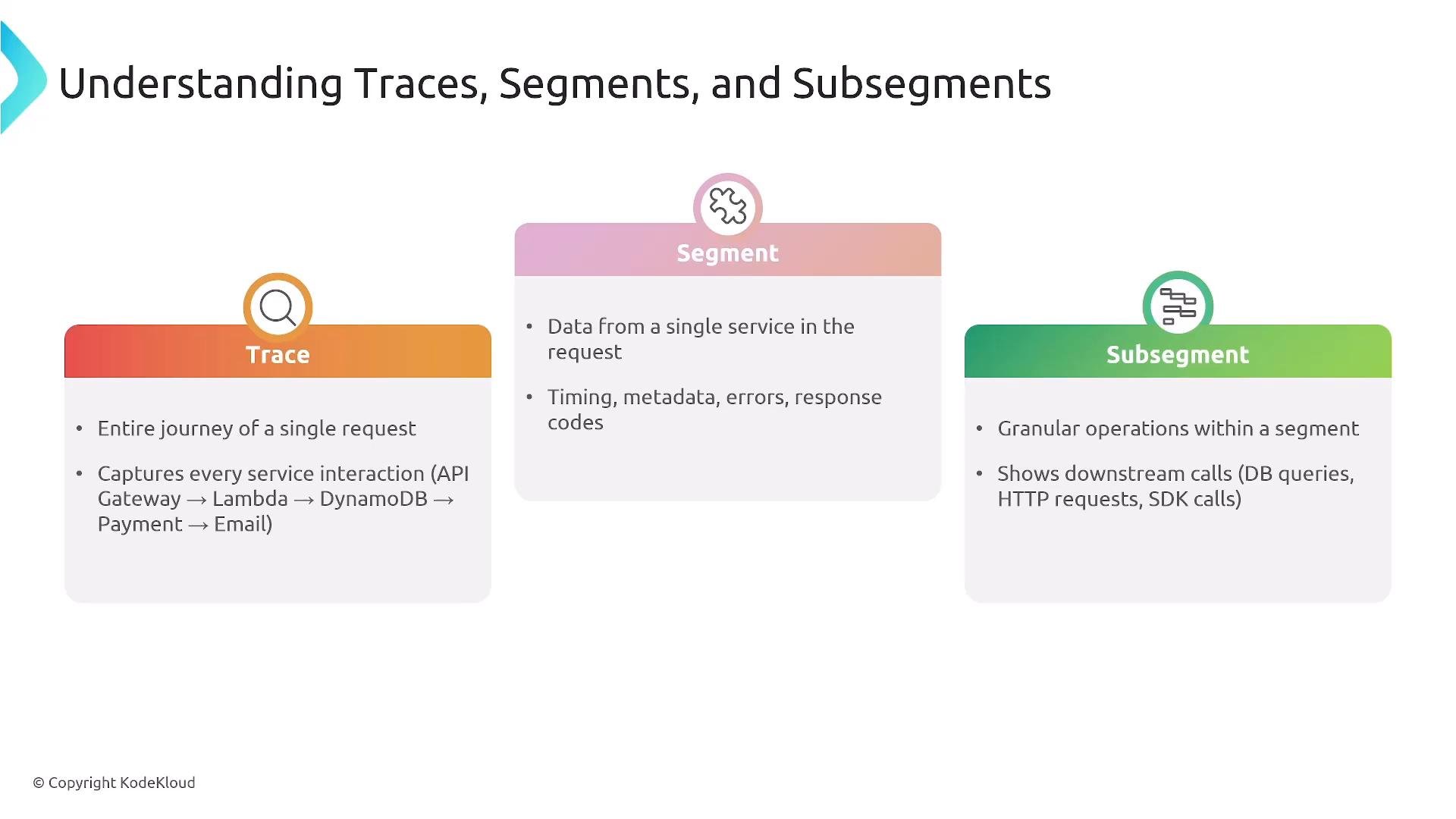
X‑Ray models a single request as a trace composed of segments and subsegments. Understanding these terms helps you interpret X‑Ray visualizations and root cause analysis.
Example: A request that passes through API Gateway → Lambda → DynamoDB will usually show separate segments for API Gateway and Lambda (if instrumented). The DynamoDB call typically appears as a subsegment within the Lambda segment unless DynamoDB itself emits segments.
X-Ray service map and visualizations
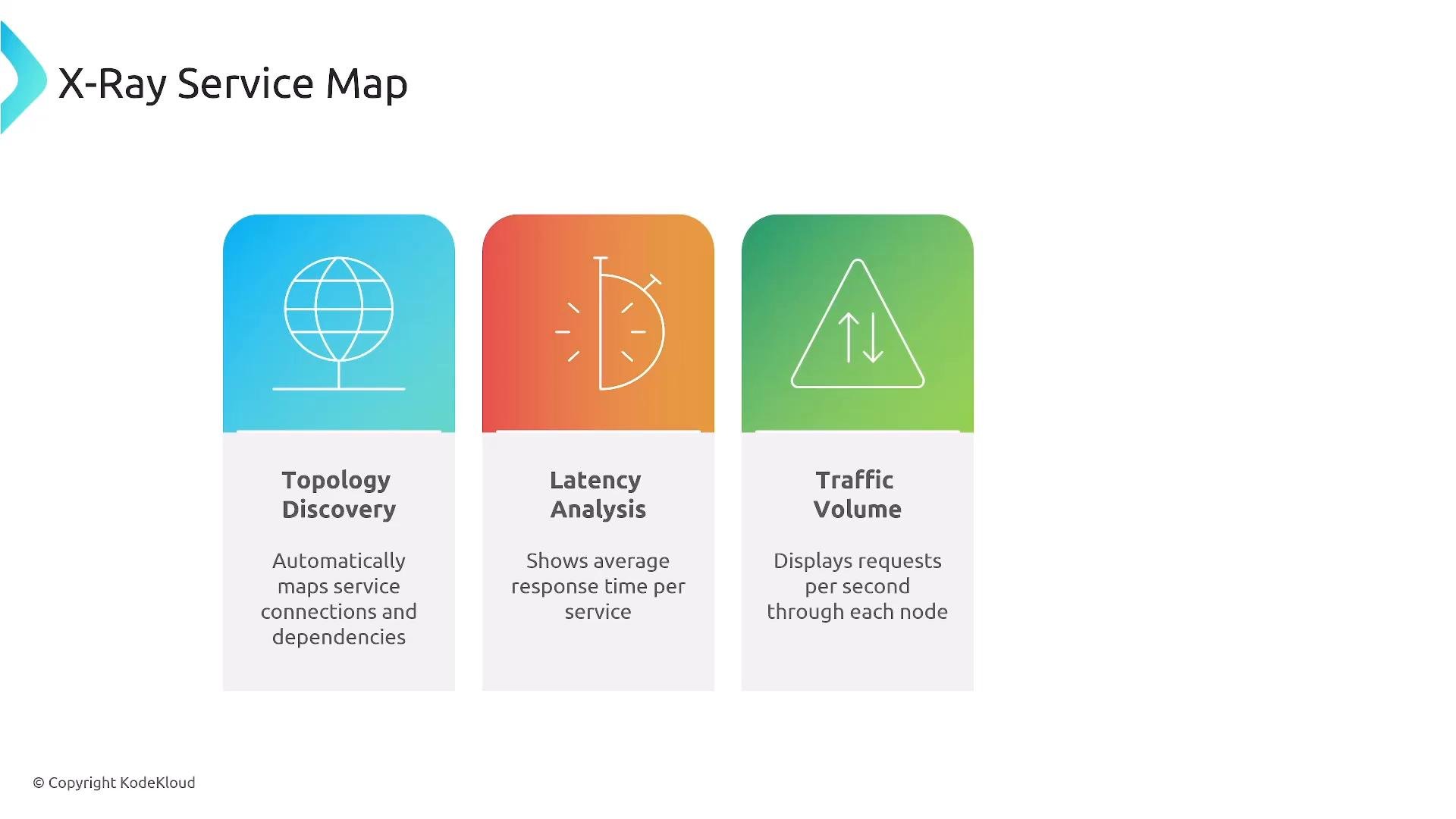
X‑Ray can automatically construct a service map that visualizes topology, latency distribution, and traffic volume between services. Use this map to quickly spot high-latency paths, error hotspots, and unexpected dependencies. Use cases for the service map:- Identify the services creating latency or errors at a glance.
- Discover unexpected or indirect dependencies.
- Track propagation of cascading failures across your architecture.
Instrumentation strategies
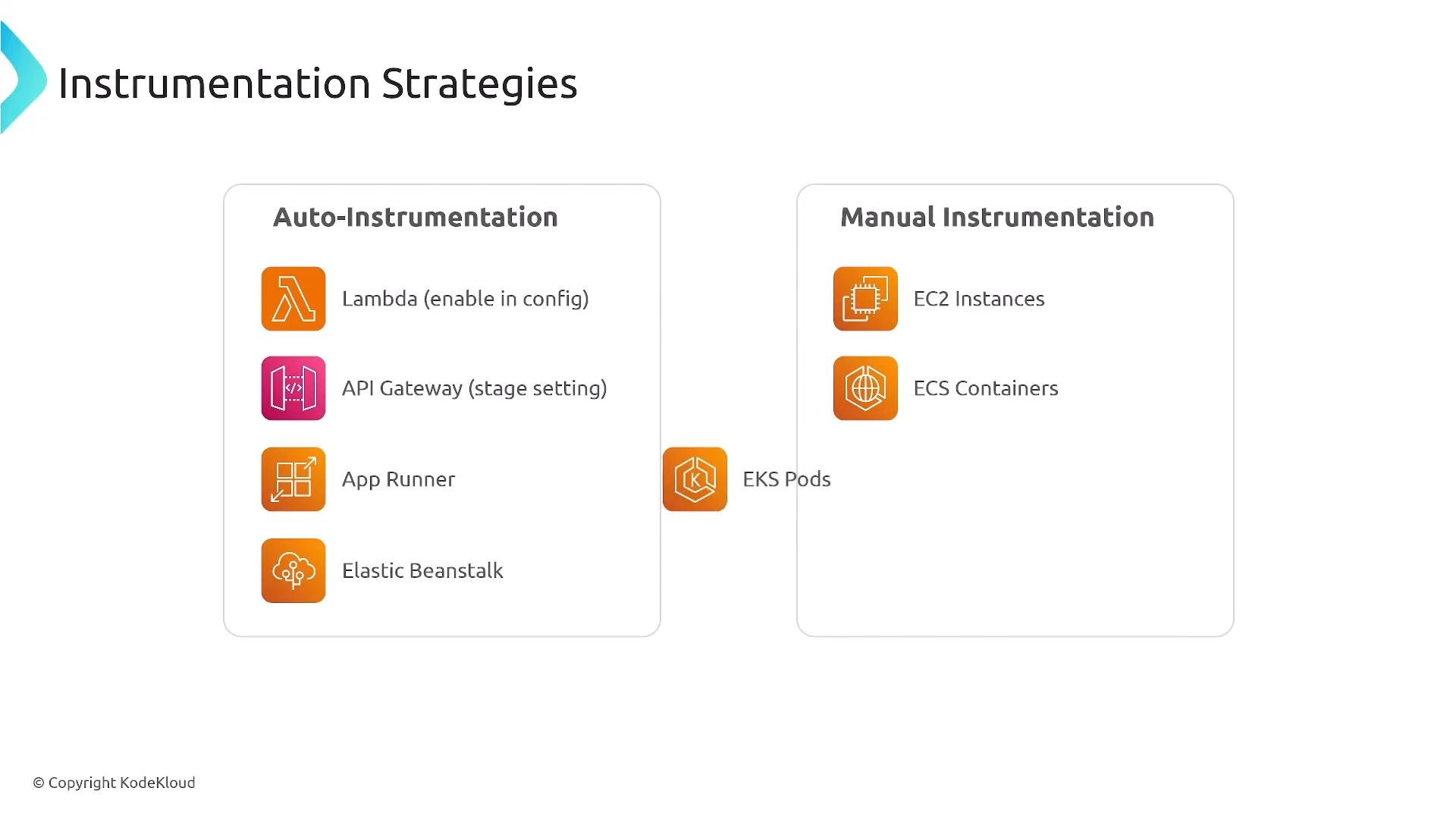
How you instrument services depends on the environment and service type. Choose the least-invasive method that produces the telemetry you need.
Common techniques:
- SDK-based instrumentation: add X‑Ray SDK calls to create segments/subsegments programmatically.
- X‑Ray daemon: run as a sidecar or host process to collect and forward trace data.
- Auto-instrumentation: use tracing agents where available to minimize code changes.
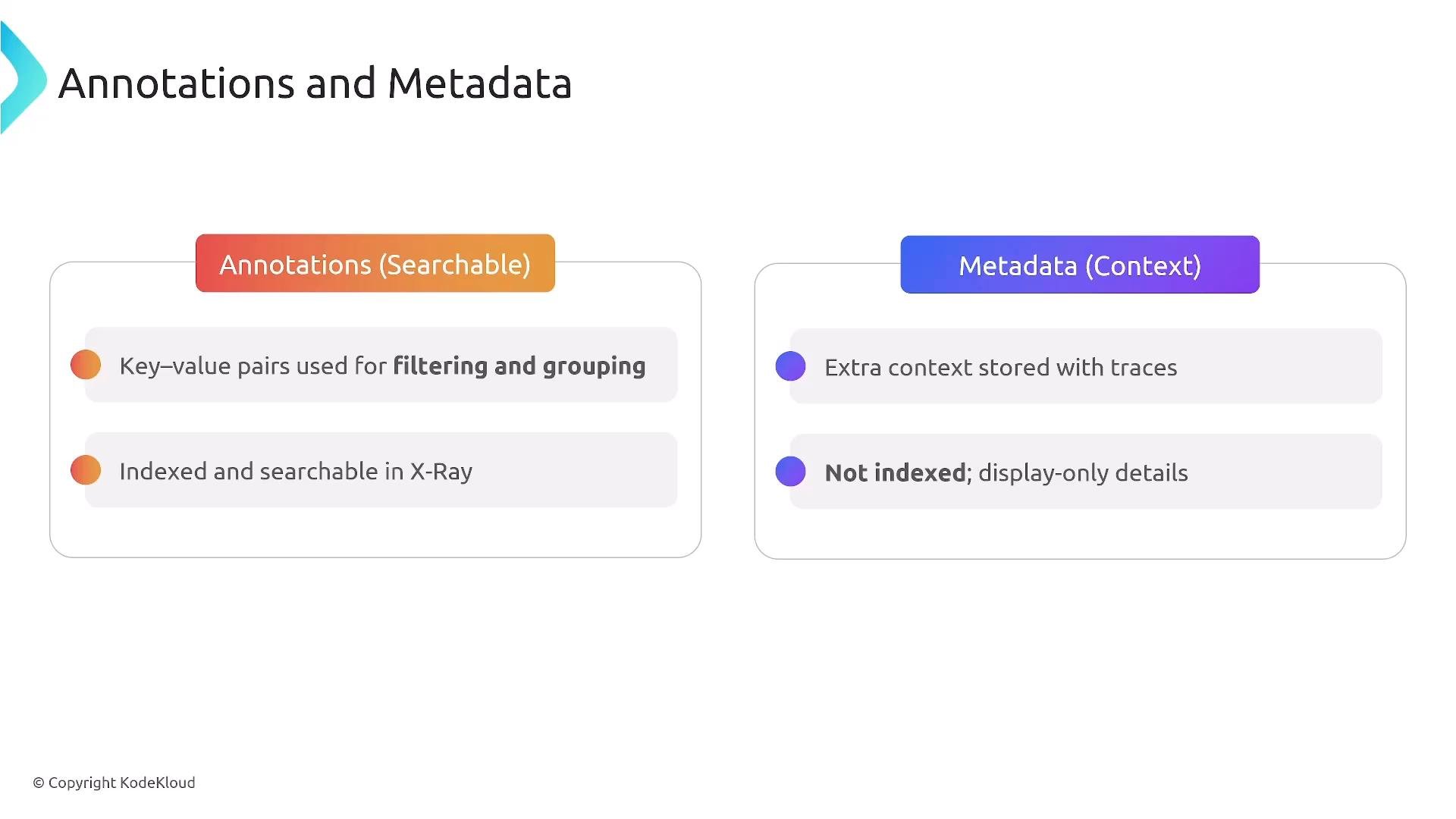
When instrumenting, avoid sending sensitive or PII data in annotations because annotations are indexed and searchable. Use metadata for large or sensitive blobs that should not be indexed.
Sampling and cost control
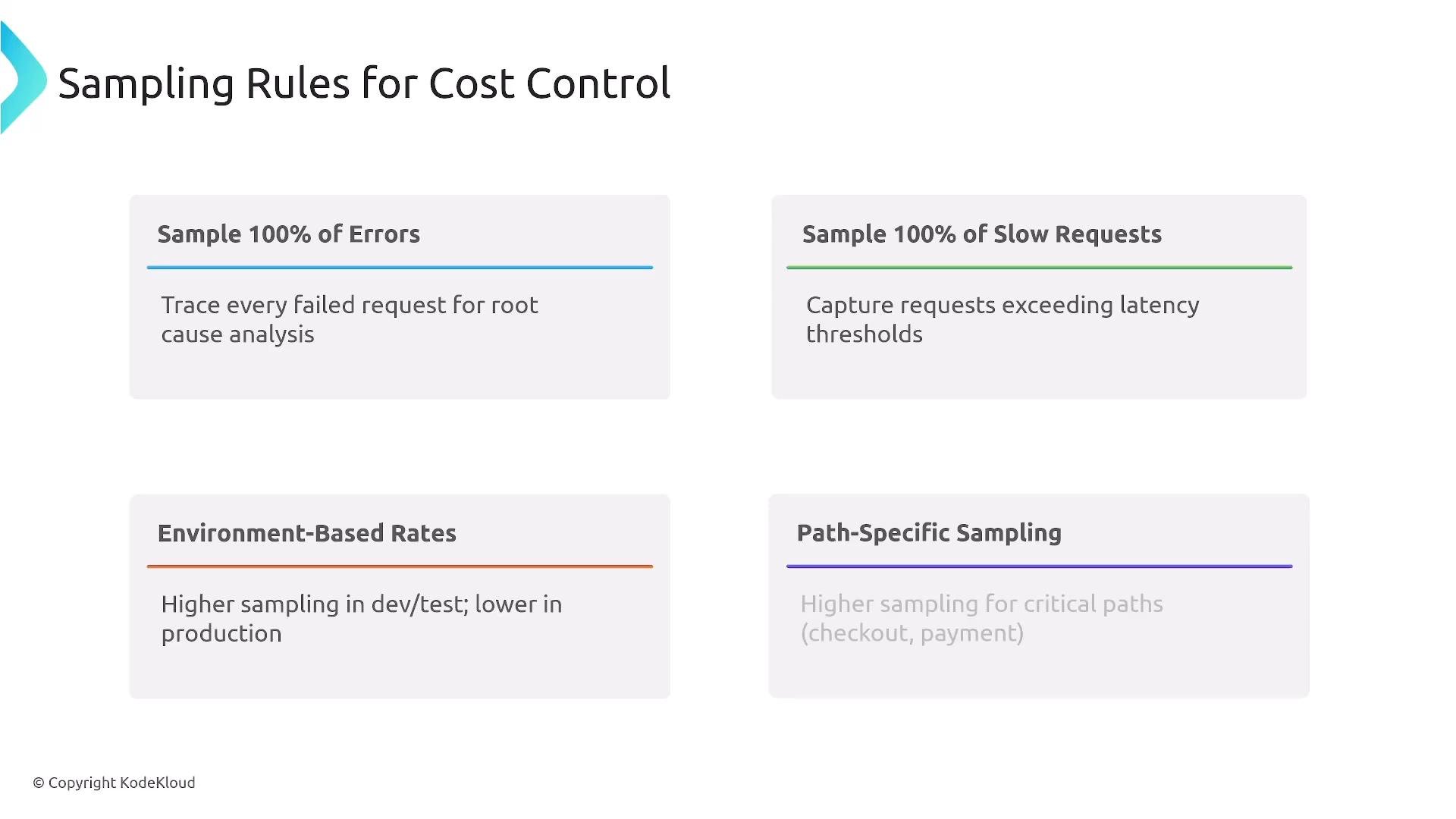
X‑Ray pricing is usage-based (for current rates see the AWS X‑Ray pricing page: https://aws.amazon.com/xray/pricing/). To control costs, configure sampling rules so you don’t record every request. Common sampling strategies:- Always sample 100% of requests that produce errors.
- Always sample requests that exceed a latency threshold (for example, > 200 ms).
- Lower sample rates for high-volume endpoints; higher rates for critical user journeys.
- Environment-based sampling: higher fidelity in staging/dev when troubleshooting; tuned in production.
- Record 100% of the first request per second for a route, then sample 1 out of 20 of the remaining requests. Prioritize tracing for error-prone or business-critical paths.
Sampling balances observability and cost. Ensure errors and slow requests are always captured, and use lower sampling for routine, high-volume traffic.
Annotations and metadata
X‑Ray lets you enrich traces with annotations and metadata to make traces more searchable and informative.- Annotations: indexed key-value pairs. Use for fields you will filter or search on (e.g.,
customer_tier,transaction_id,feature_flag). - Metadata: non-indexed contextual data. Use for larger blob data, full request bodies, or debug snapshots that you don’t need to search.
Examples:
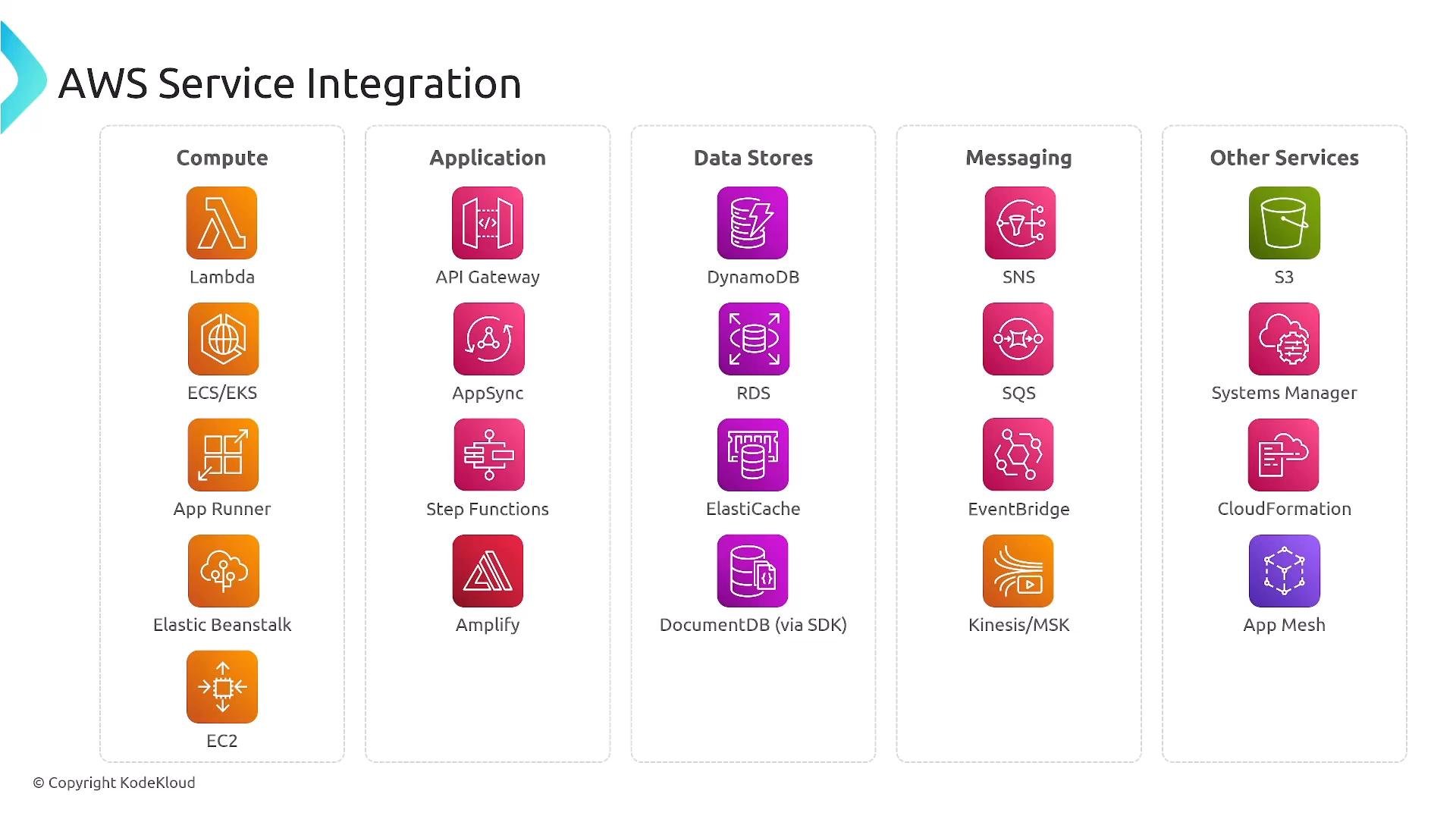
AWS service integration
X‑Ray integrates with many AWS services. When enabled, managed integrations and the X‑Ray SDK automatically create subsegments for supported calls and propagate trace context across service calls. Typical integrations include:- Compute & application: Lambda, API Gateway, App Runner, Elastic Beanstalk, EC2, ECS, EKS
- Data & storage: DynamoDB, S3
- Messaging & orchestration: SNS, SQS, Step Functions
- Frontend tooling: Amplify
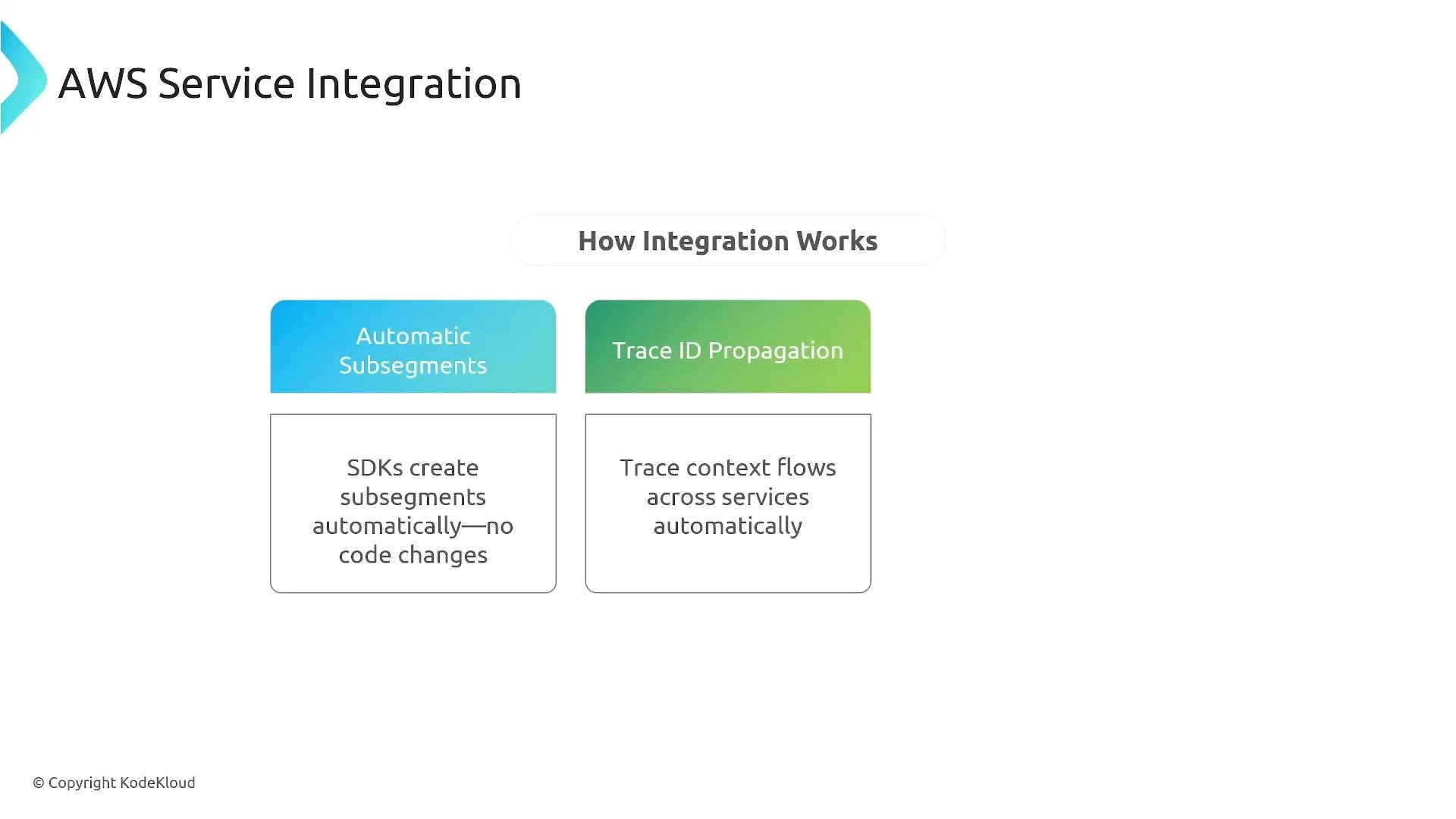
How integration works
When you use the X‑Ray SDK or enable a managed integration, two important behaviors occur:- Automatic subsegments: The SDK generates subsegments for supported client calls (for example, AWS SDK calls) without manual instrumentation for each call.
- Trace context propagation: A trace ID and context are propagated across service boundaries so related segments are linked and appear in a single trace timeline.
Root cause analysis and correlation with logs/metrics
X‑Ray is effective for root cause analysis (RCA) when combined with logs and metrics. Key features to leverage:- Service map for dependency and topology visualization.
- Trace lists with filters to target relevant requests.
- Detailed trace views showing timing, errors, annotations, and metadata.
- Integration with CloudWatch so you can pivot from a trace to logs and metrics.
- Include the X‑Ray trace ID in application logs or enable automatic log correlation where supported.
- Use CloudWatch Logs Insights to query logs by trace ID (see CloudWatch Logs Insights: https://docs.aws.amazon.com/AmazonCloudWatch/latest/logs/AnalyzingLogData.html).
- The X‑Ray console surfaces contextual links to CloudWatch that simplify drilling down into logs and metrics for a complete incident view.
- AWS X‑Ray pricing: https://aws.amazon.com/xray/pricing/
- CloudWatch: https://aws.amazon.com/cloudwatch/
- CloudWatch Logs Insights docs: https://docs.aws.amazon.com/AmazonCloudWatch/latest/logs/AnalyzingLogData.html
Final notes and next steps
X‑Ray is ideal for:- Distributed tracing across microservices and serverless applications.
- Latency analysis and identifying bottlenecks.
- Mapping dependencies and accelerating distributed debugging.
- Enable X‑Ray tracing for a small service (e.g., a Lambda or API Gateway route) and inspect the generated segments.
- Create sampling rules to protect cost while ensuring errors and slow requests are always captured.
- Add annotations for searchable fields and metadata for richer context.
- Practice RCA by correlating traces with CloudWatch Logs and Metrics.