

CodePipeline (or your orchestrator of choice) as the glue between:
- Source repository — e.g.,
CodeCommit, GitHub, GitLab, Bitbucket (CodeCommitis shown as an example placeholder; any Git repo works). - Build service — e.g.,
CodeBuildor other CI tooling. - Deployment targets — e.g.,
CodeDeploy, CloudFormation stacks, ECS/EKS updates, Lambda deployments, etc.
Pipeline components (quick reference)
- Source:
CodeCommit, GitHub, GitLab, Bitbucket - Build:
CodeBuild, Jenkins, GitHub Actions, GitLab CI - Artifact store:
S3,CodeArtifact, third‑party registries - Deployment: CloudFormation,
CodeDeploy, Lambda publish/alias updates, container rollouts - Orchestration:
CodePipeline, EventBridge triggers, CloudWatch Events
Single-account pipelines
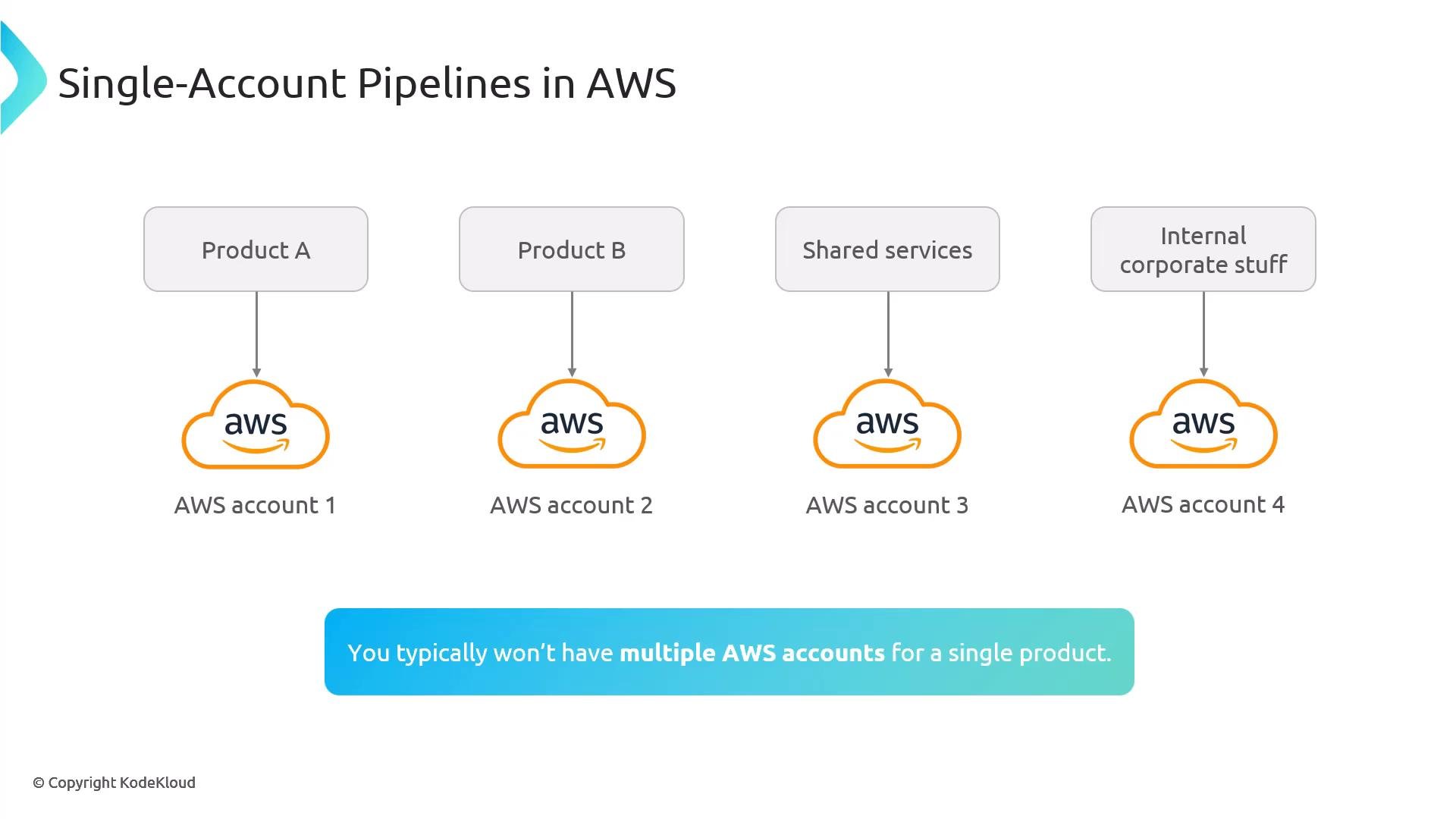
In a single-account model all pipeline stages (Dev, Test, Prod) run inside the same AWS account. This model is commonly used by small teams, startups, or internal tooling where strict isolation and heavy compliance controls are not required. Advantages:- Easier to set up and operate; fewer cross-account IAM/trust relationships.
- Lower administrative overhead and often lower operational complexity.
- Faster feedback loop and simpler debugging without cross-account boundaries.
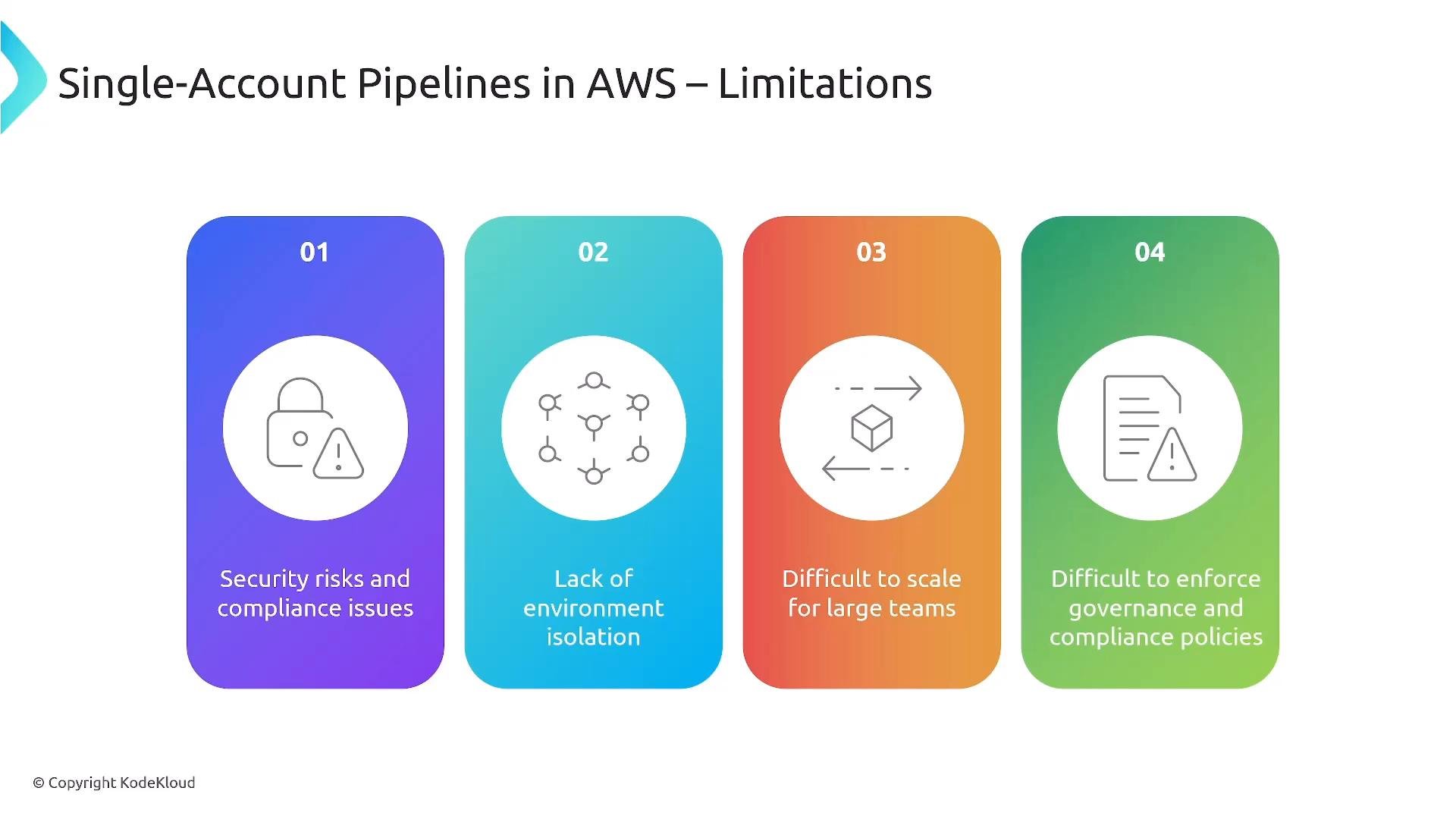
- Provides weaker environment isolation (Dev/Test/Prod share the same account).
- Per-account service quotas can become bottlenecks; some quotas are hard limits and others require a support request to raise.
- Harder to scale governance and policy enforcement across many teams if you later require stricter separation.
- Less protection against accidental cross-environment impact compared to multi-account isolation.
Multi-account pipelines
A multi-account approach separates responsibilities into distinct AWS accounts (for example: Tooling/Shared Services, Development, Test, Production) and manages them under a singleAWS Organizations root. This is common for enterprises and teams that require strong isolation, governance, and compliance.
Advantages:
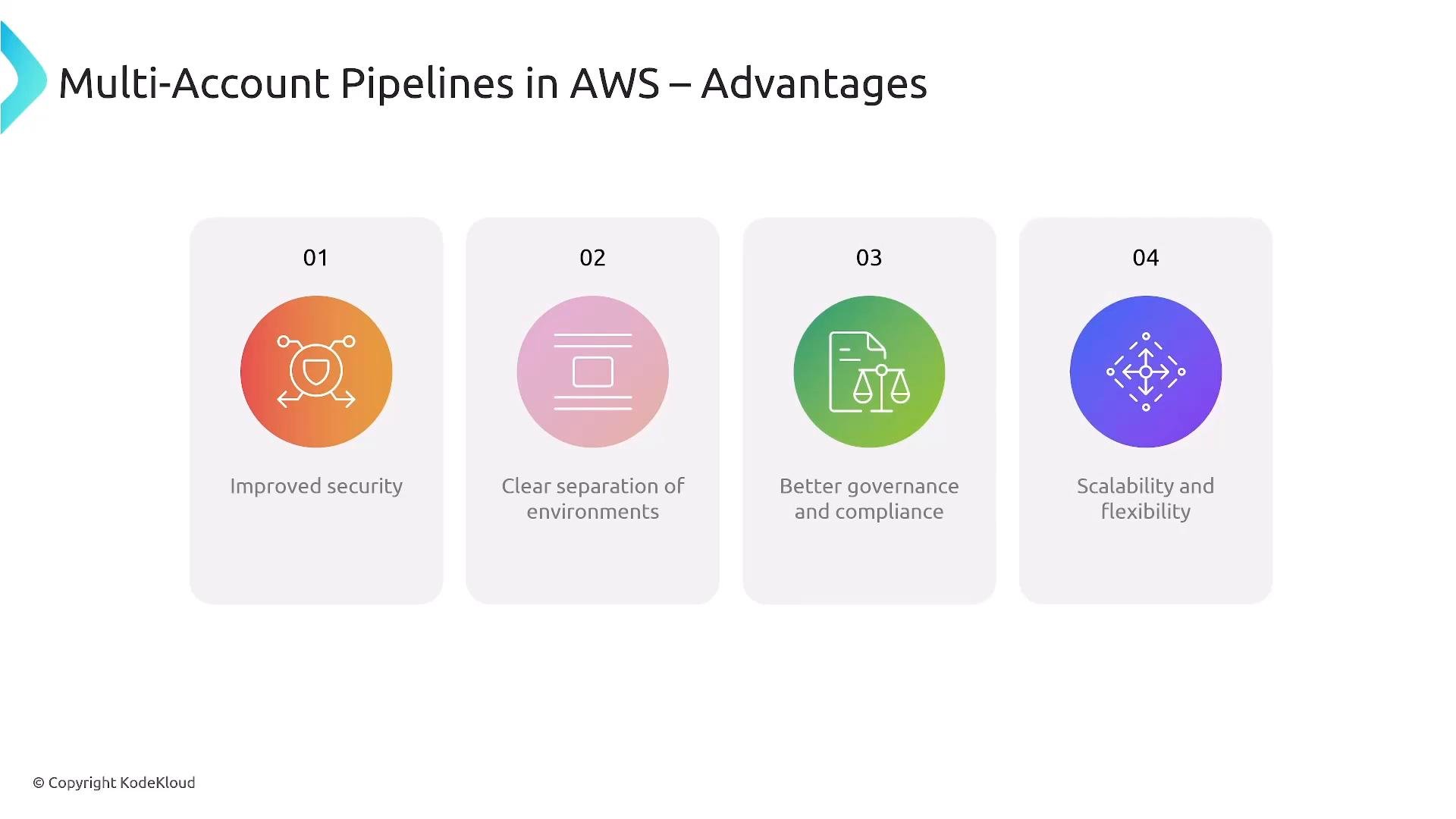
- Strong isolation between environments (Dev/Test/Prod) and workloads.
- Better governance and auditing: separate
CloudTrail,GuardDuty, andAWS Configper account while enabling central aggregation. - Easier to scale teams and delegate responsibility per account, with clearer blast radius boundaries.
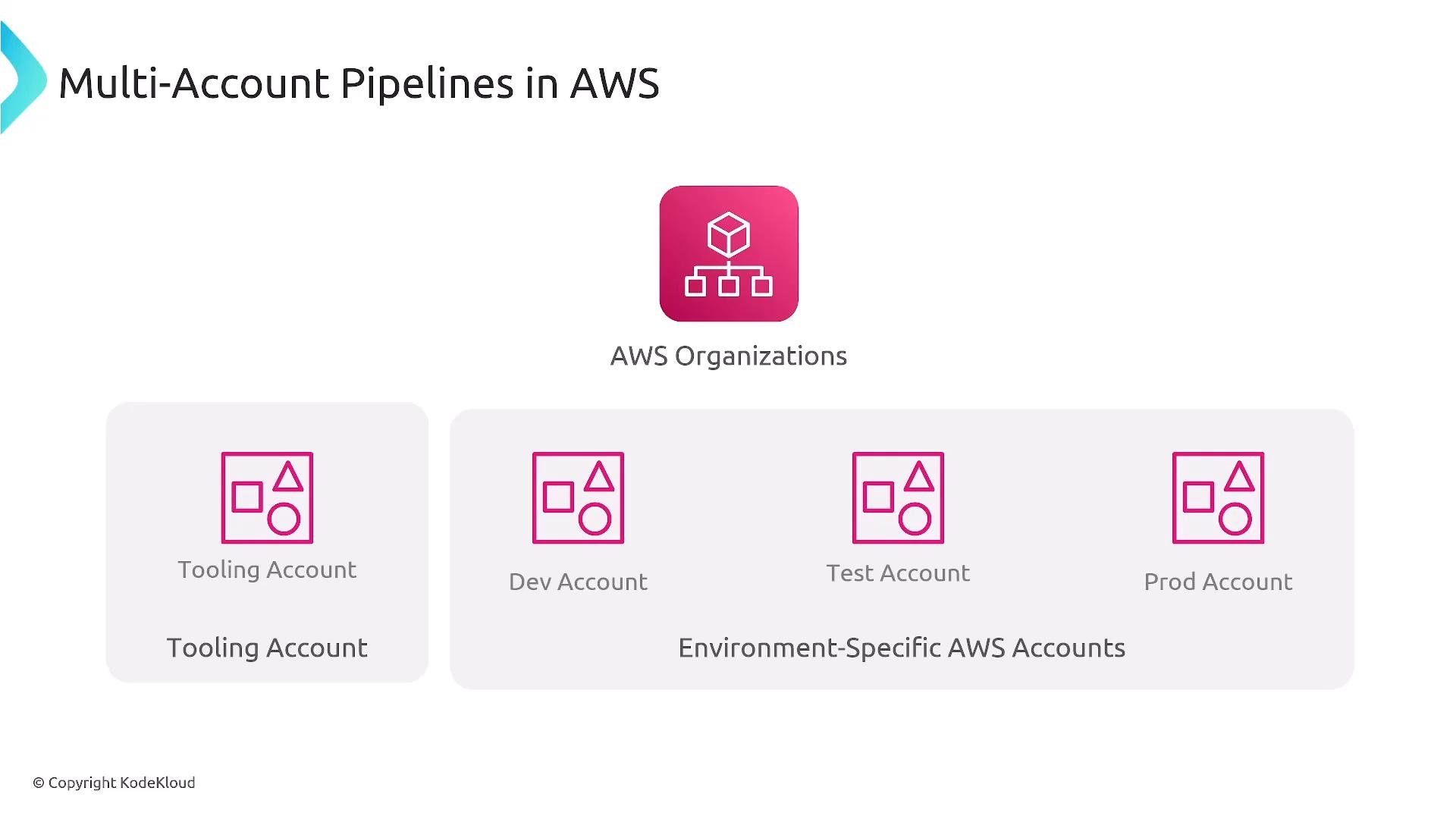
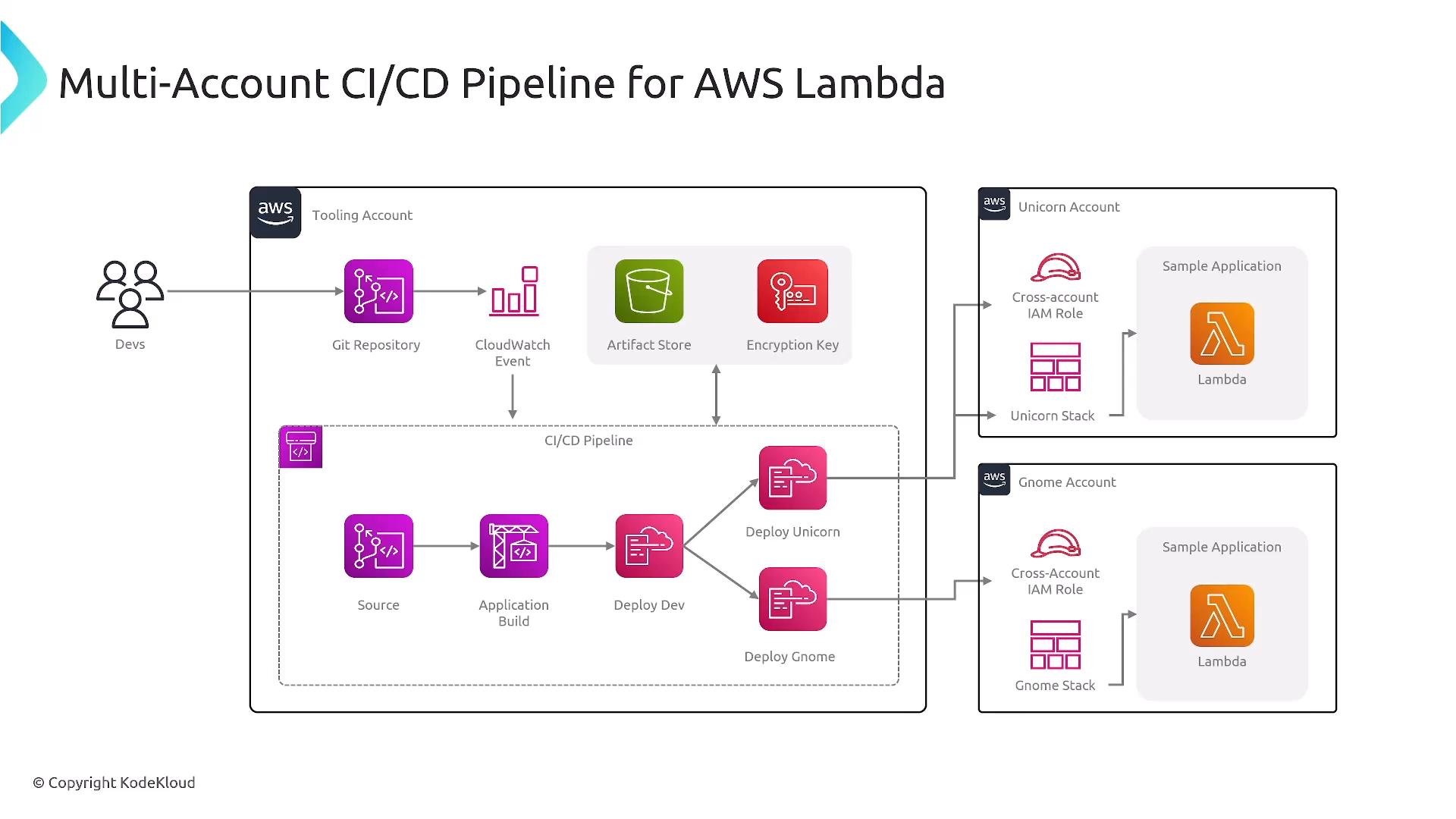
- A central tooling/shared services account hosts CI/CD orchestration (pipelines), artifact stores (
S3,CodeArtifact), secret stores, and developer tools. - Environment accounts (Dev/Test/Prod) contain runtime resources and are target accounts for deployments.
- The tooling account assumes IAM roles in target accounts using established trust relationships. Pipelines assume these cross-account roles to deploy into each environment.
- Users and identities are often federated from a corporate identity provider (SSO/AD/IdP) and granted access to accounts through IAM roles.
- Continuous delivery: artifacts are produced automatically; production deploys require a manual approval step.
- Continuous deployment: deployments to production occur automatically once tests and gates are satisfied.
Serverless and Lambda considerations
Lambda maps well to multi-account pipelines. Common patterns:- Store source, artifacts, and deployment config in the tooling account (or external registry).
- Pipeline in tooling account assumes roles in target accounts to publish new function versions and update aliases.
- Deploy Lambda versions across accounts when IAM trusts,
S3bucket policies, and KMS key grants are configured properly.
CodeDeploy, CloudFormation, or custom scripts in the pipeline to push Lambda artifacts into the target account and manage traffic shifting via aliases.
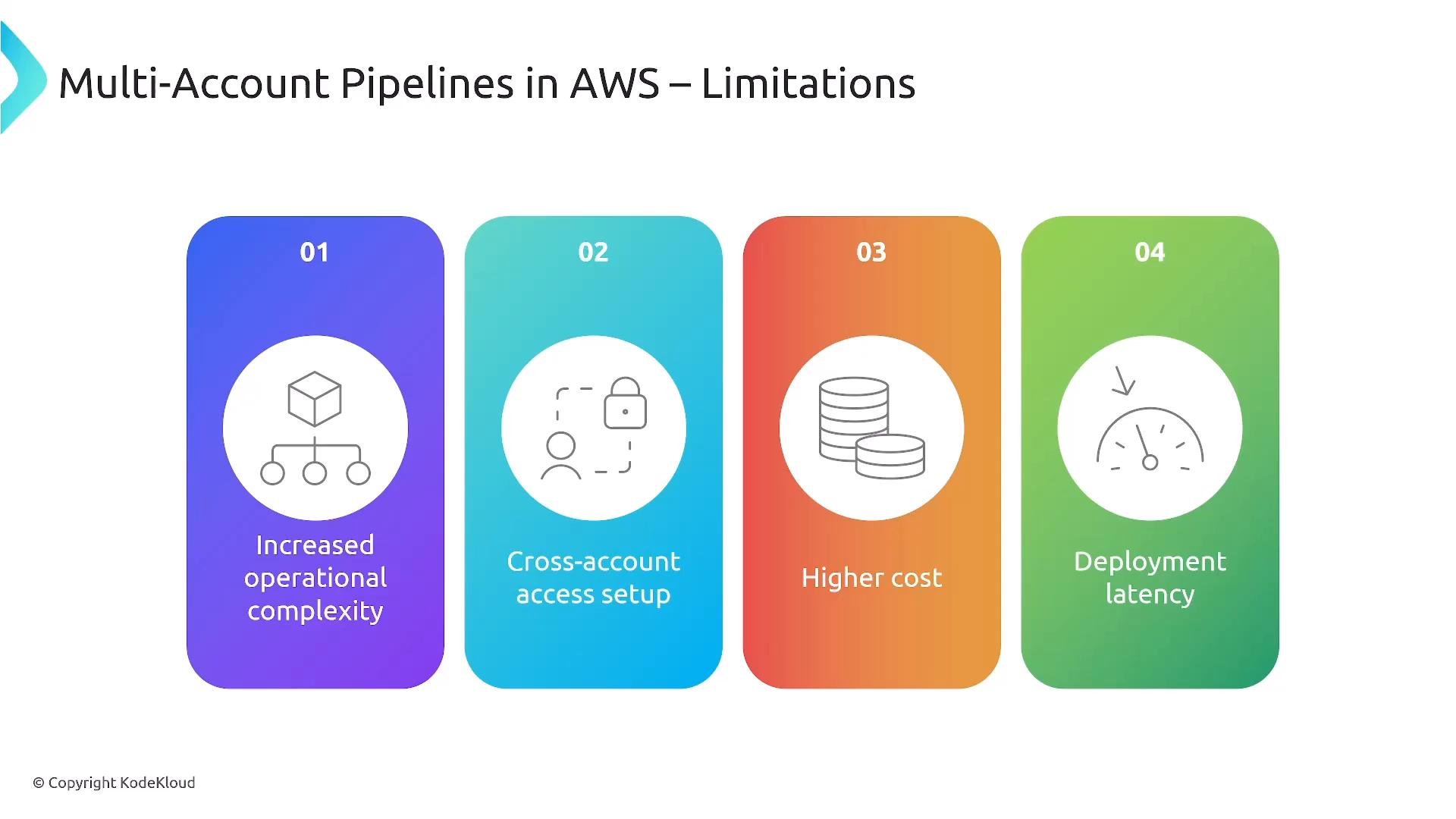
- Operational complexity: more accounts require centralized logging, monitoring, automation, and guardrails to avoid drift.
- Cross-account setup overhead: configure IAM trusts, least-privilege roles, and secure cross-account access patterns.
- Potentially higher costs for aggregated monitoring, logging, or security tooling (account separation by itself is not inherently expensive).
- Possible deployment latencies due to cross-region or cross-account artifact transfers.
Cross-account pipeline example
A common pattern:- Pipeline in the tooling account is triggered by a source event (e.g., merge to
main, via EventBridge). - The pipeline runs builds and tests and publishes artifacts to a centralized artifact store (
S3,CodeArtifact). - Pipeline deploys to Dev/Test in their respective accounts by assuming targeted IAM roles.
- After validation and approvals, the pipeline assumes a
productionrole to deploy the artifact into the production account.
- Centralizing source and artifacts (tooling account or managed external service) improves isolation and reduces accidental exposure.
- If artifacts are hosted in one account and deployed in others, make sure
S3bucket policies,KMSkey grants, and IAM role permissions are configured to avoid inadvertent access.
Best practices: centralize logging/auditing (aggregate
CloudTrail and AWS Config), apply least‑privilege IAM roles for cross‑account deployments, and consider AWS Control Tower or automation to enforce baseline guardrails across accounts.Comparison summary
How to choose
- Start with questions: compliance requirements, team scale, blast radius tolerance, and governance needs.
- If strict isolation, audit trails, or regulatory compliance are required → prefer multi-account.
- If speed, simplicity, and low operational burden are the priority → single-account may be acceptable.
- Consider a hybrid approach: keep tooling centralized while isolating runtime environments.
Final notes
- Both single- and multi-account CI/CD pipelines are valid. Choose based on security, compliance, and scalability needs.
- The deployment pattern remains consistent: source → build/test → artifact → deploy into target account(s) using role assumption and secure artifact access.
- Implement centralized visibility (logging, monitoring, and policy enforcement) to reduce operational risk regardless of account topology.