

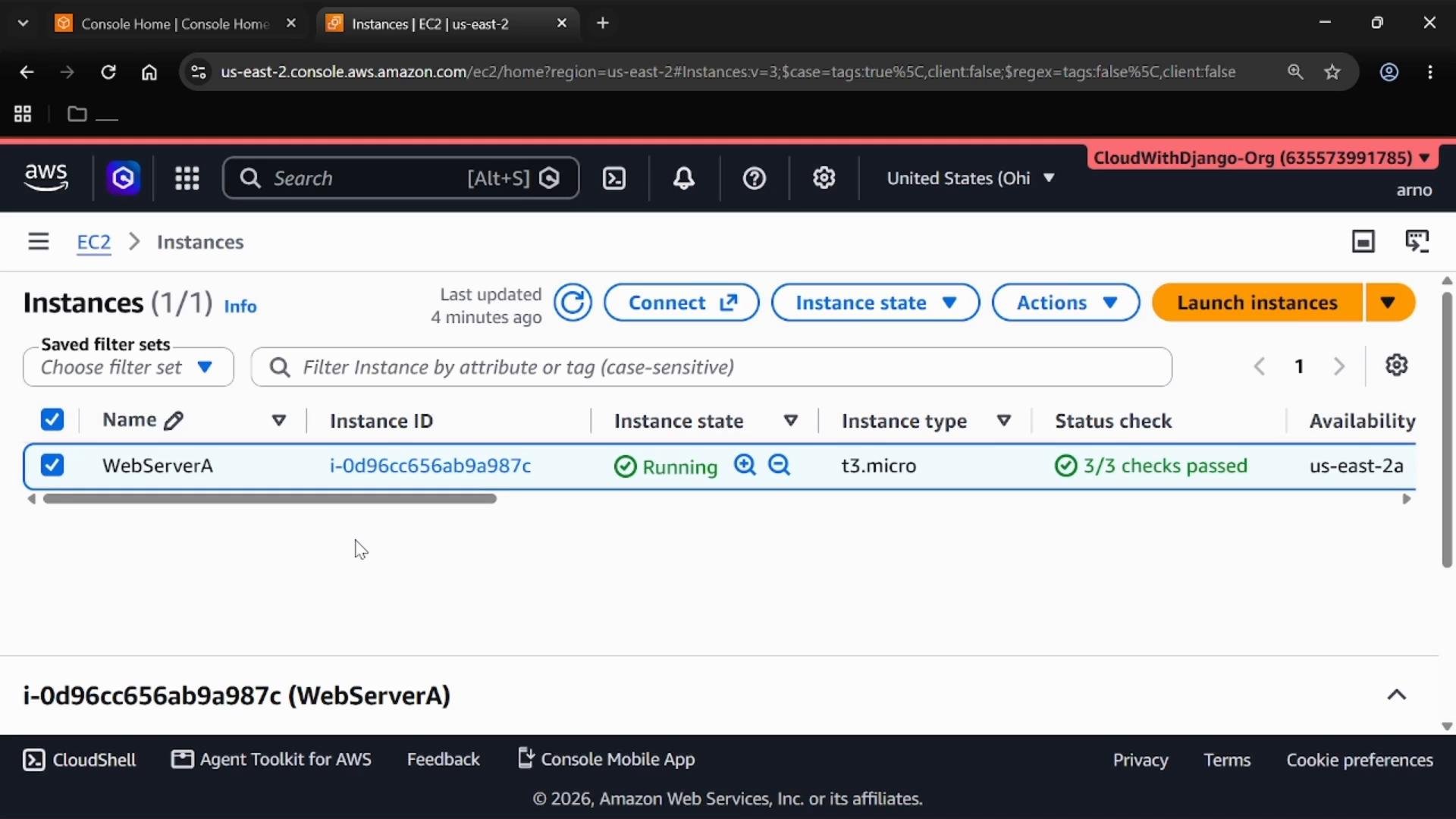
Understand EC2 status checks
EC2 status checks are layered so you can quickly locate whether the issue is infrastructure, instance-level, storage, or application-specific.
These checks let you eliminate layers quickly: infrastructure → OS/configuration → storage → application.
Correlate status checks with CloudWatch metrics and alarms
The instance details show related CloudWatch metrics such as:StatusCheckFailed_SystemStatusCheckFailed_InstanceStatusCheckFailed_EBSVolumeStatusCheckFailed_Application(if configured)
Retrieve system logs and run in-guest diagnostics
WhenInstance status fails, start by collecting the system log and any instance-level diagnostics:
- From the console: use Instance Settings → Get System Log (or “Get system log”) to download or copy the boot/system log.
- For Linux instances: use the serial console (if enabled) or AWS Systems Manager Session Manager (requires SSM agent and proper IAM permissions) to run diagnostics without SSH. See: https://docs.aws.amazon.com/systems-manager/latest/userguide/session-manager.html
- For Windows instances: use Get instance screenshot in the EC2 console or Systems Manager tools for remote diagnostics.
Instance status failure.
Investigation workflow — step by step
-
Identify which status check failed
System status→ likely AWS-host or network issue.Instance status→ guest OS or instance-level configuration.EBS status→ storage or volume attachment/I/O problems.Application status→ application health checks or dependencies.
-
Correlate with CloudWatch
- Inspect the metric time series for the failing check.
- Review alarm history and triggered actions to understand timing and recurrence.
-
Collect diagnostics
- Download the system log.
- Connect using Session Manager or the serial console for interactive troubleshooting.
- For Windows, collect screenshots and event logs via Systems Manager.
-
Apply corrective actions based on the failure type
- System host/network (
System status):- Consider enabling EC2 Auto Recovery via a CloudWatch alarm on
StatusCheckFailed_System. - Validate instance type and region support for auto recovery before relying on it.
- Consider enabling EC2 Auto Recovery via a CloudWatch alarm on
- Guest OS (
Instance status):- Inspect logs, repair boot configuration, revert recent changes, or detach the root volume and mount it on another instance for offline repair.
- Storage (
EBS status):- Check volume attachment state, run filesystem checks (
fsckfor Linux), review snapshots, and restore or replace volumes if needed.
- Check volume attachment state, run filesystem checks (
- Application (
Application status):- Review application logs, health endpoints, dependencies (DB, cache), and configuration; fix at application level.
- System host/network (
Recommended corrective-action matrix
When possible, instrument instances with AWS CloudWatch and SSM (Session Manager) ahead of time. These tools greatly simplify post-failure investigation and enable non-disruptive diagnostics (for example, retrieving logs or running commands without SSH). See AWS Session Manager docs: https://docs.aws.amazon.com/systems-manager/latest/userguide/session-manager.html
Important caveat about automatic recovery
Auto recovery actions (for example, CloudWatch alarm -> “Recover this instance”) are useful for many host-level failures, but they have preconditions: not all instance types or regions support automatic recovery, and some recovery actions may change the underlying host (new host permissions, new hardware). Validate compatibility and have backup strategies (AMIs, snapshots) before relying on automation.
Summary checklist
- Start at the Status and alarms area to identify the failing layer.
- Use CloudWatch metrics and alarm history to understand timing and frequency of failures.
- Retrieve system logs and use SSM/serial console for in-guest diagnostics.
- Apply corrective actions mapped to the failing layer: host recovery, in-guest fixes, storage restore, or application fixes.
- Instrument instances proactively with CloudWatch and SSM to speed future investigations.
Links and references
- AWS Systems Manager Session Manager: https://docs.aws.amazon.com/systems-manager/latest/userguide/session-manager.html
- EC2 status checks and troubleshooting (AWS Docs): https://docs.aws.amazon.com/AWSEC2/latest/UserGuide/monitoring-system-instance-status-check.html
- AWS CloudWatch alarms: https://docs.aws.amazon.com/AmazonCloudWatch/latest/monitoring/AlarmThatSendsEmail.html