

Prerequisites
Ensure the following are installed and configured before starting:
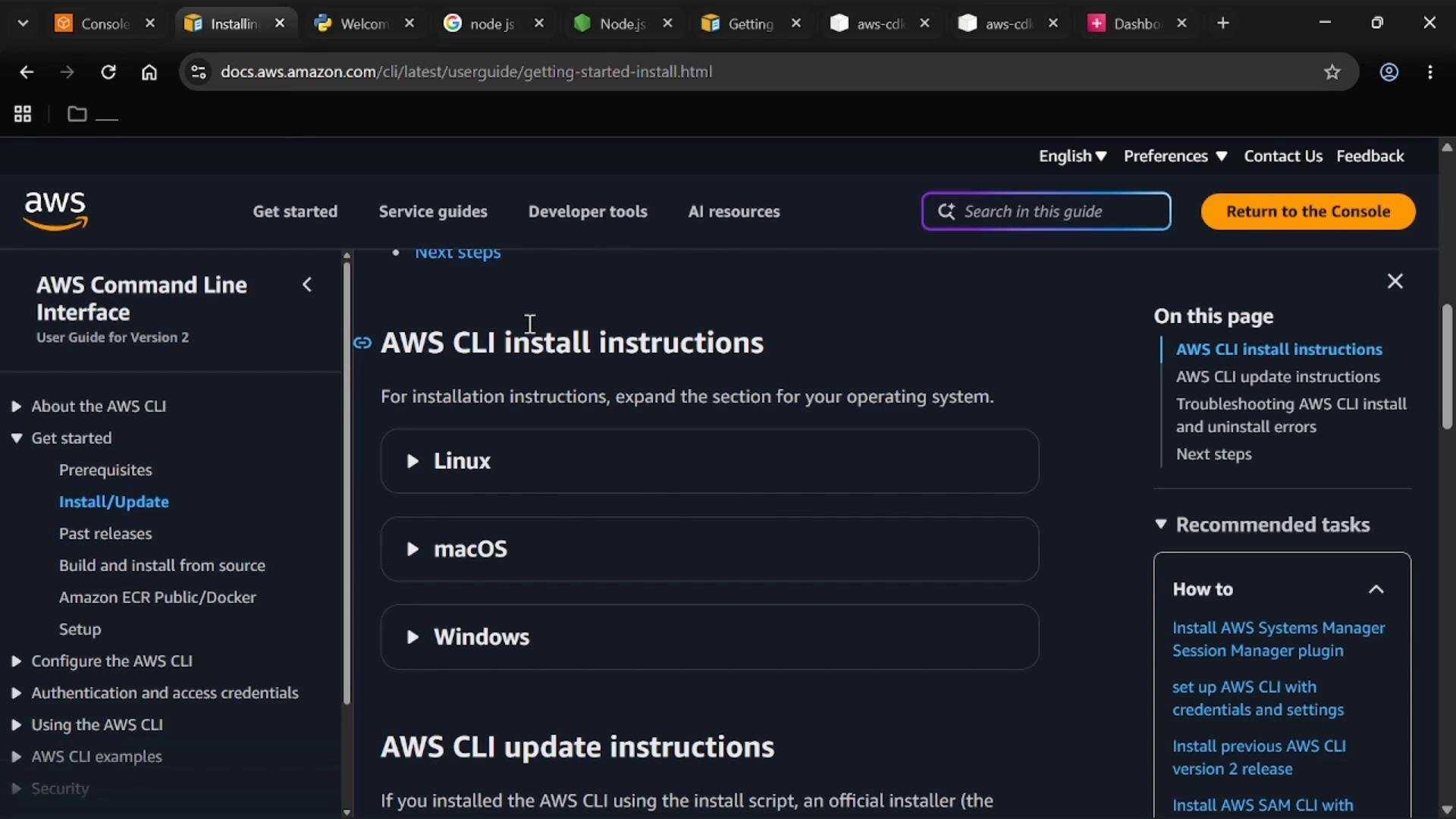
First, install and configure the AWS CLI so your local environment can authenticate to AWS.
Node.js & CDK CLI
Install Node.js (or usenvm to manage versions). Example Unix-like shell commands:
Python CDK libraries
For CDK v2, install the consolidated libraries into your project environment (virtualenv recommended):aws-cdk-lib (older tutorials that reference aws-cdk.aws-s3 are outdated).
AWS credentials and IAM
Create an IAM user with programmatic access and attach the required policies. For experimentation in a controlled account,AdministratorAccess is convenient; for production follow least-privilege practices.
Configure the AWS CLI with the user’s credentials:
Protect your access keys. Do not commit credentials to source control. Use IAM roles, secrets managers, or temporary credentials for production workflows.
cls to clear the prompt; on macOS/Linux use clear.
Create the CDK project
Open a terminal in your workspace (for example,~/Desktop) and scaffold a Python CDK app:
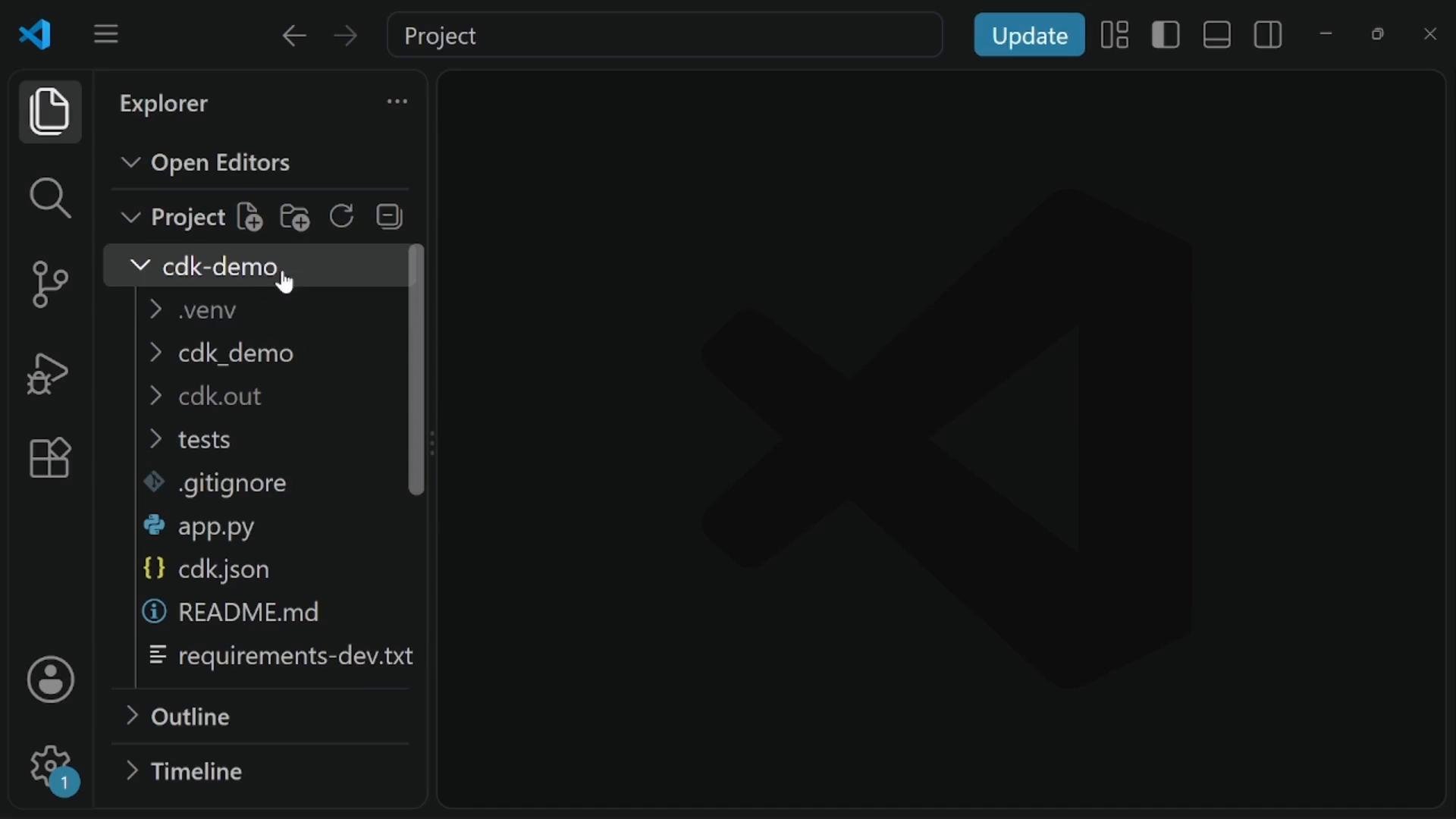
cdk init scaffolds a Python project with files like app.py, cdk.json, a package directory that contains the generated stack file, and requirements.txt.
You should now see the generated files in your editor.
Edit the stack to add an S3 bucket
Open the generated stack file inside the project package directory (the directory named after your project). Modify the stack to import the S3 construct and create a bucket. A minimal CDK v2 Python stack example:s3.Bucket(self, "ConstructId")defines a bucket construct inside the stack. The construct ID (here"My-KodeKloud-bkt-cld2") uniquely identifies the resource in the CDK app.- The construct ID is an internal identifier; the physical S3 bucket name is generated by CDK unless you pass
bucket_name="your-bucket-name". - Ensure the stack
__init__signature includes**kwargsand callssuper().__init__(...)to accept standard CDK options.
Bootstrap the environment
Before deploying, bootstrap the target AWS environment so CDK can create required deployment resources (assets bucket, execution role, etc.):Bootstrapping requires the AWS credentials you configured and sufficient IAM permissions. If bootstrapping fails, verify your IAM user’s permissions and the configured AWS region.
Inspect the synthesized CloudFormation template
To review the CloudFormation template CDK will generate from your Python code:Deploy the stack
Deploy your stack to the configured account and region:Verify resources in the AWS Console
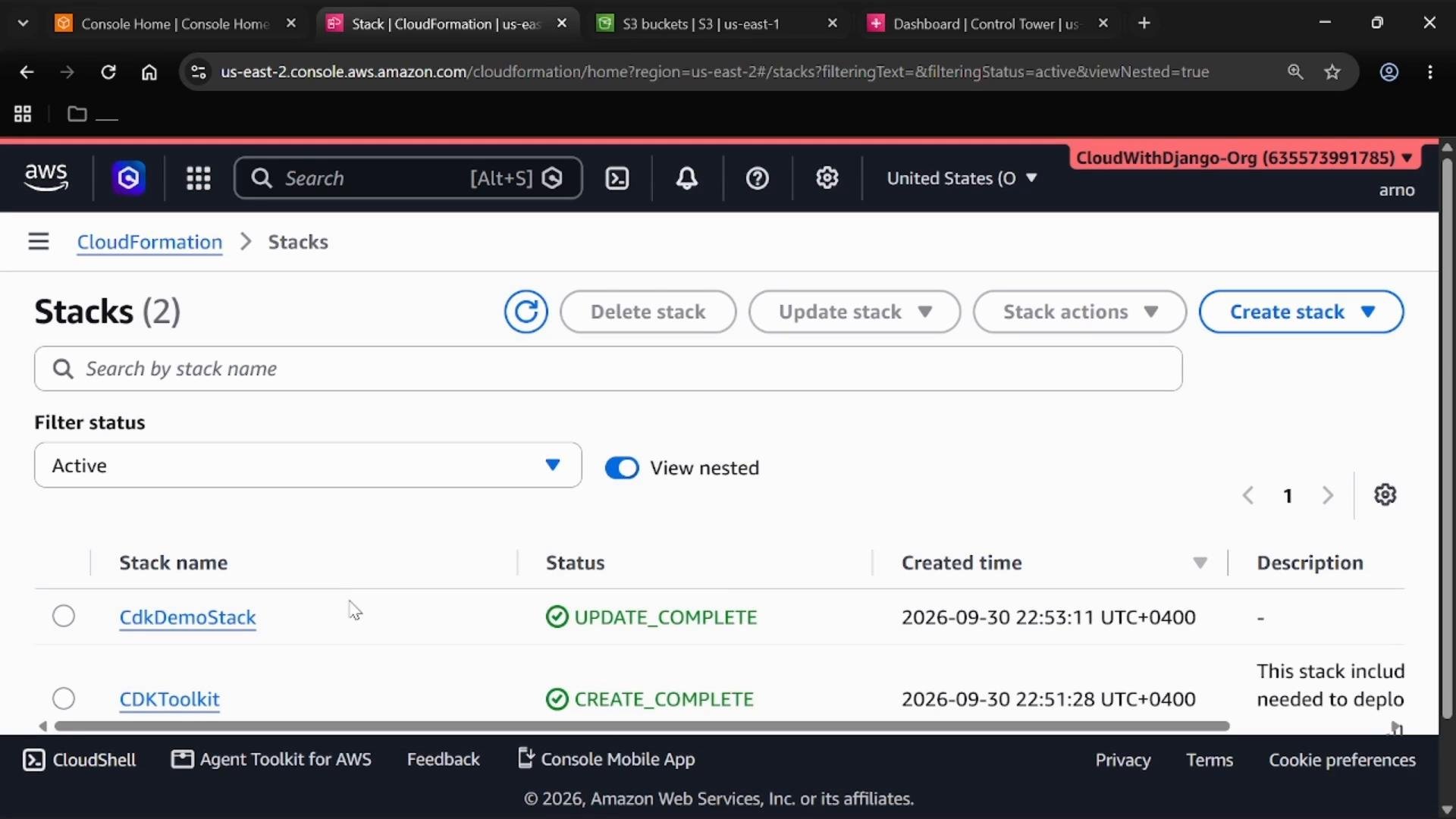
- Open the AWS Management Console and navigate to CloudFormation — confirm the deployed stack appears in Stacks.
- In the same region, open the S3 console to view the created bucket.
Useful CDK commands
Use these commands during development and cleanup:Links and references
- AWS CLI installation: https://docs.aws.amazon.com/cli/latest/userguide/getting-started-install.html
- AWS CDK documentation: https://docs.aws.amazon.com/cdk/latest/guide/home.html
- CDK Python guide: https://docs.aws.amazon.com/cdk/latest/guide/work-with-cdk-python.html
cdk diff to preview changes and cdk destroy to clean up.