

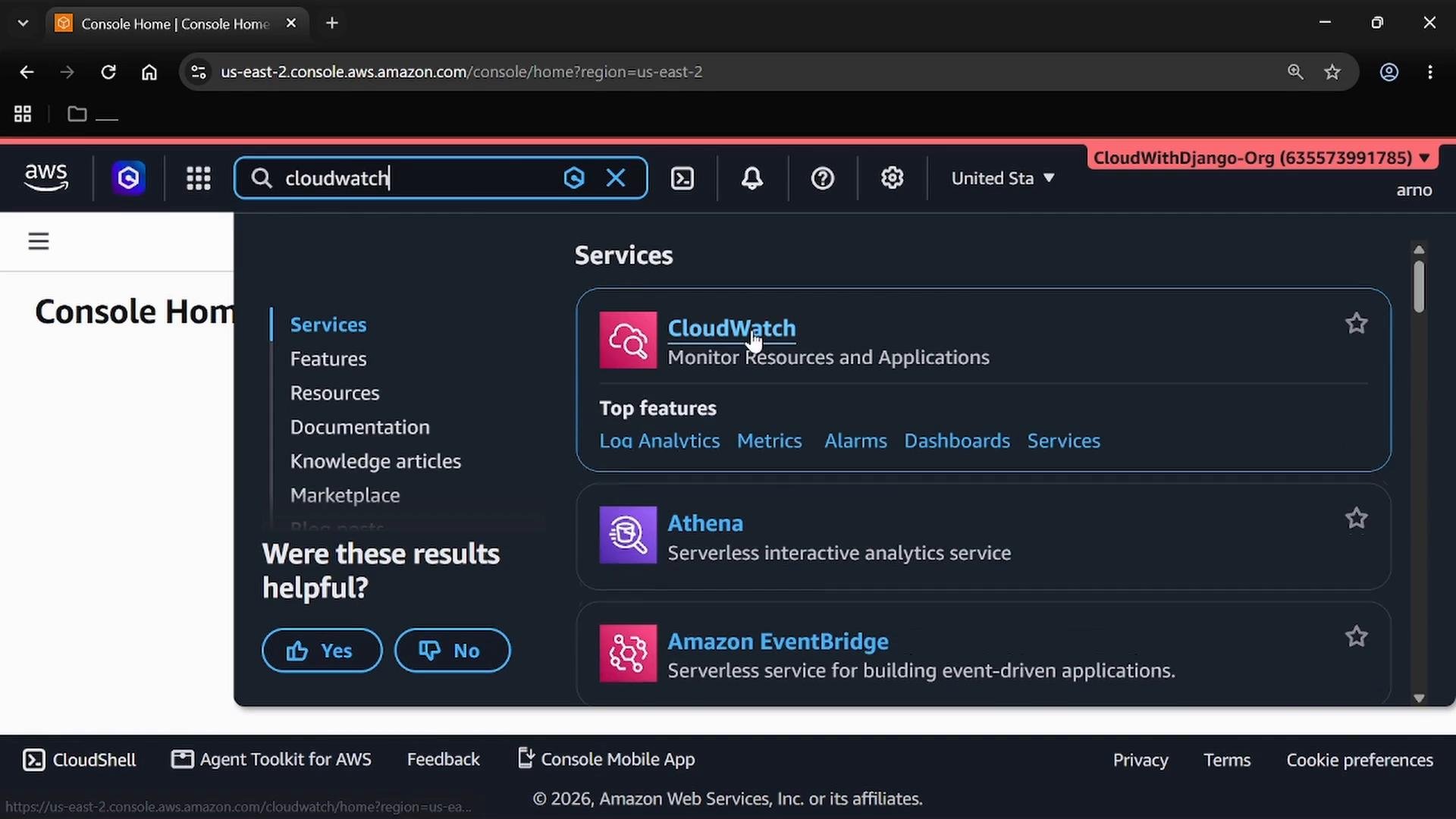
- From the AWS Management Console, type “CloudWatch” in the service search to jump to CloudWatch quickly.
- Metrics are time-ordered measurements that represent the state or performance of an AWS resource or application (for example,
CPUUtilization,NetworkIn, orRequestCount). - CloudWatch collects and stores metric measurements so you can visualize trends, create dashboards, and trigger alarms based on thresholds or anomalies.
- In CloudWatch, open the left-hand menu and choose Metrics. From here you can choose:
All metrics— a namespace-oriented list of available metrics.Metrics Explorer— an interactive way to search, filter, and visualize metrics.
- Metrics Explorer is the fastest way to explore large sets of metrics (type
EC2to filter to EC2-related metrics, for example).
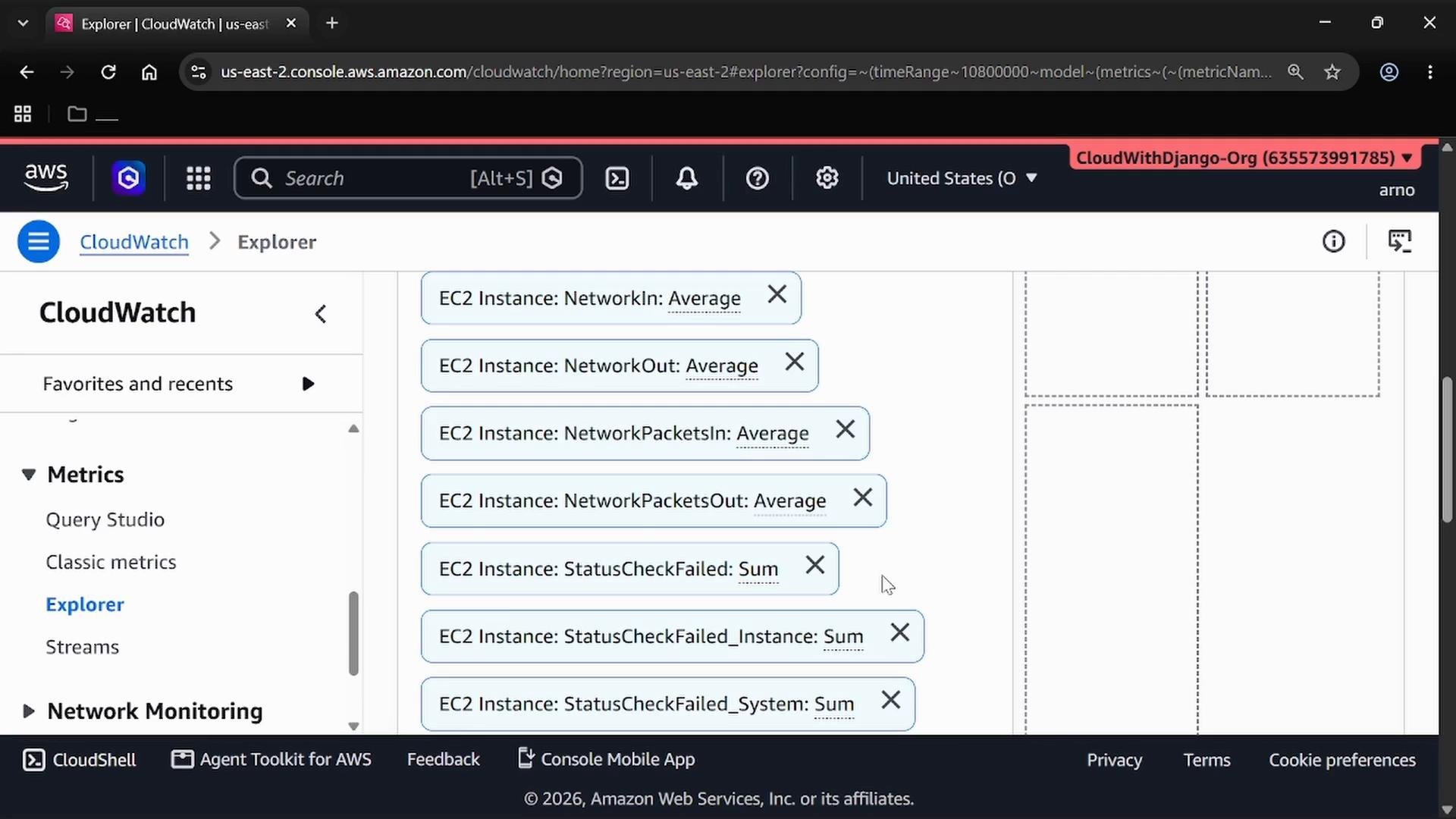
All metrics or Explorer) you’ll see per-instance and aggregated metrics such as CPUUtilization, DiskReadOps, NetworkIn, NetworkOut, NetworkPacketsIn, and NetworkPacketsOut.
The classic CloudWatch console groups metrics by namespace. The example below shows EC2 metrics in the CloudWatch Explorer.
- Namespace: A container that groups related metrics by AWS service or by your application. Namespaces avoid naming collisions and make metrics easier to find. Examples:
AWS/EC2,AWS/ApplicationELB,AWS/ELB(classic). - Dimension: A name/value pair that scopes a metric to a specific resource (for example,
InstanceIdfor EC2). Dimensions let you filter or aggregate metrics for single resources or resource groups.
Drilling into EC2 metrics
- Use filters to view metrics by
AutoScalingGroupNameor by individualInstanceId. - Selecting a metric reveals its dimensions — confirm which
InstanceId(or other identifier) the data belongs to before analyzing or creating alarms. - Many useful EC2 measurements include
CPUCreditUsage,EBSReadBytes, andStatusCheckFailed_Instance.
- Metric = measurement (a time series)
- Namespace = group of related metrics (service or application)
- Dimension = attribute that identifies which resource the metric applies to
When exploring metrics, start in Metrics Explorer to quickly find the namespace you need (for example
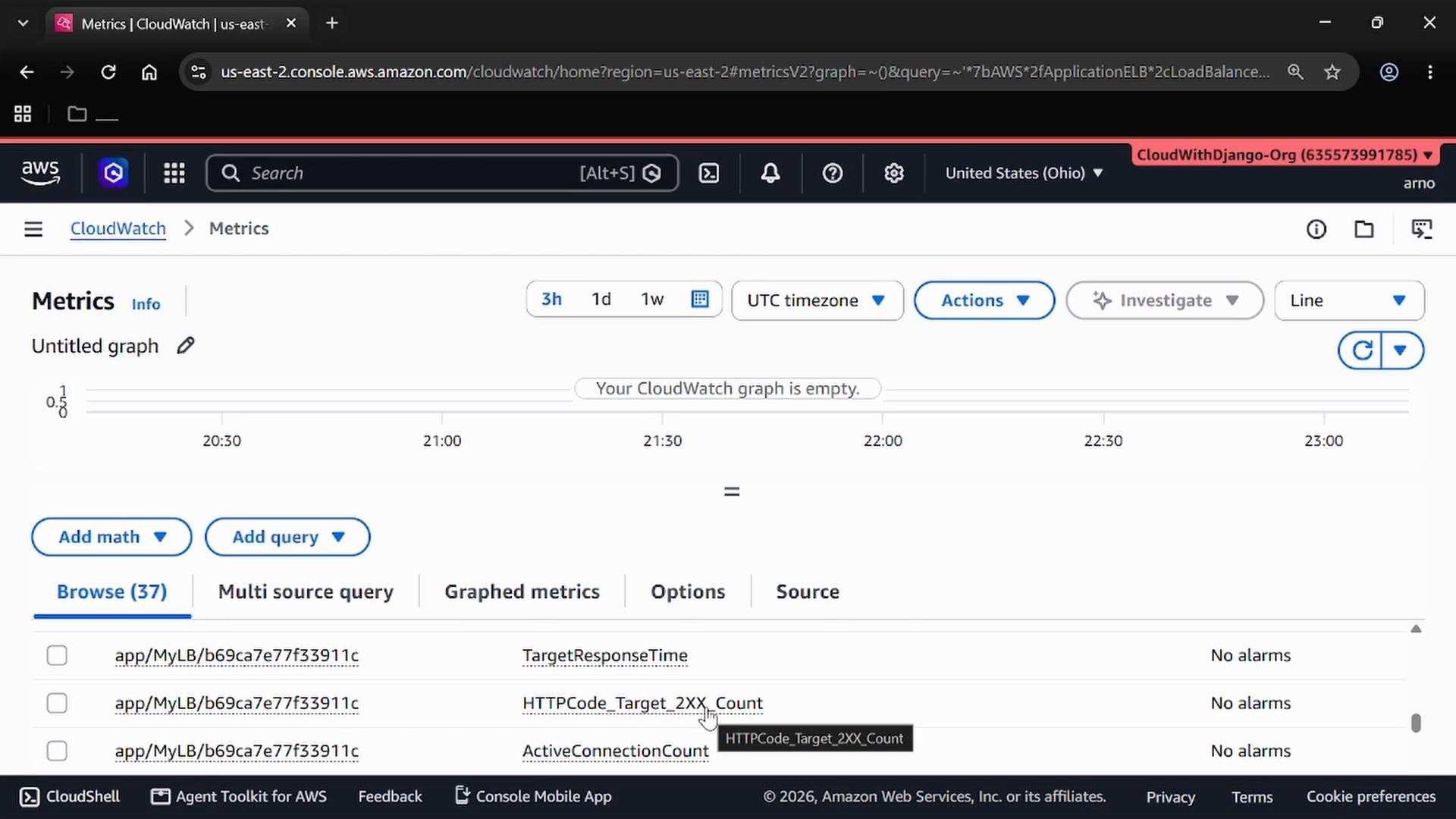
AWS/EC2), then inspect dimensions like InstanceId to narrow results to a single resource.- Switching the Explorer to the ALB (Application Load Balancer) namespace surfaces ALB-specific metrics such as
TargetResponseTime,HTTPCode_Target_2XX_Count, andActiveConnectionCount. - ALB metrics are designed around request handling, response codes, response times, and load balancer capacity (LCUs).
- You can also use the AWS CLI to list metrics for a given namespace. Example: list EC2 metrics in the
us-east-1region.
- Use Metrics Explorer as your starting point to quickly locate metrics by namespace and dimension.
- Think of metrics as measurements, namespaces as groups, and dimensions as the attributes that identify resources (e.g.,
InstanceId). - Each AWS service exposes a tailored set of metrics and dimensions — explore the namespace for the service you need to understand what you can monitor and alert on.