

- Create an IAM role that FIS can assume to perform actions on your behalf.
- Create an experiment template that targets one or more resources and defines the fault to inject.
- Start the experiment, monitor progress, and review results (including CloudTrail and FIS logs).
Step 1 — Create the FIS IAM role
- In the AWS Console, open IAM and create a role that FIS can assume.
- The role must include a trust policy allowing the service principal
fis.amazonaws.comto assume it and must grant the permissions required by the experiment (for example, permissions to stop EC2 instances). - Attach least-privilege permissions required for the actions you will run (for example, a policy that allows
ec2:StopInstanceson the target instance(s) andiam:PassRoleif needed).
Step 2 — Create an experiment template
- Open the FIS console and choose “Create experiment template.”
- Define one or more targets using resource identifiers (for example, EC2 instance IDs or tags that match the instances you want to test).
- Add one or more actions (for example,
aws:ec2:stop-instances) and set the action parameters:- Region (for example,
us-east-2) - Duration or timeout, if applicable
- Any additional action inputs required by the action
- Region (for example,
- Associate the experiment with the IAM role you created in Step 1.
- Review and save the template. You can reuse templates for repeatable testing.
Step 3 — Start the experiment and observe
Start the experiment from the FIS console. The experiment will move through these states: Pending → Running → Completed (or Failed). While the experiment runs, monitor FIS’s Timeline, Actions, and Targets views to track progress and action status.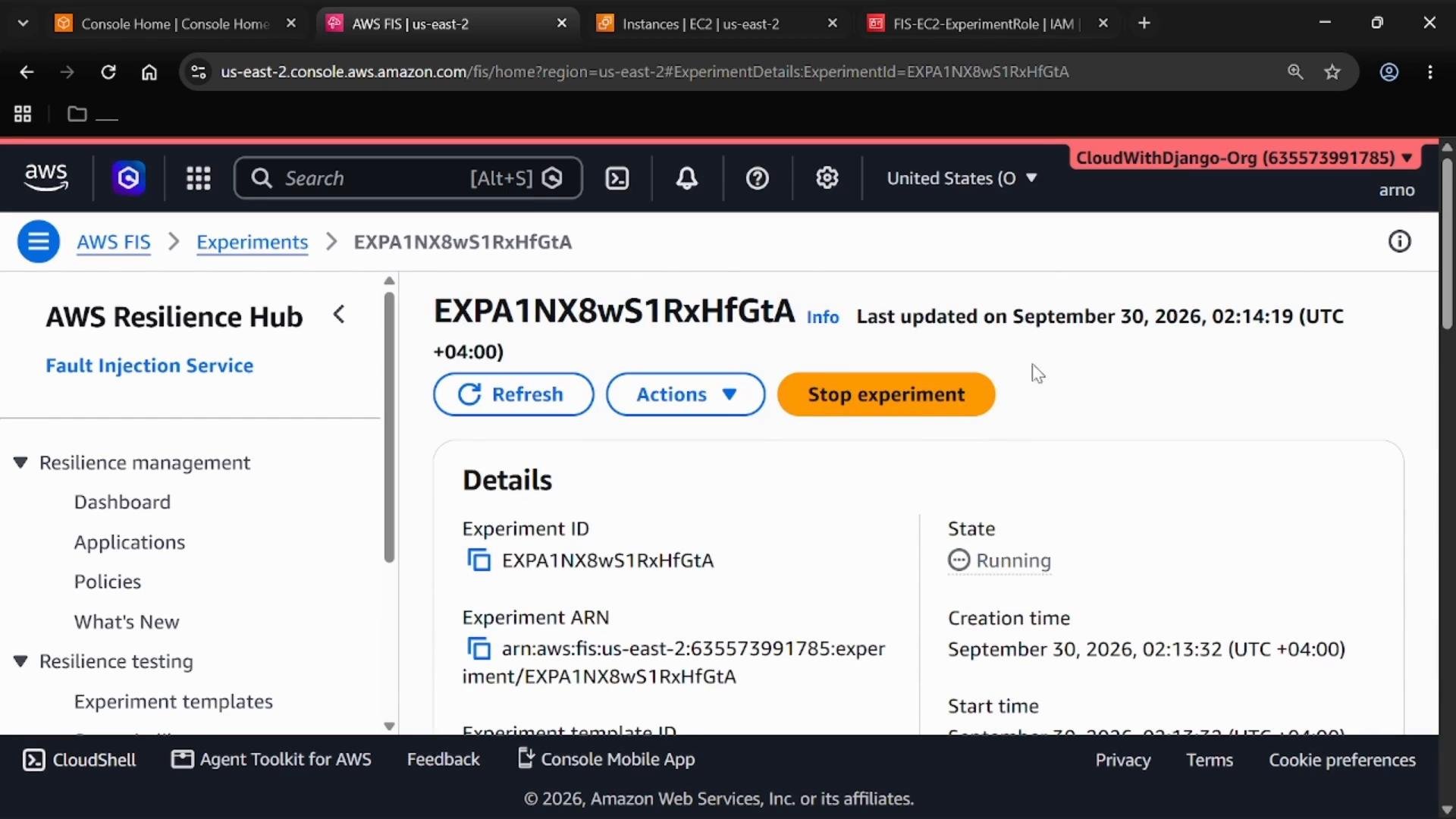
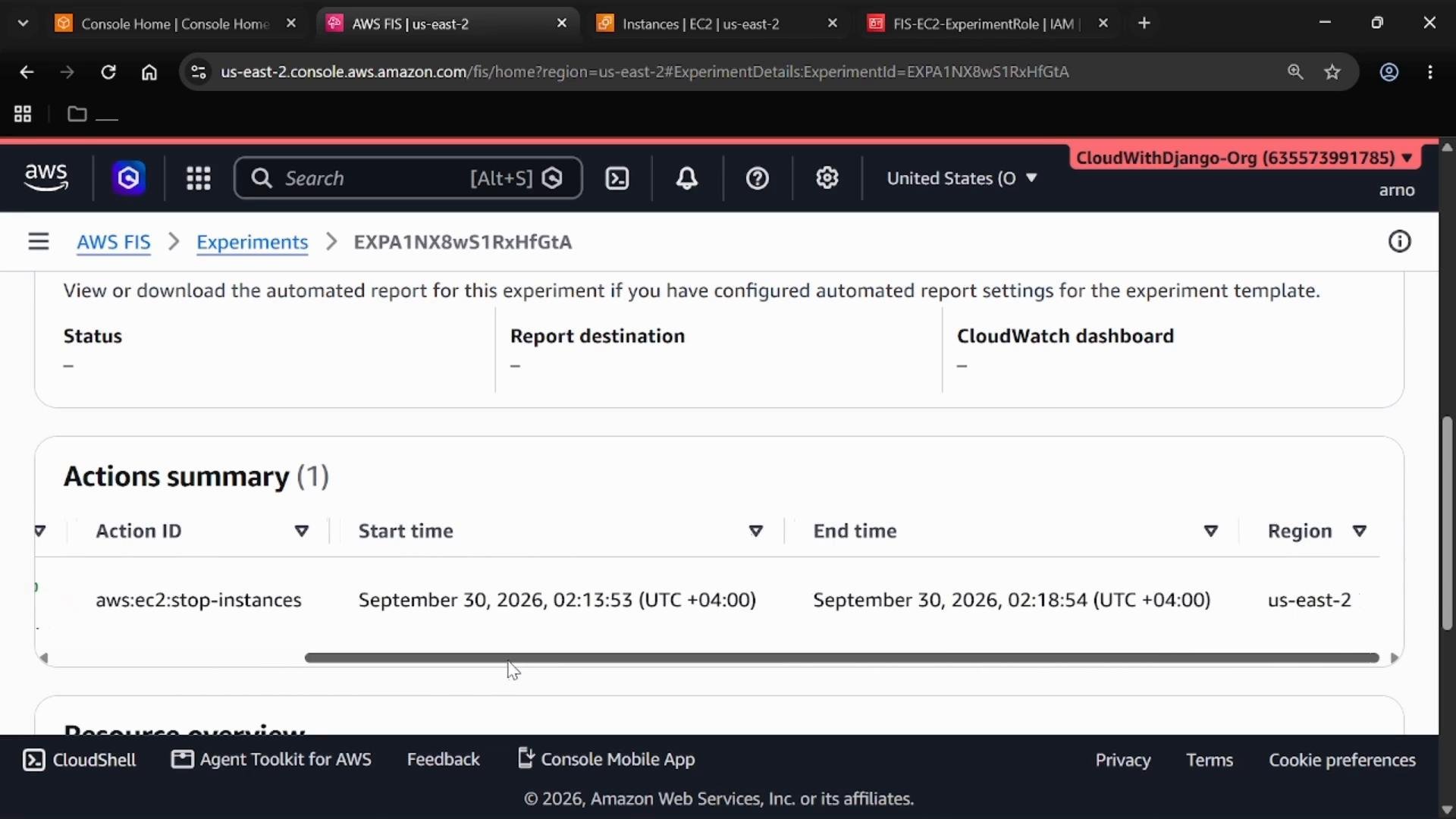
aws:ec2:stop-instances), and the region and target resources.
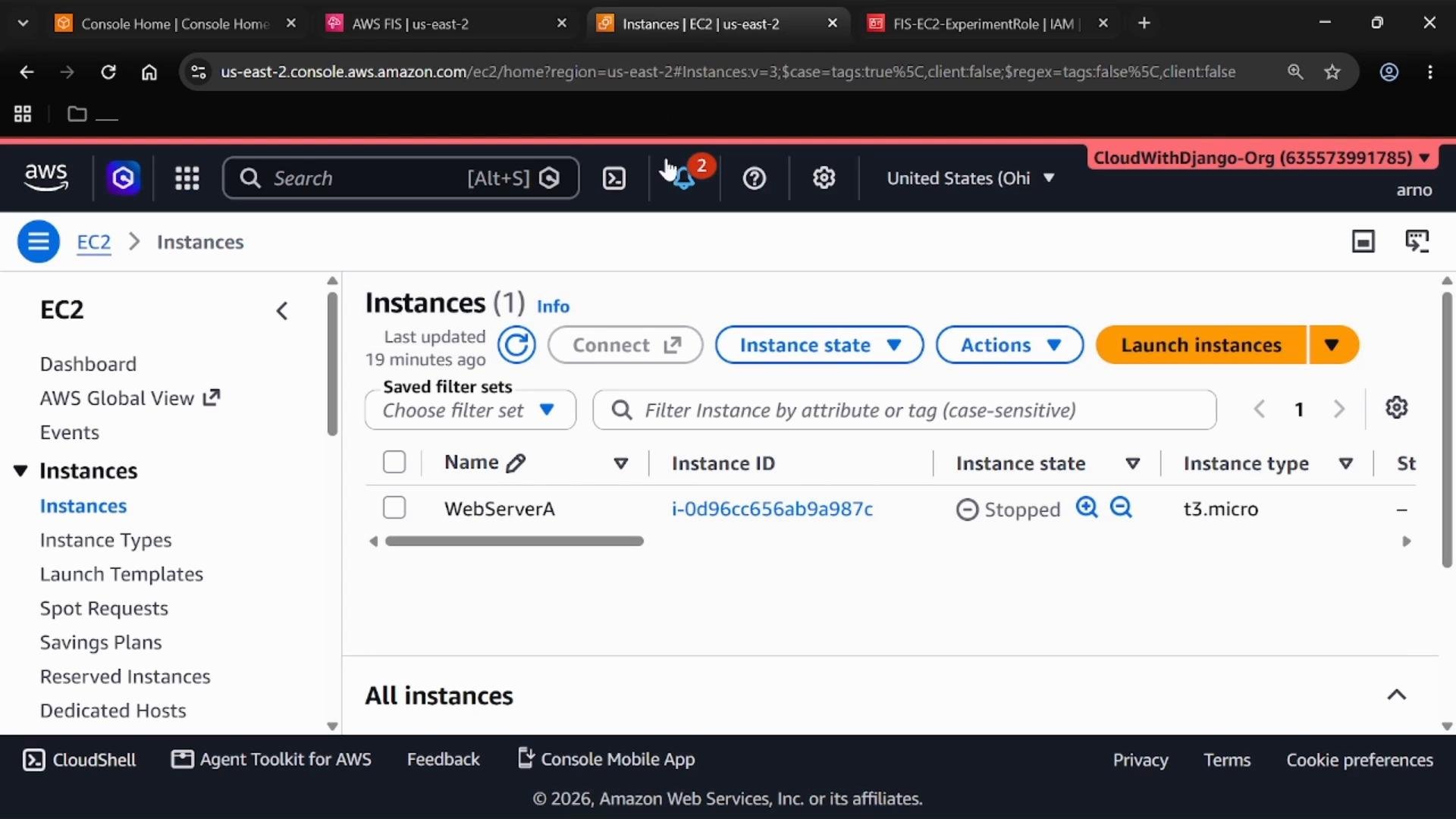
Inspect the stopped EC2 instance in the EC2 console to verify the expected state change:
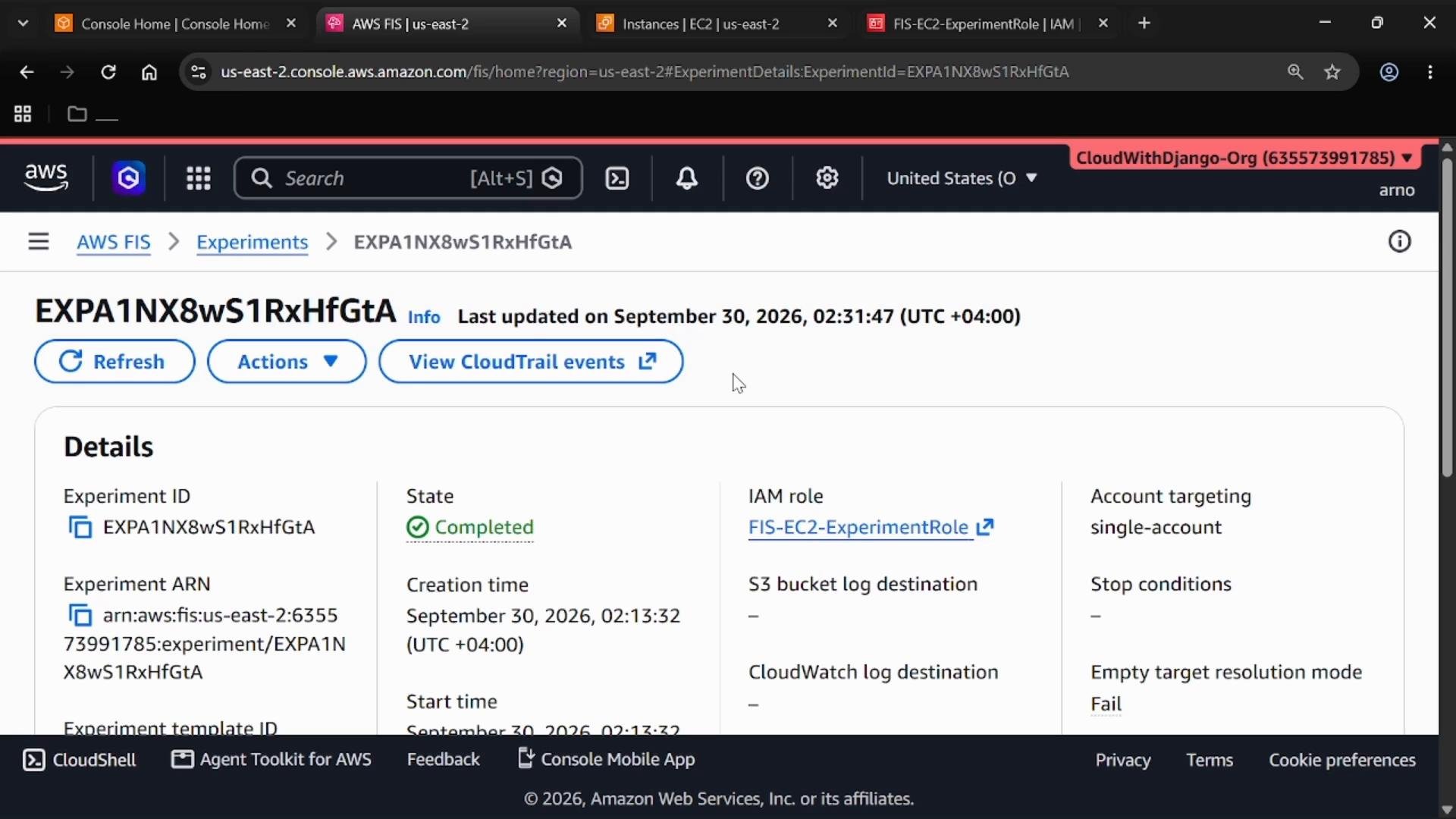
Observability and post-experiment checks
- Use the Timeline view in FIS to monitor remaining duration and progress of actions while the experiment runs.
- Review the Targets and Actions sections to confirm which resources were affected and whether each action completed successfully.
- Check Log events in FIS and consult CloudTrail for a full audit trail of API calls made by FIS during the experiment.
- Validate your monitoring, alerting, and automated recovery mechanisms to ensure they behave as expected during the injected failure.
Links and references
- AWS Fault Injection Simulator (FIS) docs: https://docs.aws.amazon.com/fis/latest/userguide/
- AWS CloudTrail: https://docs.aws.amazon.com/awscloudtrail/latest/userguide/
- IAM documentation: https://docs.aws.amazon.com/IAM/latest/UserGuide/
- EC2 documentation: https://docs.aws.amazon.com/AWSEC2/latest/UserGuide/
Key takeaways for the AWS Certified DevOps Engineer – Professional exam and real-world testing:
- Experiment template: stores experiment configuration and inputs.
- Target: the resource(s) being tested (instance IDs or tag-based selectors).
- Action: the specific fault injected (for example,
aws:ec2:stop-instances). - Experiment role: the IAM role FIS assumes to perform actions.
- Experiment run: executes the template to inject the fault so you can validate monitoring and recovery behavior.