

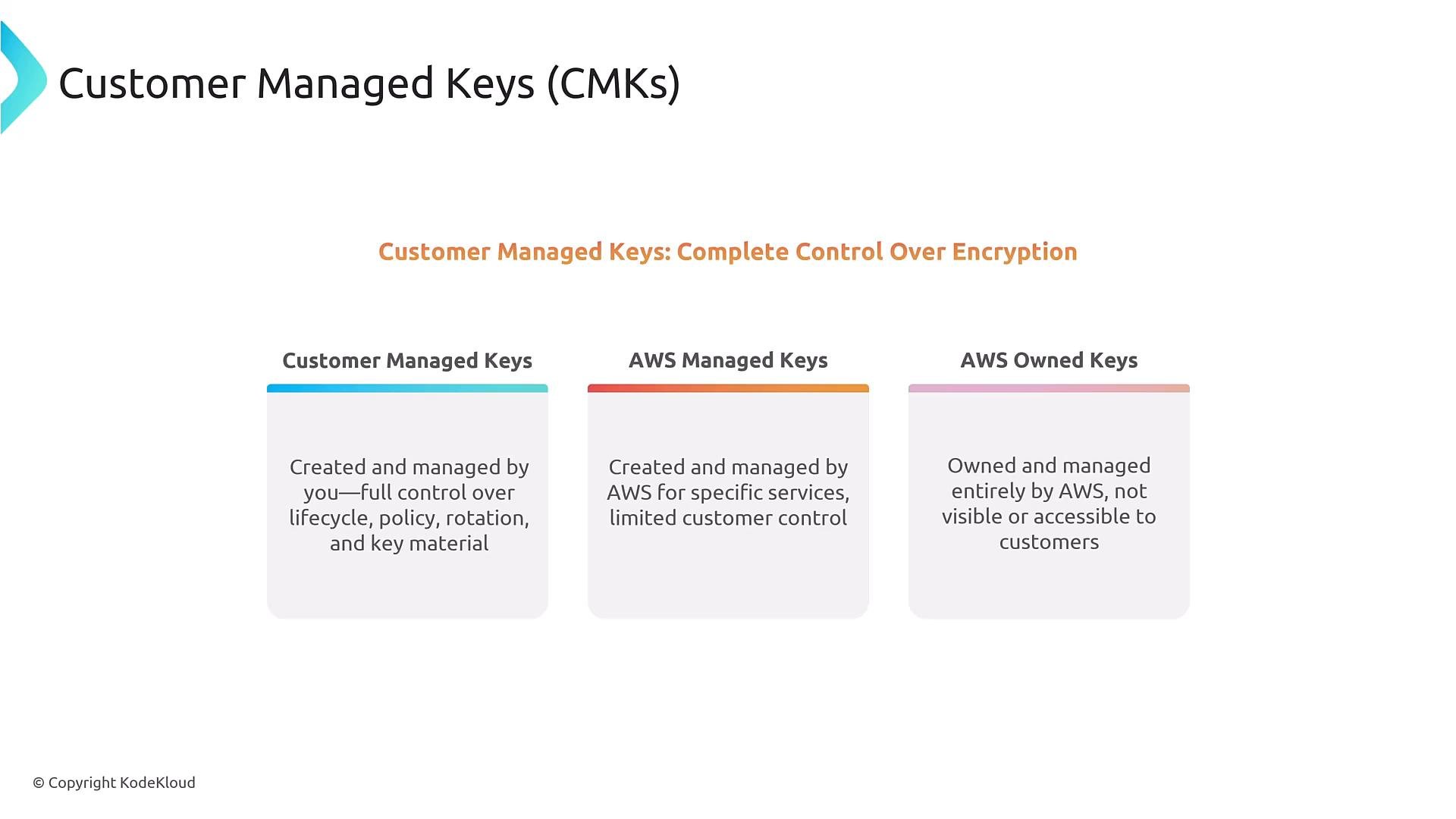
- AWS owned keys — managed entirely by AWS for internal service use.
- AWS managed keys — created and managed by AWS for use by specific services; visible to you with limited control.
- Customer managed keys (CMKs) — created and managed by you; full control over policies, rotation, grants, and (optionally) imported key material.
- Enabled — key is active for cryptographic operations.
- Disabled — key cannot be used until re-enabled.
- Pending deletion — after you schedule deletion, the key enters a waiting period before it is permanently deleted.
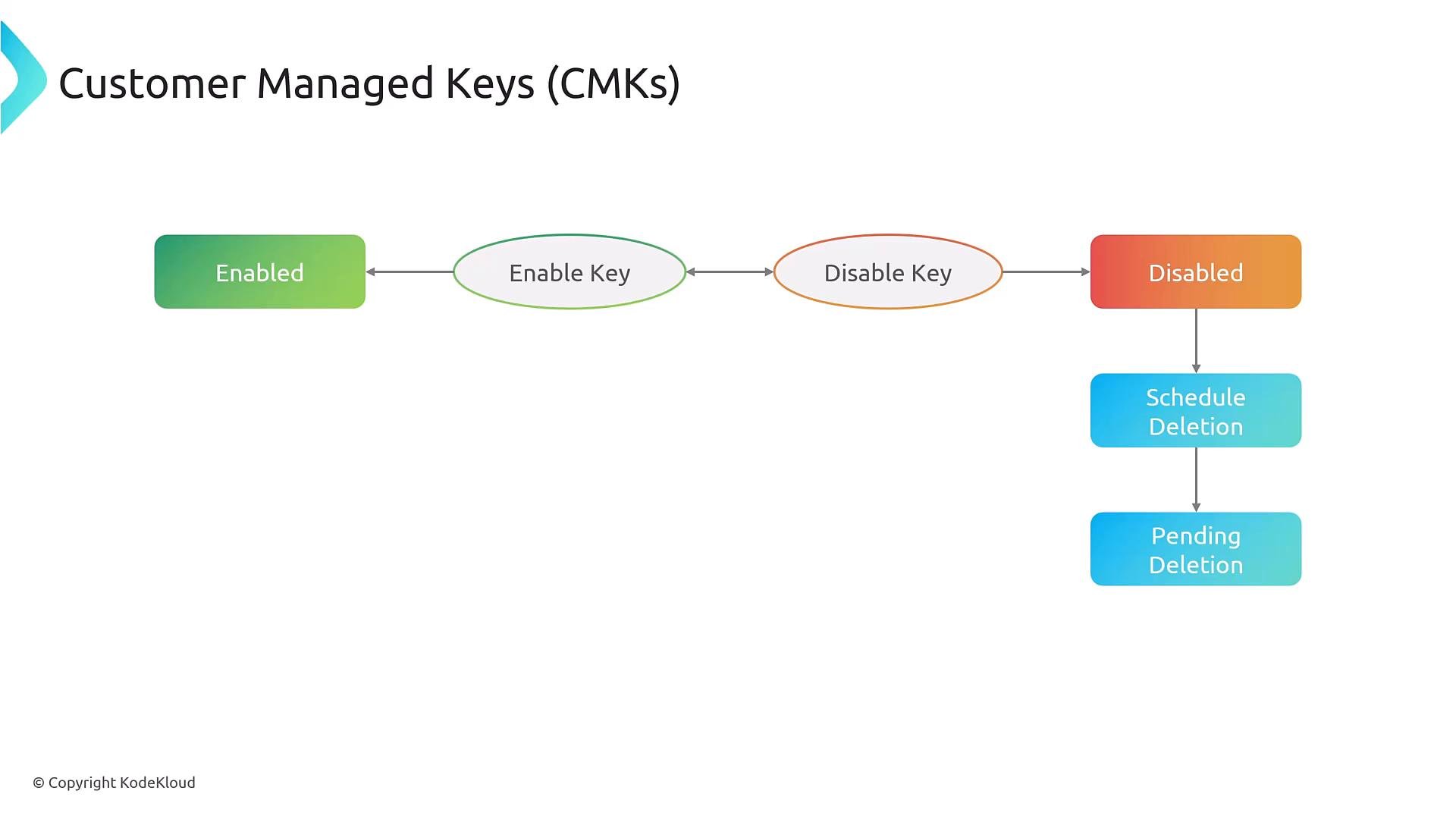
Scheduling a CMK for deletion is irreversible after the retention window ends — ensure you have recovered or rekeyed any data encrypted under the CMK before deletion completes. Use a conservative retention period for production keys.
- Evaluate the key policy. If it explicitly allows the requester, proceed.
- Check grants (temporary permissions attached to a CMK).
- If neither the key policy nor grants allow access, evaluate IAM policies — but IAM can only authorize actions if the key policy allows IAM principals to use the key.
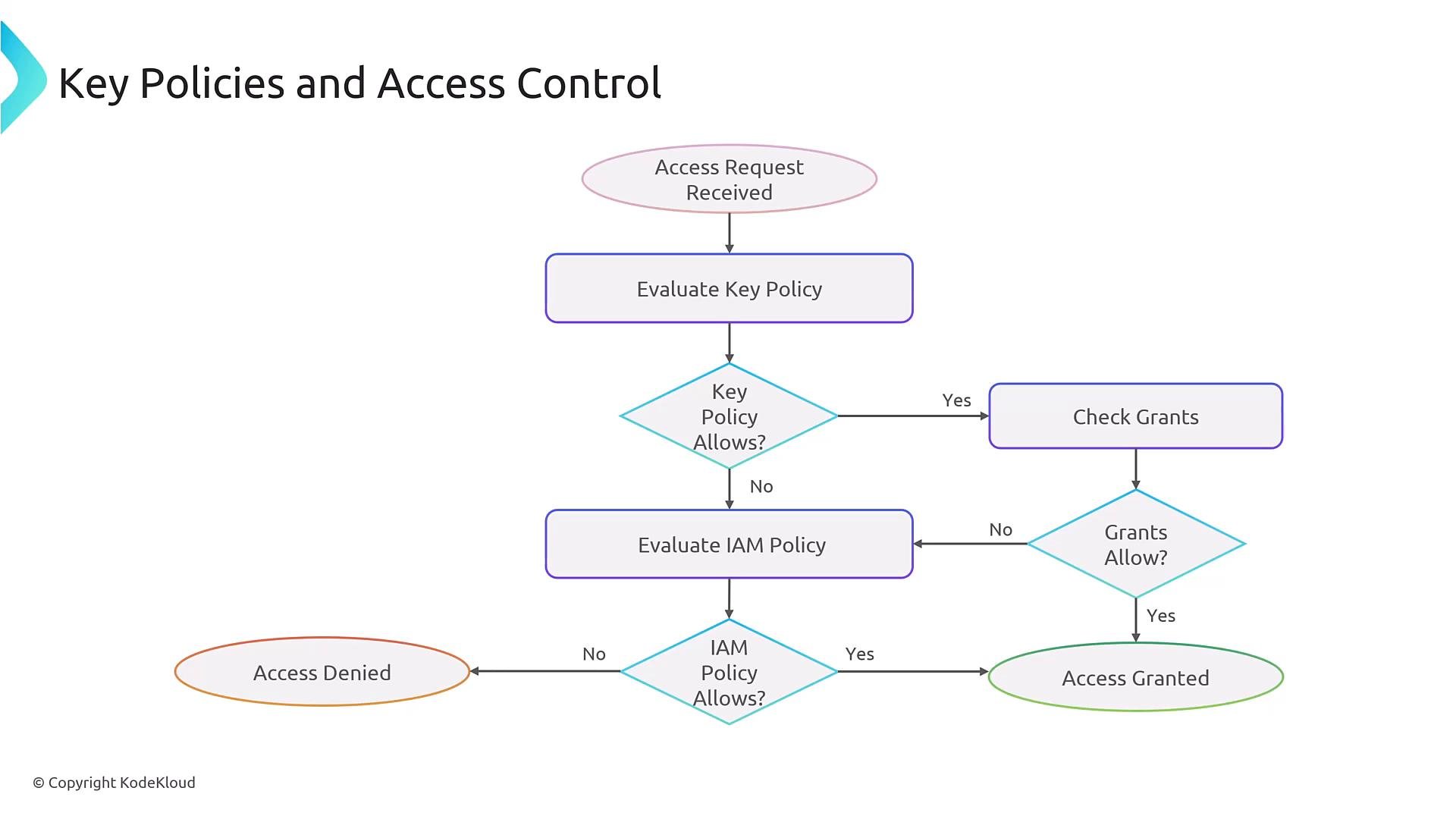
Key policies act as the primary gate for CMK use. Even when IAM policies allow an action, the key policy must either grant permissions directly or allow IAM principals to use the key. Review key policies when debugging denied KMS requests.
- Grants full administration to a KeyAdmin user.
- Grants Encrypt/Decrypt/GenerateDataKey to a role, constrained by an encryption context condition.
- Use KMS to generate a data key (
GenerateDataKey), receiving a plaintext data key and an encrypted copy (ciphertext) protected by the CMK. - Encrypt large data locally using the plaintext data key (symmetric AES‑GCM).
- Store the encrypted data key alongside the ciphertext.
- To decrypt, use KMS to decrypt the encrypted data key, then use the returned plaintext data key to decrypt the data locally.
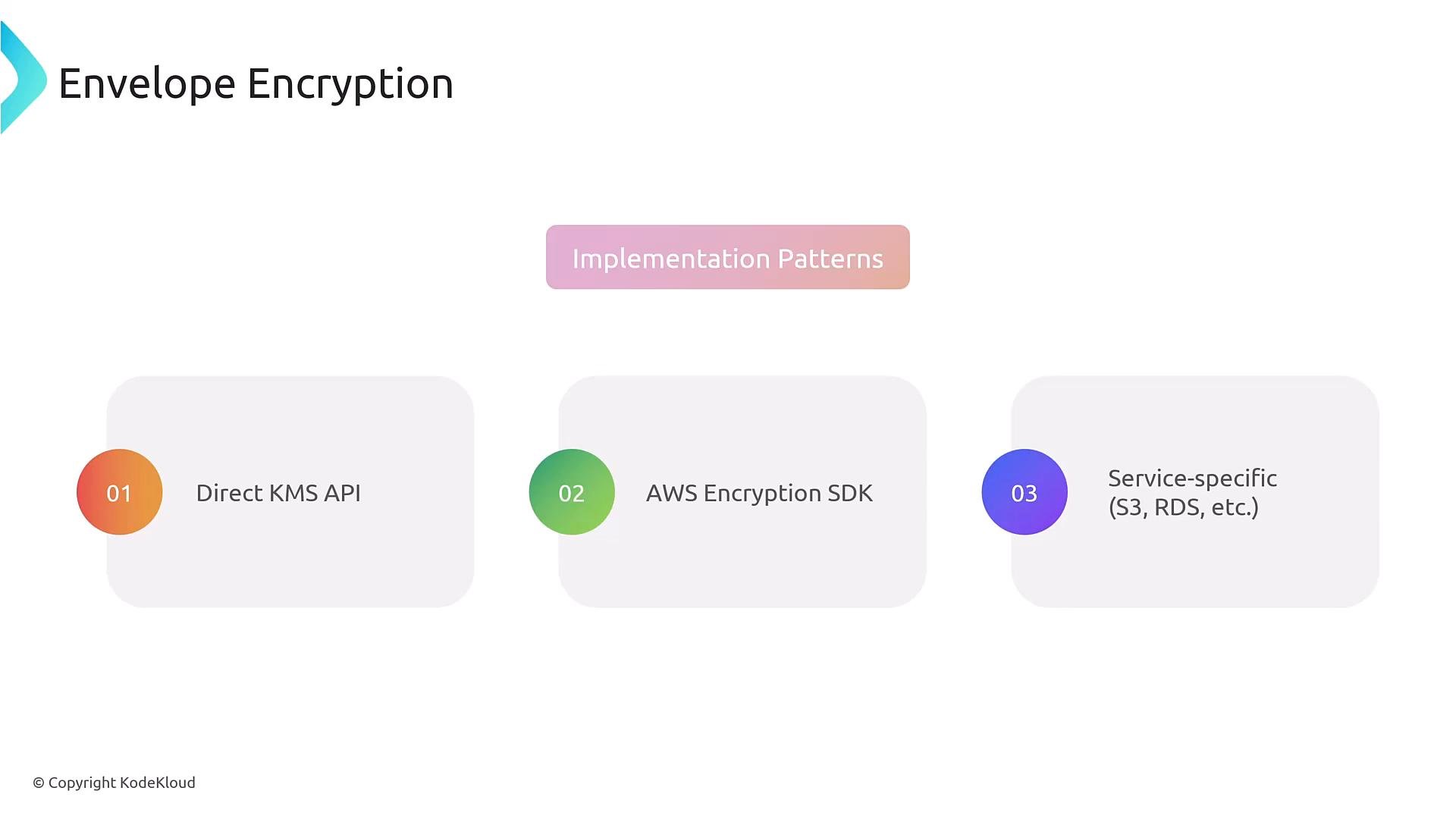
- Direct KMS API calls (GenerateDataKey, Encrypt, Decrypt).
- AWS Encryption SDK (higher-level envelope encryption helpers and multi‑language support).
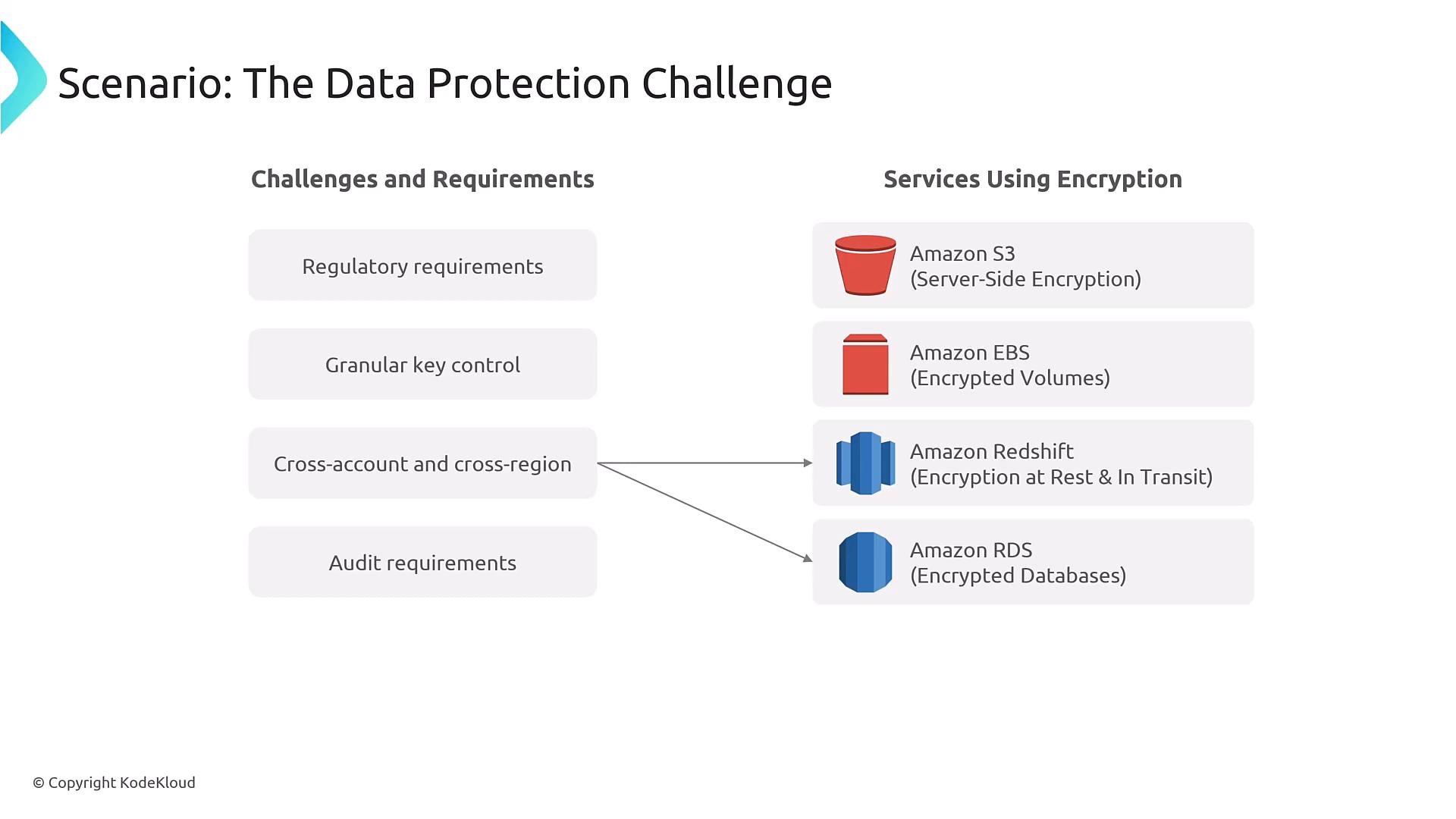
- Service-specific integrations (S3 SSE‑KMS, EBS, RDS, Secrets Manager, SQS, etc.).
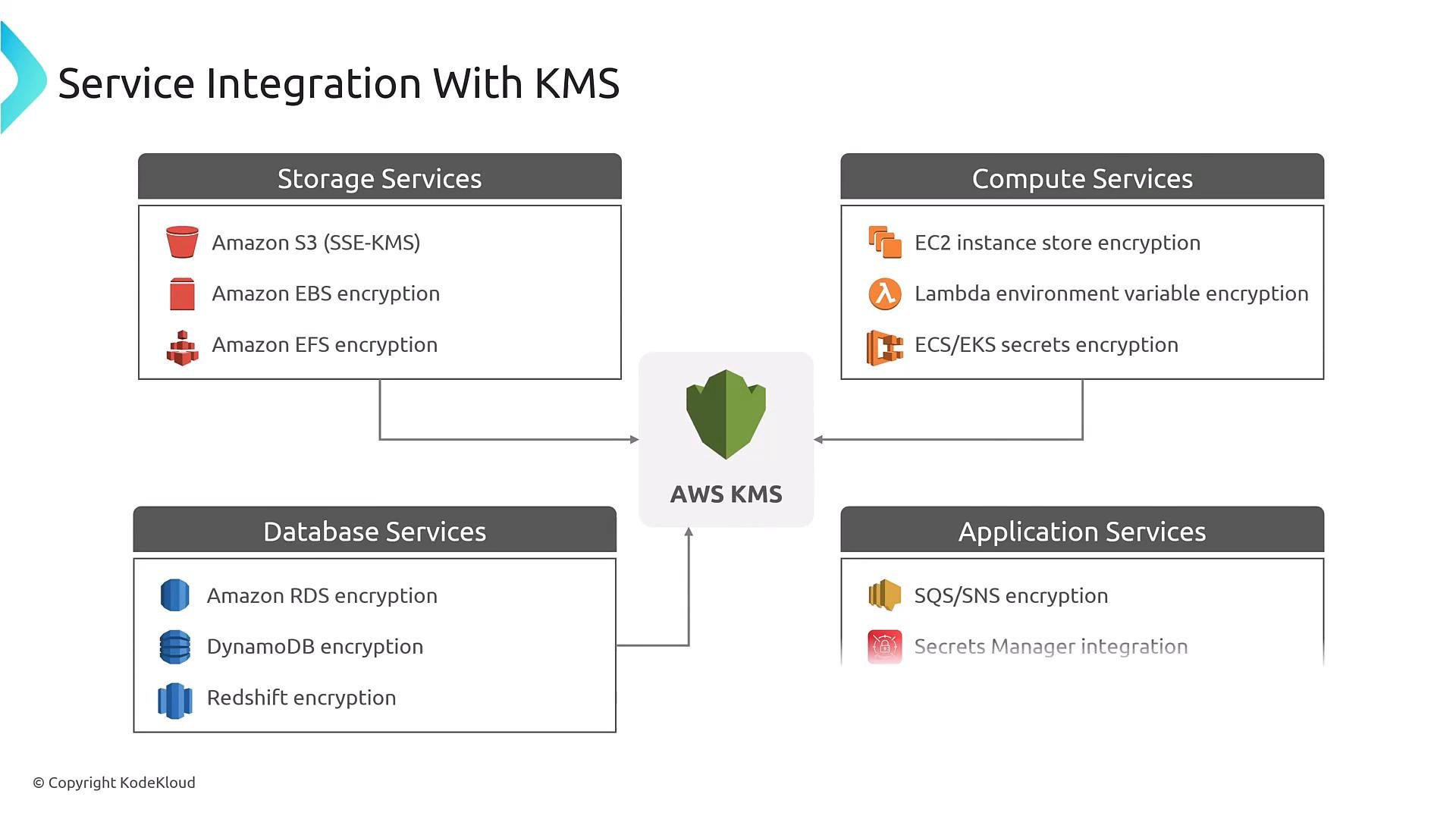
- Storage: S3 (SSE‑KMS), EBS, EFS
- Databases: RDS, DynamoDB, Redshift
- Compute & app: Lambda environment variables (via Secrets Manager recommended), Elastic Beanstalk
- Messaging & secrets: SQS, SNS, Secrets Manager, Systems Manager Parameter Store
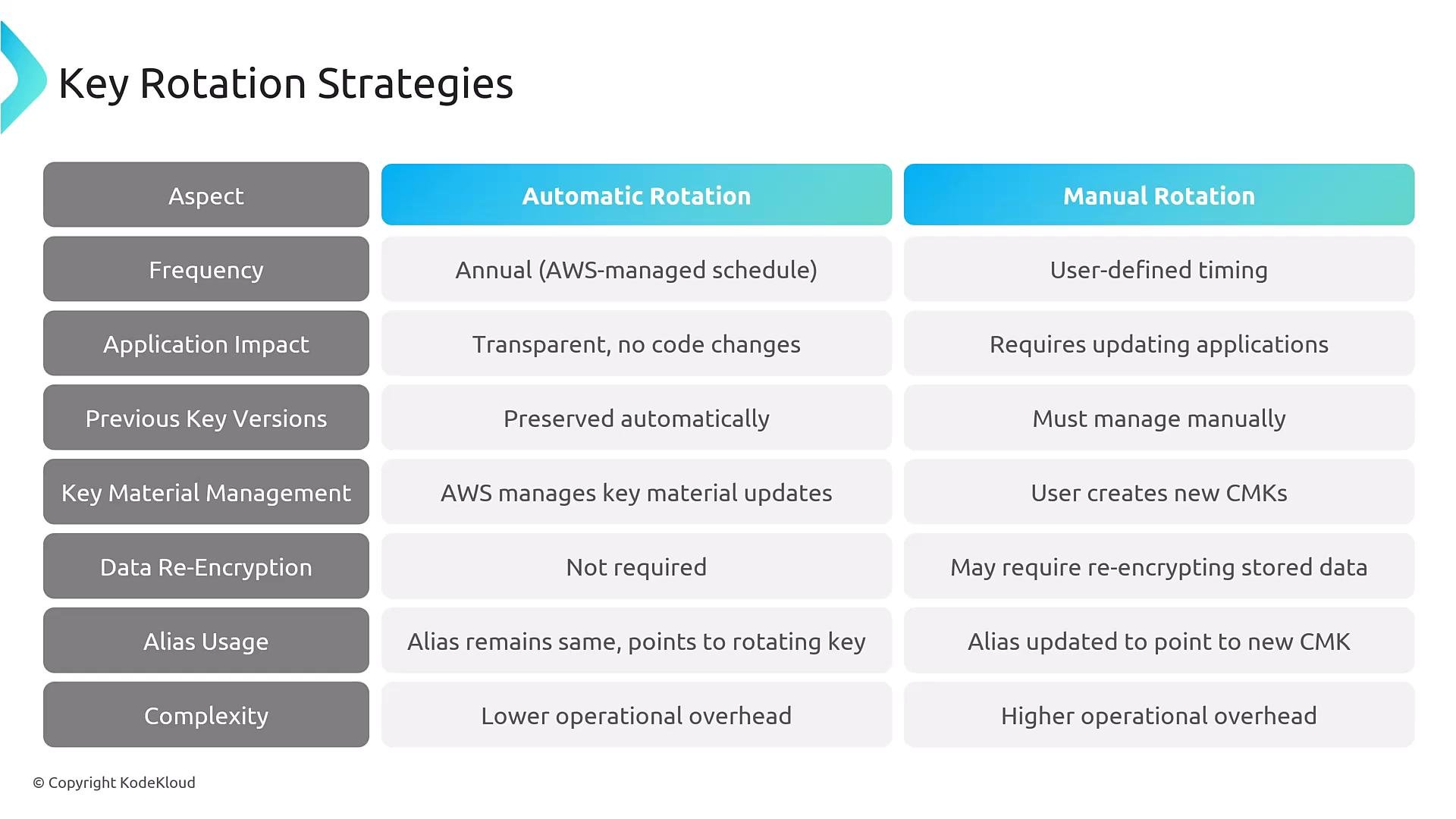
Production best practice: use key aliases (for example
alias/my-key) in applications. When rotating, create a new CMK and repoint the alias to the new CMK. Applications continue to use the alias without configuration changes. Note: after alias repointing, existing ciphertexts remain encrypted under the original CMK; either keep the old CMK available for decryptions or re-encrypt data under the new CMK.
- AWS KMS is the central key management service for most AWS encryption use cases.
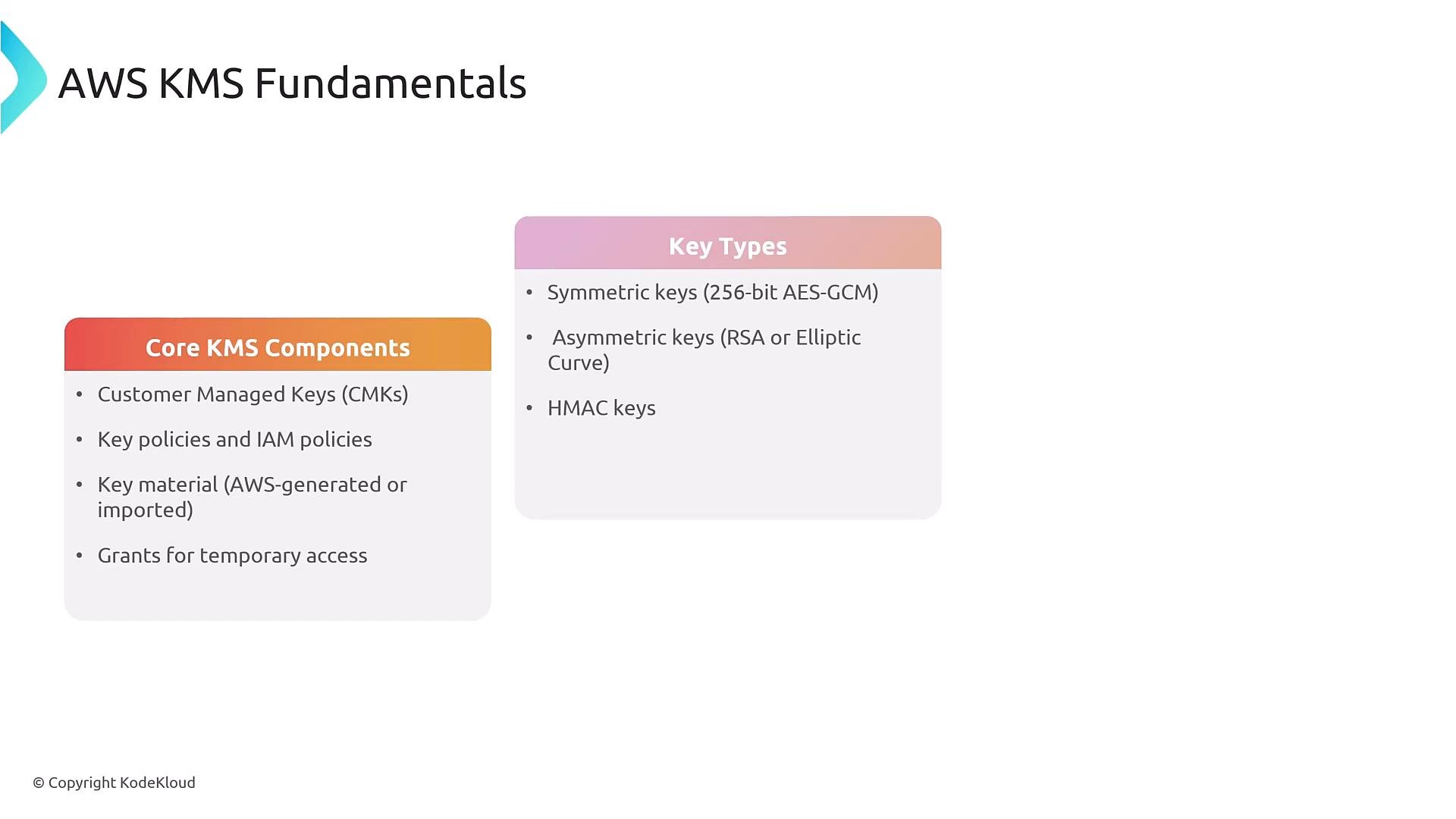
- Use CMKs when you require control over key policies, grants, and rotation.
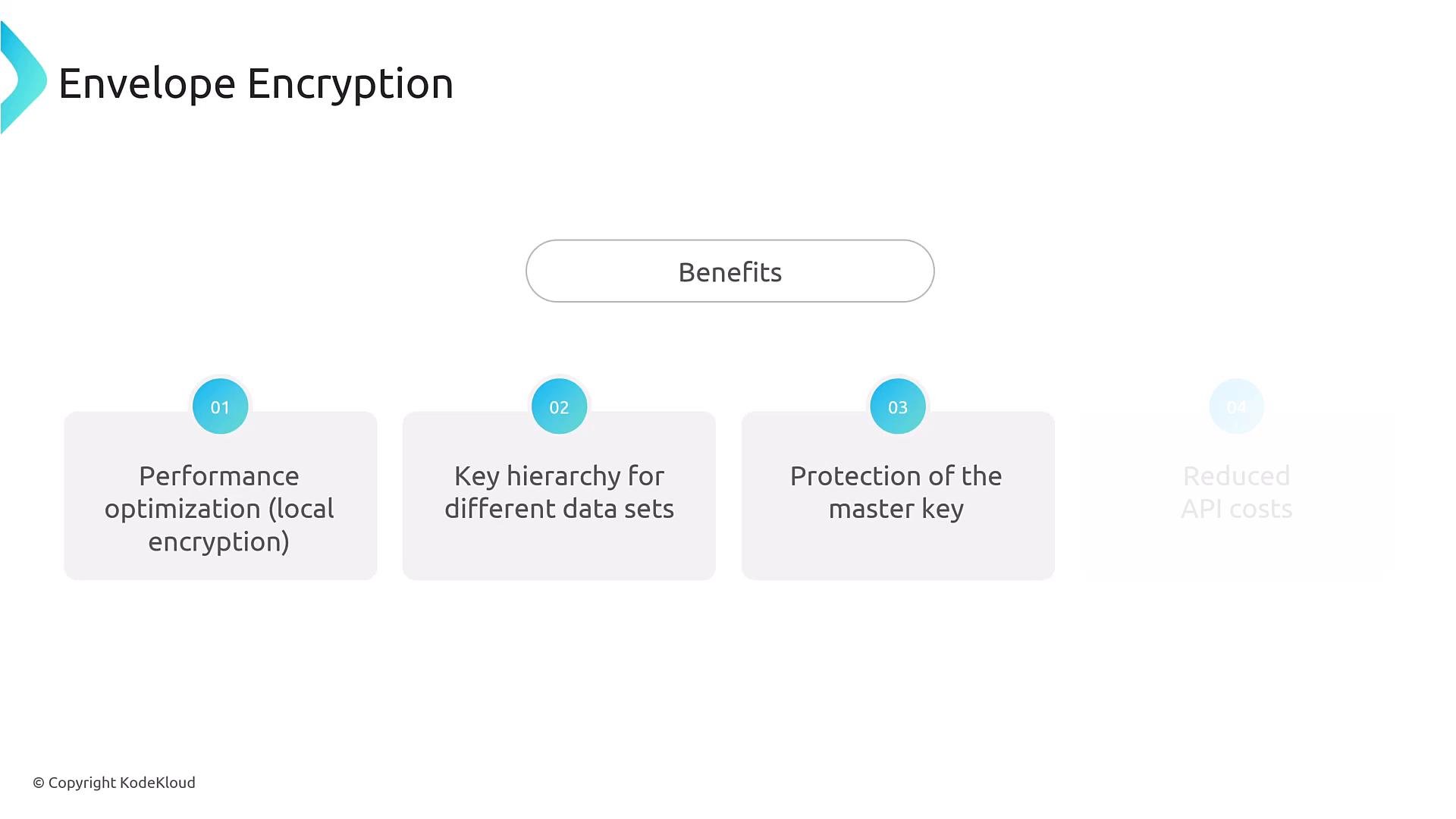
- Envelope encryption (GenerateDataKey + local symmetric encryption) is recommended for performance and scale.
- Key policies are the primary access gate — ensure they allow intended IAM principals to use the CMK.
- Use aliases to simplify rotation and reduce application changes.
- AWS KMS Developer Guide: https://docs.aws.amazon.com/kms/latest/developerguide/
- AWS Encryption SDK: https://docs.aws.amazon.com/encryption-sdk/latest/developer-guide/
- AWS CloudHSM: https://docs.aws.amazon.com/cloudhsm/latest/userguide/
- AWS Key Management Service best practices: https://docs.aws.amazon.com/kms/latest/developerguide/best-practices.html
For most teams, combine service-side KMS integrations for convenience with envelope encryption for high‑throughput or client‑side confidentiality requirements. Review AWS documentation links above for the latest service features and limits.