

What is GuardDuty?
AWS GuardDuty is a managed threat detection service that continuously monitors for malicious or unauthorized behavior across your AWS accounts and workloads. When enabled, GuardDuty aggregates telemetry (API logs, VPC flow logs, DNS logs, etc.), applies threat intelligence and machine learning, and surfaces prioritized findings so you can quickly triage and remediate risk.Enable GuardDuty in non-production accounts if you want to safely explore findings. You can also use GuardDuty’s sample findings feature to practice investigation without generating real attacks.
Enable GuardDuty
- Open the AWS Management Console and search for “GuardDuty” (typing “Guard” is sufficient).
- Click Get started and review required permissions and features.
- Select Enable GuardDuty to begin a free 30-day trial (if applicable) and start collecting findings.
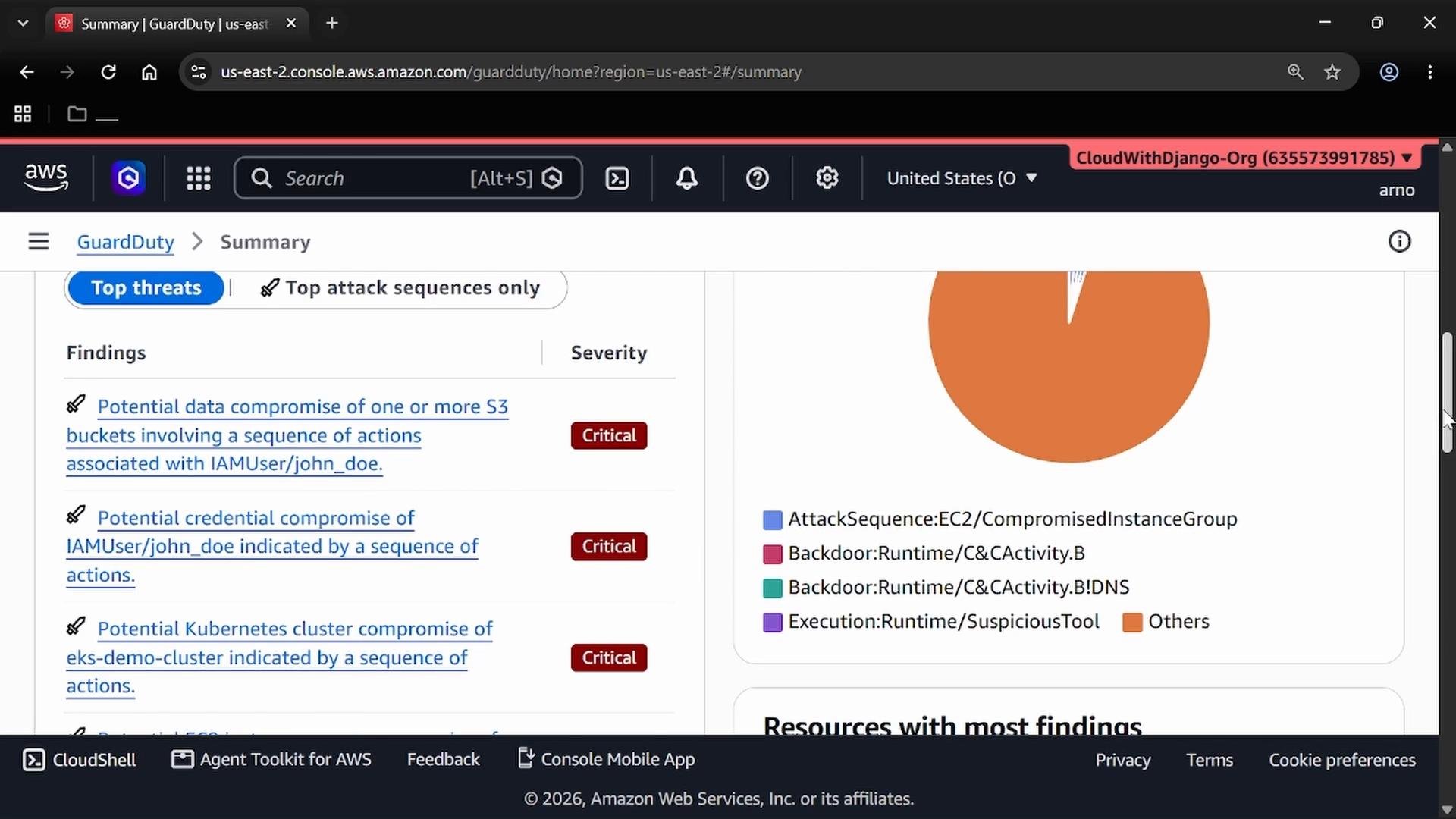
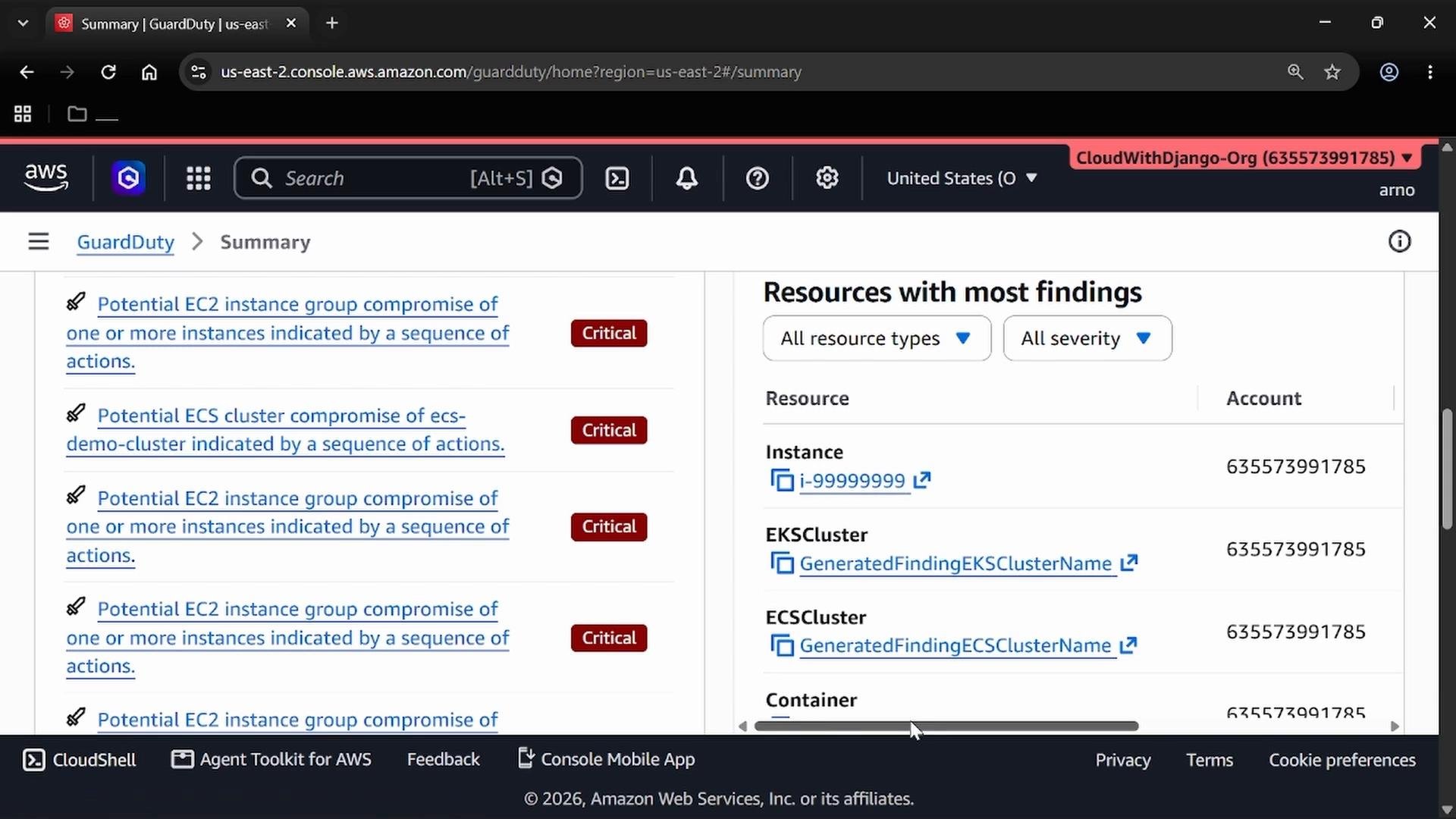
- Counts (attack sequences, total findings, resource findings, account findings)
- Visual breakdown of common finding types and categories
- Prioritized list of high-severity findings for immediate triage
Inspect Findings
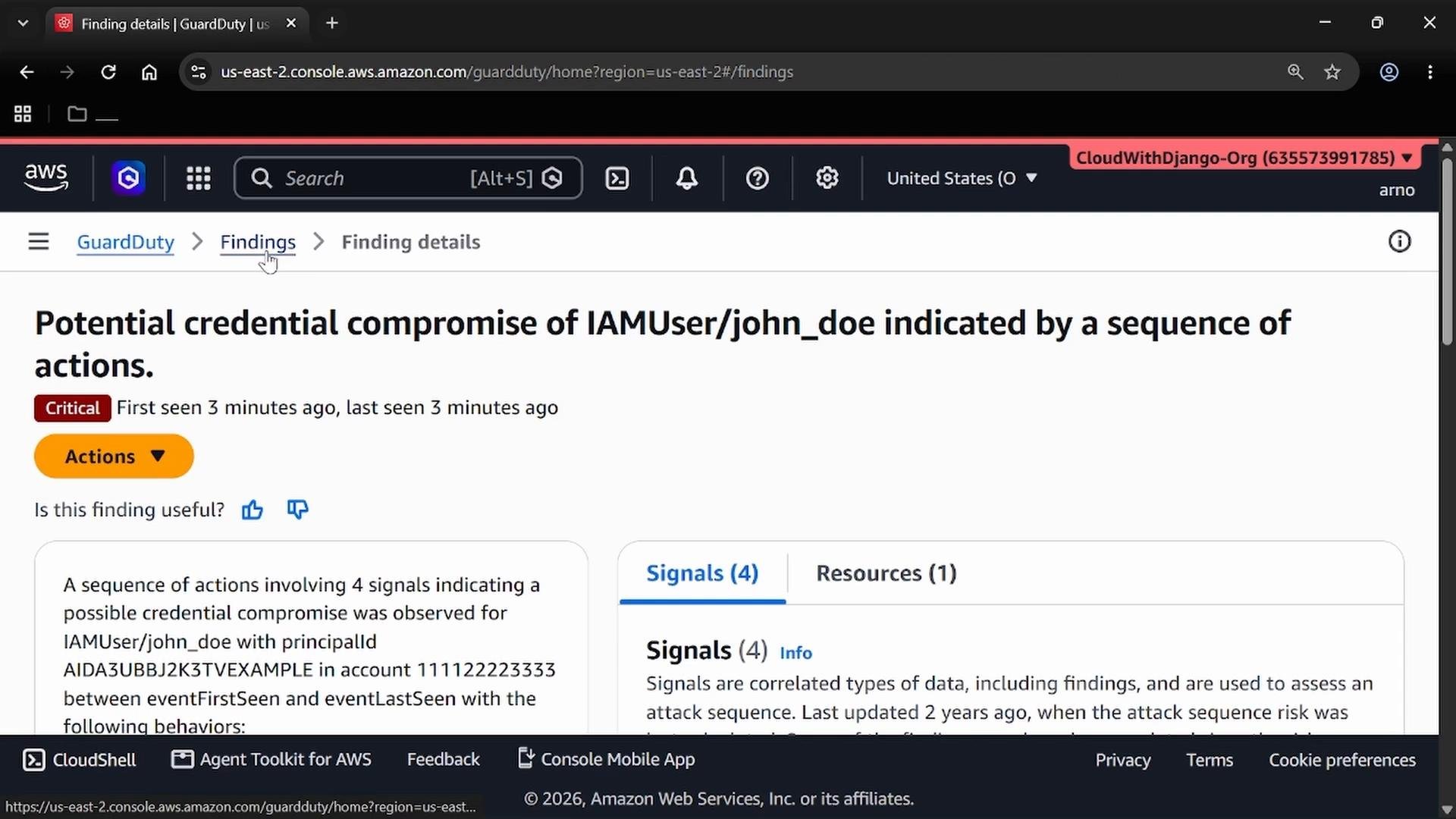
Open the Findings list to see individual entries. Use built-in filters to narrow results by severity, resource type, finding ID, region, or other fields. Filters help you scope investigations or create suppression rules for noisy, low-value signals. Selecting a finding opens a detailed pane with:- First and last seen timestamps
- A narrative describing observed activity and attack sequence
- Signals used to generate the finding (API calls, network connections, referenced IPs)
- Indicators of technique and actors involved (principal IDs, usernames, IP addresses)
- Affected region, account, finding ID, and specific resource(s) such as an instance ID or access key
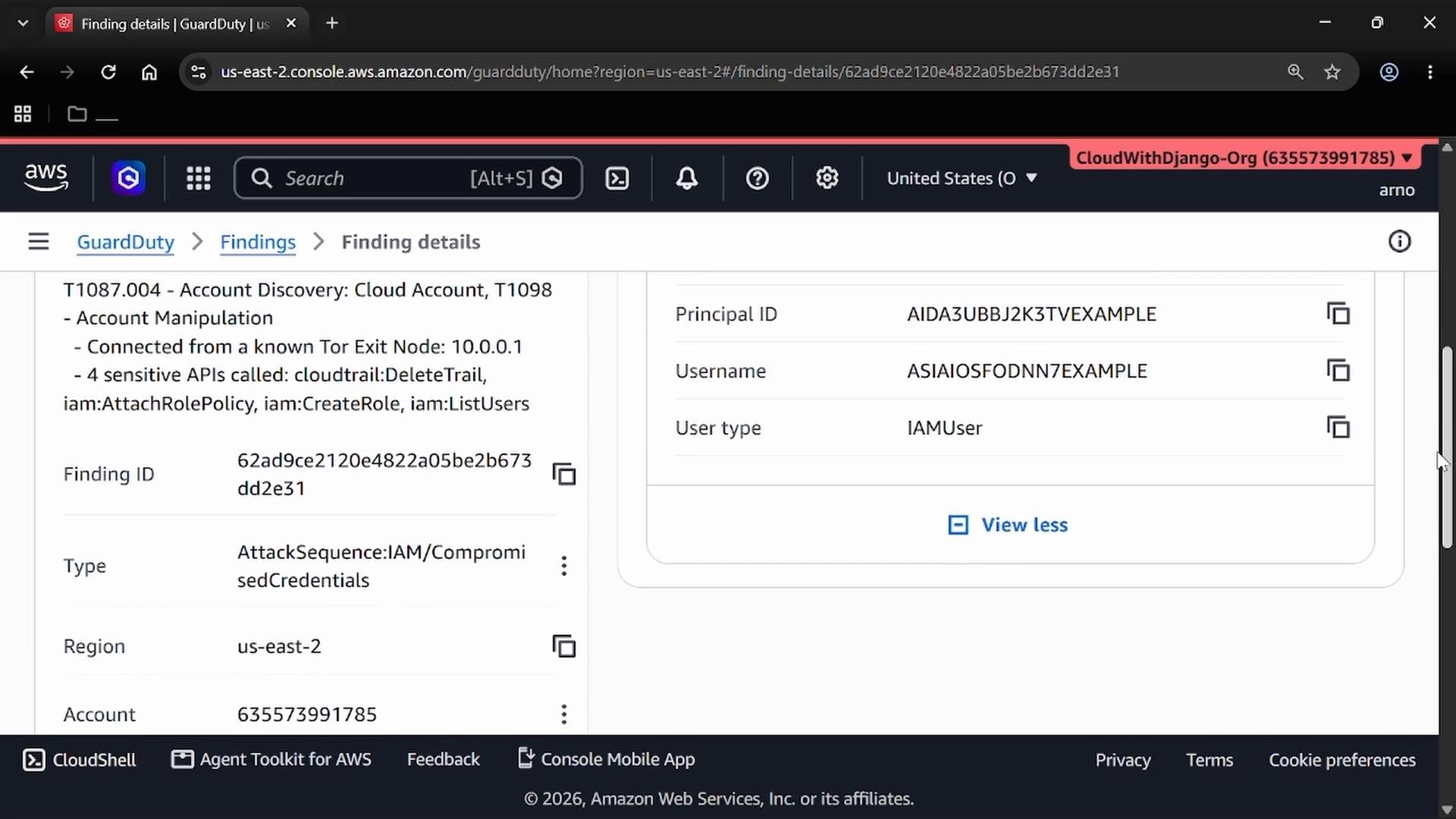
CreateRolerequests from unusual IP ranges (e.g., Tor exit nodes)AttachRolePolicycalls originating from compromised endpointsDeleteTrailused to evade logging and detection
Generate Sample Findings (safe testing)
If you prefer not to perform real-world attacks in your environment, use GuardDuty’s Sample findings to populate the Findings list with representative alerts for UI exploration and playbooks. Steps:- In GuardDuty, open Settings.
- Scroll to the Sample findings section.
- Click Generate sample findings and confirm.
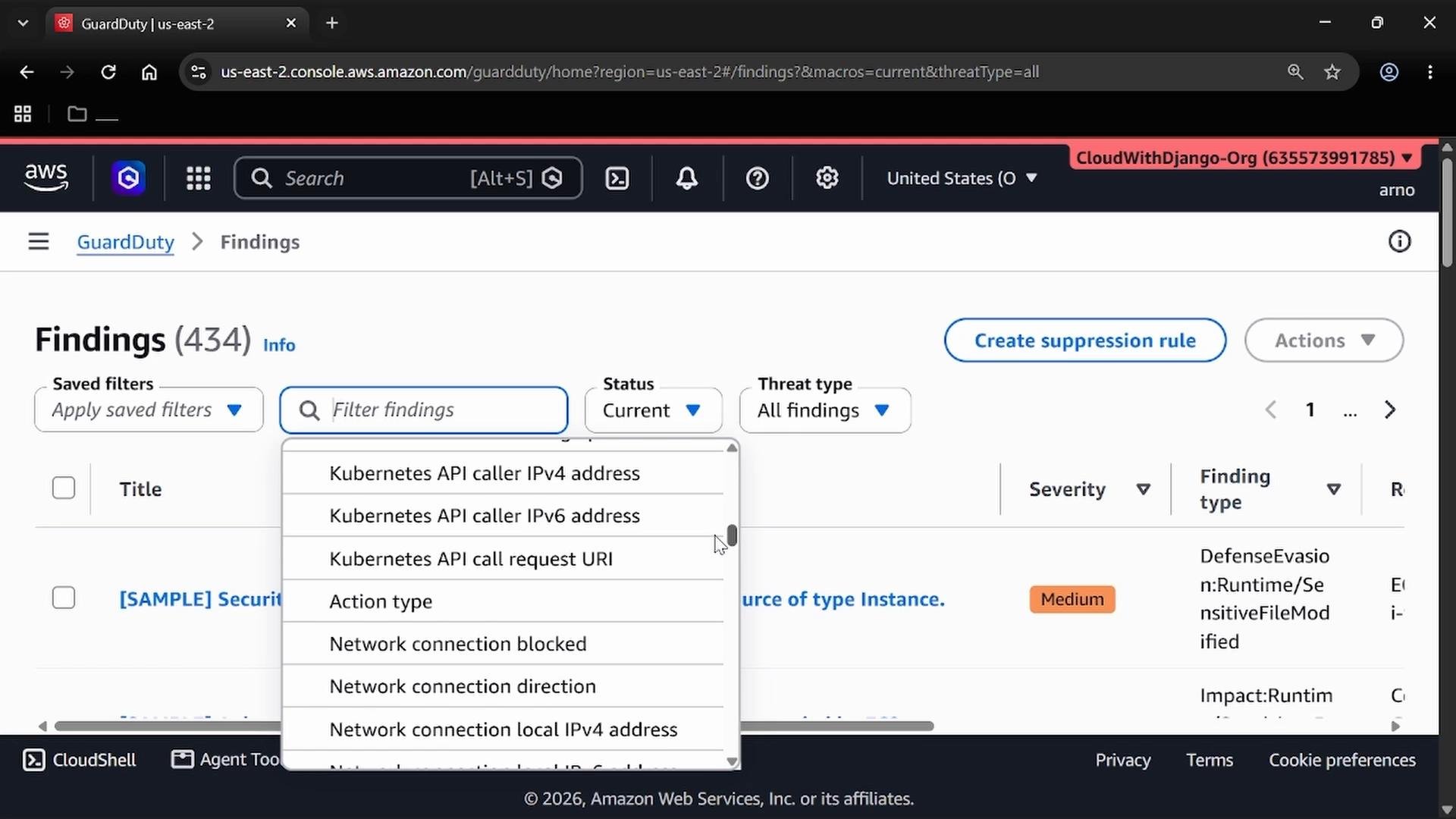
- Create suppression rules for known harmless noise
- Export findings for SIEM ingestion or further analysis
- Trigger automated remediation (via Lambda, Systems Manager, etc.)
Do not run offensive tests (actual attacks) in production. Use sample findings or dedicated test accounts to avoid accidental disruption and preserve audit trails.
Common Finding Types and Suggested Remediations
Quick Links and References
- GuardDuty product docs: https://docs.aws.amazon.com/guardduty/
- AWS Security best practices: https://aws.amazon.com/architecture/security-identity-compliance/
Summary / Key Takeaways
- GuardDuty offers prioritized, account-wide threat detection and correlates telemetry into meaningful findings.
- Use the dashboard for rapid triage and the Findings list for deep investigation.
- Generate sample findings to practice safely.
- Apply filters, suppression rules, and automated remediation as part of your incident response process (rotate keys, isolate instances, update IAM policies, etc.).