

- CloudWatch Logs architecture and data flow.
- Common ingestion methods and trade-offs.
- Retention, storage, and cost-optimization strategies.
- Metric filters, subscription filters, and fan‑out patterns.
- Querying at scale with Logs Insights.
- Integration patterns, cross-account aggregation, and best practices.
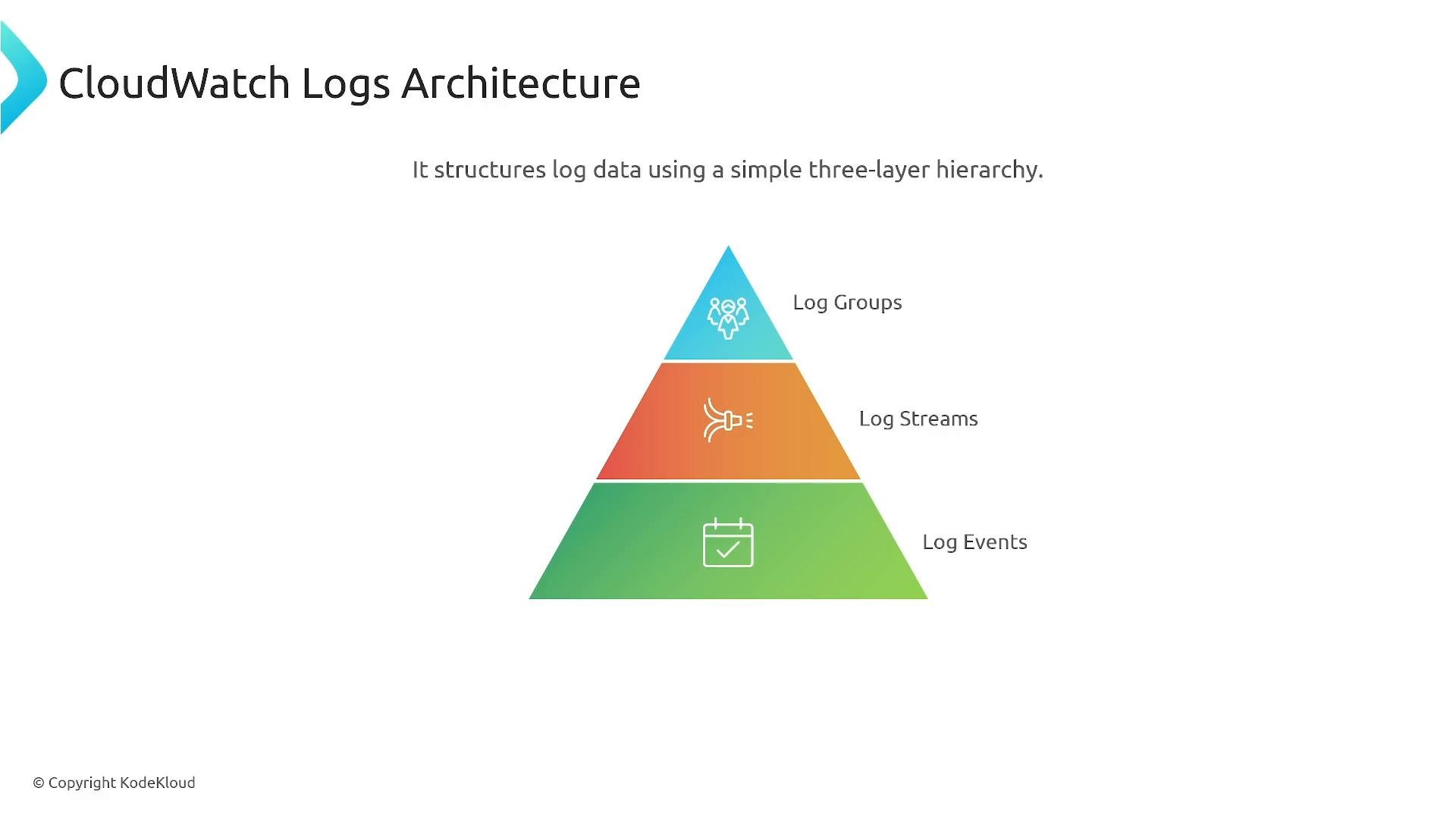
- Log Groups — top-level logical grouping (for example, a service, application, or environment).
- Log Streams — ordered sequences of log events within a group (commonly time-boxed or per-instance streams).
- Log Events — the individual log entries.
Key ingestion details:
- Direct API ingestion requires managing PutLogEvents constraints: batch size limits, throughput quotas, and sequence tokens. Use official AWS SDKs or community libraries that handle retries and token management.
- All ingestion methods require appropriate IAM permissions. Apply least-privilege policies and use resource-based policies for cross-account writes when needed.
- Retention is configured at the log group level; you cannot set retention per log stream or per event. Every stream and event in a log group inherits the group’s retention setting.
- Choose retention by balancing compliance, operational usefulness, and cost. Options include days, months, years, or never expire.
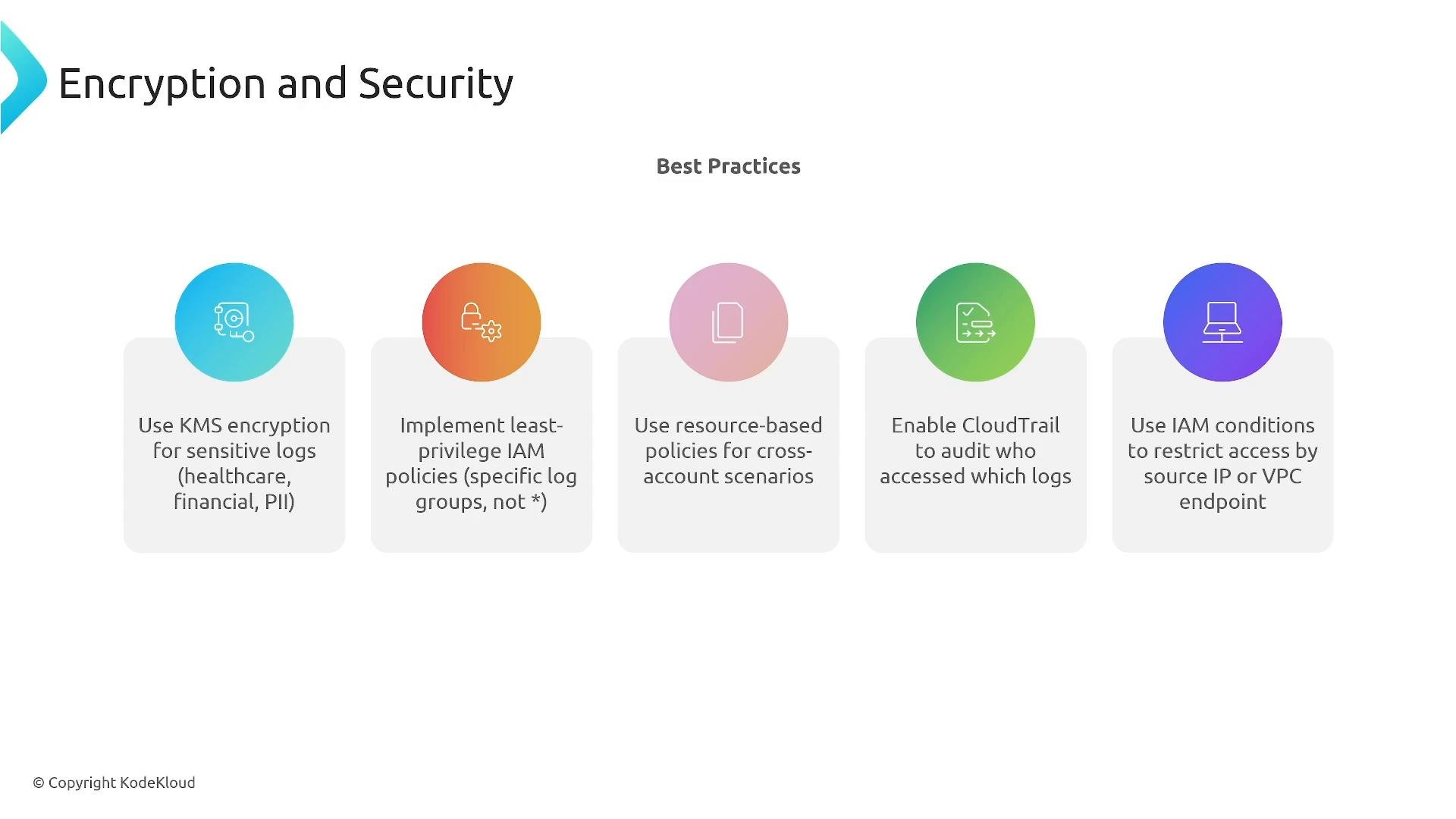
- Encrypt logs at rest using AWS KMS (AWS-managed or customer-managed keys) and keep TLS in transit.
Retention is set at the log group level. All streams and events within a log group inherit that retention policy.
Security best practices:
- Encrypt sensitive logs at rest with KMS and use TLS for transit.
- Use least-privilege IAM roles and resource-based policies for cross-account sharing.
- Use VPC endpoints (PrivateLink) for private connectivity to CloudWatch Logs when required.
- Enable CloudTrail to audit configuration changes and who accessed logs.
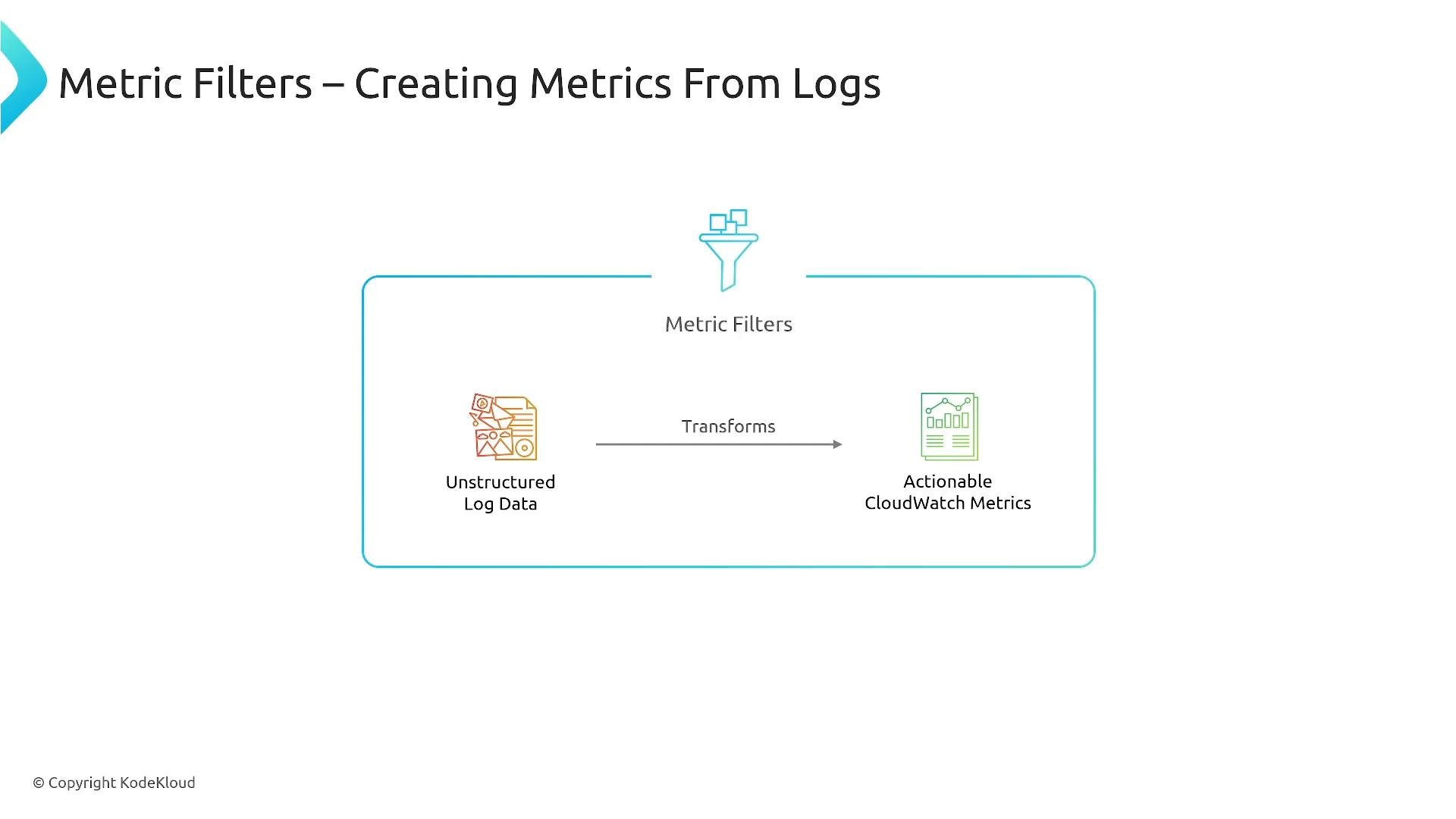
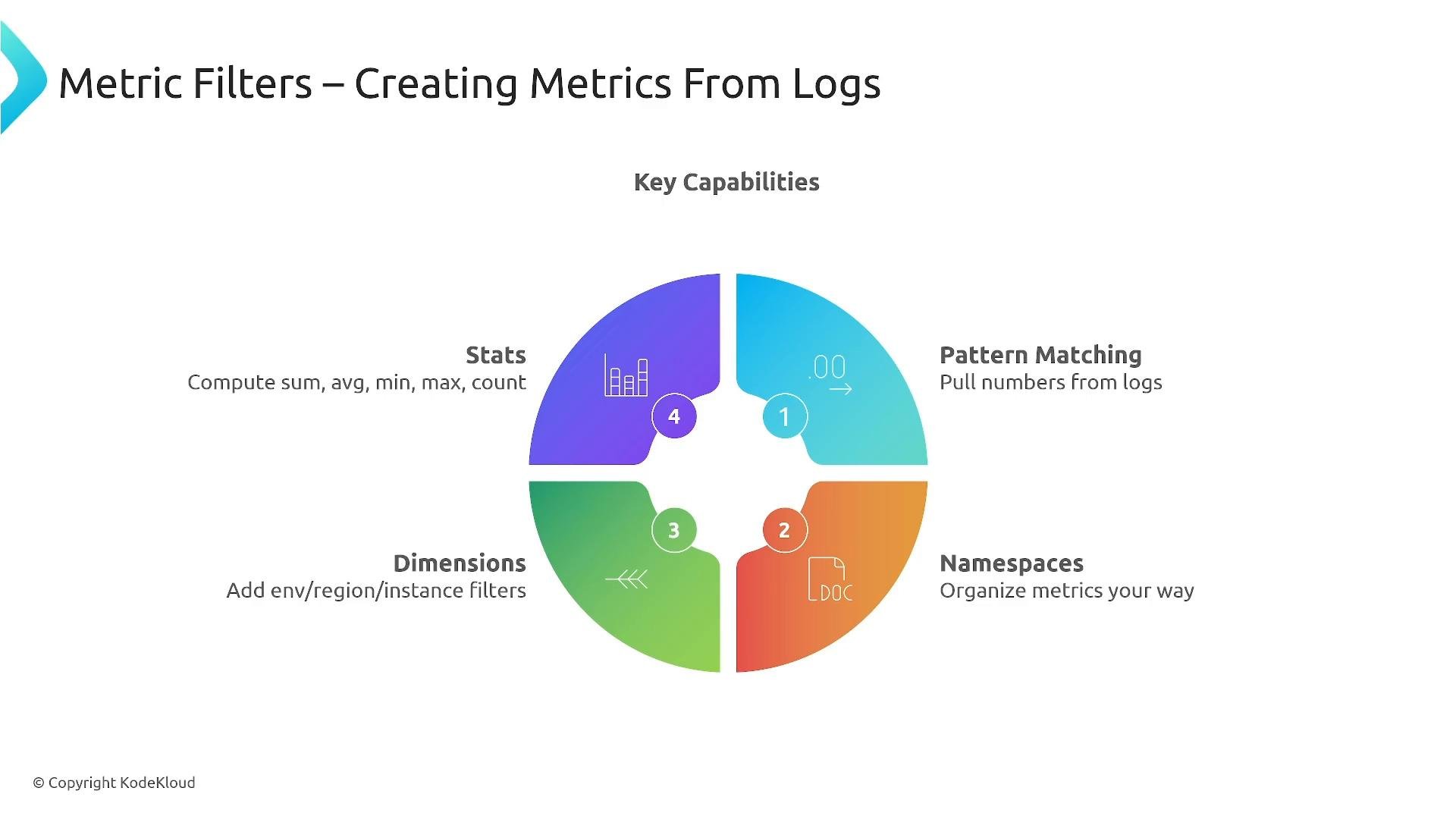
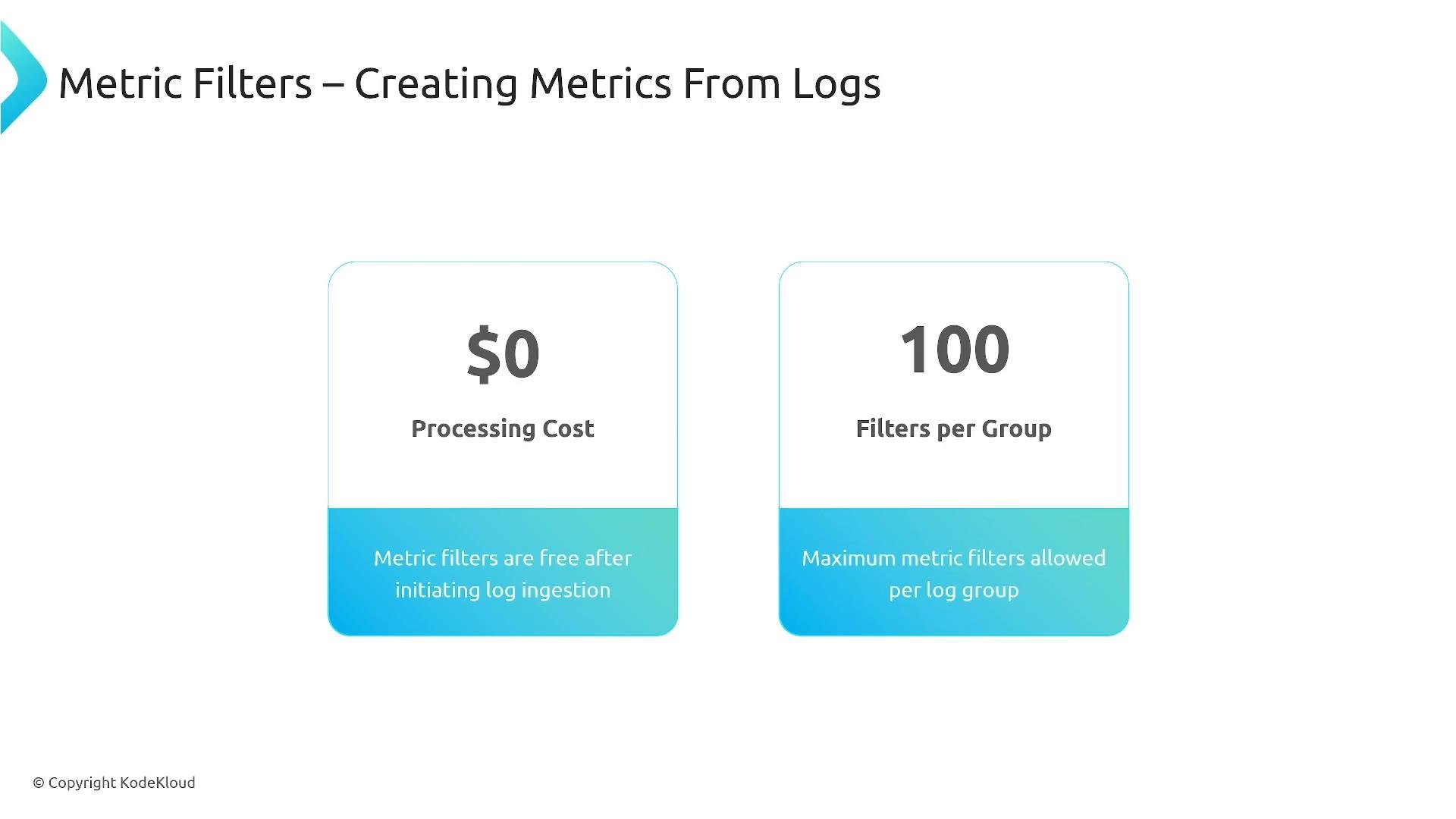
- Metrics are generated only from new events as they arrive. Metric filters do not retroactively process historical logs unless you re-ingest them.
- There is no extra processing charge for metric-filter conversions beyond the normal ingestion and storage costs; however, the CloudWatch metrics produced are standard CloudWatch metrics and may incur metric-related charges.
- Limit: 100 metric filters per log group.
- Attach metric filters to appropriately organized log groups so filters produce meaningful metrics.
- Kinesis Data Streams
- Lambda
- Kinesis Data Firehose
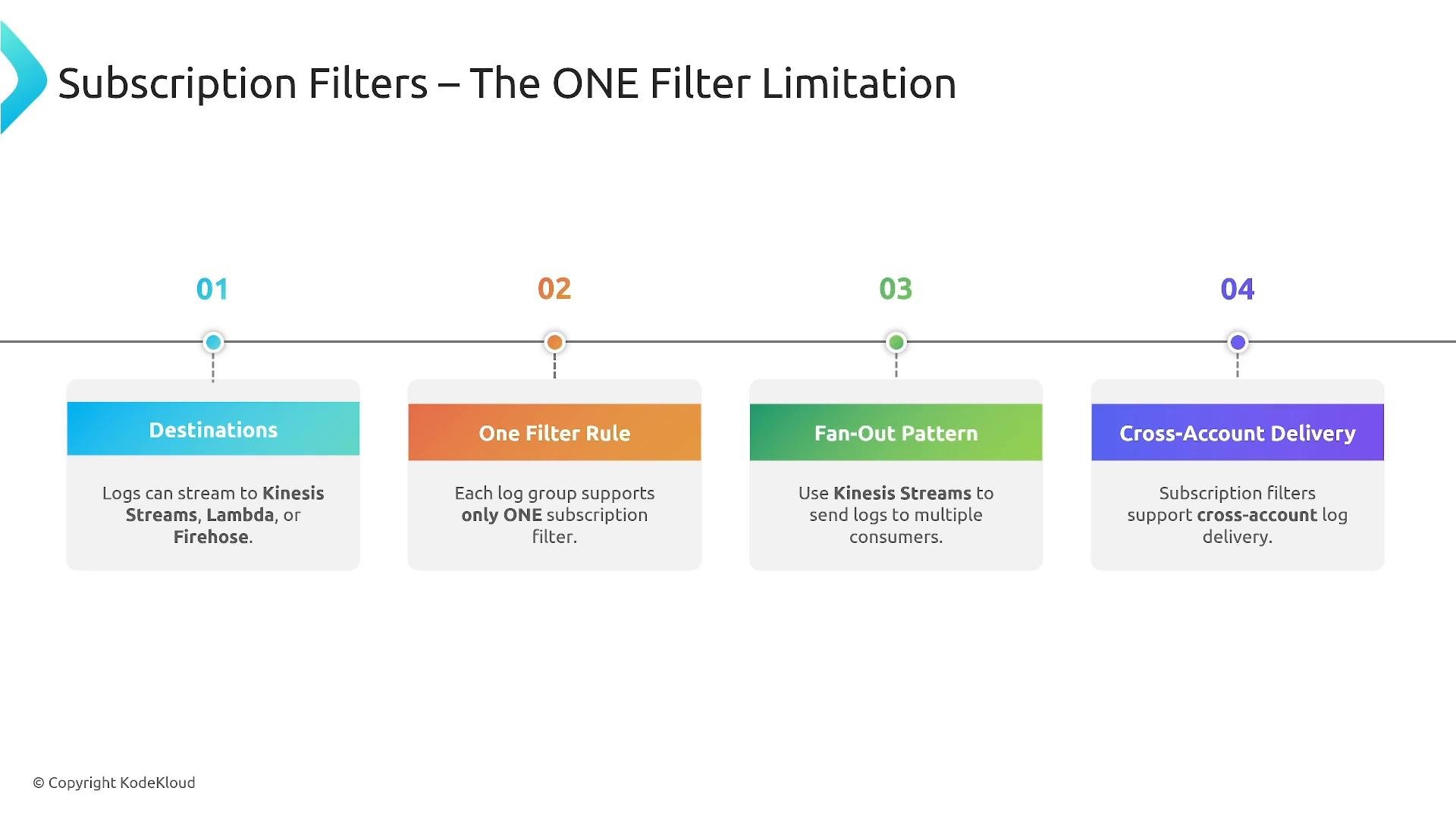
- Kinesis Data Firehose as the single subscription consumer, with Firehose delivering to multiple sinks (S3, OpenSearch, external HTTP endpoints) or invoking processing steps.
- Kinesis Data Streams for real-time fan-out where multiple consumers can independently read from the stream.
- A Lambda consumer that fans out to multiple downstream systems (S3, OpenSearch, third‑party APIs, etc.).
Each log group supports only one subscription filter. To deliver to multiple destinations, use a fan-out pattern (Kinesis Streams, Firehose, or Lambda forwarding).
- Kinesis Data Streams: best for low-latency, real-time processing and fan-out to multiple consumers.
- Kinesis Data Firehose: best for durable, batched delivery to S3, OpenSearch, or third‑party endpoints and for built-in buffering and transformation.
- Limit the date range and scope to the smallest set of log groups necessary.
- Filter early in the query pipeline to reduce scanned data.
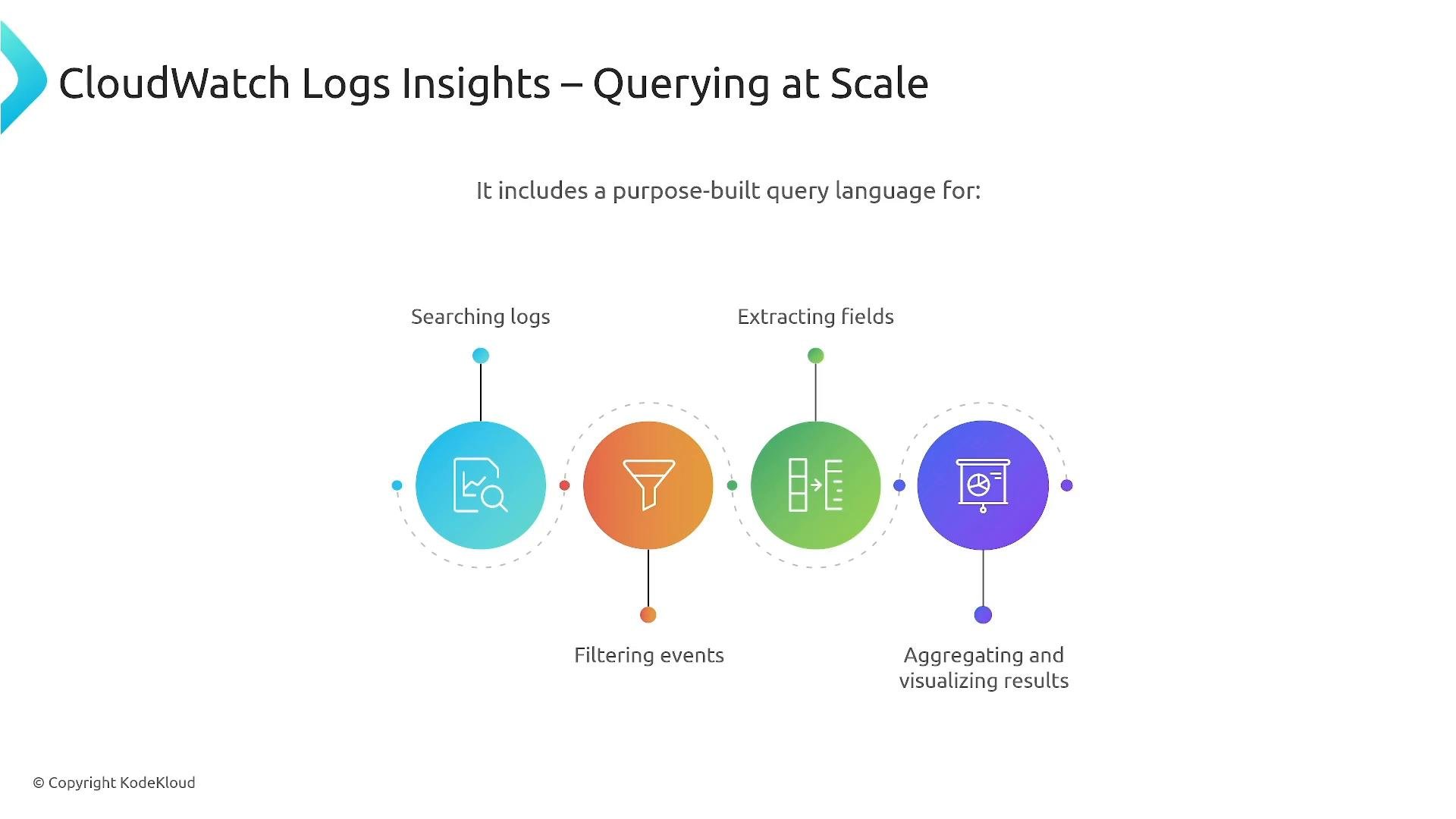
- Use structured logging (JSON fields) so you can extract precise fields without scanning entire messages.
- Consider exporting older logs to S3 and running occasional ad-hoc analytics there instead of frequent large-scale Logs Insights scans.
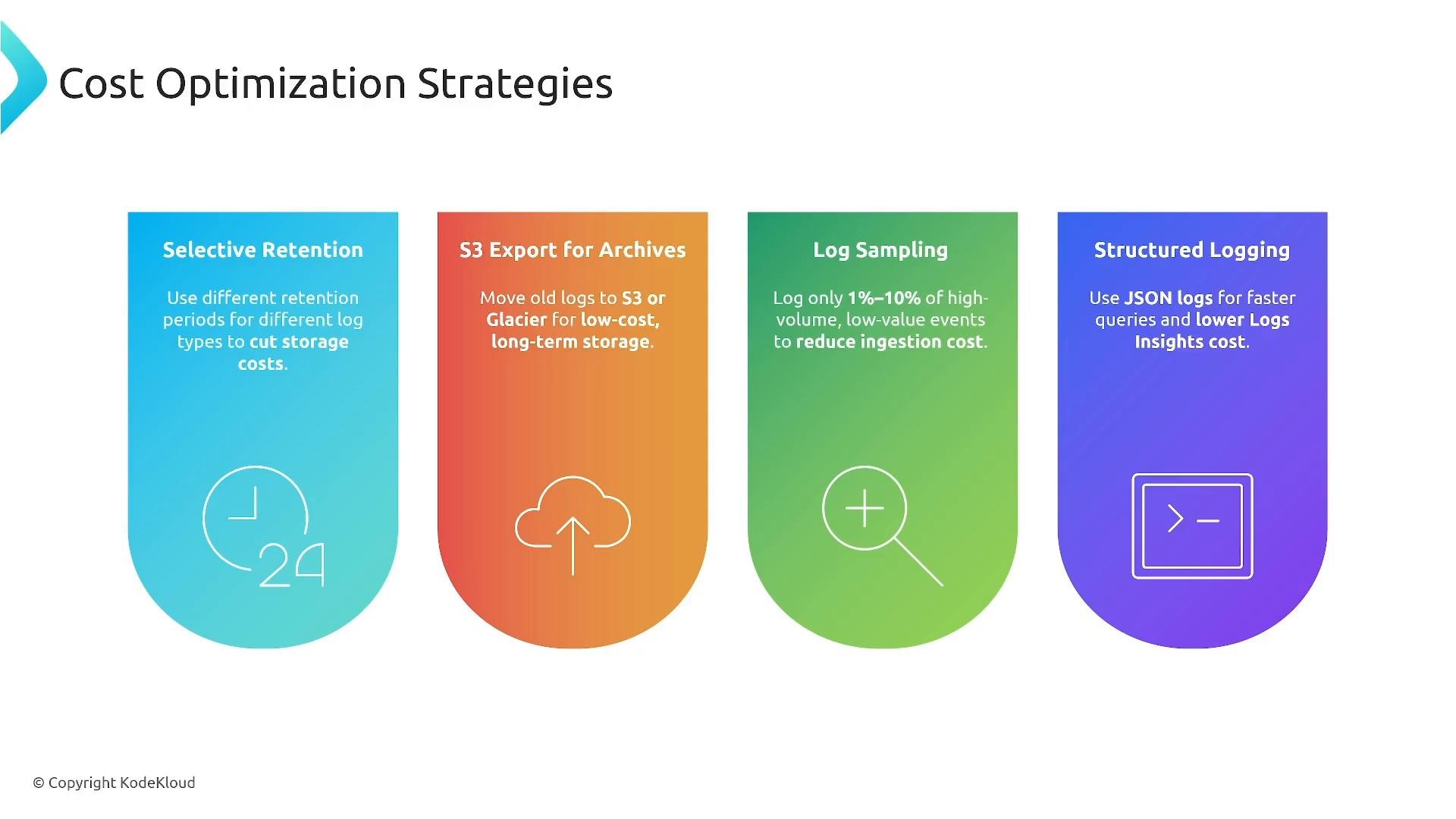
- Selective retention — keep short retention for noisy, low-value logs and longer retention for critical logs.
- Export and archive — offload cold logs to S3 and use lifecycle rules to Glacier/Deep Archive for long-term storage.
- Log sampling — ingest a percentage (for example
1–10%) of high-volume, low-value events instead of everything. - Structured logging — emit JSON to enable precise field extraction and efficient queries.
- Early filtering — drop or redact low-value or sensitive events before ingestion or before querying.
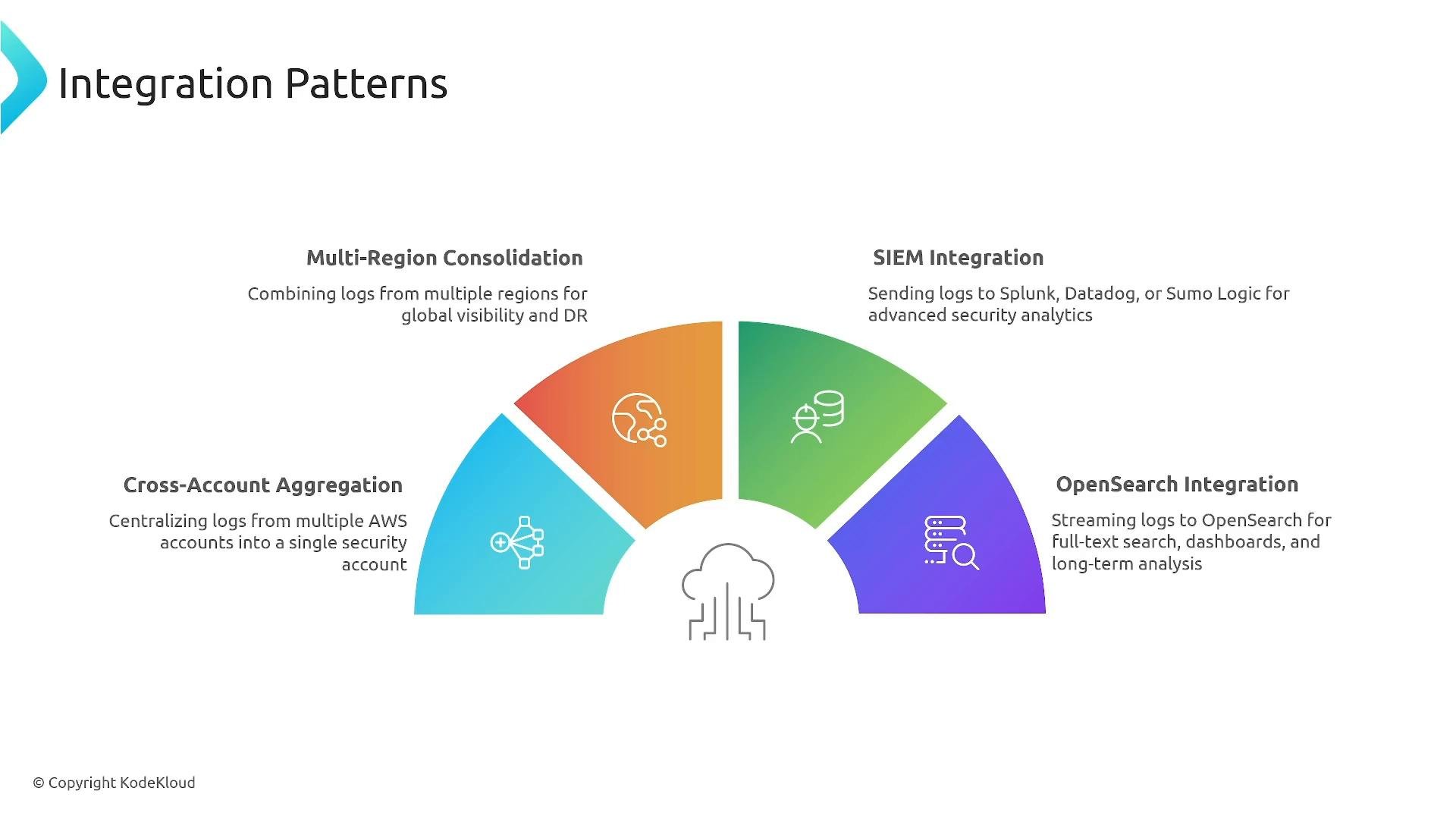
- Centralize logs from multiple AWS accounts into a security or central logging account.
- Consolidate logs across Regions.
- Forward logs to SIEMs or third-party logging platforms (Splunk, Datadog, Sumo Logic).
- Store and index logs in OpenSearch for advanced search and fuzzy matching beyond Logs Insights.
- Source account log groups stream to a subscription consumer (for example, a Firehose or Lambda) that assumes an IAM role with permission to write to the destination account’s S3 or OpenSearch.
- Ensure resource-based policies and KMS key policies (if encrypting) allow the intended cross-account principals.
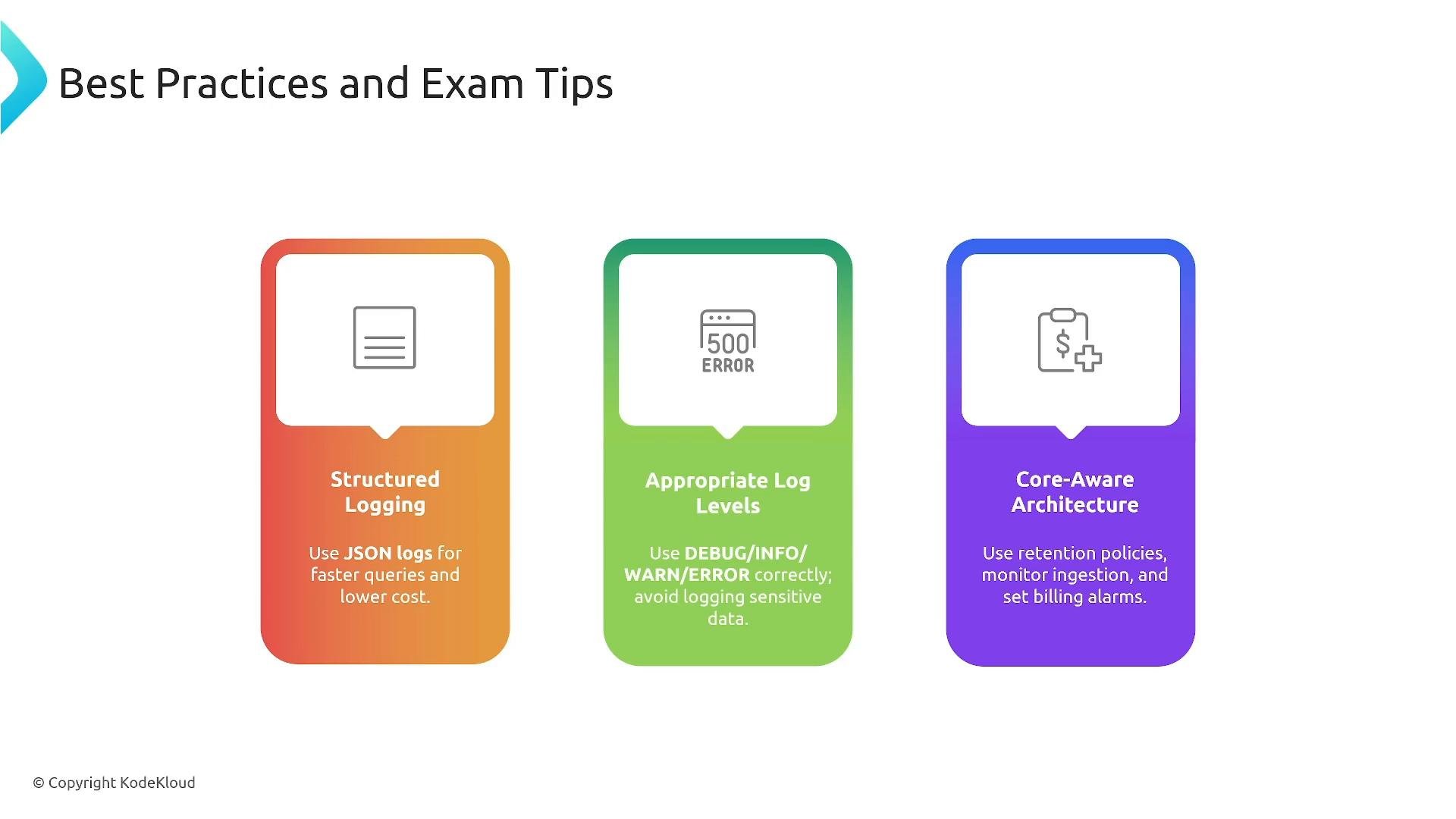
- Use structured logging (JSON) and consistent naming/semantics across services.
- Apply appropriate log levels (DEBUG/INFO/WARN/ERROR/CRITICAL); avoid logging PII—mask or redact if necessary.
- Use selective retention and S3 lifecycles instead of relying on CloudWatch for indefinite archiving.
- Account for the one subscription filter per log group limit — design fan-out using Kinesis Streams, Firehose, or Lambda forwarding.
- Create billing alarms to monitor ingestion and storage costs.
- When using KMS encryption, ensure key policies allow the required principals to avoid accidental access issues (common exam trap).
- Hierarchy: log groups → log streams → log events.
- Retention is defined at the log group level.
- Metric filters convert new log events into CloudWatch metrics (limit 100 filters/group); metric generation does not add processing charges beyond normal ingestion and storage, but the resulting metrics may incur CloudWatch metric charges.
- Each log group supports only one subscription filter — use Kinesis Streams/Firehose or a Lambda forwarder to achieve multi-destination fan-out.
- Use selective retention, S3 archiving, sampling, and structured logging to control costs and improve query efficiency.
- Filter noise early and restrict Logs Insights queries to reduce scanned data and lower query costs.
- CloudWatch Logs Concepts (AWS Documentation)
- CloudWatch Logs Insights Query Syntax
- Kinesis Data Streams vs Kinesis Data Firehose
- Best practices for CloudWatch Logs security and retention