

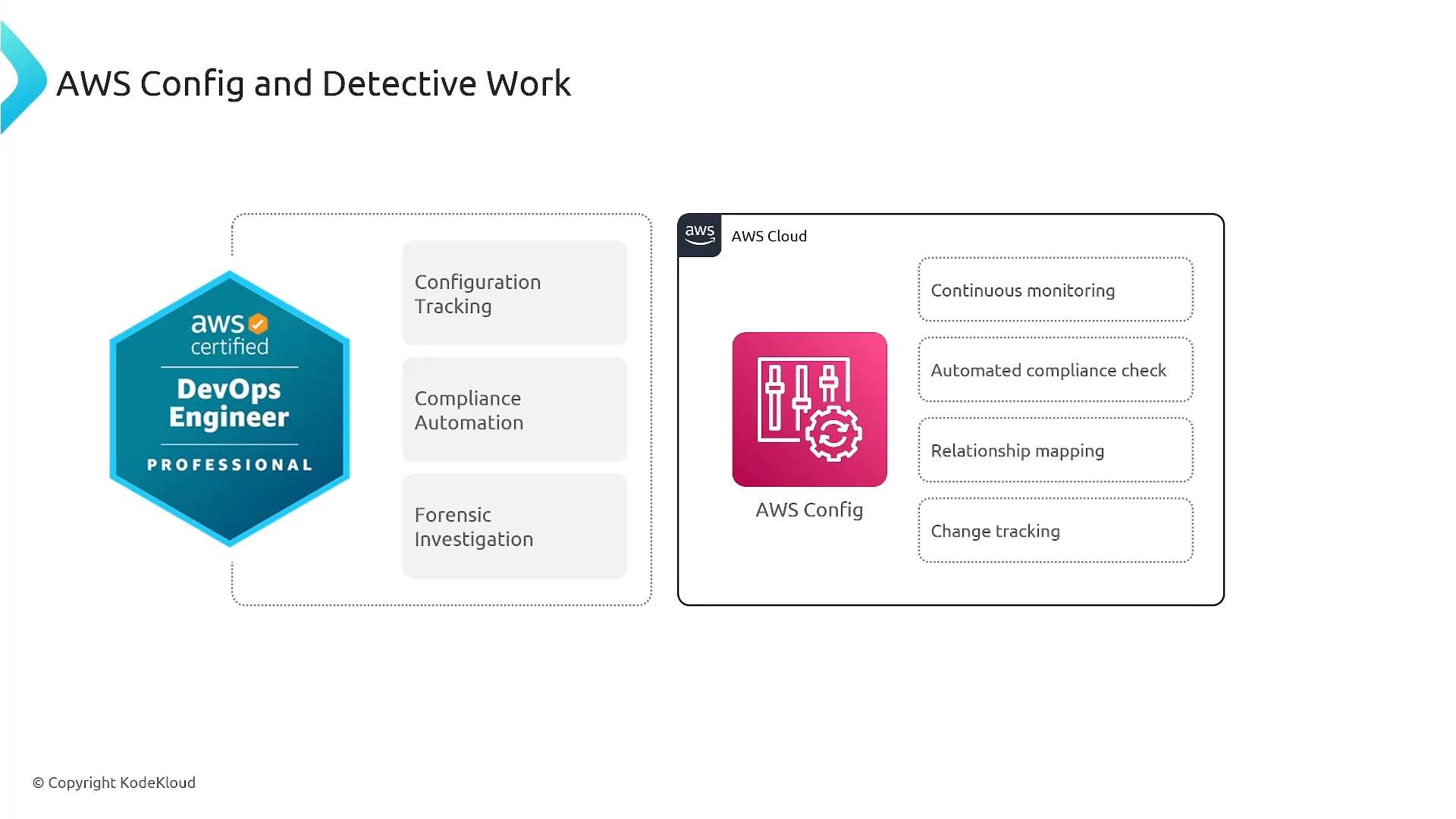
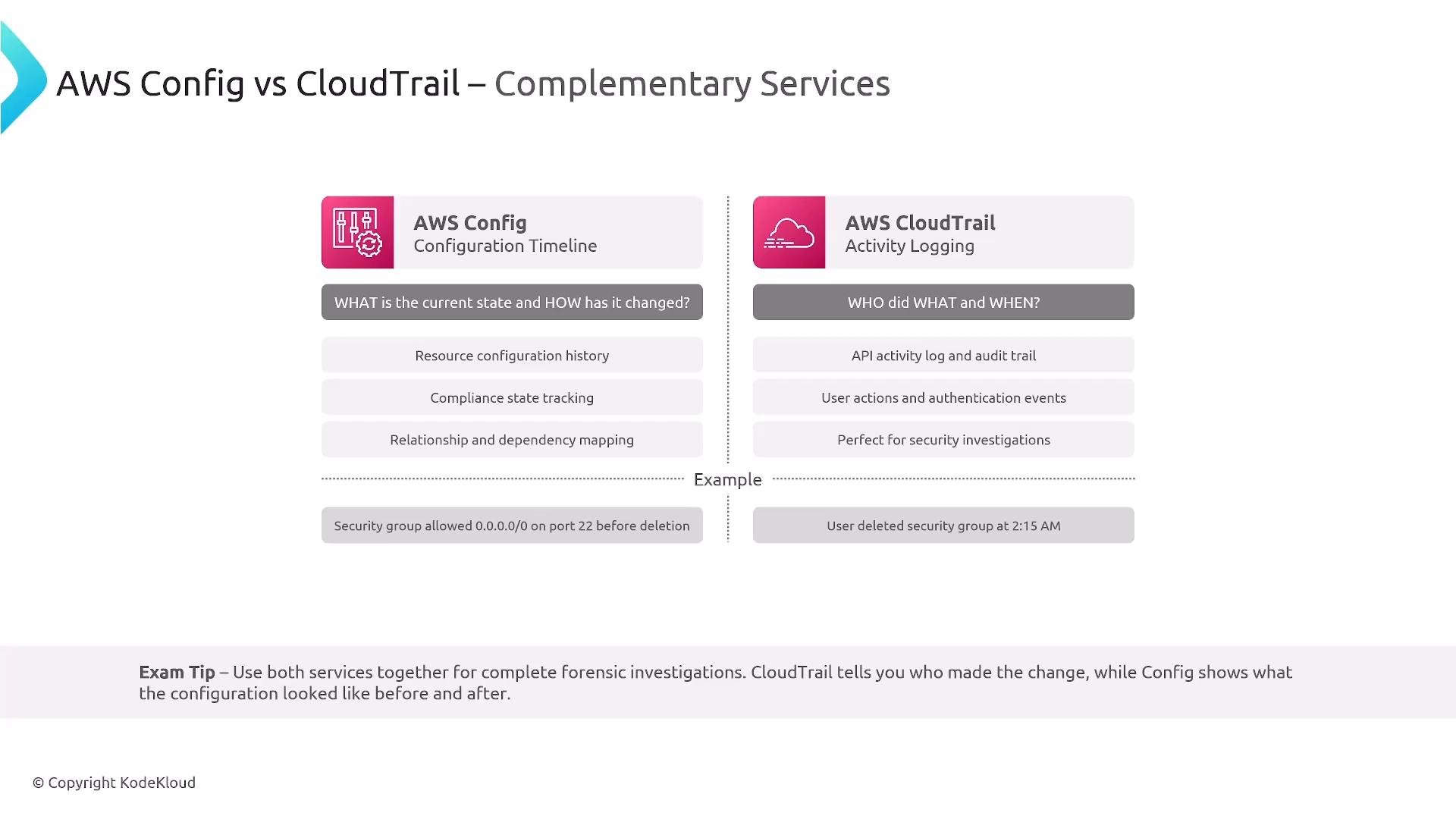
For more, see the AWS docs: AWS Config, AWS CloudTrail.
Config Rules: automated compliance monitoring
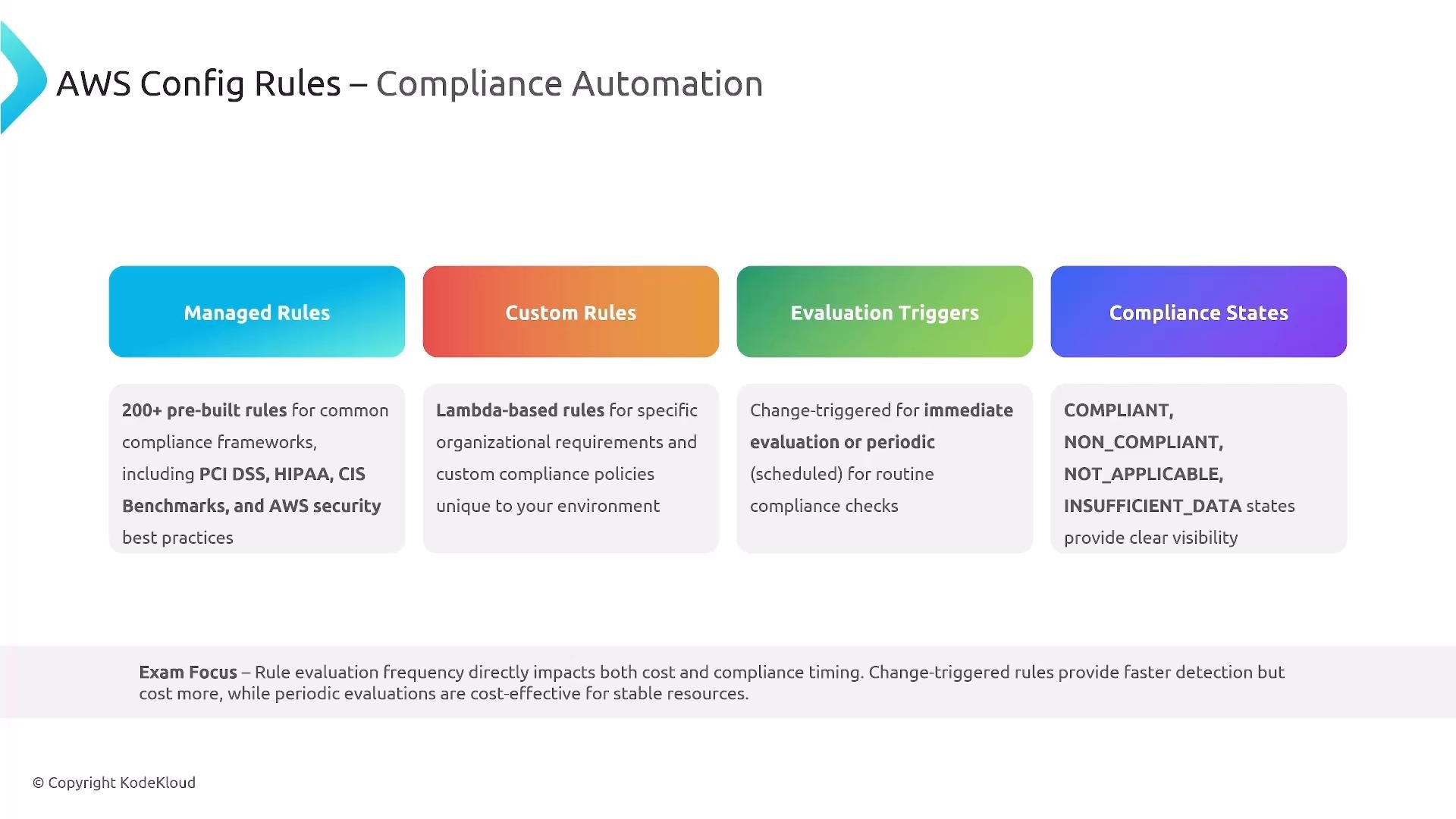
Config Rules are the core mechanism for automated compliance checks. AWS offers many managed rules; you can also author custom rules (commonly implemented as Lambda functions or with AWS Lambda-backed custom checks). Rules support two evaluation modes:- Change-triggered: evaluated when a tracked resource changes (fast detection; may cost more).
- Periodic: run on a schedule (lower cost; useful for stable resources).
Conformance packs: multi-rule, shareable compliance
Conformance packs bundle multiple Config rules and remediation actions into a single, shareable package (CloudFormation-style templates). AWS provides pre-built packs for standards like HIPAA and FedRAMP. Deploy conformance packs across accounts in an AWS Organization from a central account to get aggregated scoring, centralized reporting, and exception management.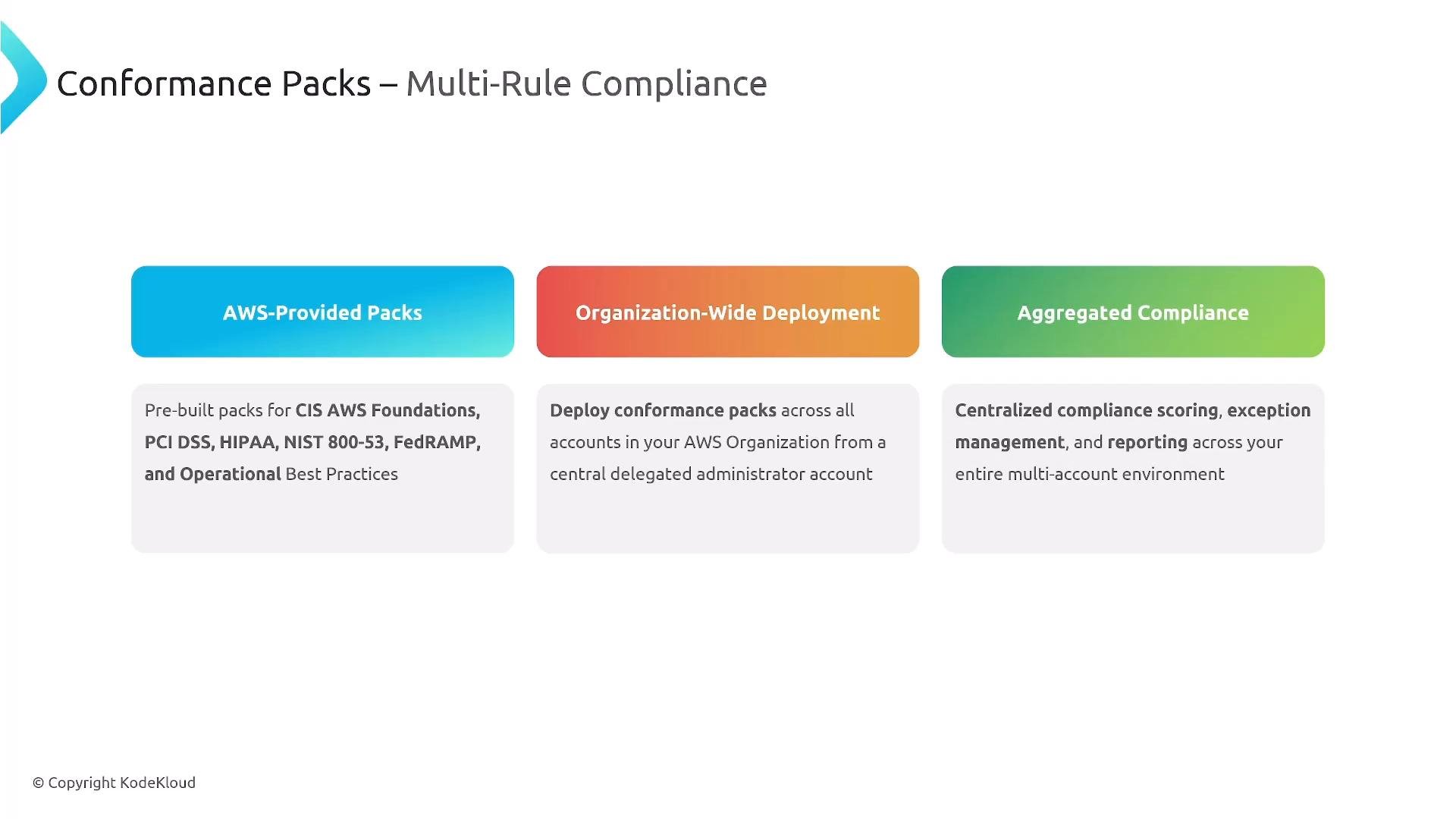
Configuration history and relationship mapping
Config stores a detailed configuration history for each tracked resource: timestamps, actors, and before/after snapshots of the resource state. It records environment variables, IAM roles, VPC settings, and other supported attributes. Crucially, Config tracks resource relationships — for example, which EC2, RDS, or Lambda resources reference a security group — enabling impact analysis and blast-radius tracing during incident response.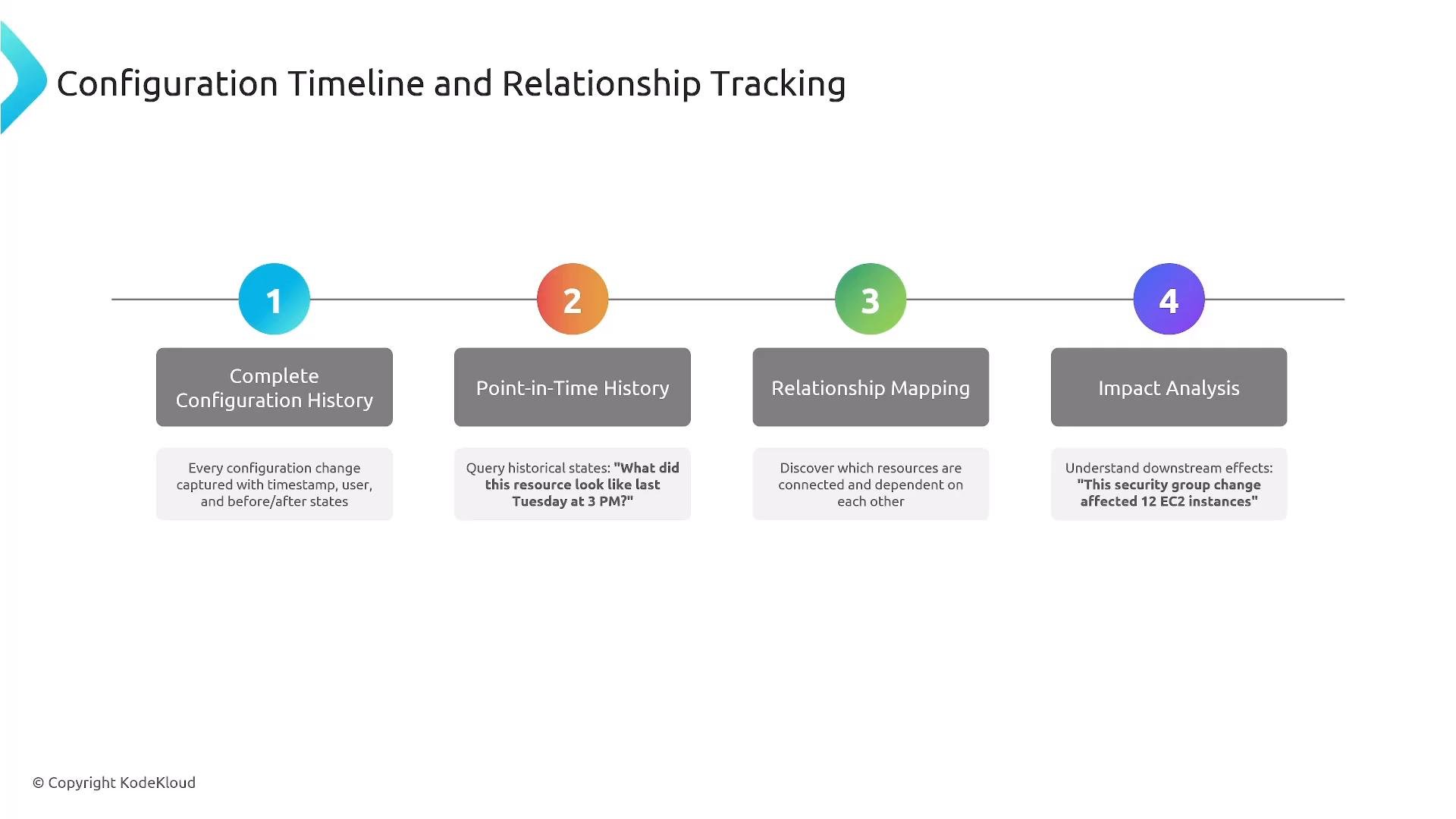
Automated remediation patterns
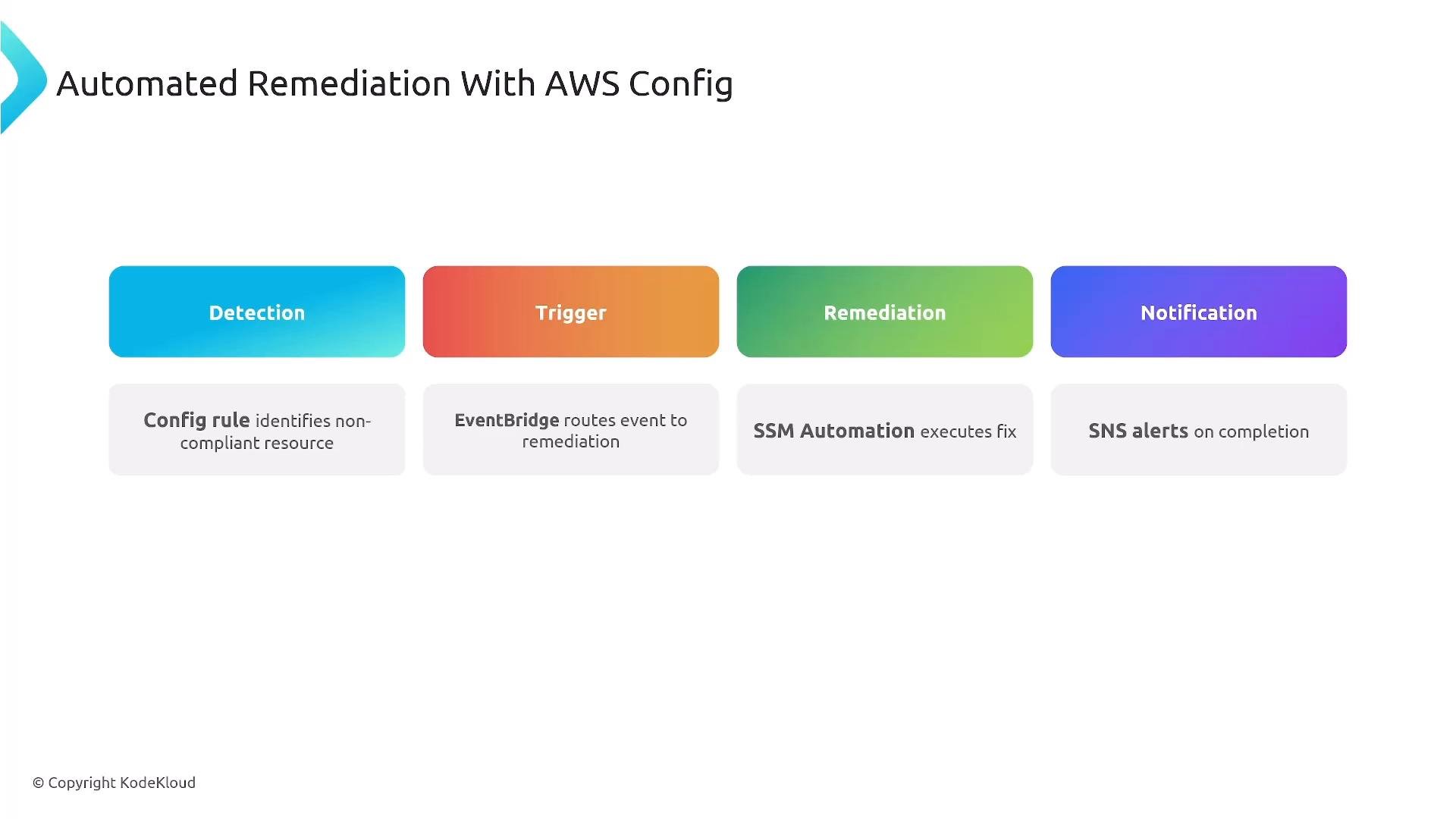
When a rule detects non-compliance, Config can trigger automated remediation workflows. A common pattern:- Config emits a non-compliance event.
- EventBridge routes the event to remediation targets.
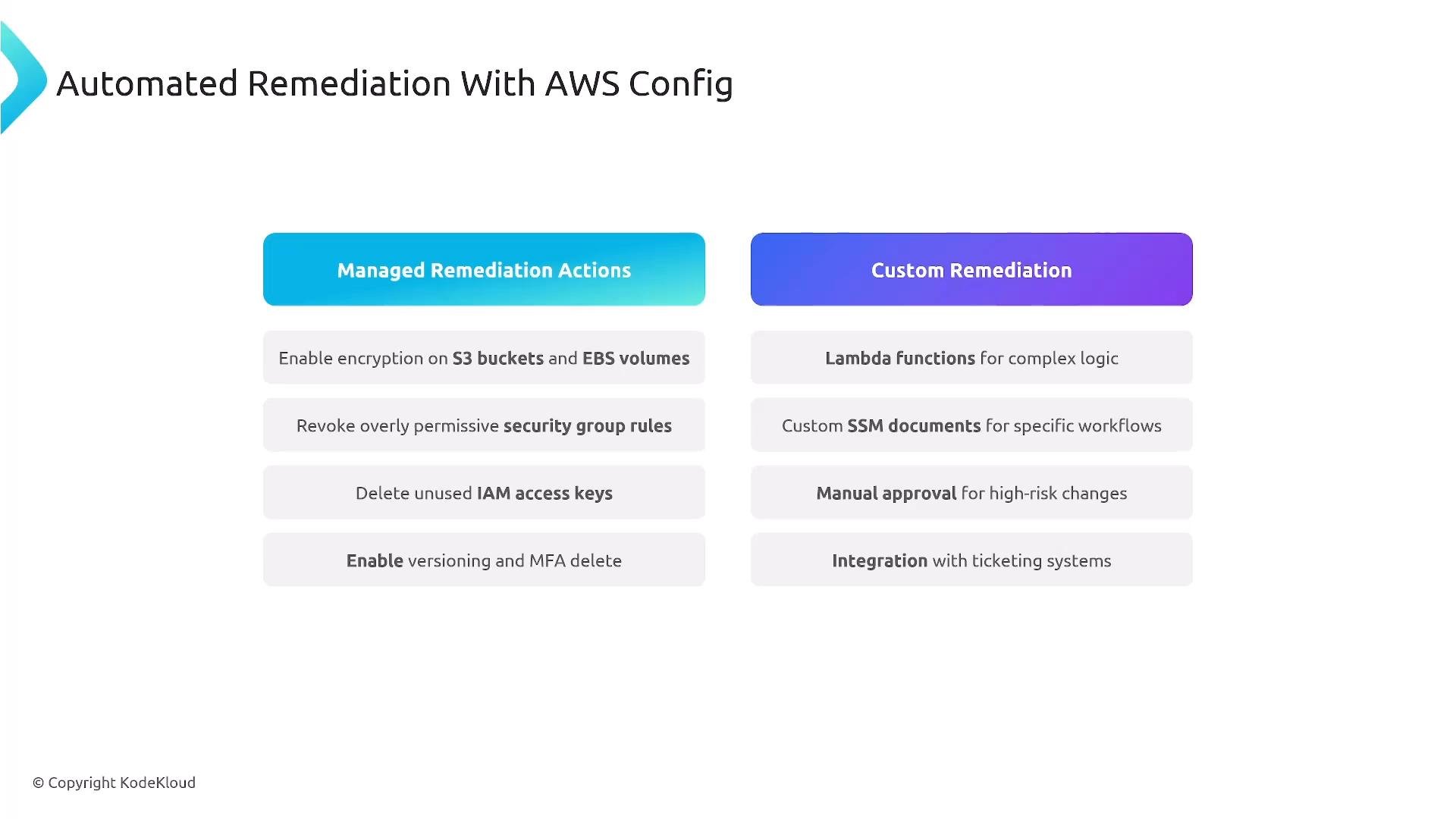
- Remediation executes via Systems Manager Automation, Lambda, or other services.
- Notifications are sent via SNS or tickets are created in ITSM systems.
Automatic remediation can be powerful but risky. Require approvals or manual gates for destructive actions and ensure adequate testing in non-production environments before deployment.
Aggregators: centralized multi-account, multi-region visibility
Config Aggregators provide centralized visibility across many accounts and regions. Deploy Config in each account/region, then create an aggregator in a central auditing or delegated account. The aggregator collects configuration and compliance data across accounts and regions and enables organization-wide dashboards, cross-account queries, and unified reporting. Cross-account IAM permissions are required so the aggregator can read data in member accounts.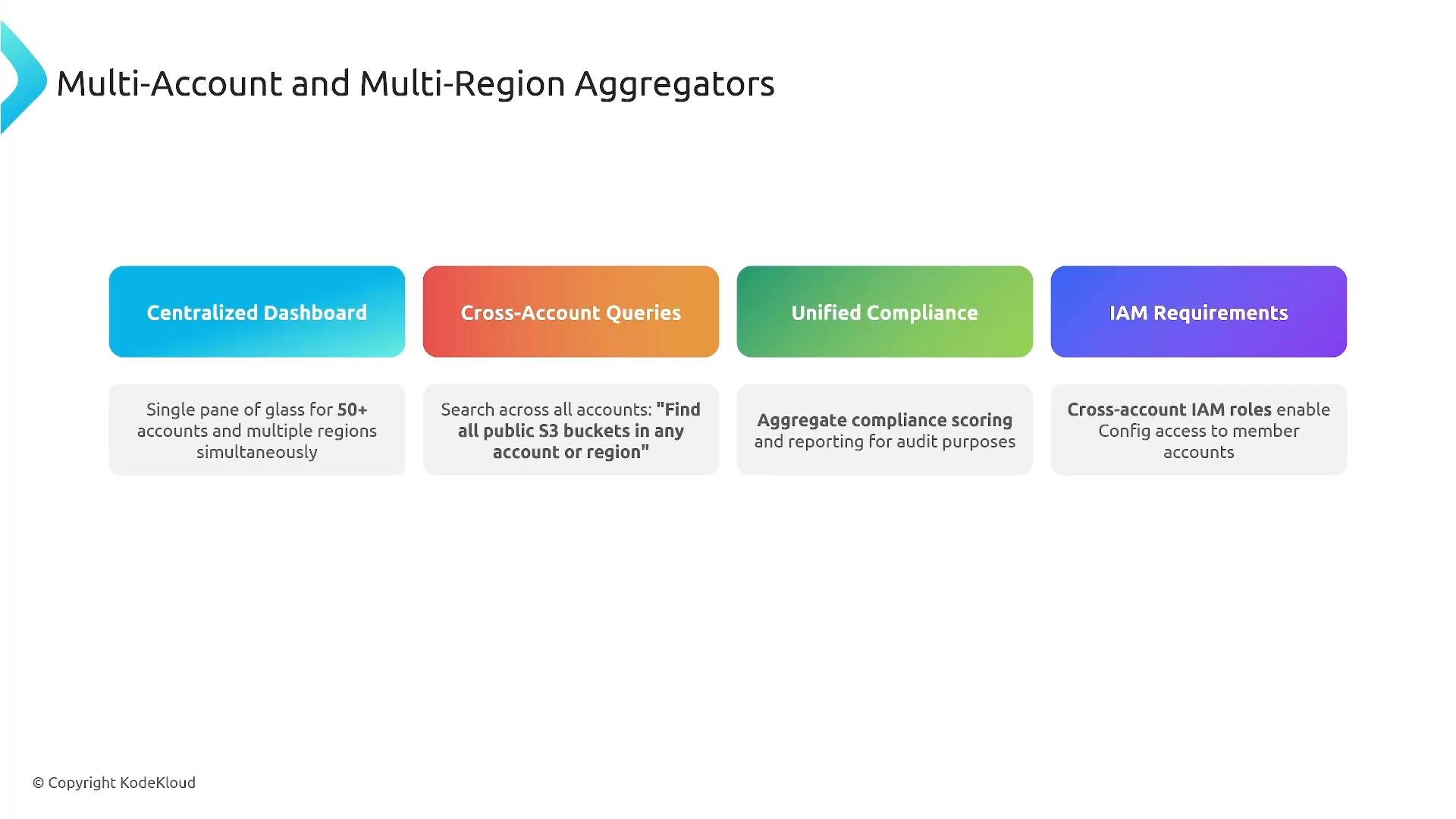
Drift detection (IaC + Config)
When managing infrastructure as code, detect drift between deployed resources and the declared templates. Use CloudFormation drift detection to compare running resource state to the CloudFormation template; AWS Config complements this by recording resource configurations and surfacing historical changes. When drift is found, notify the owning team, trigger further inspection, or attempt automated reconciliation depending on policy and risk tolerance.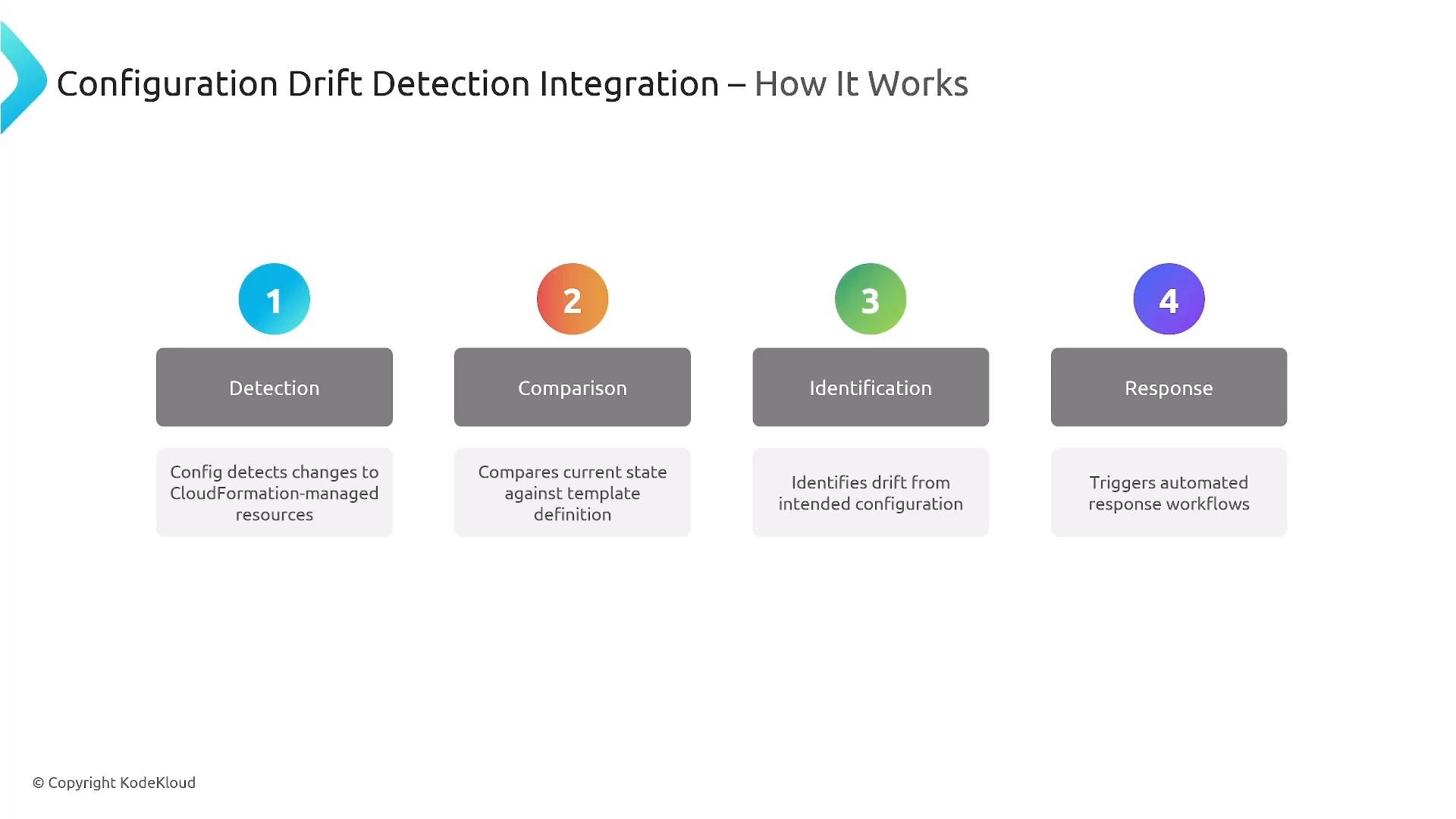
Common use cases
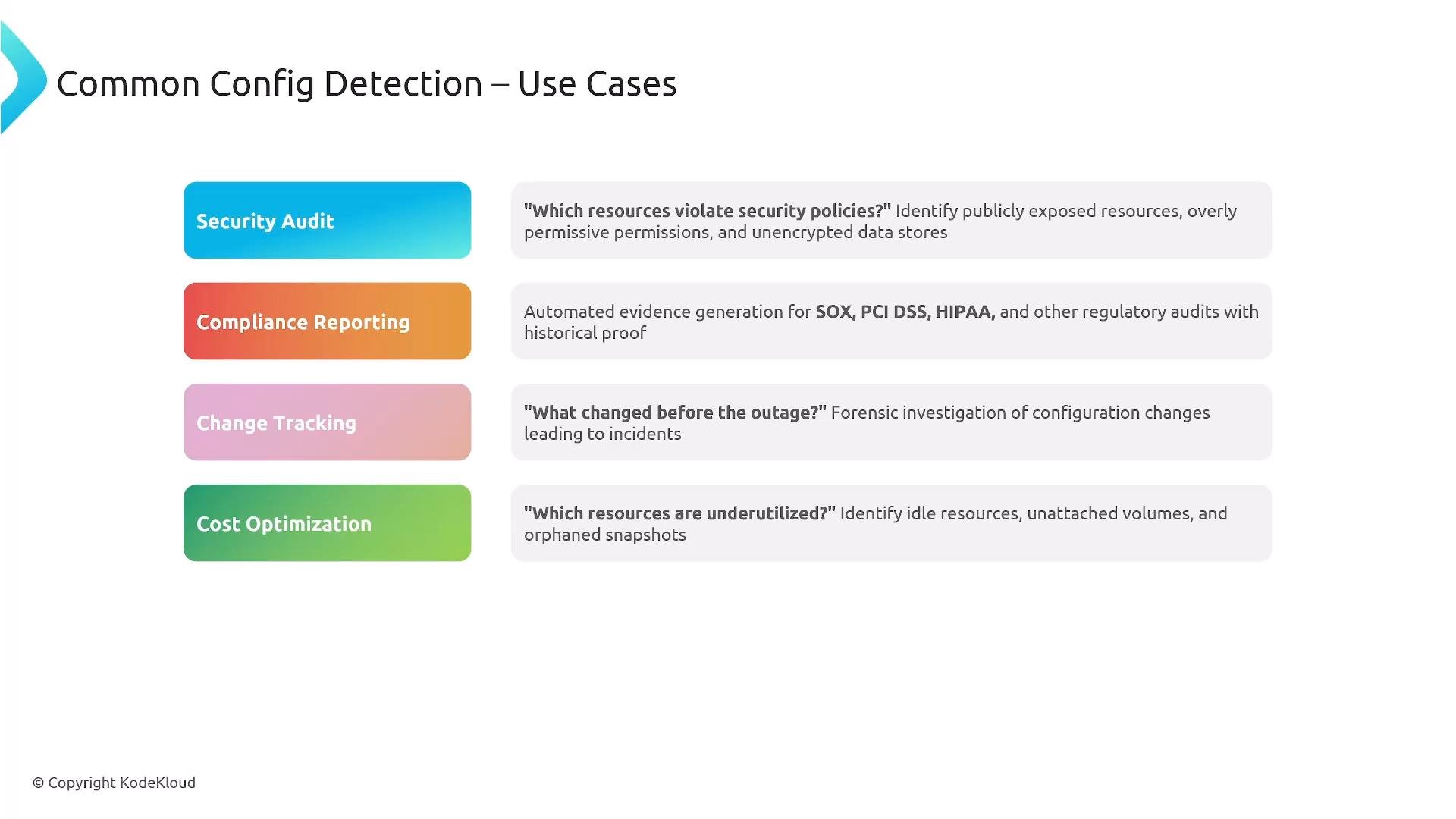
Typical scenarios where AWS Config adds value:- Security auditing and evidence collection for regulatory compliance.
- Continuous compliance reporting and conformance-pack driven controls.
- Change tracking for change control processes and forensic investigations.
- Impact analysis via relationship mapping to understand blast radius.
- Cost optimization insights (discover unattached volumes, unused resources).
Integration patterns (exam and production relevance)
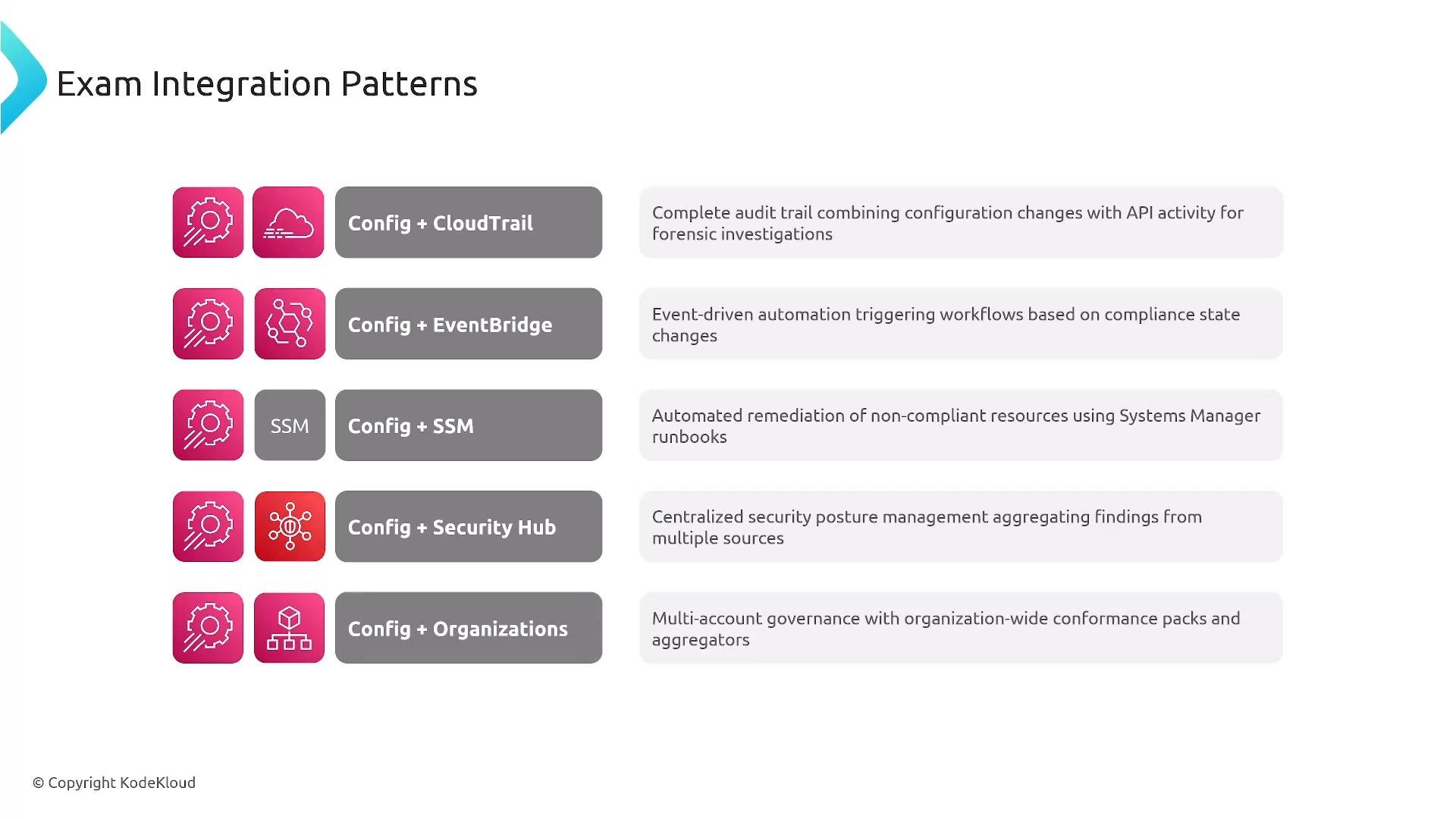
AWS Config commonly integrates with:- CloudTrail — correlate API activity with configuration changes.
- EventBridge — route compliance events to remediation or orchestration.
- Systems Manager — execute Automation documents for remediation.
- Security Hub — aggregate posture and findings across services.
- AWS Organizations — centralize deployment and aggregators across accounts.
Pricing considerations and optimization
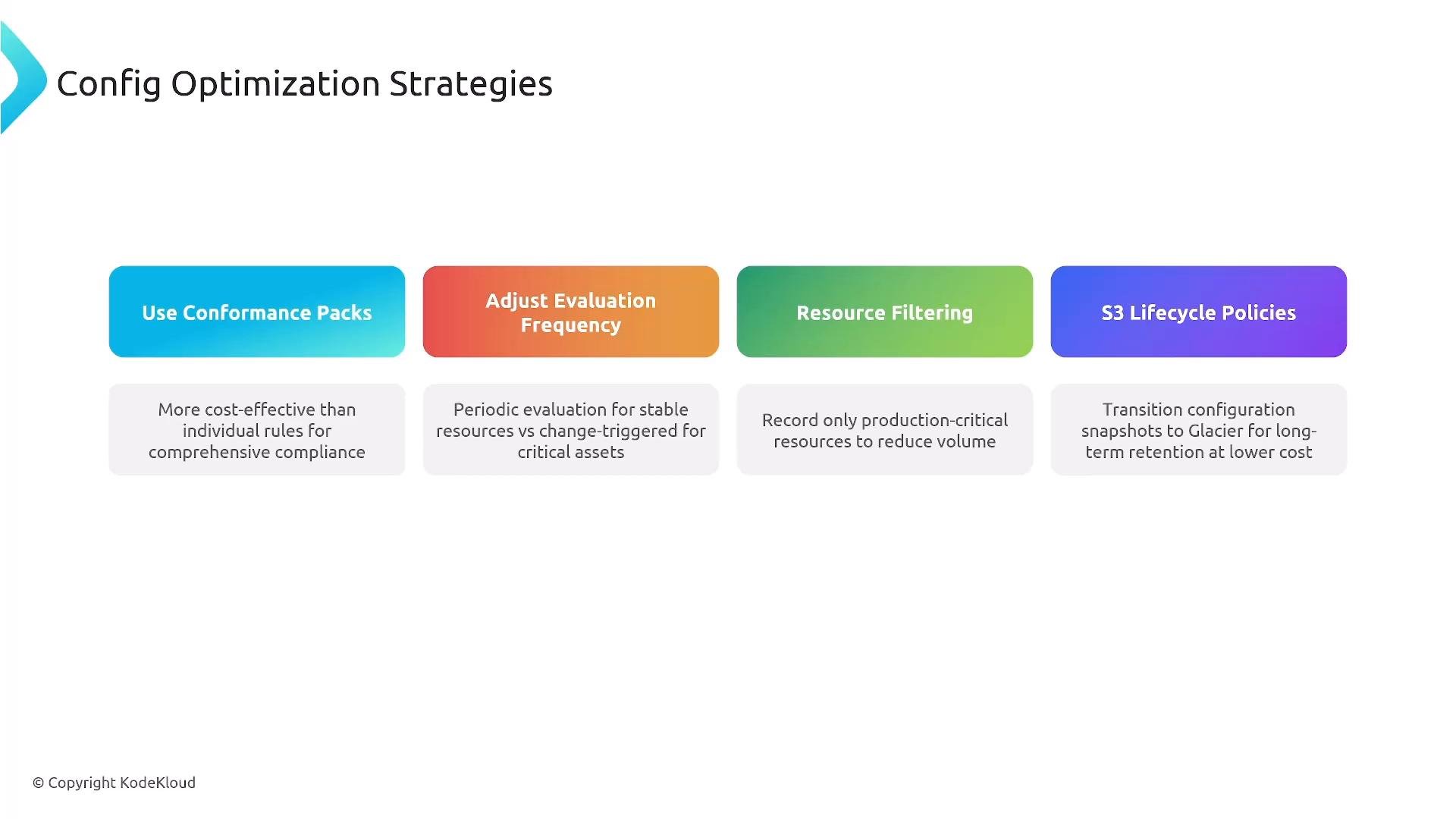
Config pricing is based on recorded configuration items and rule evaluations. Continuous or frequent evaluations increase cost. Strategies to optimize include:- Use conformance packs to standardize and reduce duplication.
- Tune evaluation frequency (use periodic for low-risk resources).
- Filter which resource types are recorded.
- Apply S3 lifecycle policies to archive or expire historic configuration snapshots.
Consider tracking only production-critical resources and using periodic evaluations for stable resources to reduce costs. Use S3 lifecycle policies for long-term retention of Config snapshots at lower cost.
- AWS Config Developer Guide: https://docs.aws.amazon.com/config/latest/developerguide/
- AWS CloudTrail User Guide: https://docs.aws.amazon.com/cloudtrail/latest/userguide/
- AWS Security Hub: https://docs.aws.amazon.com/securityhub/latest/userguide/
- Amazon EventBridge: https://docs.aws.amazon.com/eventbridge/latest/userguide/
- AWS Systems Manager: https://docs.aws.amazon.com/systems-manager/latest/userguide/
- AWS CloudFormation drift detection: https://docs.aws.amazon.com/AWSCloudFormation/latest/UserGuide/using-cfn-stack-drift.html