

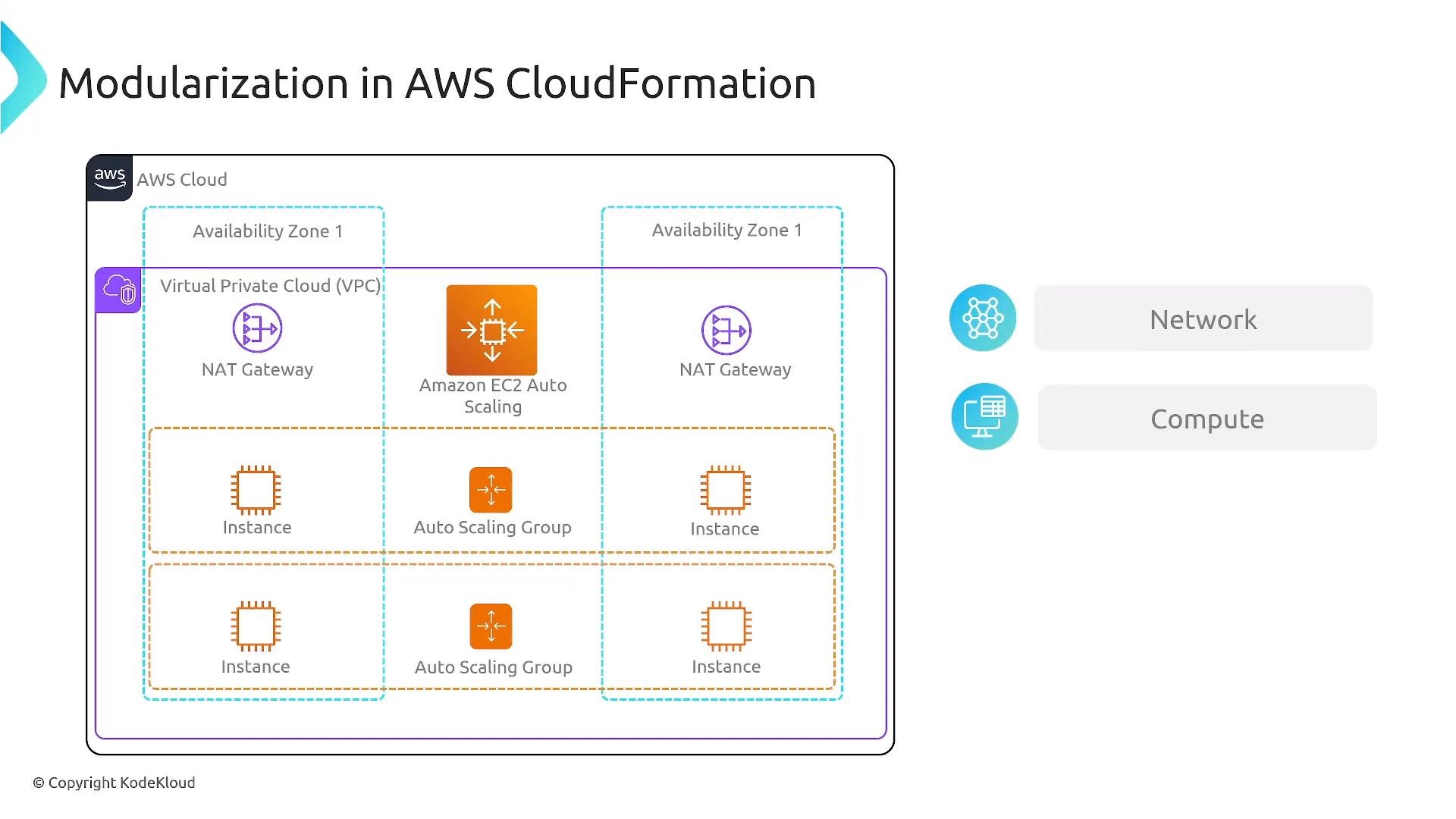
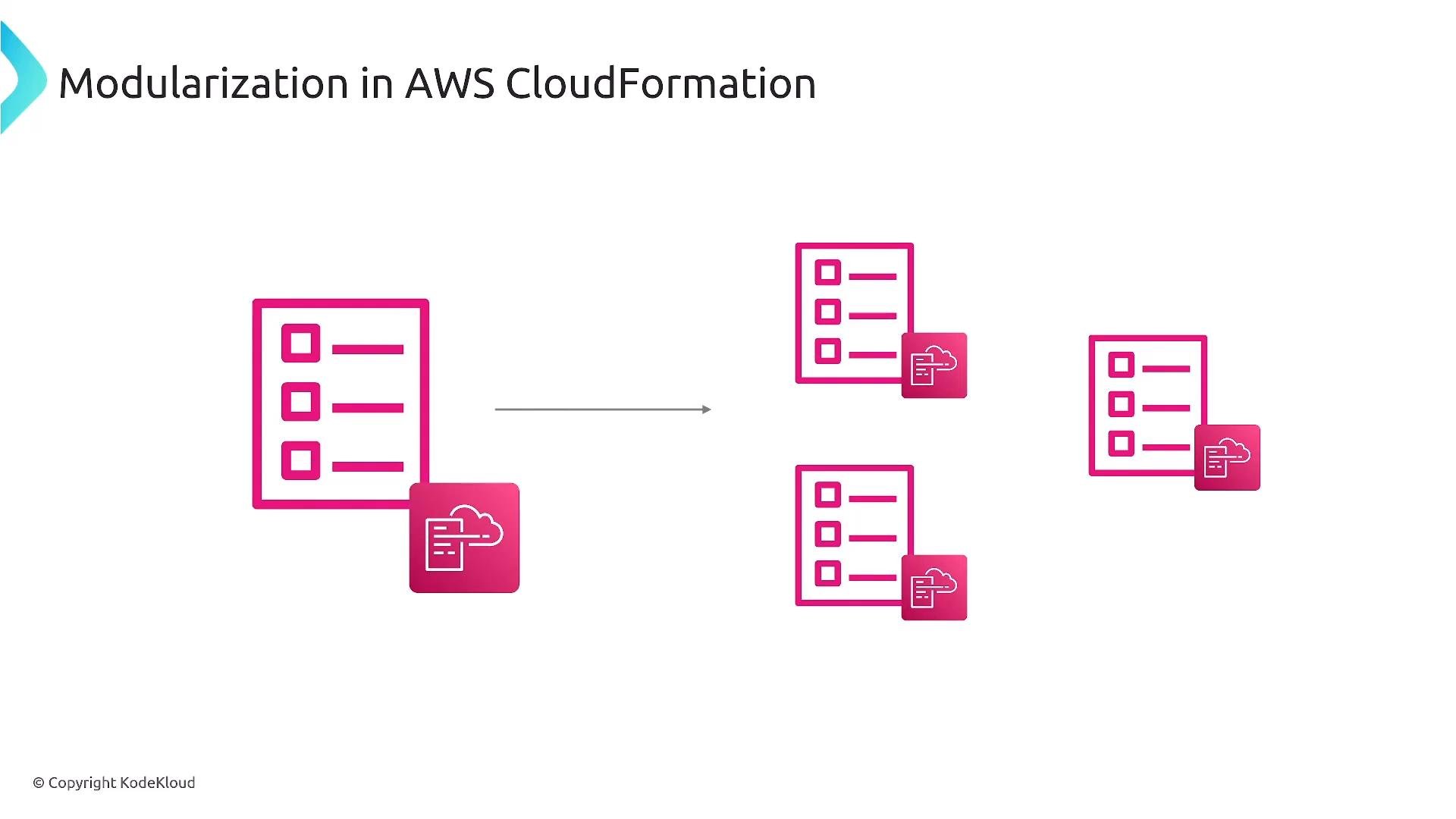
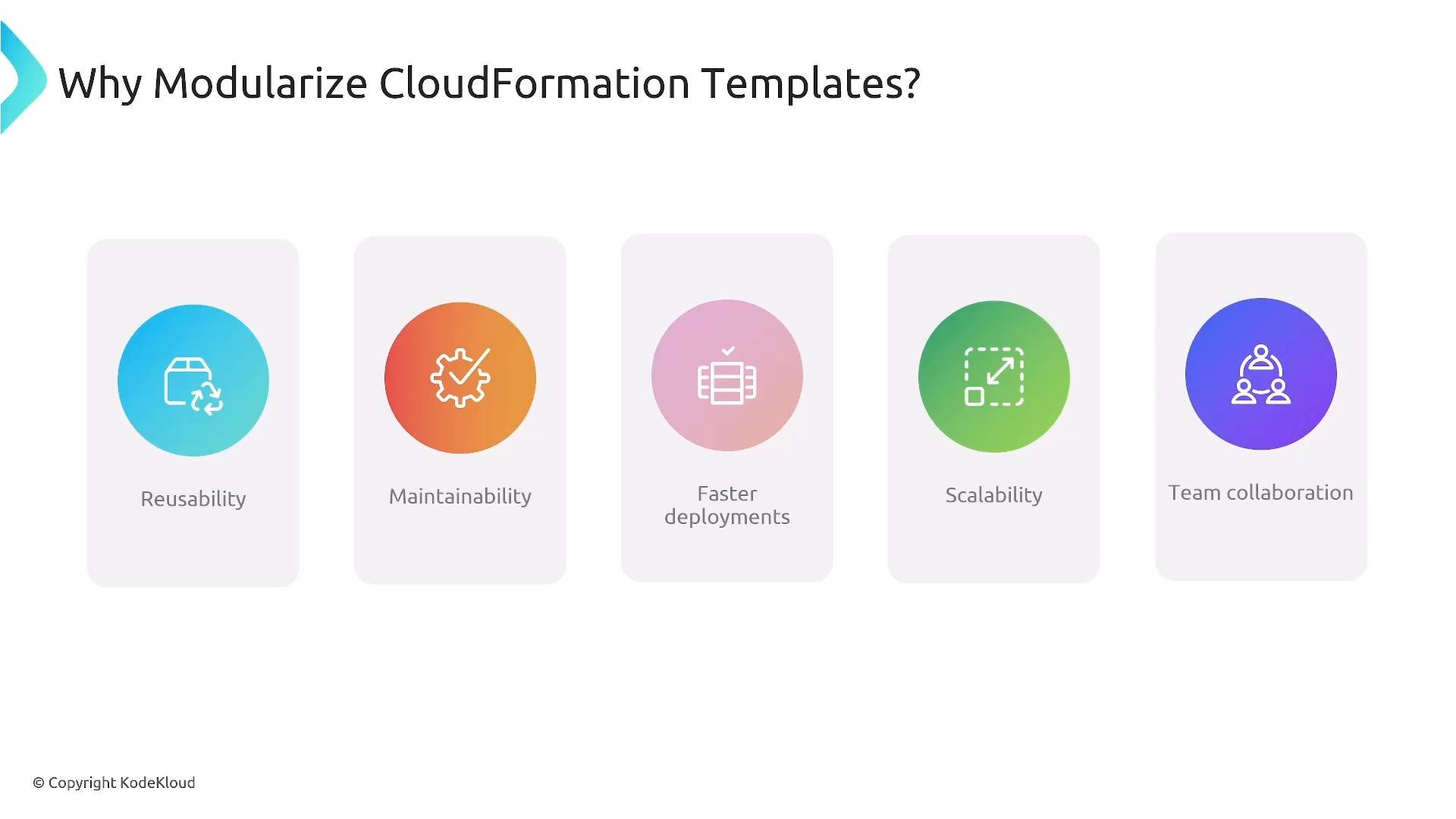
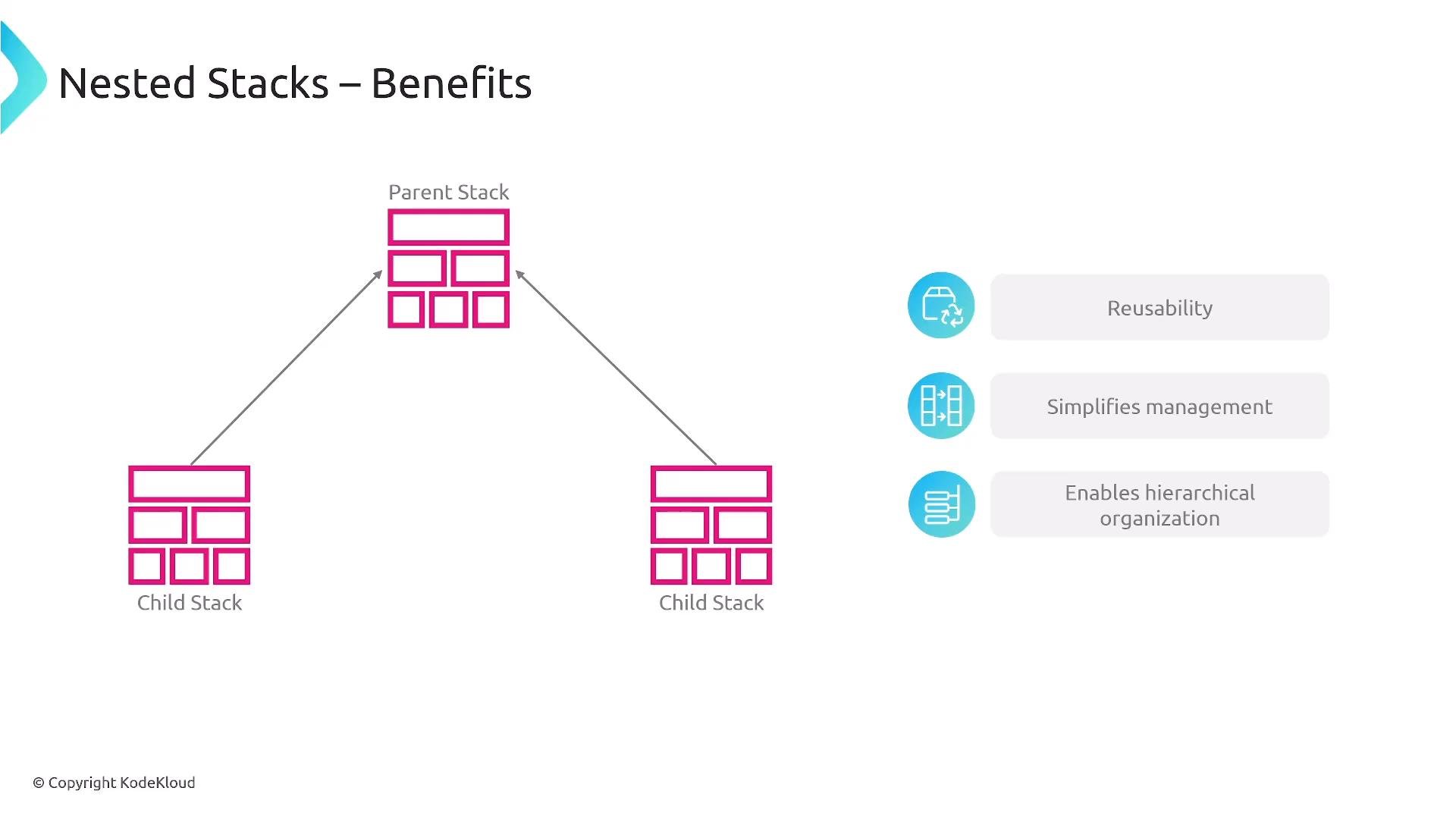
- Reuse modules across environments and accounts.
- Reduce template complexity and stack operation time.
- Improve team autonomy and parallel development.
- Scale and evolve parts of your infrastructure independently.
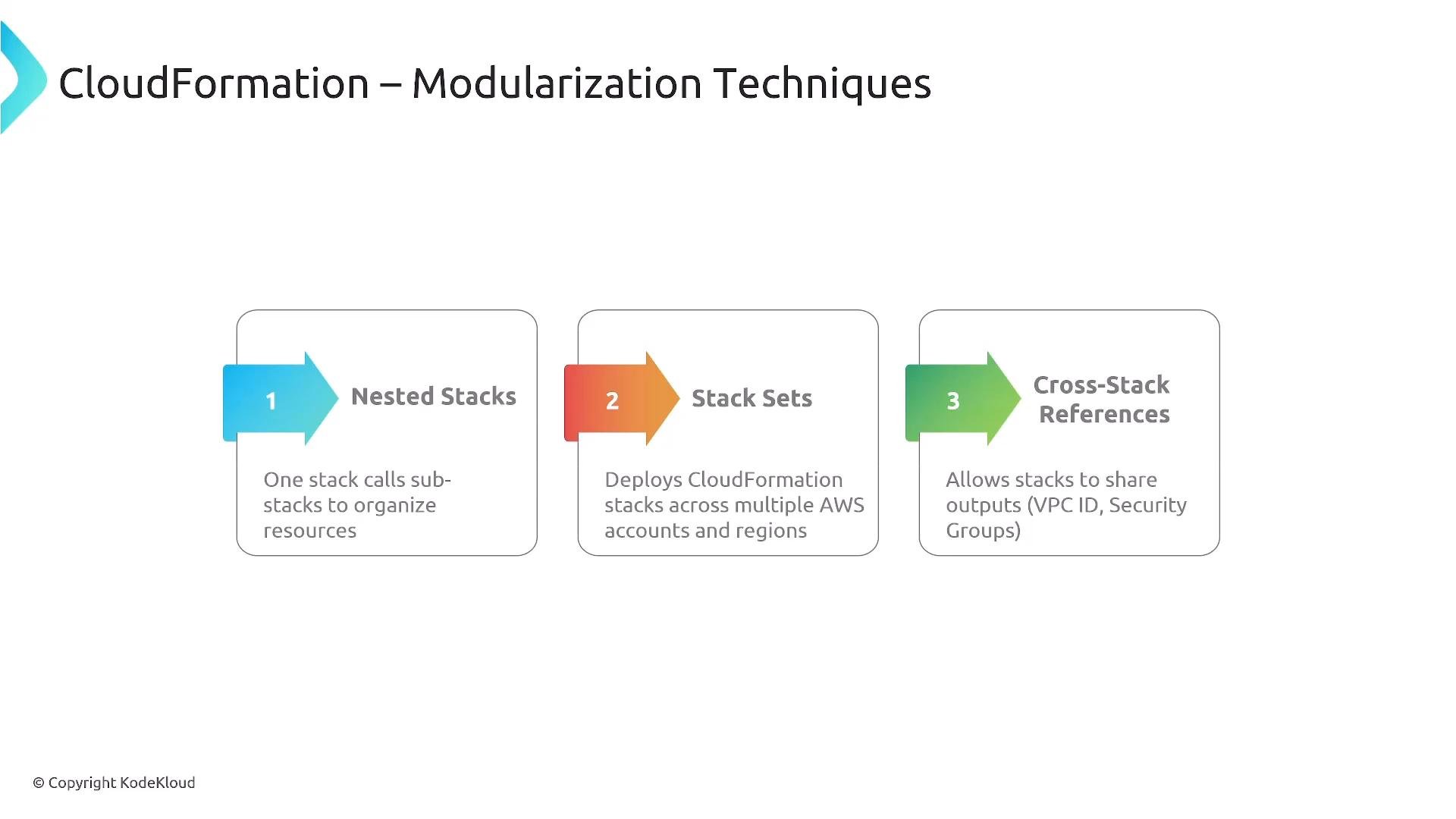
- Reusable modules across parent stacks.
- Clear, hierarchical management and visibility.
- Updates scoped to the nested stack reduce unintended impact.
- A Networking stack exports
VpcIdand subnet IDs. - Database or Application stacks import those exports using
Fn::ImportValue/!ImportValue.
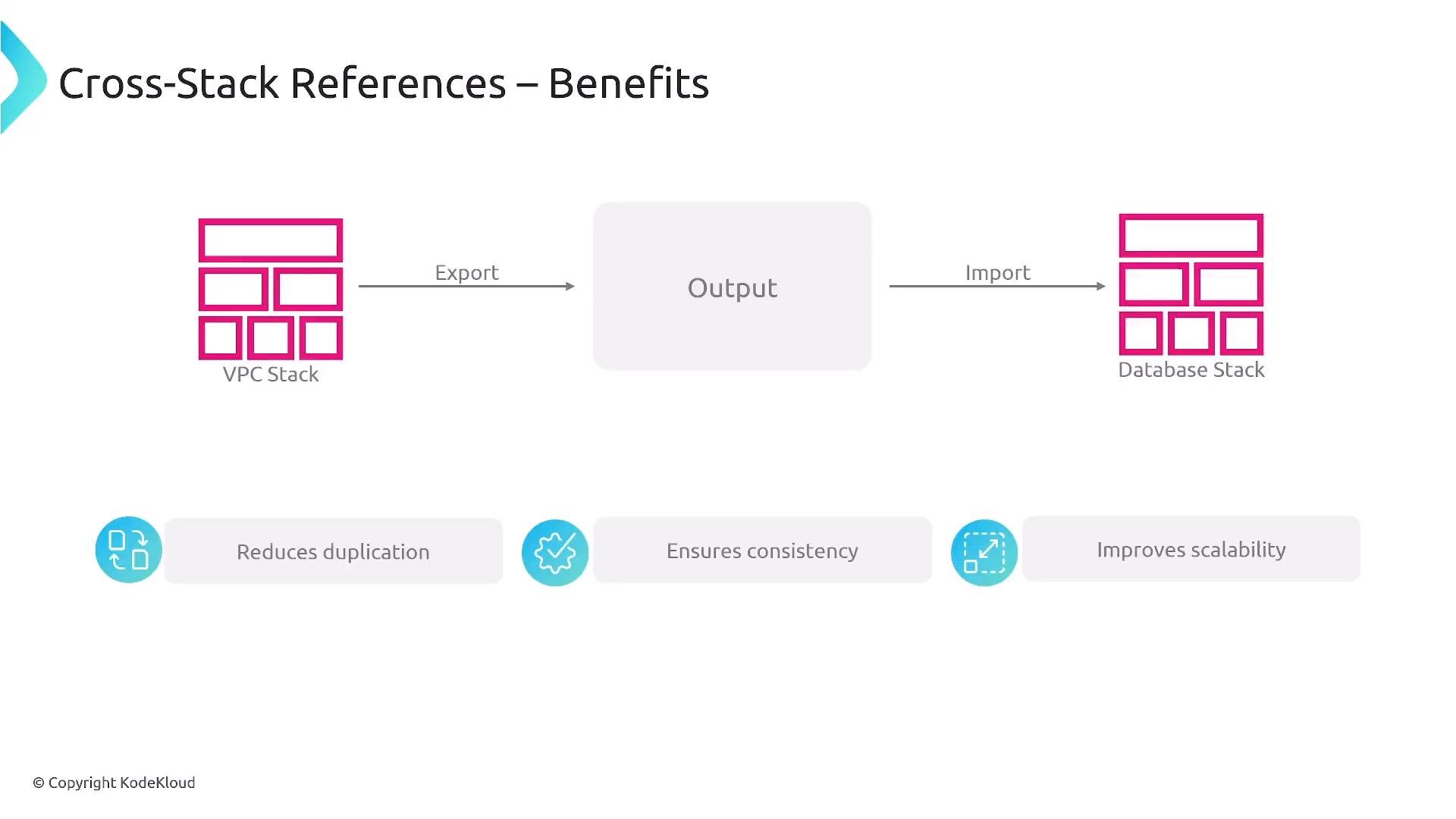
Fn::ImportValue or the short !ImportValue; the exporter must define an Export.Name and importing stacks must reference that exact exported name.
Best practices and operational considerations
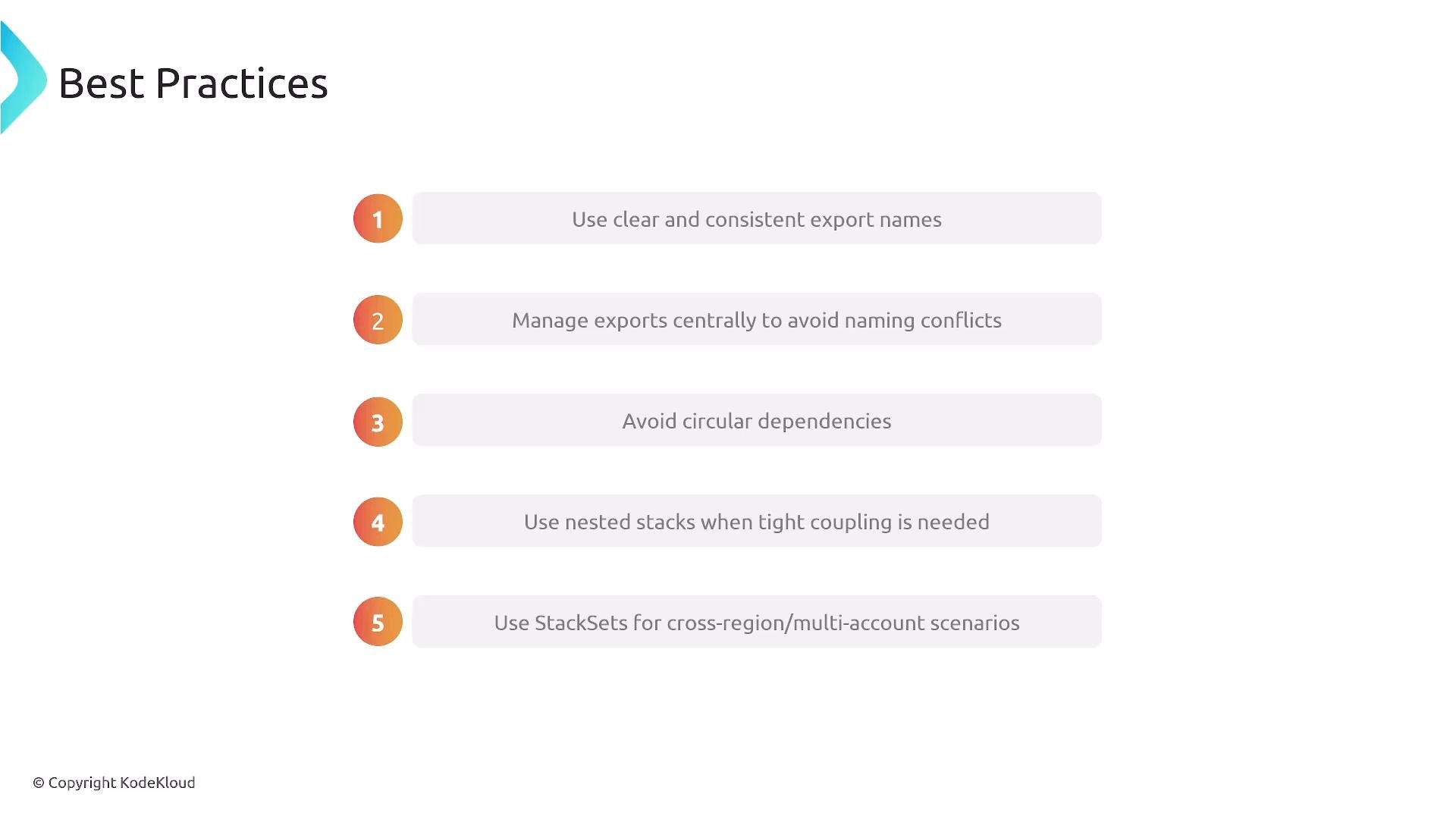
Use consistent, discoverable export names (for example,
stackname-vpcid or a predictable prefix) and version modules in Git or a shared S3 bucket so teams can find and reuse stable templates.- Track exports centrally so other teams can discover importable values.
- Avoid circular dependencies between stacks—Stack A must not import values from Stack B if Stack B imports values from Stack A.
- Choose nested stacks for tightly-coupled, hierarchical resources. Choose cross-stack references for independent lifecycles with shared values.
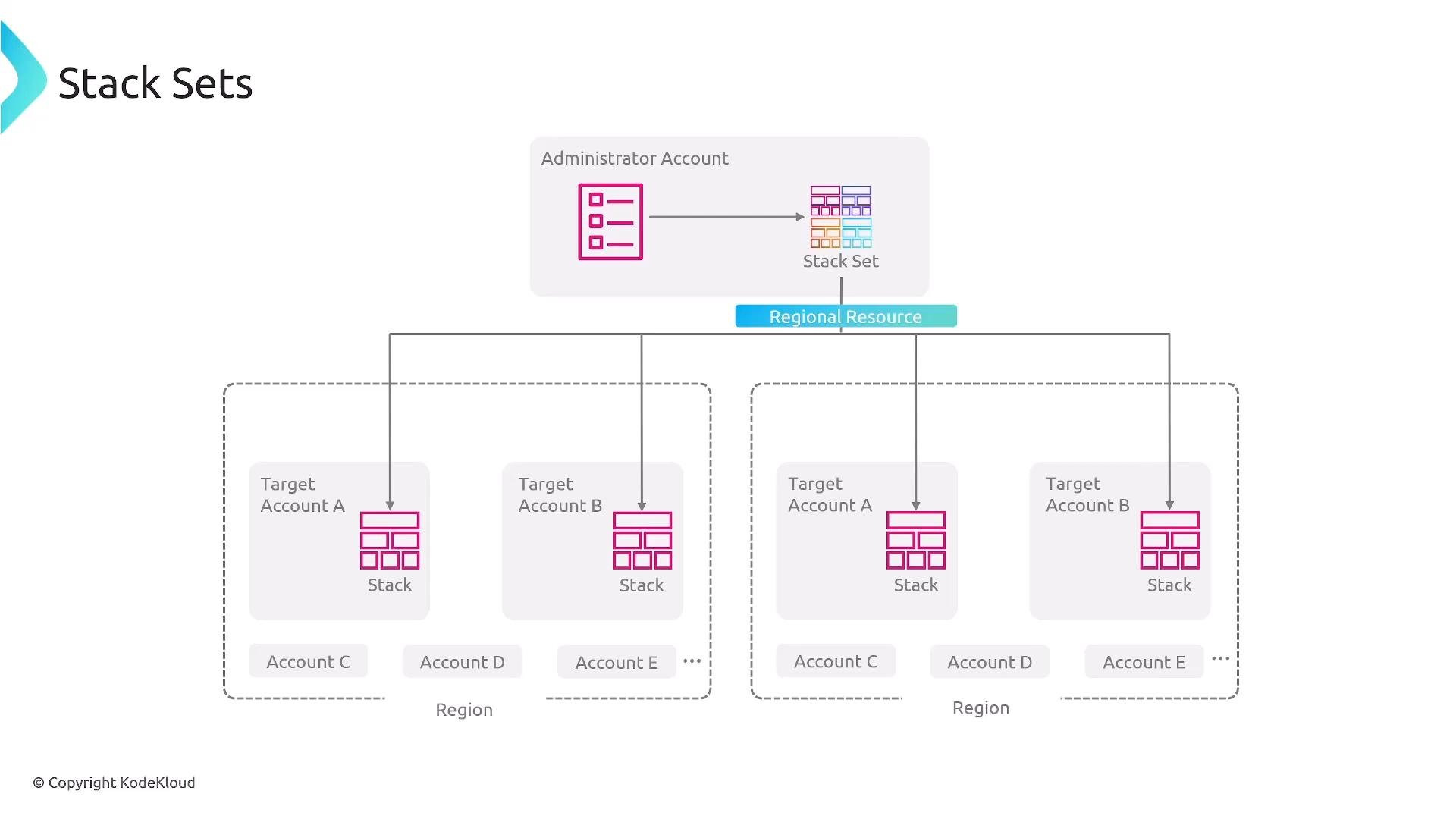
- Use StackSets for governance and consistent deployments across accounts and Regions; don’t use StackSets for ad-hoc, one-off pushes.
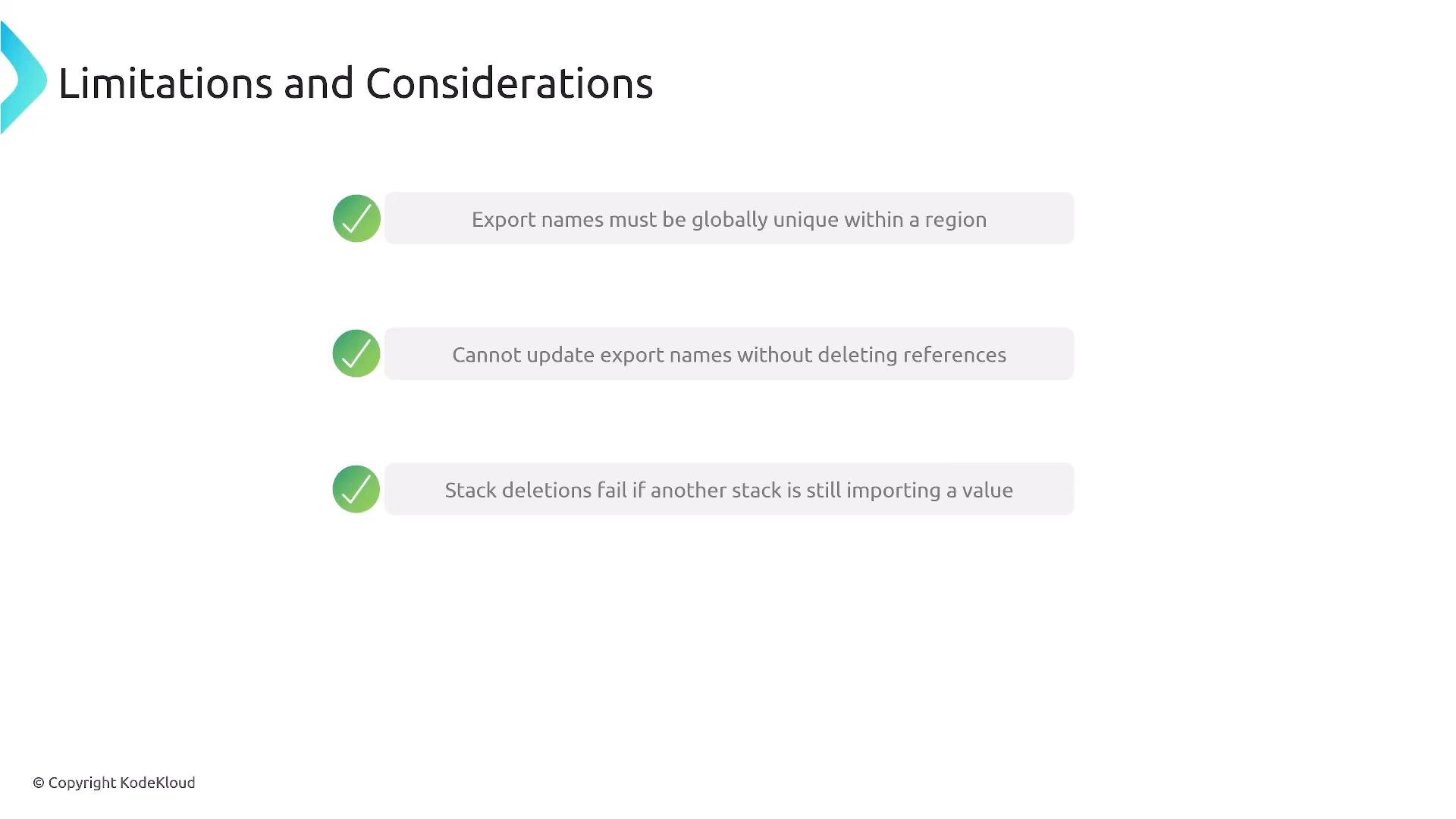
- Export names must be unique per AWS Region and account—plan naming to avoid collisions.
- You cannot change an export name while other stacks import it. To rename, remove all imports first, then update the exporter.
- Deleting a stack that is still exporting values imported by others will fail—inspect relationships before deleting.
Be cautious when updating or deleting exported values. If another stack imports them, the exporter cannot be deleted and its export name cannot be changed until all imports are removed.
- Keep templates focused—split logical components into separate modules.
- Aim to keep each template to a few hundred resources where practical; very large templates increase stack operation time and approach service limits.
- Store modular templates in version control (Git) and/or a centralized S3 bucket for stable, reproducible references.
- Consider higher-level tooling (for example, the AWS Cloud Development Kit) for programmatic composition of reusable constructs and better modularity.
- Export names are unique per Region and account—name collisions will prevent export creation.
- You cannot update an export name while there are active imports.
- Stack deletion fails if another stack imports one of its exports.
- Diagnose relationships using the CloudFormation console or AWS CLI (
list-exports,list-imports) to identify who depends on an export.
- Modularize CloudFormation templates to improve reuse, maintainability, and team autonomy.
- Use nested stacks for hierarchical, tightly-coupled deployments and consolidated management.
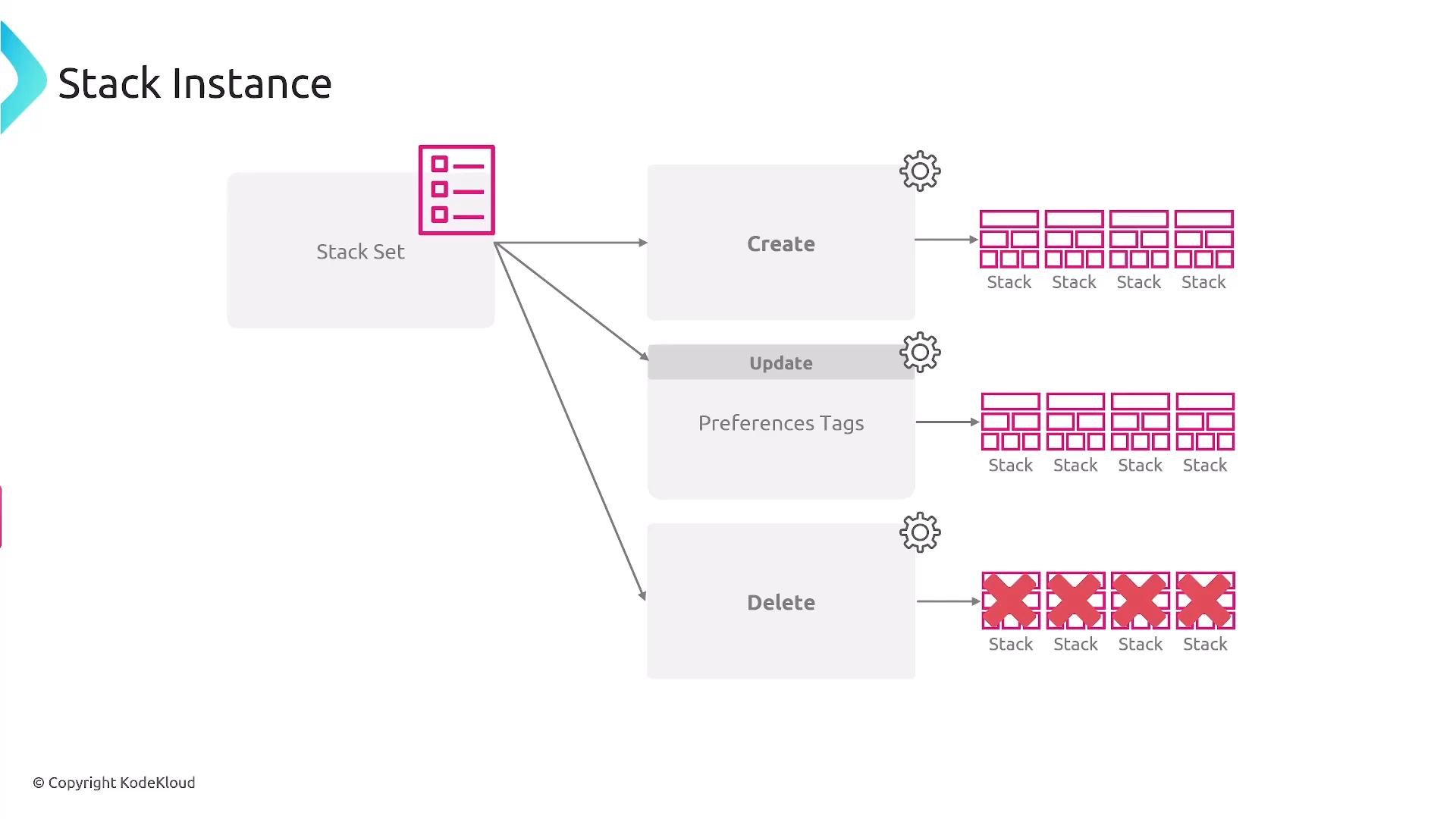
- Use StackSets to deploy identical templates across multiple accounts and Regions from a single administrator account.
- Use cross-stack exports/imports to share resource identifiers while keeping stacks independently manageable.
- Plan export names, avoid circular dependencies, version modules, and use the CloudFormation console or CLI to inspect and troubleshoot relationships.
- AWS CloudFormation documentation
- For hands-on modularity examples, see advanced CloudFormation and infrastructure-as-code courses such as the CloudFormation modules on KodeKloud:
https://learn.kodekloud.com/user/courses/aws-cloud-formation