

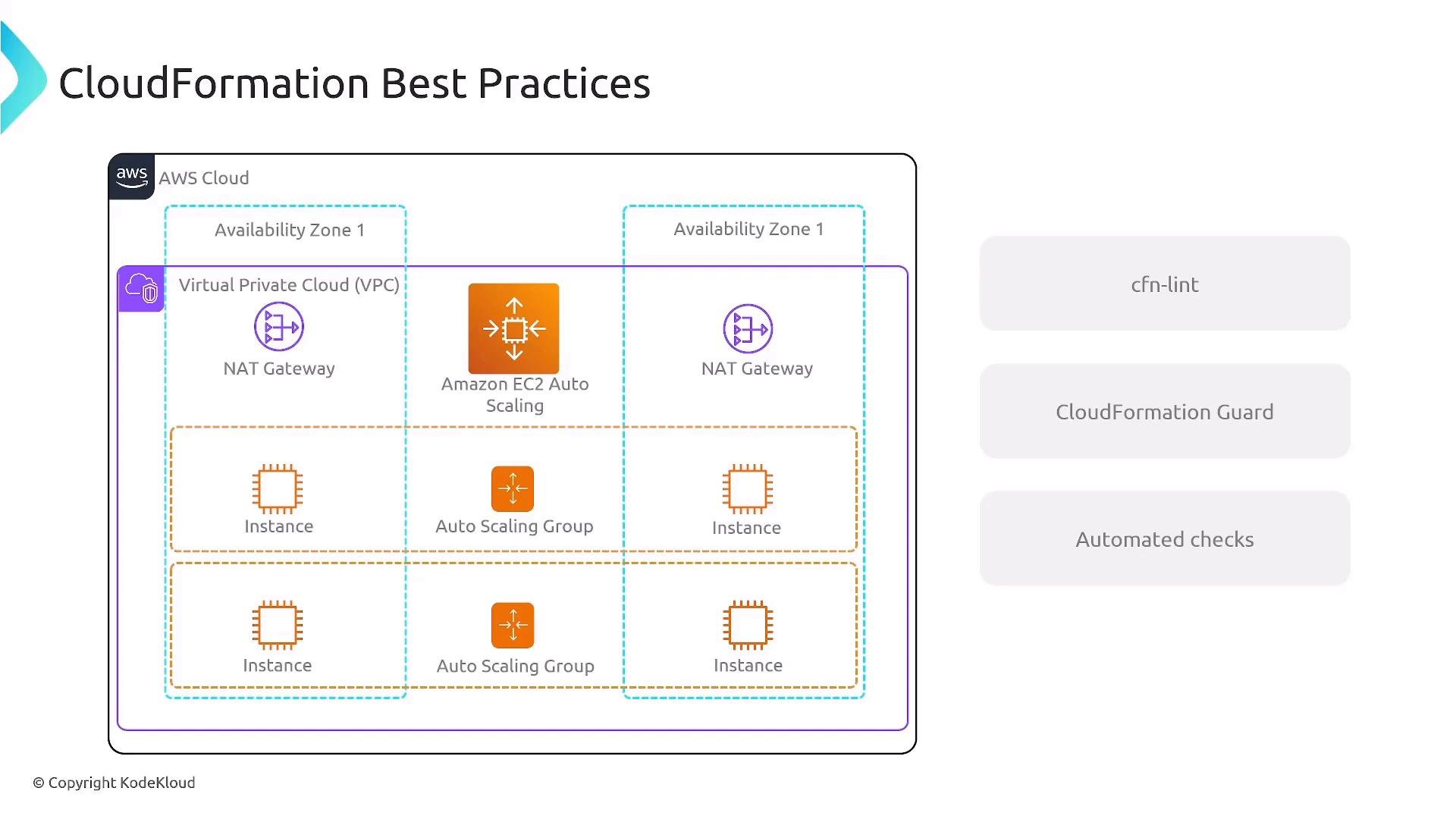
- Reduce manual verification and review time.
- Prevent insecure or costly configuration from reaching production.
- Enforce organizational policies consistently across teams.
- Provide fast, actionable feedback to authors in pull requests and CI builds.
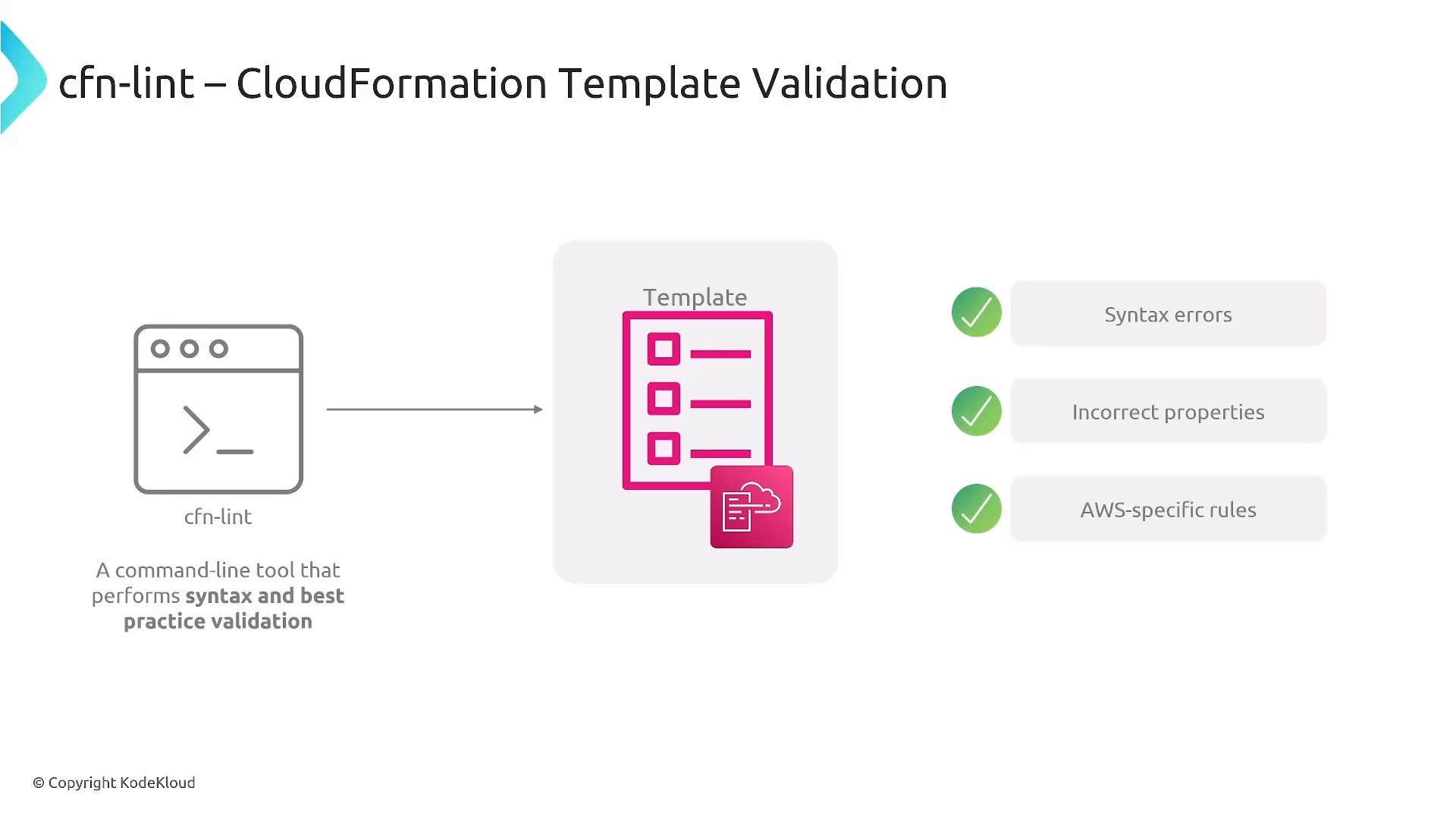
cfn-lint — Syntax and AWS-specific template validation
cfn-lint is a command-line linter that validates CloudFormation YAML/JSON templates for syntax, schema rules, property types, required properties, and many AWS service–specific constraints (S3, EC2, IAM, etc.). It pinpoints offending lines to make remediation straightforward. Quick local workflow:- Install cfn-lint on your development machine or in CI.
- Run it as a pre-commit hook and in CI to catch issues before merge.
- Fix the reported errors until the linter exits clean.
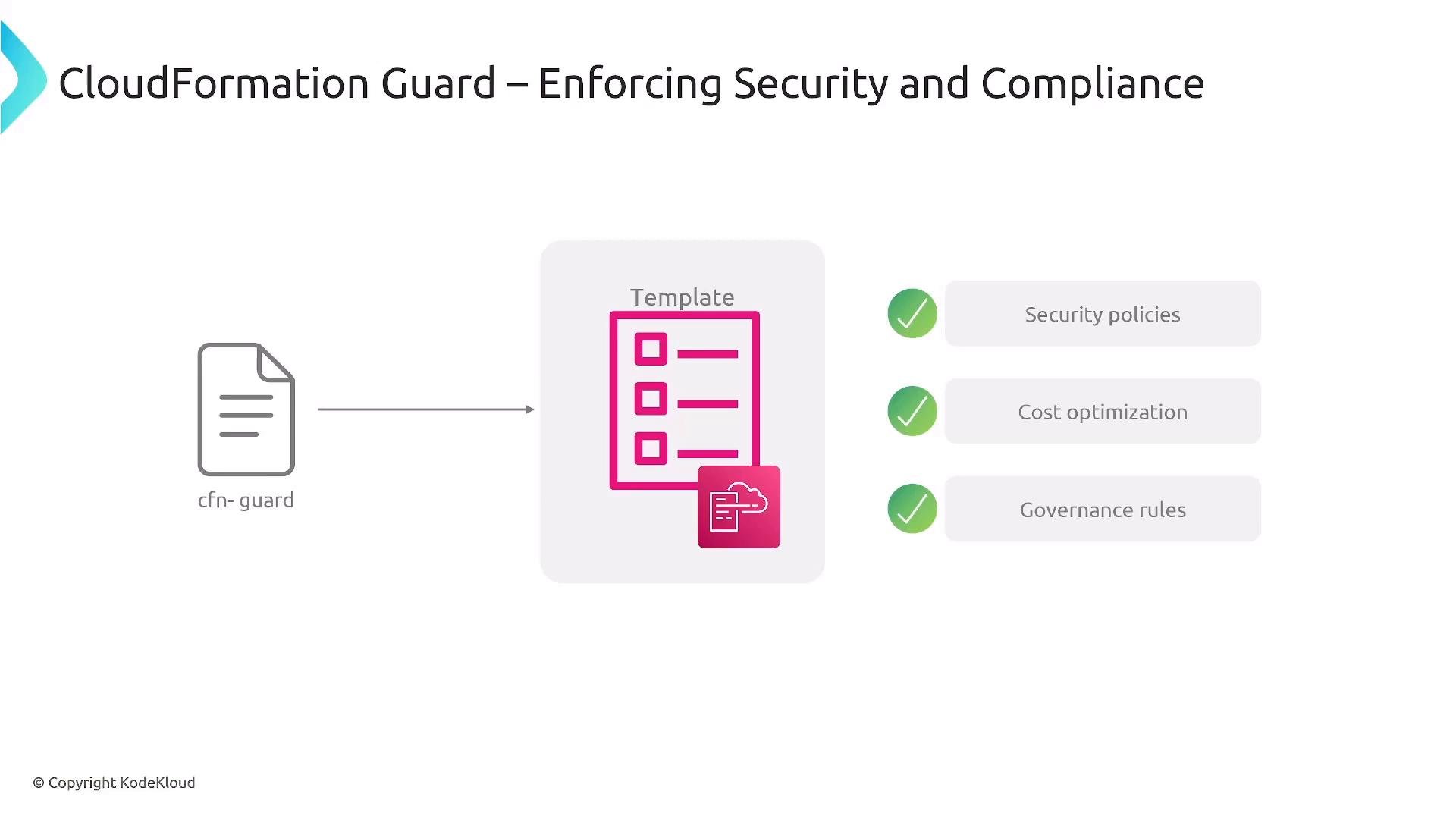
CloudFormation Guard (cfn-guard) — Policy enforcement for templates
CloudFormation Guard (cfn-guard) lets you codify organization policies as rule files and run them against CloudFormation templates. Typical uses include enforcing tag standards, restricting instance sizes, preventing public exposure of resources, and disallowing unencrypted storage. Workflow pattern:- Define rules describing allowed or disallowed properties and values.
- Execute cfn-guard locally and in CI to validate templates.
- Fail the build when templates violate policy so only compliant changes are deployed.
Tooling summary
Automating checks in CI/CD pipelines
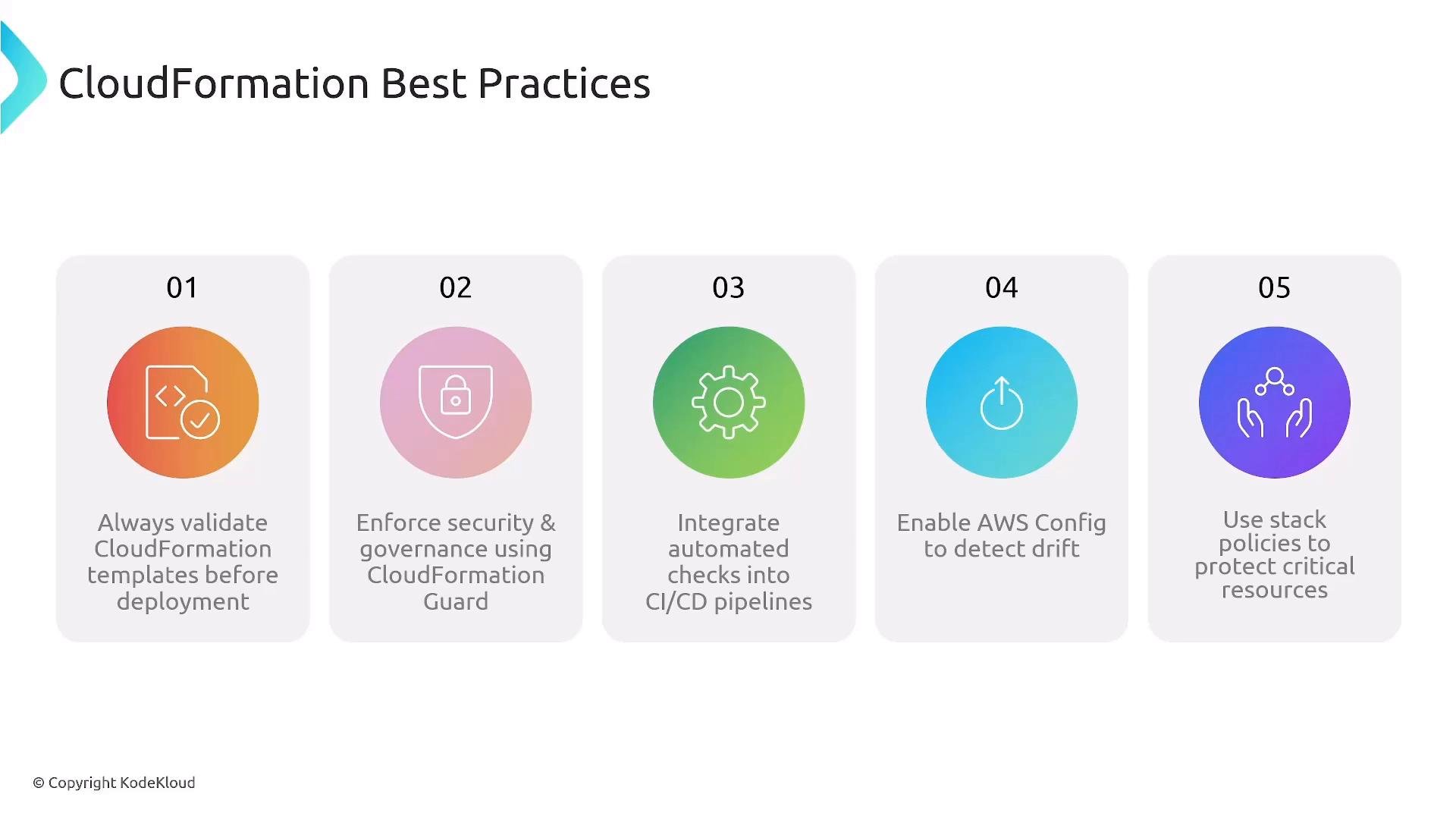
Integrate these validations into your CI/CD so templates are gated before deployment:- Use cfn-lint to catch syntax and structural problems.
- Use cfn-guard to enforce security and governance rules.
- Use
aws cloudformation validate-templateas an additional AWS-side validation.
Automate checks early (in pre-commit hooks and PR pipelines). Don’t rely on a single check — combine cfn-lint, cfn-guard, and AWS validation to create a layered policy gate.
Operational best practices
- Enable AWS Config to detect configuration drift and alert when running resources diverge from templates.
- Use CloudFormation stack policies to protect critical resources (databases, encryption keys, S3 buckets) from accidental replacement or deletion.
- Enforce tagging, security, and cost controls with cfn-guard rules so compliance is built into every change.
- Add automated tests (unit tests for macros, integration tests for stacks where feasible) in your pipeline to validate runtime behavior.
- Keep rule files and linter configuration under version control and review them via the same PR process as templates.
Make validation and policy checks part of pull-request and CI workflows so issues are caught early and only validated, policy-compliant templates proceed to deployment.
- cfn-lint: https://github.com/aws-cloudformation/cfn-lint
- CloudFormation Guard (cfn-guard): https://github.com/aws-cloudformation/cloudformation-guard
- AWS CloudFormation validate-template: https://docs.aws.amazon.com/cli/latest/reference/cloudformation/validate-template.html
- AWS Config: https://docs.aws.amazon.com/config/
- CloudFormation stack policies: https://docs.aws.amazon.com/AWSCloudFormation/latest/UserGuide/protect-stack-resources.html