

- Centralize configuration for many services and environments to reduce duplication and drift.
- Toggle features and perform rapid rollbacks without code changes.
- Validate configuration before rollout and control how changes are deployed to reduce risk.
Components
Key AppConfig concepts: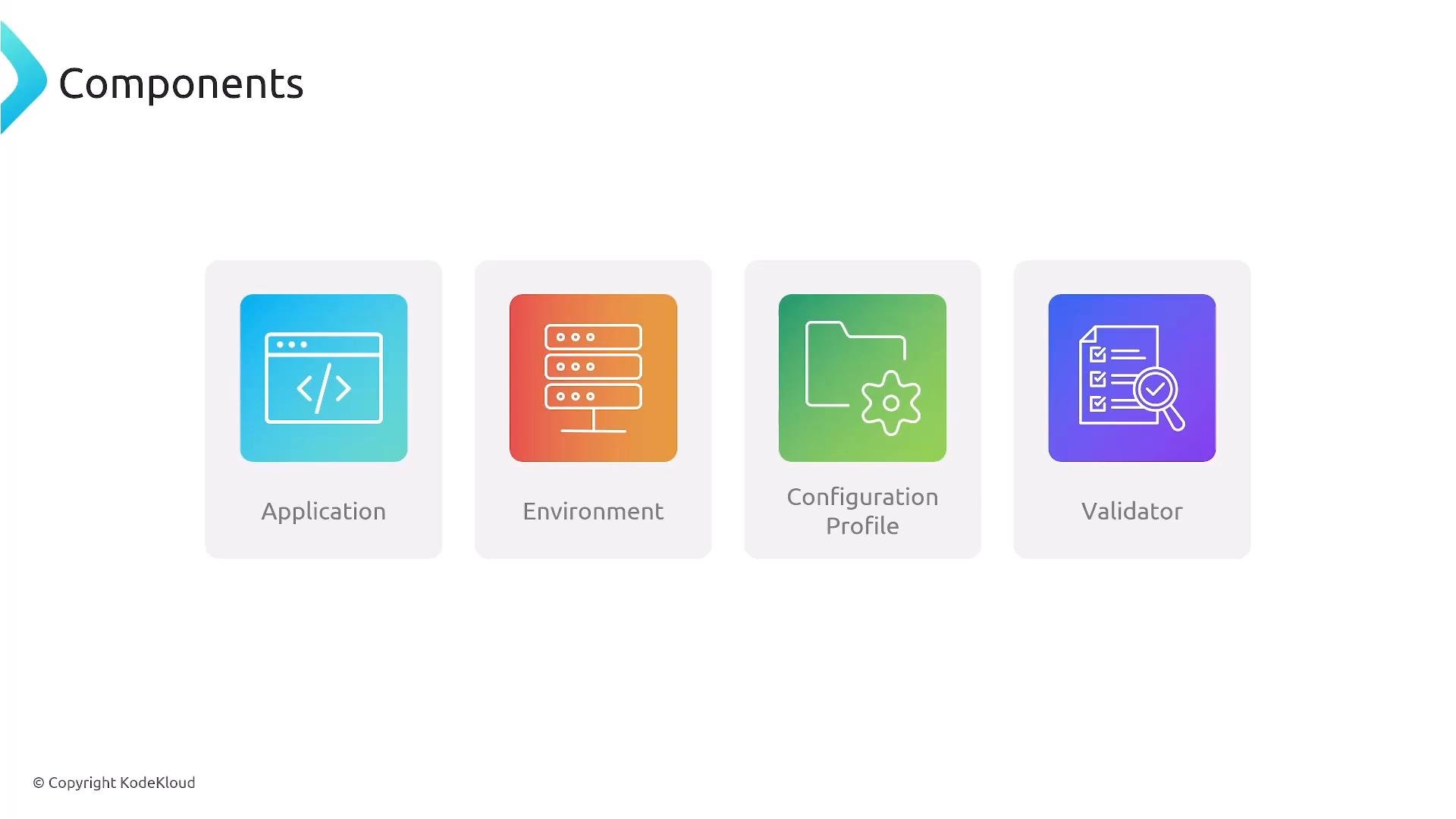
How AppConfig works (practical flow)
- Store configuration in a supported backend (hosted by AppConfig or referenced from AWS Systems Manager Parameter Store, AWS Secrets Manager, or Amazon S3).
- Create a Configuration Profile that references the data and attach any validators.
- Choose a deployment strategy and deploy the configuration to one or more Environments.
- Applications retrieve configuration via the AppConfig Data APIs or your own client logic and adapt behavior dynamically.
- Monitor the deployment (CloudWatch metrics/alarms) and configure automatic rollback if health checks fail.
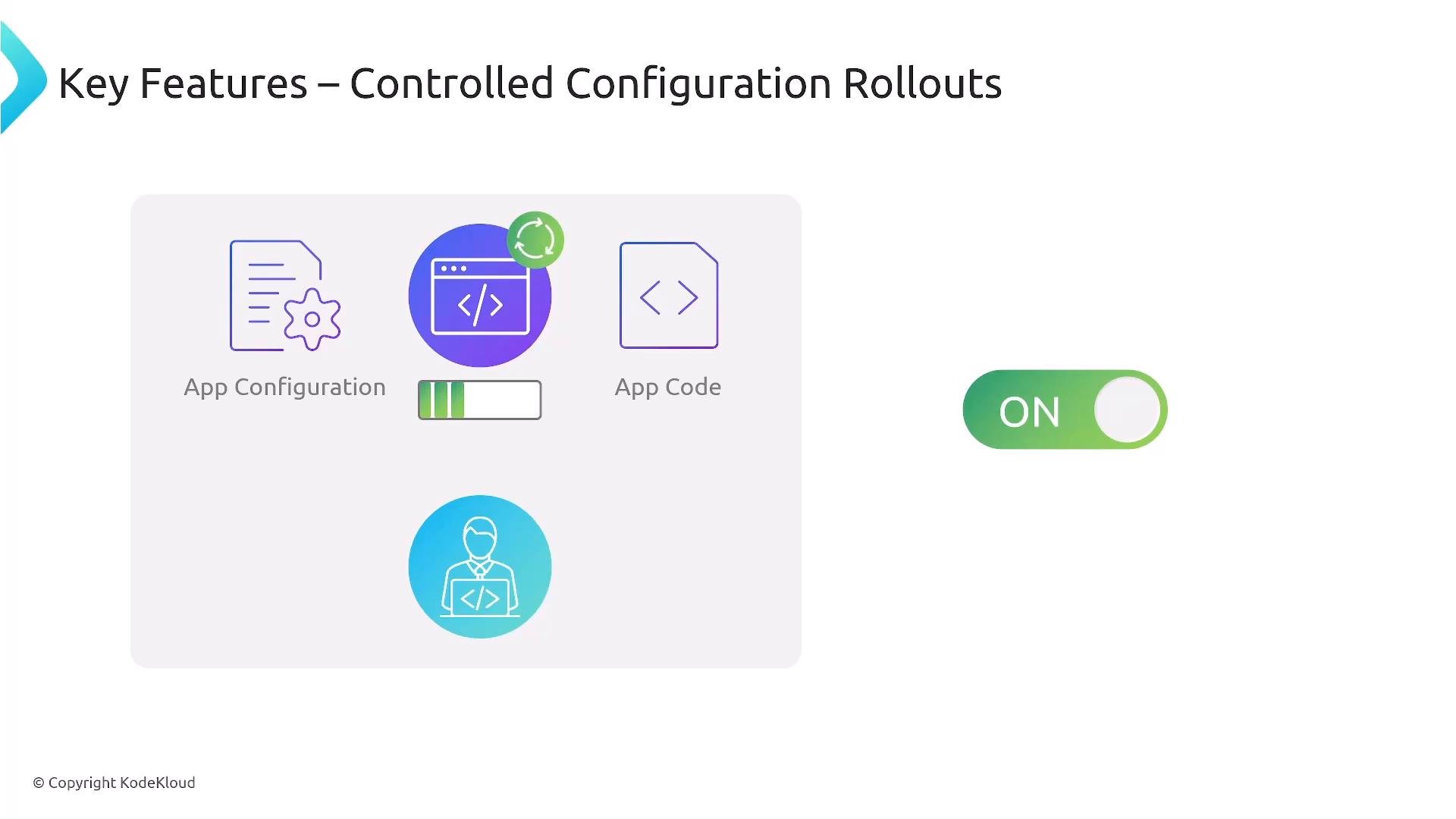
Deployment strategies
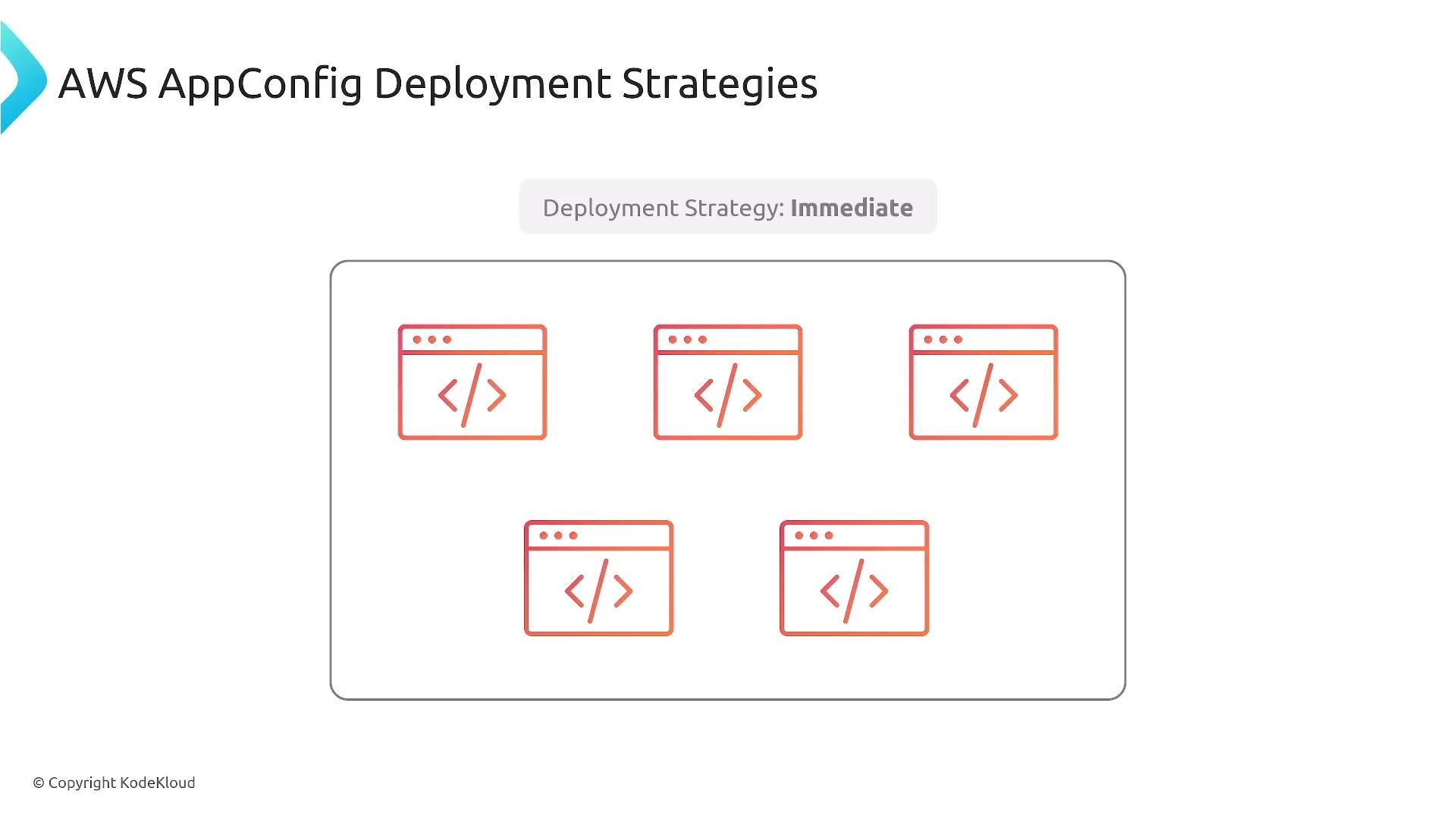
Choose a deployment strategy based on risk and traffic patterns. AppConfig supports several strategies to control how configuration changes propagate.- Immediate: apply the change to all targets at once.
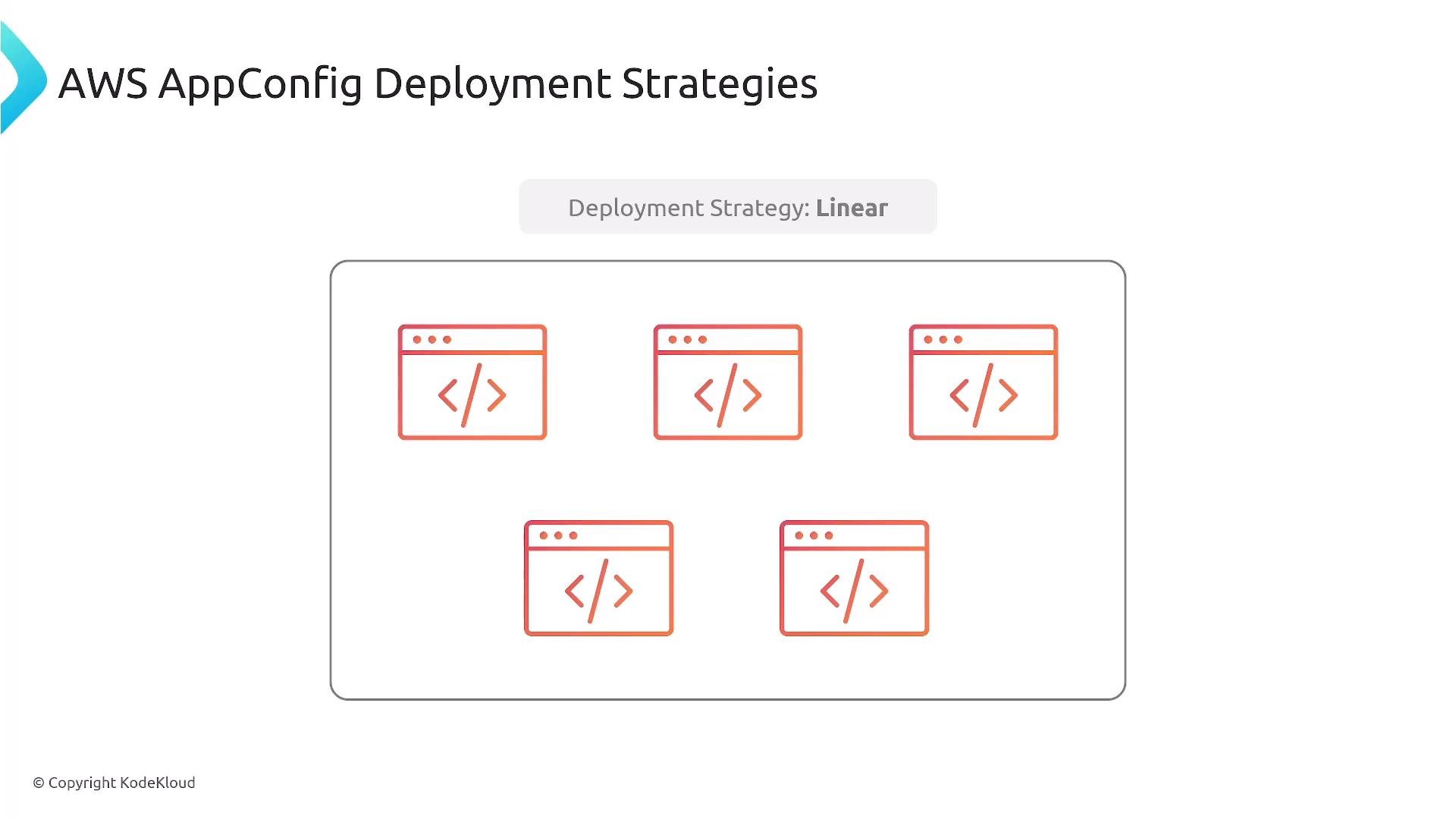
- Linear: roll out gradually in fixed increments over time (e.g., 10% every 5 minutes).
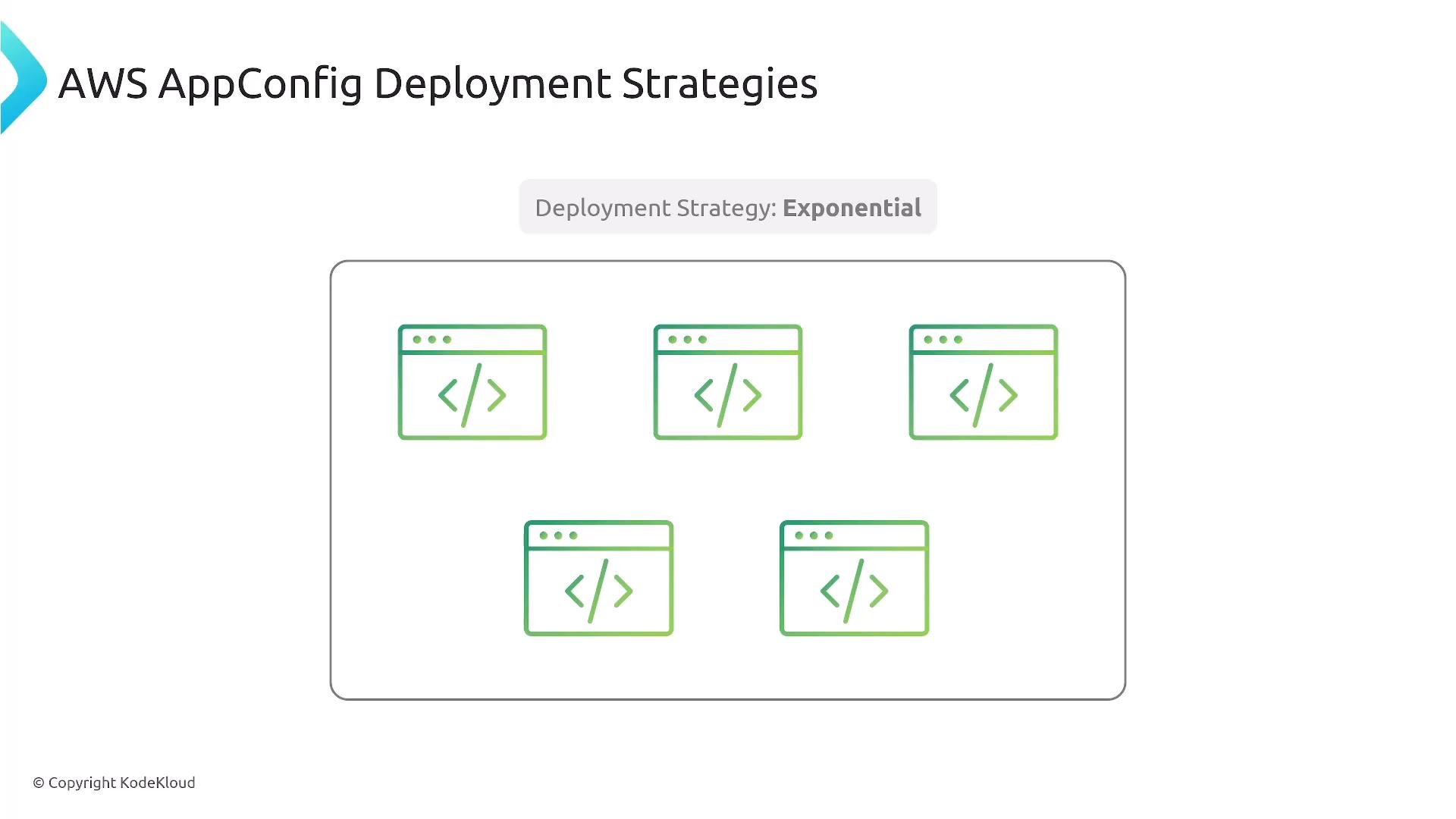
- Exponential: increase the rollout in doubling increments (e.g., 1%, 2%, 4%, 8%, …), accelerating rollout as confidence grows.
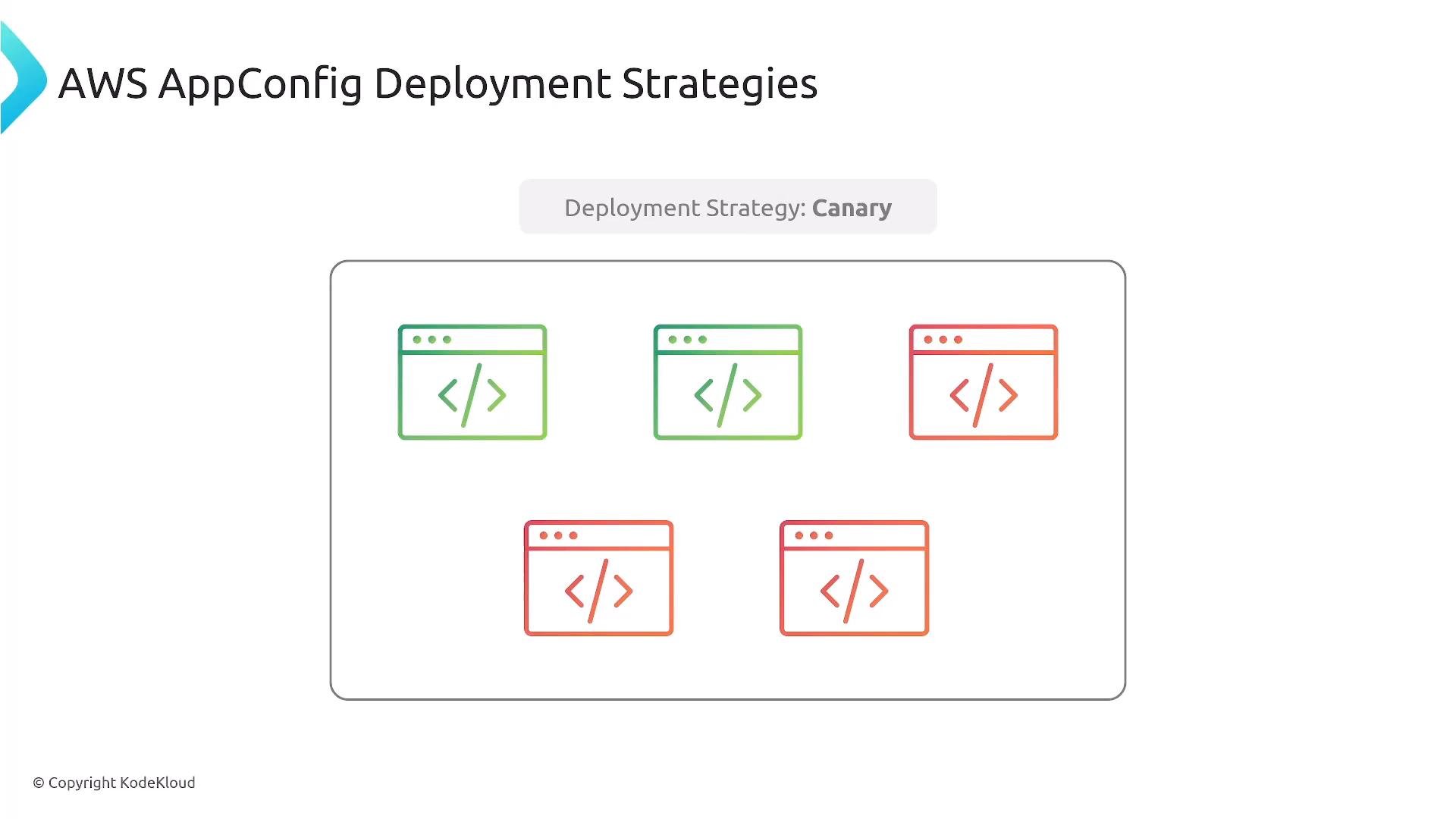
- Canary: deploy to a small subset first, observe behavior, then roll out to the rest if healthy.
Example: fetching configuration (Node.js, AWS SDK v3)
Validators
Use validators to prevent invalid or dangerous configurations from being deployed.- JSON Schema: validate structure, types, required fields.
- Lambda validator: perform complex or dynamic checks (e.g., cross-field validation, external service verification).
Always validate configuration before deployment. A validator can stop malformed or unsafe changes and prevent widespread outages. Also ensure IAM permissions for AppConfig and backing stores are restricted to only the principals that need access.
Best practices
Use a secure backend (SSM Parameter Store or AWS Secrets Manager) for sensitive values. Always enable validation (JSON Schema or Lambda) before deployment. For high-risk changes, choose Canary, Linear, or Exponential strategies and configure monitors (CloudWatch metrics, X-Ray traces, or custom health checks) to enable automatic rollback when abnormalities are detected.
- Integrate AppConfig with Lambda, ECS, EKS, or EC2-based services to apply configuration changes without full redeploys.
- Start small for safety-critical changes and expand only after validating health metrics.
- Keep configuration documents small, structured (JSON/YAML), and versioned for easy rollbacks and auditing.
- Cache configuration safely in clients and refresh according to a sensible TTL to balance timeliness and API calls.
Summary
AWS AppConfig (part of AWS Systems Manager) provides centralized, validated, and controlled application configuration management. It enables runtime feature flags and dynamic configuration updates without redeploying code, while offering deployment strategies, validators, and integration points that reduce operational risk. Thanks for reading this lesson on AWS AppConfig.Links and references
- AWS AppConfig documentation: https://docs.aws.amazon.com/appconfig/
- AWS Systems Manager: https://docs.aws.amazon.com/systems-manager/
- AWS Secrets Manager: https://docs.aws.amazon.com/secretsmanager/
- AppConfig Data SDK (Node.js): https://docs.aws.amazon.com/sdk-for-javascript/ ===