

This topic is frequently tested on AWS exams. Understand the trade-offs between deployment methods (risk, speed, observability, rollback) and when to use rolling, blue‑green, canary, or linear strategies.
- Rolling / one-at-a-time: replace instances or tasks sequentially (low blast radius, slower).
- Batched (e.g., half-at-a-time): replace in controlled groups and validate between batches.
- All-at-once: replace everything simultaneously (fast, highest risk).
- Blue‑green with traffic shifting: duplicate environment and route traffic to the new version; can be staged with canary or linear percentages.
EC2 (On‑Premises / EC2 instances)
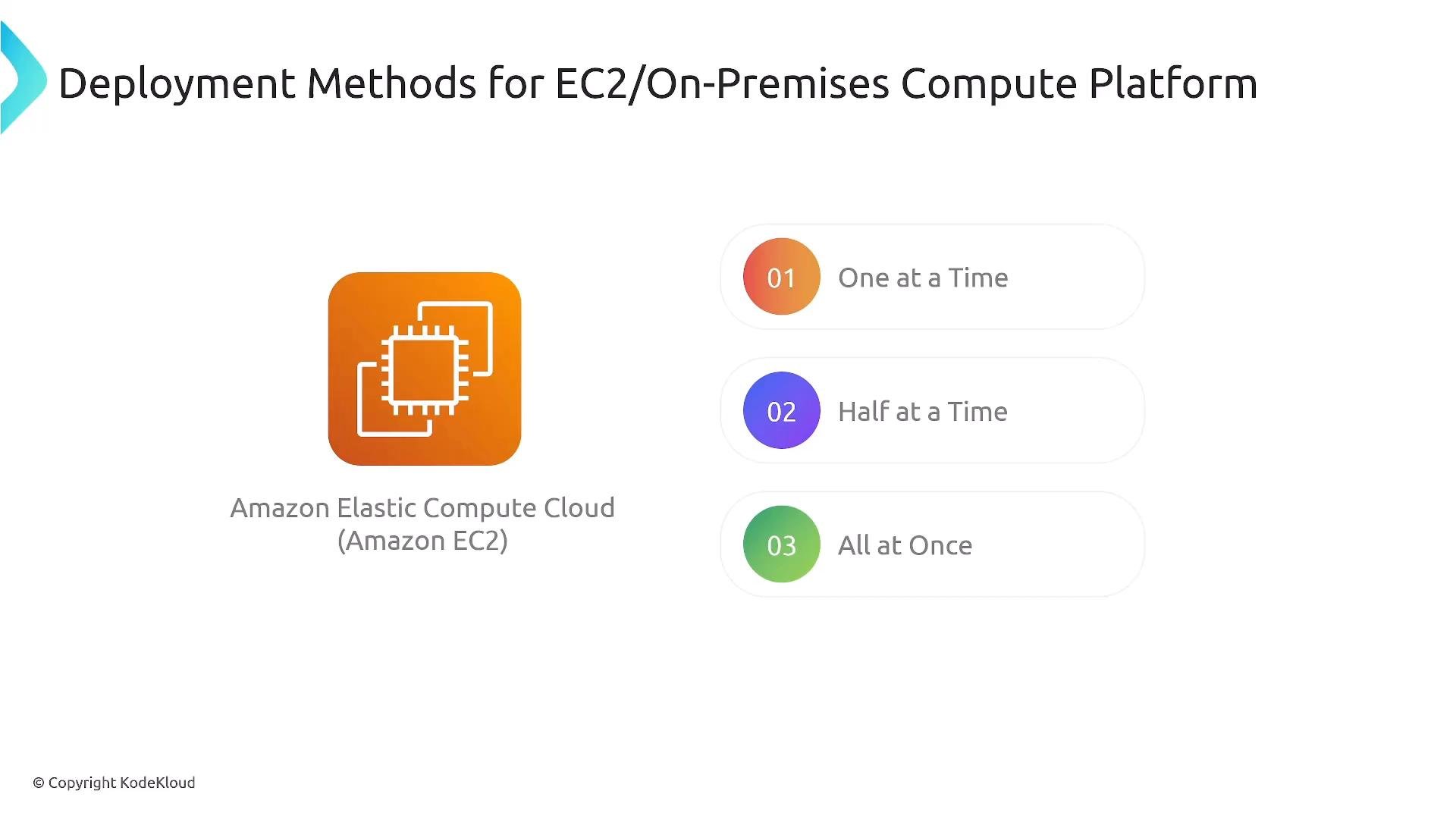
For EC2 instances (including on-premises machines using the CodeDeploy agent), CodeDeploy requires the agent installed on each instance. You choose the concurrency of replacements:- One at a time (rolling): update and validate each instance sequentially.
- Batched (e.g., half-at-a-time): update a subset, validate, then continue.
- All at once: replace every instance concurrently.
- All‑at‑once: if you have 10 servers, CodeDeploy replaces all 10 simultaneously.
- Half‑at‑a‑time: update 5, run health checks, then update the remaining 5.
- One‑at‑a‑time: sequential update and verification per server.
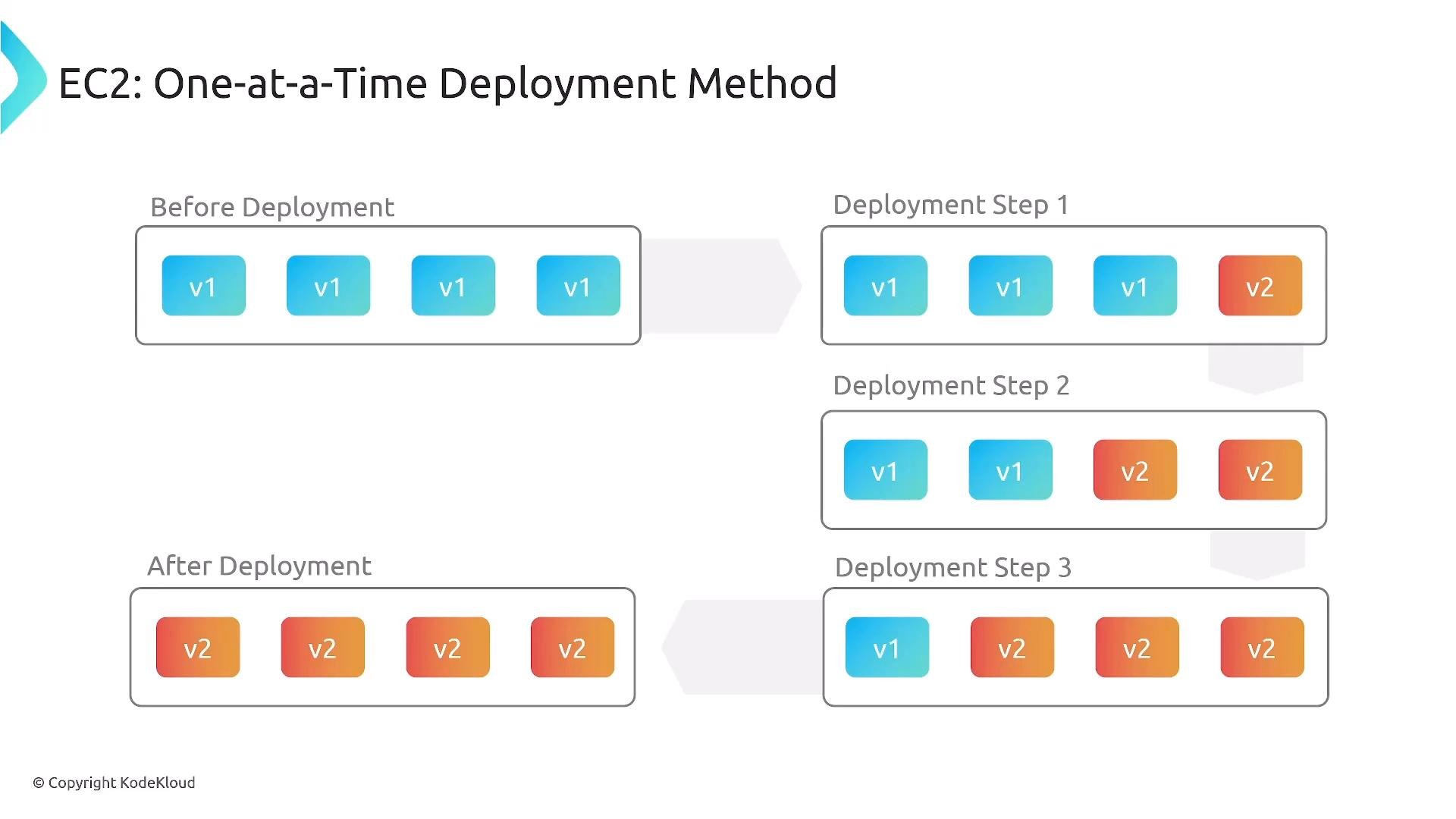
- Rolling / batched: stateful services, long startup times, or when you must keep capacity available.
- All‑at‑once: short-lived tasks or non-critical environments where speed matters more than risk.
ECS (Amazon Elastic Container Service)
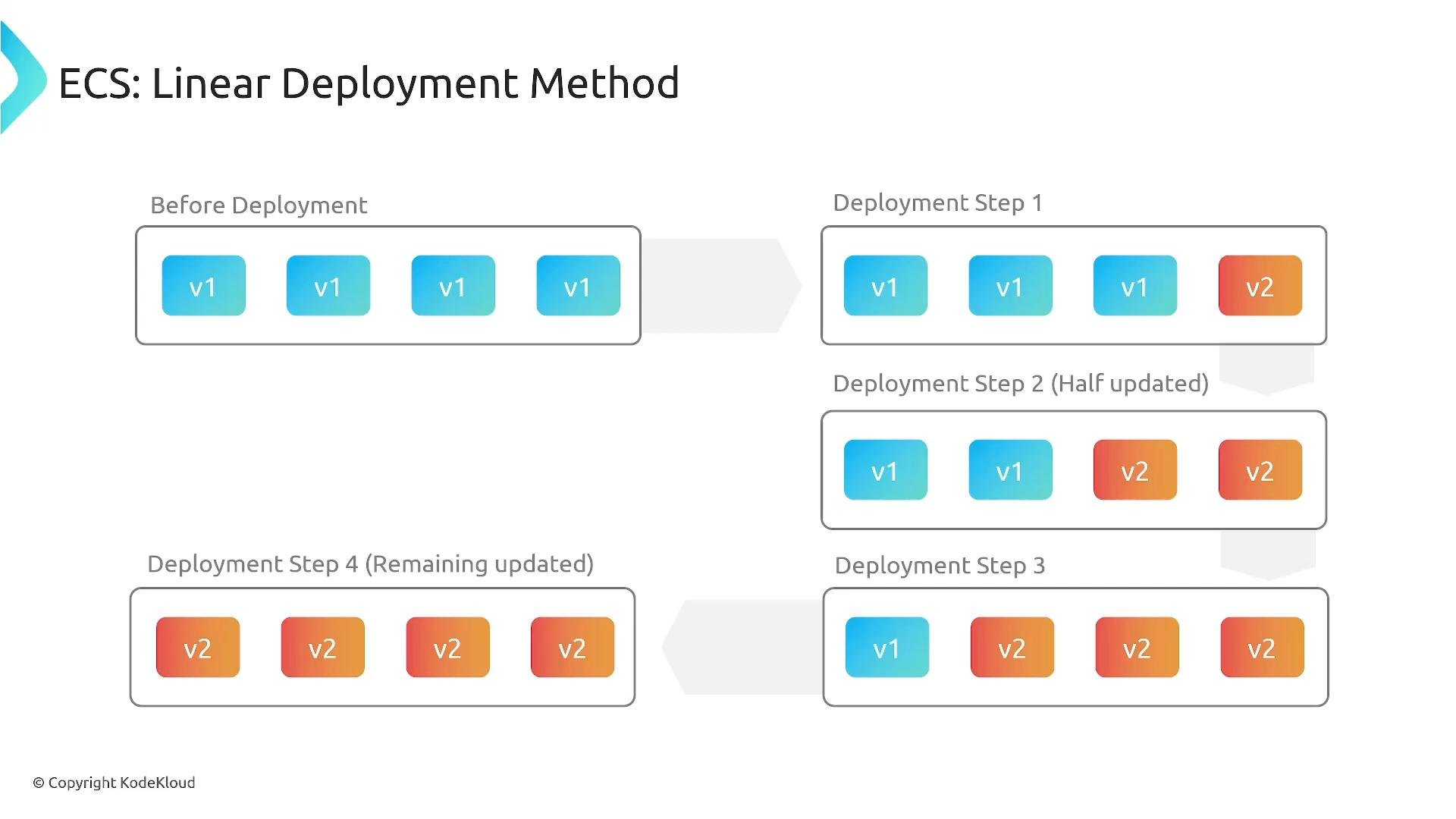
ECS deployments commonly follow blue‑green principles: new task sets (containers) are launched and traffic is shifted according to a chosen strategy. Common ECS strategies:- Linear (staged): shift a fixed fraction at regular intervals (e.g.,
25%every10 minutes). - Canary: route a small initial percentage to the new task set, validate, then promote remaining traffic.
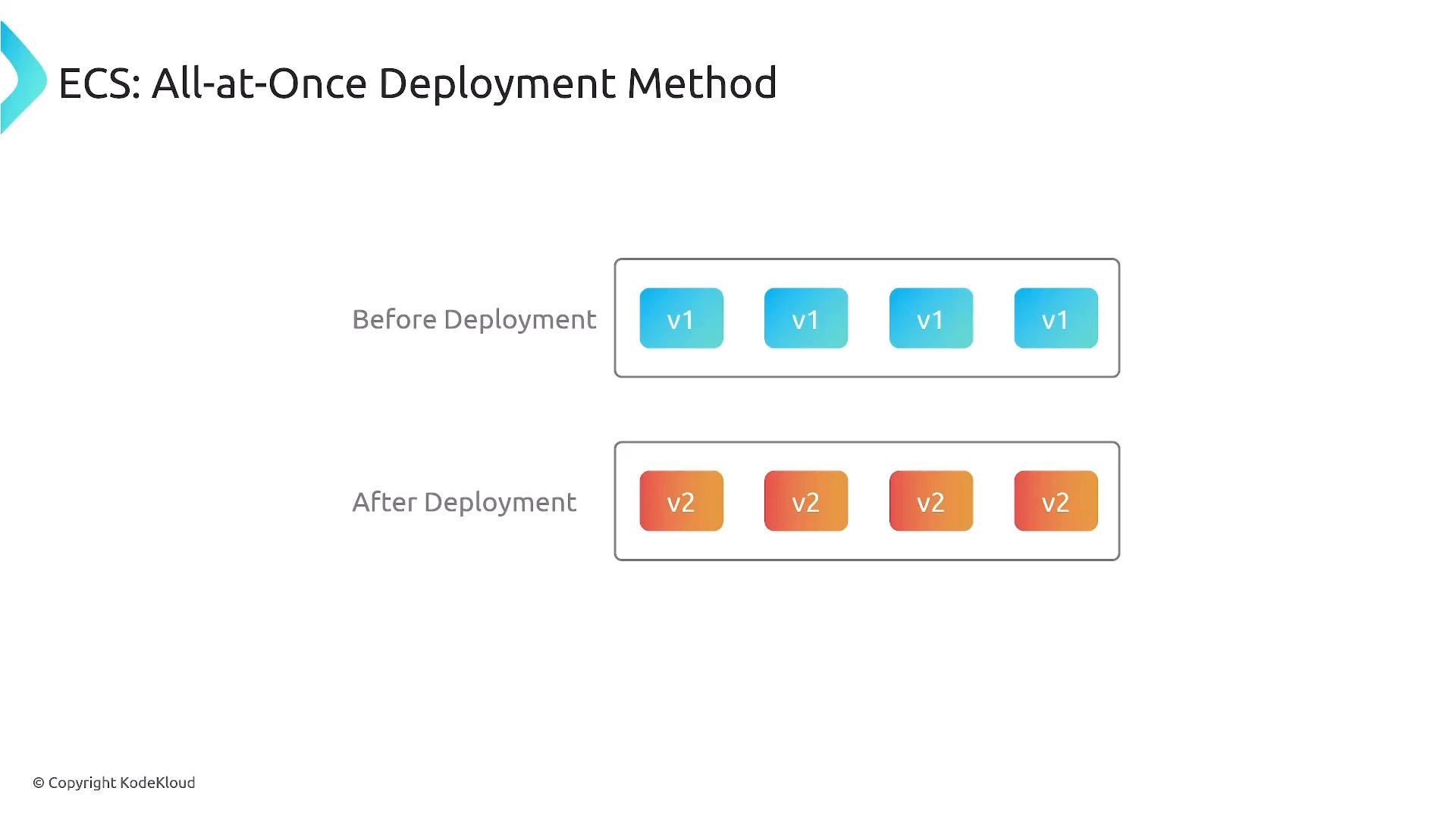
- All‑at‑once: replace all tasks immediately.
- Canary: use when you want to validate production traffic against a small sample.
- Linear: use when you want predictable, time-based ramp-ups.
- All‑at‑once: use for safe, fast rollouts where risk is acceptable.
Lambda (AWS Lambda functions)
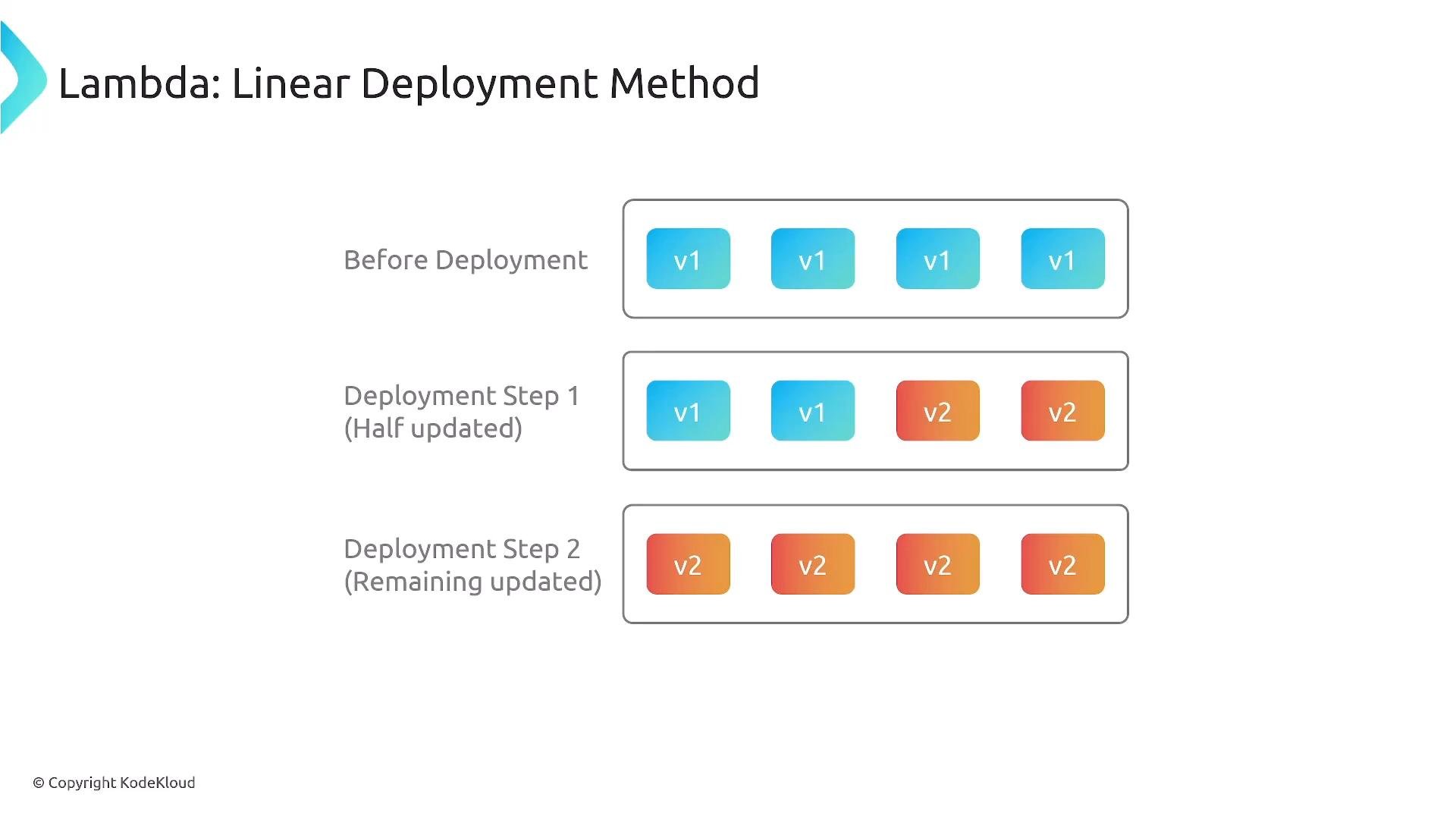
Lambda supports blue‑green style deployments by creating new function versions and shifting traffic between versions according to your configuration. Supported patterns:- Linear: move a fixed percentage at set intervals (e.g.,
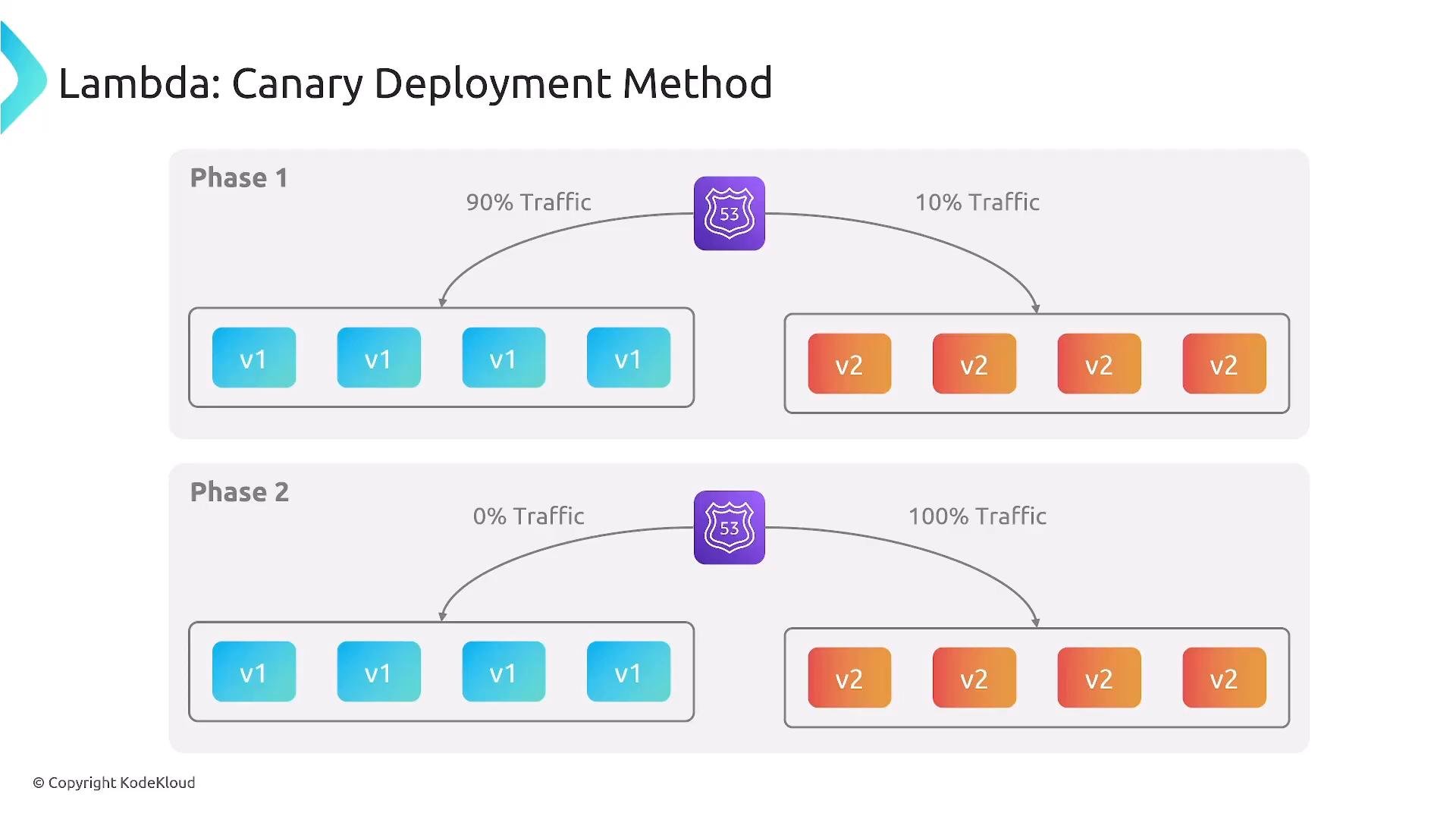
25%every10 minutes). - Canary: route a small portion to the new version for a test window (e.g.,
10%) then shift to100%if healthy. - All‑at‑once: point 100% of traffic to the new version immediately.
10% to v2 and 90% to v1, then, if health checks and metrics look good, move to 100% on v2.
EKS (Amazon Elastic Kubernetes Service)
Kubernetes/EKS workflows are most often managed with GitOps or Kubernetes-native tools rather than CodeDeploy. Common tooling includeskubectl, Helm, Argo CD, Flux, or service-mesh controllers (Istio, AWS App Mesh) and ingress controllers.
Typical EKS approaches:
- Declarative rollouts (Deployment/ReplicaSet) with rolling updates.
- Canary/Blue‑green via service selectors, traffic-splitting mesh/Ingress, or a Rollout CRD (e.g., Argo Rollouts).
- GitOps tools (Argo CD, Flux) to automate and observe controlled deployments.
Tooling and service integrations evolve quickly. Always consult the official AWS and Kubernetes documentation for the latest capabilities and CodeDeploy integrations for EKS.
Quick Comparison: Deployment Methods by Service
Practical Recommendations
- Prefer staged rollouts (canary/linear) for user-facing or high-risk changes to limit blast radius and gather real metrics.
- Use all‑at‑once for low-impact or internal deployments where speed is primary.
- For stateful services on EC2, favor rolling or batched updates to maintain capacity.
- For EKS, adopt GitOps or rollout controllers (Argo Rollouts, Istio/App Mesh) to implement fine-grained traffic shifting and automated promotion/rollback.
- Instrument health checks, telemetry, and automated rollback hooks (CloudWatch alarms, Prometheus alerts) to detect regressions early.
Summary
- Deployment strategies reduce to: rolling (one‑at‑a‑time), batched, all‑at‑once, and blue‑green with traffic shifting (canary/linear).
- EC2 (with CodeDeploy agent) supports rolling, batched, and all‑at‑once updates.
- ECS and Lambda support blue‑green style rollouts with linear and canary traffic shifting, plus all‑at‑once.
- EKS is typically managed with kubectl/Helm or GitOps controllers; use Kubernetes-native tools and service meshes for traffic control.
Links and References
- AWS CodeDeploy documentation
- Amazon EC2 overview
- Amazon ECS documentation
- AWS Lambda documentation
- Amazon EKS documentation
- Kubernetes rollout and ingress docs: https://kubernetes.io/docs/