

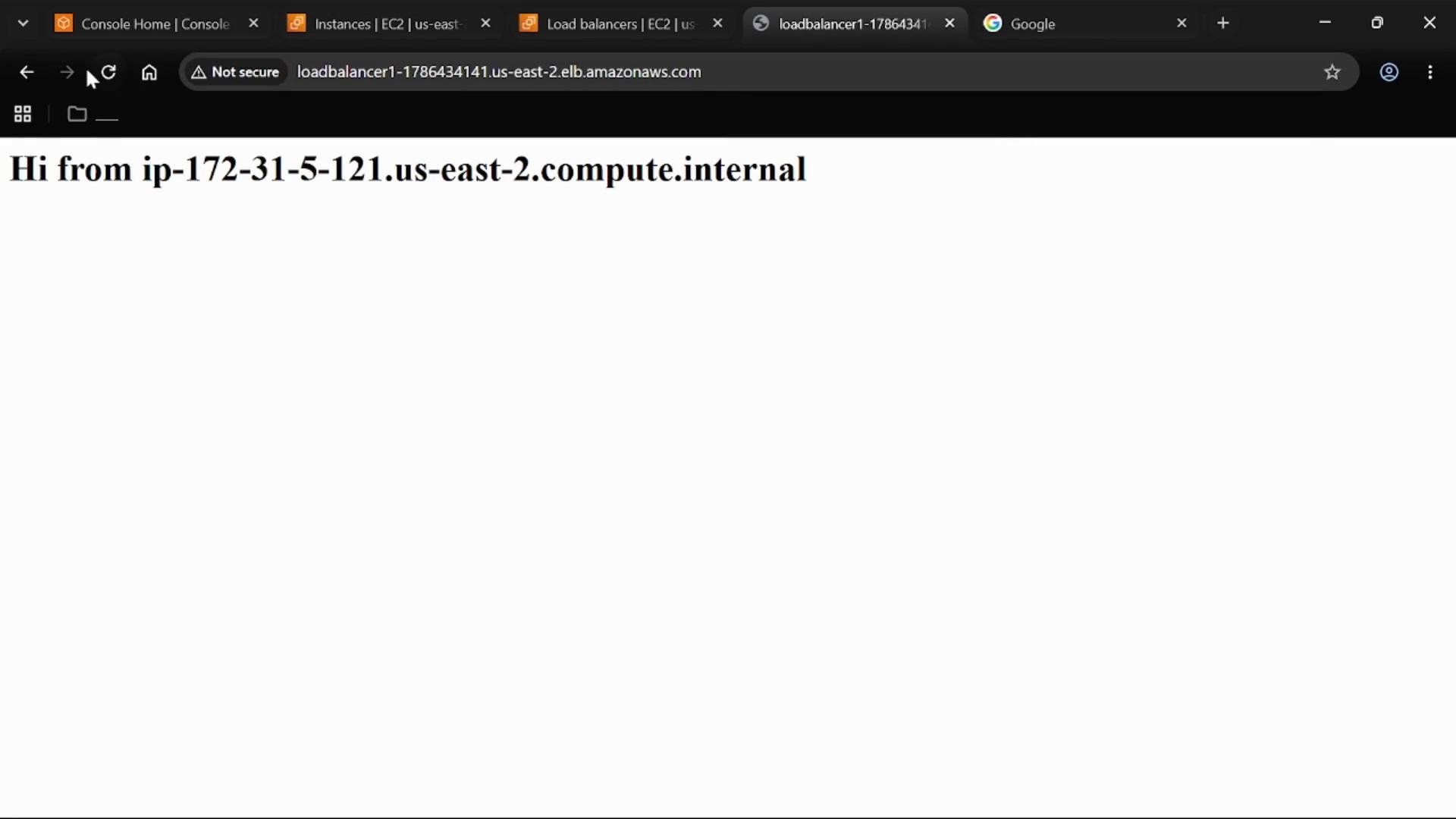
Application Load Balancer (ALB)
- The ALB is the public entry point. It’s configured with an internet-facing scheme and listens on HTTP port 80.
- When a client request arrives at the ALB listener (HTTP :80), the ALB forwards the request to the target group that contains the EC2 instances.
- Because the ALB terminates incoming requests and forwards them to targets, it’s the natural place to attach application-layer protections (for example, AWS WAF).
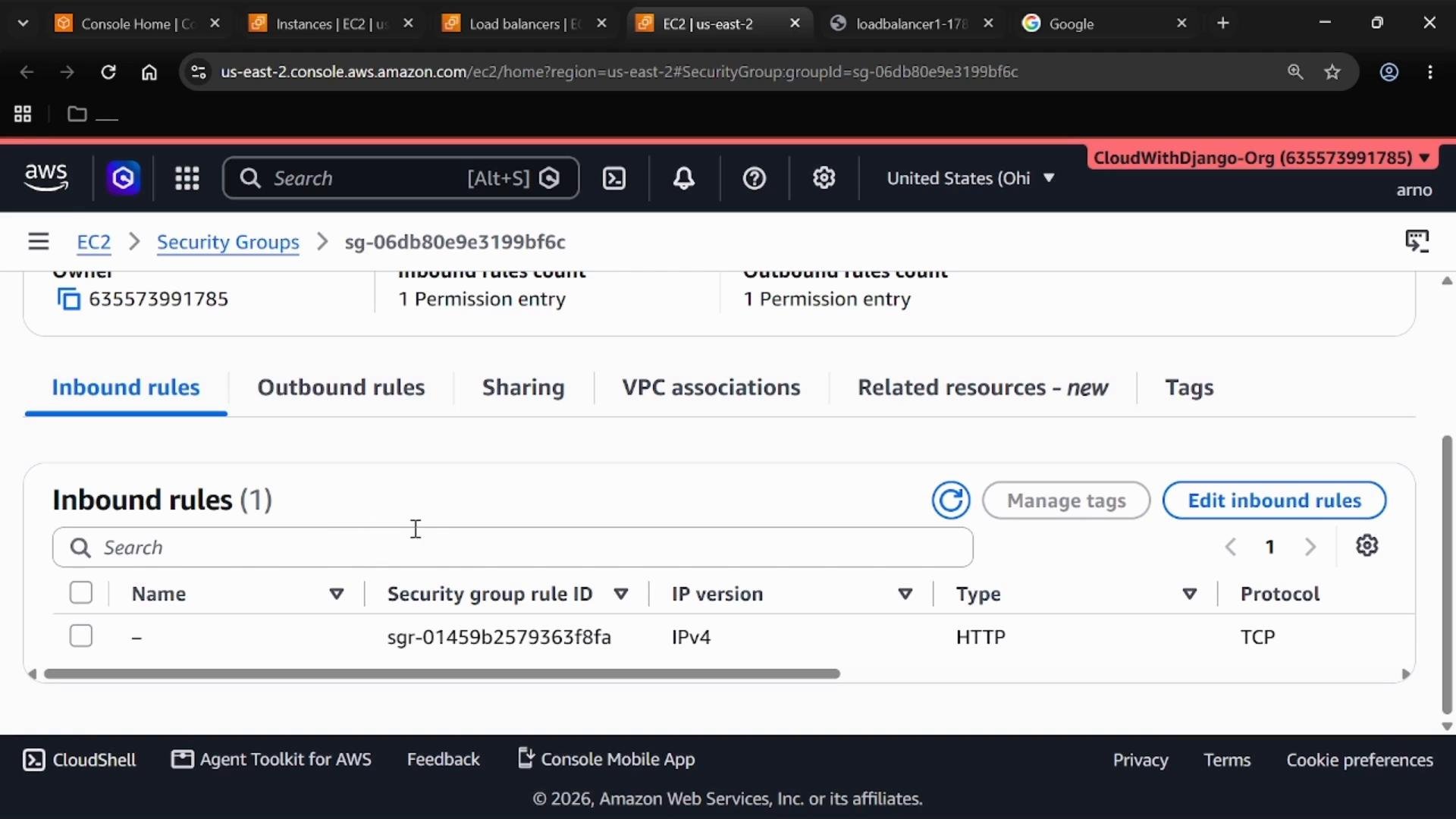
Security group for the ALB
- The ALB has a security group that explicitly allows inbound HTTP (TCP) on port 80 from the internet (
0.0.0.0/0), which makes the ALB reachable from public clients. - Keep the ALB security group minimal: only the ports/protocols and sources required for public access.
EC2 instance security group
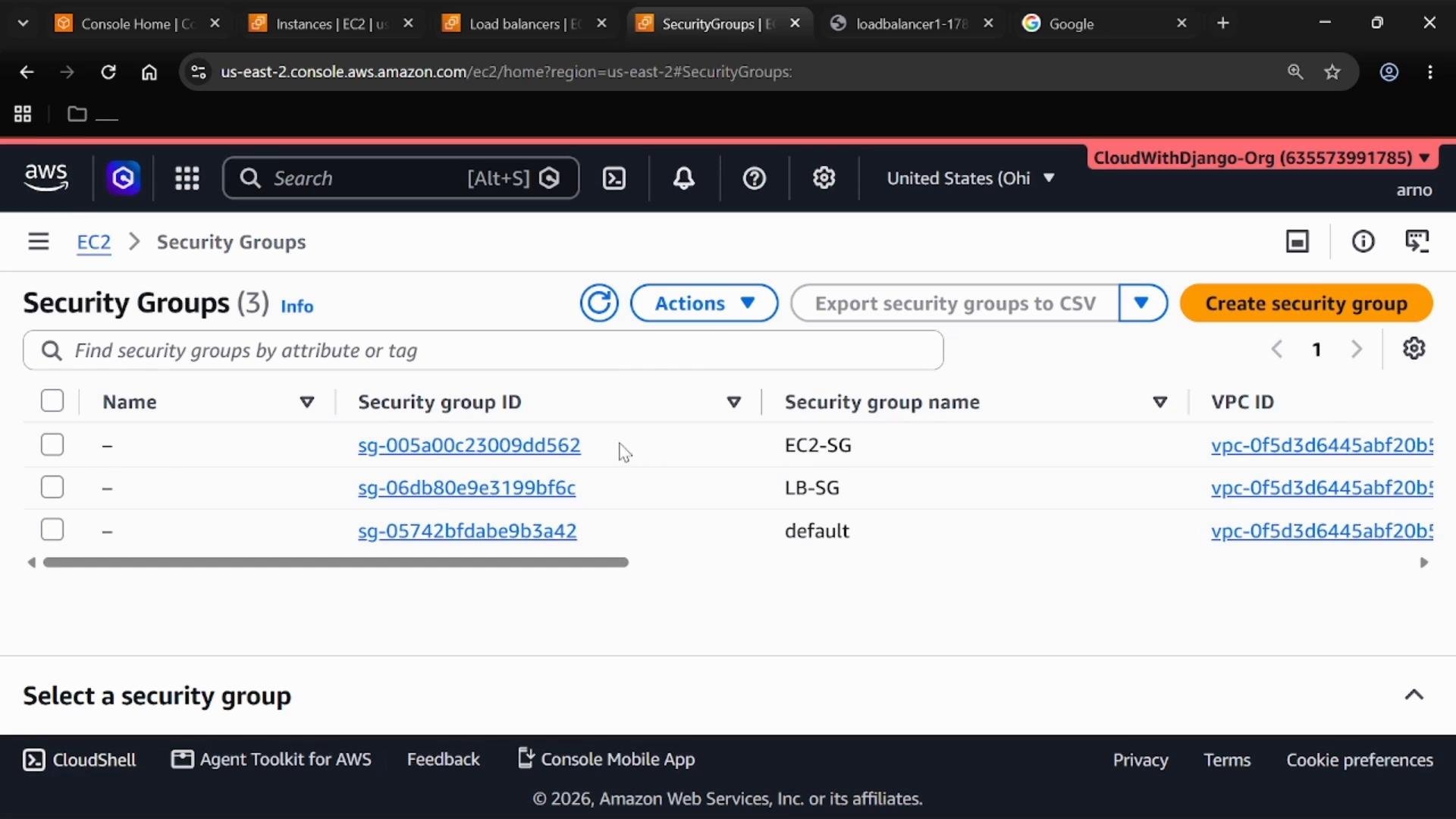
- EC2 instances use their own security group (EC2-SG). Rather than allowing HTTP from
0.0.0.0/0, EC2-SG allows HTTP only from the ALB’s security group (the ALB SG ID is the source). - This pattern ensures instances accept traffic only when routed through the ALB and prevents direct internet access to instance ports.
Network ACLs (NACLs)
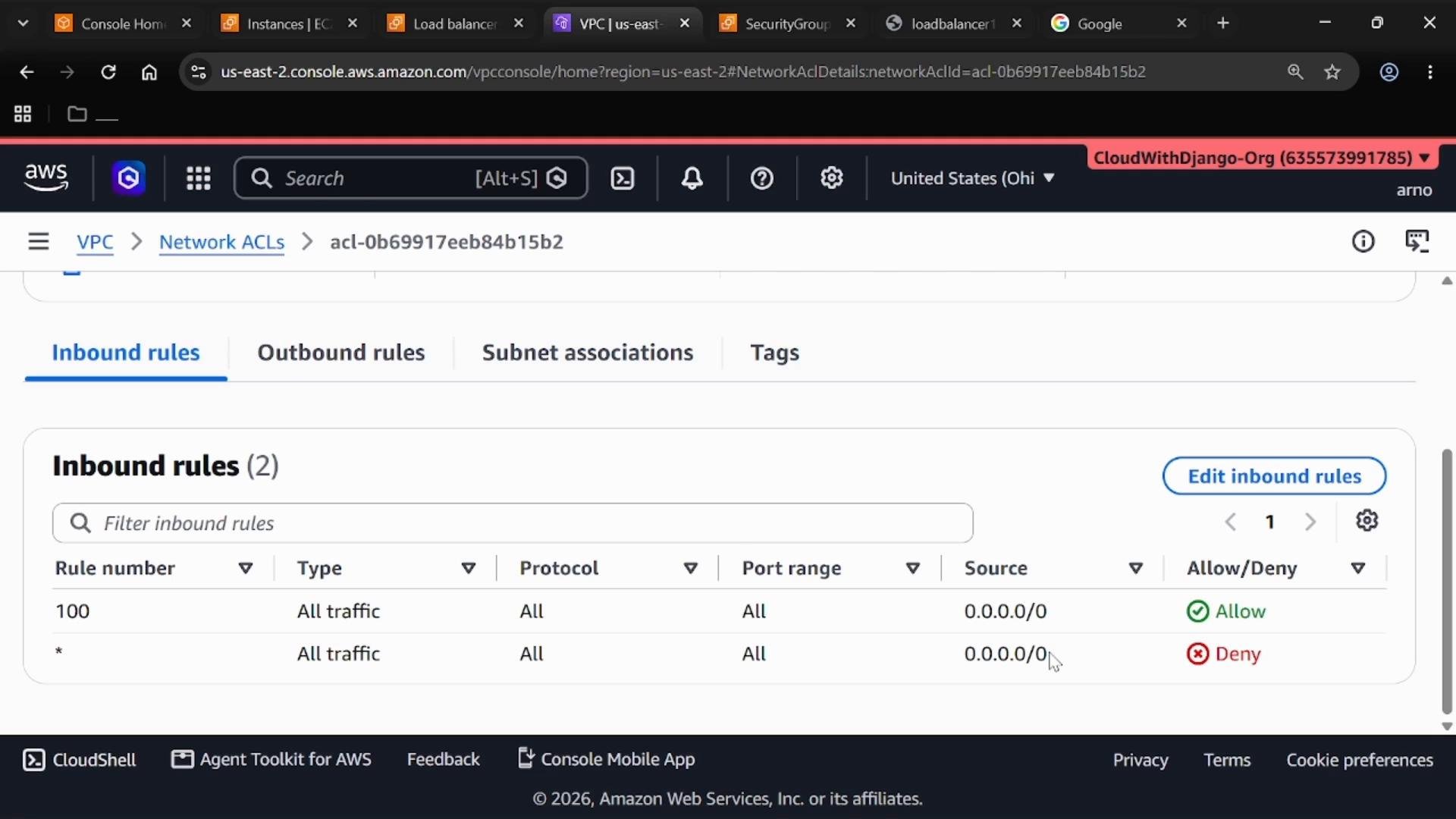
- ALB nodes are deployed across multiple Availability Zones; each node resides in a subnet. NACLs are attached to subnets and therefore filter traffic entering and leaving those subnets.
- NACLs are stateless: inbound and outbound rules are evaluated independently. Any allowed inbound traffic must have a corresponding outbound rule to permit the return traffic.
- NACLs operate at the subnet level and act as a coarse-grained filter, while security groups are resource-level and stateful.
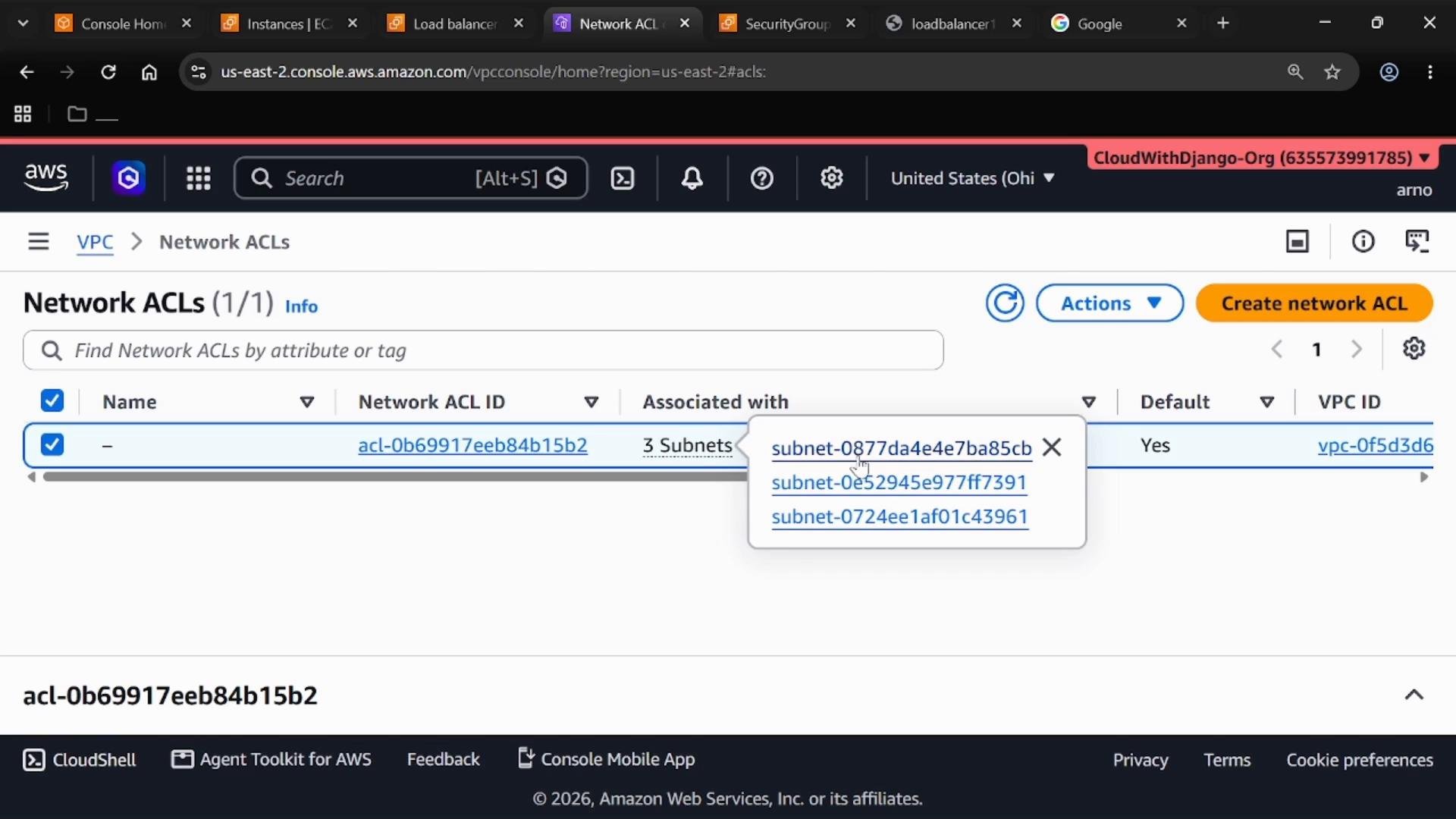
0.0.0.0/0 and the implicit deny rule that applies when no allow exists. NACL rules are evaluated by rule number order; the explicit allow demonstrates typical rule ordering versus the default deny behavior.
AWS WAF (Web Application Firewall)
- AWS WAF operates at Layer 7 and inspects HTTP/HTTPS requests. It can block, allow, or count requests based on conditions you define (IP sets, rate-based rules, SQL injection/XSS protections, geo-blocking, etc.).
- You can associate a Web ACL with an ALB to add application-layer protections that complement security groups and NACLs.
- WAF is ideal for protecting the application from common web threats and bot traffic; SGs/NACLs continue to manage network-level access.
Quick reference and where to look in the Console
- ALB: EC2 > Load Balancers — check listeners, target groups, and network mappings.
- ALB security group: EC2 > Security Groups — inspect inbound rules for port 80/443.
- EC2 instance SG: EC2 > Security Groups — confirm the source is the ALB SG.
- NACLs: VPC > Network ACLs — view associated subnets and rule order.
- WAF: AWS WAF & Shield > Web ACLs — associate with ALB for Layer 7 rules.
- Application Load Balancers - AWS Docs
- Security groups for your VPC - AWS Docs
- Network ACLs - AWS Docs
- AWS WAF - AWS Docs
Layered controls at a glance (good for documentation and audits):
For example, make EC2 instances accept HTTP only from the ALB security group to prevent direct public access.
Best-practice warnings:
- Don’t open instance ports to
0.0.0.0/0. Use the ALB as the public entry point and configure EC2 security groups to accept traffic only from the ALB SG. - Remember NACLs are stateless: if inbound is allowed, ensure outbound is explicitly allowed too.
- Verify NACL and SG rules after changes to avoid accidentally blocking ALB-to-instance traffic.
Recommended checklist before going to production
- Confirm ALB is internet-facing only where needed and only required listeners are open (HTTP/HTTPS).
- Set ALB SG to allow only necessary client-facing ports.
- Configure EC2 SG to allow traffic solely from the ALB SG (use SG ID as source).
- Review NACLs on ALB subnets to ensure they don’t unintentionally deny or over-permit traffic.
- Consider adding an AWS WAF Web ACL on the ALB for application-layer protections (rate limiting, known-bad IPs, common attack signatures).