

- Creating a DynamoDB table with an appropriate primary key
- Enabling a replica in another AWS Region to create a Global Table
- Key design, consistency, and cost considerations
- An AWS account with permissions to manage DynamoDB and create service-linked roles (
dynamodb:*,iam:CreateServiceLinkedRole). - Familiarity with the AWS Management Console and the concept of AWS Regions.
Overview of steps
- Open the DynamoDB console
- Create a new table
- Confirm the table is Active
- Add a replica (create the Global Table)
- Verify replicas and monitor replication
1. Open the DynamoDB console
- In the AWS Console search bar, type
DynamoDBand select the DynamoDB service. - From the DynamoDB dashboard, choose the Tables view to manage or create tables.
2. Create a new table
- Click Create table.
- Enter a table name — in this example:
GlobalDemoTable1. - Add a partition key (primary key) named
UserIDof typeString. - Leave the sort key blank for this demo.
- Use the Default settings to create an on-demand (serverless) table — no capacity provisioning required.
- Do not add tags for this demo.
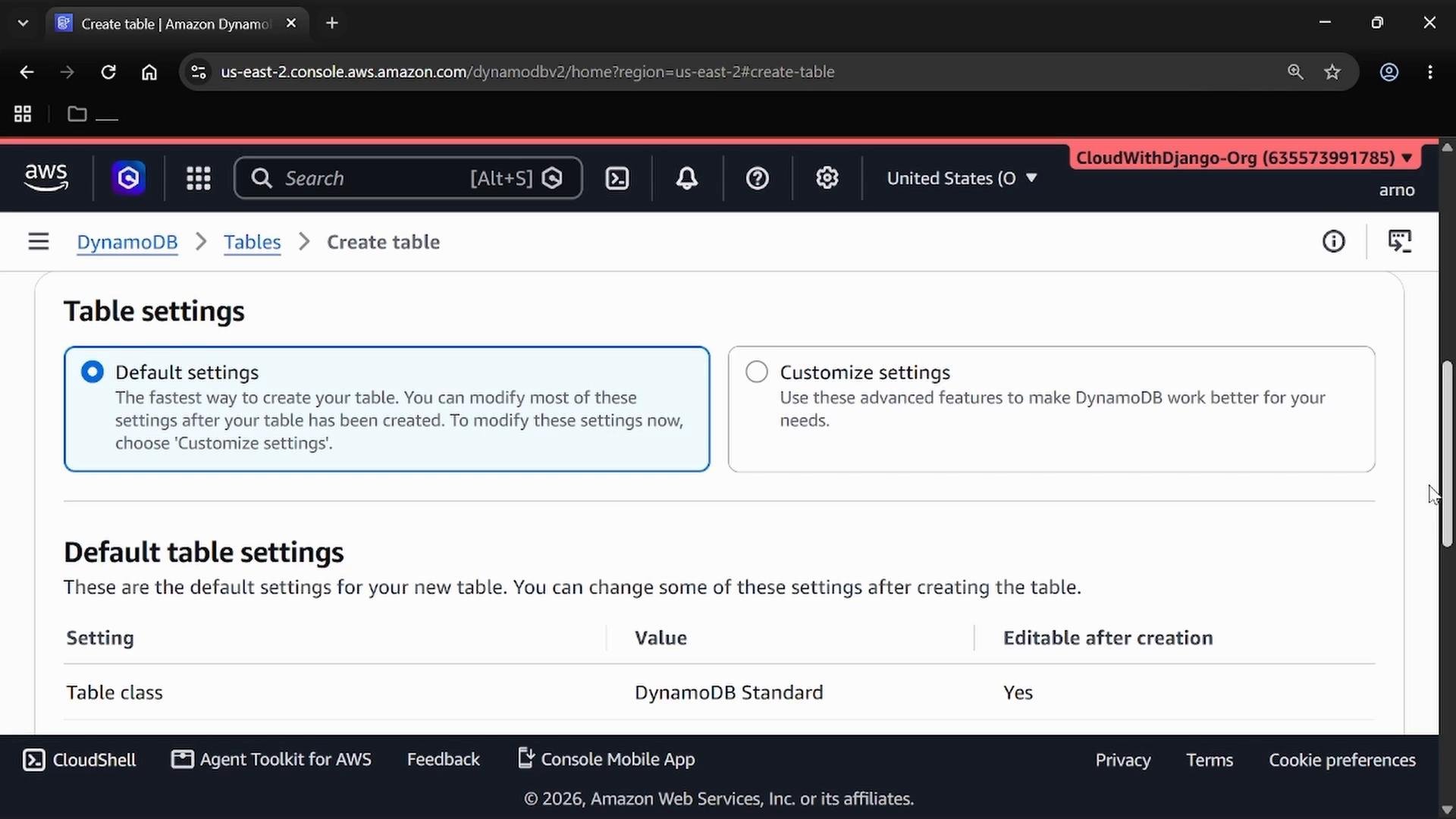
3. Finish creation and confirm status
- Click Create. Table creation is usually quick.
- Refresh the Tables list and wait for the table to show
Activestatus. - Note the AWS Region where the table was created — this example uses US East (Ohio)
us-east-2.
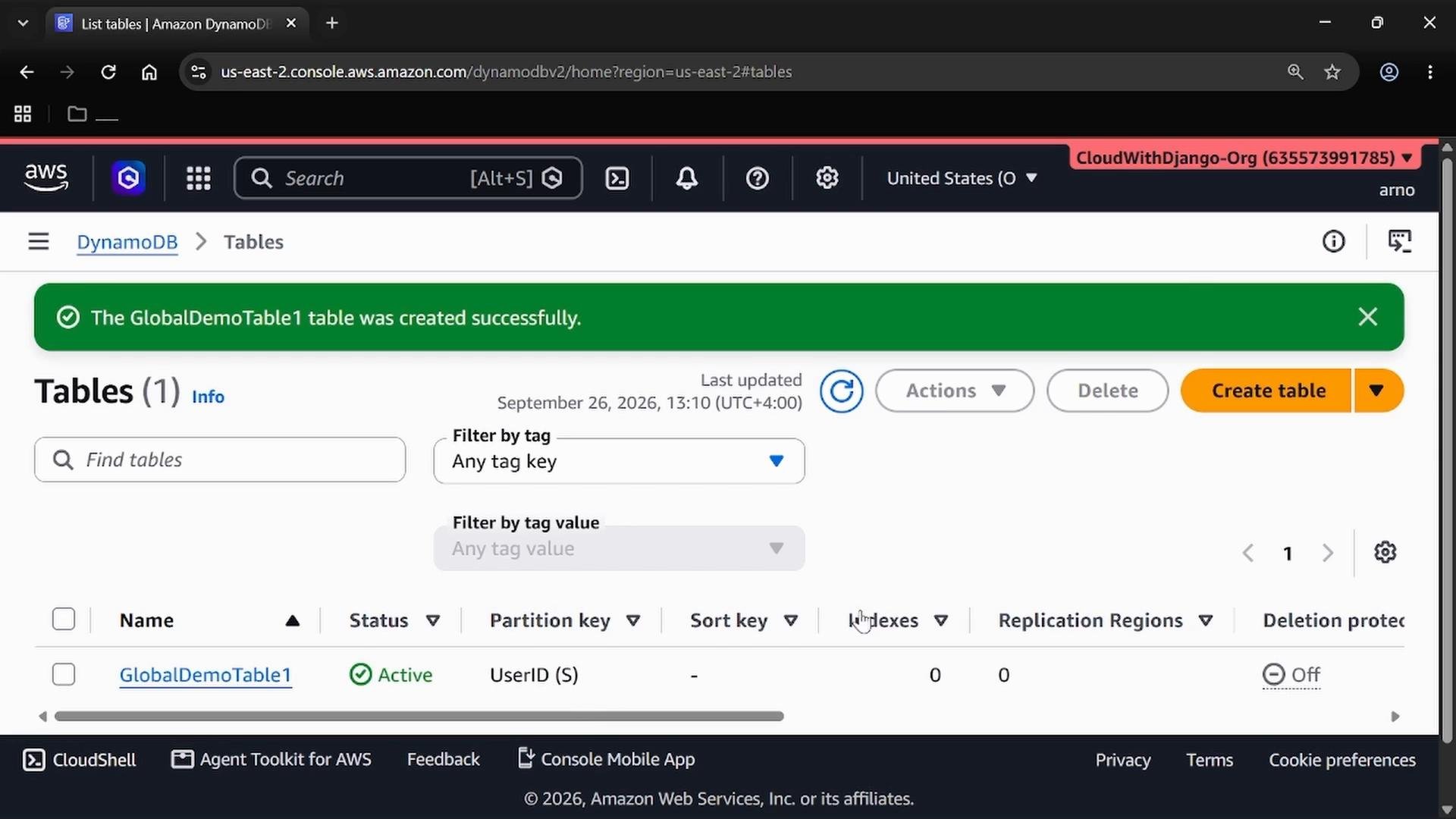
4. Add a replica (create the global table)
- In the Tables list, select the checkbox next to your table (
GlobalDemoTable1). - From the Actions menu, choose Update settings.
- Scroll to and expand Global Tables.
- Click Create replica.
- Select the target Region for the replica — in this example, US East (N. Virginia)
us-east-1. - Confirm and choose Create to start replica creation and initial backfill.
AWSServiceRoleForDynamoDBReplication to allow DynamoDB to perform cross-Region replication on your behalf. This is normally handled automatically.
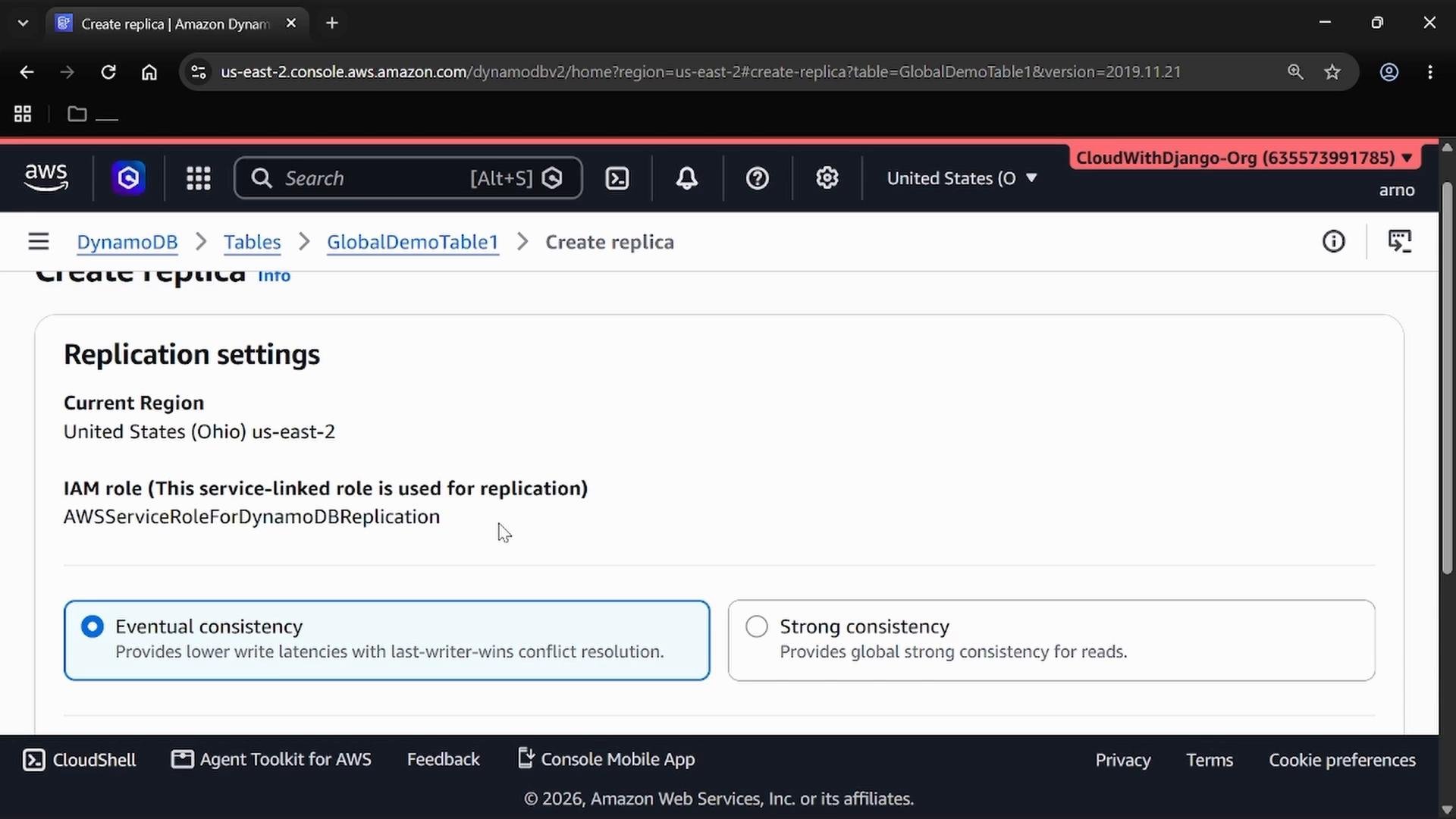
DynamoDB typically creates the service-linked role automatically. This role grants the necessary permissions for replicating items across Regions, so manual IAM configuration for replication is usually unnecessary.
- Initial replication (backfill) copies your existing items to the new Region — time varies with table size and network conditions.
- Monitor progress in the console and refresh until the replica shows
Activestatus.
5. Verify replicas
- Once replication completes, open your table and view the Replicas section.
- You should see the original Region and any replica Regions listed, each with a replication status (e.g.,
Active).
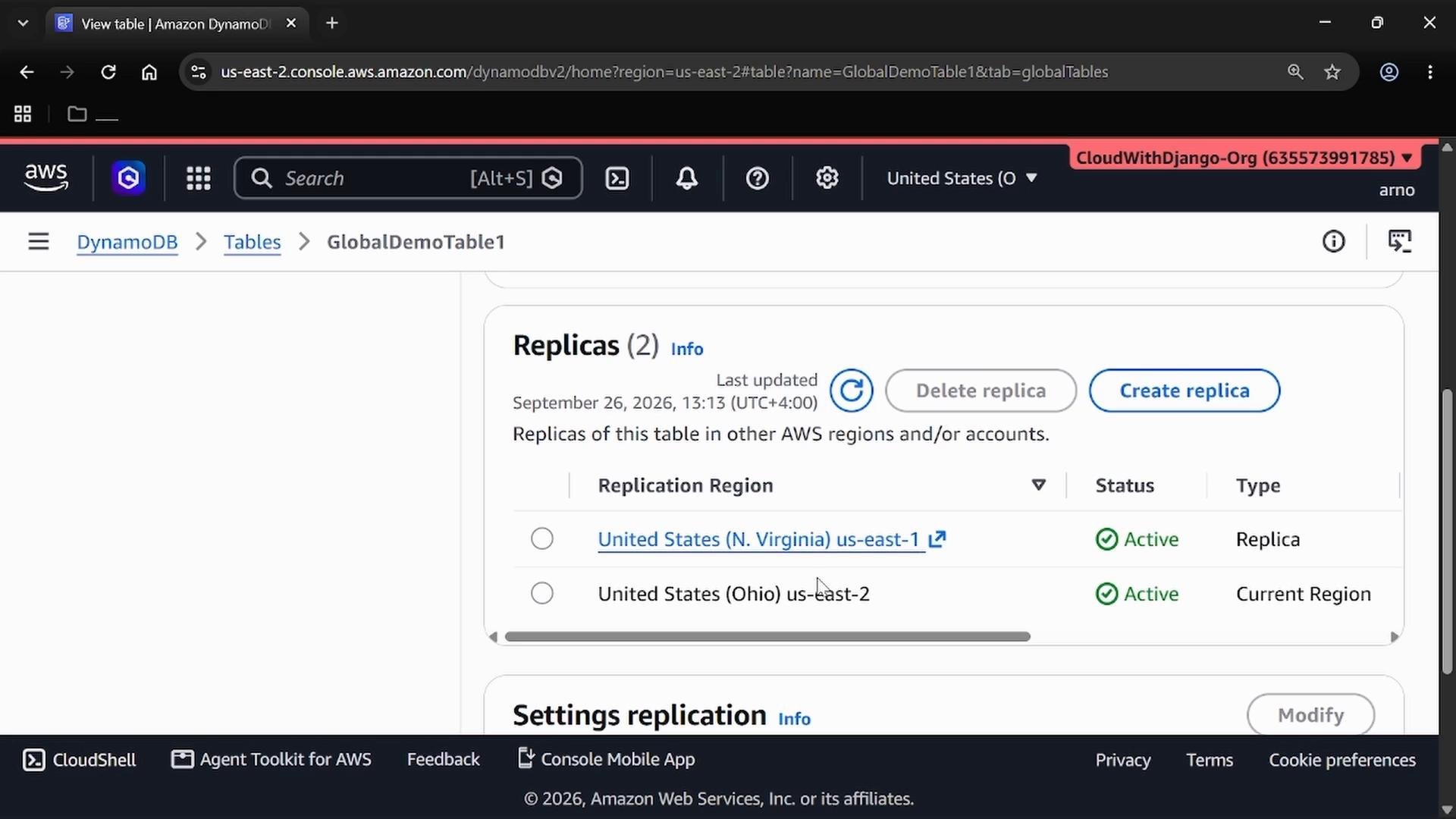
- What we did: created a DynamoDB table in one Region and added a replica in another, enabling automatic cross-Region replication (Global Table).
- Consistency model: Global Tables use asynchronous replication by default (eventual consistency) across Regions. Strongly consistent reads are only available within a single Region — cross-Region strong consistency is not supported.
- Use cases: Global Tables are suitable for multi-Region high availability, reduced read latency for distributed users, and disaster recovery scenarios.
Global Tables incur additional costs for cross-Region write replication and storage. Evaluate cost and latency trade-offs before enabling multi-Region replication. Also design your application for the eventual consistency model (e.g., conflict resolution and read-after-write expectations).
- To remove a replica: open the Replicas list, select the replica to delete, and choose Delete.
- After deleting replicas, you can delete the main table if it is no longer needed.
- DynamoDB Global Tables let you replicate a single logical table across multiple AWS Regions, providing multi-Region availability and lower latency for distributed applications.
- Use Global Tables when you need geographically distributed reads/writes and higher resilience; rely on Multi-AZ within a Region for regional high availability.
- DynamoDB Global Tables documentation: https://docs.aws.amazon.com/amazondynamodb/latest/developerguide/GlobalTables.html
- Service-linked role info: https://docs.aws.amazon.com/IAM/latest/UserGuide/using-service-linked-roles.html
- DynamoDB best practices: https://docs.aws.amazon.com/amazondynamodb/latest/developerguide/best-practices.html