

Exam tip: The exam often prefers automated responses (EventBridge, Lambda, Auto Scaling, etc.). If full automation isn’t feasible, describe a reliable manual fallback, but automation is the desired solution.
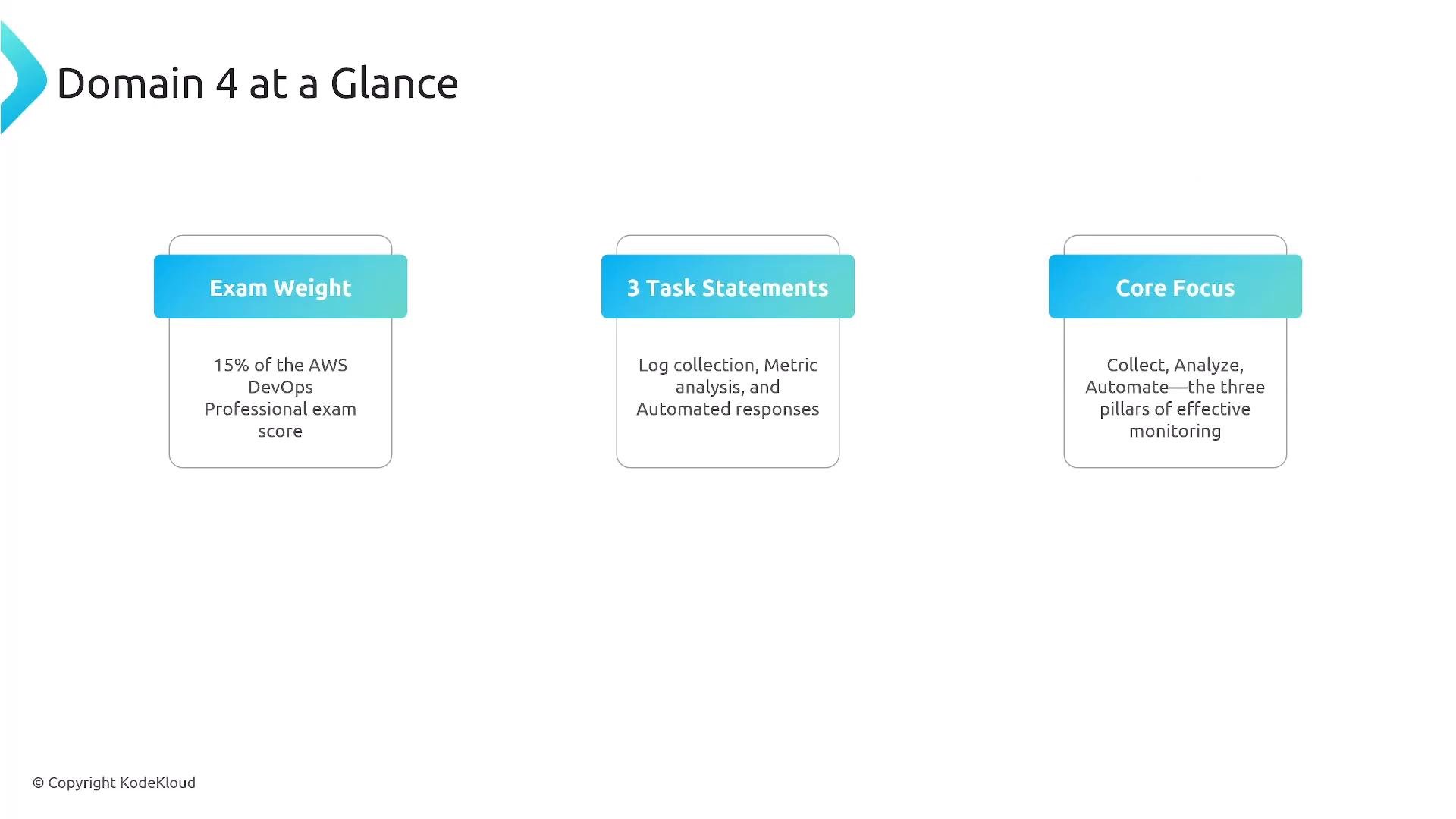
CloudWatch Logs — architecture and collection
CloudWatch Logs organizes log data into hierarchical concepts that are essential for exam scenarios.
Collection methods by source:
- EC2 / on‑prem: CloudWatch Unified Agent (supports multiline parsing, custom metrics derived from logs).
- Lambda: automatic log delivery to CloudWatch Logs.
- ECS: configure task definitions with
awslogsor other log drivers. - EKS: Fluent Bit / Fluentd are common agents to forward container logs to CloudWatch or other sinks.
- VPC Flow Logs: deliver to CloudWatch Logs or S3.
Subscription filters — one-per-log-group constraint
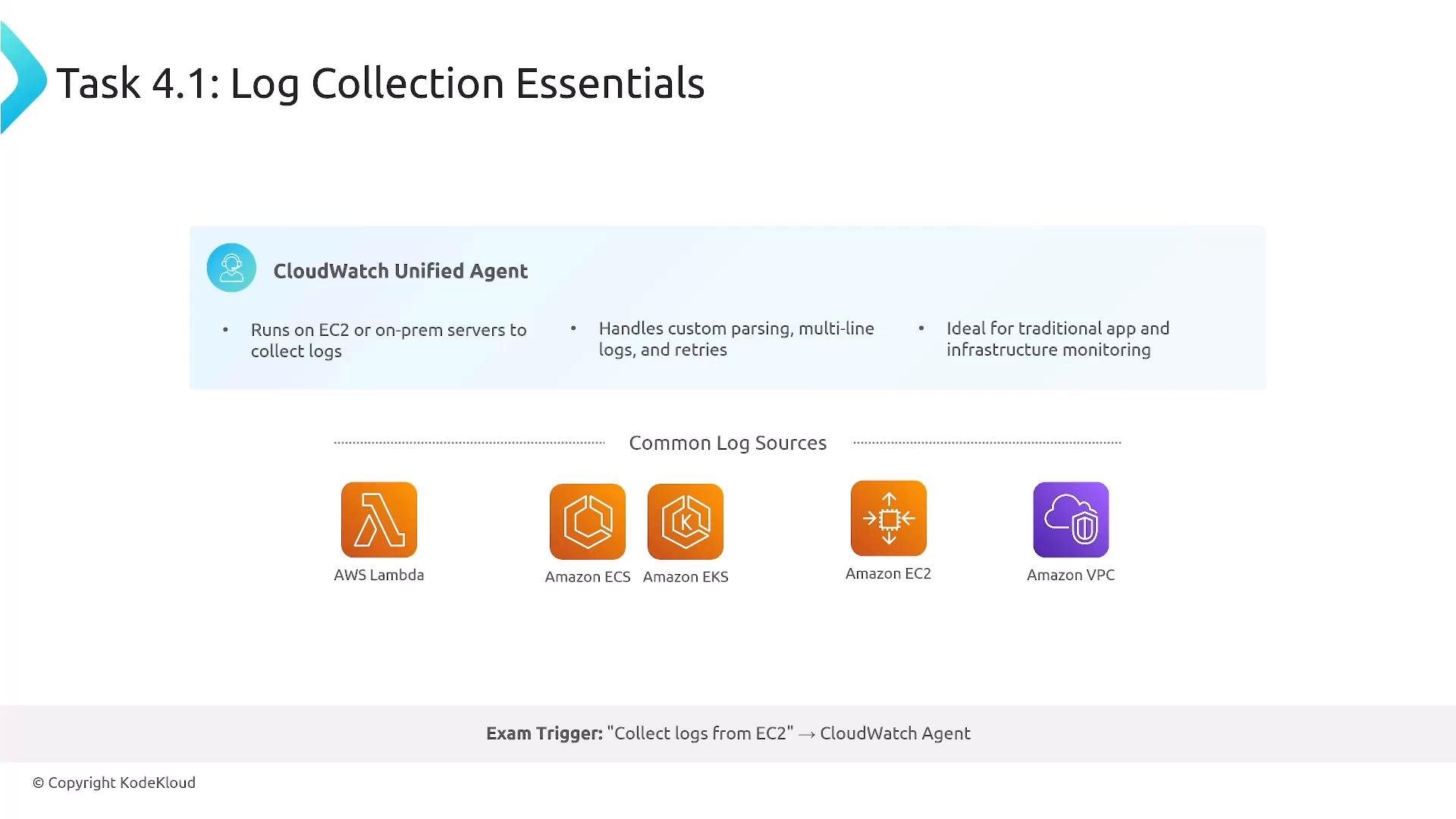
Important constraint for design and exam answers:- Each CloudWatch Logs log group supports only one active subscription filter.
- Use a single subscription filter to forward to a Kinesis Data Stream (or a Lambda that fans out). Multiple downstream consumers can read from Kinesis.
- Alternatively, subscribe directly to a Lambda or Kinesis Data Firehose if only one destination is needed.
- Cross-account subscriptions are supported when you configure appropriate IAM permissions and resource policies.
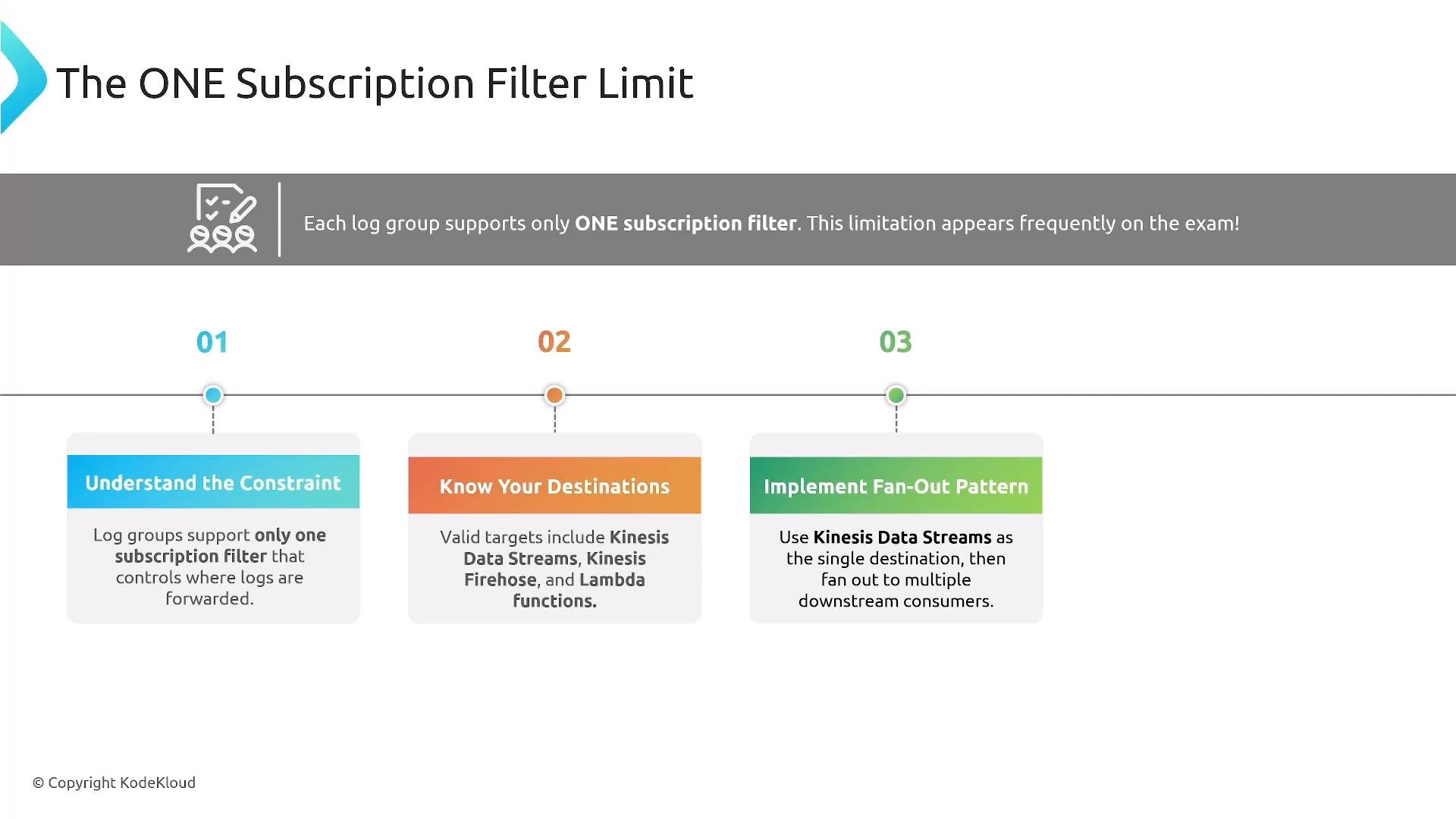
Practical pattern: When you must route the same log set to multiple targets, forward the log group to a Kinesis Data Stream. Let downstream consumers (Lambda, Firehose, analytics) read from the stream. This preserves the single-subscription constraint while enabling true fan-out.
CloudWatch Metrics — namespaces, dimensions, resolution, retention
Key concepts and configuration choices:
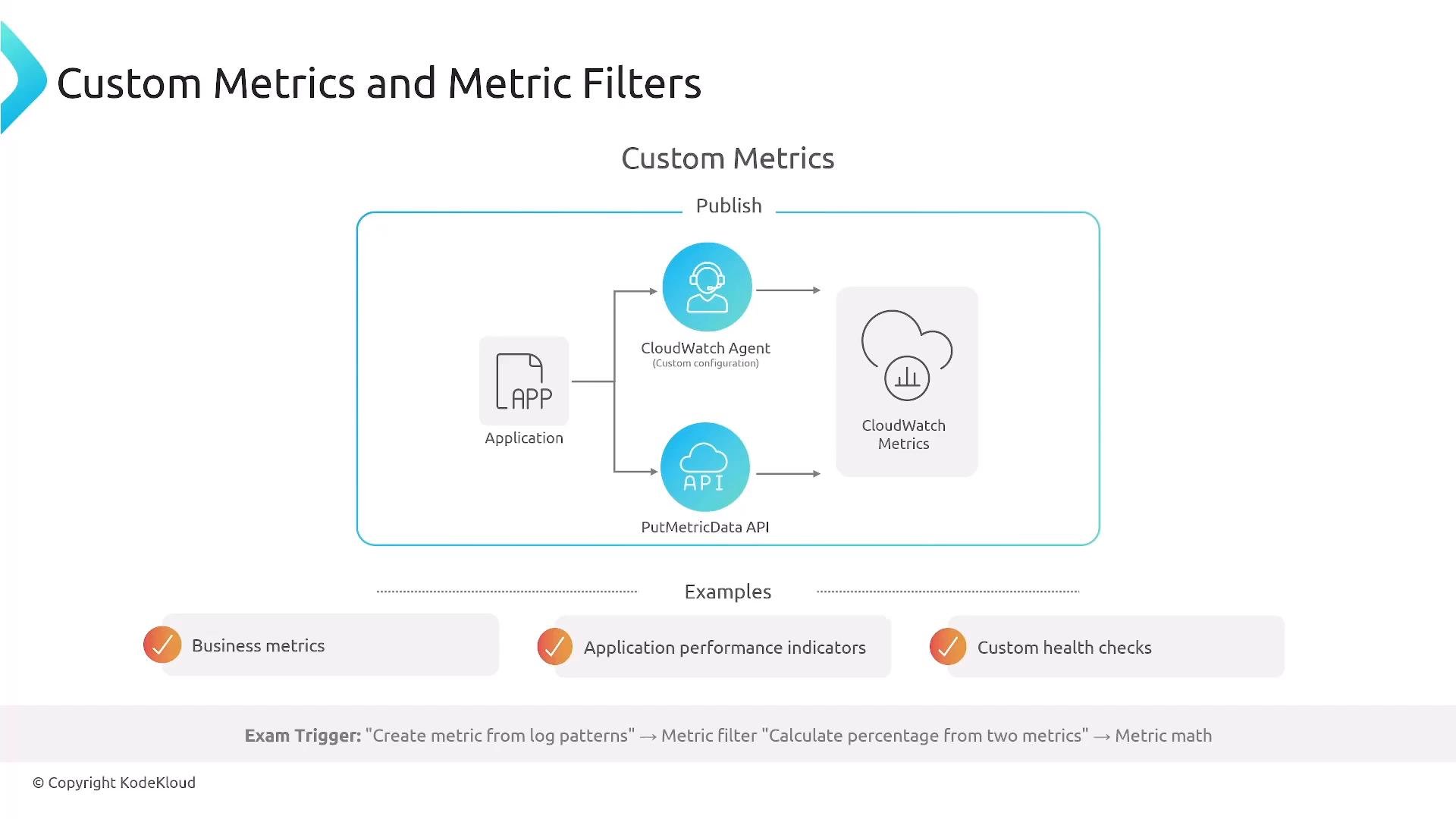
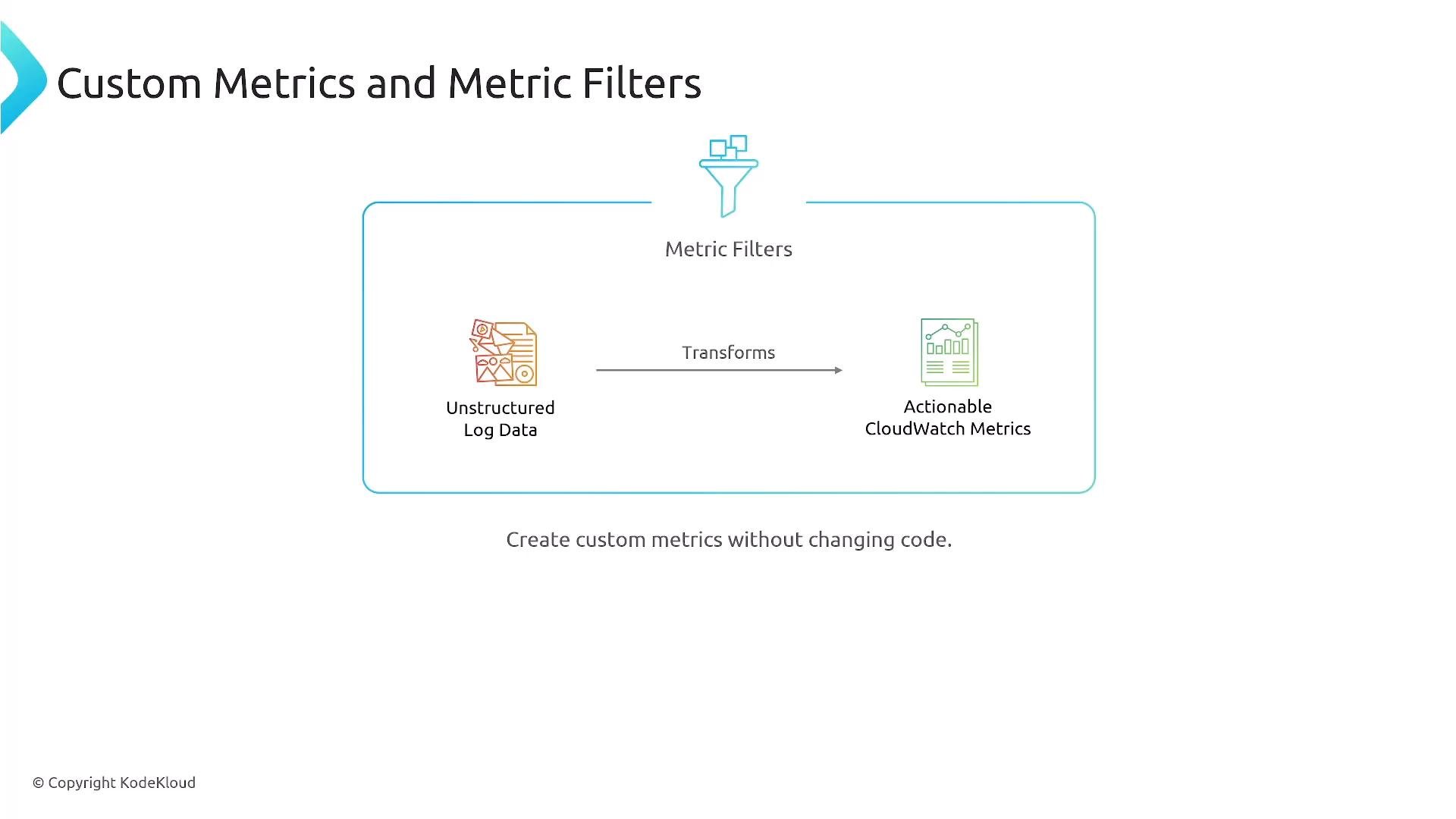
Create metric filters when you need to convert unstructured logs into numeric metrics. After metrics exist you can combine them with math expressions, create alarms, and build dashboards.
CloudWatch Alarms — states, types, actions
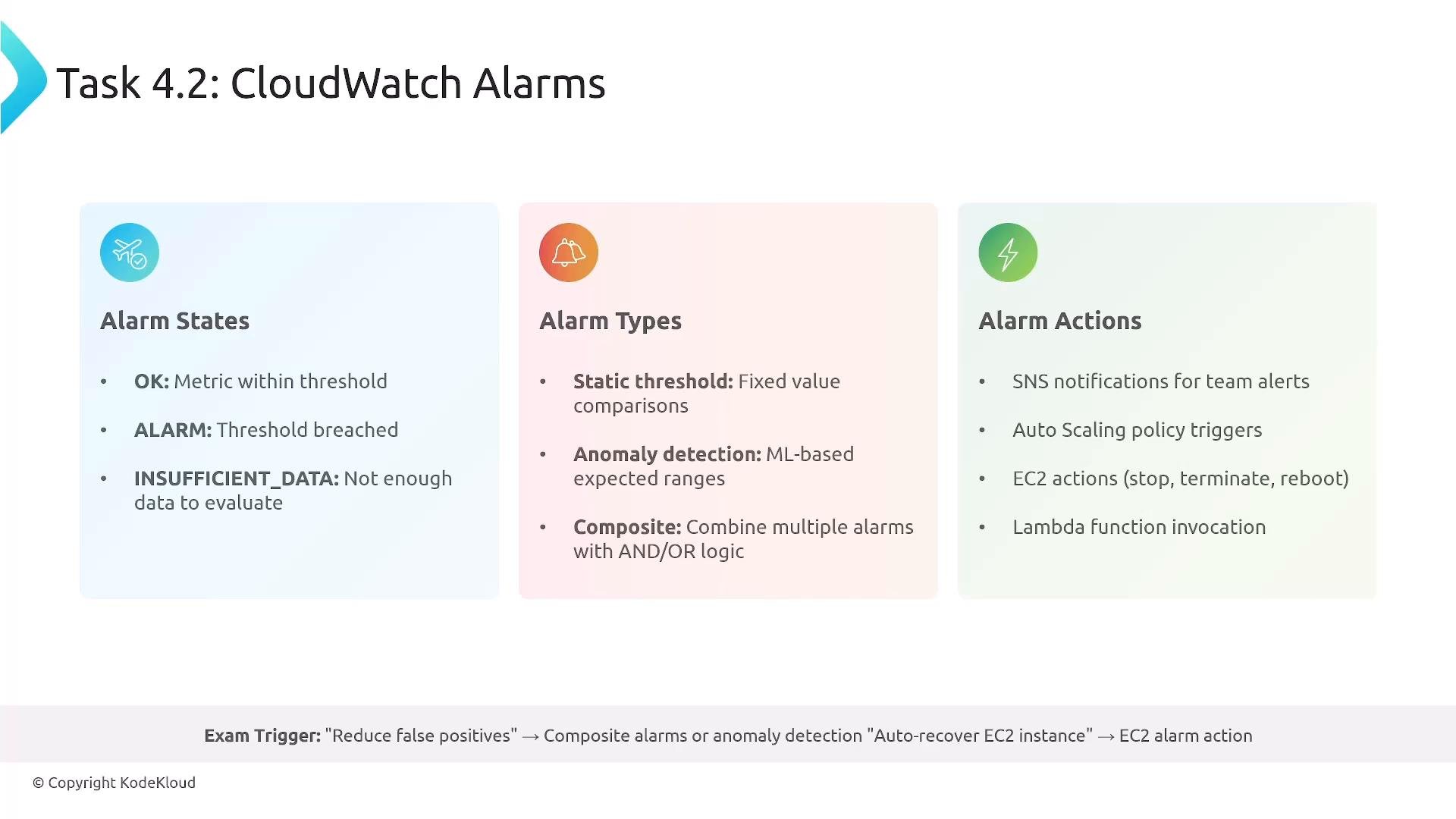
Alarms evaluate metrics and trigger actions. Understand states, types, and recommended actions:
When designing exam answers, explicitly mention how the alarm triggers automation (SNS → Lambda, or EventBridge rule → Systems Manager) to demonstrate end-to-end remediation.
CloudWatch Logs Insights — interactive log analytics
CloudWatch Logs Insights provides fast, interactive analytics for logs. Use it to parse, extract fields, aggregate, and create dashboards. Tips:- Filter the time range to reduce the amount of scanned data and lower cost (pricing is per GB scanned).
- Use pre-built queries for common troubleshooting patterns (errors, latency, traffic spikes).
Tracing — AWS X-Ray
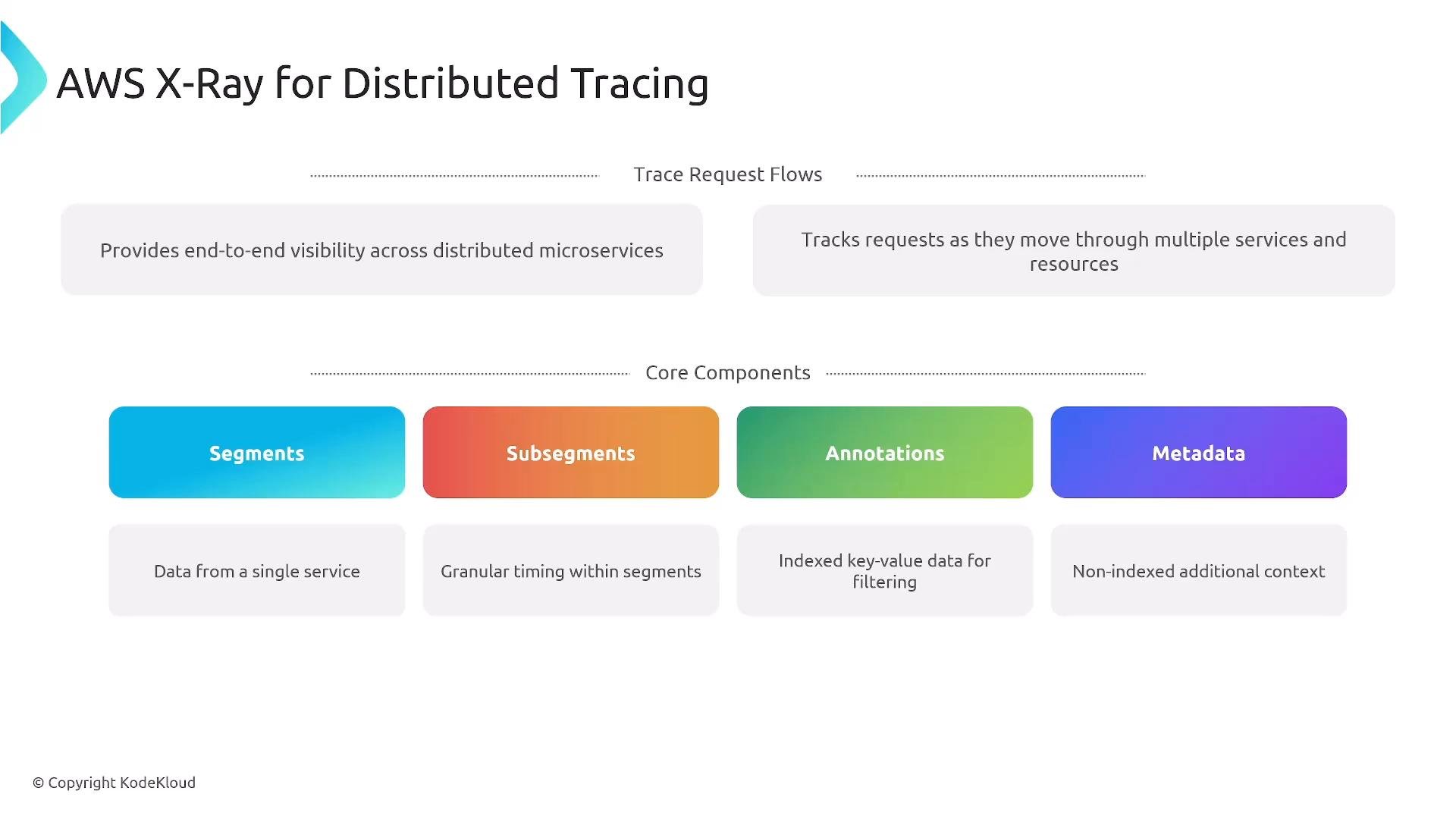
X-Ray helps visualize request flows across distributed systems and microservices. Key concepts:- Trace: the end-to-end request path.
- Segment: work done by a single service for a trace.
- Subsegment: finer-grained operations inside a segment.
- Annotations: indexed key/value pairs used for searching.
- Metadata: non-indexed additional info (useful for debugging but not searchable).
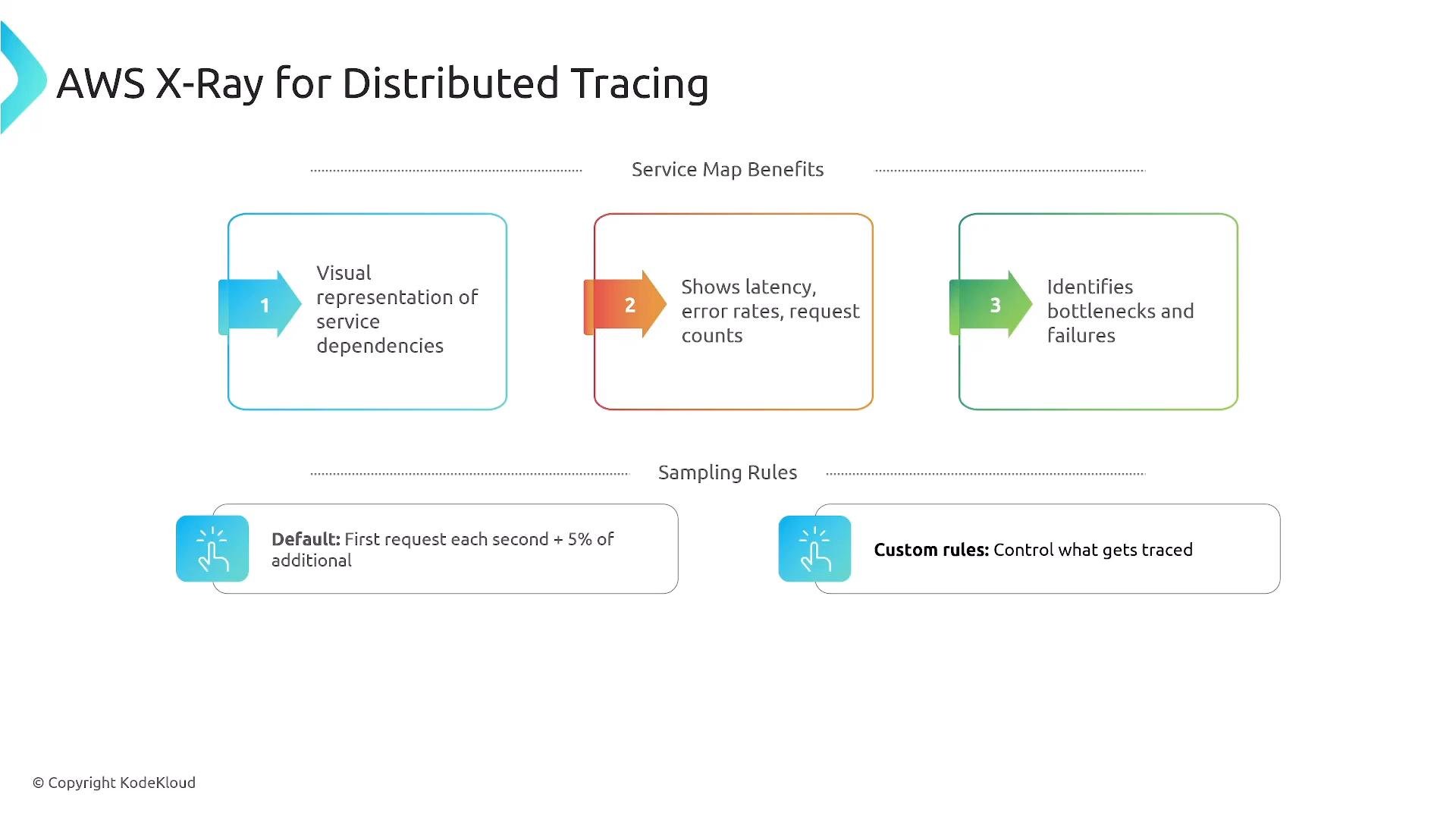
- Sampling: default sampling is the first request each second plus 5% of subsequent requests; customize sampling rules to increase/decrease coverage.
CloudTrail — audit logging
CloudTrail records API calls and related events for your account — critical for audit, security, and forensics.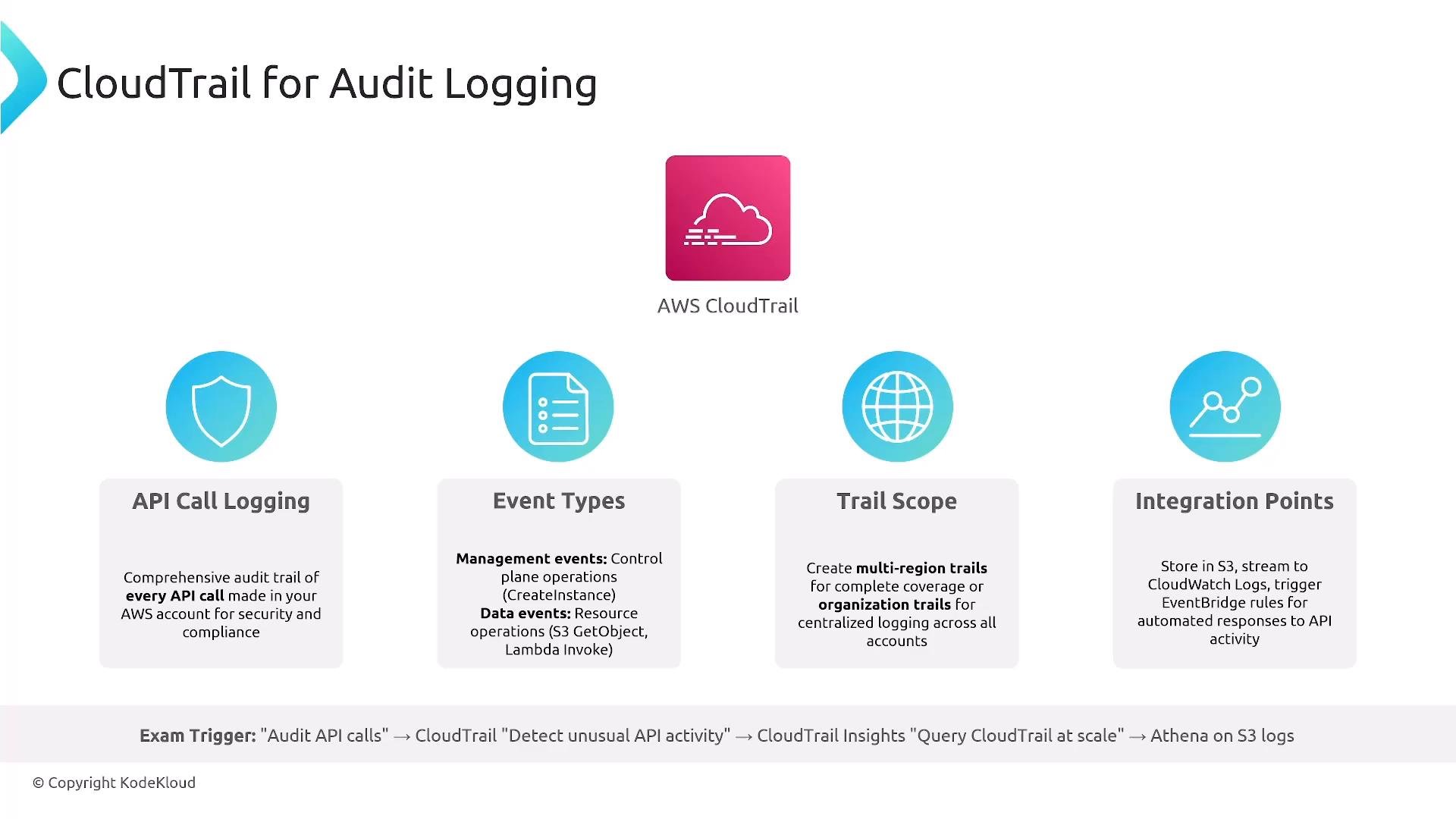
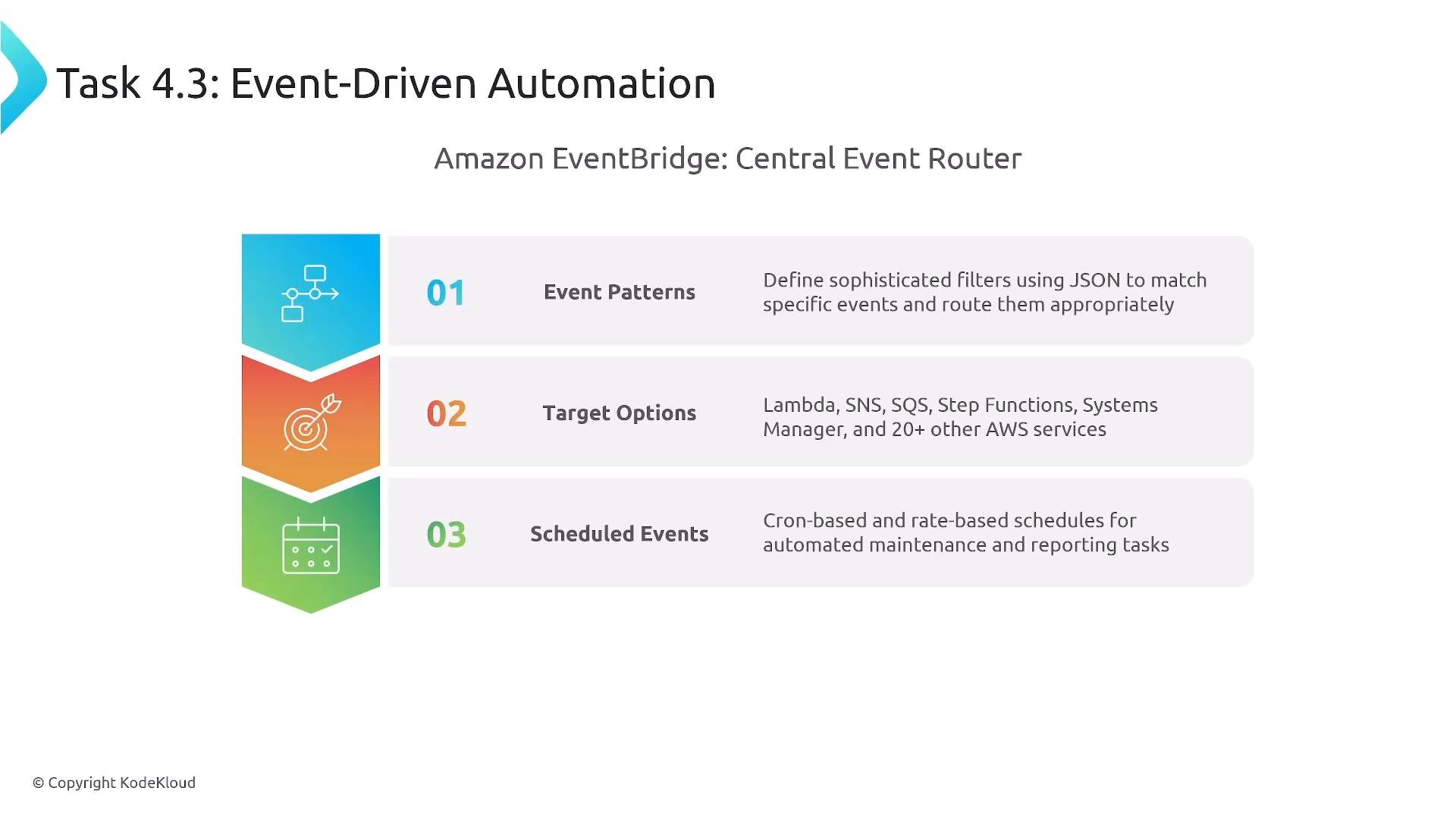
Event-driven automation — EventBridge and integrations
Amazon EventBridge is the central event router in AWS. Use it to connect events to automated actions.- Rules use event patterns to match events and route them to targets: Lambda, Step Functions, SQS, SNS, EventBridge Pipes, and even EC2 API actions.
- Supports scheduled (cron) rules for periodic automation.
- Combine EventBridge with Lambda or Systems Manager Automation runbooks for automated remediation and orchestration.
AWS Config — configuration recording and compliance
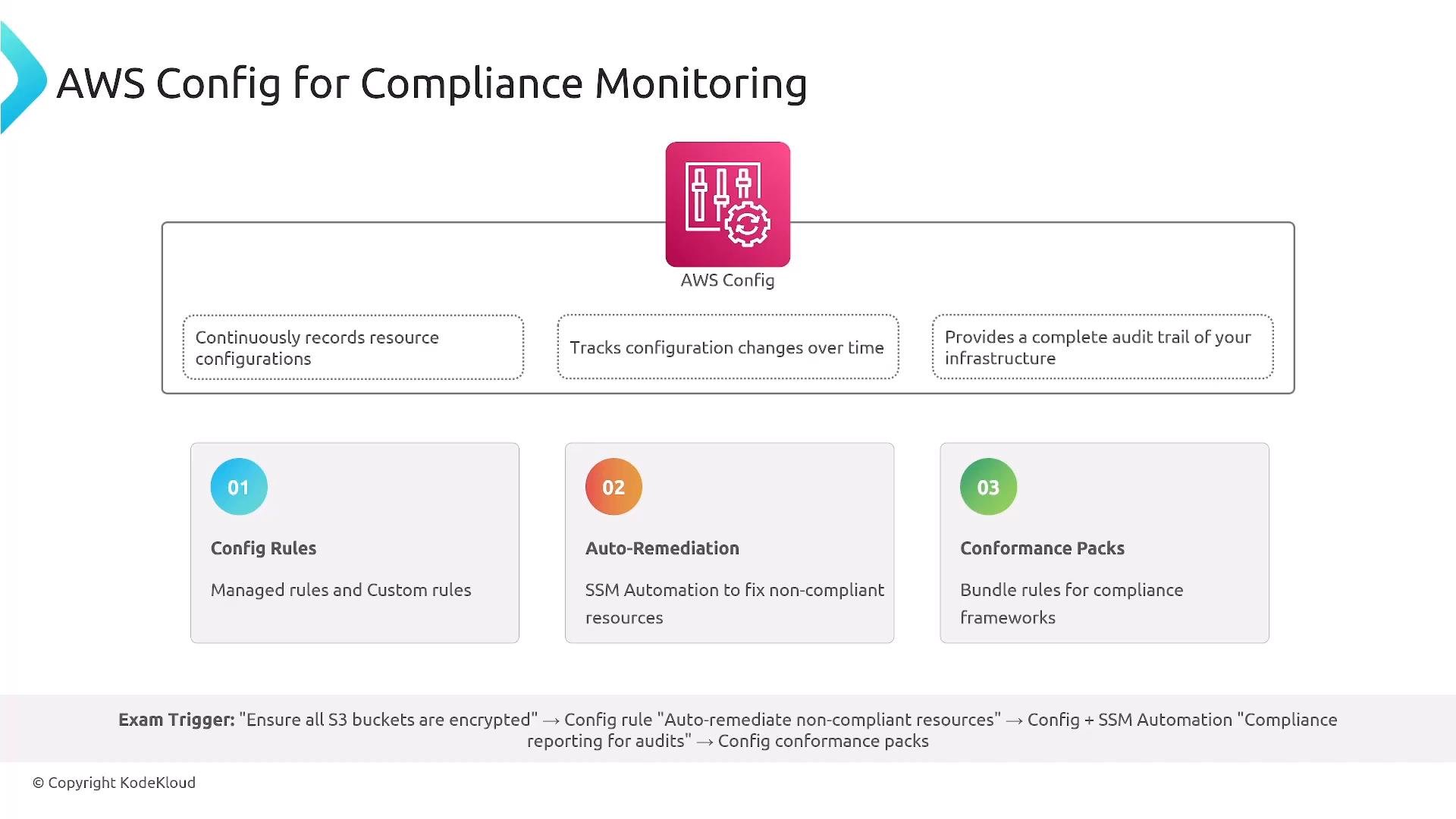
AWS Config continuously records resource configurations and changes. It provides a historical audit trail and enables compliance checks.- Config Rules detect non-compliance. Use managed rules or author custom rules (AWS Lambda-backed or AWS Config managed).
- Auto-remediation: Config can trigger Systems Manager Automation documents or Lambda functions to remediate non-compliant resources.
- Conformance packs: collections of rules for standards (PCI DSS, HIPAA, CIS) — customize as needed.
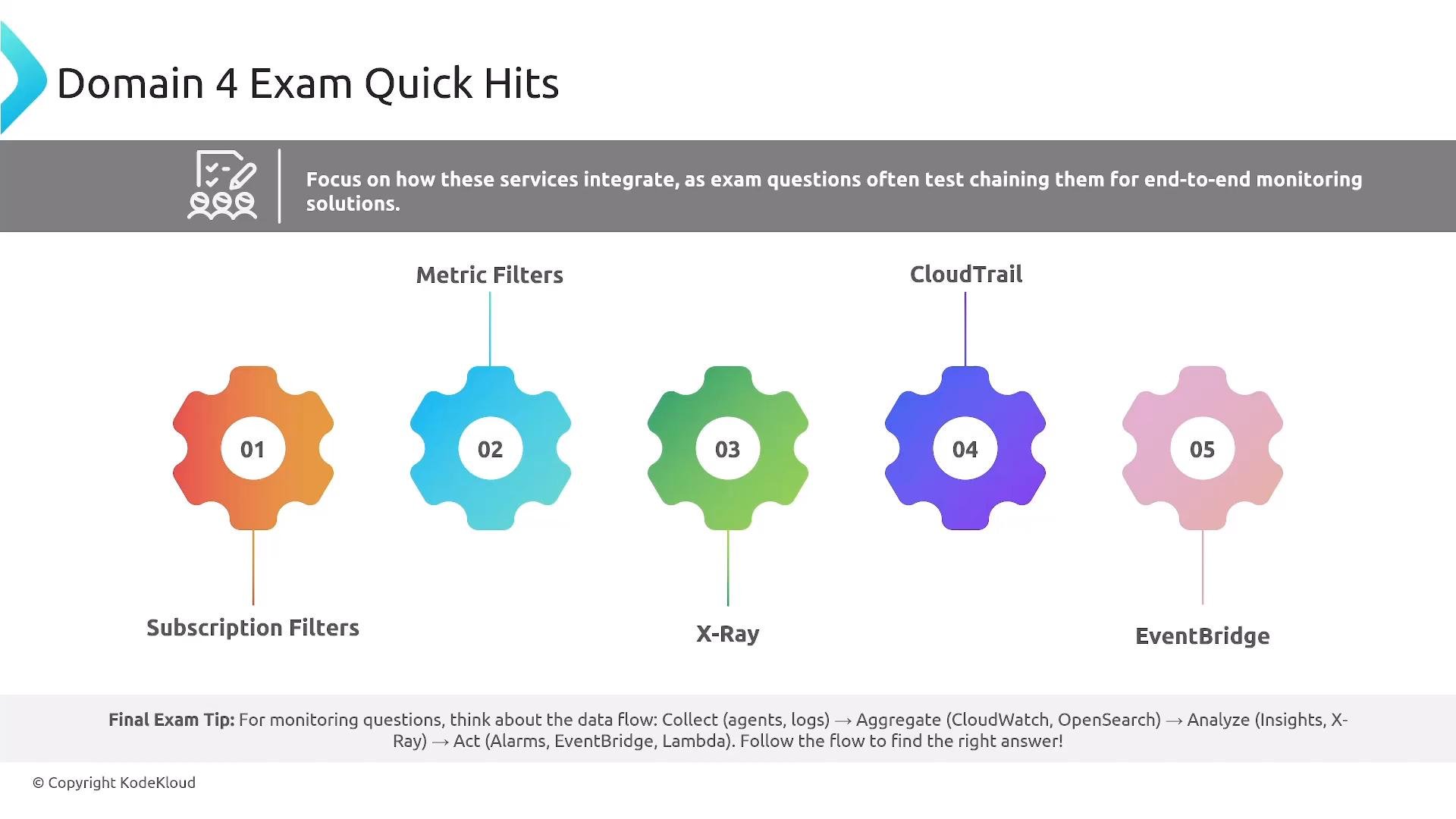
Domain 4 quick hits (recap)
- One subscription filter per CloudWatch Logs log group — use a Kinesis Data Stream or a fan-out Lambda to deliver to multiple destinations.
- Metric filters convert log patterns into CloudWatch metrics without code changes.
- Use anomaly detection and composite alarms to reduce false positives (anomaly detection requires historical metrics).
- X-Ray traces requests across microservices and provides a service map for bottleneck identification.
- CloudTrail logs API calls; CloudTrail Insights detects unusual activity; use Athena to query CloudTrail logs stored in S3.
- EventBridge routes events and automates responses (schedule and content-based routing).
- AWS Config records resource configuration, evaluates compliance, and can trigger automated remediation.
Monitoring workflow example (high level)
End-to-end workflow you can reference in answers:- Collect
- Agents and native integrations: CloudWatch Agent, Fluent Bit, service log drivers.
- Aggregate
- CloudWatch Logs, custom CloudWatch metrics (
PutMetricData), or a central streaming layer (Kinesis).
- CloudWatch Logs, custom CloudWatch metrics (
- Analyze
- CloudWatch Metrics and dashboards, CloudWatch Logs Insights, X-Ray for distributed tracing, Athena for S3 logs.
- Act
- CloudWatch Alarms → EventBridge/SNS → Lambda/Systems Manager/Auto Scaling for automated remediation.
Links and References
- AWS CloudWatch Logs: https://docs.aws.amazon.com/AmazonCloudWatch/latest/logs/WhatIsCloudWatchLogs.html
- CloudWatch Metrics & PutMetricData: https://docs.aws.amazon.com/AmazonCloudWatch/latest/monitoring/publishingMetrics.html
- CloudWatch Logs Insights: https://docs.aws.amazon.com/AmazonCloudWatch/latest/logs/AnalyzingLogData.html
- AWS X-Ray: https://docs.aws.amazon.com/xray/latest/devguide/aws-xray.html
- AWS CloudTrail: https://docs.aws.amazon.com/cloudtrail/index.html
- Amazon EventBridge: https://docs.aws.amazon.com/eventbridge/latest/userguide/what-is-amazon-eventbridge.html
- AWS Config: https://docs.aws.amazon.com/config/latest/developerguide/WhatIsConfig.html