

- Weight: ~17% of the exam
- Focus: IAM at scale, encryption strategies, threat detection, and compliance automation
- Core themes: identity, encryption, detection, and compliance — the four pillars of AWS security
- Use AWS Organizations and SCPs to establish centralized guardrails across multiple accounts.
- Important distinction: SCPs do not grant permissions. They define the maximum allowed actions for principals in an account; IAM policies within accounts still must explicitly grant permissions.
- Effective permission evaluation includes all applicable policies: SCPs, permission boundaries, identity policies, resource policies, and session policies. An explicit Deny anywhere overrides Allows, and actions must be explicitly allowed somewhere to succeed.
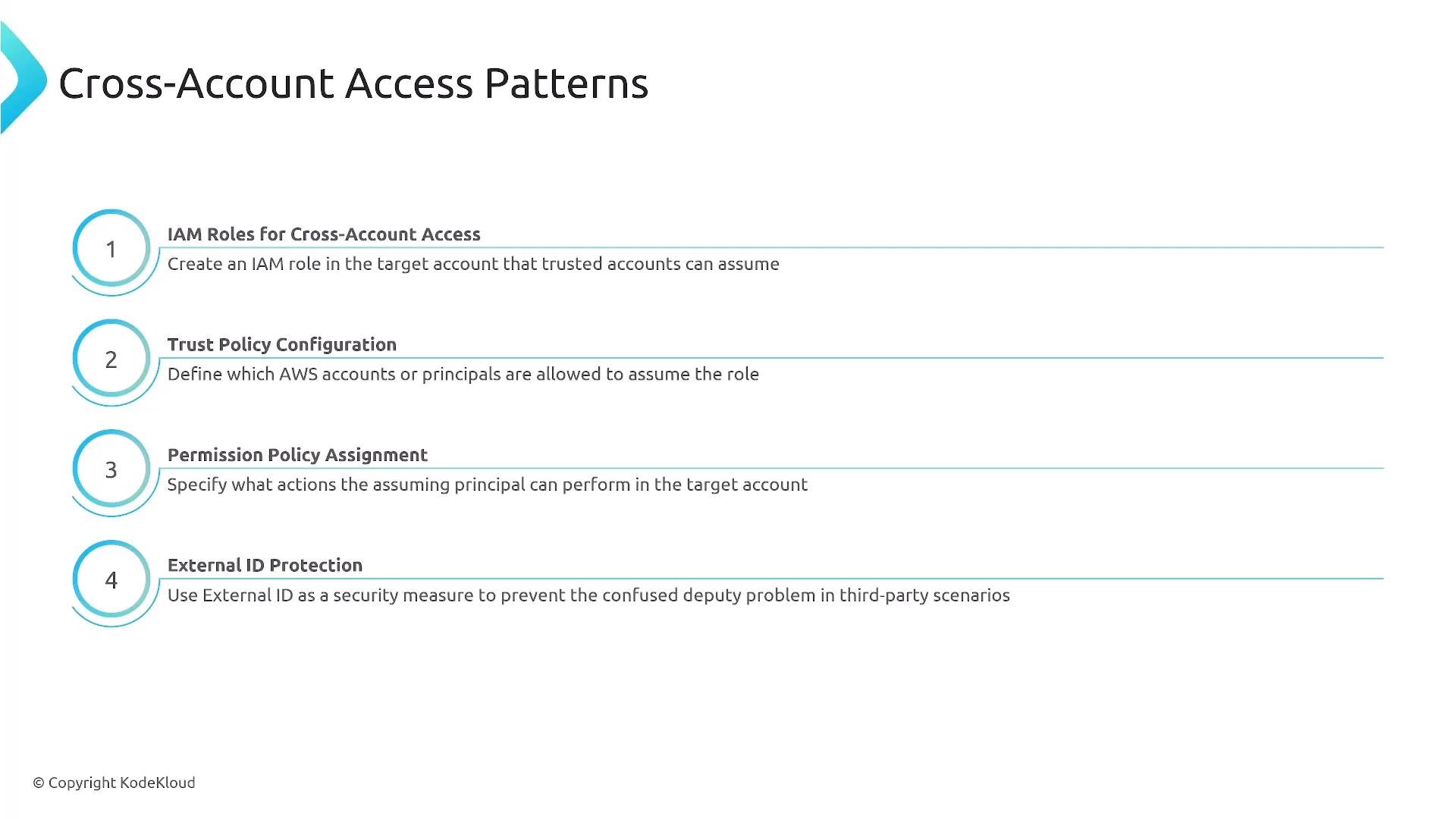
- For cross-account access, prefer IAM roles with well-formed trust policies and fine-grained permission policies in the target account. AWS IAM Identity Center (previously AWS SSO) can simplify centralized assignment and access management.
- When third parties or other AWS accounts assume roles, require an external ID in the role’s trust policy to mitigate the confused deputy problem.
SCPs restrict the maximum permissions in an account — they never grant access on their own. Always design SCPs to be least-privilege guardrails while configuring IAM policies inside accounts to explicitly grant required permissions.
- Key types:
- AWS-owned keys — fully managed by AWS and not exposed to your account.
- AWS-managed keys — created and managed by AWS for use by specific services.
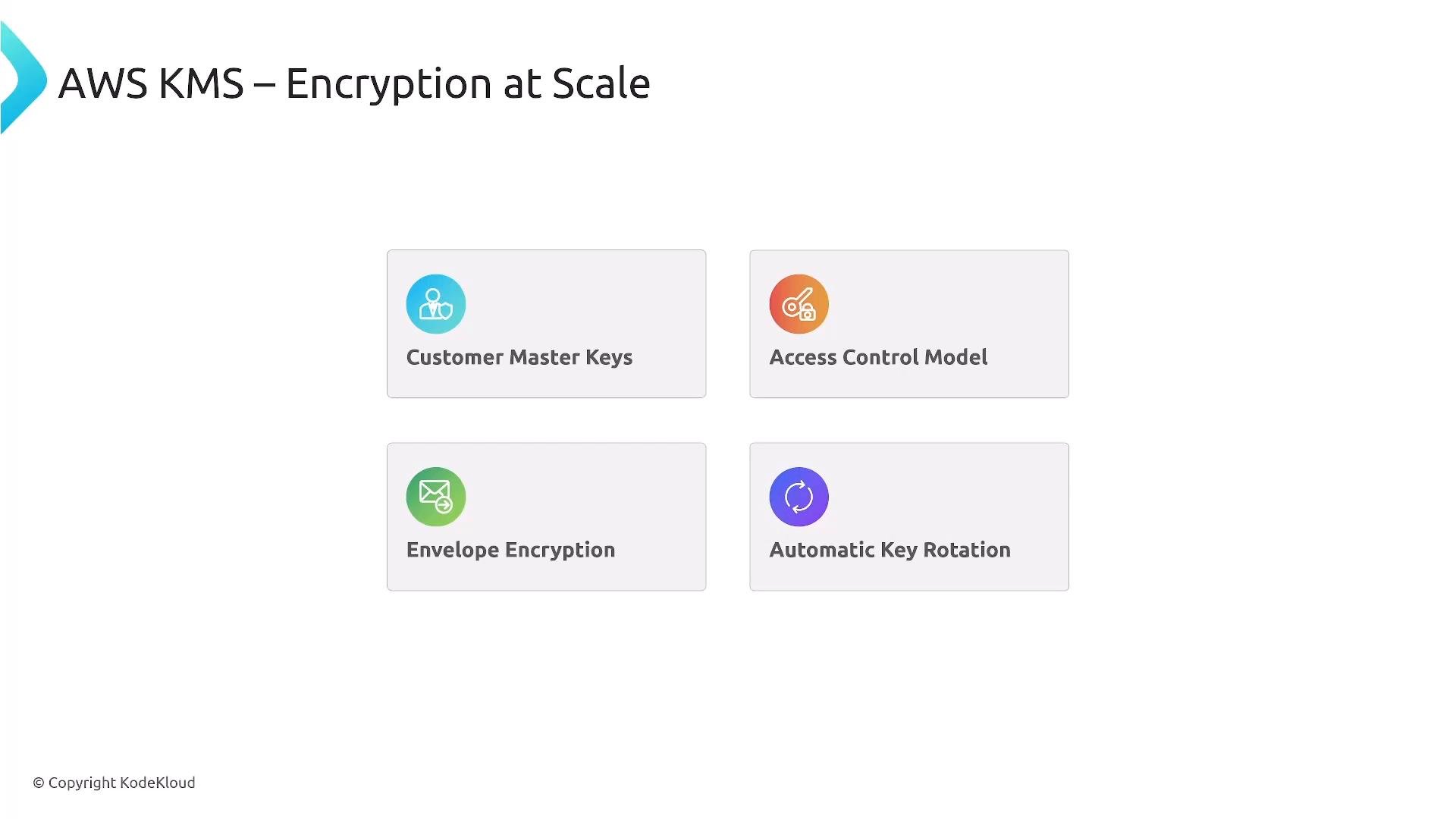
- Customer-managed keys (CMKs) — created in your account; you control key policies, grants, rotation, and usage.
- Envelope encryption: use a data key (symmetric) to encrypt data, then encrypt (wrap) that data key using a KMS CMK. KMS can generate data keys and return both plaintext and encrypted versions to enable secure client-side encryption without exposing the CMK.
- Rotation:
- Customer-managed symmetric CMKs support automatic rotation (annual option).
- Asymmetric CMKs do not support automatic rotation.
- Access control: key policies and grants determine who can use or manage CMKs. Be deliberate with key policy design to avoid unintentional access gaps.
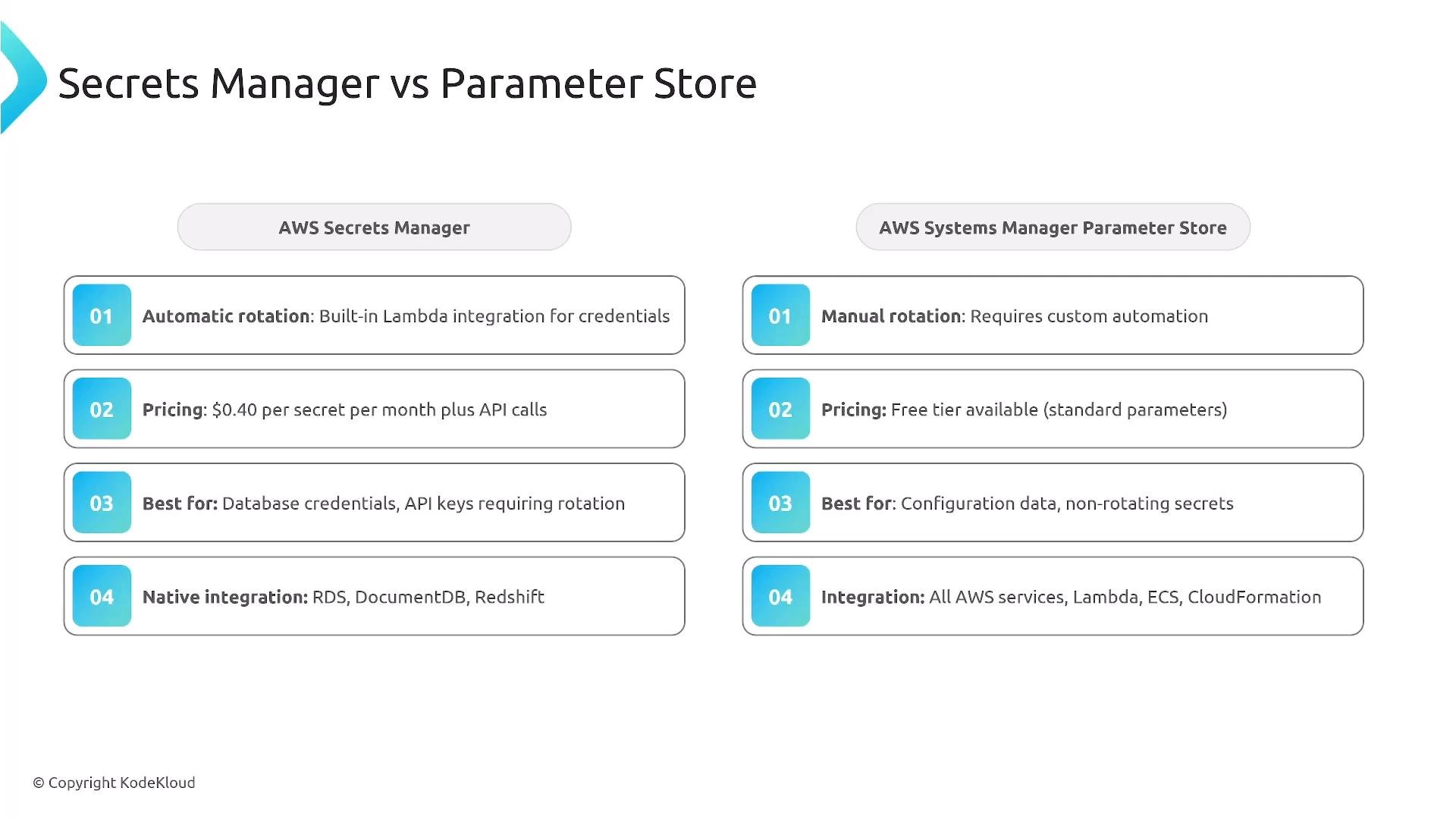
- AWS Secrets Manager
- Per-secret pricing
- Built-in automatic rotation for supported targets (for example, RDS credentials)
- Rich lifecycle management, audit logging, and native rotation integrations
- Systems Manager Parameter Store
- Standard (free tier) and Advanced parameters (additional cost)
- Supports
SecureStringparameters encrypted with KMS - No native automatic secret rotation — rotation must be custom or external
- Good fit for configuration values and simpler secrets where rotation is not required or is handled externally
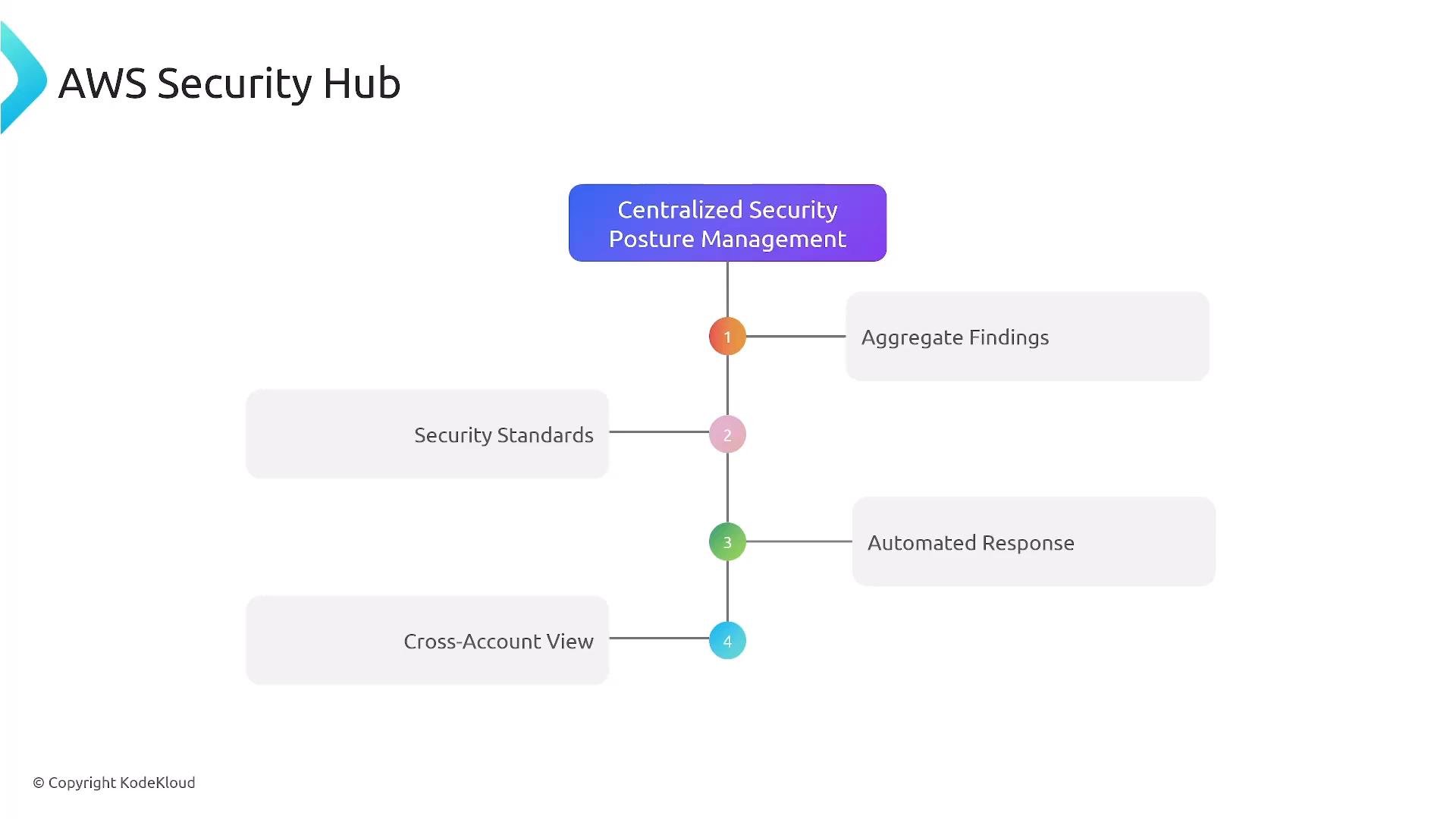
- AWS Config records resource configurations and relationships over time, creating a historical inventory.
- Key features:
- AWS Managed Rules and the ability to author custom rules
- Conformance packs: bundles of rules and remediation related to a compliance framework
- AWS Config Aggregator: collect Config data across accounts and regions for centralized auditing
- AWS Config is primarily an auditing and compliance tool. It can trigger automated remediation workflows, but you must wire up the remediation (for example, via Systems Manager Automation, Lambda, or EventBridge) to enforce changes.
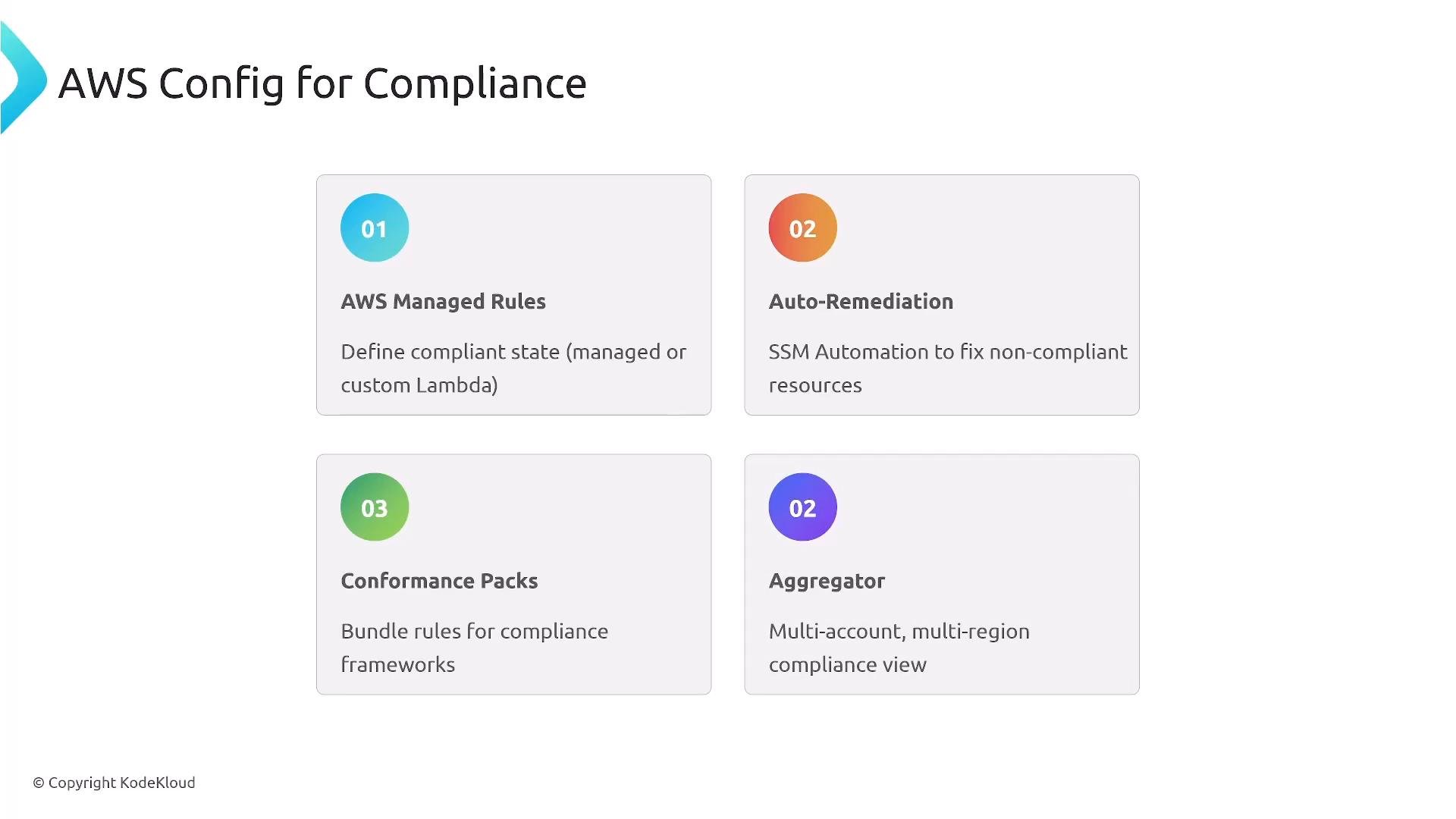
- Security Groups: stateful, instance-level firewall
- Network ACLs: stateless, subnet-level controls
- AWS WAF: application-layer protection (HTTP/S)
- AWS Shield: DDoS protection
- Shield Standard — enabled by default at no charge
- Shield Advanced — paid, adds DDoS cost protection and 24/7 DRT support
- AWS CloudTrail
- Tracks management events and optional data events (for example, S3 object-level events and Lambda invocation records)
- Supports log file integrity validation for tamper detection
- Amazon CloudWatch
- Metrics, logs, and alarms for operational monitoring
- Combine CloudTrail + CloudWatch + AWS Config to build a robust logging, monitoring, and compliance posture
- Organizations + SCPs for centralized guardrails and account-level restrictions
- IAM cross-account roles, trust policies, and using an external ID to mitigate confused deputy issues
- KMS: understand AWS-owned, AWS-managed, and customer-managed keys; envelope encryption; and key rotation rules
- Secrets Manager vs Parameter Store: rotation, pricing, and when to pick each service
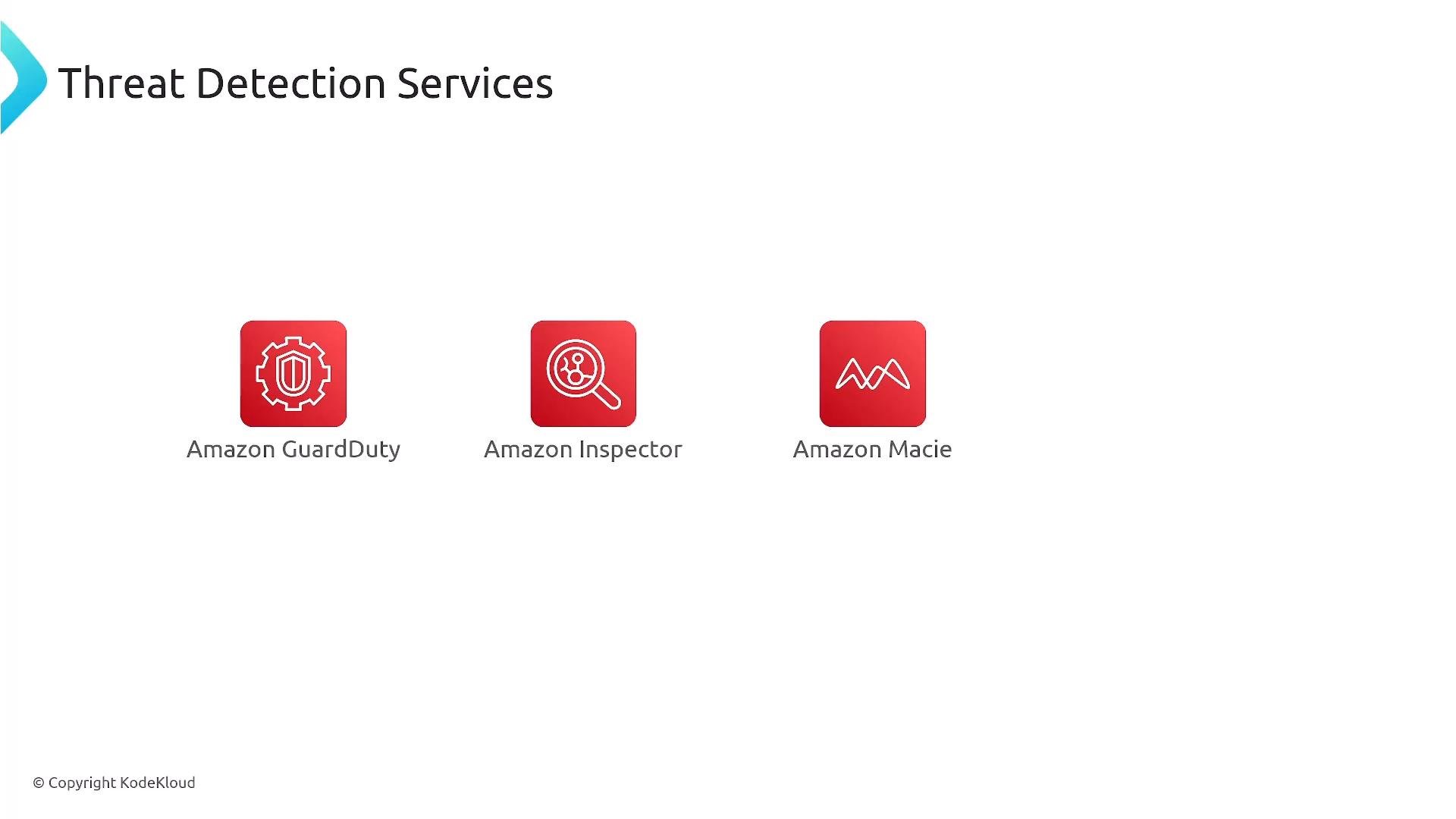
- Threat detection services and their data sources:
- GuardDuty — VPC Flow Logs, DNS, CloudTrail
- Inspector — vulnerability assessments (EC2, ECR, Lambda)
- Macie — S3-sensitive data discovery
- Detective — investigation and timelines
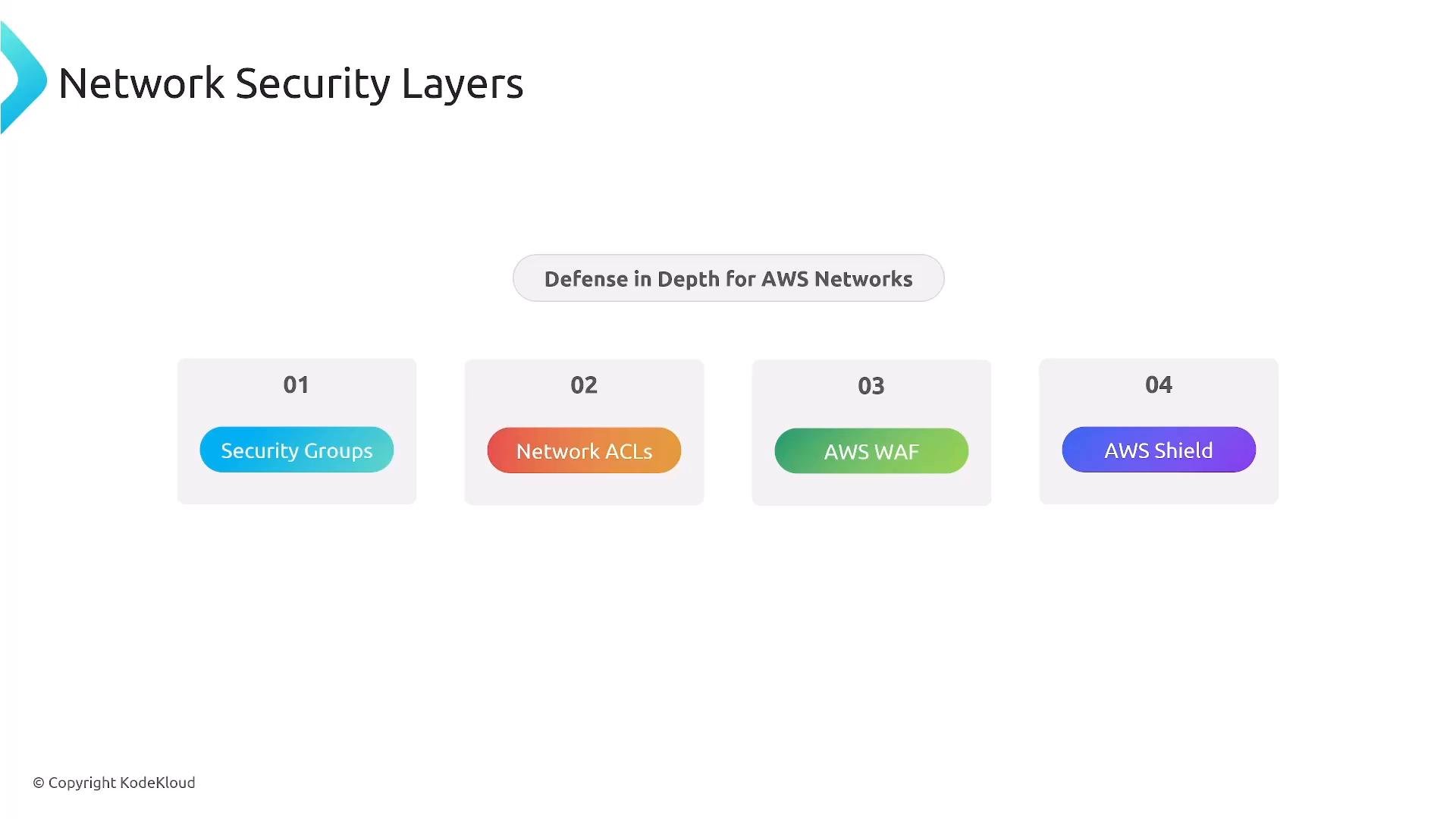
- Security Hub — centralized aggregation, standards, and automated response via EventBridge
- AWS Config — inventory, managed/custom rules, conformance packs, aggregators for multi-account compliance
- CloudTrail + CloudWatch + Config form the core logging/audit framework
- Network defense-in-depth: Security Groups → NACLs → WAF → Shield
Exam tip: For centralized guardrails think
AWS Organizations + SCPs. For automatic credential rotation think AWS Secrets Manager. For data-key wrapping think envelope encryption with AWS KMS.- AWS Documentation: https://docs.aws.amazon.com/
- AWS Organizations: https://docs.aws.amazon.com/organizations/latest/userguide/orgs_introduction.html
- AWS KMS: https://docs.aws.amazon.com/kms/latest/developerguide/overview.html
- AWS Secrets Manager: https://docs.aws.amazon.com/secretsmanager/latest/userguide/intro.html
- AWS Systems Manager Parameter Store: https://docs.aws.amazon.com/systems-manager/latest/userguide/systems-manager-parameter-store.html
- Amazon GuardDuty: https://docs.aws.amazon.com/guardduty/latest/ug/what-is-guardduty.html
- Amazon Inspector: https://docs.aws.amazon.com/inspector/latest/userguide/inspector_introduction.html
- Amazon Macie: https://docs.aws.amazon.com/macie/latest/userguide/what-is-macie.html
- AWS Security Hub: https://docs.aws.amazon.com/securityhub/latest/userguide/what-is-securityhub.html
- AWS Config: https://docs.aws.amazon.com/config/latest/developerguide/WhatIsConfig.html