

Amazon RDS and IAM Authentication
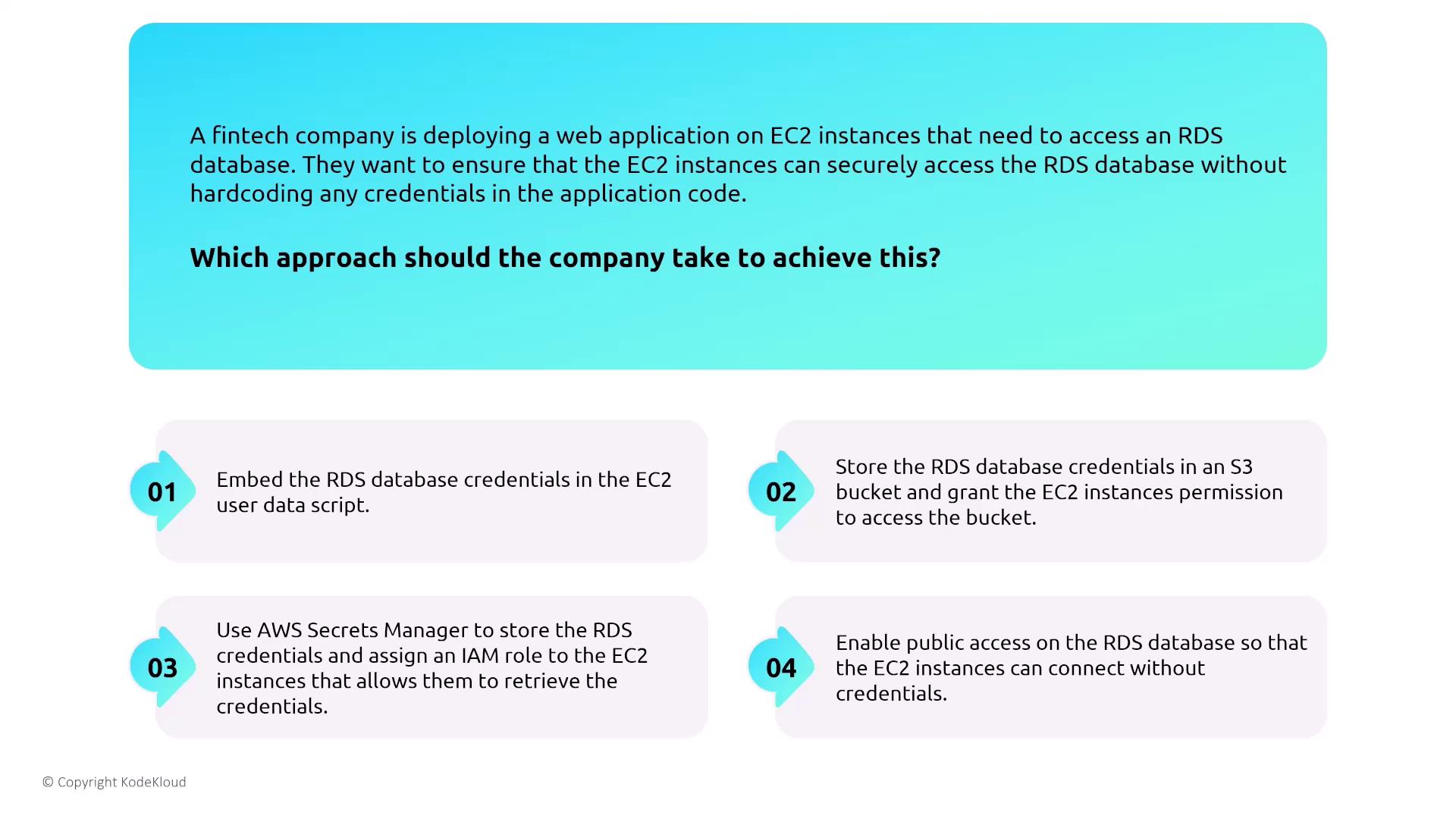
Amazon RDS supports multiple authentication methods. A notable option is IAM authentication, which allows you to use your IAM user credentials to log in to an RDS database (supported for engines such as MariaDB, MSSQL, or Oracle). This avoids the need to manage separate database-specific credentials, especially when every database instance maintains its own user store.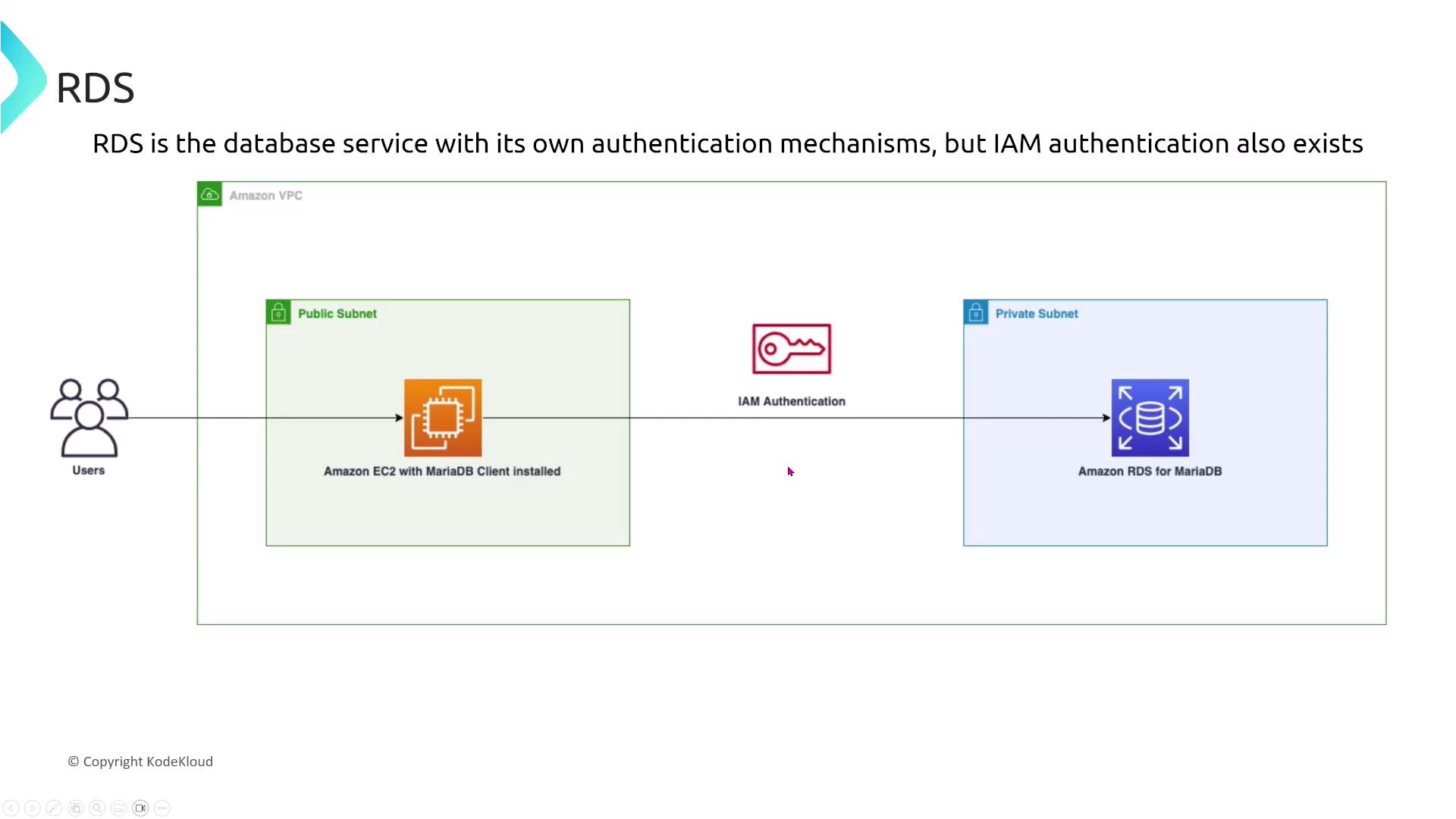
- Options include modifying the instance to enable IAM authentication, creating an IAM role with permissions, or generating IAM access keys for a MariaDB user password.
- The correct approach is to create an IAM policy that grants RDS DB connect permissions and associate it with the database user.
Even though IAM authentication can be enabled at launch, remember that establishing proper permissions is crucial.
Authentication Methods Across Database Engines
Different RDS engines offer different authentication methods. For example, MySQL and MariaDB support native authentication but do not offer Kerberos. On the other hand, MSSQL, PostgreSQL, and Oracle support both native and Kerberos authentication. In multinational scenarios requiring both authentication types, PostgreSQL (or MSSQL/Oracle if available) stands out as a strong candidate.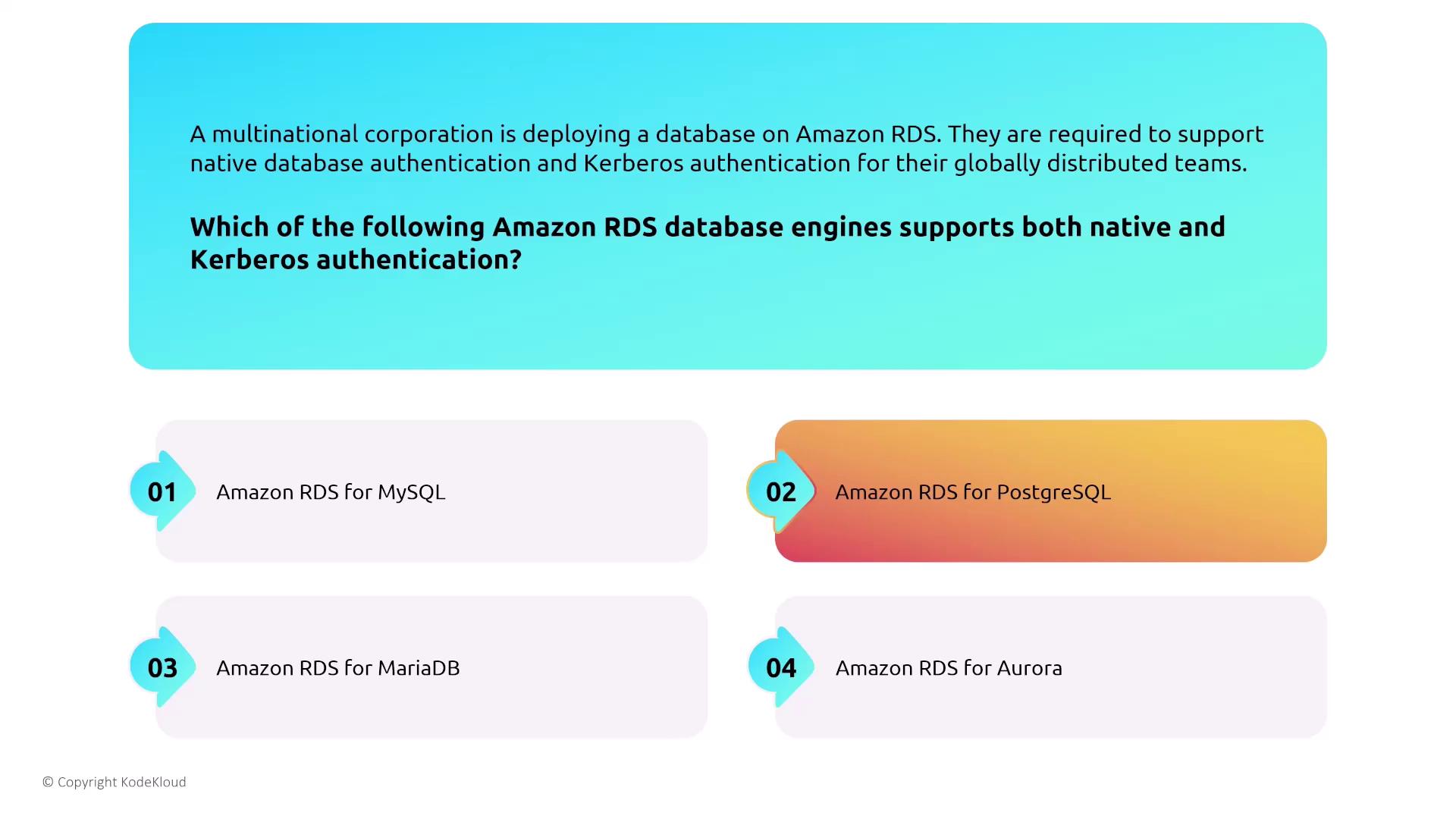
Secrets Management and Credential Rotation
Amazon RDS is integrated with AWS Secrets Manager, which automates the rotation of database credentials. This presents a significant advantage over storing credentials as secure strings in Systems Manager, which does not support the auto-rotation feature. When you require automatic password rotation without modifying your application, Secrets Manager is the clear choice.RDS and VPC Considerations
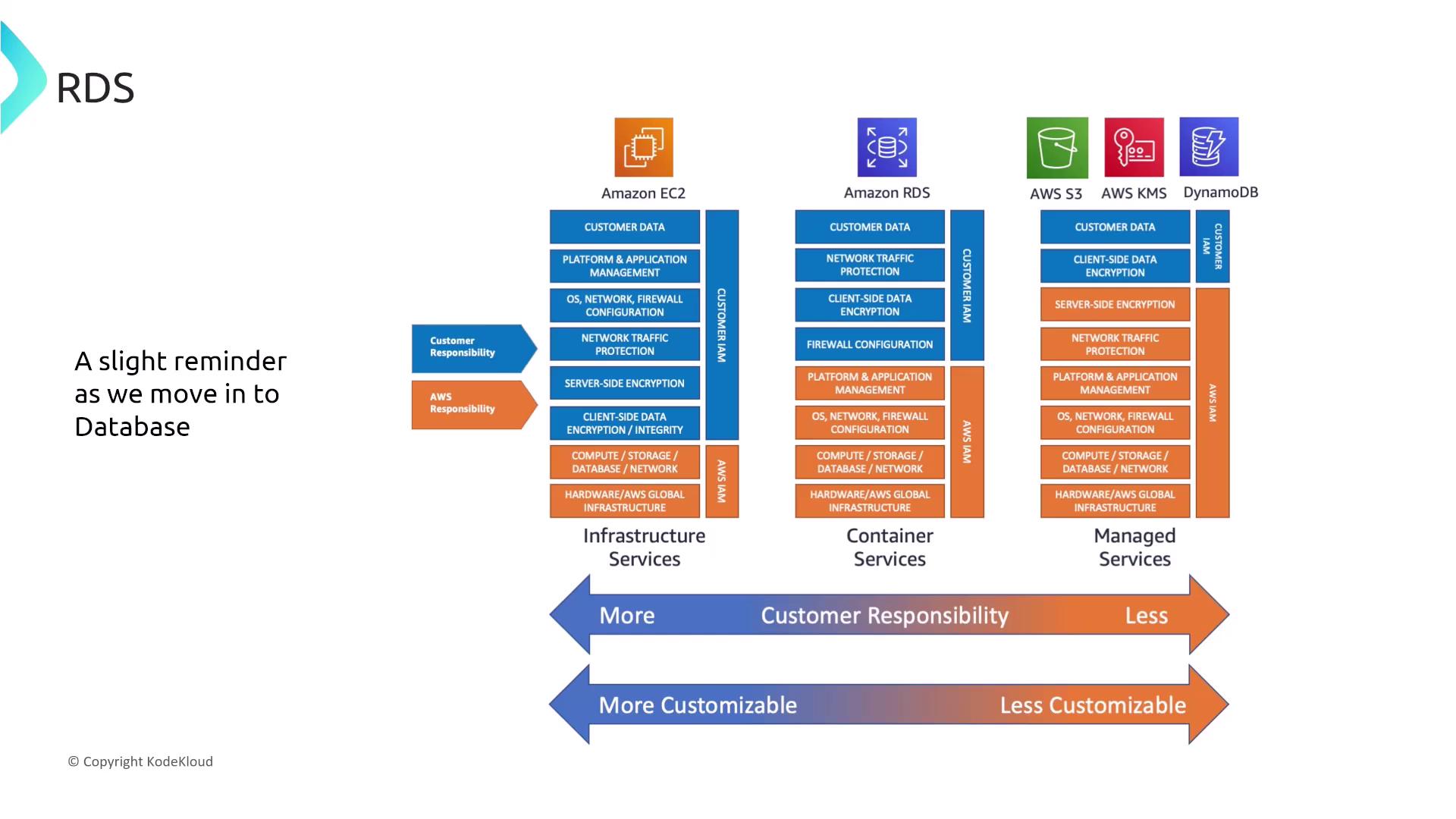
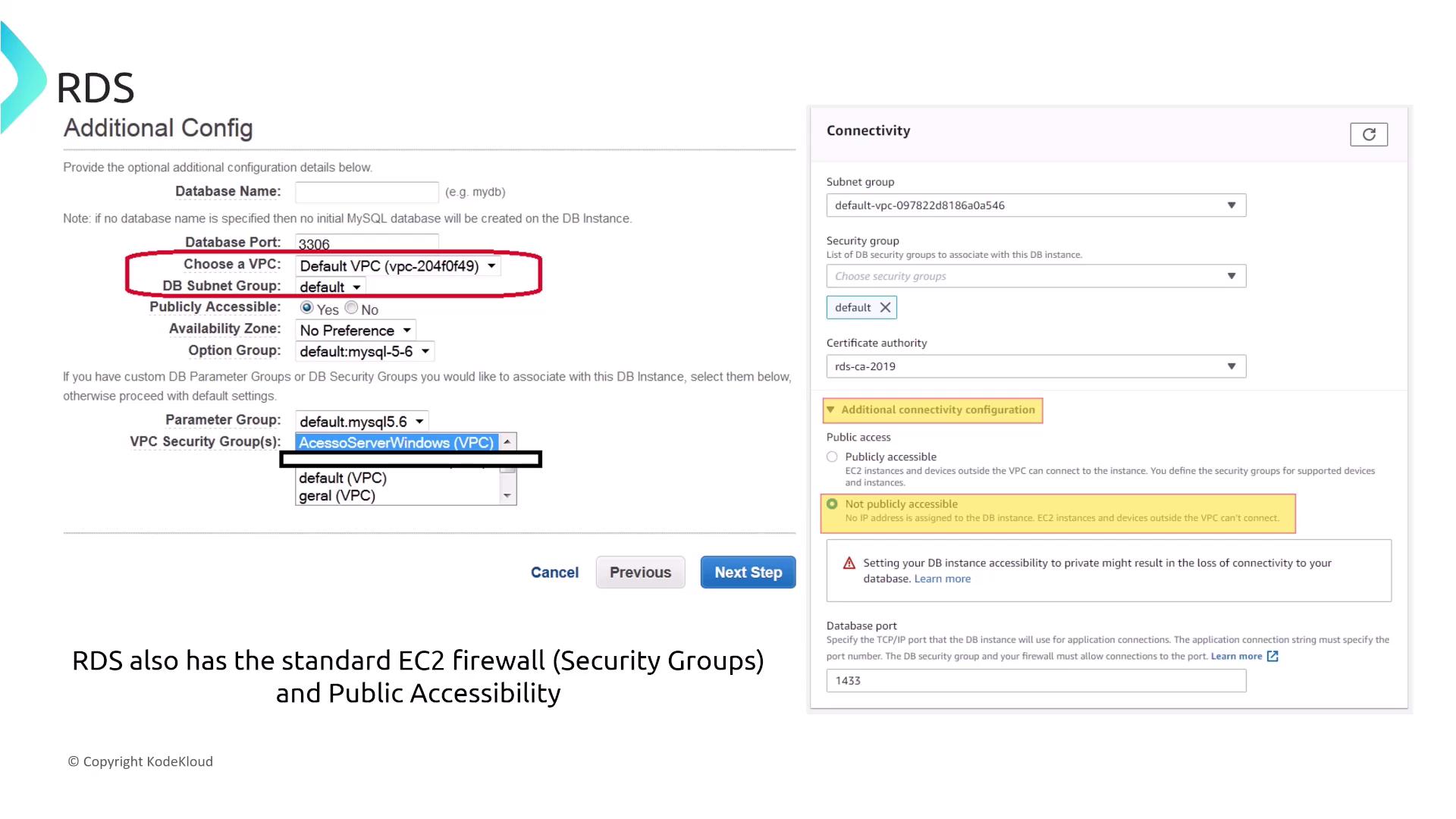
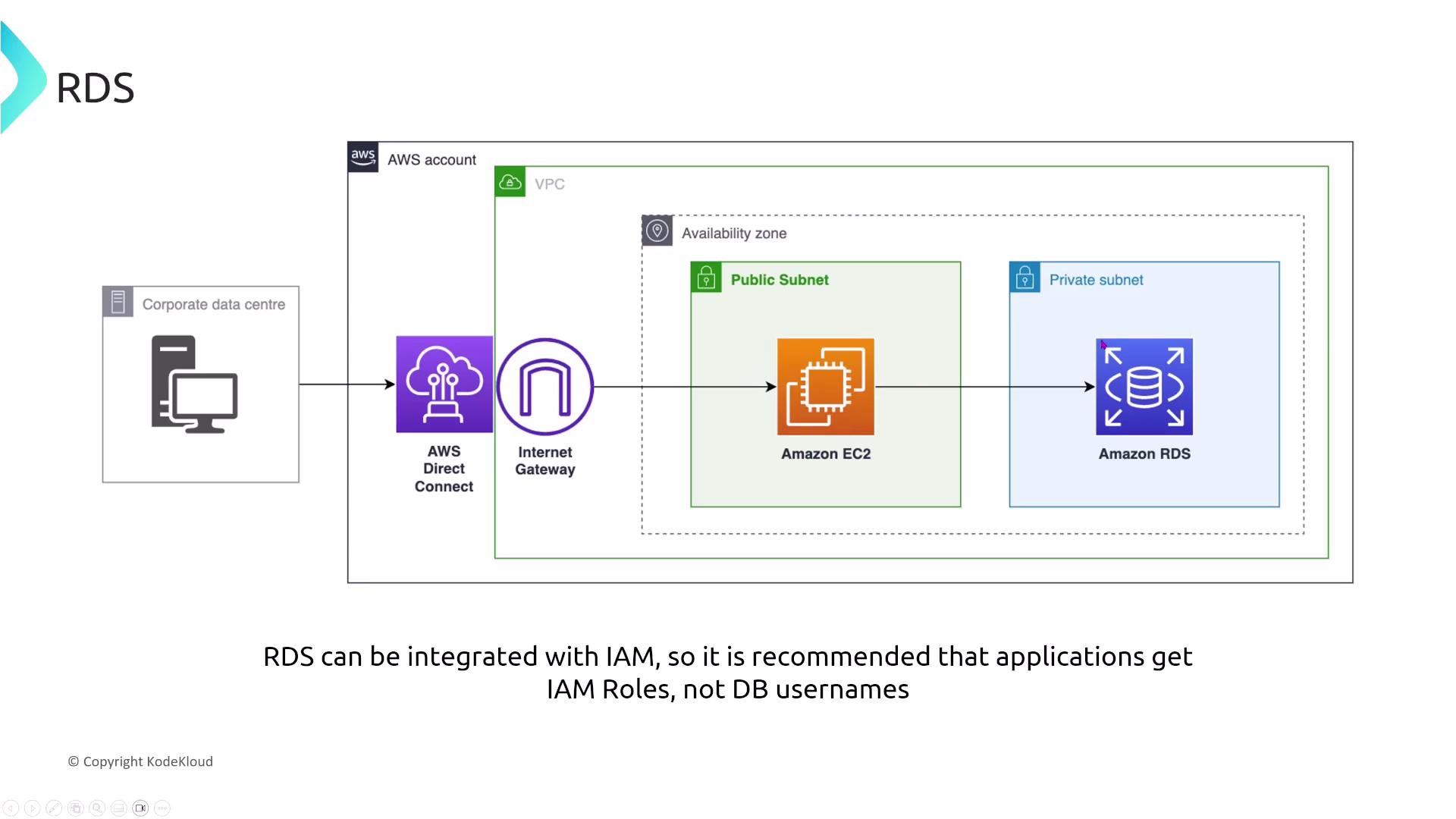
While RDS is fully managed, it operates on virtualized infrastructure much like EC2. Therefore, you must consider standard EC2 security practices such as firewalls, VPC isolation, and the impact of deploying your database across public versus private subnets. Key considerations include:- Which DB security groups to use
- Whether to attach an SSL/TLS certificate
- Whether the instance is publicly accessible (assigned a public IP) or remains in a private subnet
Choosing the Right RDS Instance Type for Performance and Security
For rapidly growing e-commerce businesses migrating to RDS, instance type selection has implications for both performance and security. Burstable instances may not sustain prolonged high loads effectively, whereas memory-optimized instances are engineered for workloads that demand large in-memory data sets. In such contexts, a memory-optimized instance is typically the recommended option.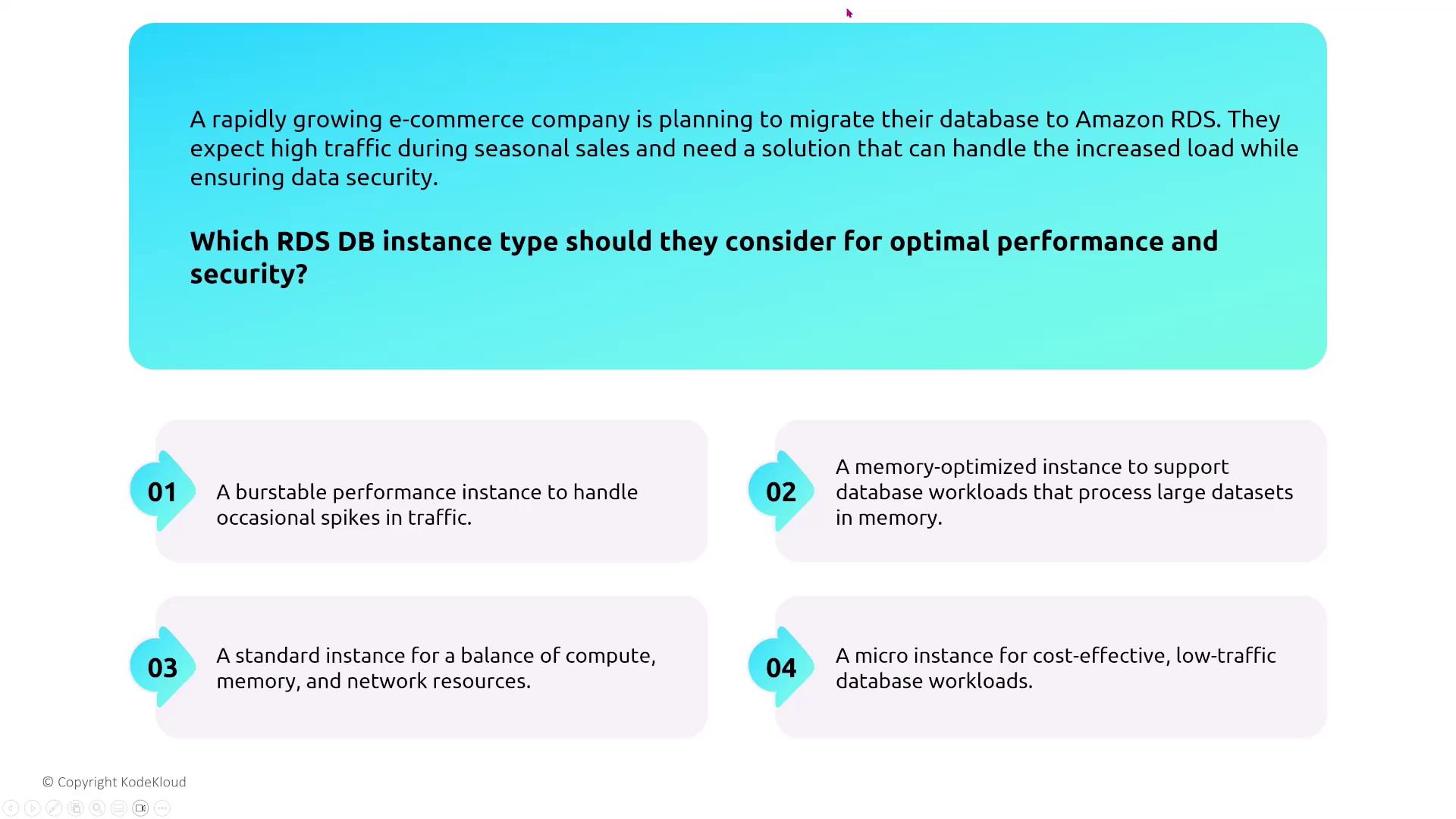
Monitoring and Performance Insights
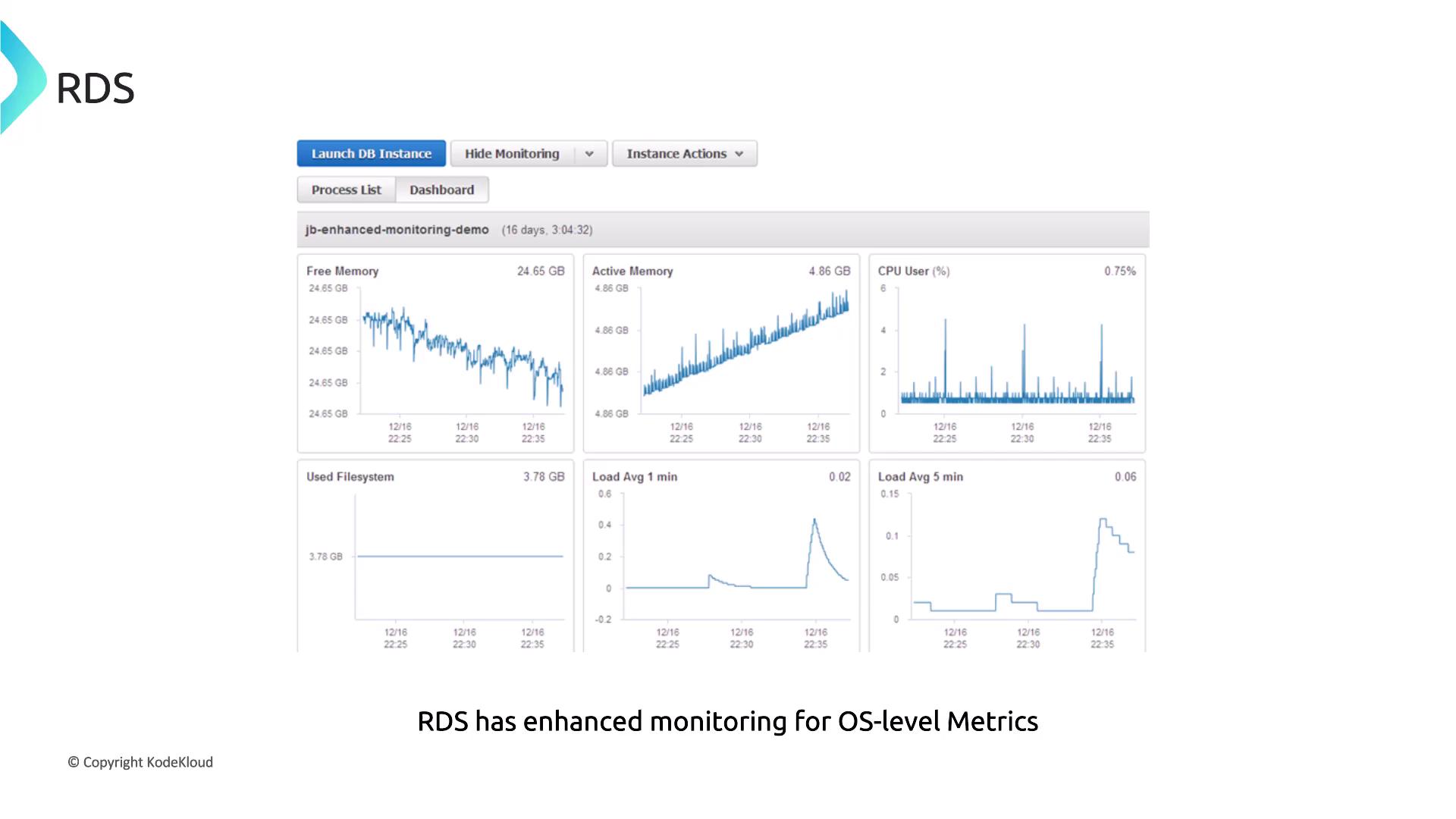
Monitoring is essential for managing any transactional database. Amazon RDS integrates with CloudWatch to track metrics such as:- Number of active database connections
- IO operations (which can reveal disk throughput bottlenecks)
- Freeable memory (a key performance indicator)
Accessing and Analyzing RDS Logs
Amazon RDS provides convenient access to various database logs directly through the AWS Management Console. You can view and download logs for immediate analysis or export them to an S3 bucket for long-term storage and analysis. For most use cases, accessing logs via the RDS console is the fastest approach.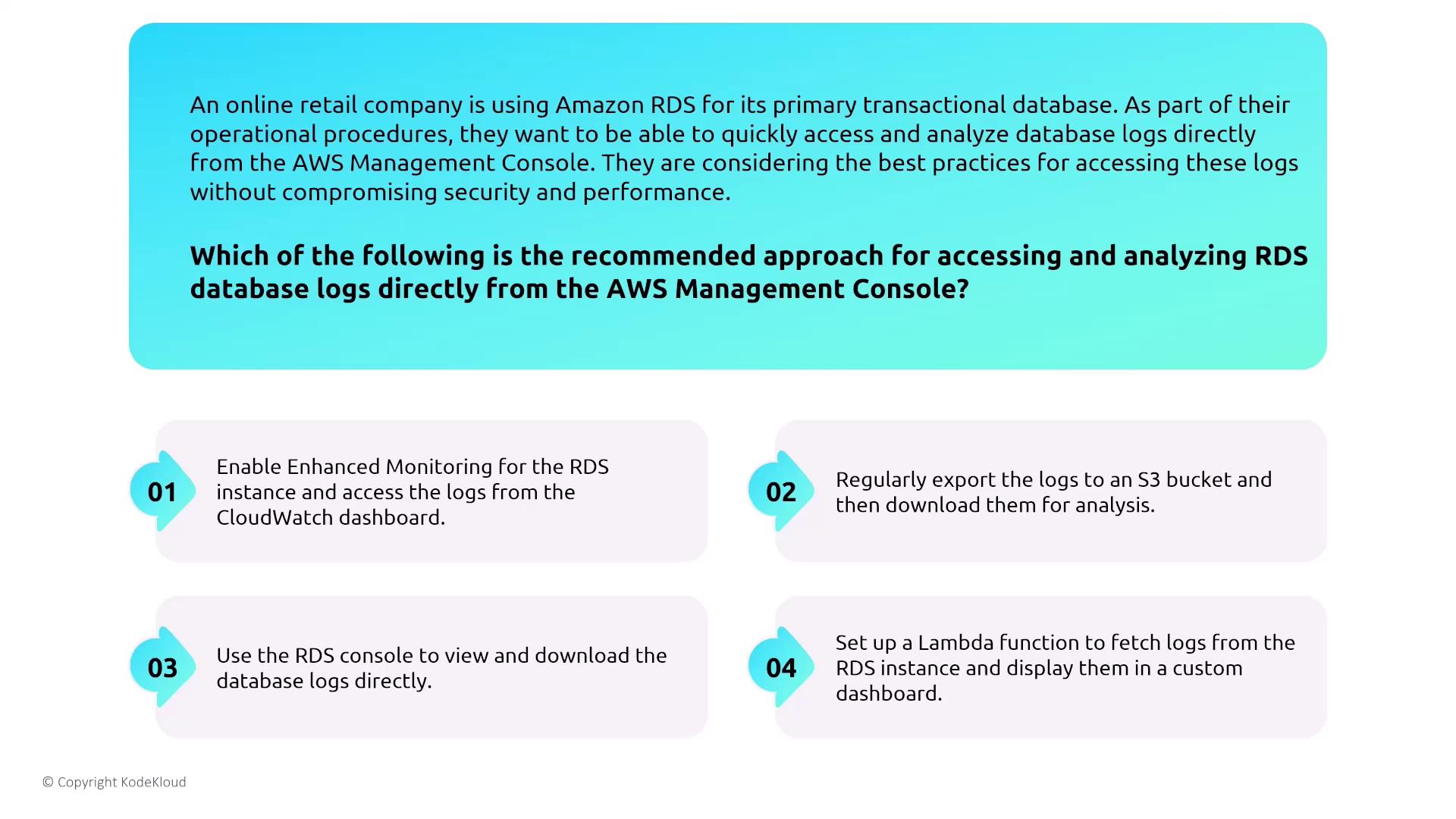
RDS Event Notifications
Event notifications play a vital role in security detection and operational awareness. RDS can send real-time notifications for critical events (for example, when a DB instance stops) by using event subscriptions that deliver messages to an SNS topic. This method is more efficient than polling APIs or solely relying on CloudWatch alarms. Below is an example of an RDS event notification payload:RDS Recommendations and Trusted Advisor
AWS Trusted Advisor and RDS Recommendations offer valuable insights into optimization in performance, security, and cost. While Trusted Advisor may highlight underutilized instances or configurations that need attention, it does not directly change instance configurations.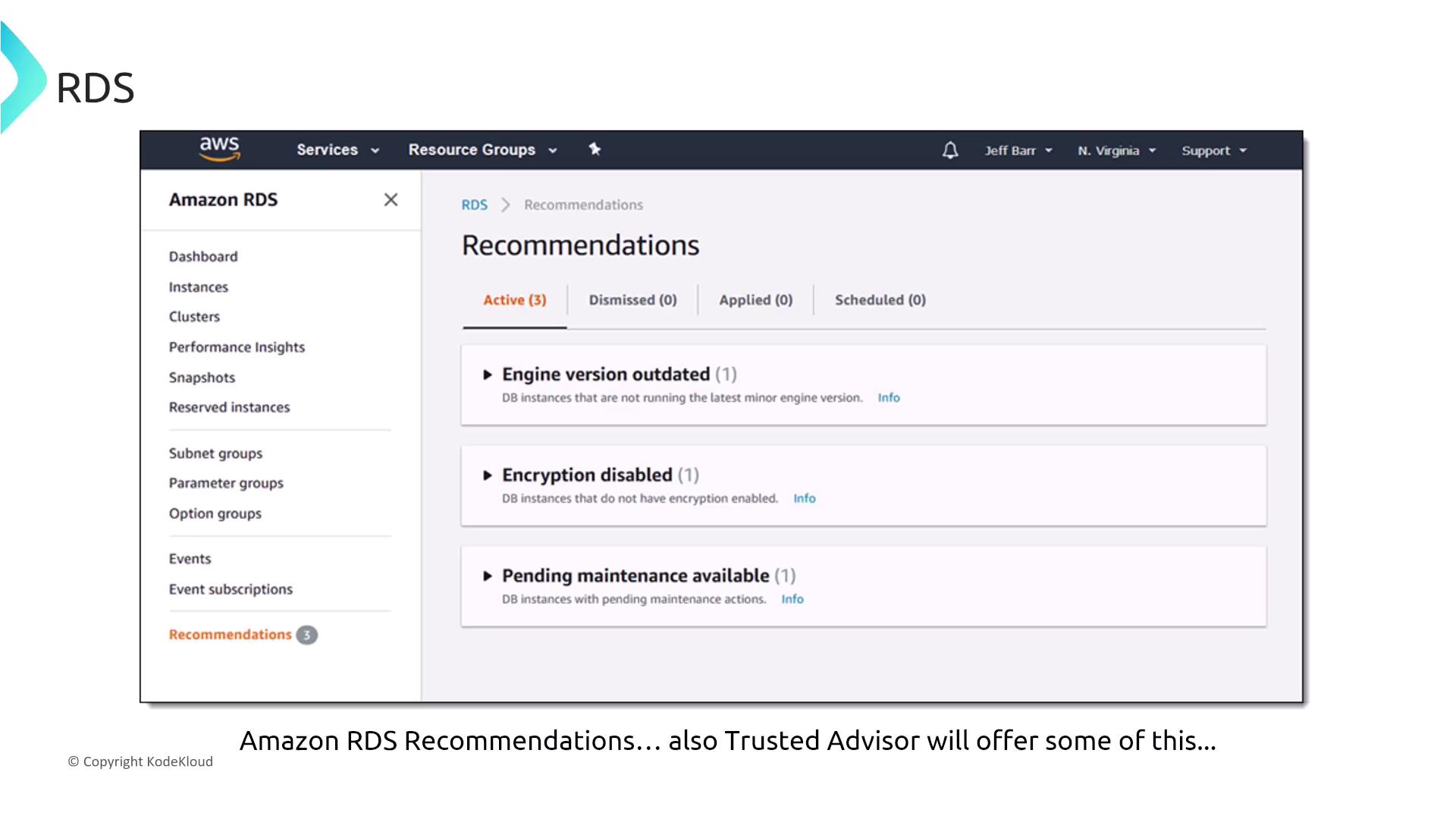
Encryption: Data at Rest and in Transit
Each Amazon RDS database engine supports encryption of data at rest. You can enable disk encryption with AWS Key Management Service (KMS) during instance creation. Certain engines, such as Oracle and MSSQL, also offer Transparent Data Encryption (TDE). In addition to encryption at rest, it is essential to secure data in transit. Enabling SSL/TLS encryption ensures that all communications between your client and the RDS instance are secure. Each database engine manages transit encryption through specific SSL parameters and certificates.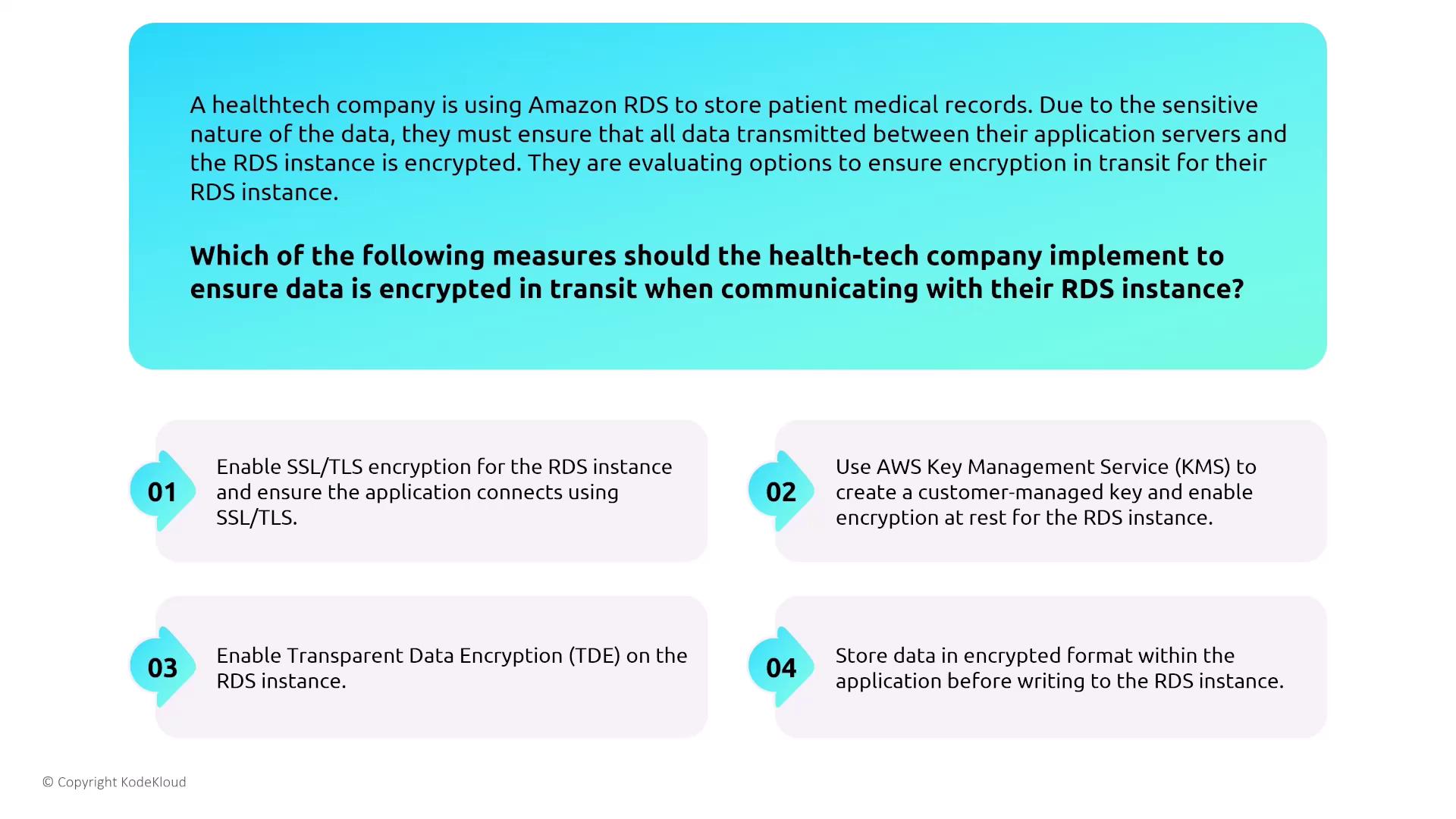
This lesson has covered several key aspects of securing database services on AWS—from authentication and IAM integration to monitoring, event notifications, and encryption. By understanding and applying these best practices, you can ensure that your database services are both high-performing and secure.