

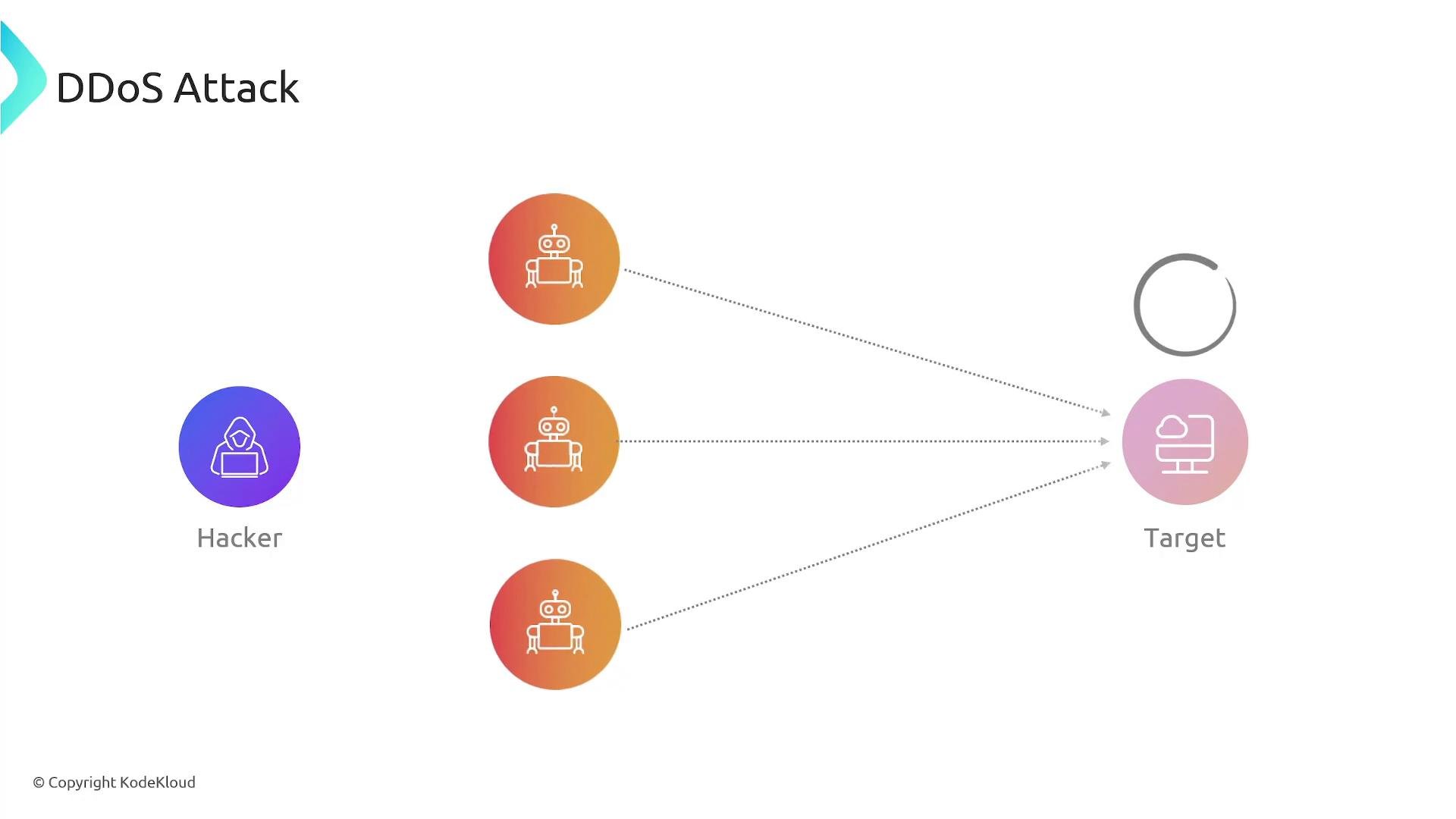
AWS Shield Standard is enabled automatically and at no extra cost for all AWS customers. It provides protection against the most common network- and transport-layer DDoS attacks at the AWS edge.
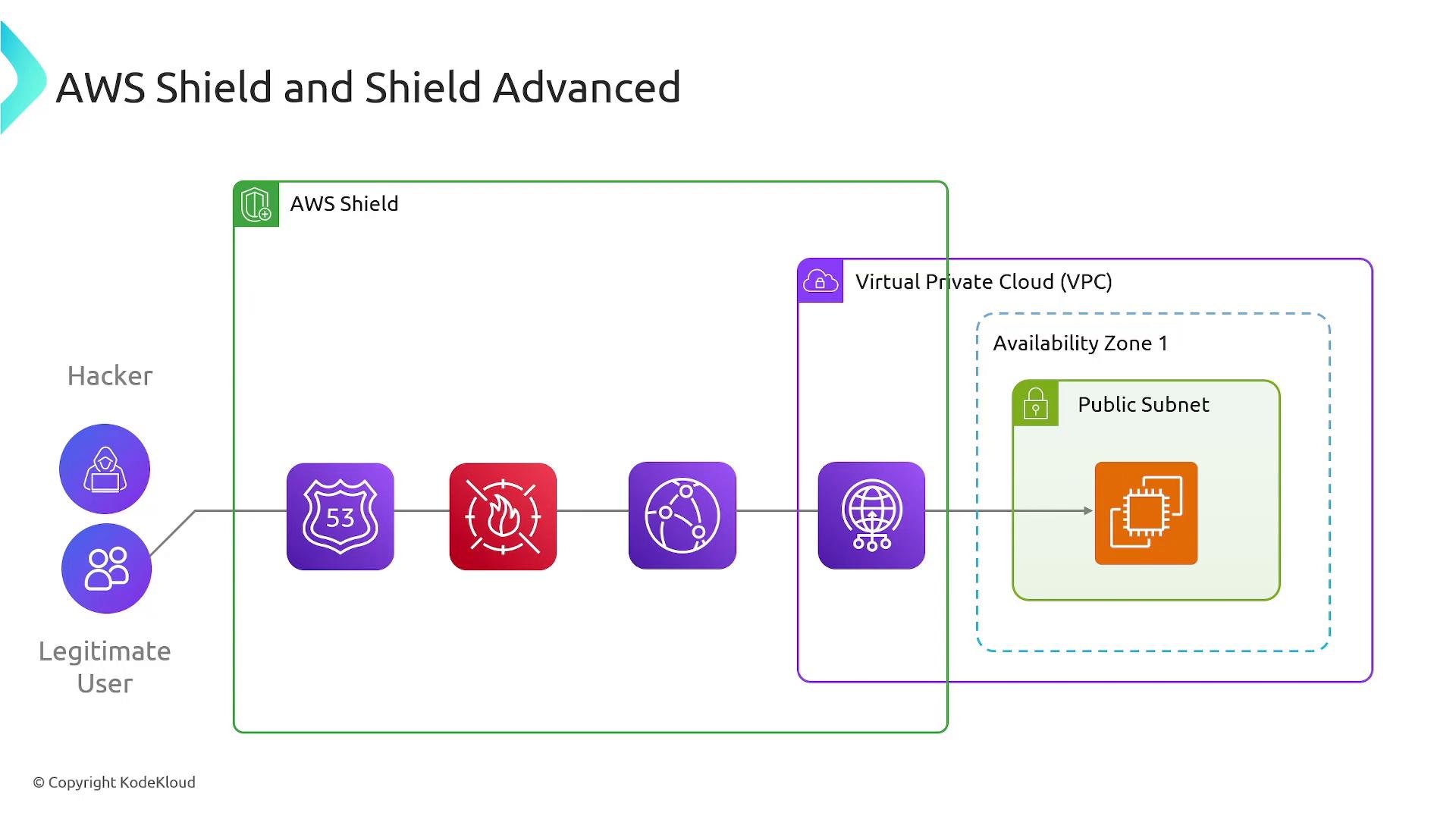
Shield Standard vs Shield Advanced — Quick Comparison
When to choose which tier
-
Choose Shield Standard if:
- You run low-to-moderate risk workloads on AWS edge services such as CloudFront or Route 53.
- You want basic, automatic protection against large, common network- and transport-layer attacks at no cost.
-
Choose Shield Advanced if:
- You operate production or business-critical workloads that require higher SLAs and rapid support during incidents.
- You need 24/7 access to the AWS DDoS Response Team (DRT) and proactive incident planning.
- You require DDoS cost protection to mitigate unexpected scaling charges.
- You want integrated, automated Layer 7 protections with AWS WAF and advanced telemetry with Route 53.
Shield Advanced is a paid subscription. Evaluate current AWS Shield pricing and your expected coverage before enabling it, and review the eligibility and configuration requirements for DDoS cost protection. See the official AWS Shield pricing and documentation for details.
Key capabilities & integrations
Practical guidance
- Start by ensuring Shield Standard protections are active (they are automatic). Monitor traffic and set up logging/metrics for unusual patterns.
- For production workloads that cannot tolerate downtime or unexpected costs, evaluate Shield Advanced and consult AWS for a preparedness plan.
- Combine Shield (edge-level mitigation) with AWS WAF (application-layer rules) and CloudFront/Global Accelerator to harden the entire traffic path.
- Document runbooks and test failover/route configurations with Route 53 health checks to validate responses during simulated incidents.
Useful links
- AWS Shield: https://aws.amazon.com/shield/
- AWS Shield pricing: https://aws.amazon.com/shield/pricing/
- AWS WAF: https://aws.amazon.com/waf/
- AWS Documentation: https://docs.aws.amazon.com/