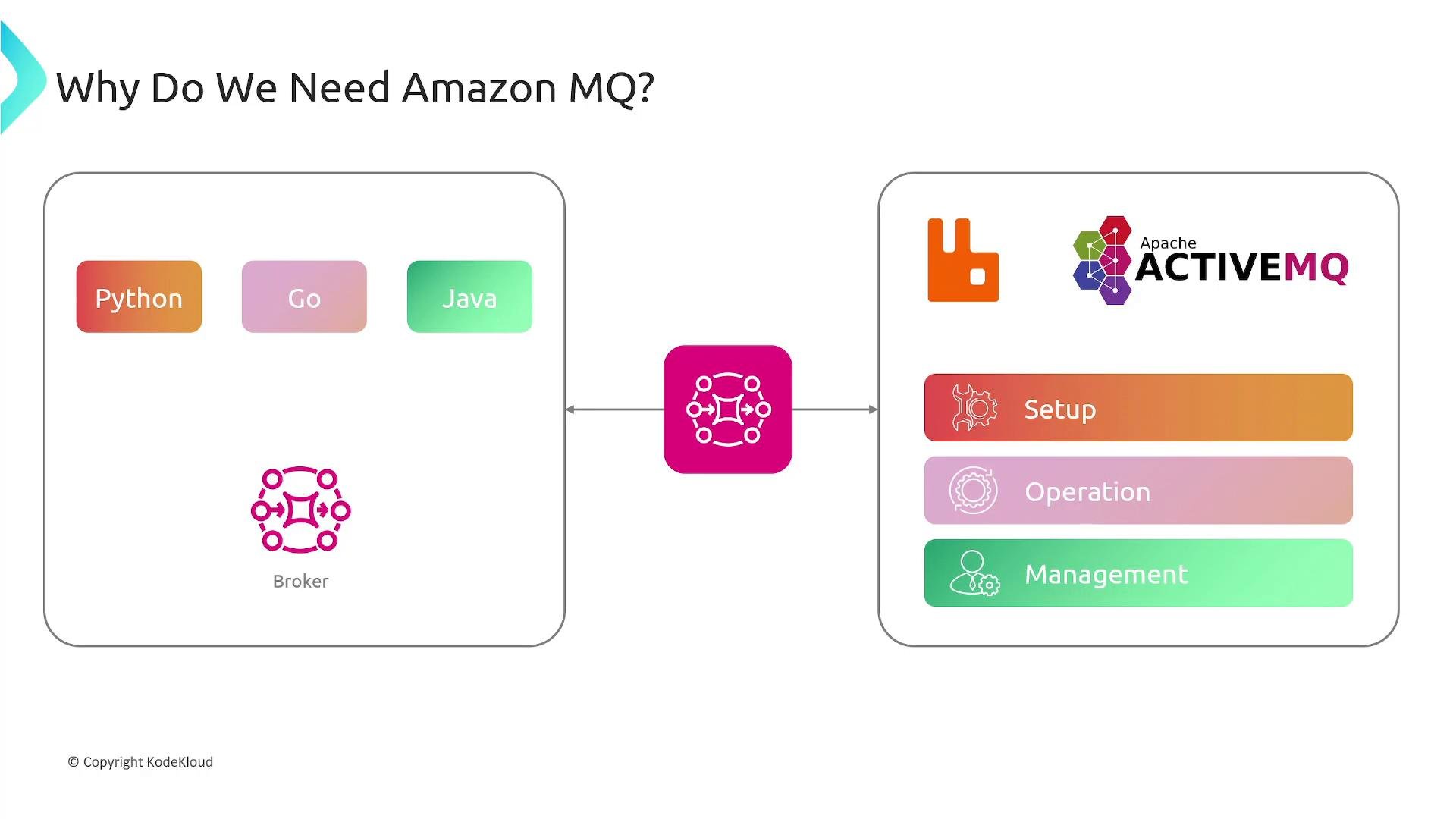
- Amazon MQ is a managed replacement for open-source brokers such as RabbitMQ and Apache ActiveMQ. AWS handles provisioning, patching, monitoring, recovery, and underlying EC2 instance management so you don’t need to run the broker infrastructure yourself.
- Use Amazon MQ when you must preserve compatibility with existing broker clients or require broker features/protocols that a simple queue service cannot provide.
- Seamless migration: Applications that already use RabbitMQ or ActiveMQ can move to Amazon MQ without code rewrites because the service supports the same protocols and broker behaviors.
- Managed operations: AWS manages broker software, OS/instances, backups, and recovery, reducing operational overhead.
- Security and network isolation: Brokers support encryption in transit and at rest, and can be deployed within your Amazon VPC for private endpoints.
- Amazon SQS is a fully managed queue service optimized for native AWS applications and new designs. It is simple and serverless but uses a different API and semantics.
- Amazon MQ is intended for lift-and-shift or hybrid scenarios where protocol compatibility (e.g., AMQP, MQTT, STOMP, OpenWire) and broker-specific features are required.
When to choose Amazon MQ vs SQS
Key benefits
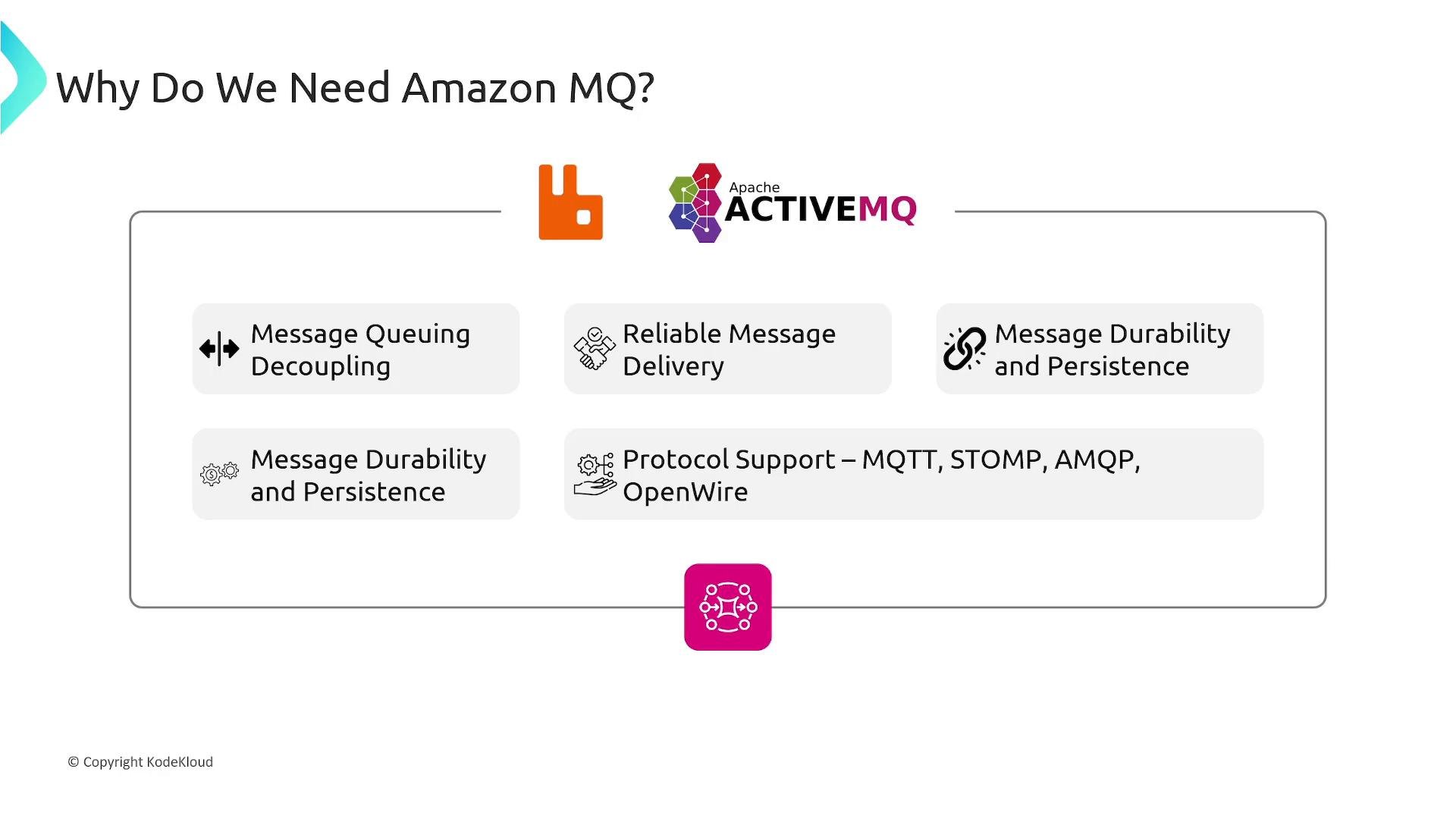
- Decoupling: Producers and consumers can evolve independently, improving scalability and fault tolerance.
- Reliable delivery: Built-in acknowledgements, redelivery, and dead-letter handling help ensure messages are processed.
- Durability: Messages are persisted to avoid data loss across restarts or failures.
- Protocol support: Existing clients can continue to use currently implemented protocols without code changes.
- Scalability and throughput: Choose broker instance types and configurations to meet throughput and latency requirements.
If you are building a new application in AWS, prefer SQS for a simple, fully managed queue if it meets your needs. Use Amazon MQ when you must preserve compatibility with existing RabbitMQ/ActiveMQ clients or require broker-specific features.
- Administration handled by AWS: provisioning, broker setup, software updates, failure detection, and automated recovery.
- Network placement: Deploy brokers inside your
Amazon VPCfor private connectivity and fine-grained network controls. - Instance sizing: Multiple broker instance types are available to match CPU, memory, and network needs.
- Integration: Amazon MQ can integrate with other AWS services. For example, you can have consumers trigger Lambda functions or use CloudWatch for monitoring broker metrics and alarms.
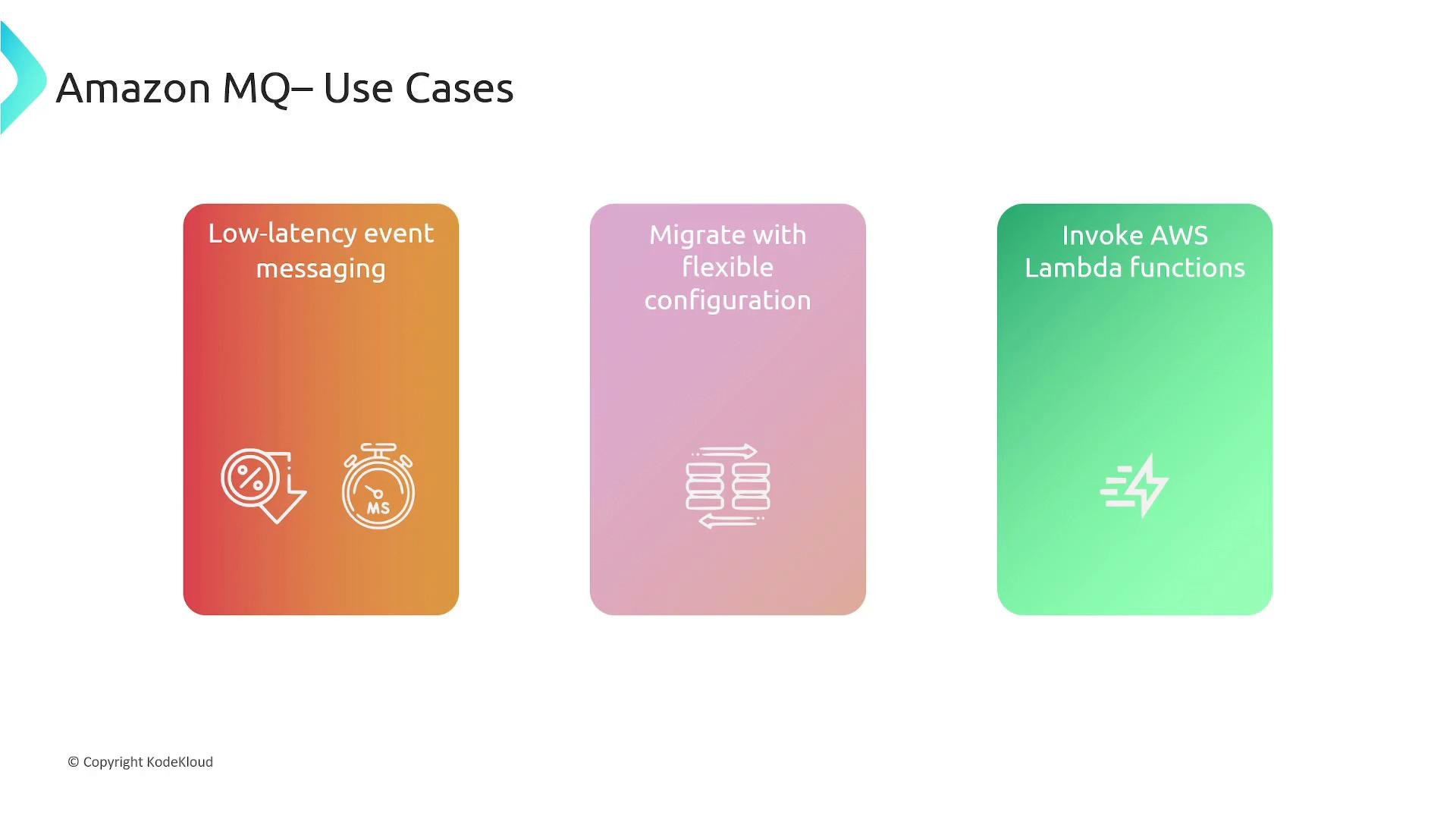
- Low-latency event messaging: Real-time updates between services requiring broker semantics.
- Lift-and-shift migrations: Move on-premises broker-based applications to AWS without rewriting message handling logic.
- Hybrid architectures: Connect legacy systems to AWS-native services while preserving existing client protocols.
- Event-driven processing: Use brokers to route messages to consumers that invoke downstream processing, including AWS Lambda or containerized consumers.
- Inventory existing broker features and client protocols (exchanges, topics, routing keys).
- Choose matching Amazon MQ engine (
RabbitMQorActiveMQ) and instance types. - Plan network placement (VPC, subnets, security groups) and encryption requirements.
- Test client connectivity against a staging broker and validate message semantics (durability, acknowledgements).
- Configure monitoring and alerts (CloudWatch metrics, logs) and plan backups/retention.