What is AWS Control Tower?
AWS Control Tower is a managed service that helps AWS Organizations set up, govern, and secure multi-account AWS environments. It simplifies and automates tasks required to create and operate multiple AWS accounts so teams can provision new accounts quickly while enforcing organizational policies and best practices. Control Tower builds on AWS Organizations for centralized billing and account management, but adds automated account provisioning, baseline configuration, and governance. New accounts are created ready-to-use with appropriate permissions and guardrails applied — often with minimal manual effort.Landing zone
A landing zone is a secure, well-architected foundation for operating multiple AWS accounts. Control Tower automates landing zone creation so every account follows standardized configurations for logging, auditing, and compliance controls (for example, CloudTrail, AWS Config, and account baselines). This reduces repetitive setup work and enables teams to deploy workloads faster.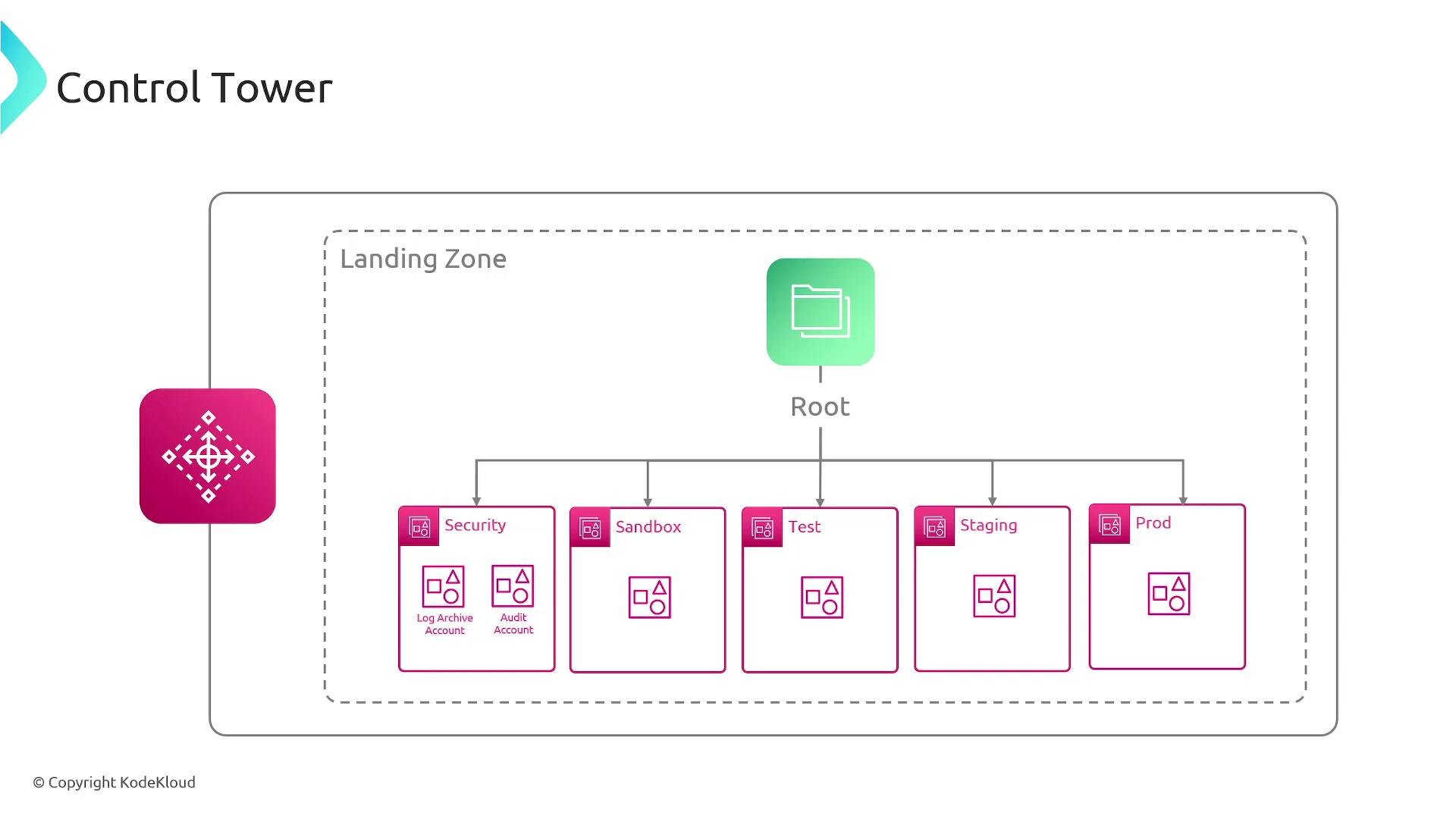
Guardrails: governance policies for multi-account AWS
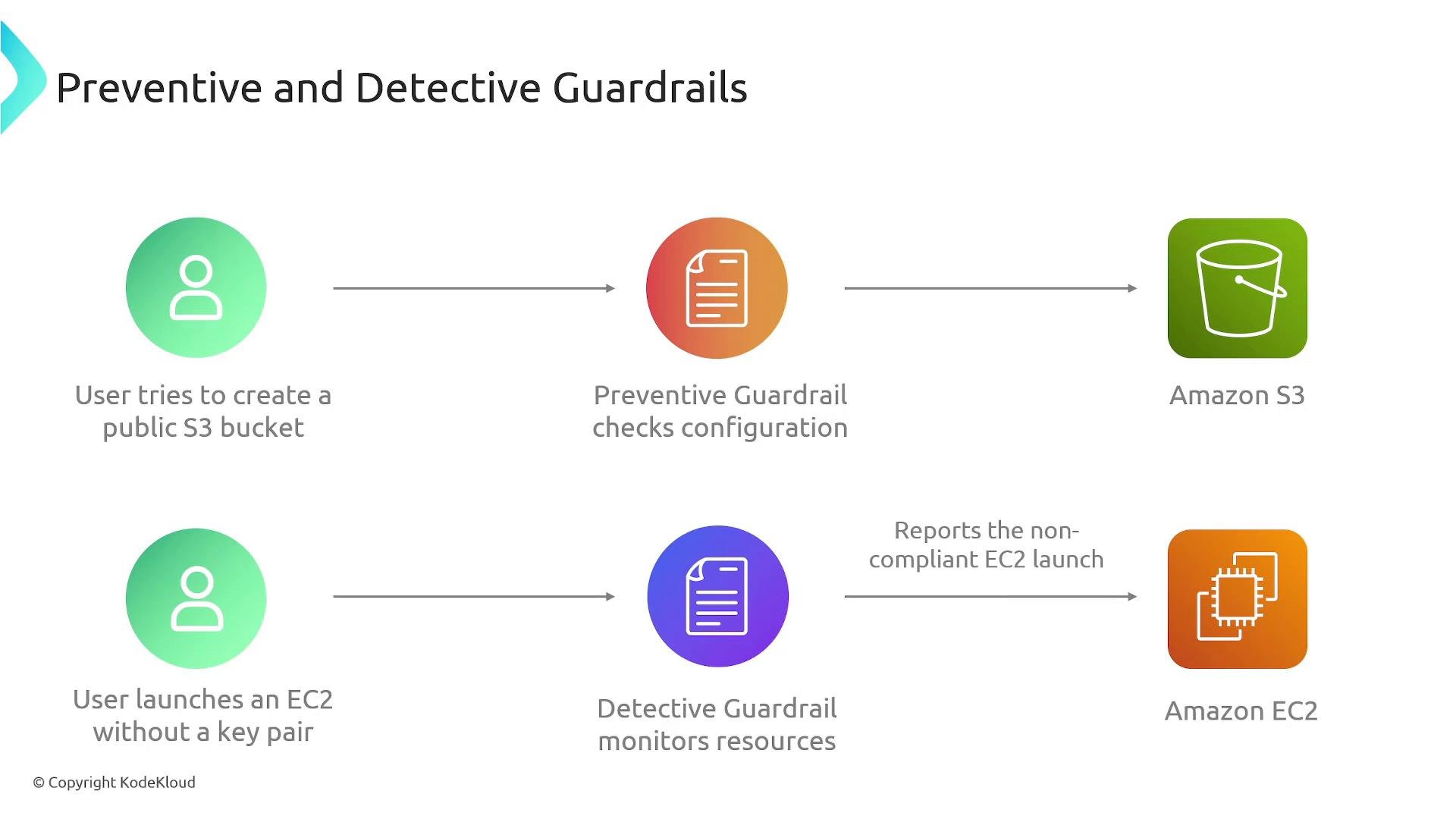
Control Tower enforces governance using guardrails — high-level rules that help keep accounts secure and compliant. Guardrails are applied to accounts in the landing zone and use native AWS mechanisms such as Service Control Policies (SCPs), IAM policies, AWS Config rules, CloudWatch monitoring, and notifications to implement both preventive and detective controls.Preventive guardrails enforce constraints to stop risky actions up front. Detective guardrails monitor and alert on policy violations so you can investigate and remediate.
- Preventive example: Disallow creating publicly accessible S3 buckets using an SCP or IAM restrictions so the action is blocked at request time.
- Detective example: Detect an EC2 instance launched without a key pair using an AWS Config rule or CloudWatch Event that records the finding and triggers alerts for investigation.
Account Factory: automated account provisioning
Account Factory is Control Tower’s feature for automating account creation and configuration. When you request a new account through Account Factory, it provisions the account and applies baseline configurations, guardrails, and policies so the account adheres to organizational standards from day one. Account Factory accepts inputs such as the target organizational unit (OU) and account metadata, and then orchestrates account creation, configuration of shared services, and baseline security settings — enabling consistent, repeatable account provisioning for development, staging, production, and sandbox environments.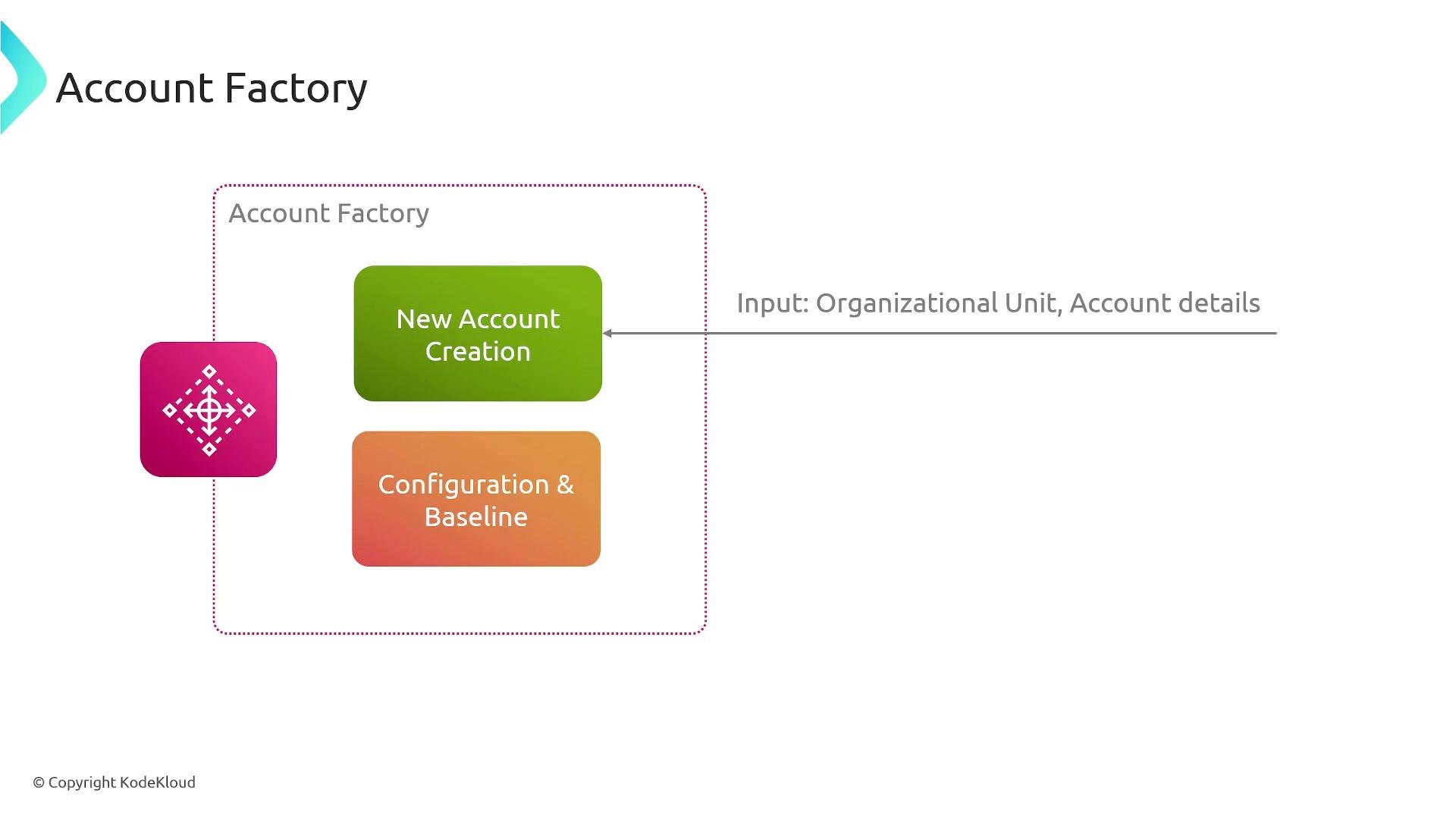
Key features and benefits
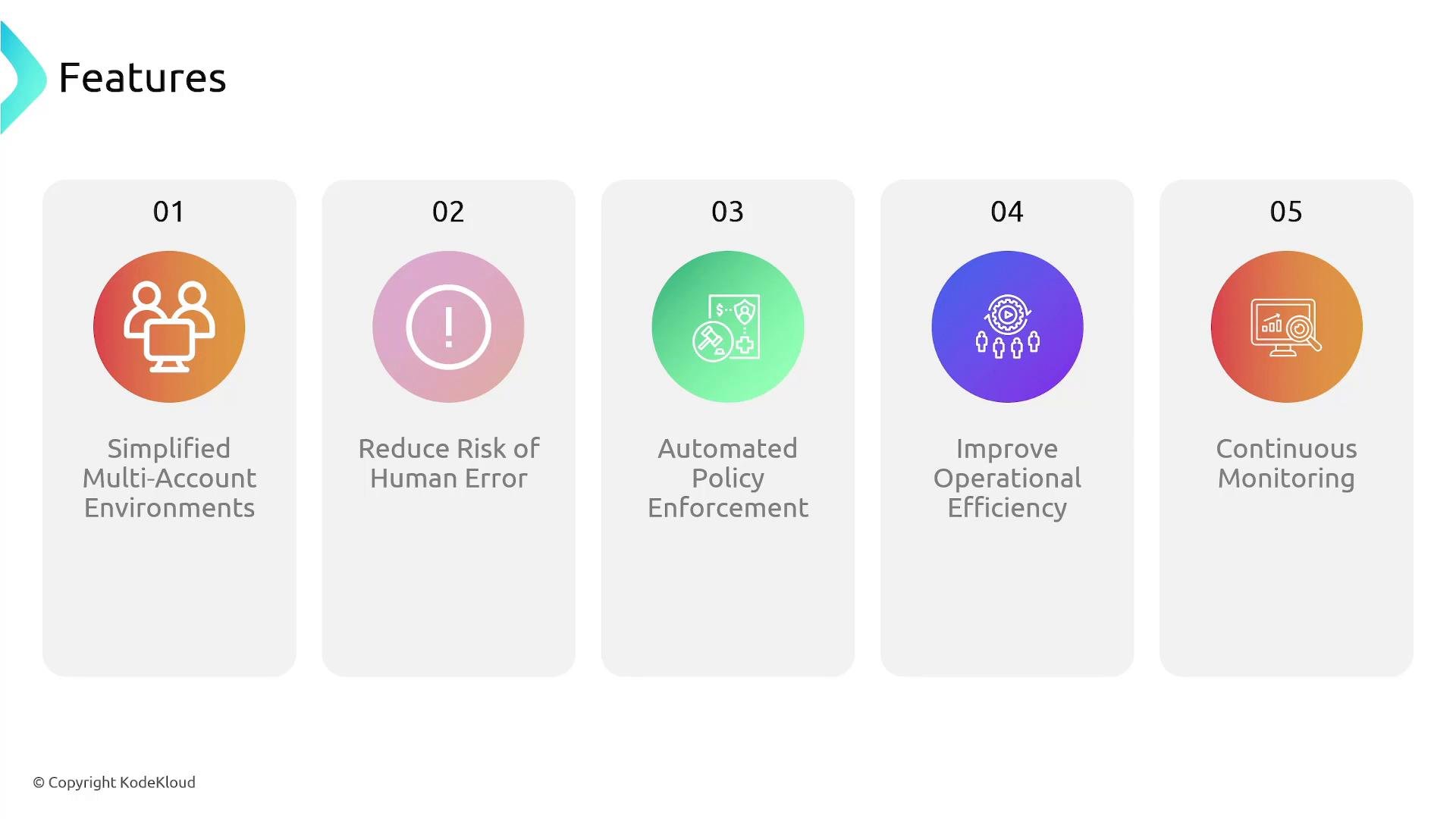
Control Tower streamlines multi-account AWS operations and improves governance. The main benefits include: