

Quick orientation
- Exam reference:
SAA-C03(check the official exam guide for the latest version). - Exam style: scenario-based questions that test design trade-offs (security, reliability, performance, cost).
- Goal: practice decision-making across services and design principles rather than memorizing nitty-gritty details.
1) Review summaries, notes, and core materials
- Revisit personal notes, diagrams, screenshots, chat threads, or study cards you created during the course. Active review of your own materials greatly improves retention.
- Focus on what each AWS service does and the typical trade-offs when designing solutions. Examples to understand (not memorize):
- When Lambda is typically more cost-effective than EC2 for short-lived, event-driven workloads.
- Why provisioned IOPS can be more expensive than
gp3general-purpose volumes for EBS.
- Use the official exam guide to find weak areas: review the AWS Solutions Architect Associate exam guide and mark topics to revisit (for example, KMS vs CloudHSM differences).
Small, targeted reviews of key topics — your notes, the course outline, and the official exam guide — reduce “unknown unknowns” and increase confidence for scenario-based questions.
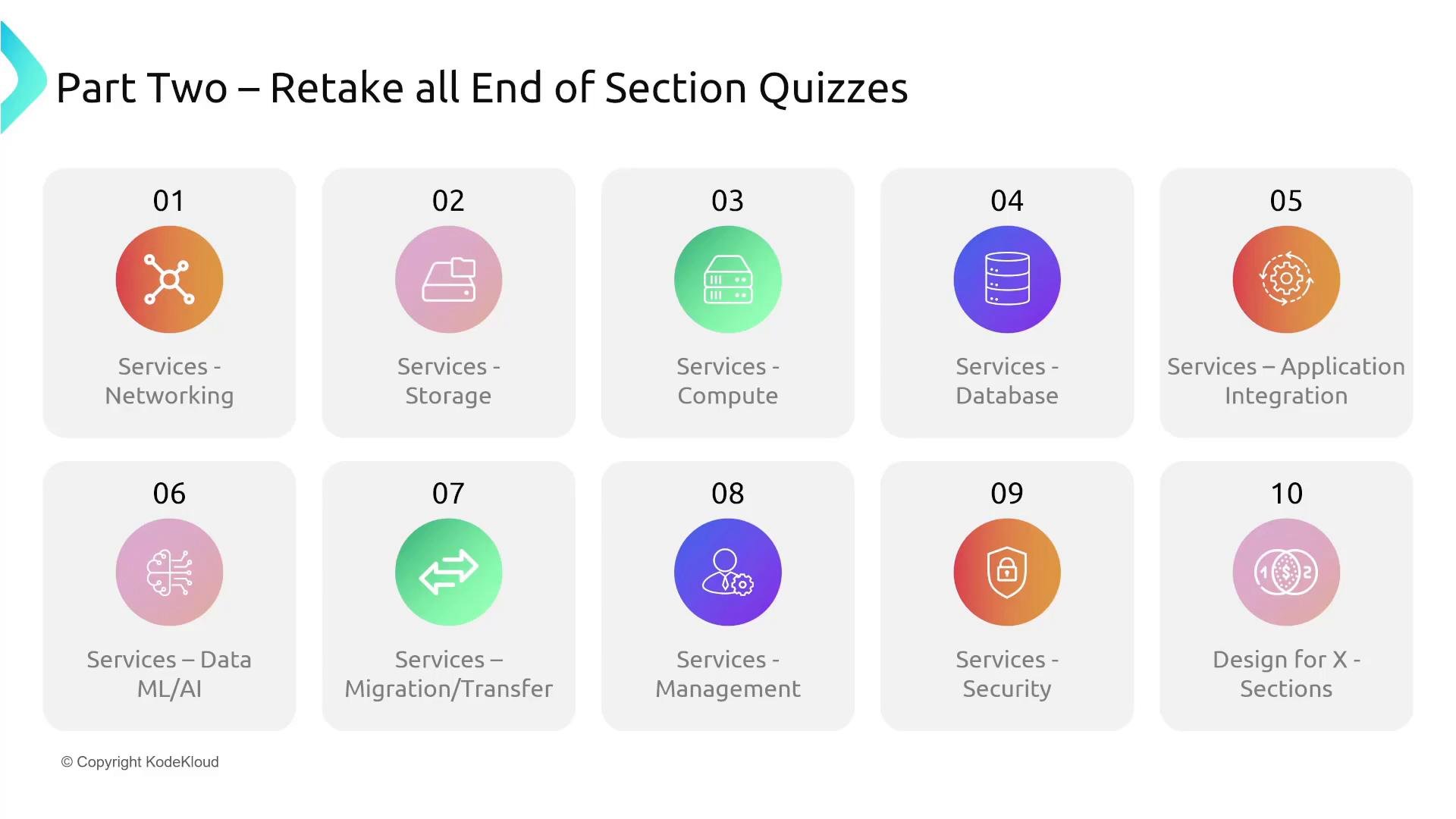
2) Retake all end-of-section quizzes
- Retake quizzes for every service and design section. These quizzes are intentionally scenario-oriented and mirror the decision-making required on the exam.
- Typical section categories:
- Networking, Storage, Compute, Database, Application Integration
- Data / ML-AI, Migration / Transfer, Management, Security, Design-for-X
- Each section quiz is ~25 questions. Going through ~10 sections gives you about 250 scenario questions — excellent exposure to exam-style thinking.
- After Part Two is available, retake quizzes that focus on Design-for-X topics (Design for Security, Reliability, etc.).
3) Practice the services or concepts you struggle with
- When you consistently miss questions in a particular area (e.g., CloudFront, SQS), get hands-on:
- Use the course Playground or labs at KodeKloud (many services supported). See the AWS For Beginners with Hands-On Labs course for available labs.
- If the Playground lacks a specific service (for example, AWS Systems Manager which covers many subservices), run a short guided lab in your own AWS account.
- Time-box lab work: plan short focused sessions (30–90 minutes), complete the task, then tear down resources.
- If you prefer not to run labs, review AWS documentation for exam-relevant concepts and best practices — docs often provide succinct design guidance that maps directly to exam scenarios.
If you run experiments in your own AWS account, be intentional about resource cleanup. Limit hands-on sessions and terminate resources when finished to avoid unexpected charges.
Summary checklist
Links and resources
- AWS Solutions Architect Associate exam guide: https://aws.amazon.com/certification/certified-solutions-architect-associate/
- KodeKloud course: https://learn.kodekloud.com/user/courses/aws-for-beginners-with-hands-on-labs
- AWS Systems Manager docs: https://docs.aws.amazon.com/systems-manager/latest/userguide/
https://kodekloud.slack.com — instructors and peers can point you to labs, walkthroughs, or documentation to help you practice effectively. Good luck — you’ve got this!