

- Amazon MemoryDB for Redis
- Amazon DocumentDB (MongoDB-compatible)
- Amazon Keyspaces (for Apache Cassandra)
- Amazon Neptune (graph database)
Amazon MemoryDB for Redis
Overview- MemoryDB is a fully managed, Redis-compatible, in‑memory database that replicates data across multiple Availability Zones using a primary–replica topology.
- Clients connect using cluster/configuration endpoints inside your VPC; typical AWS network primitives (VPC, security groups, NACLs, IAM) apply.
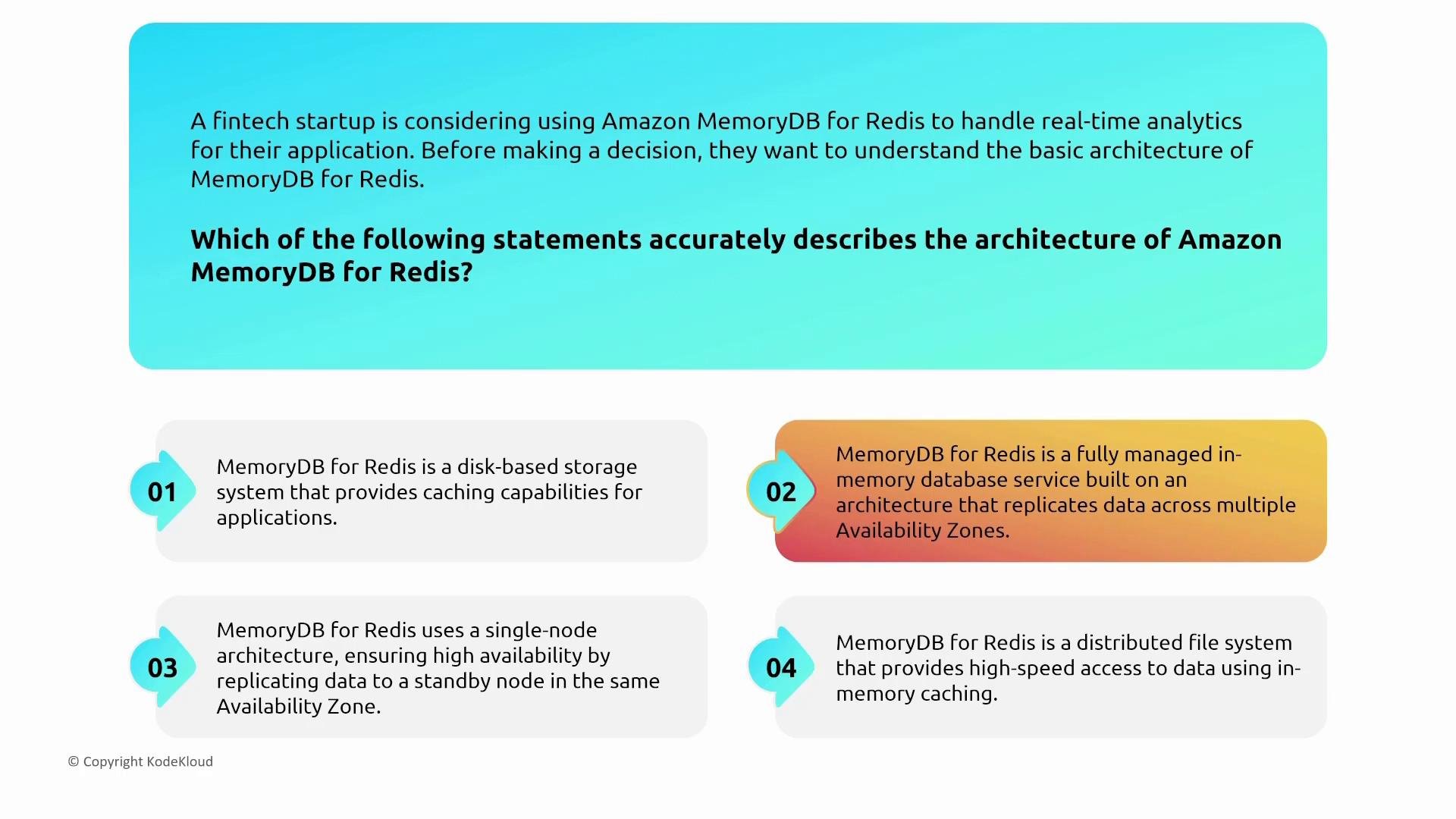
- Use Redis Access Control Lists (ACLs) to create Redis users with username/password and to grant command- and key-level permissions inside the Redis engine.
- Use IAM to control management-plane operations (console/API) — ACLs do not replace IAM for cluster provisioning, snapshot management, or console/API actions.
Use IAM for management-plane permissions (console/API), and Redis ACLs for fine-grained command/key permissions inside the Redis engine.
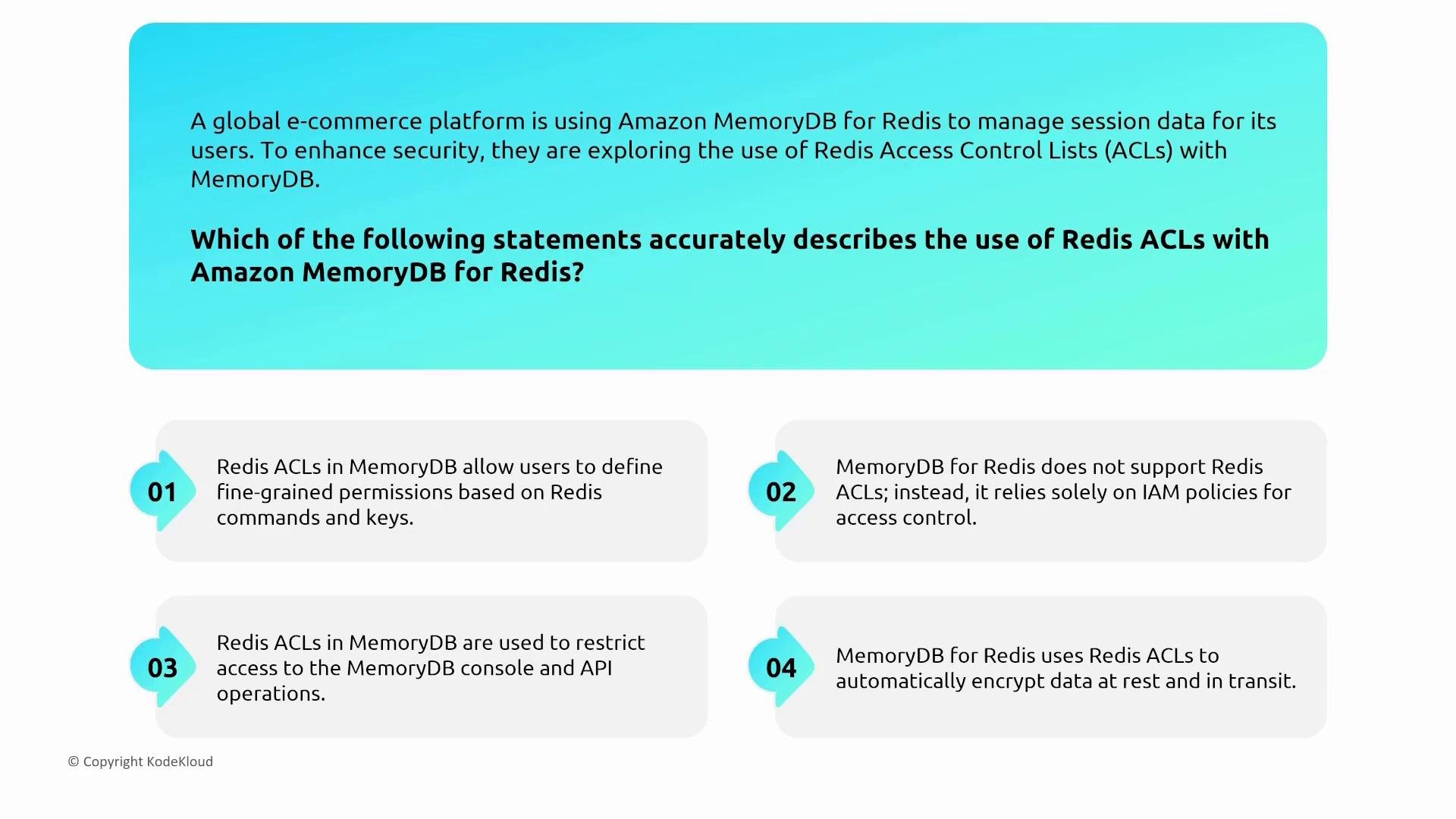
- MemoryDB supports VPC interface endpoints (AWS PrivateLink) for service and management API traffic.
- Data-plane client connections typically stay inside your VPC via cluster endpoints, so traffic does not traverse the public internet when correctly configured.
- Gateway endpoints are not supported for MemoryDB.
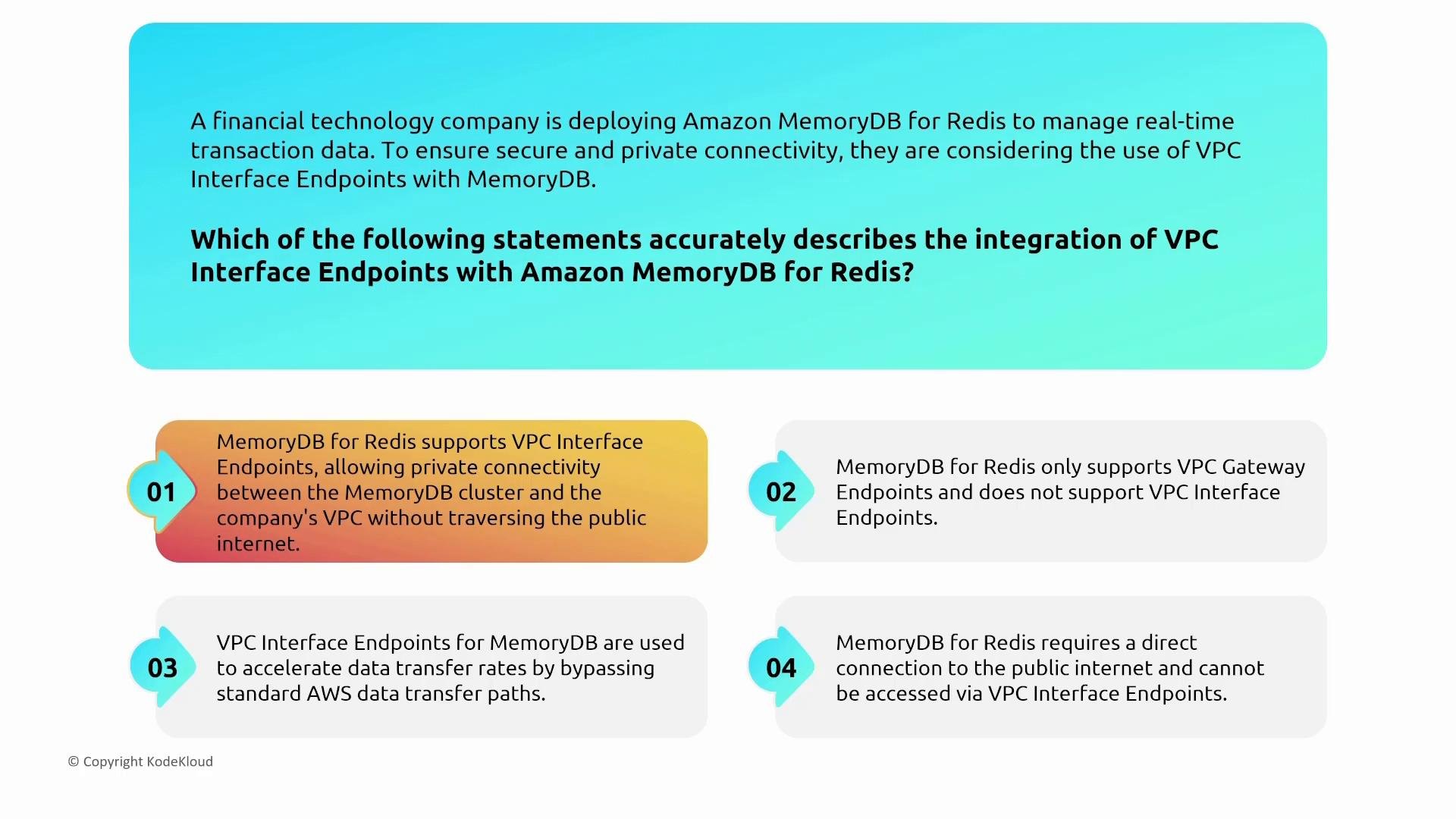
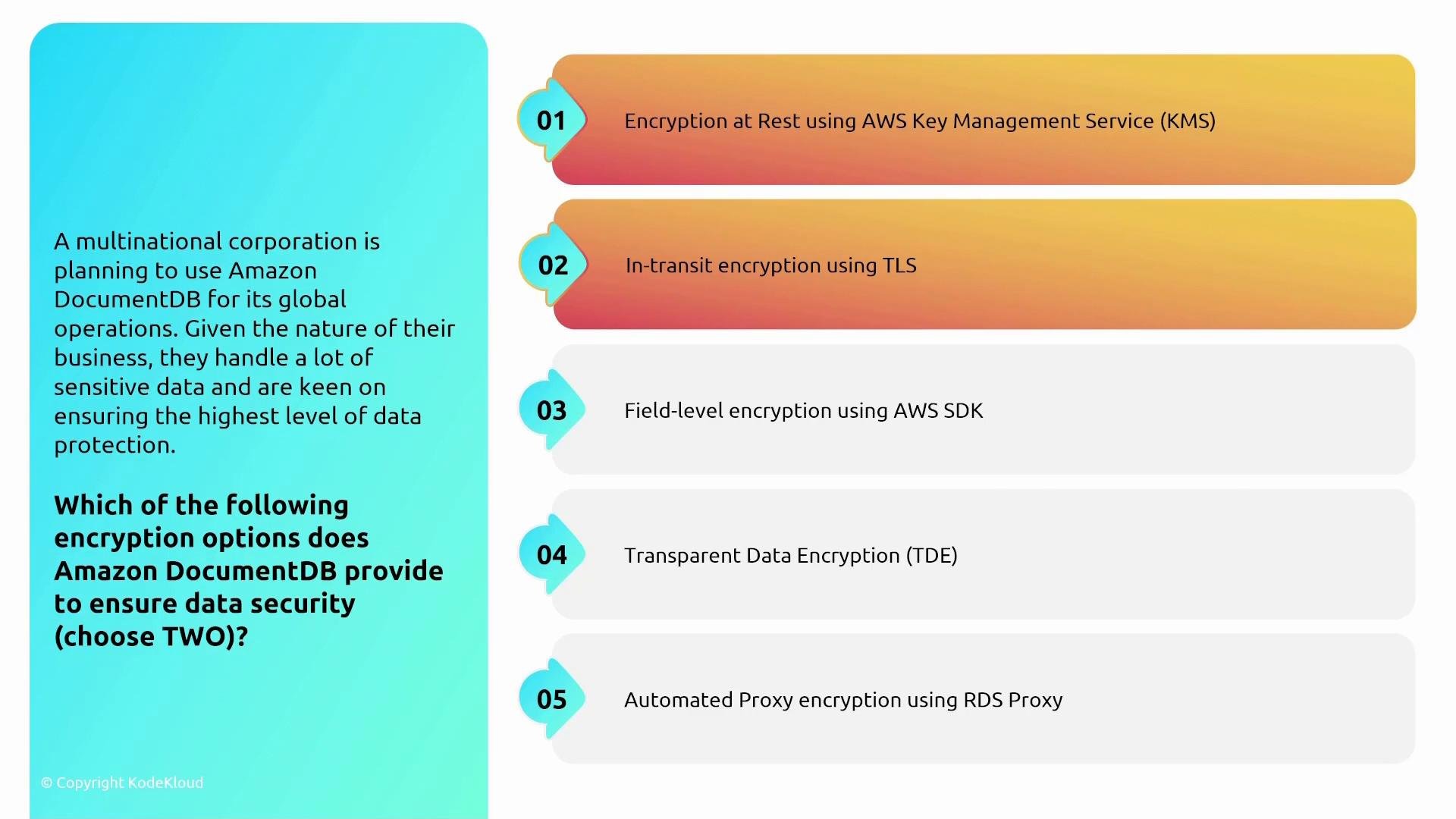
- Encryption at rest: AWS KMS-managed keys (customer-managed or AWS-managed).
- Encryption in transit: TLS.
- Client-side encryption: not provided by MemoryDB itself — build it into your application if you require an additional layer.
- Note: Transparent Data Encryption (TDE) is an RDS feature and does not apply to MemoryDB.
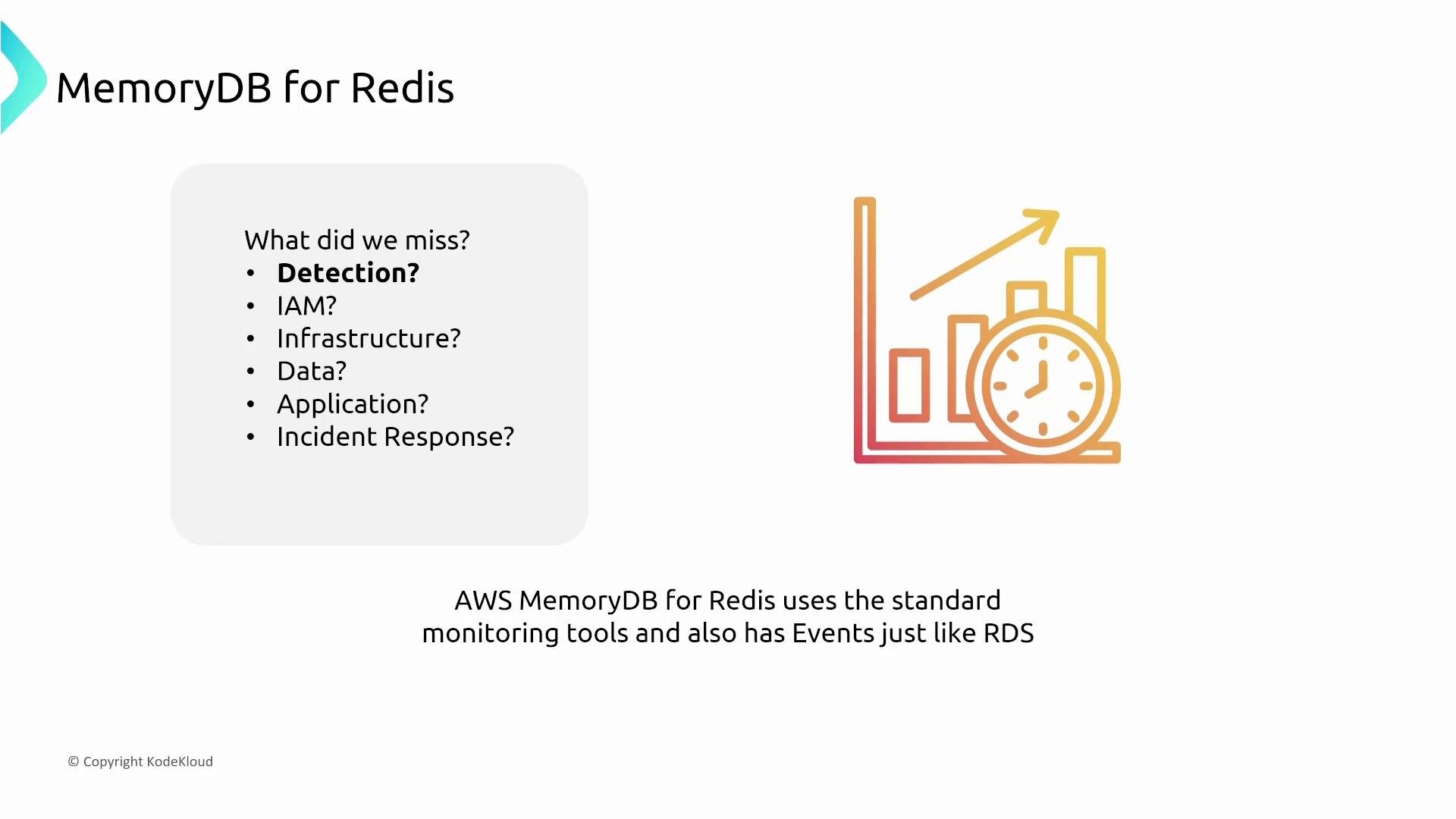
- MemoryDB emits events and integrates with CloudWatch for metrics and CloudTrail for management/audit logs.
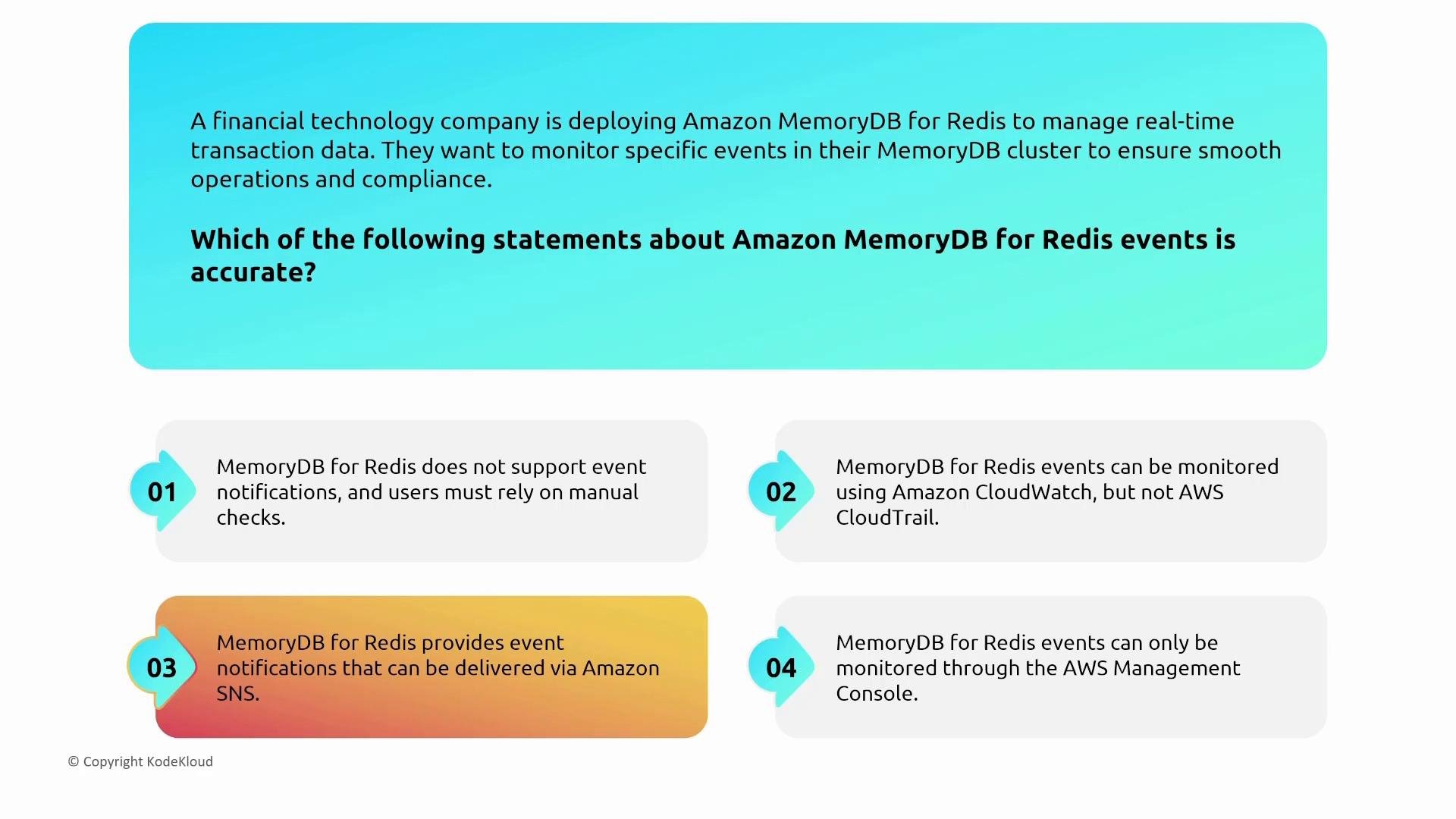
- Use MemoryDB events routed to Amazon SNS for notifications (failover, topology changes, snapshot completion, etc.) and CloudWatch alarms for operational thresholds.
- Enforce TLS between clients and MemoryDB clusters.
- Use Redis ACLs to minimize available commands and restrict key access to reduce blast radius.
- Enable CloudWatch metrics/alarms and route events to SNS for on-call notifications.
Amazon DocumentDB (MongoDB‑compatible)
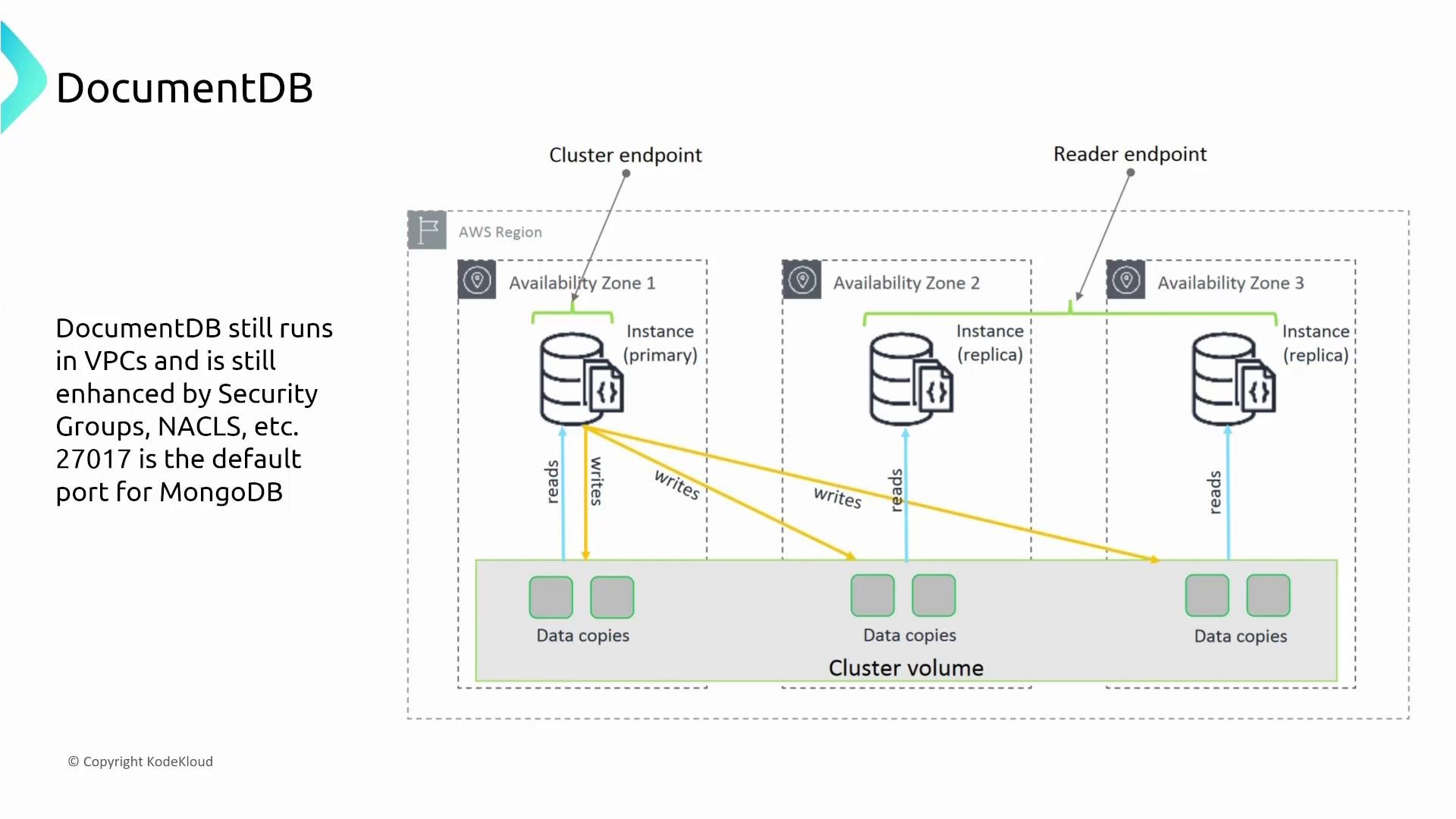
Overview- Amazon DocumentDB is a managed, MongoDB-compatible document database optimized for JSON document workloads.
- It runs inside your VPC and uses security groups, NACLs, and other standard AWS network controls.
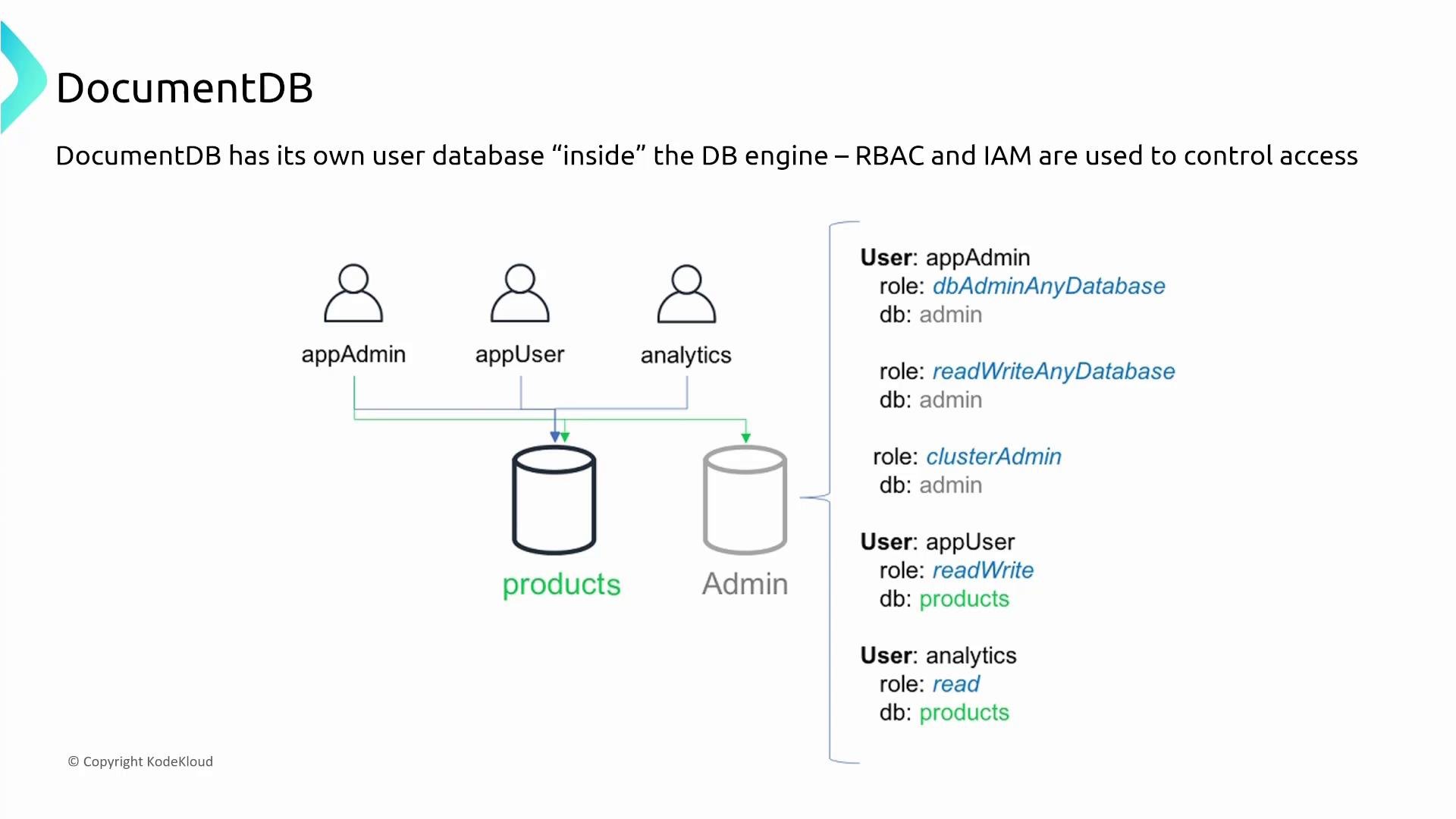
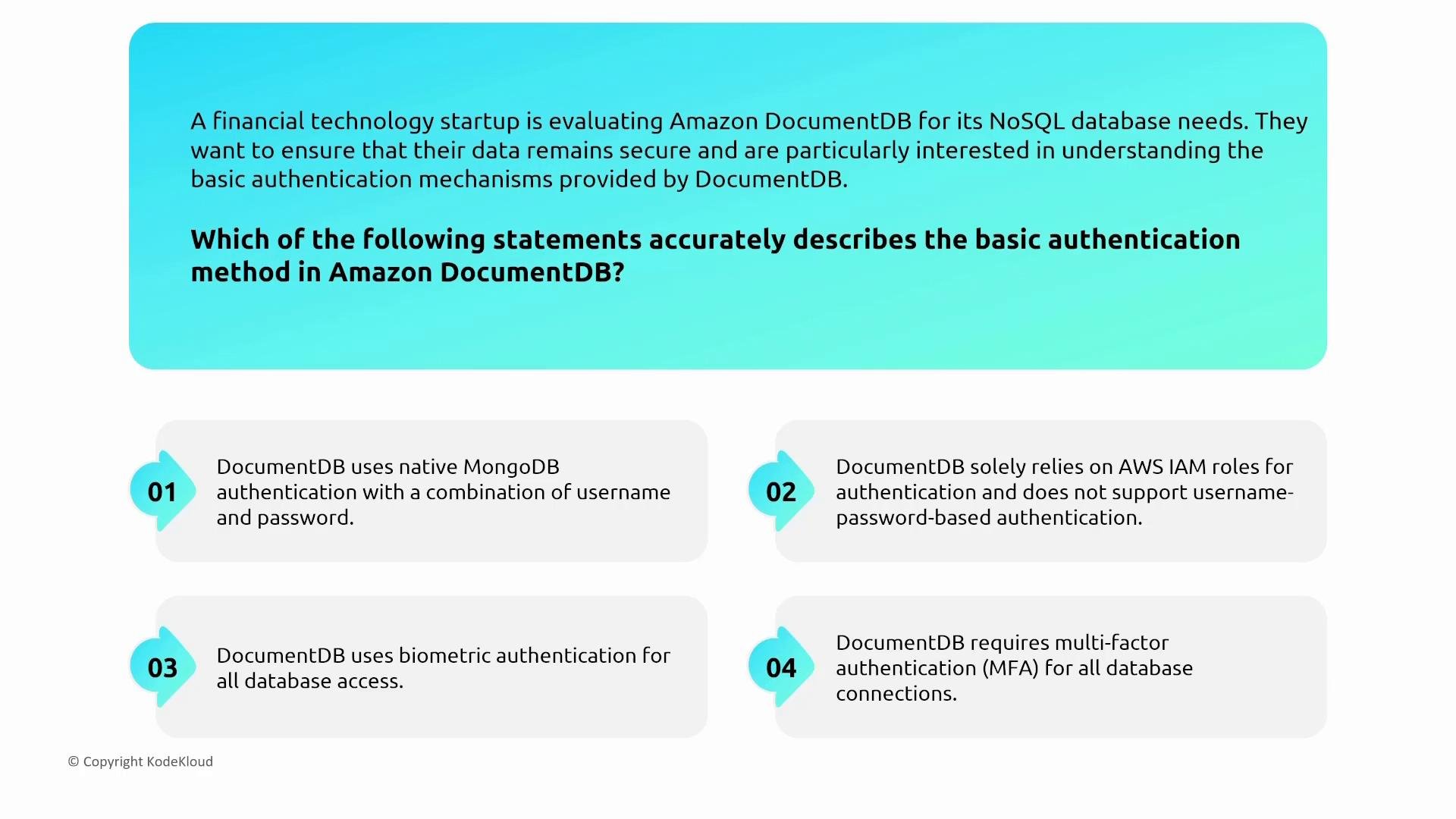
- DocumentDB supports native MongoDB-style username/password authentication and role-based access control (RBAC) inside the engine.
- IAM is used for management-plane operations (console/API). Combine IAM and native users where appropriate — IAM controls creation, snapshots, and clusters, while native DB users are used by applications to authenticate to the database.
- DocumentDB uses a primary–replica architecture across AZs with cluster and reader endpoints to route reads/writes appropriately.
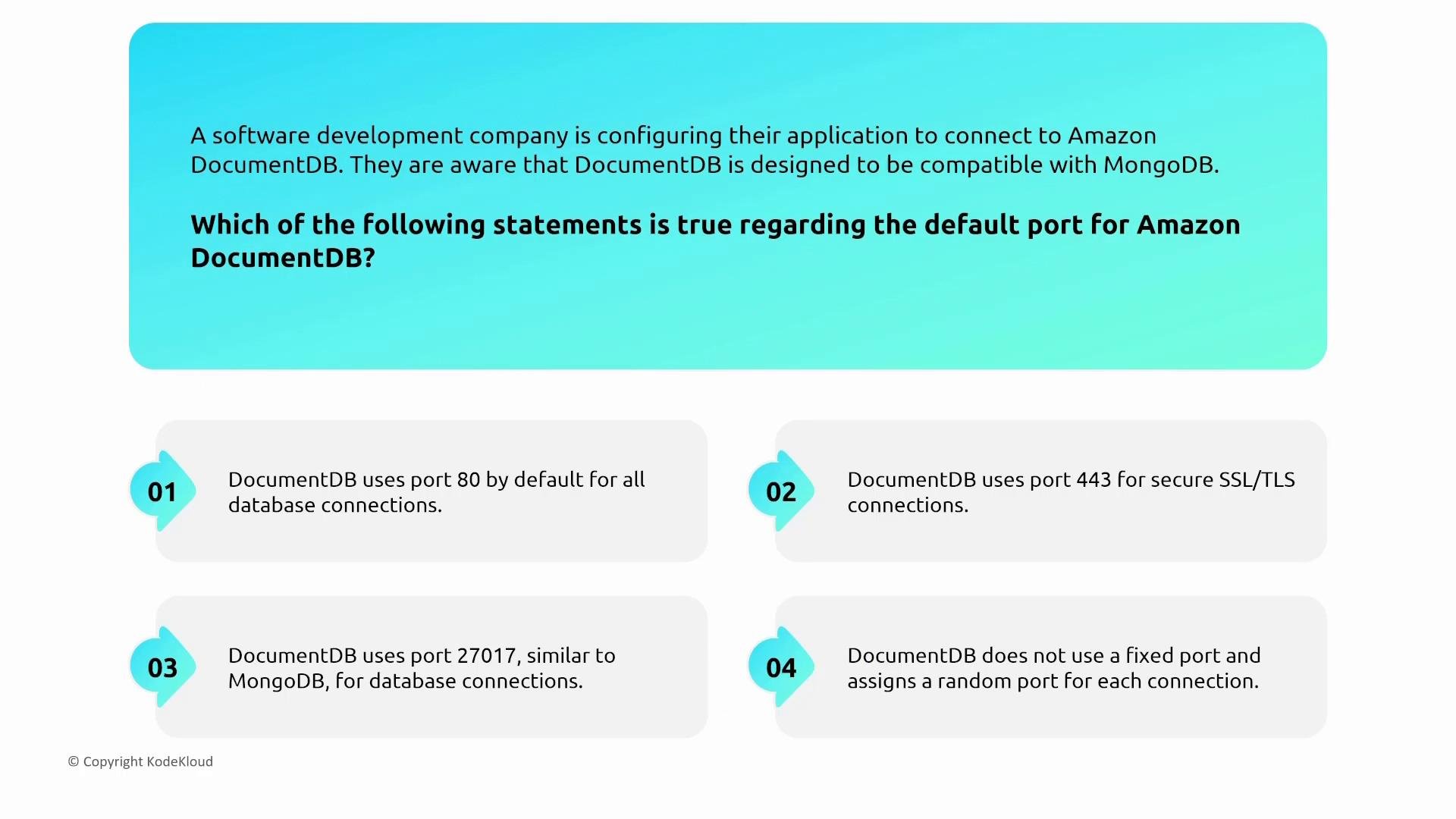
- Default port:
27017(MongoDB default) — ensure security groups limit access to trusted application subnets and bastion hosts as needed.
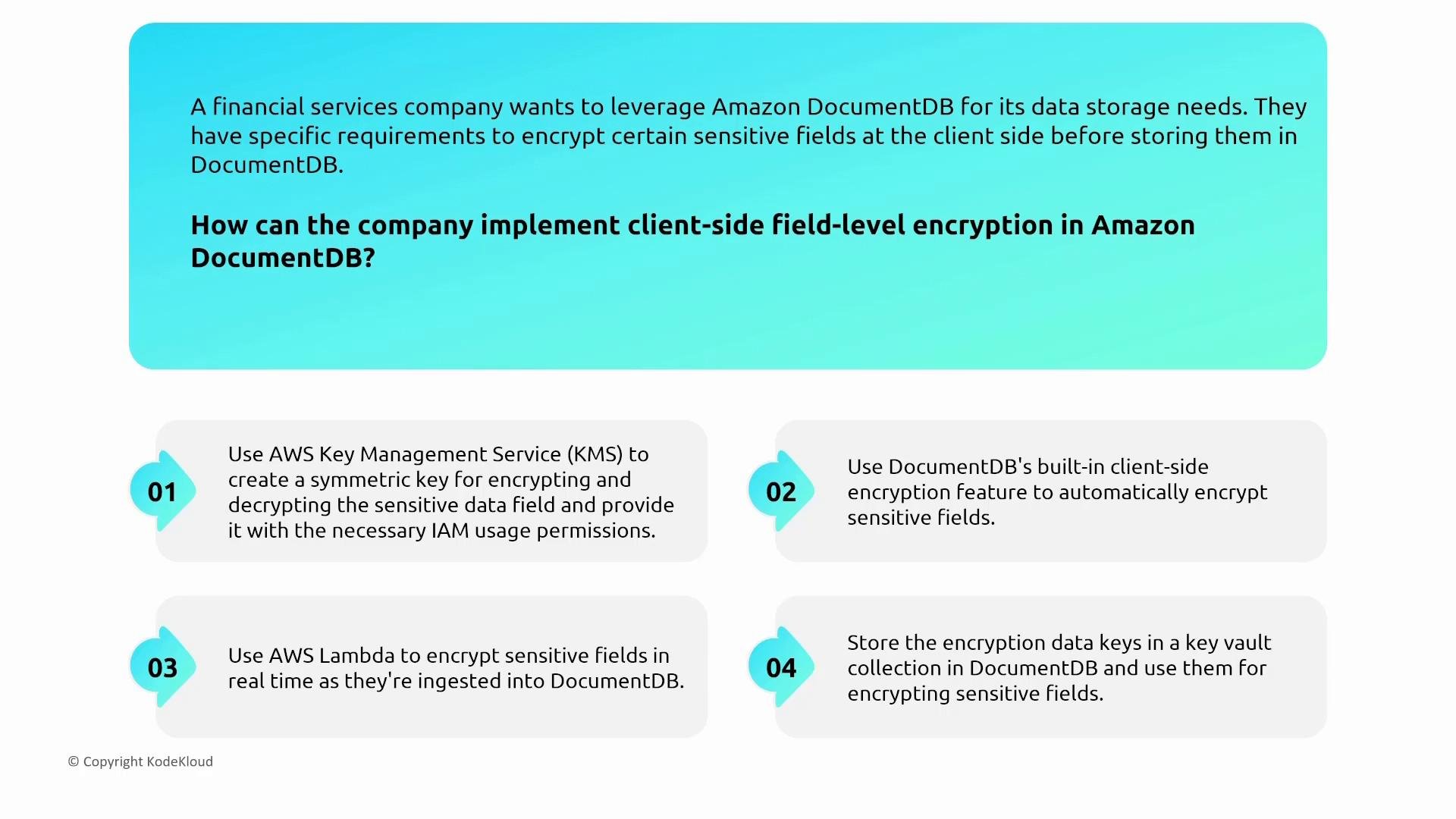
- DocumentDB works with MongoDB drivers that support client-side field-level encryption (CSFLE). The driver encrypts sensitive fields before sending them to the server; encryption keys are typically stored in AWS KMS.
- Before implementing CSFLE, verify driver and engine compatibility, because not all MongoDB server features are supported by DocumentDB.
Confirm compatibility between your MongoDB driver version and the DocumentDB engine version before enabling client-side field-level encryption — mismatches can cause runtime errors.
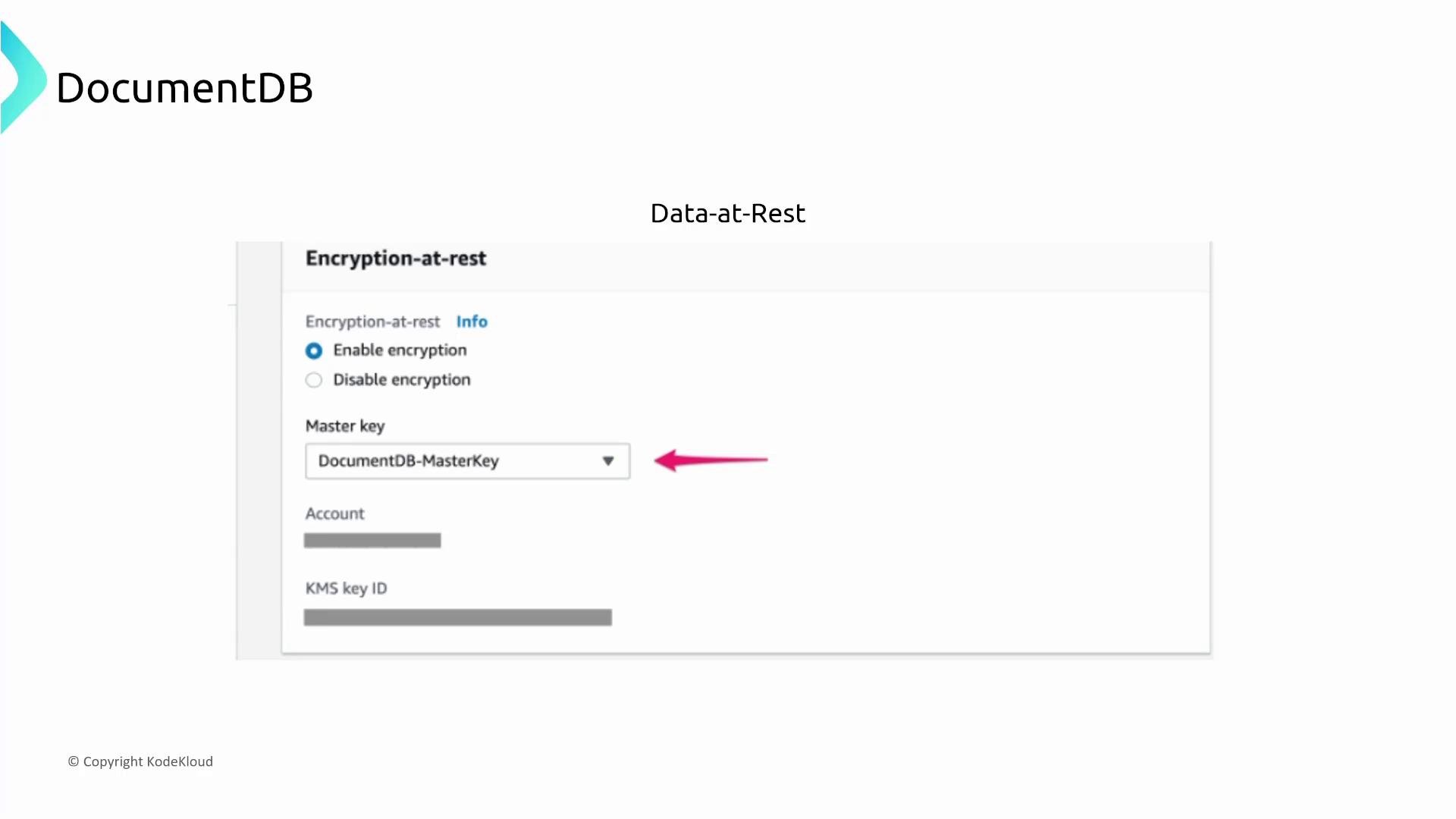
- DocumentDB supports encryption at rest using AWS KMS (customer-managed or AWS-managed keys).
- In-transit encryption uses TLS. For CSFLE, the application needs KMS permissions to access data-encryption-keys.
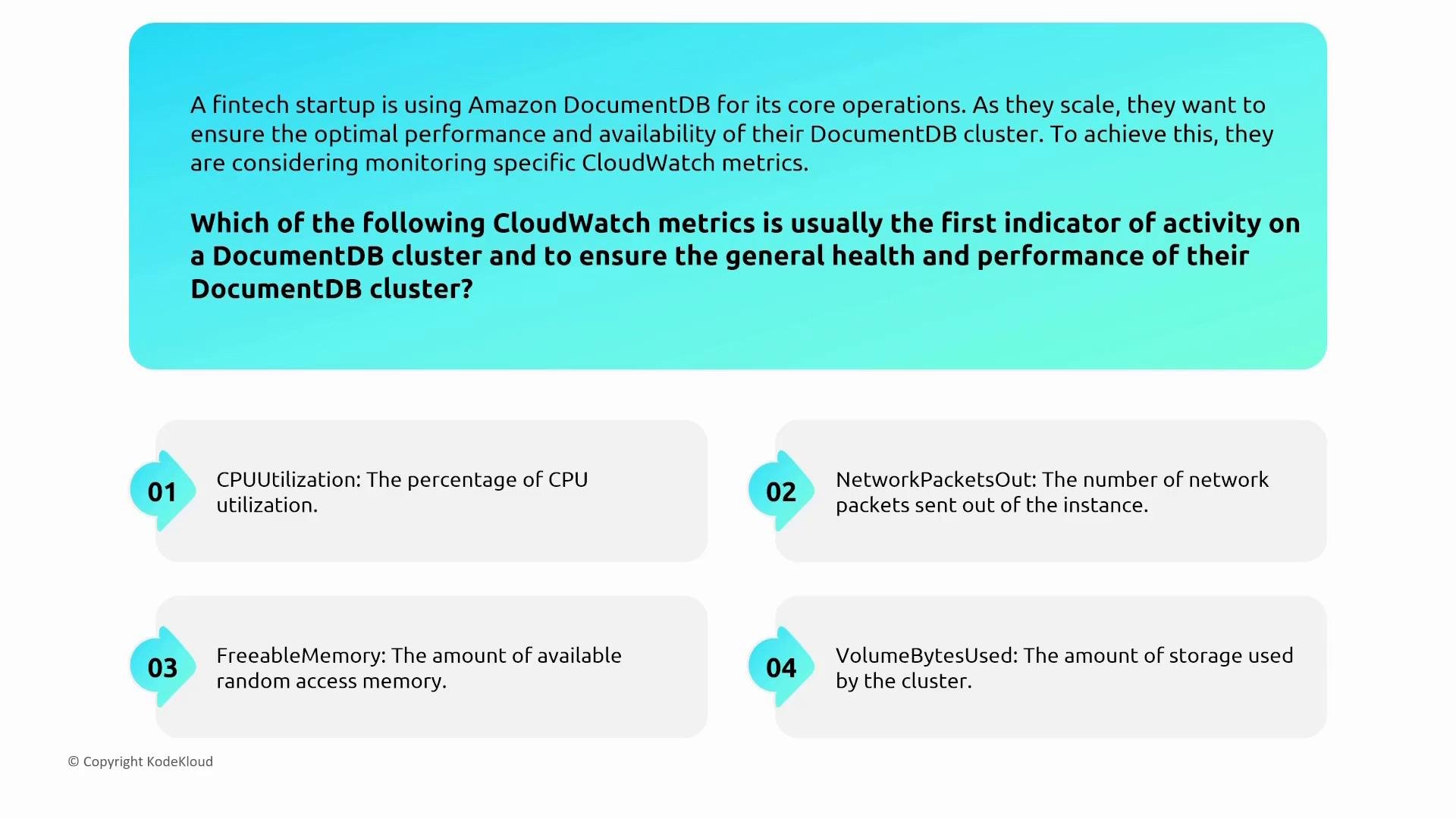
- DocumentDB integrates with CloudWatch for metrics (CPUUtilization, FreeableMemory, connections, etc.) and CloudTrail for API-level auditing.
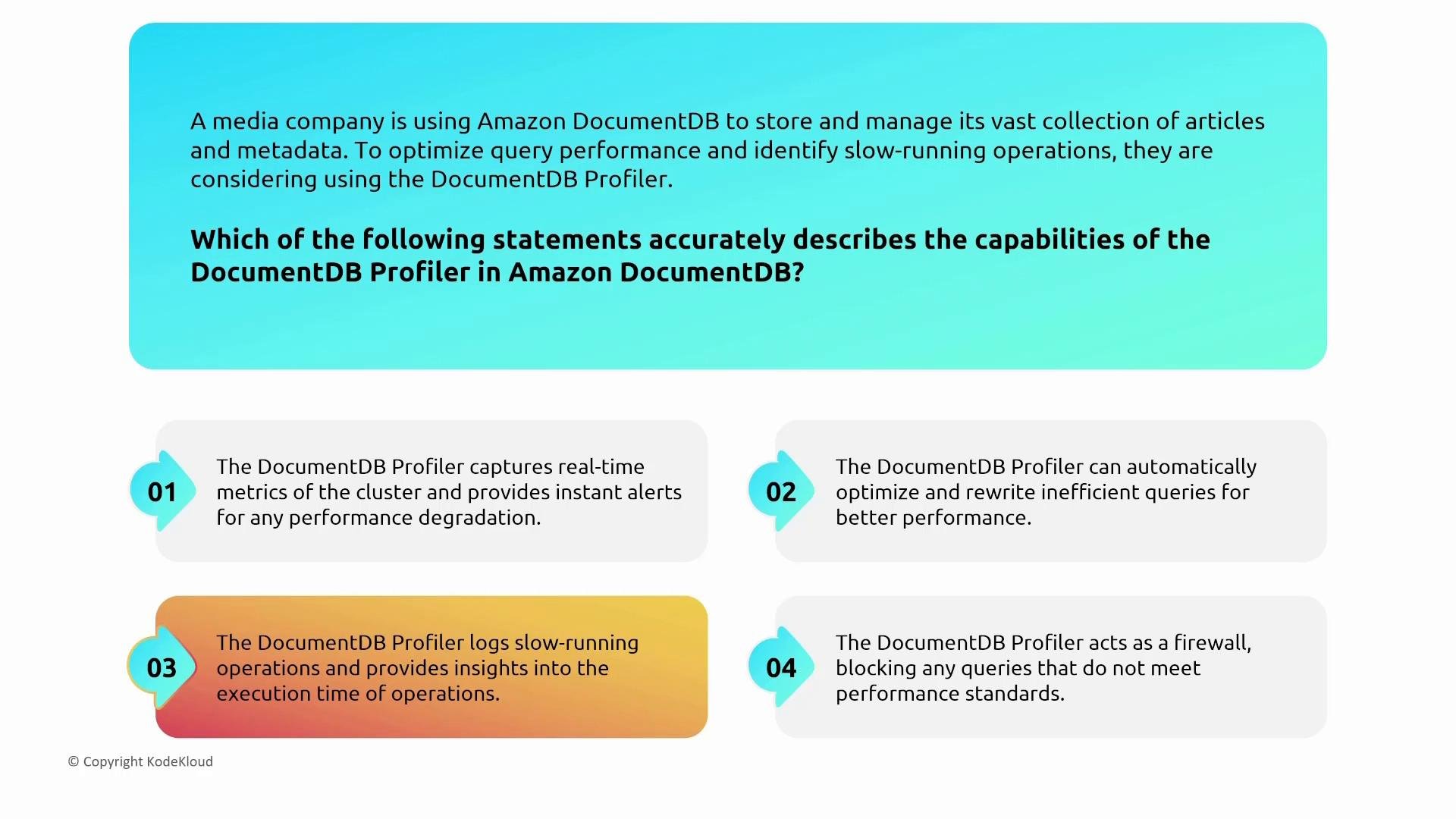
- DocumentDB exposes a profiler that logs slow queries and operations — use the profiler to identify and optimize slow-running operations.
- Restrict access to port
27017by security group rules and avoid exposing cluster endpoints to public subnets. - Use TLS and KMS-backed keys for all sensitive datasets.
- Enable CloudWatch alarms on
CPUUtilization,FreeableMemory, and slow query rates.
Amazon Keyspaces (for Apache Cassandra)
Overview- Amazon Keyspaces is AWS’s managed Cassandra-compatible service. It is designed to support Cassandra drivers but shifts authentication/authorization to IAM rather than native Cassandra password auth.
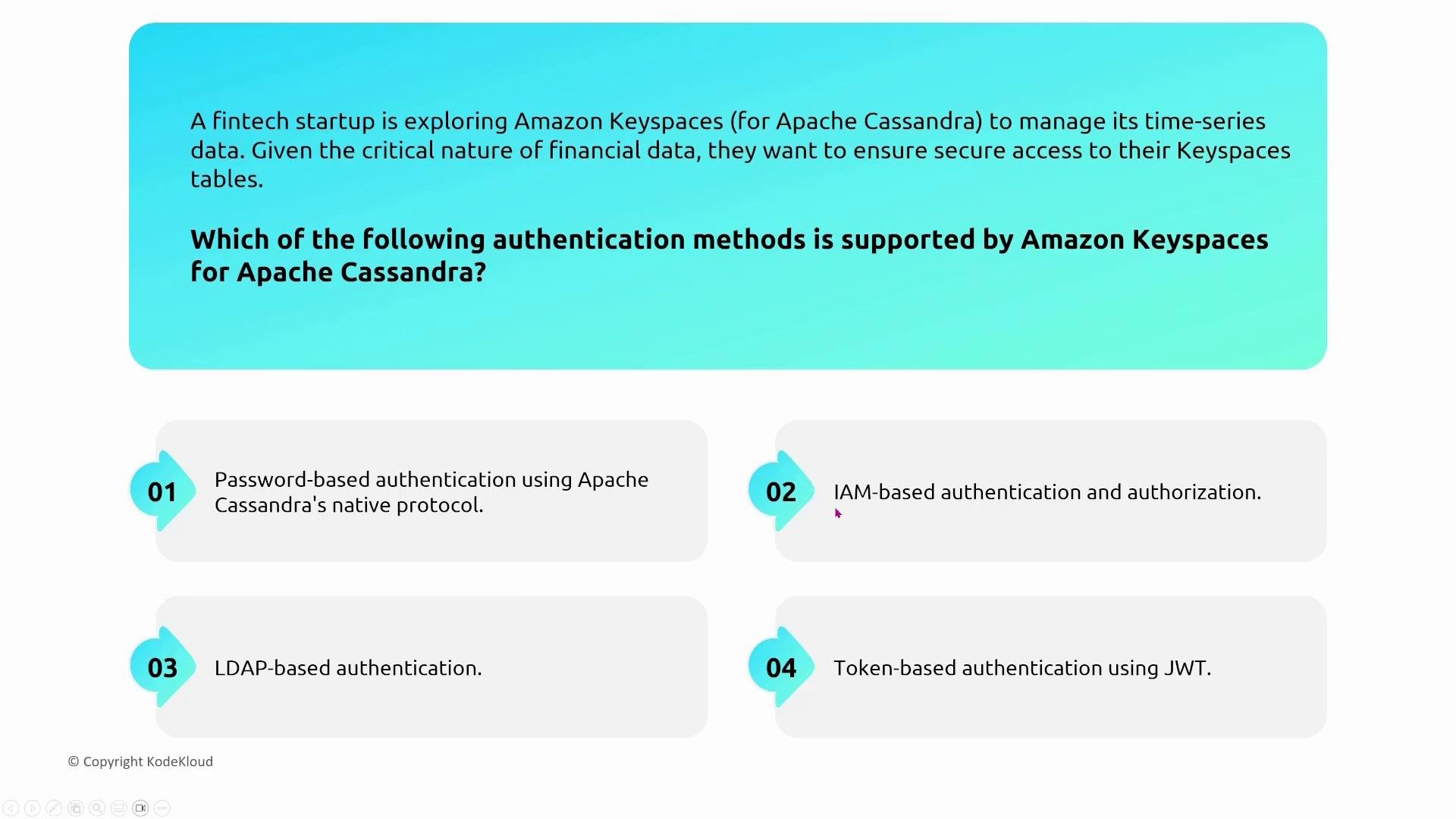
- Keyspaces uses IAM for client authentication and authorisation. Clients authenticate using IAM credentials (for example, via AWS SDKs or by assuming an IAM role).
- Use AWS Secrets Manager to store non-IAM connection metadata if you need a central secrets store for application configuration.
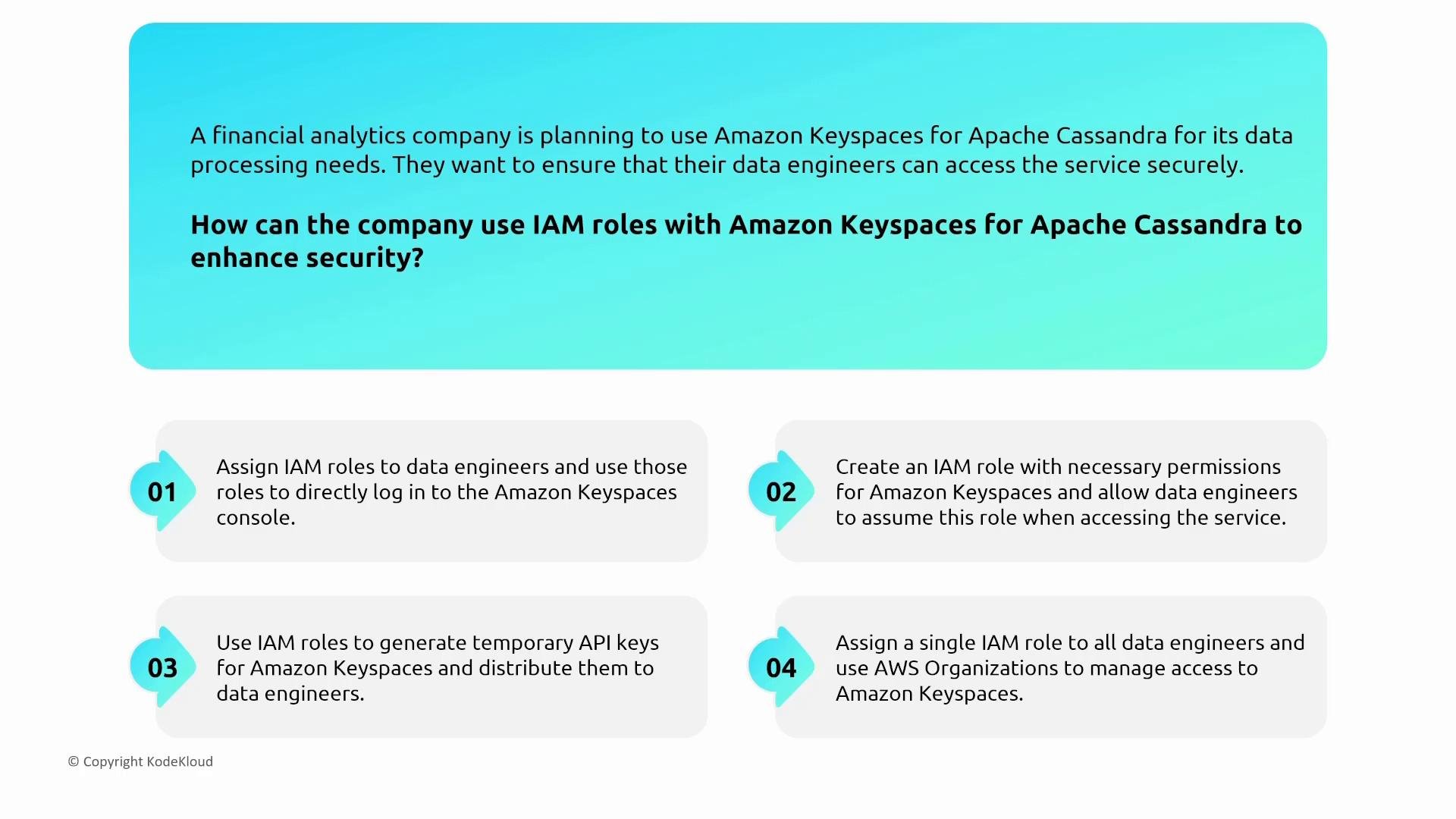
- Prefer IAM roles and temporary credentials (AssumeRole, STS) for applications, ECS tasks, and Lambda functions — avoid long-lived static credentials.
- Grant least-privilege Keyspaces permissions to the role; attach IAM policies that scope access to specific tables and actions.
Use IAM roles and short-lived credentials instead of long-lived keys to improve auditability and reduce credential risk for Keyspaces access.
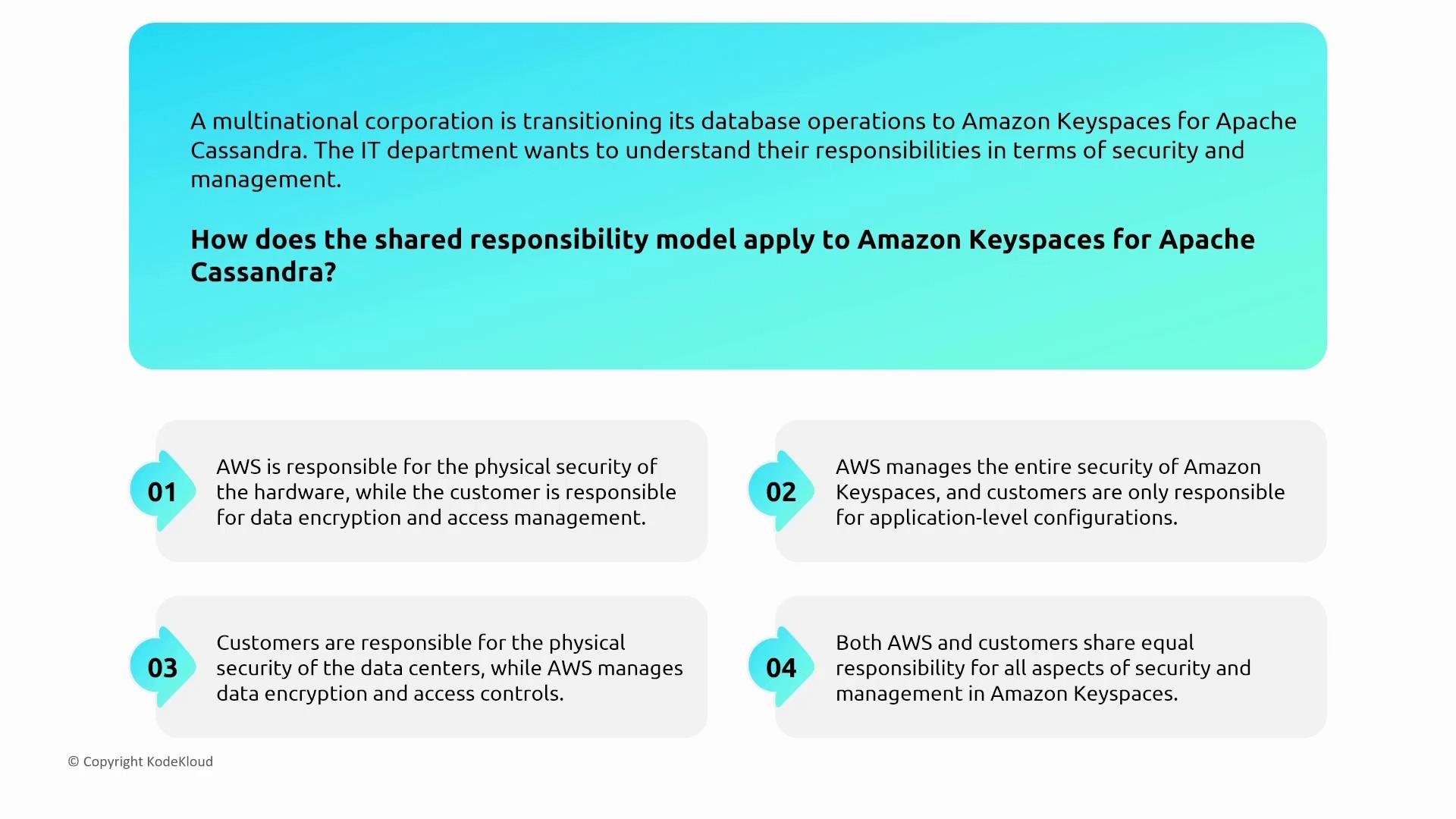
- AWS manages the Keyspaces control plane and infrastructure; you manage your data, table-level access controls, and KMS keys.
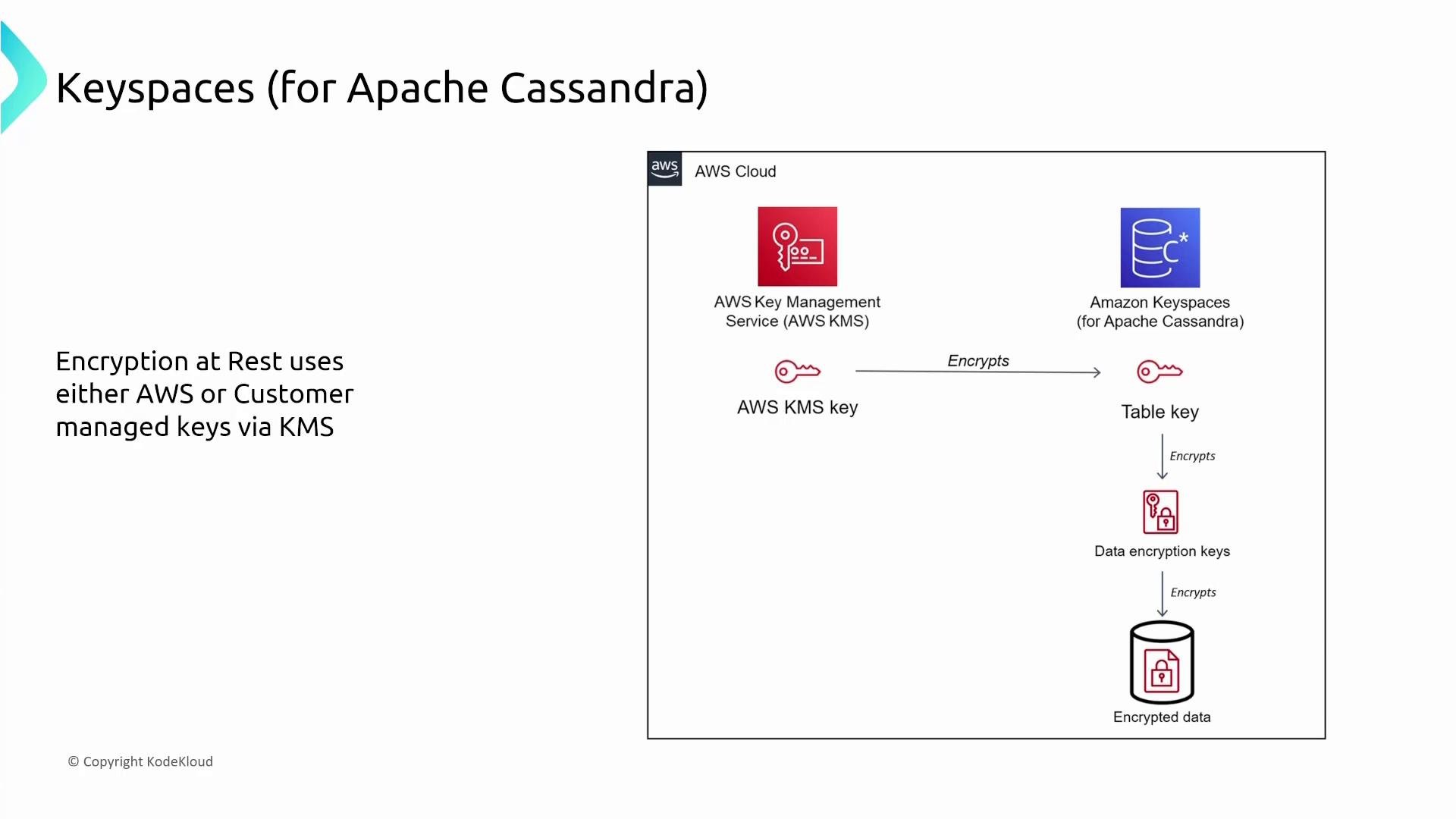
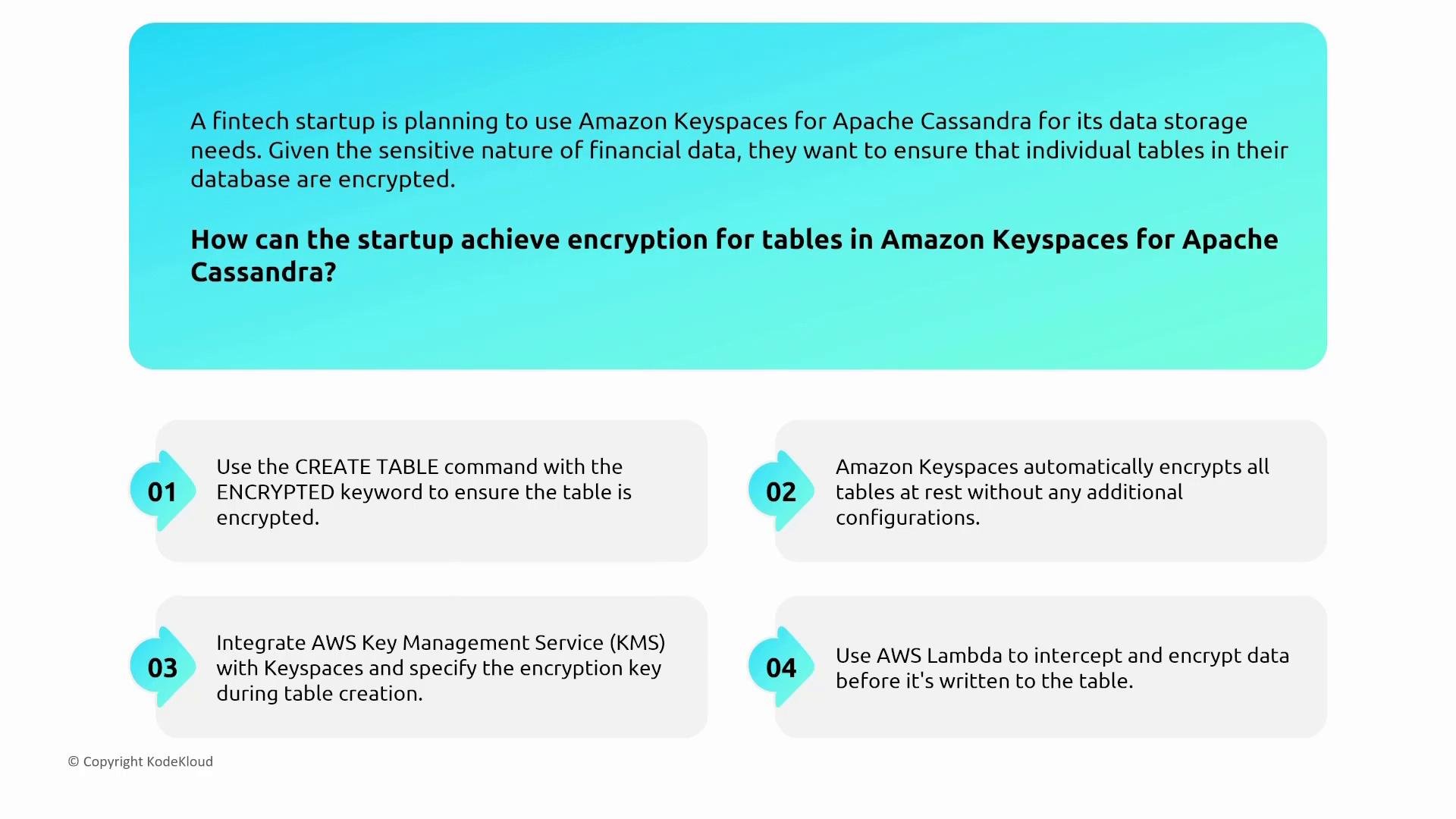
- Keyspaces integrates with AWS KMS for encryption at rest; you may choose AWS-managed or customer-managed keys.
- Keyspaces enforces TLS for client connections; ensure drivers are configured to use SSL/TLS.
- Data at rest is encrypted using KMS-managed keys.
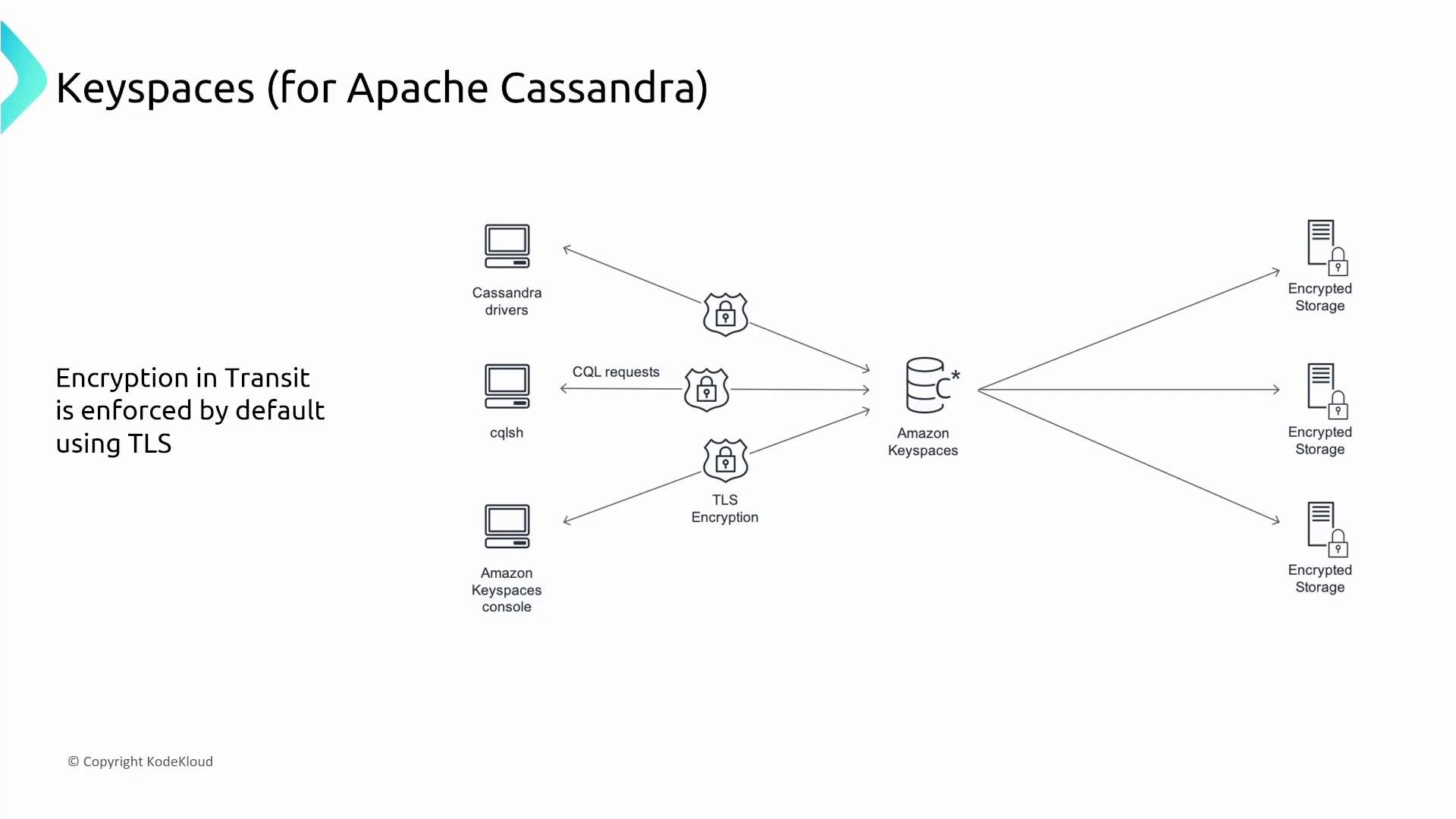
- Keyspaces publishes CloudWatch metrics for throughput and latency and integrates with CloudTrail for API audit logs.
- For application-level tracing, instrument drivers and use AWS X-Ray if needed; CloudWatch/CloudTrail are the primary service-level detection sources.
- Enforce TLS in drivers and rotate KMS keys periodically (using customer-managed keys gives more control).
- Use IAM policy conditions to scope access by resource ARNs and tags.
Amazon Neptune (Graph Database)
Overview- Neptune is a managed graph database service (supports Gremlin, SPARQL) with architecture similar to other AWS managed databases: runs inside your VPC with cluster endpoints and replicas for read scaling.
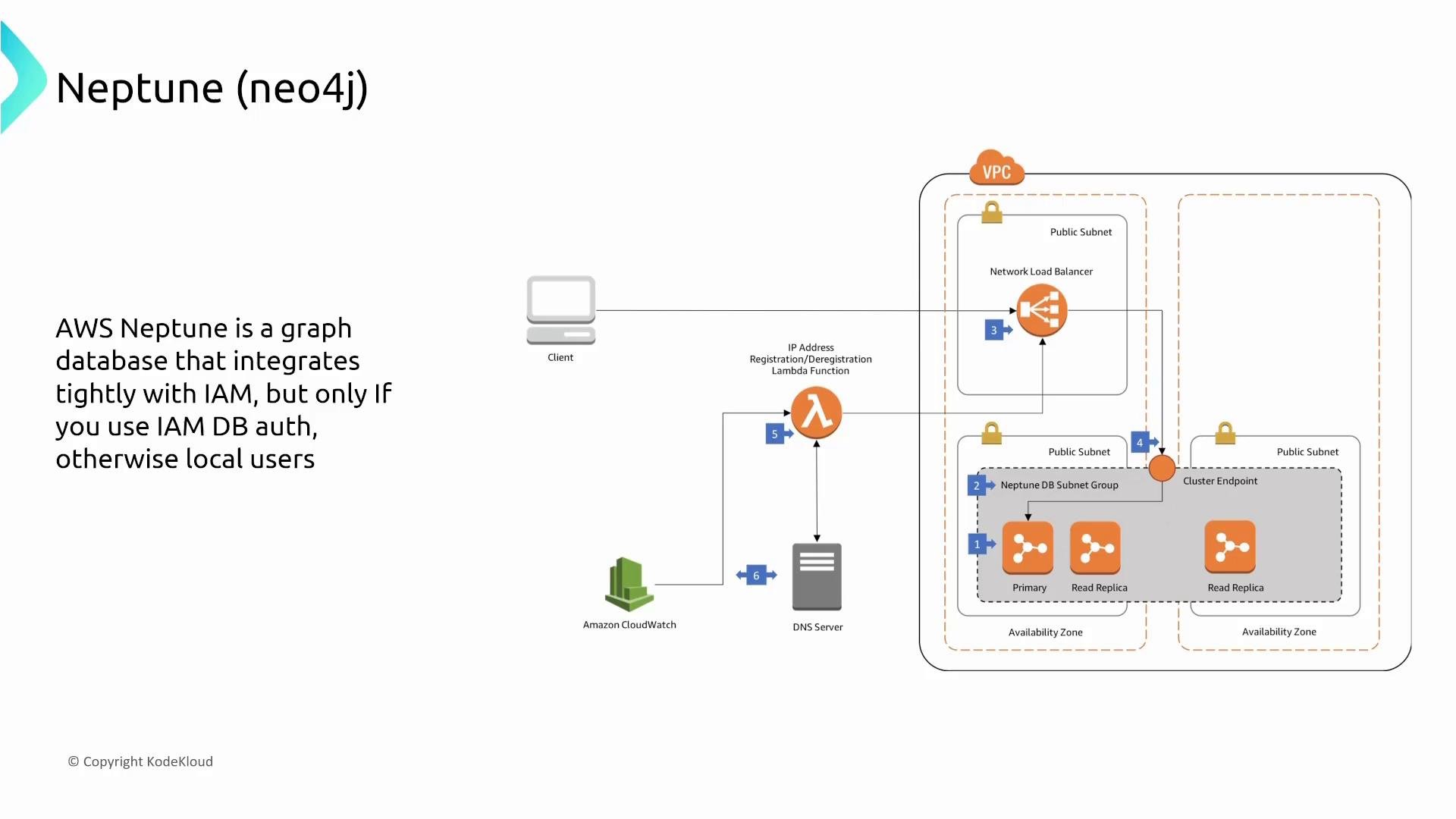
- Neptune supports IAM DB authentication for connecting clients, and also supports local DB users for database-level access where applicable.
- Use IAM for management-plane actions and to scope who can create, snapshot, modify, or delete clusters.
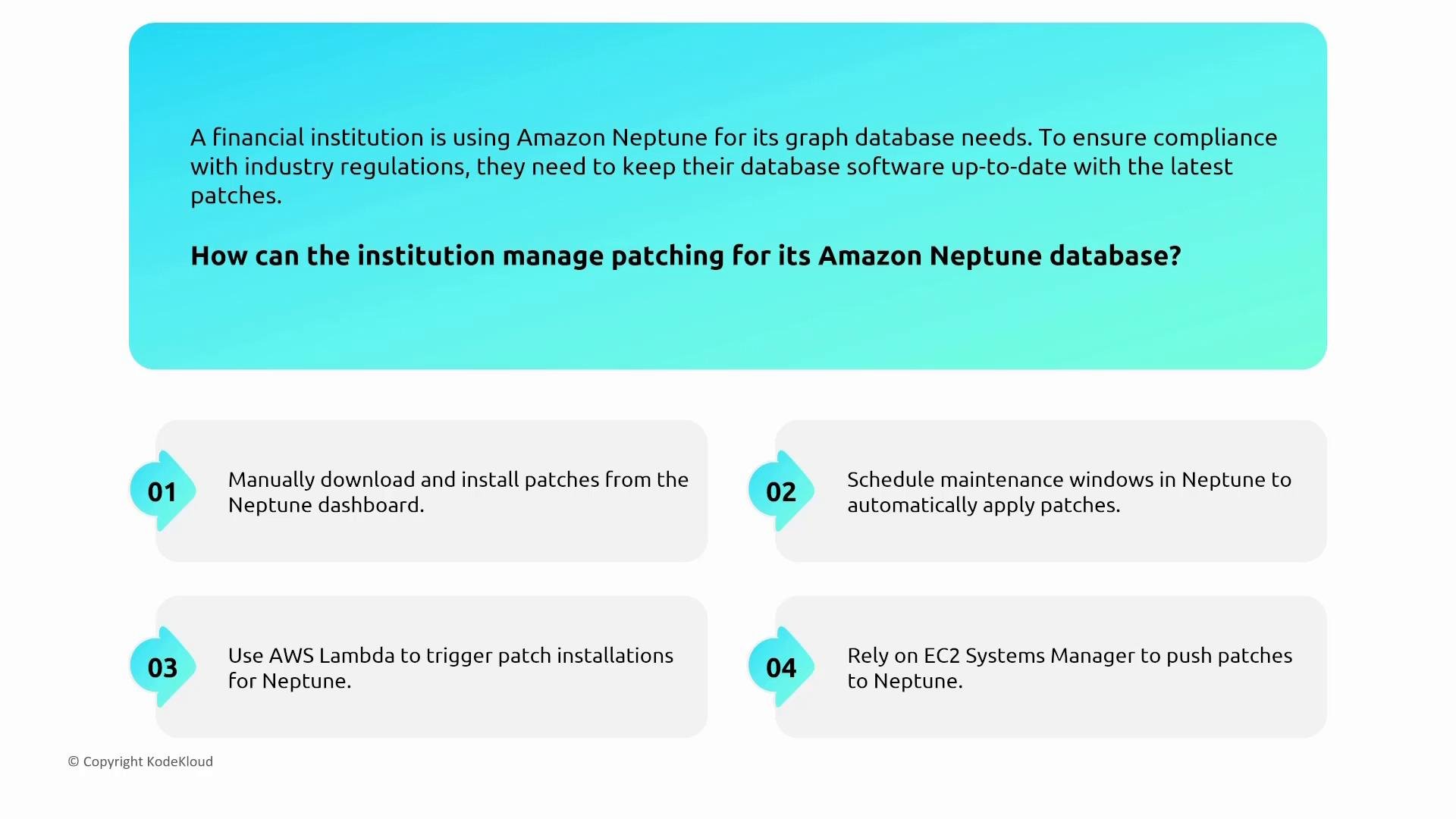
- Engine and instance patching are managed by AWS. Control patch timing by setting maintenance windows so updates occur in controlled timeframes.
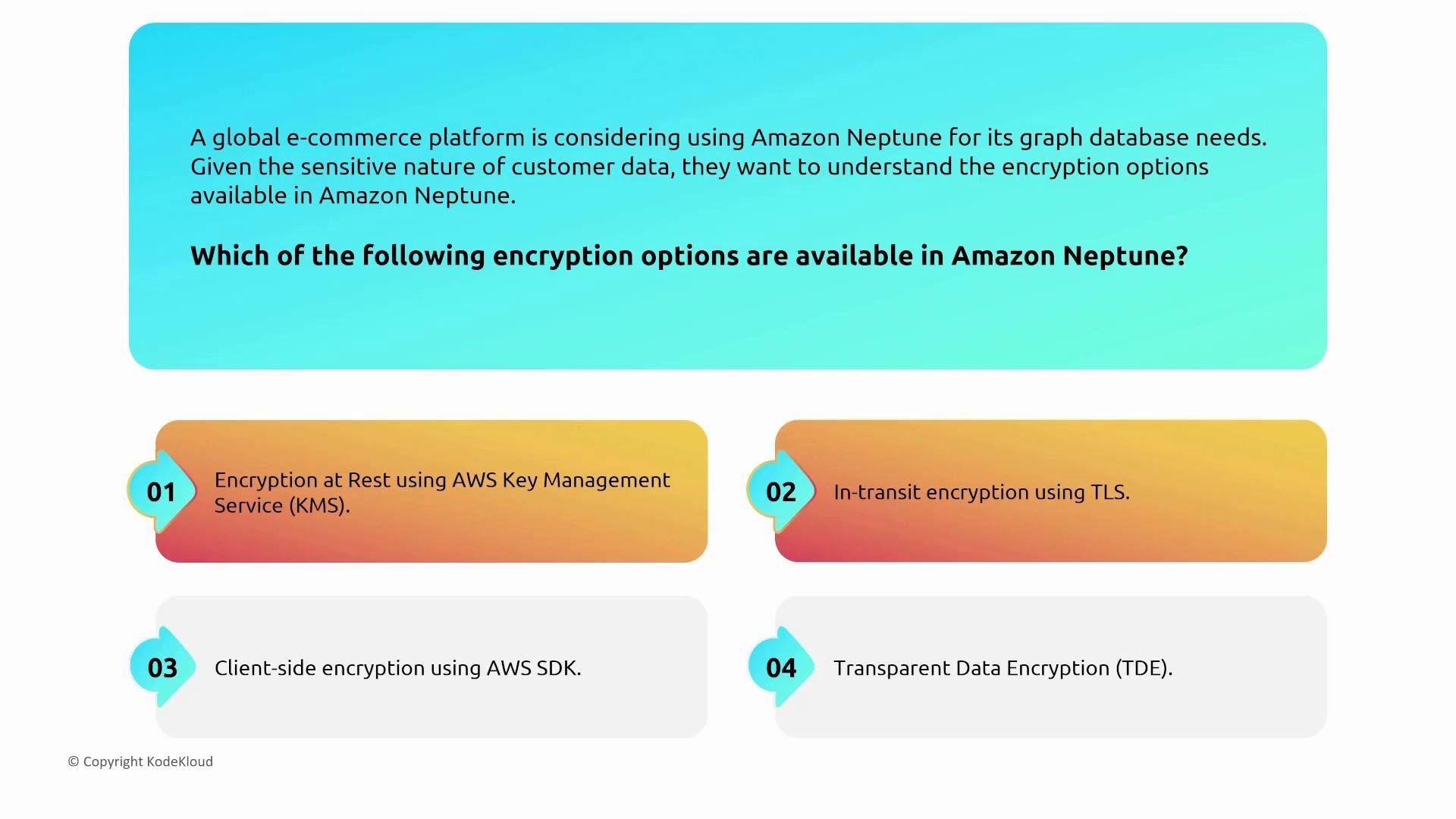
- Neptune supports encryption at rest with AWS KMS and encryption in transit via TLS.
- For detection, use CloudWatch metrics and CloudTrail for API-level auditing. Neptune provides slow-query and error logs; enable and forward these logs to CloudWatch Logs or a SIEM for retention and analysis.
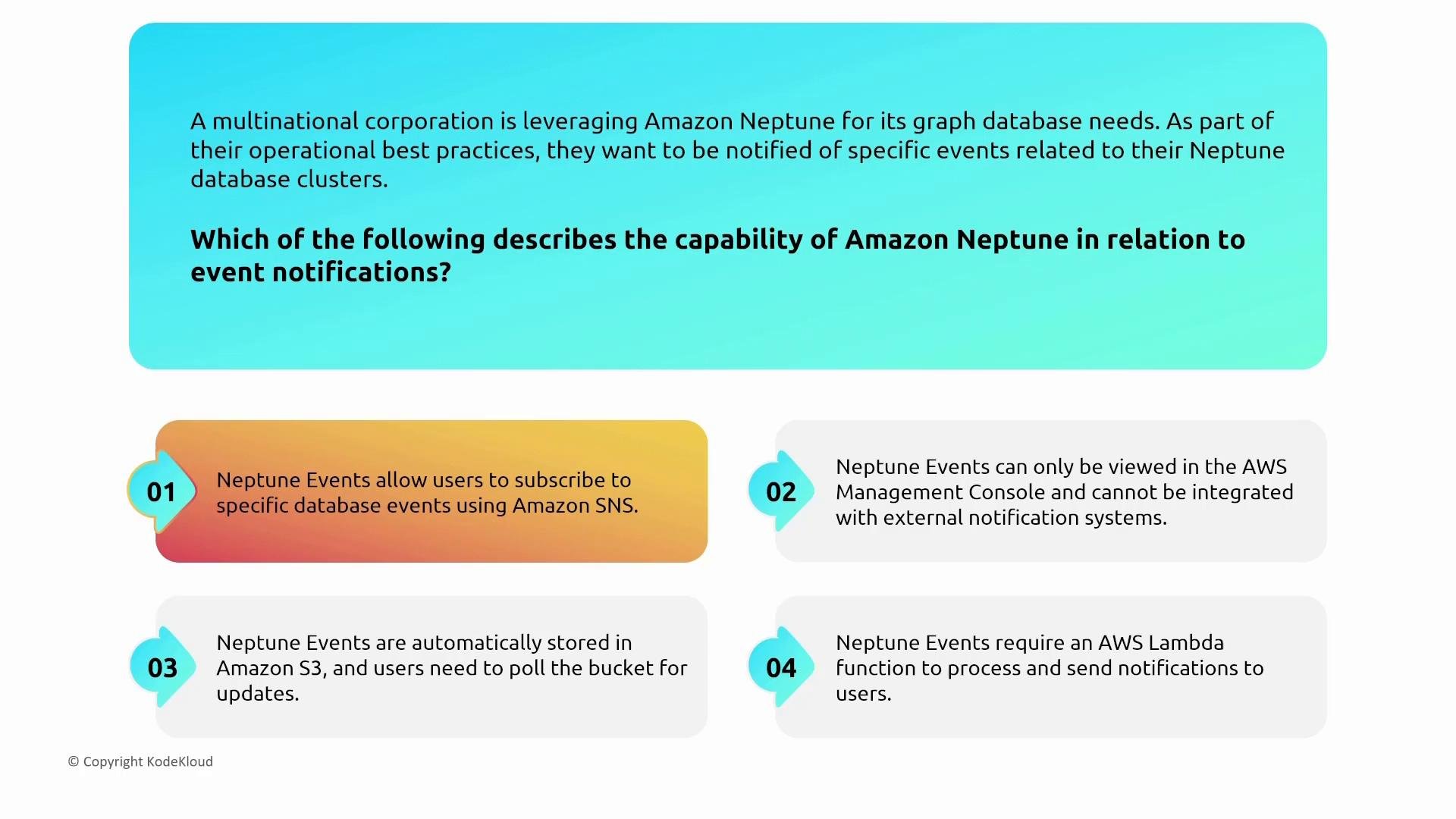
- Neptune emits cluster events and integrates with SNS for event-based notifications (failovers, recovery, backups).
- Combine CloudWatch alarms, CloudTrail, and cluster events to create a robust monitoring and alerting pipeline.
- Run Neptune clusters in private subnets and protect endpoints with strict security group rules.
- Enable TLS, KMS encryption, and forward slow-query logs to CloudWatch Logs for proactive analysis.
Quick Reference — Security Controls by Service
Final recommendations and shared responsibility
- Apply the shared responsibility model: AWS manages the infrastructure and engine patching; you are responsible for data protection, access controls, KMS key lifecycle, and application-level security.
- Standardize on these controls across services where possible:
- Use IAM roles and short-lived credentials.
- Enforce TLS for all client connections.
- Use KMS-backed encryption at rest and restrict key usage via IAM.
- Centralize monitoring (CloudWatch, CloudTrail) and forward critical logs/events to a SIEM or incident response pipeline.
- Validate driver compatibility with managed engines (especially for DocumentDB CSFLE).
- Amazon MemoryDB for Redis — https://docs.aws.amazon.com/memorydb/latest/devguide/what-is-memorydb.html
- Amazon DocumentDB — https://docs.aws.amazon.com/documentdb/latest/developerguide/what-is.html
- Amazon Keyspaces (for Apache Cassandra) — https://docs.aws.amazon.com/keyspaces/latest/devguide/what-is.html
- Amazon Neptune — https://docs.aws.amazon.com/neptune/latest/userguide/intro.html