

- Cloud Playgrounds
- Linux Playgrounds
- Kubernetes Environments and related tools
- Container Playgrounds
- HashiCorp Playgrounds
- Machine Learning Playground
- Observability Playgrounds
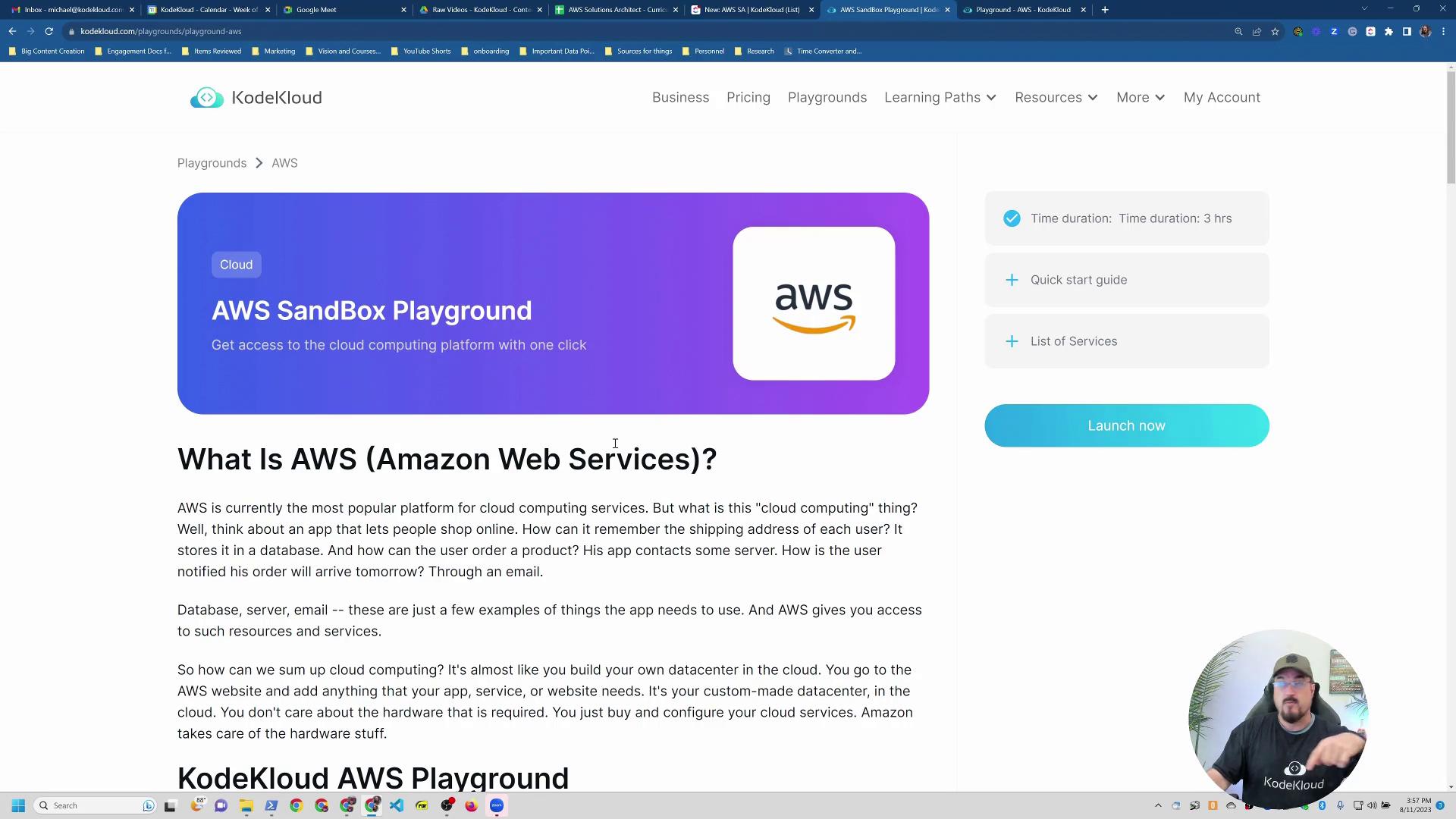
Exploring AWS Services
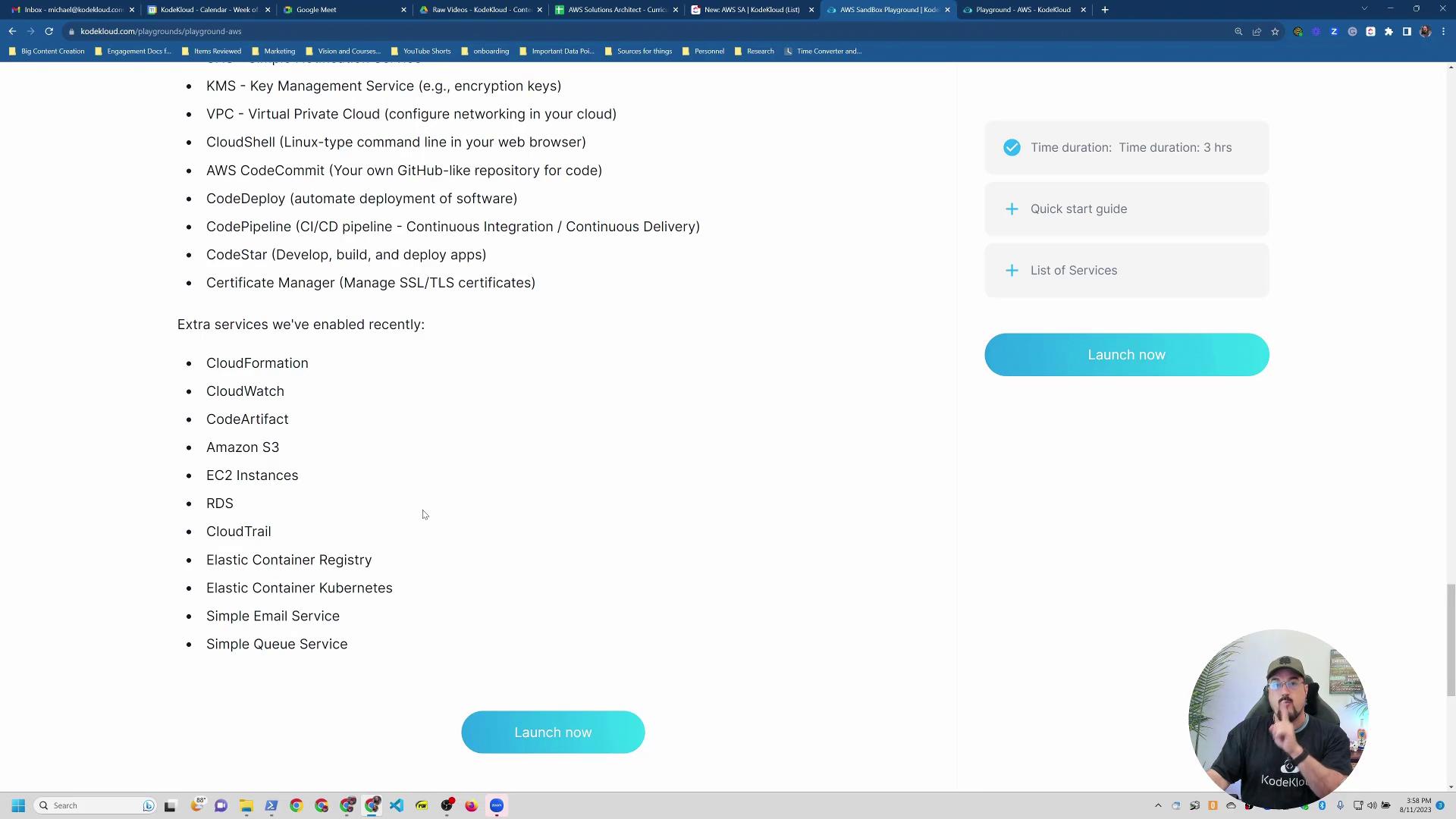
After clicking on AWS, you will see a detailed list of available services in your AWS playground. These include features to:- Run virtual machines
- Configure object storage
- Manage RDS
- Deploy EKS
- Utilize services such as DocumentDB, ECR, SNS, and KMS
AWS services related to code management (e.g., CodeStar, CodePipeline, and CodeDeploy) are generally aligned with operations exams rather than the AWS Solutions Architecture exam.
Starting Your Lab
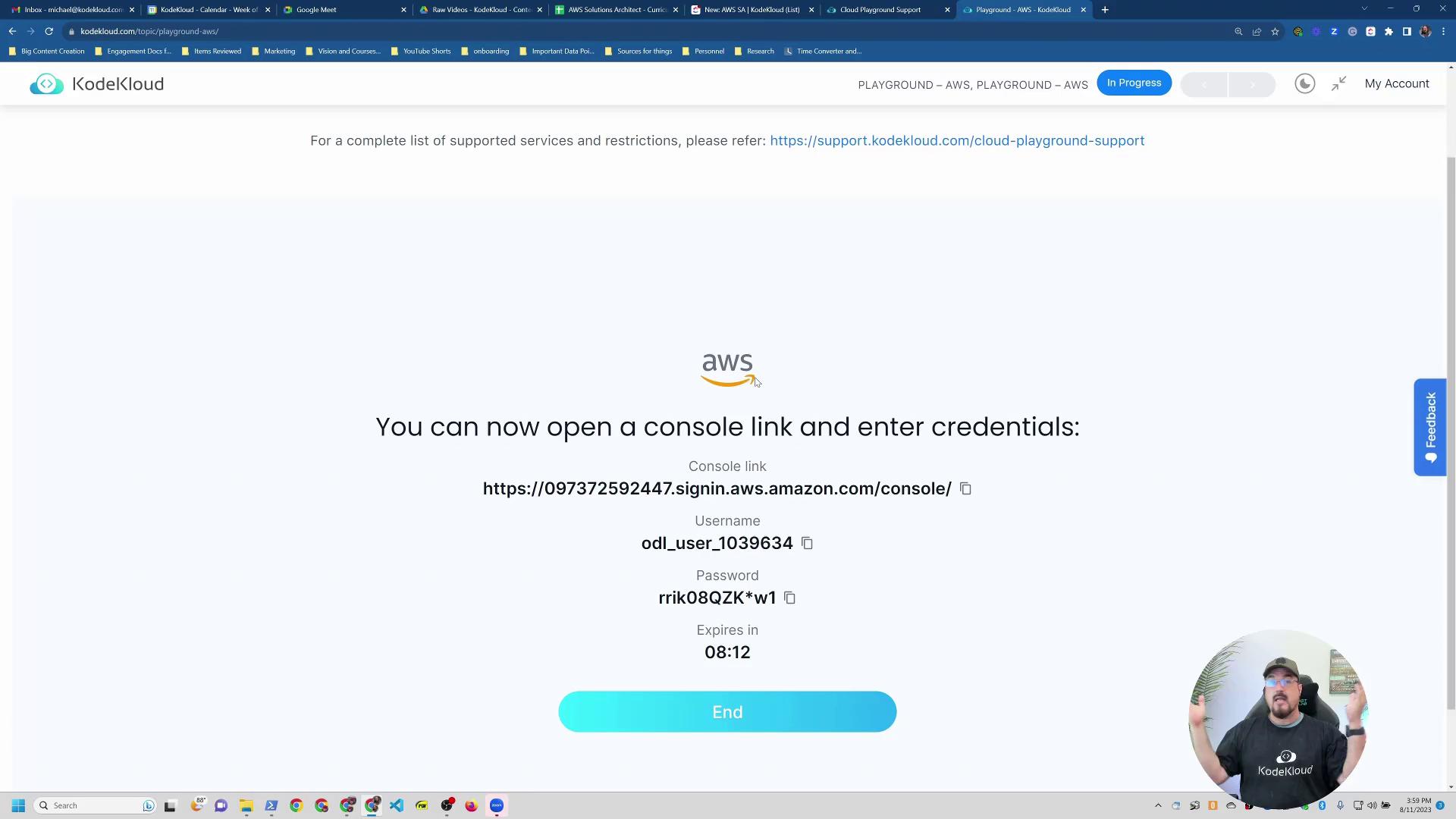
To start using the playground, simply click the Launch Now button. You will be redirected to a page where you can select Start Lab. The lab might already be running if you’ve visited previously. Here, you can also access:- A list of supported services
- A troubleshooting guide
- Links to community support via Slack or forums
Launching an EC2 Instance
To launch an EC2 instance, navigate to the EC2 dashboard. Use the region dropdown at the top of the page to select your desired region (e.g., US East 1, US West 2, Europe, or AP Southeast 1 in Singapore).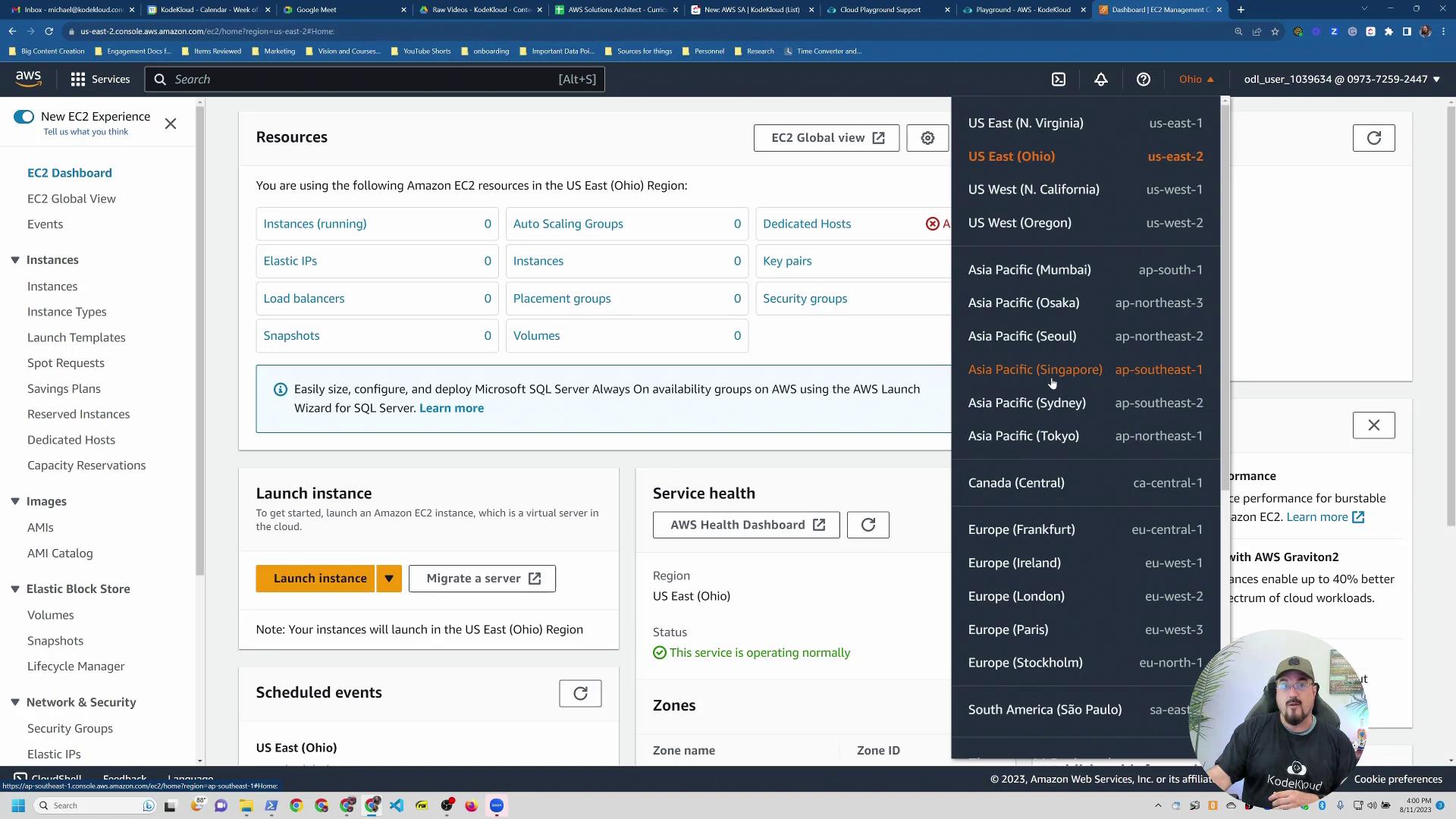
Steps to Launch an EC2 Instance
- Click the “Launch Instance” Button.
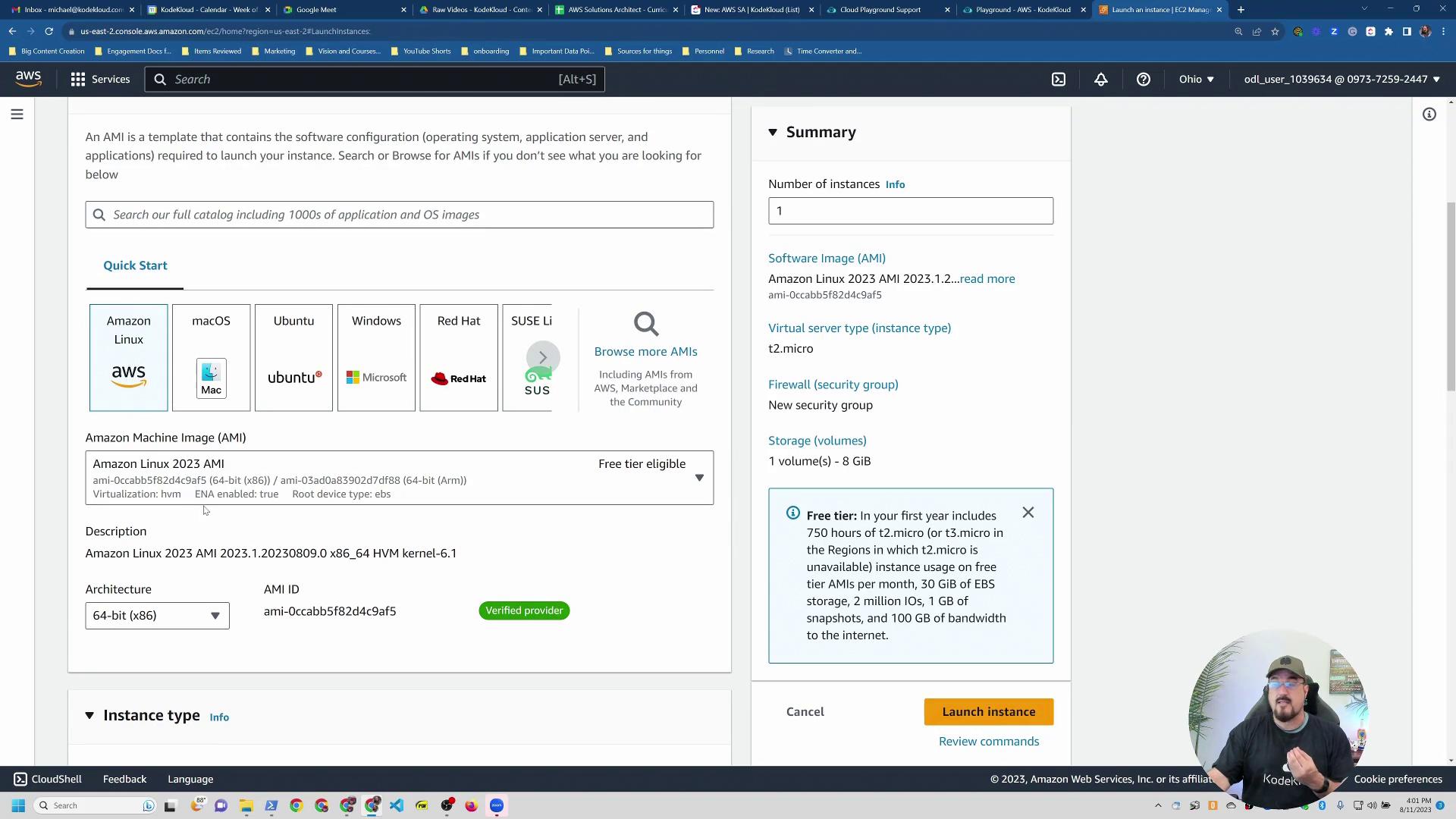
- Name Your Instance: For example, “my-test-instance.”
- Choose an Amazon Linux 2023 AMI: This AMI is optimized for cloud environments (Ubuntu or RHEL are valid alternatives).
- Select an Instance Type: T2 Micro is a good starting point; you can later switch to a T3 or another instance type as needed.
Creating a Key Pair for Secure Access
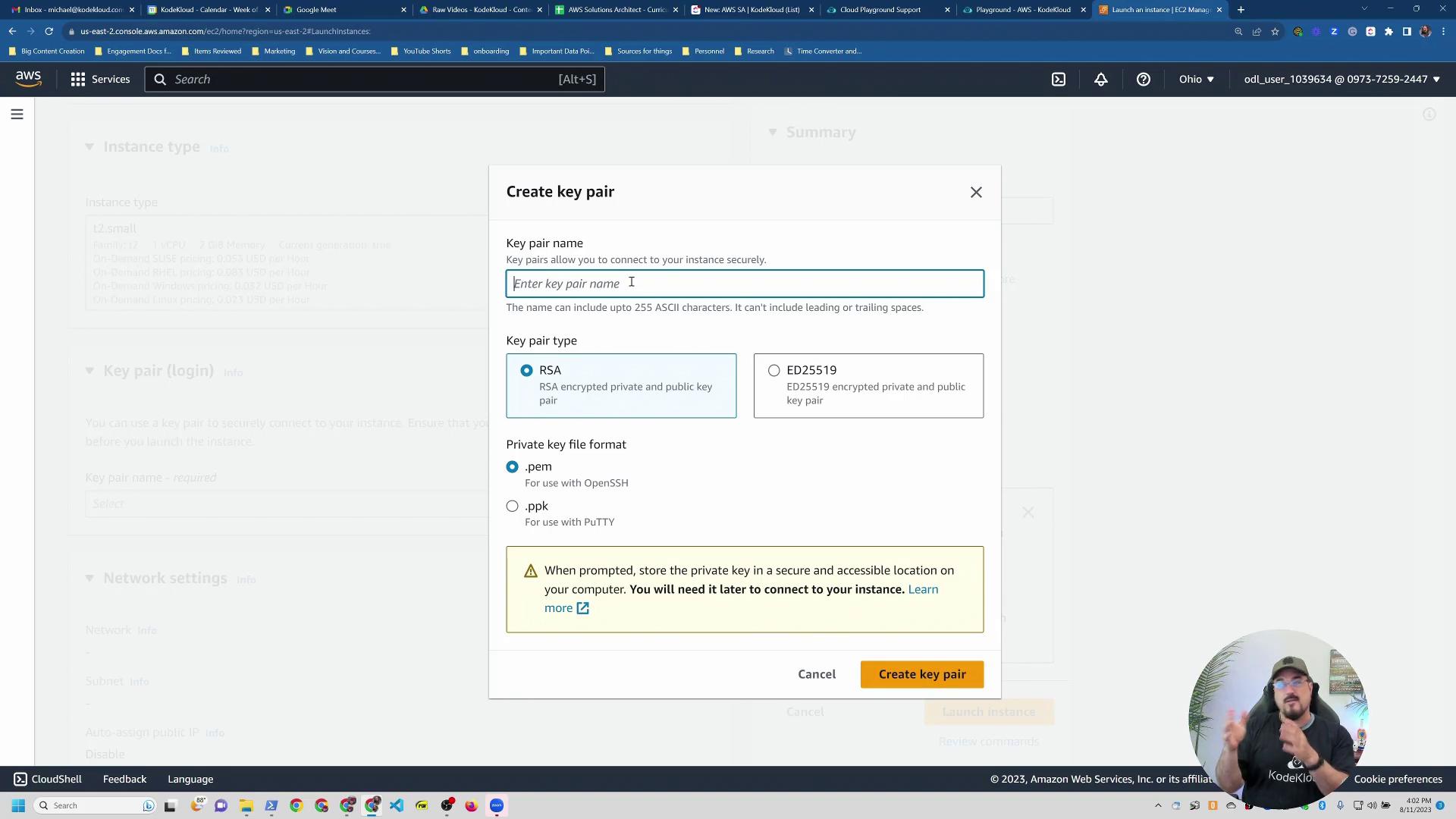
Before launching the instance, create a key pair for secure SSH access. AWS uses key pairs in place of traditional passwords for EC2 instances. Follow these steps:- Create a new key pair (e.g., “test-instance”).
- Choose the PEM file format.
- The key pair file will automatically download to your browser.
Accessing and Experimenting with AWS Services
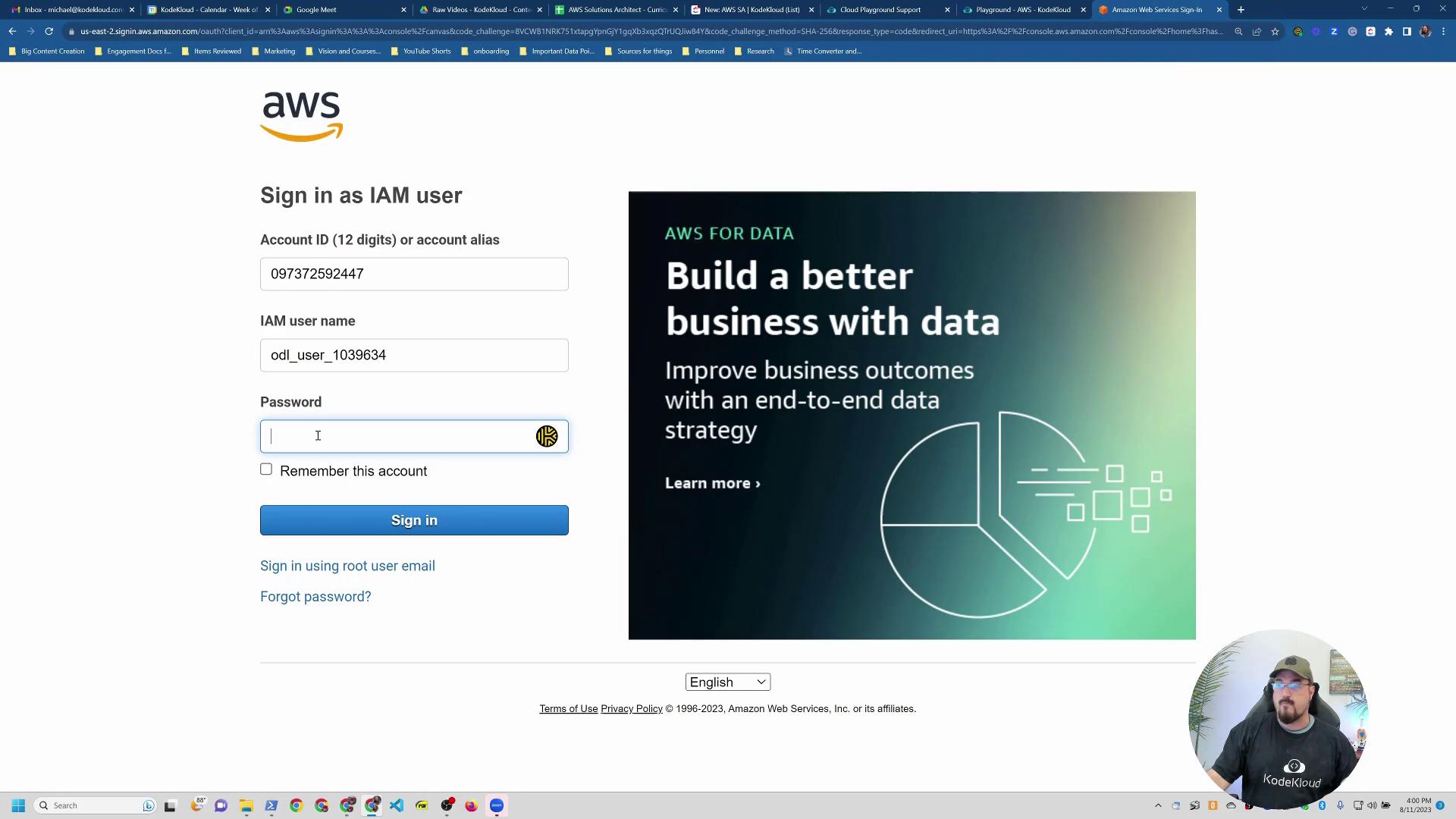
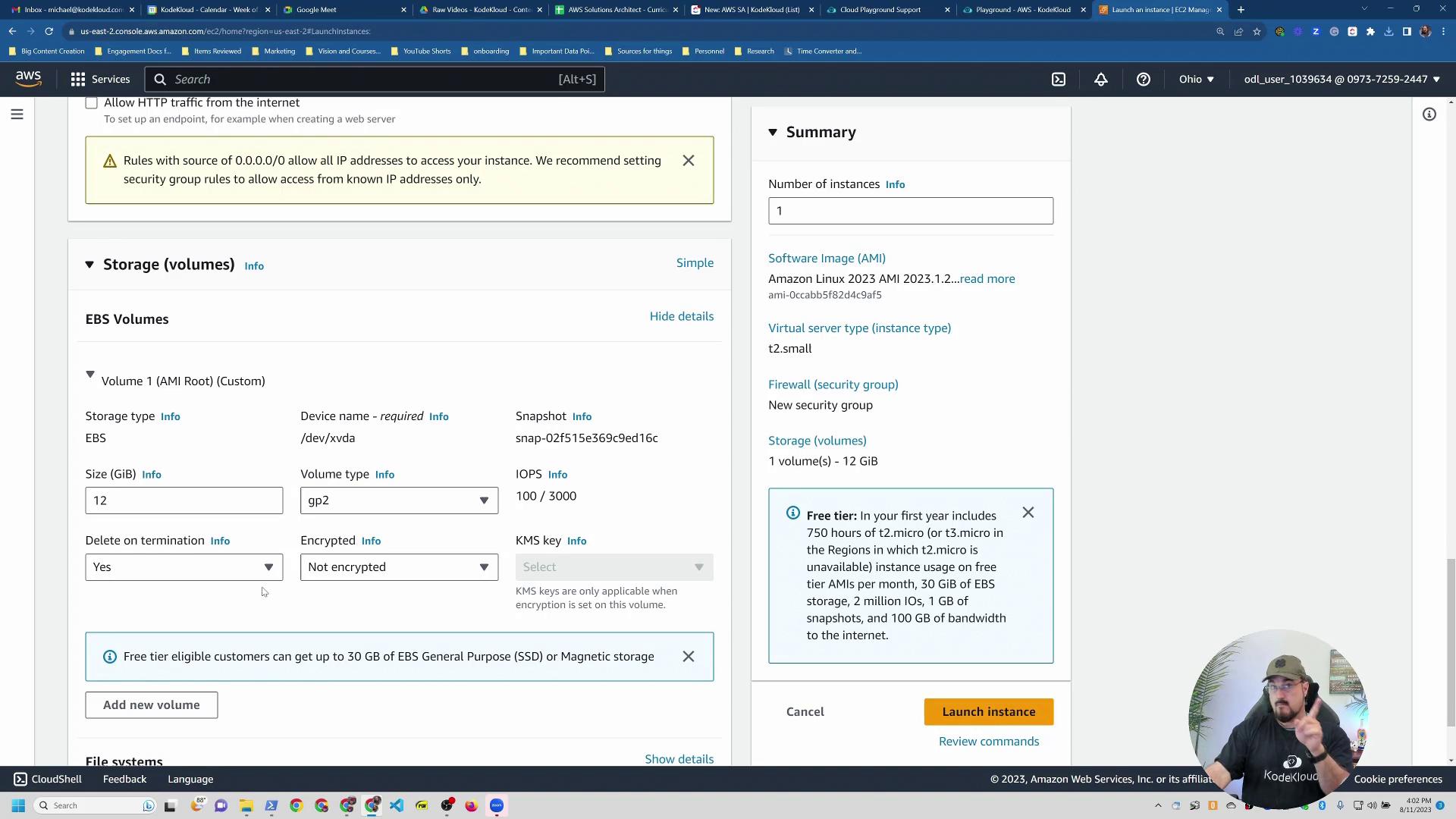
Once your EC2 instance is running, use your downloaded key pair to log in. Besides EC2, the AWS Playground allows you to experiment with other AWS services such as RDS and SNS. Remember that some code-specific services are not required for the Solutions Architecture exam, but exploring the entire range enriches your overall understanding.If any service is missing or if you need additional practice, revisit the playground and experiment until you feel confident with the platform’s capabilities.