

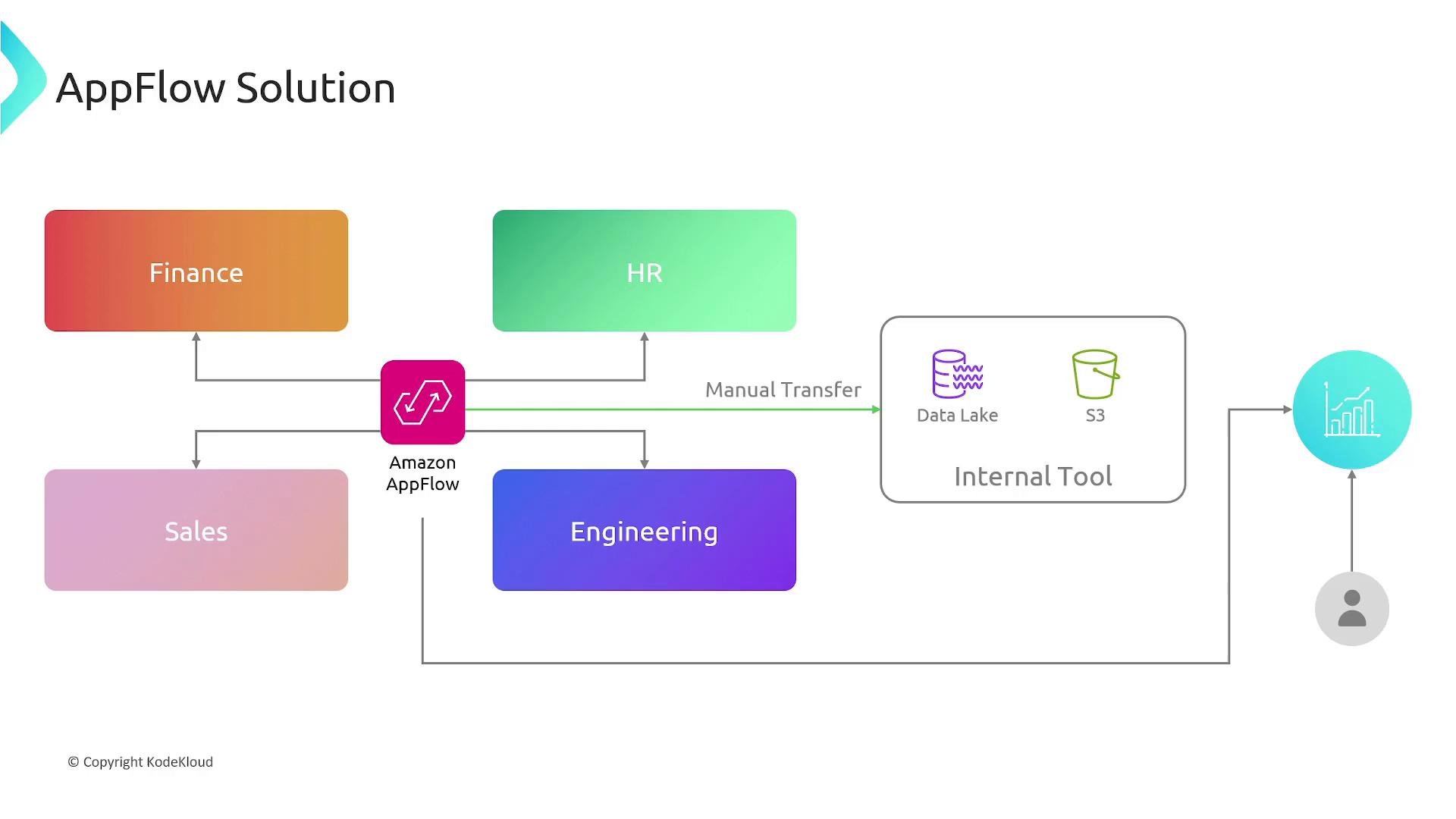
How AppFlow works — at a glance
- Define a connector to authenticate to the source or destination (credentials, OAuth tokens, API keys).
- Create a flow that specifies the source, destination, field mappings, transformations, and trigger.
- Choose a trigger: on-demand, event-driven, or scheduled.
- AppFlow reads data from the source, applies mappings/transformations, and writes the resulting data to the destination.
- Monitor execution, errors, and retries through the AppFlow console or CloudWatch logs.
AppFlow components
AppFlow structures integrations using a few core components. The table below summarizes each component and its purpose.
Triggers supported by AppFlow:
When a flow runs, AppFlow verifies the source is available, performs the configured processing (mapping, masking, merging, validation), then transfers the data to the target destination.
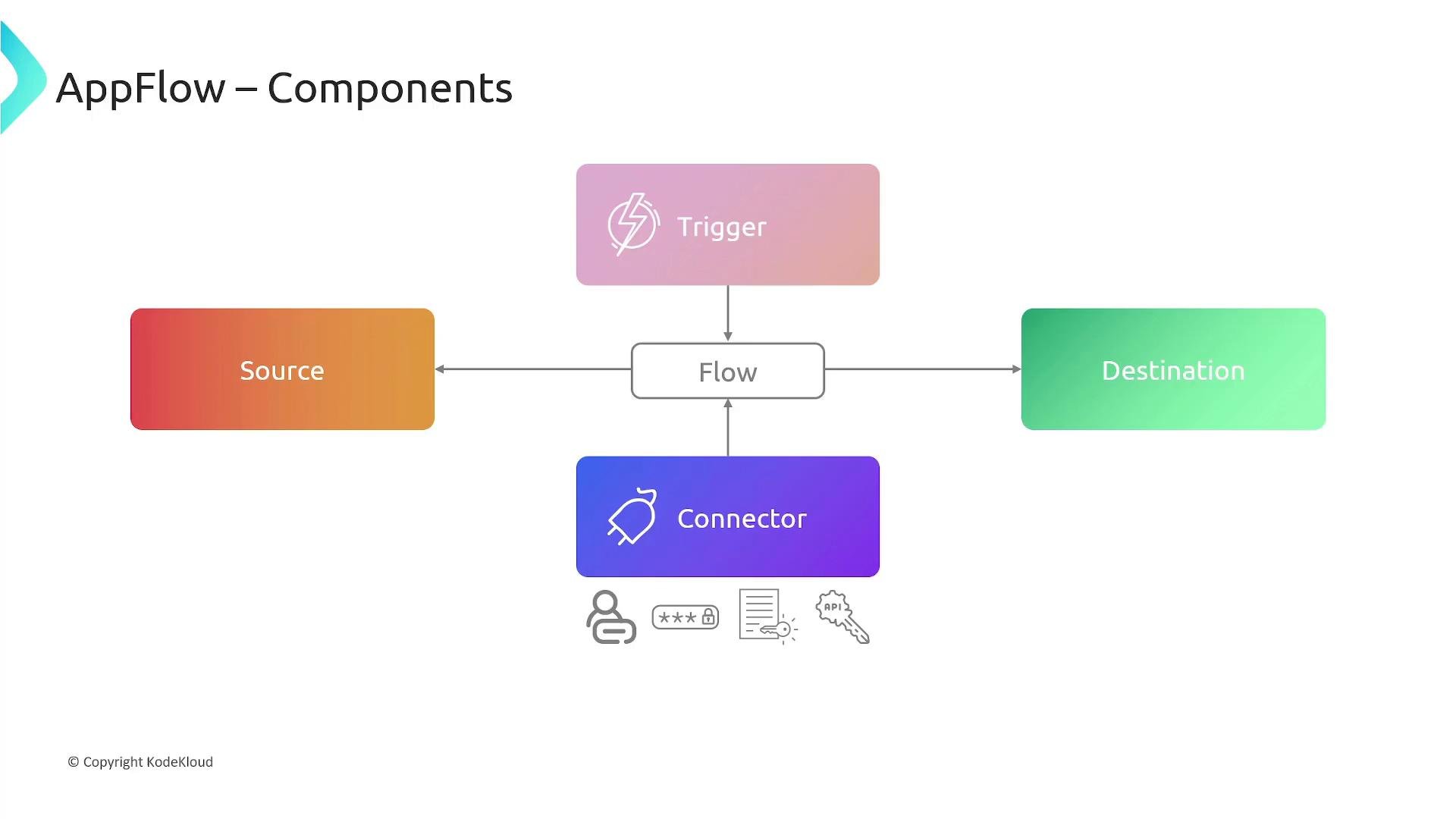
AppFlow connectors encapsulate authentication and connection details so you can reuse credentials across flows. For integrations that support AWS PrivateLink, traffic between AppFlow and the SaaS provider can remain off the public internet to reduce exposure.
Key features and benefits
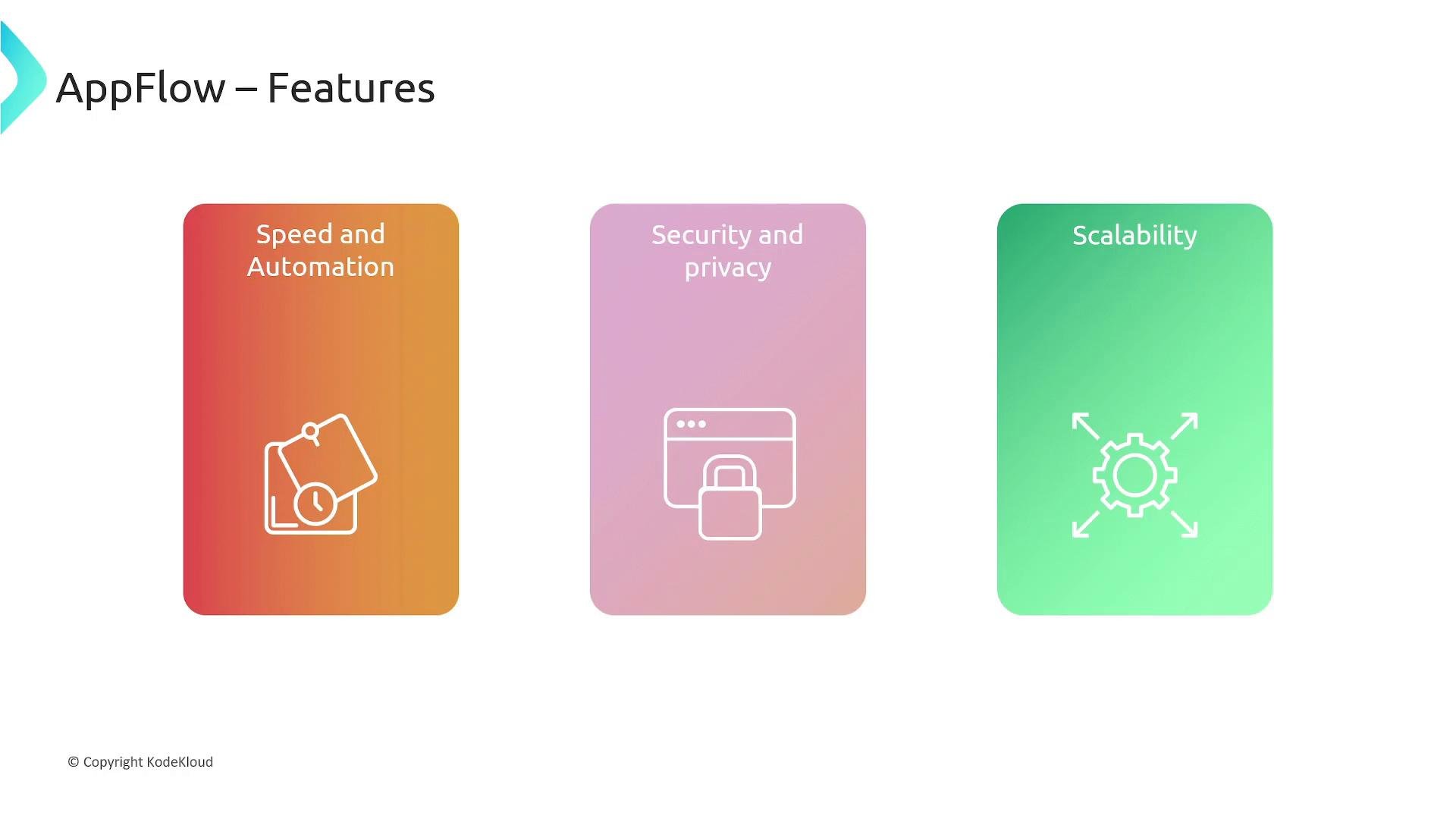
- Speed and automation: Rapidly integrate SaaS apps with AWS services without writing custom ETL code. AppFlow handles pagination, retries, and error reporting.
- Data quality and in-flight transformation: Map fields, filter records, mask or validate sensitive values, merge duplicates, and apply transformations as part of the flow.
- Security and compliance: Data in transit and at rest is encrypted. Use AWS-managed keys or bring your own keys via AWS KMS. AppFlow enforces IAM-based access controls for fine-grained permissions.
- Scalability: Fully managed service that scales to handle large volumes of records (for example, millions of Salesforce records) without manual provisioning.
When designing flows that handle sensitive data, apply masking and validation within the flow and scope IAM permissions narrowly. If using Customer Managed Keys (CMKs) with KMS, ensure key policies permit the AppFlow service principal to access the key.
Integrations and destinations
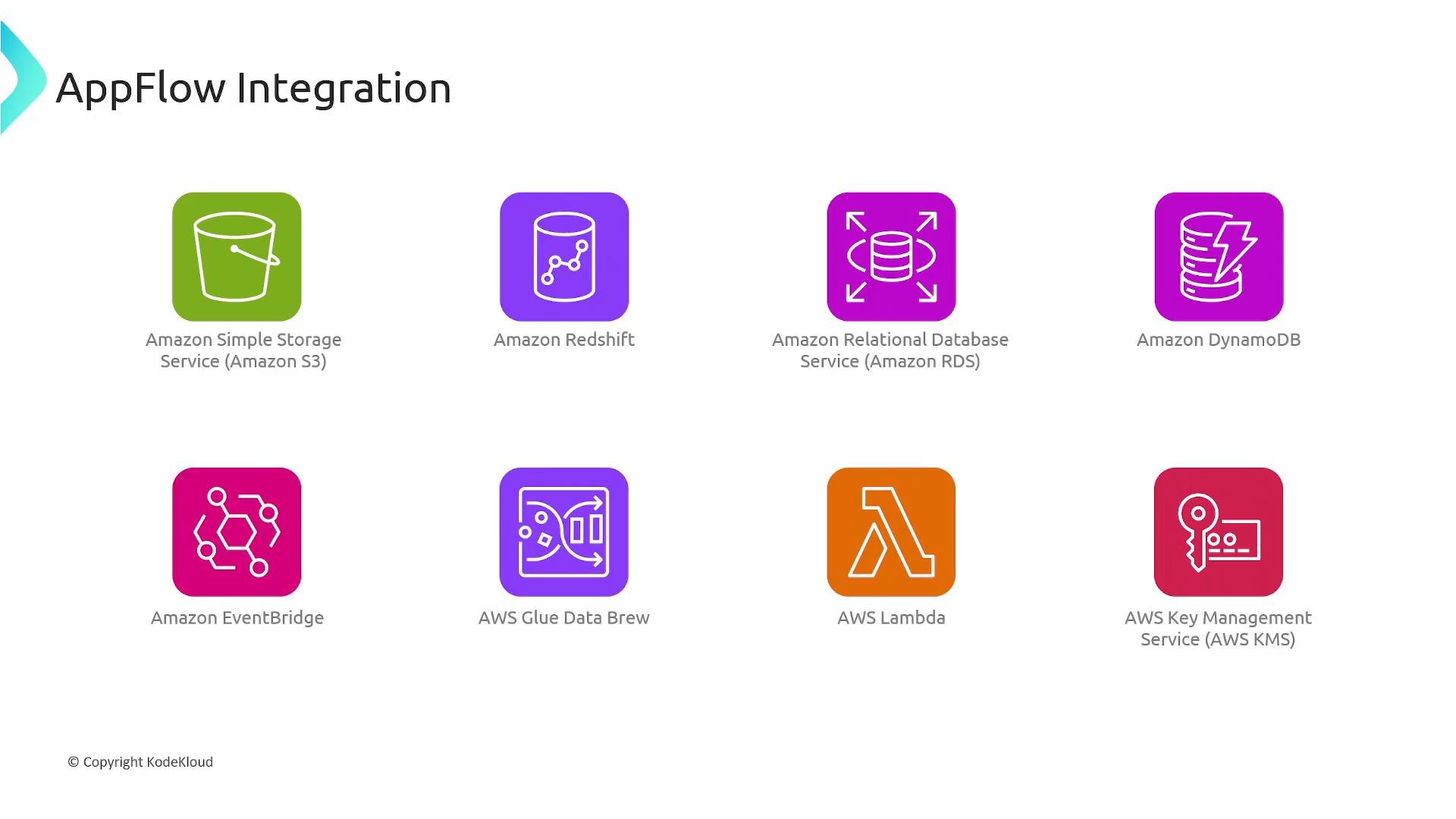
AppFlow connects to many AWS services and third-party SaaS providers. Common AWS destinations include:- Amazon S3
- Amazon Redshift
- Amazon RDS
- Amazon DynamoDB
- Amazon EventBridge
- AWS Glue / AWS Glue DataBrew
- AWS Lambda
- AWS Key Management Service (KMS)
Real-world use cases
- Salesforce → Amazon Redshift: Trigger flows on new Salesforce records, transform fields for consistency, and load sales metrics into Redshift for BI and reporting.
- Slack analytics: Schedule flows to export conversations or interaction metadata to Amazon S3 or Redshift for sentiment and trend analysis.
- Zendesk ticket aggregation: Periodically export and aggregate support tickets to a data warehouse to analyze triage times and support performance.
- Multi-source consolidation: Consolidate data from Salesforce, Marketo, ServiceNow, and Zendesk into Amazon S3 on a weekly schedule for centralized ETL and analytics.
Quick checklist for building an AppFlow integration
- Identify source and destination apps and required fields.
- Create connectors for each external system (store credentials securely).
- Define a flow: source, destination, field mappings, and transformation rules.
- Choose and configure the trigger (on-demand, event-driven, scheduled).
- Configure encryption (KMS) and IAM policies to limit access.
- Test the flow with a small dataset; monitor logs and error reports.
- Promote to production and monitor ongoing executions.