What Is a Website?
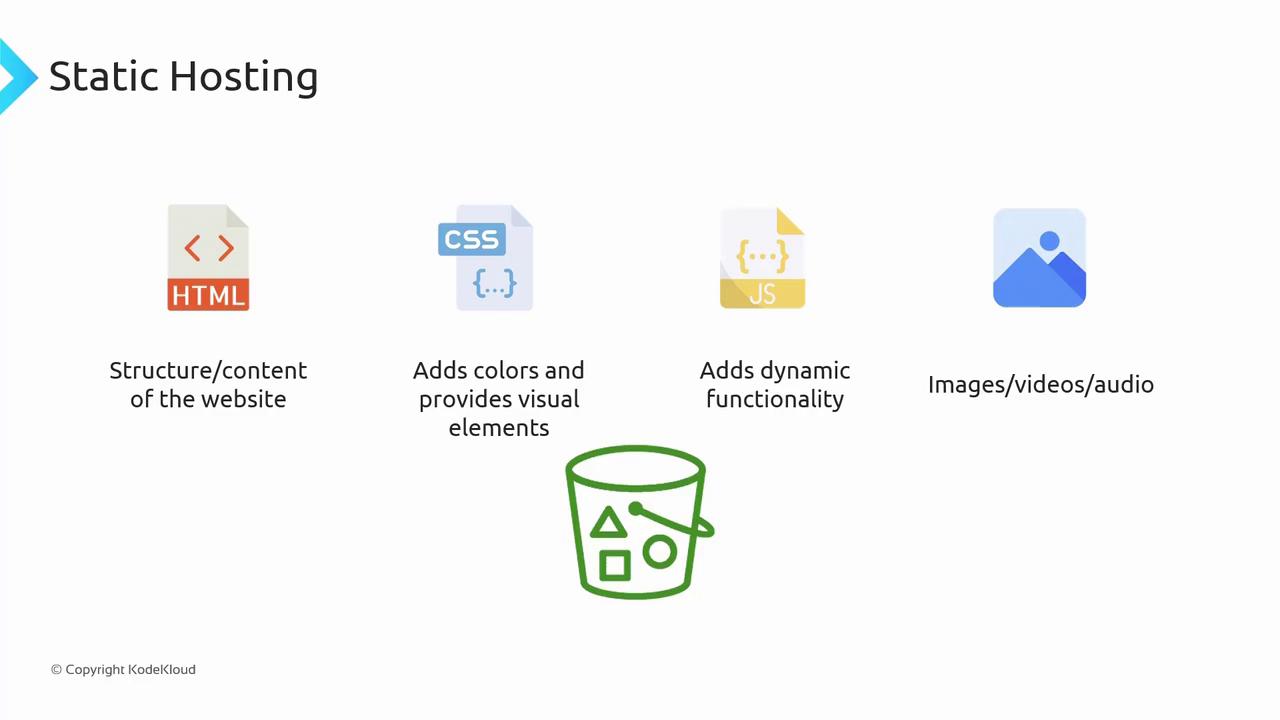
When a user enters a URL in a browser, an HTTP GET request is sent to a web server. The server then responds with an HTML file that the browser renders as a website. While an HTML file forms the core of any website, its look and functionality are enhanced by additional components:- HTML: Provides the document structure and content.
- CSS: Improves visual styling with colors, layouts, and fonts.
- JavaScript: Adds dynamic behavior and interactivity.
- Assets: Includes images, videos, audio, and other media files.
Enabling Static Website Hosting on S3
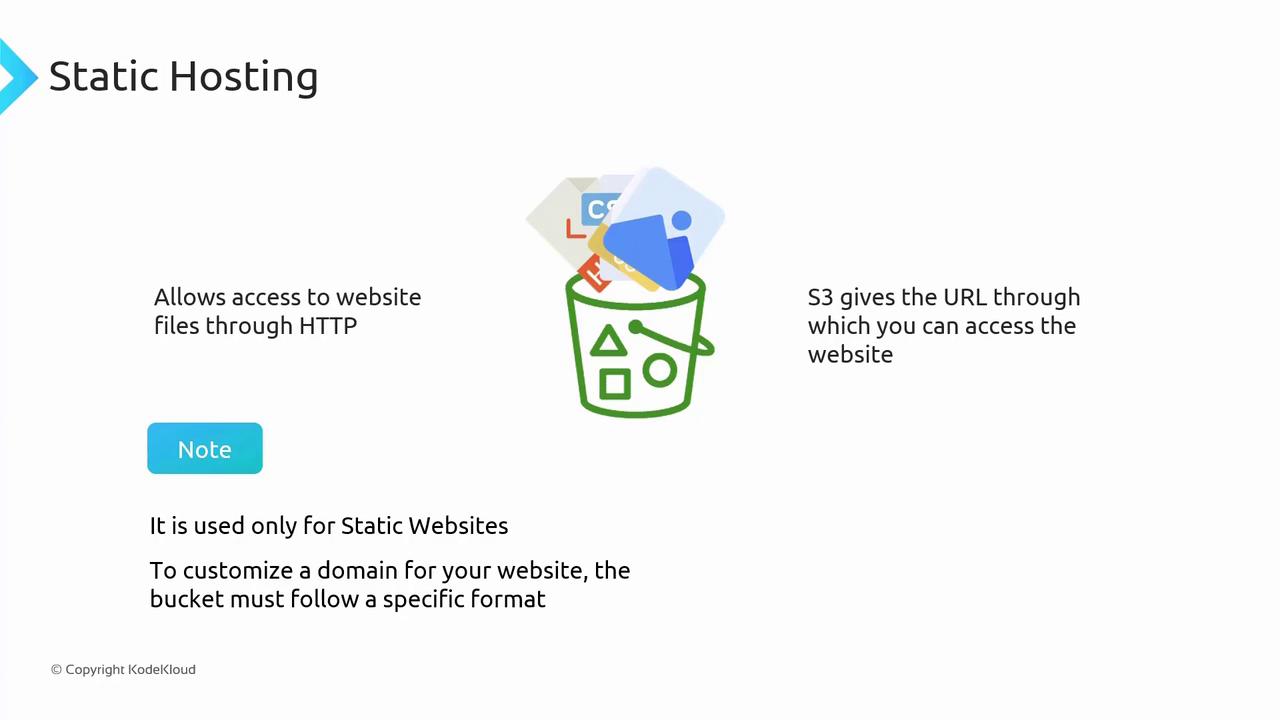
Amazon S3 supports static website hosting by offering a configuration option to serve all files (HTML, CSS, and JavaScript) over HTTP. Once you enable this option, S3 provides you with a URL to access your website.Static website hosting on S3 is ideal for sites without server-side processing. If you require dynamic functionality, consider services like Amazon EC2, Amazon ECS, or AWS Lambda.
If you plan to use a custom domain (e.g., bestcars.com), ensure that your S3 bucket is named exactly as your custom domain.
Pricing Considerations
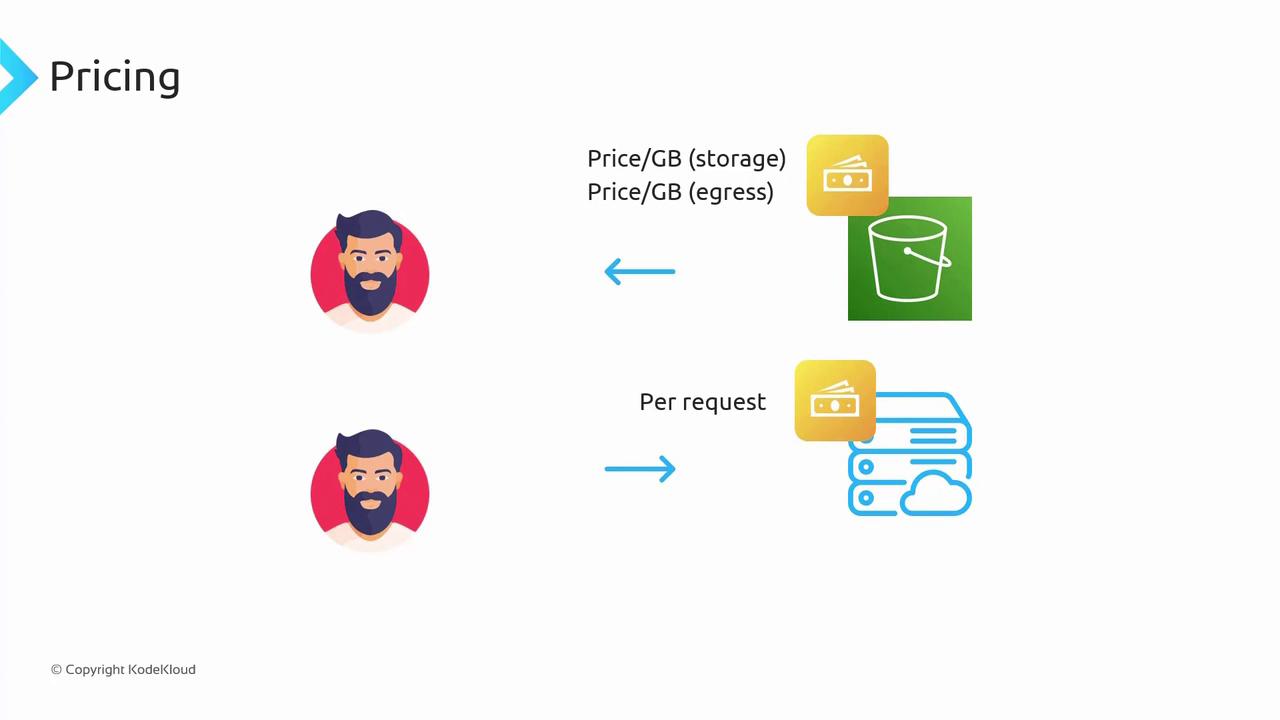
When hosting a static website on S3, you incur two main types of costs:- Storage and Data Transfer Fees: Charged per gigabyte stored and for data transferred out.
- HTTP Request Fees: A minor fee is applied for each HTTP request, such as GET operations.
Accessing Your Static Website
After enabling static website hosting, S3 generates a URL you can use to access your site. The URL follows this format: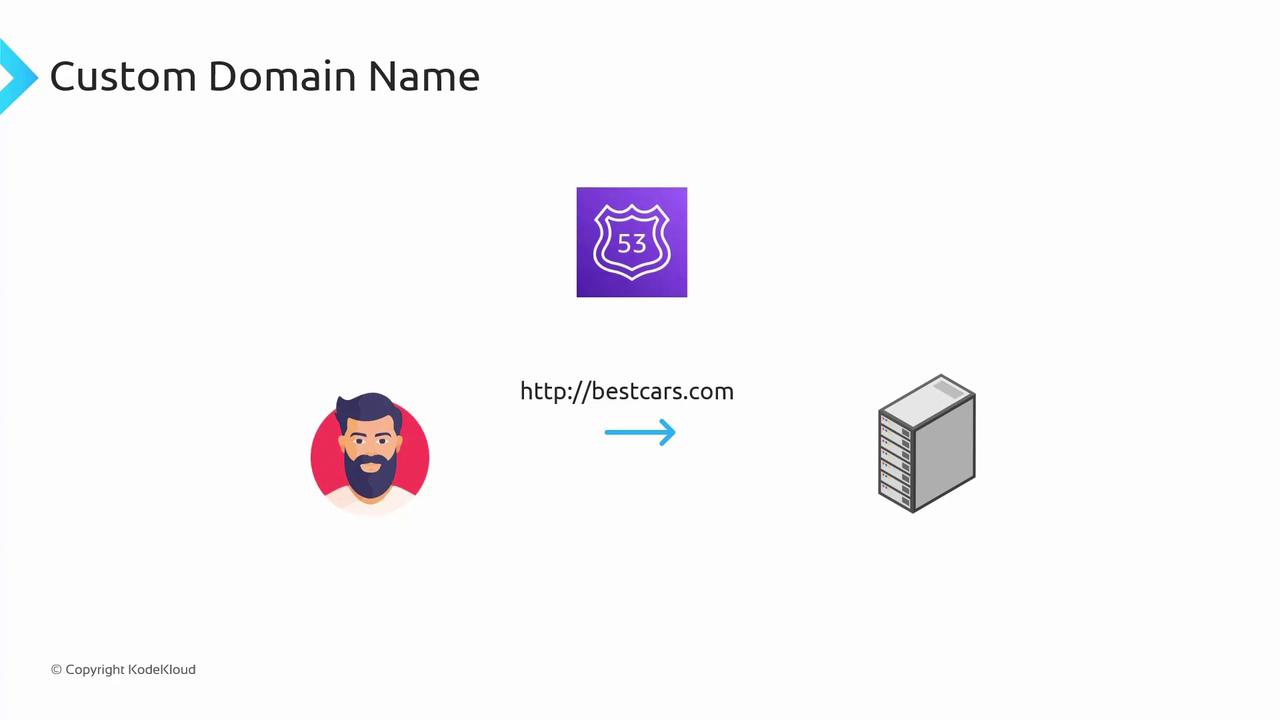
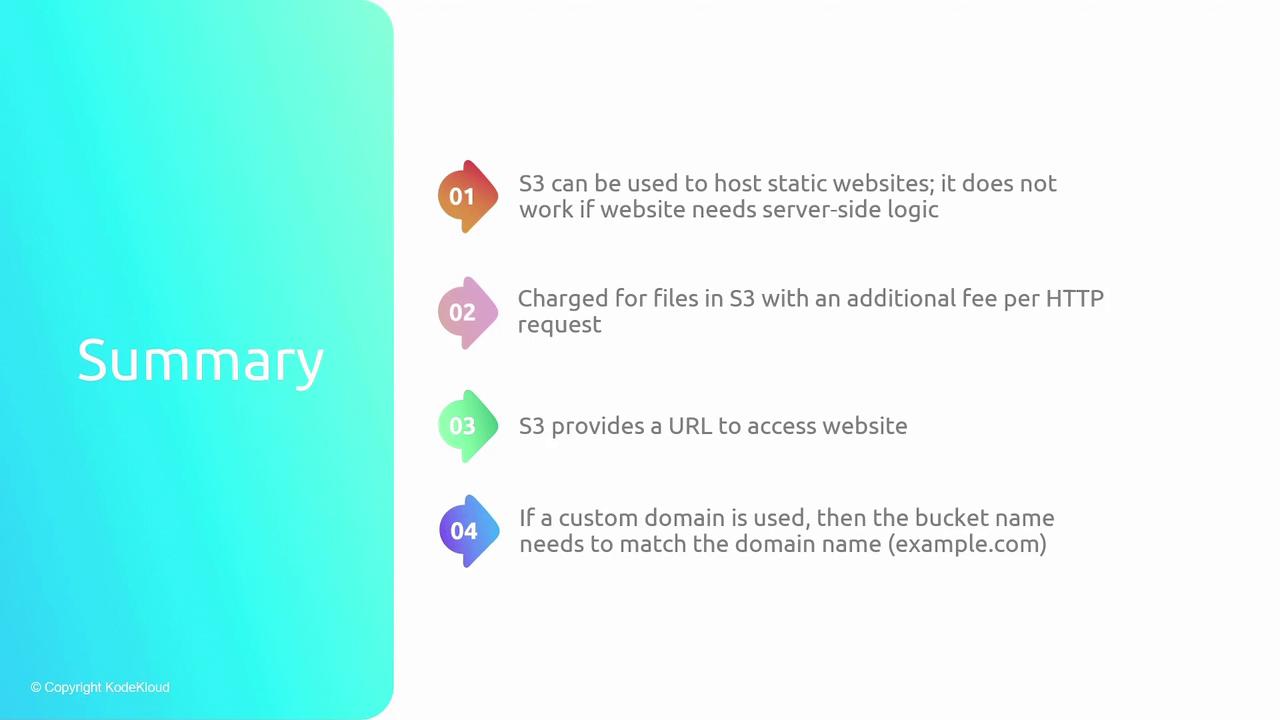
Summary
- S3 for Static Content: Ideal for hosting static files such as HTML, CSS, JavaScript, and media.
- Cost Factors: Incur charges for storage, data transfer, and HTTP requests.
-
URL Structure: When enabled, S3 provides a URL in the format:
- Custom Domain Setup: To use your own domain (e.g., example.com), ensure your S3 bucket’s name matches your domain name exactly.