

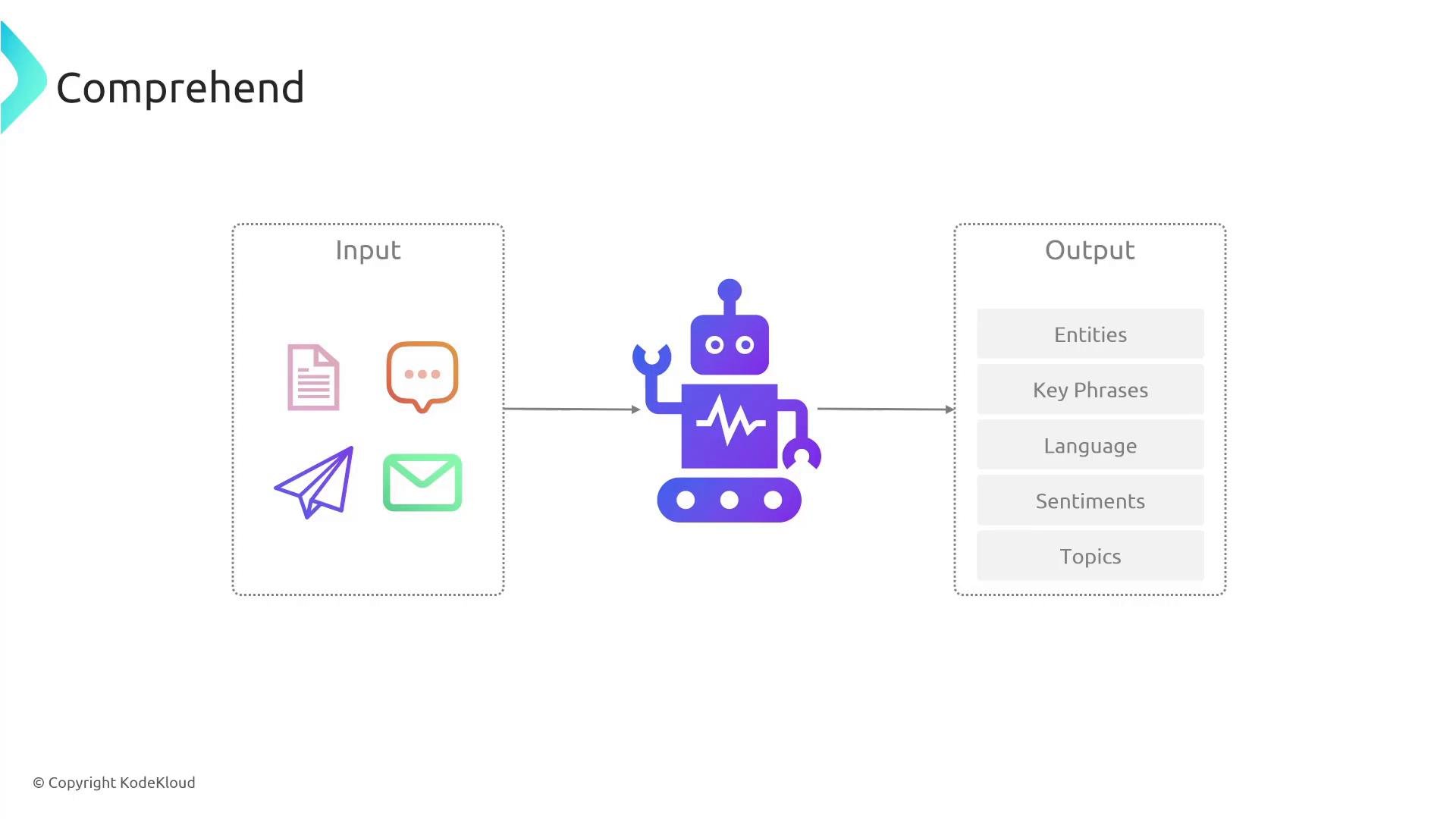
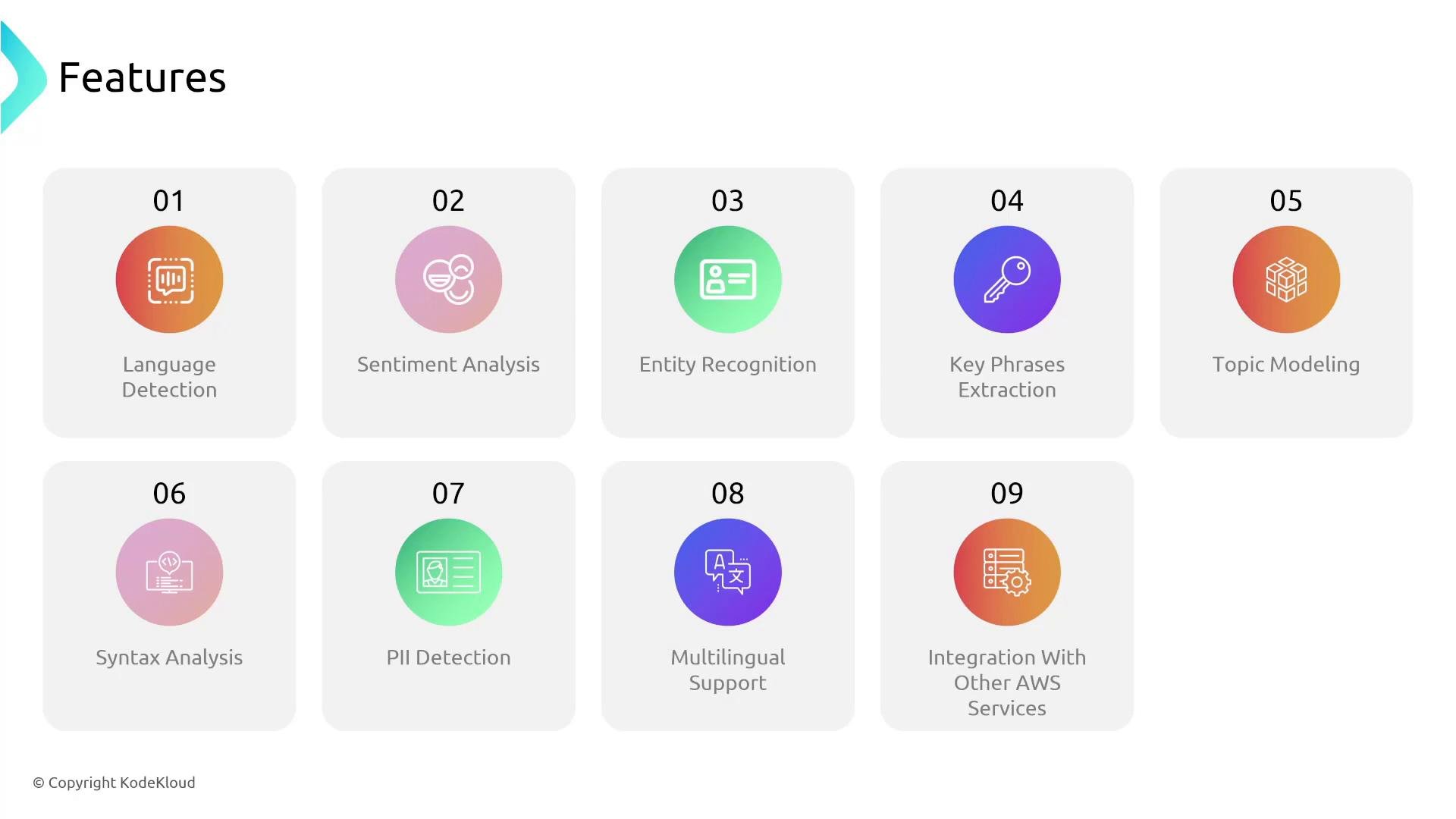
Exam tip: Comprehend commonly appears on exams in the context of PII detection, sentiment analysis, entity/key-phrase extraction, topic modeling, and syntax analysis. Remember the combination of these capabilities plus easy AWS integration.
Quick example — analyze a short text via AWS CLI
You can test Comprehend quickly with the AWS CLI. Example: detect sentiment for a short English sentence.
Sentiment and SentimentScore (confidence scores for Positive/Negative/Neutral/Mixed).
Example workflow: product-review sentiment analysis
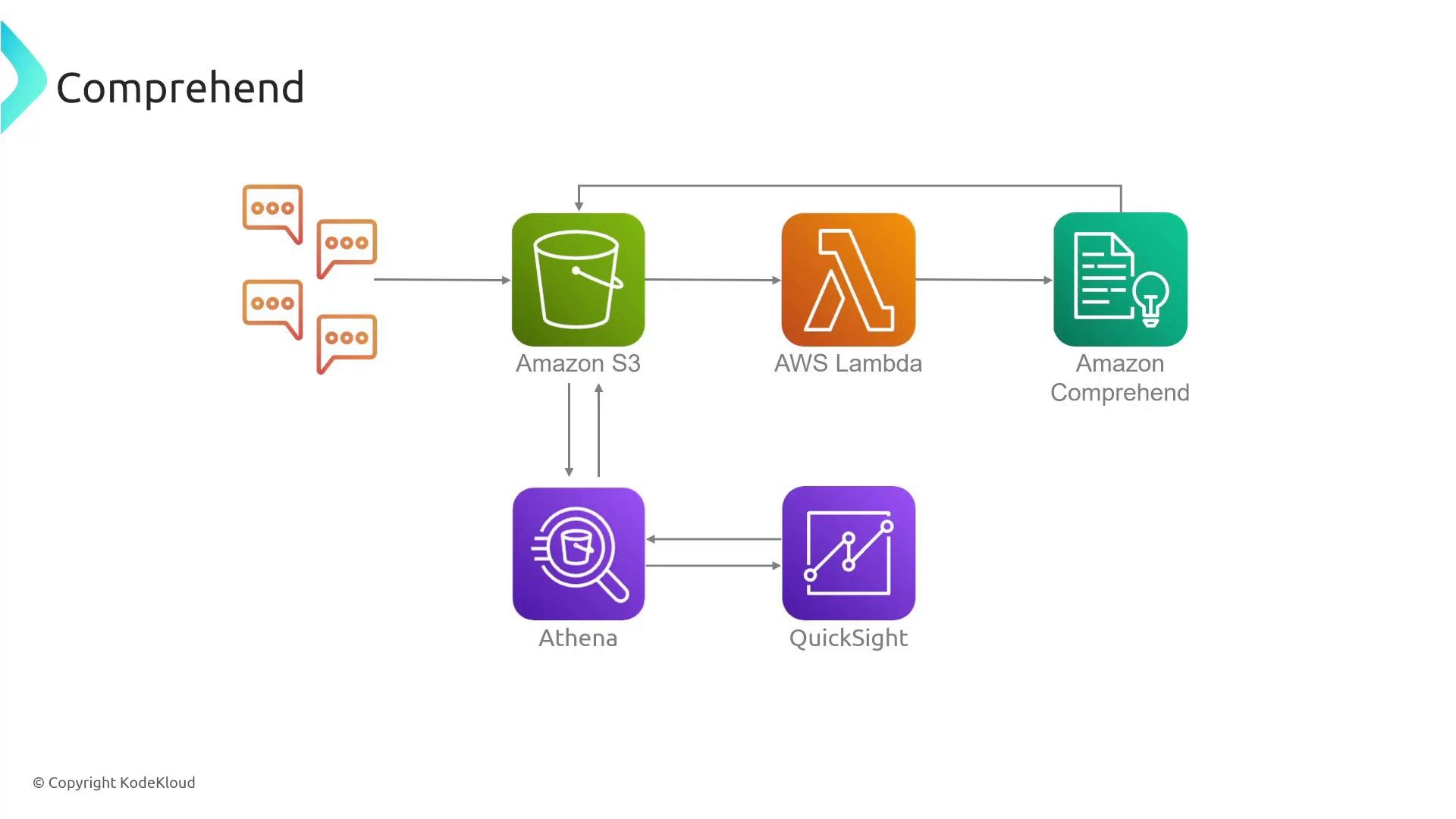
A common, practical pipeline for product-review analytics looks like this:
- Store individual reviews (or batched files) in Amazon S3.
- Configure an S3 event to trigger an AWS Lambda function when new reviews arrive.
- Lambda reads the review text and calls Amazon Comprehend to analyze sentiment, extract entities/key phrases, and flag PII.
- Write Comprehend results back to S3 (or a database) alongside the original content.
- Use Amazon Athena to query and aggregate the annotated results (for example, average sentiment by product or time window).
- Visualize trends in Amazon QuickSight (positive vs. negative trends, topic distribution, or PII redaction rates).
- Choose the right API: use real-time APIs for single-document analysis and batch APIs for large-scale processing.
- Preprocess text: remove irrelevant markup, normalize whitespace, and handle encoding to improve accuracy.
- Use PII detection before downstream storage or analytics to meet compliance needs.
- Combine Comprehend outputs with Athena or an ML pipeline for deeper insights (for example, train classification models using extracted key phrases or topics).
- Monitor costs: batch workloads and compress/partition S3 to optimize processing and storage costs.
- Amazon Comprehend documentation: https://docs.aws.amazon.com/comprehend/
- Amazon Athena: https://aws.amazon.com/athena/
- Amazon QuickSight: https://aws.amazon.com/quicksight/
- AWS Lambda: https://learn.kodekloud.com/user/courses/aws-lambda
- Amazon S3: https://learn.kodekloud.com/user/courses/amazon-simple-storage-service-amazon-s3